

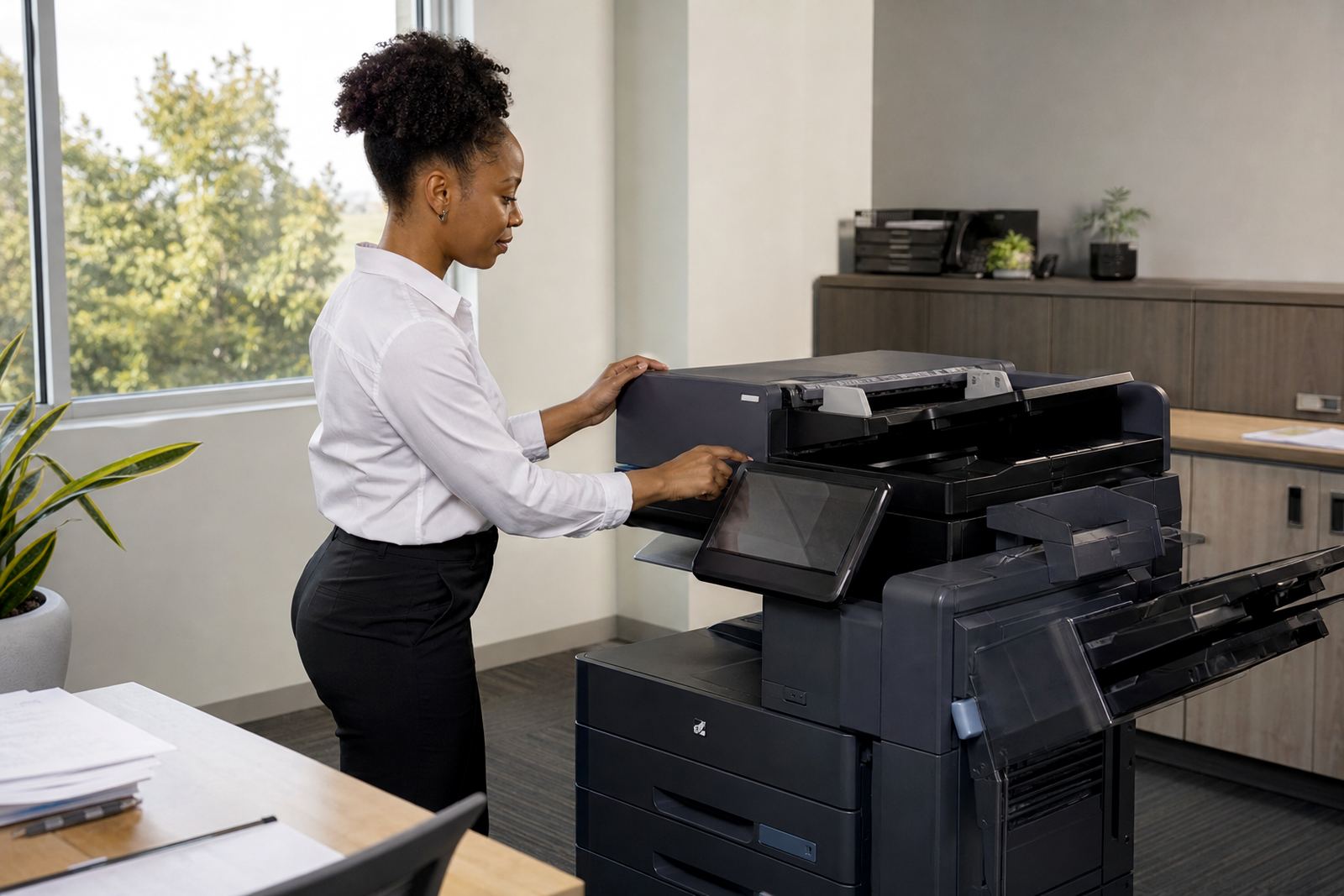
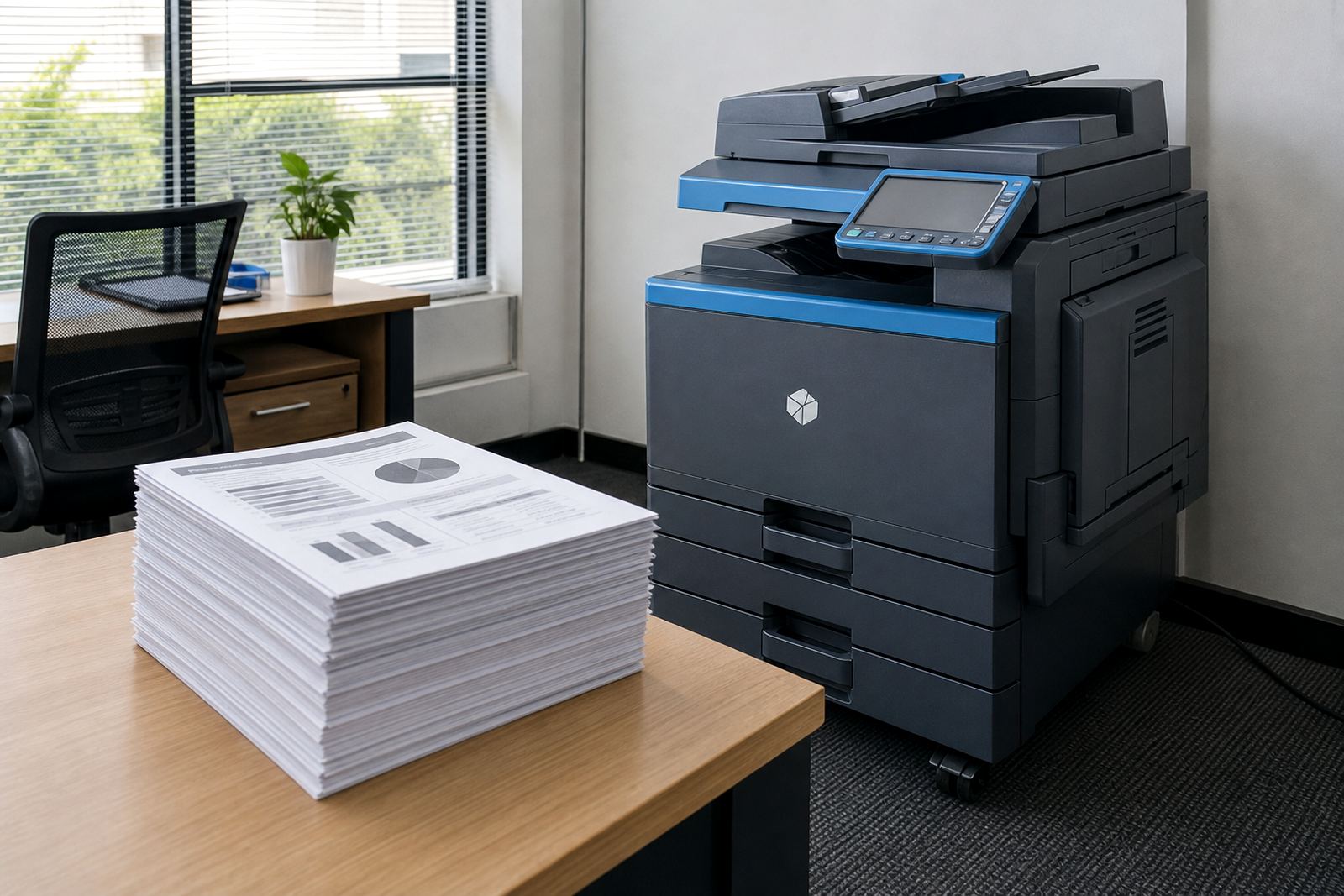
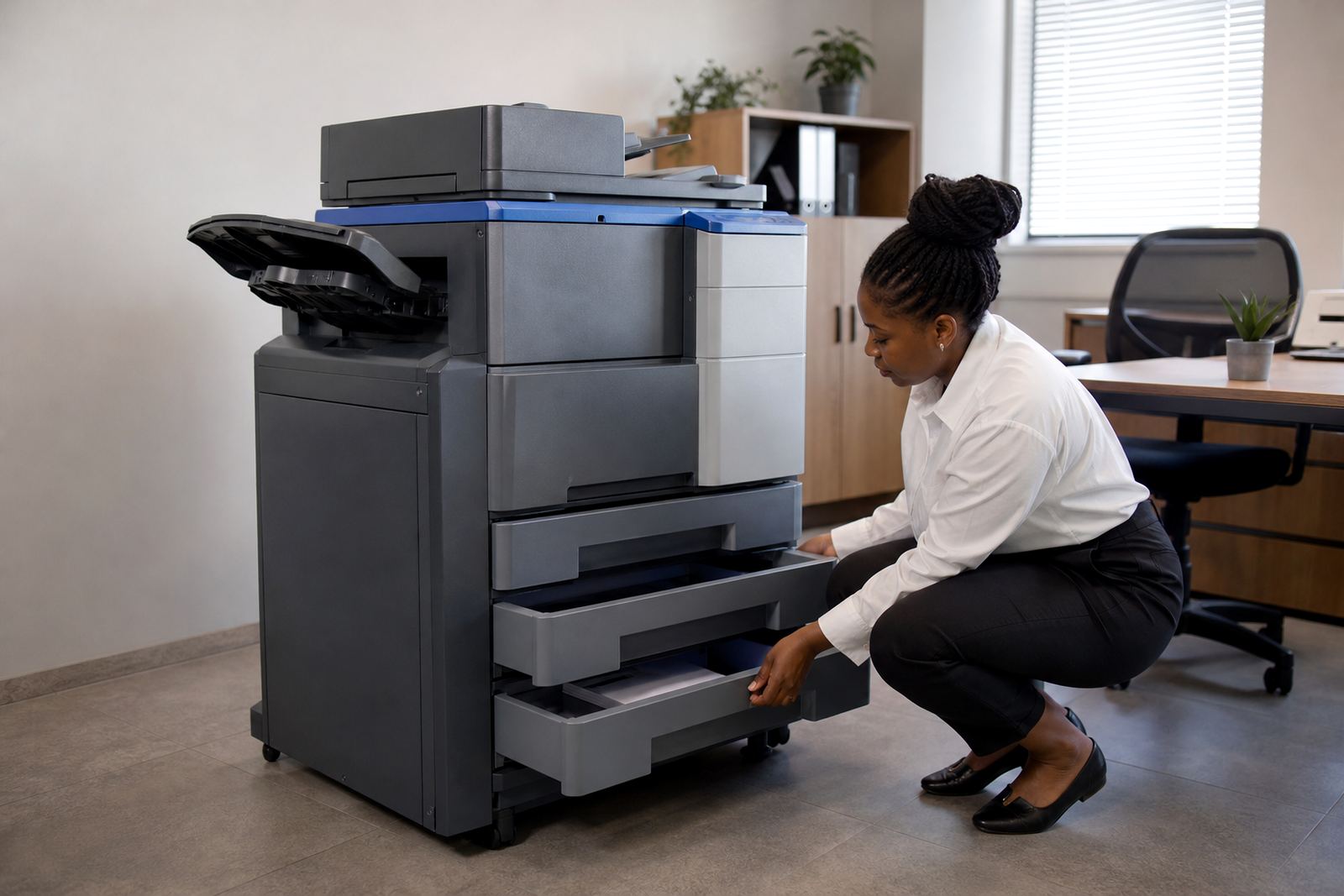
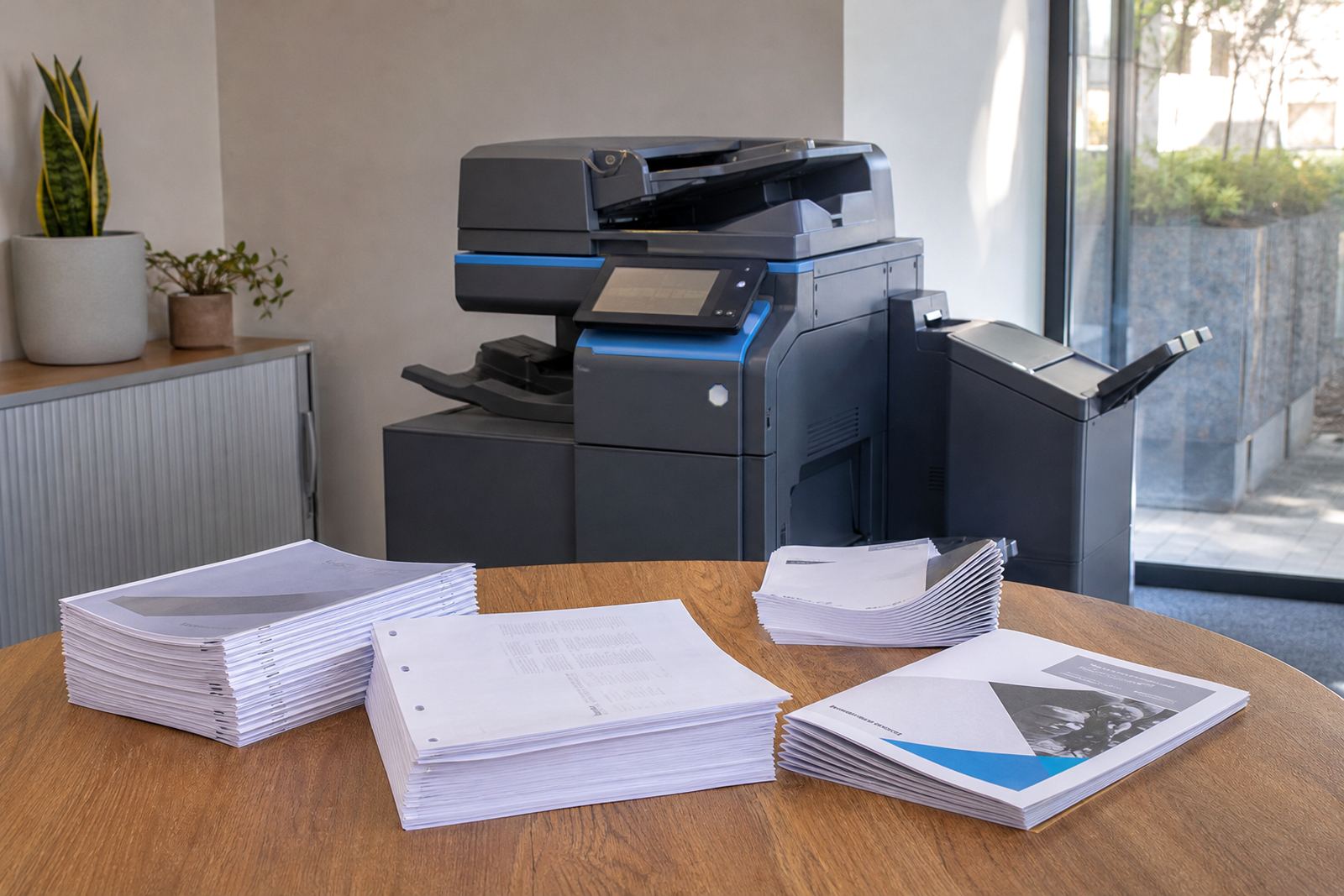


Where the print room conversation usually starts
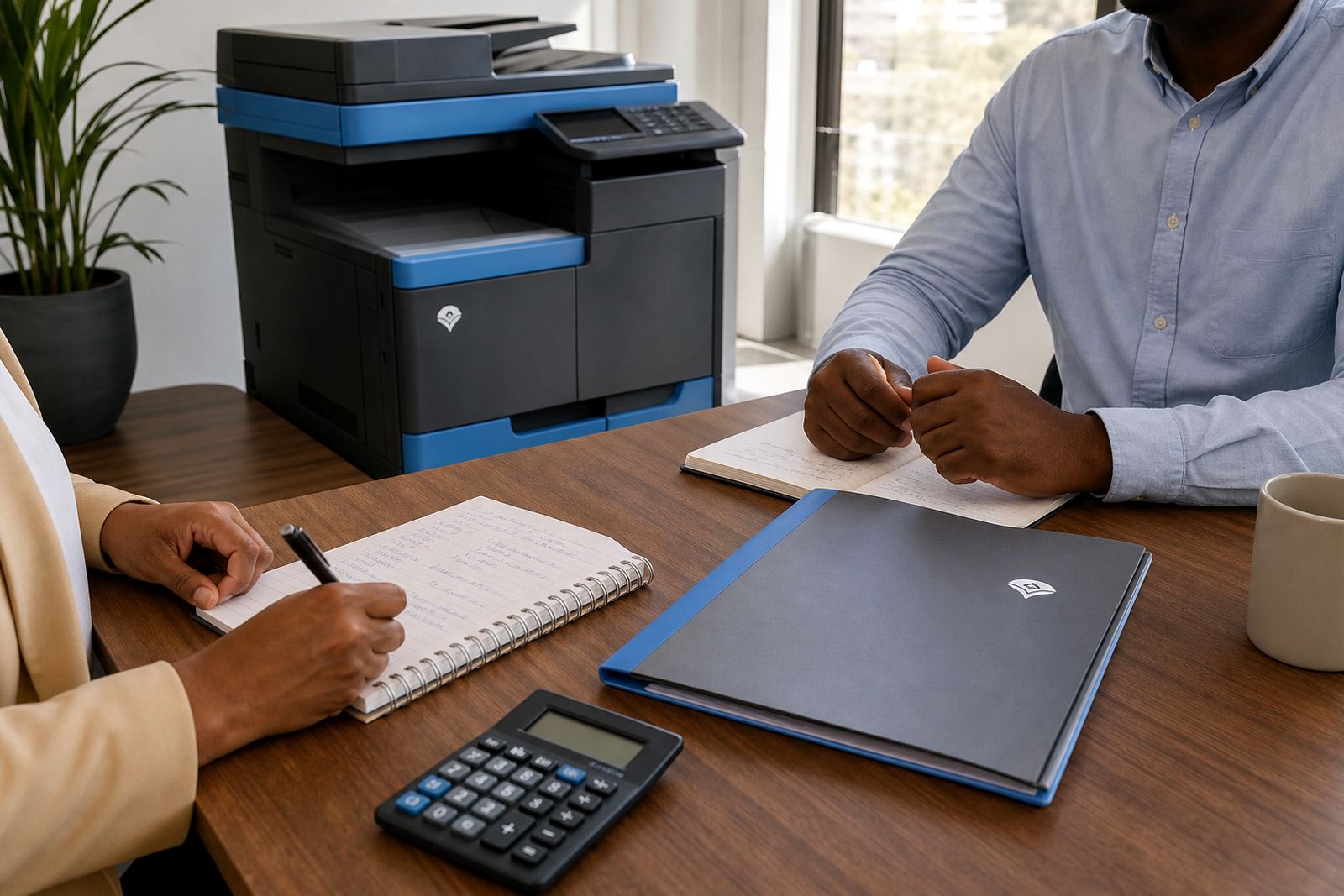
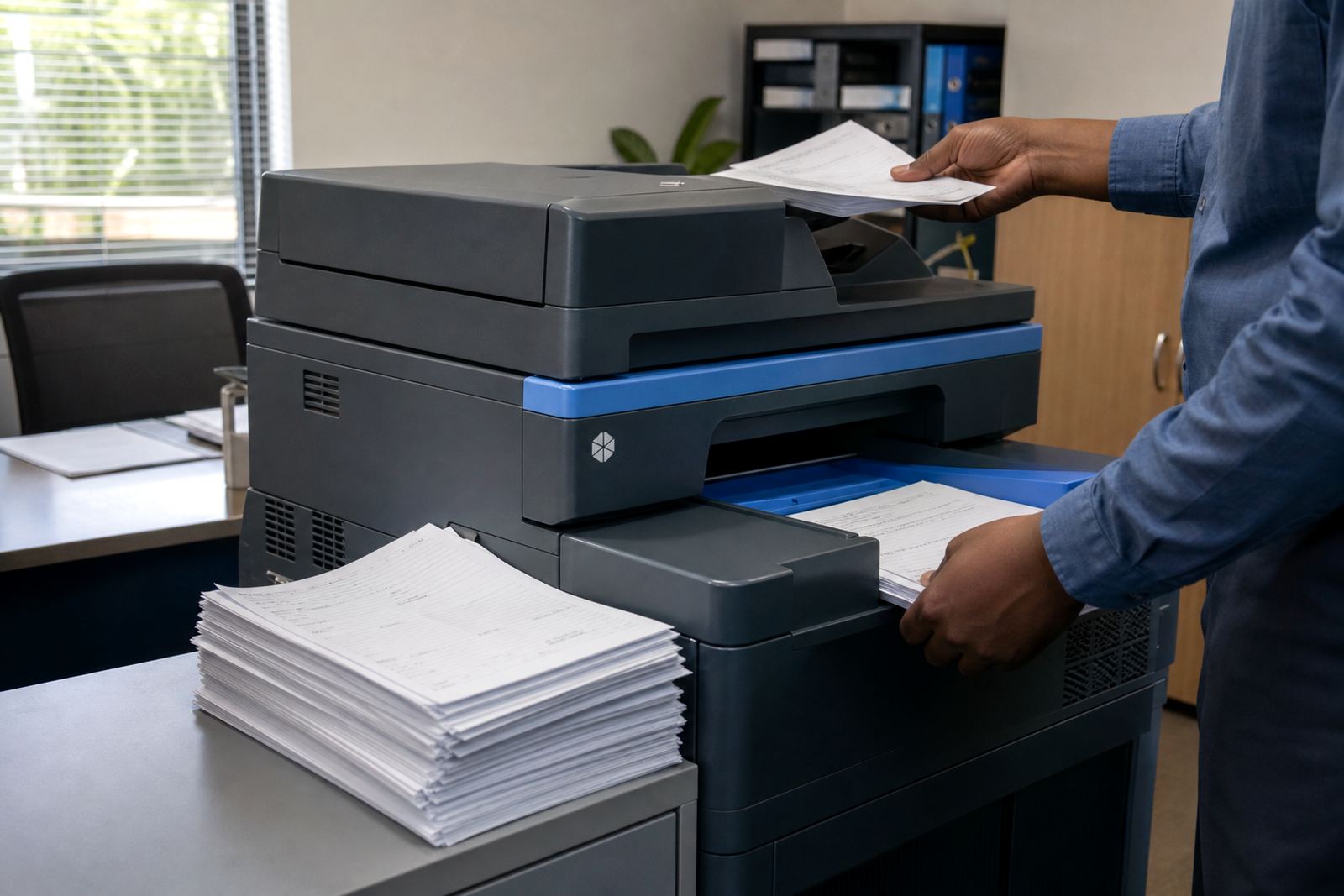
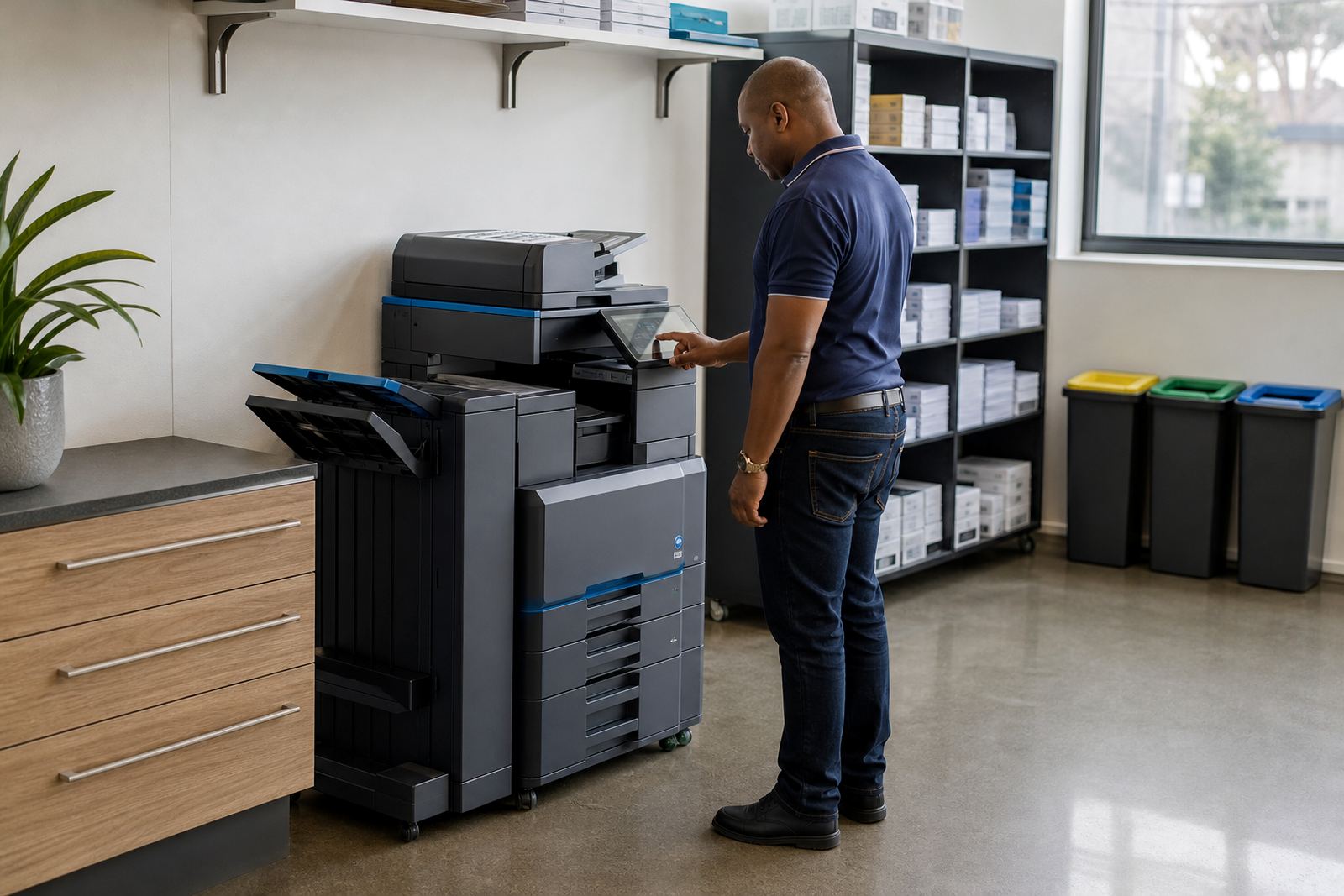
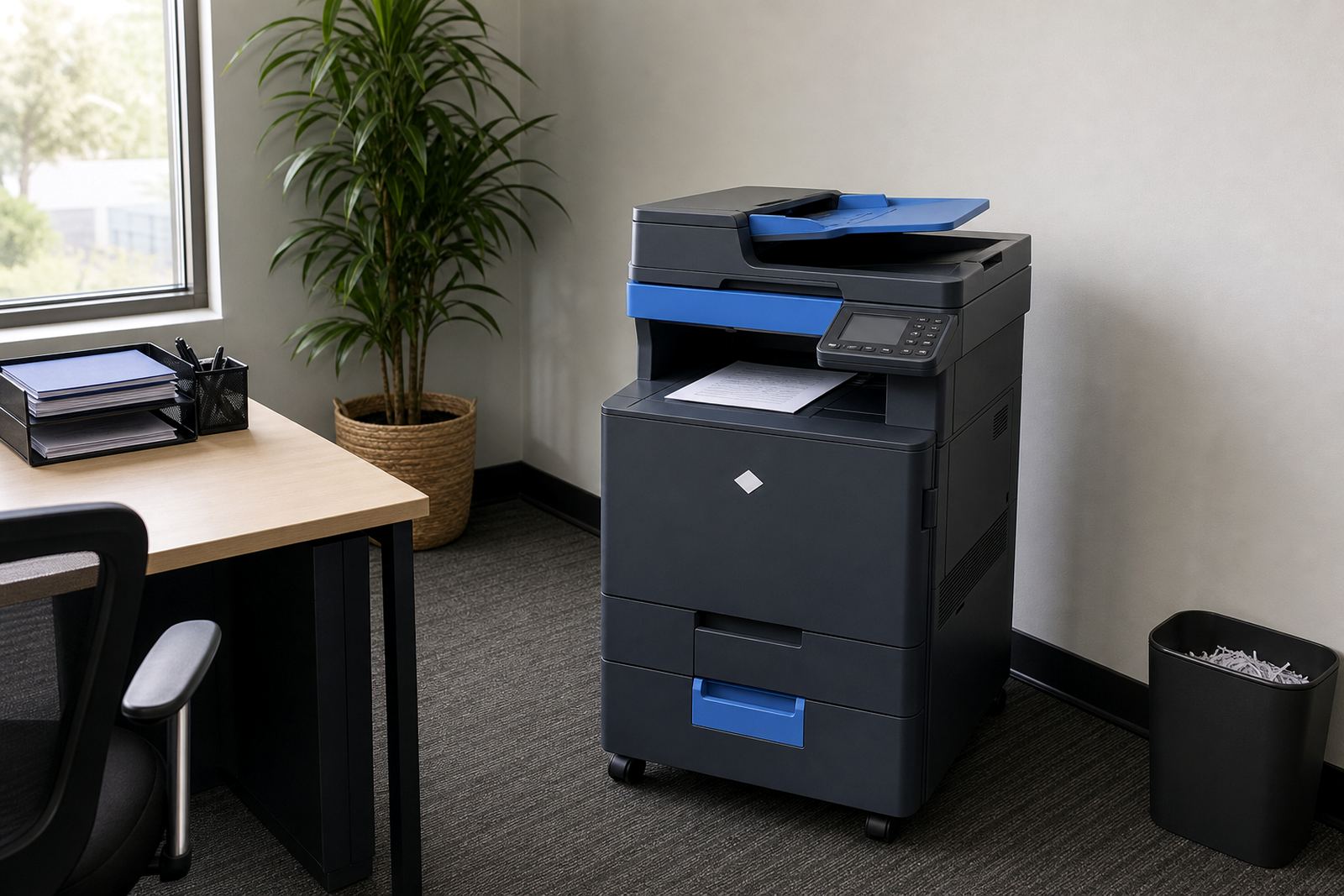
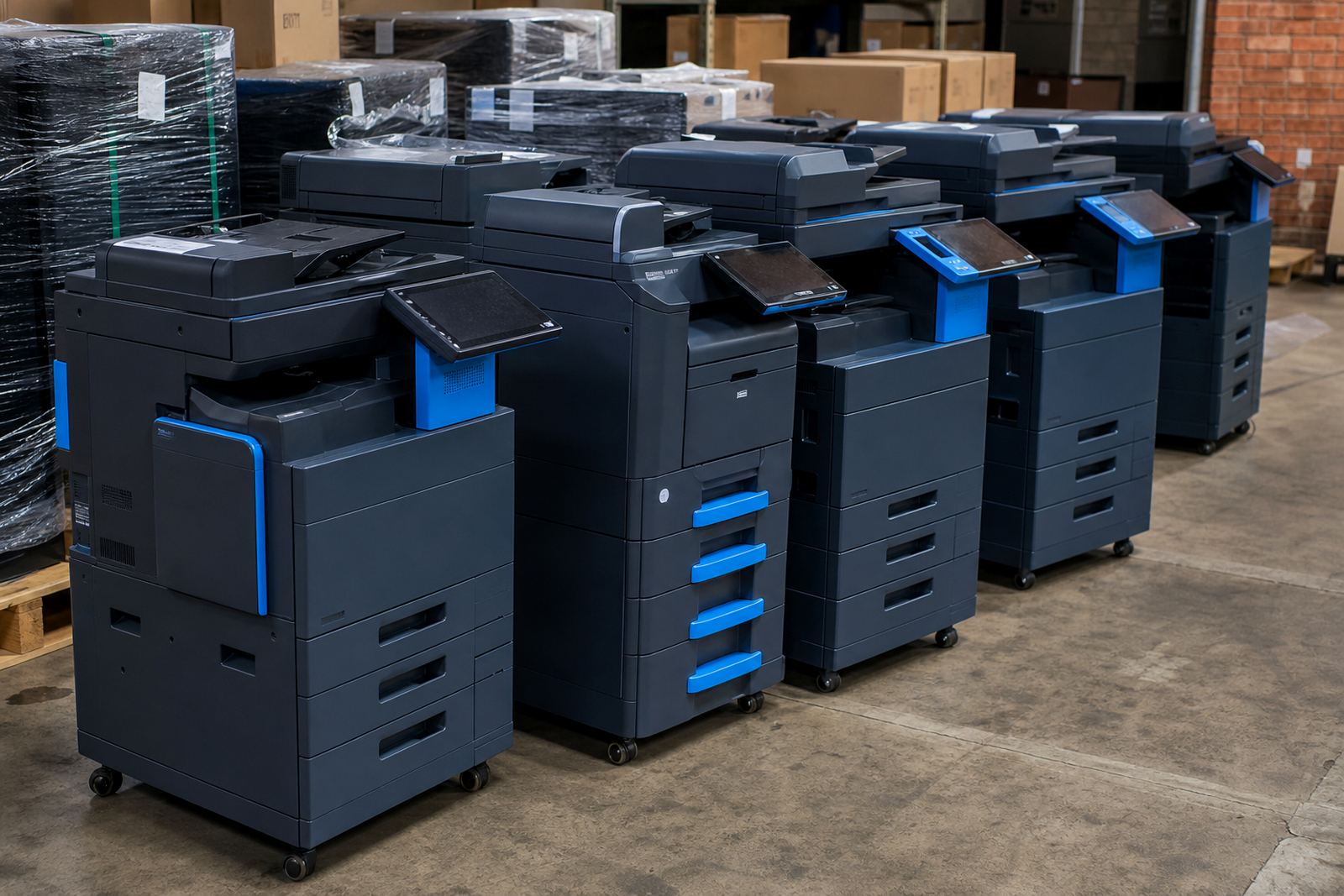
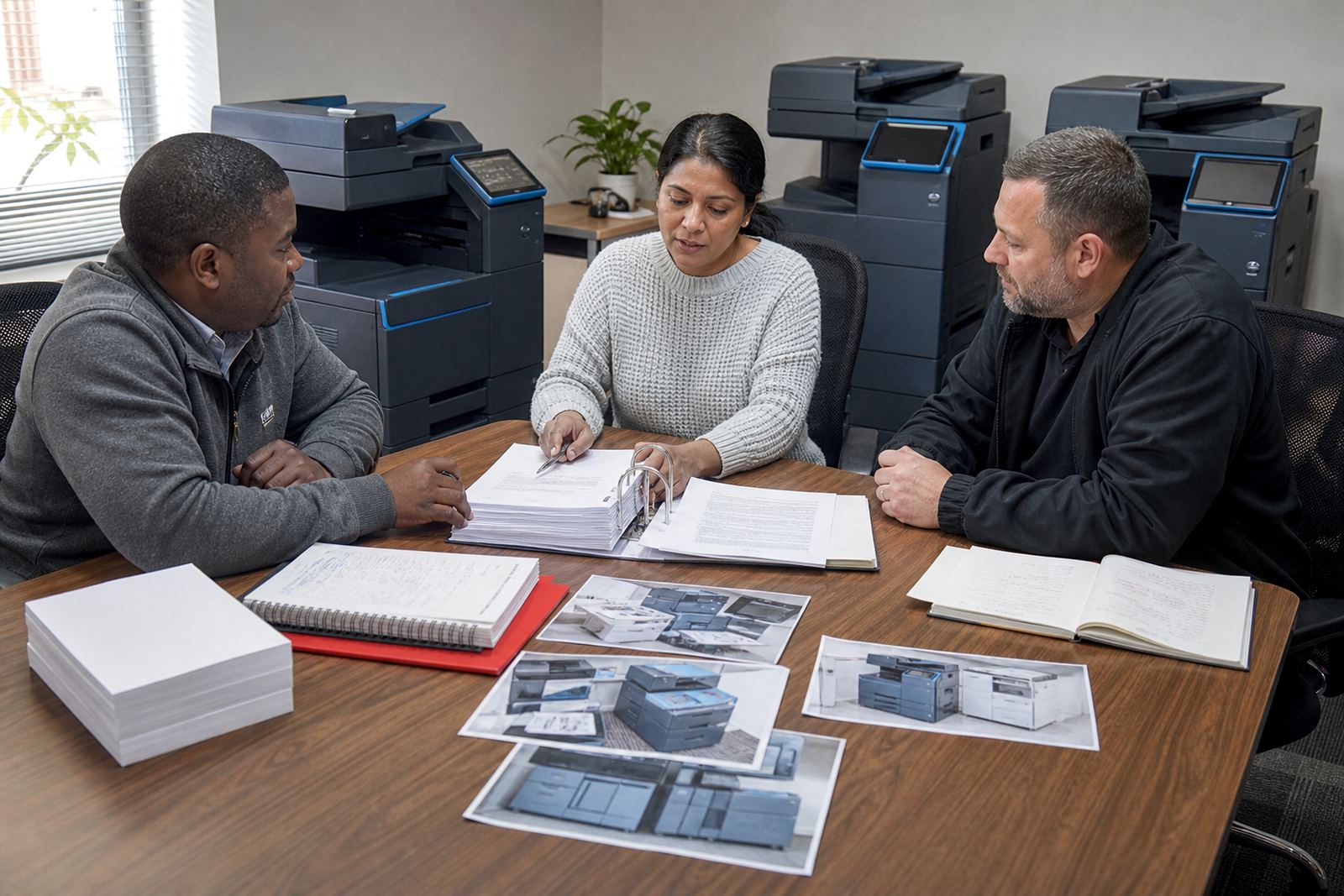
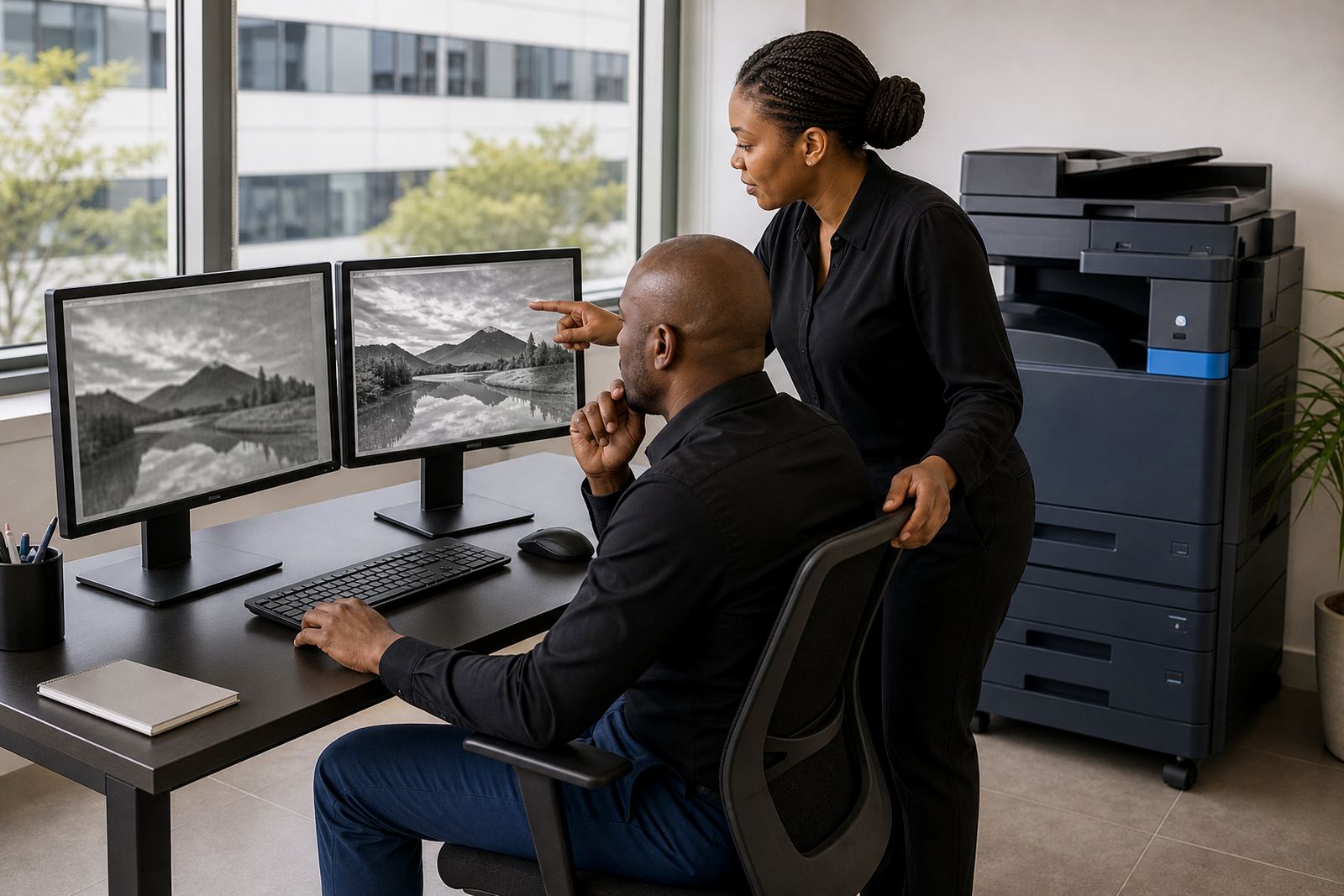
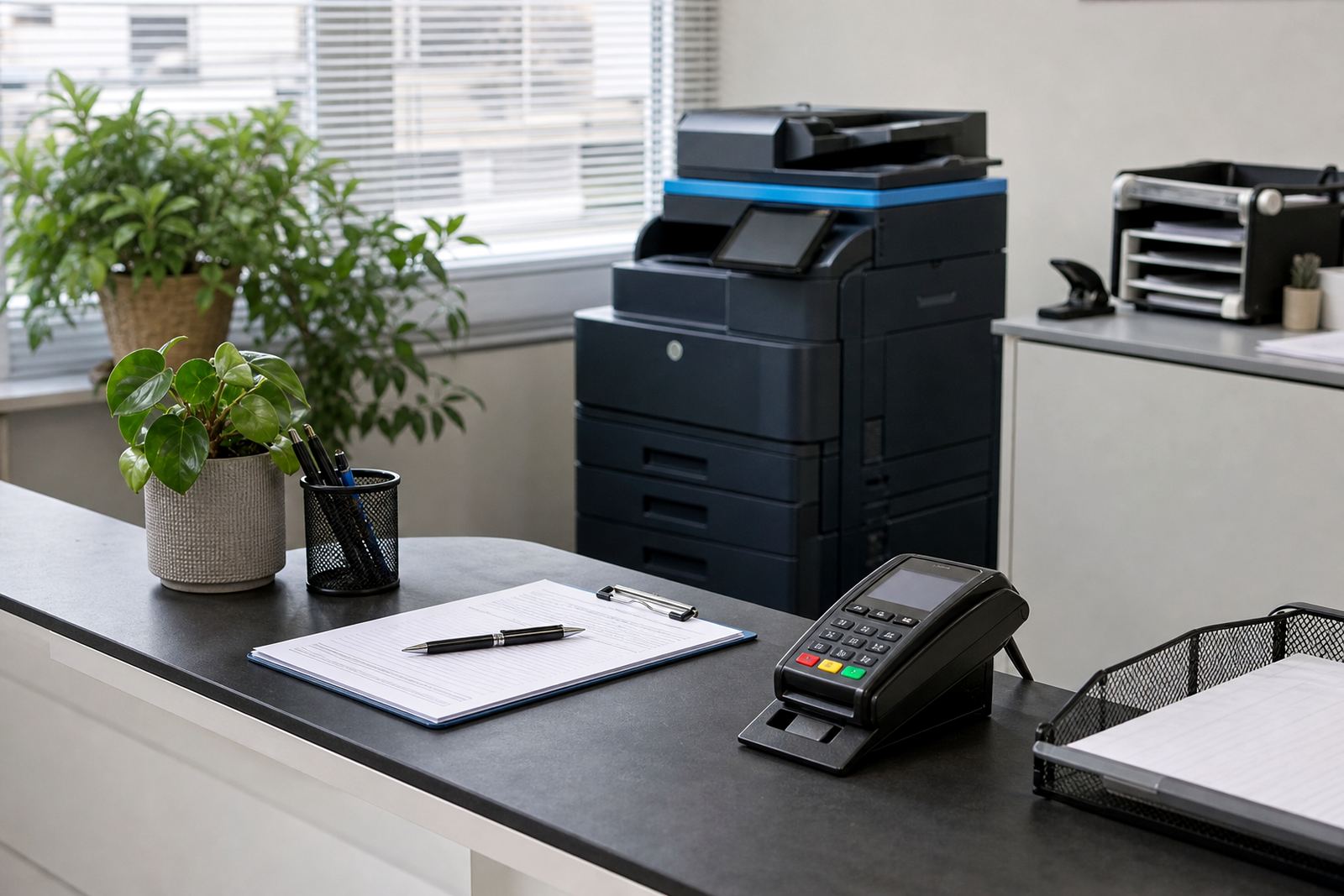
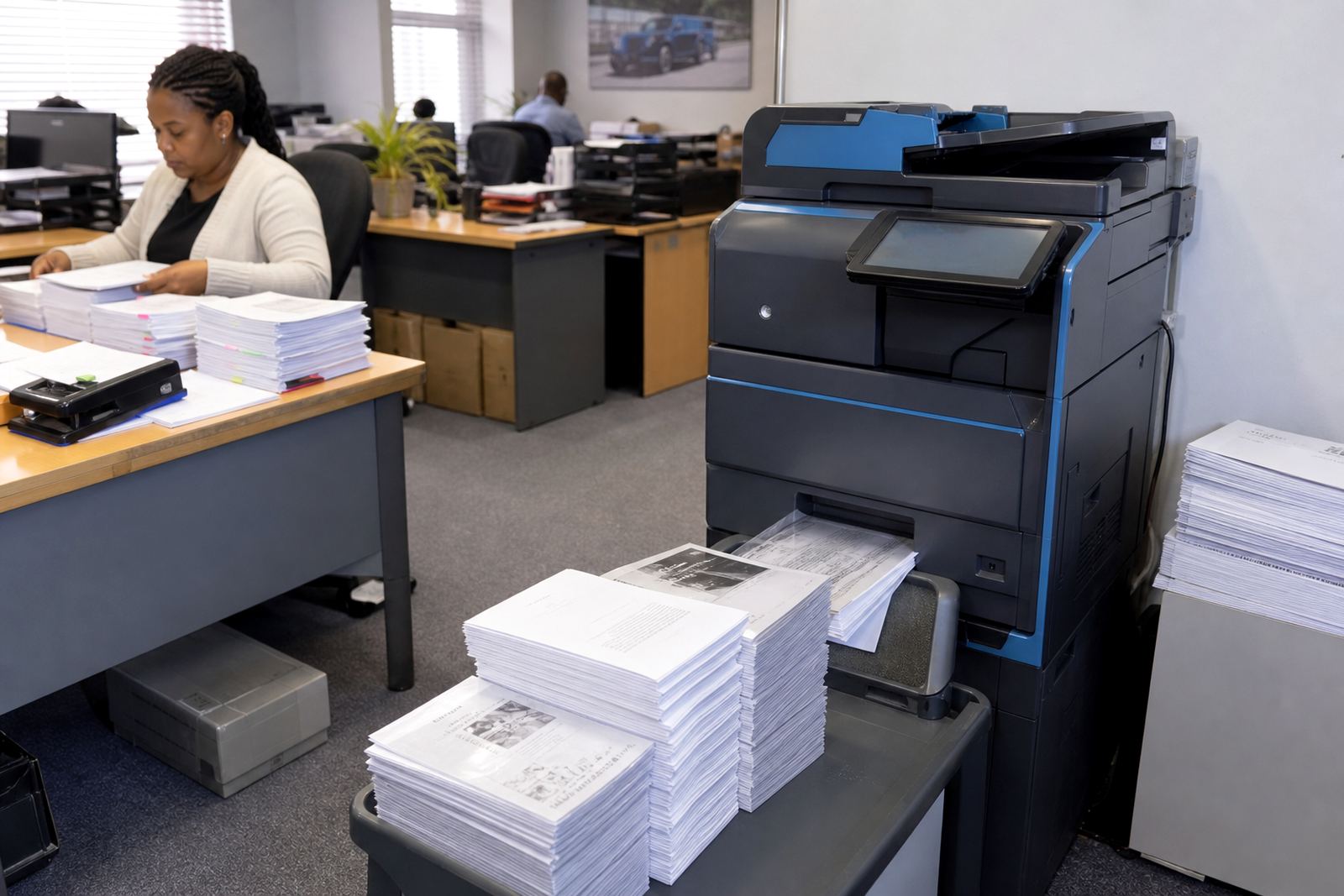
Some workplaces need one copier that handles copying, printing and scanning for a small team. Others need a mixed fleet, with mono units for heavy internal pages and colour machines for client work, forms or presentations. The right setup depends on how many pages move through the office, how many users send jobs, and whether the team needs A4 only or an A3 tray as well.
On these notes, the aim is to make the moving parts easier to read. You will see how rental plans differ from outright buying, where monthly rental ends and click billing begins, and how service visits, toner supply and metre readings fit into the picture.
- A4 suits most everyday office jobs and smaller footprints.
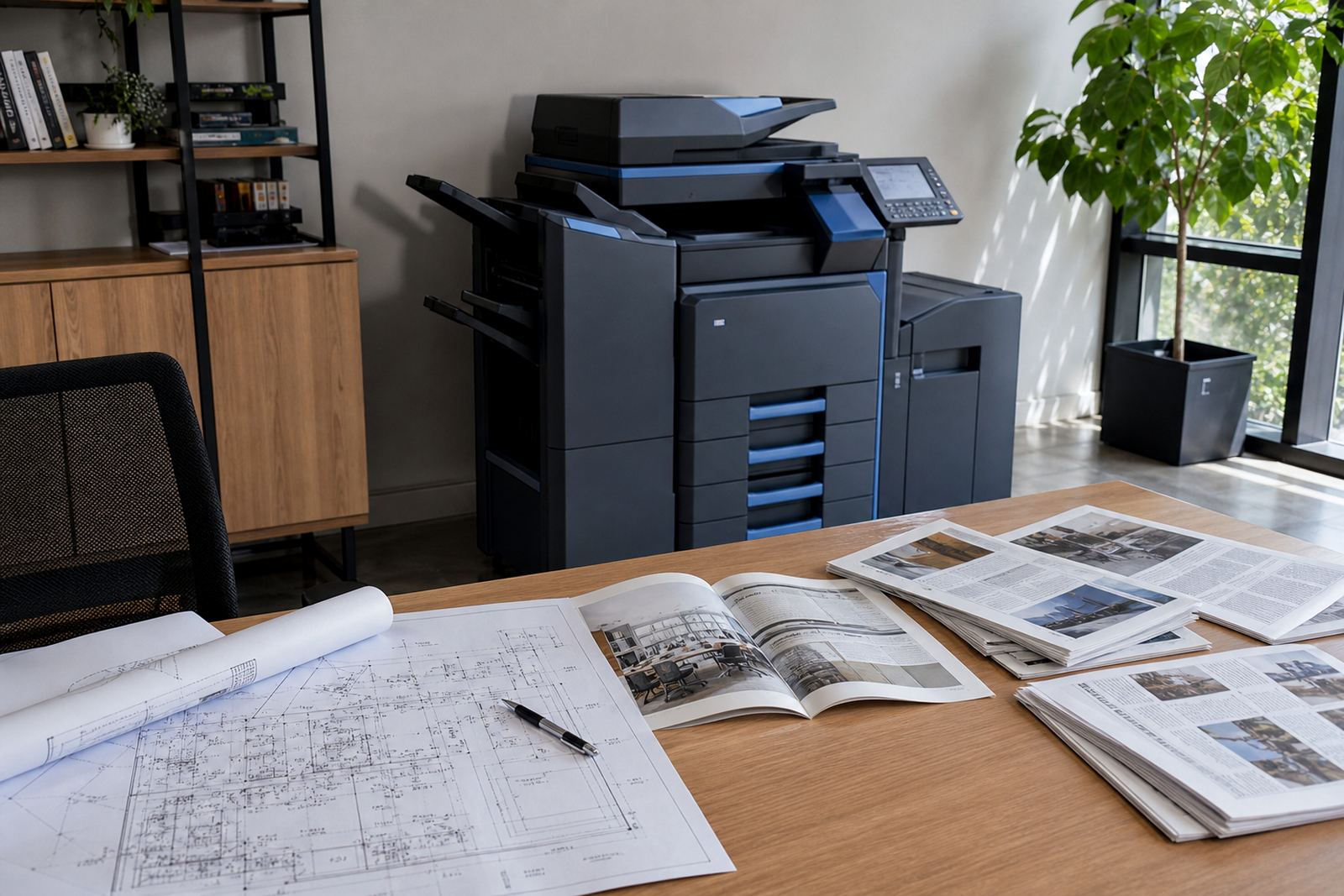
- A3 helps when drawings, schedules or wider layouts need printing.
- Mono is usually the cleaner fit for high volume internal work.
- Colour makes sense where customer facing documents matter more.
Rental, clicks and the metre line that matters
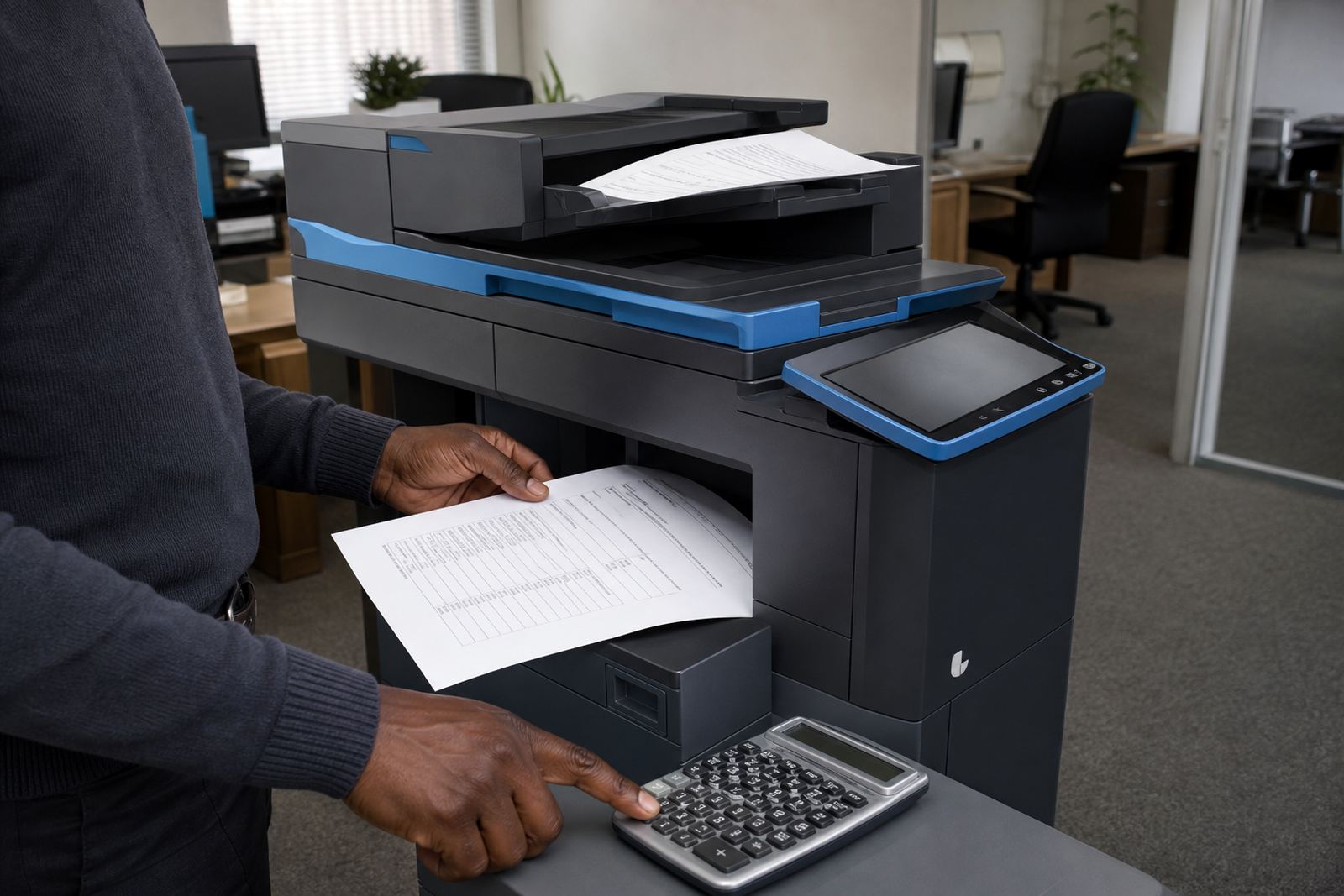
Office print plans usually split the cost into two parts. The first part is the monthly rental for the machine itself, which covers use of the equipment over the agreed term. The second part is the click charge, linked to each page or impression that passes through the counter. That metre reading is what keeps billing tied to real usage rather than guesswork.
Some offices prefer a simple structure with toner included in the page rate. Others want the rental shown separately, with a clear per page figure for mono and a different figure for colour. Either way, the numbers work best when the team knows how many pages are going out, because a small admin office and a busy accounts floor do not print in the same way.
- Monthly rental covers the machine on plan.
- Click charges track actual usage from the metre.
- Mono and colour are billed differently in most fleets.
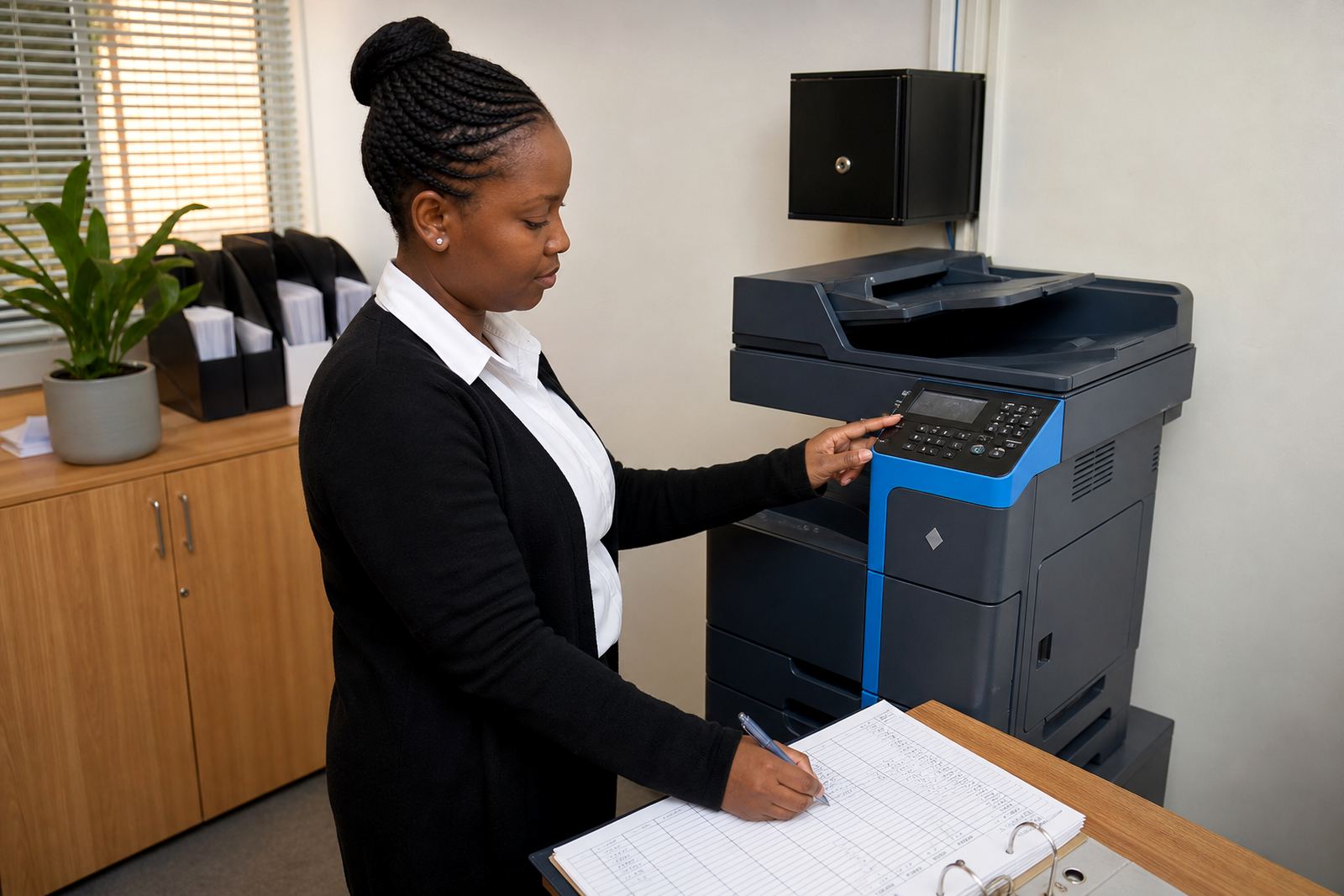
- Regular metre readings keep the account in line with use.
Toner supply without the office guessing games
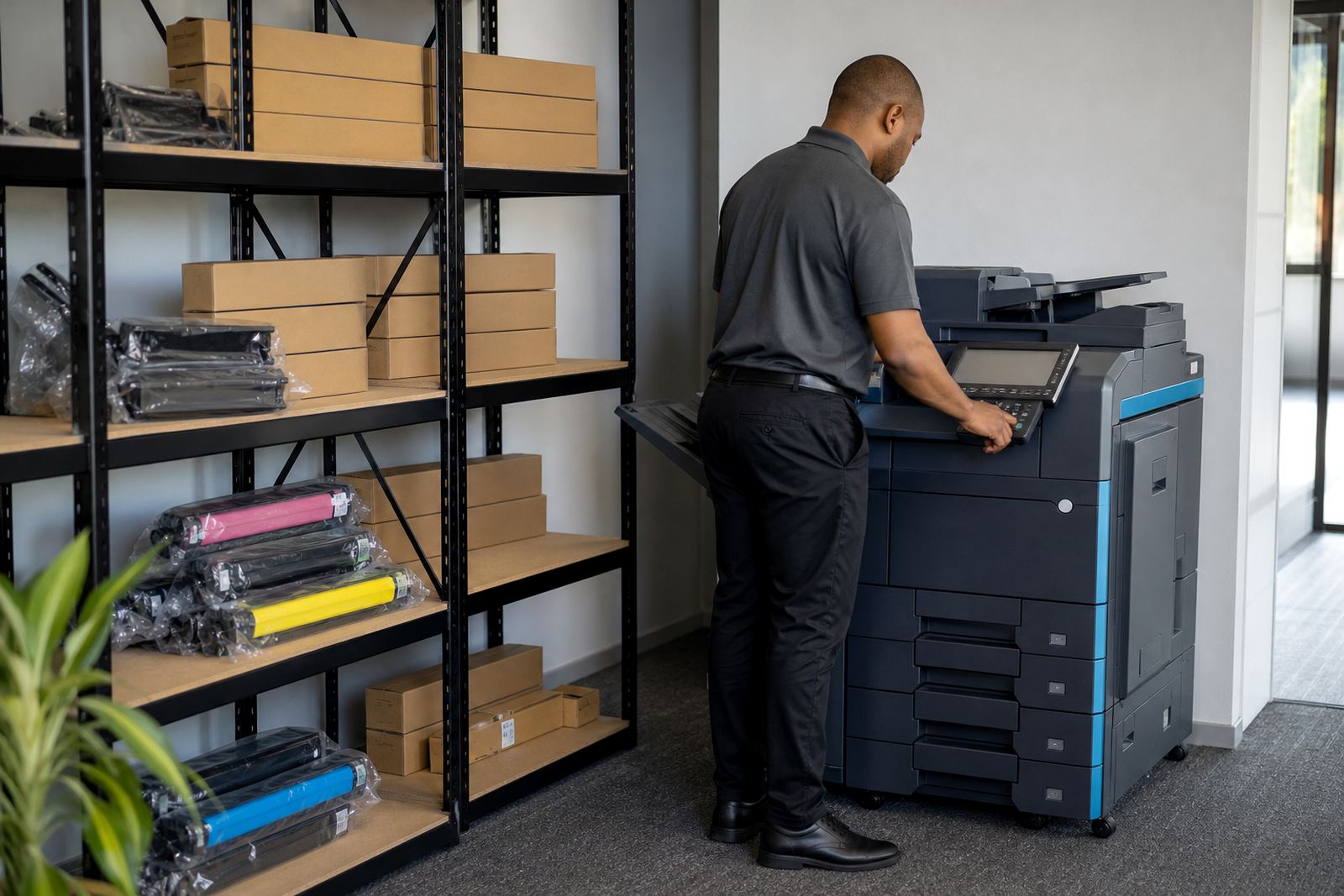
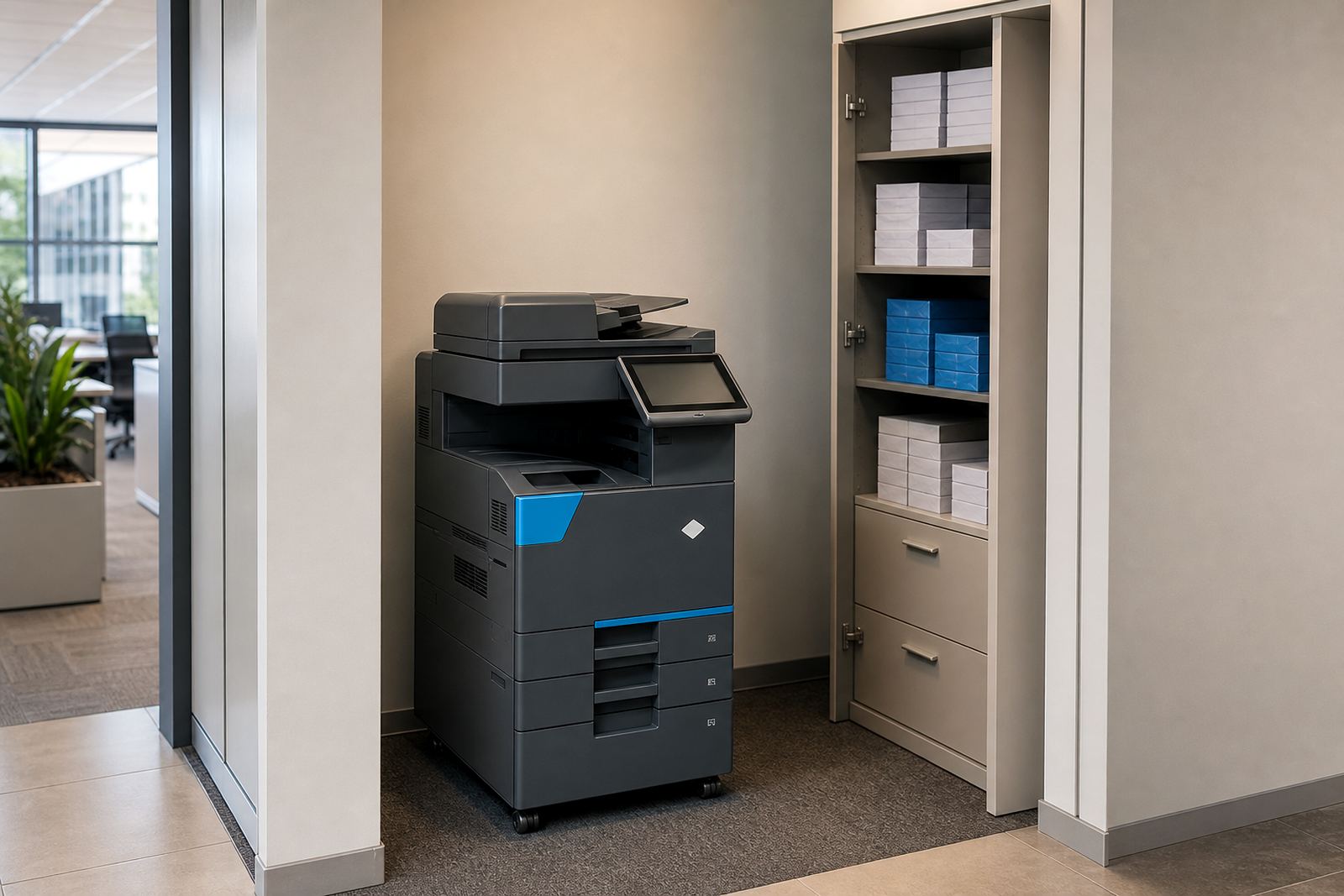
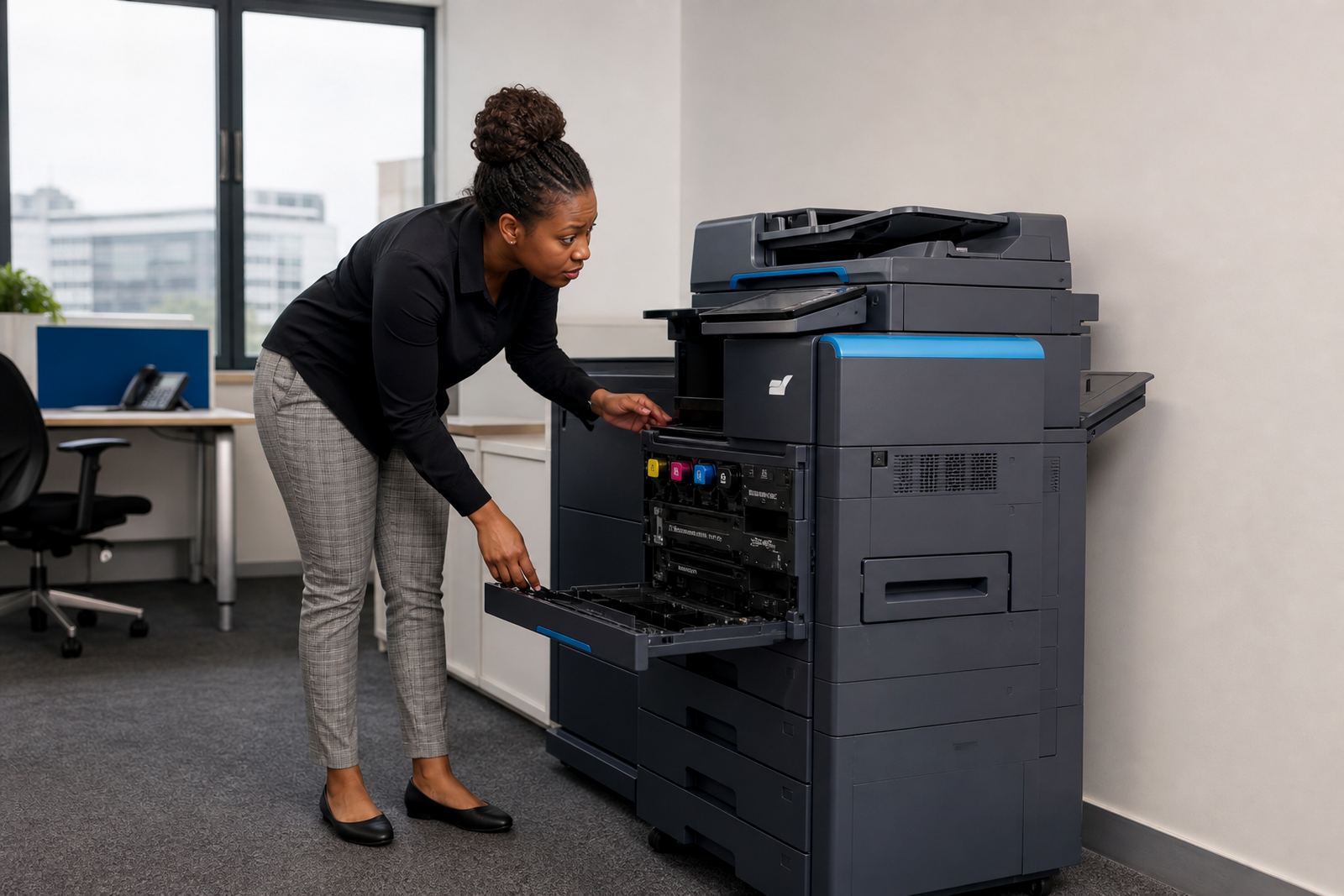
Toner supply is part of the managed print model, and that is where many offices save time. Instead of buying consumables as they run low, the fleet plan keeps an eye on toner levels and sends stock before work starts drying up. In busy offices across Johannesburg, Pretoria, Durban, Cape Town and Bloemfontein, that matters because an empty cartridge can stall a reception area, accounts counter or school admin office very quickly.
Good toner planning also reduces waste. A machine that is matched to the real page count, and to the right mono or colour mix, will usually behave better over time. It also helps when stock arrives in step with metre readings, not as a panic order after the warning light has already been ignored for too long.
- Toner is included in many managed print plans.
- Stock planning follows usage, not rough guesses.
- Low toner warnings are easier to manage when the fleet is watched properly.
- Office runs stay steadier when consumables are handled on plan.
Service visits, breakdowns and the on-site side of the plan
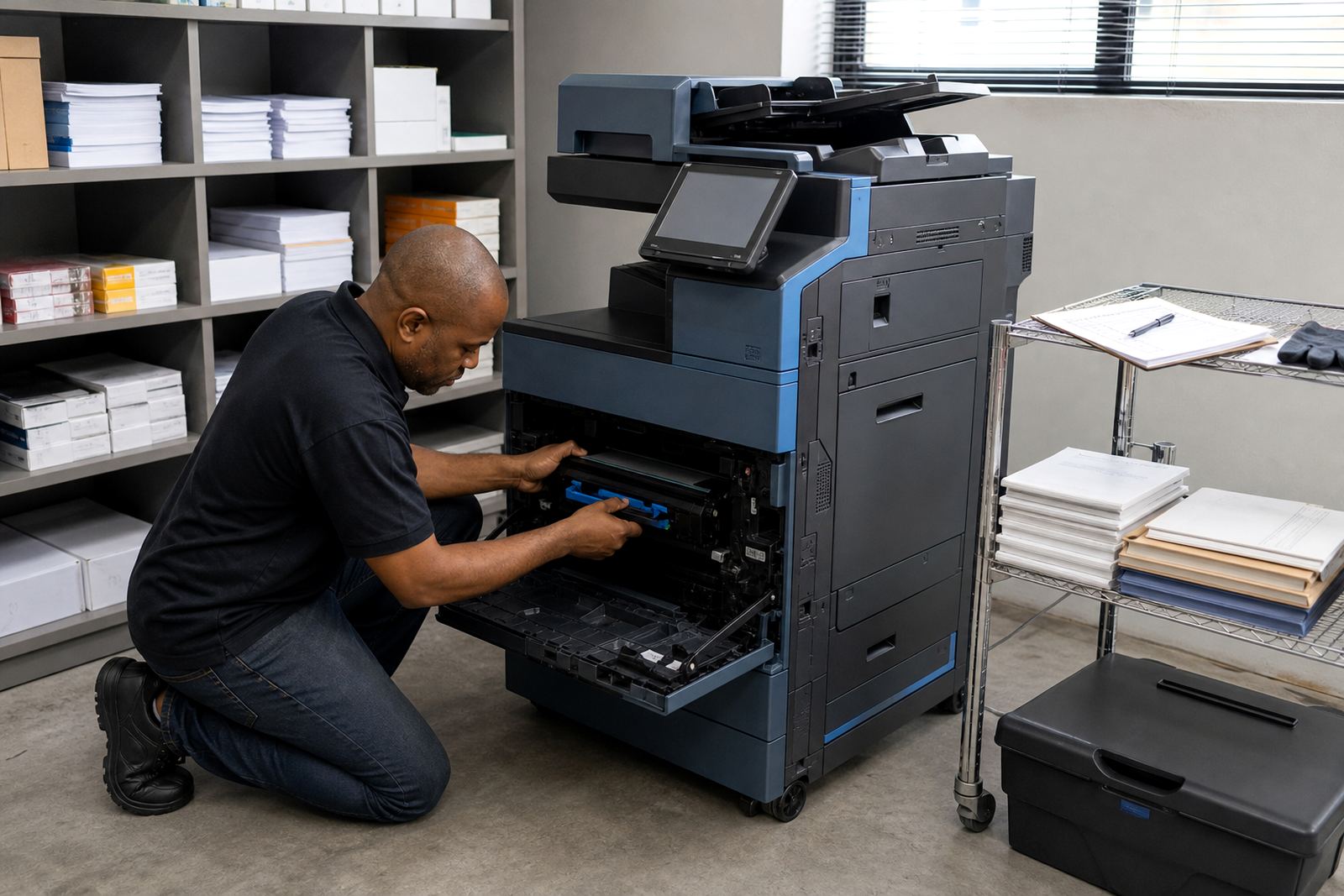
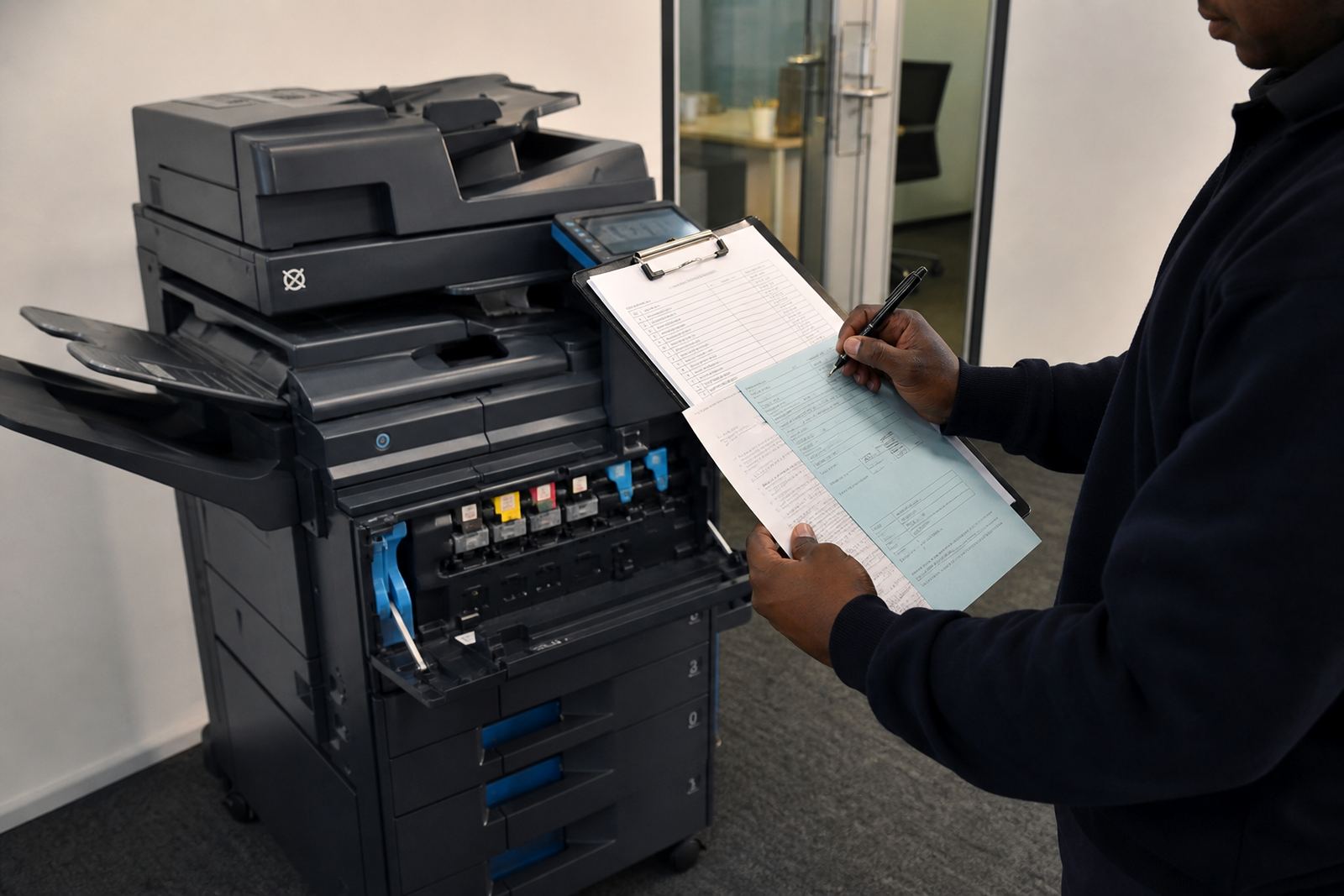
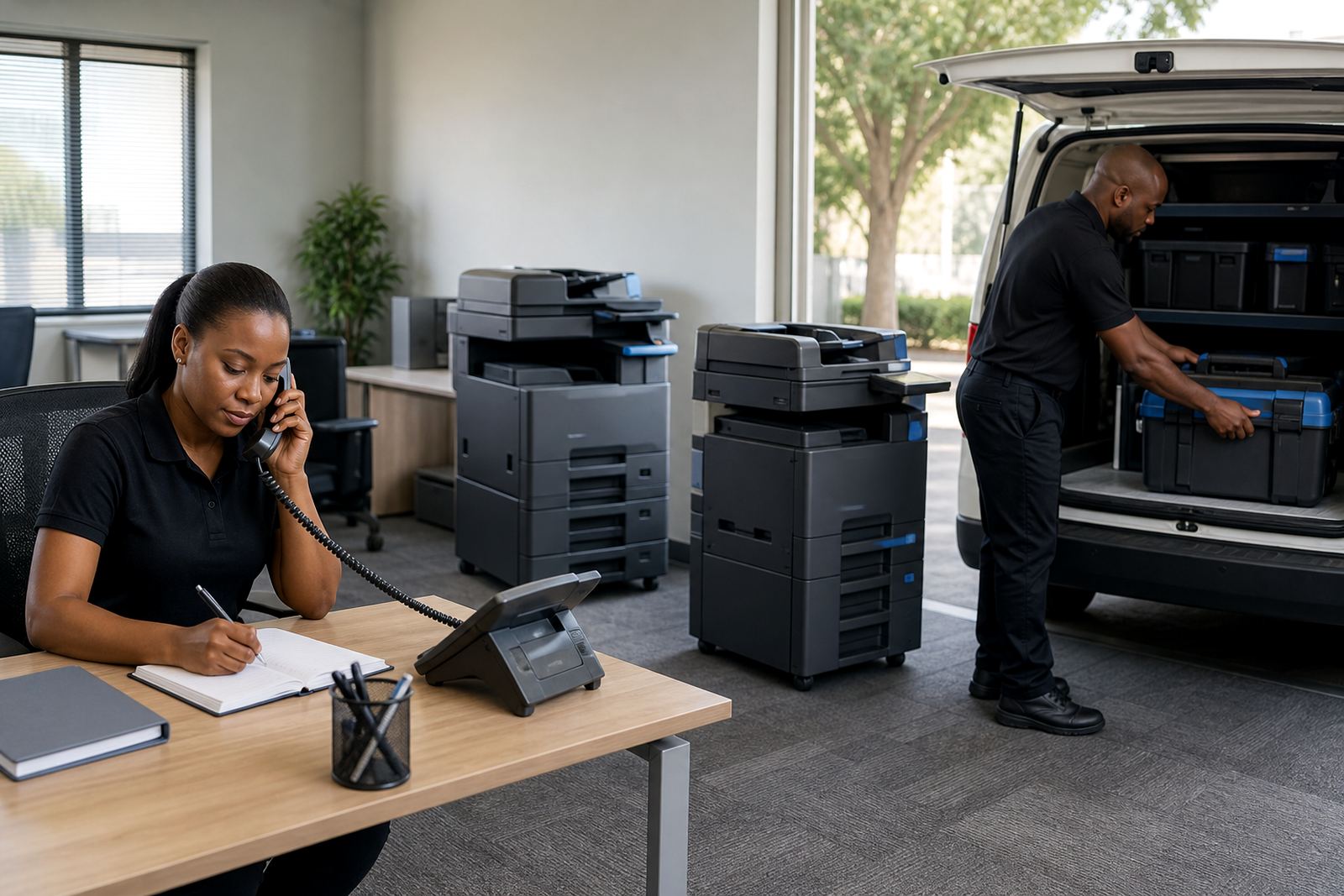
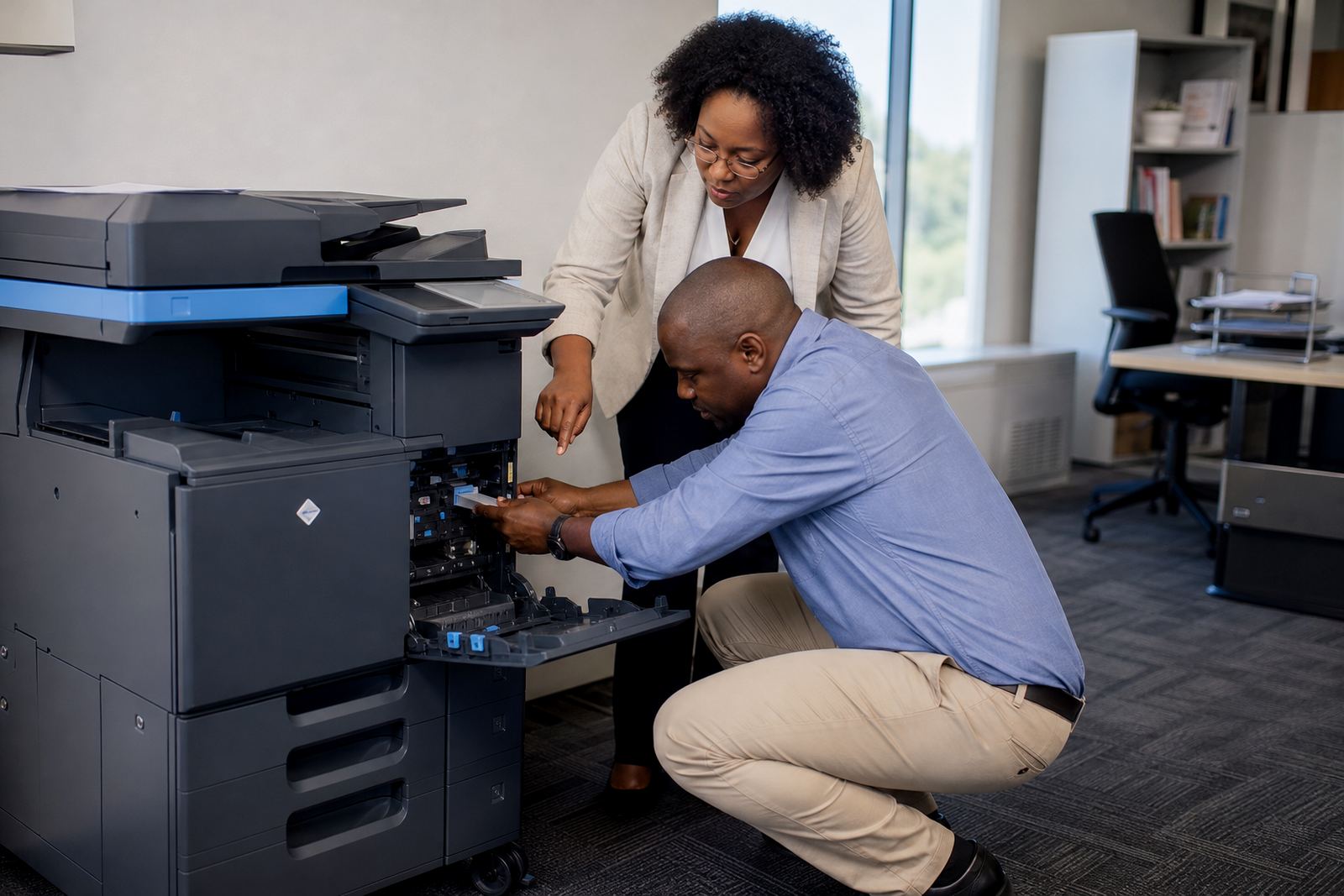
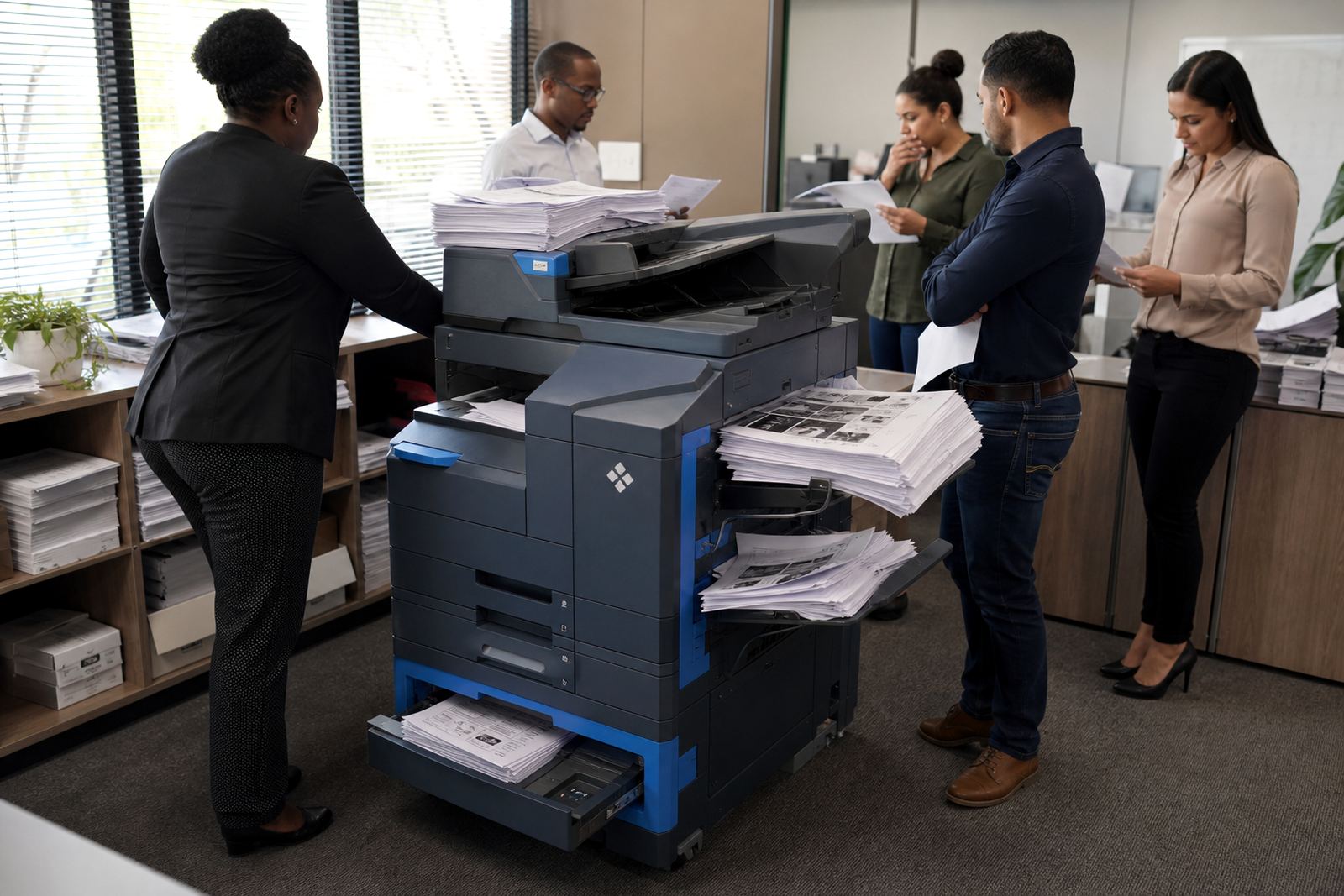
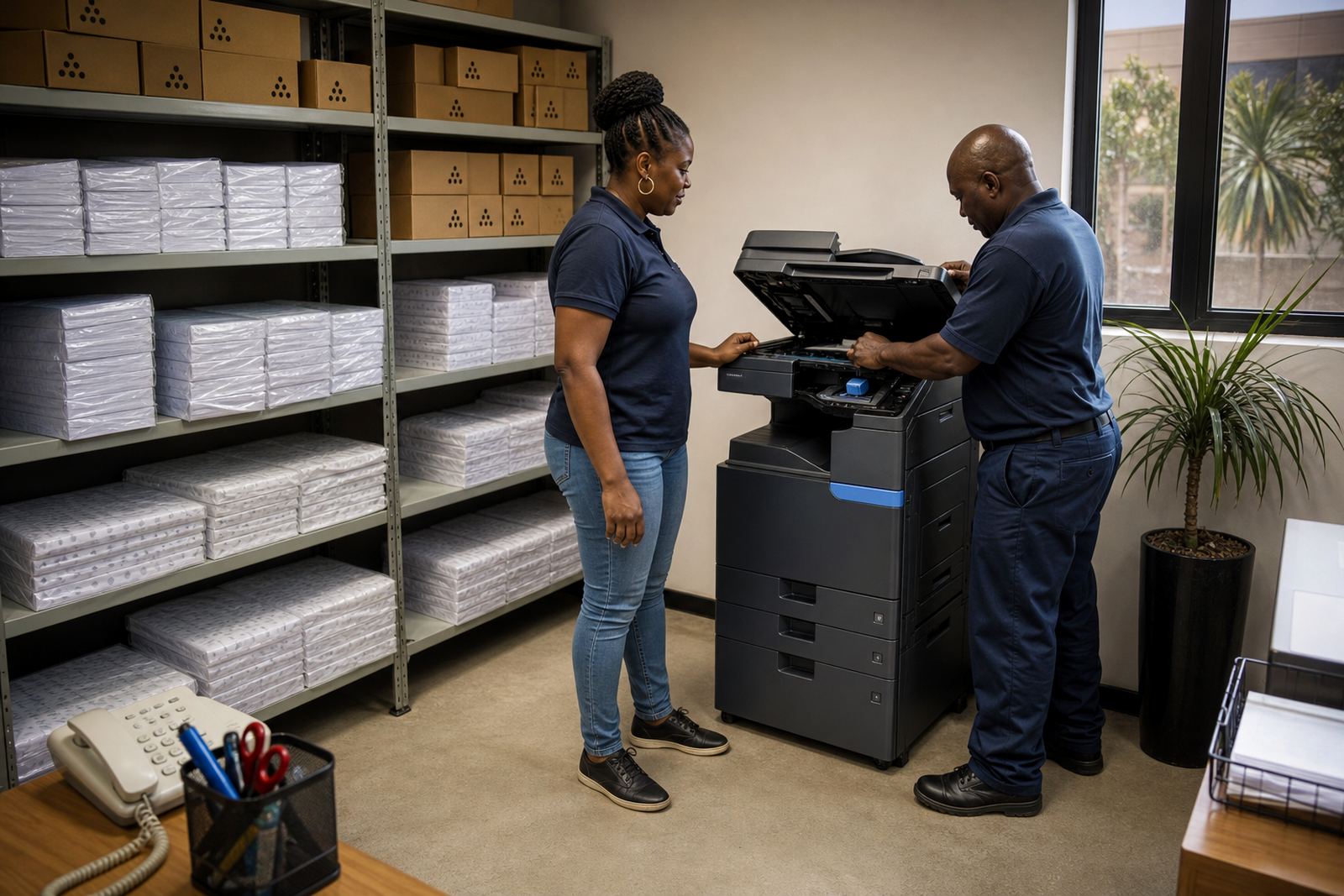
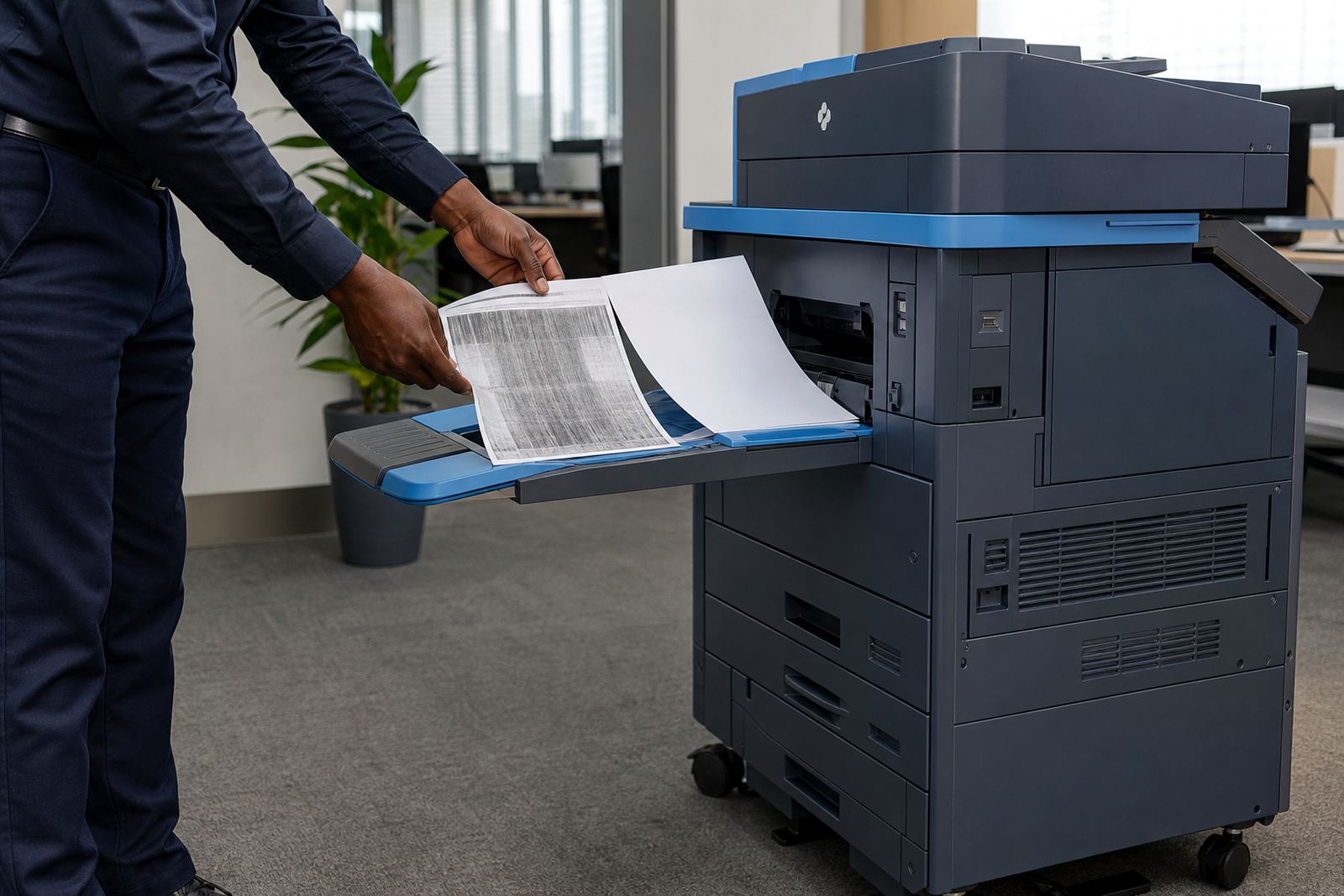
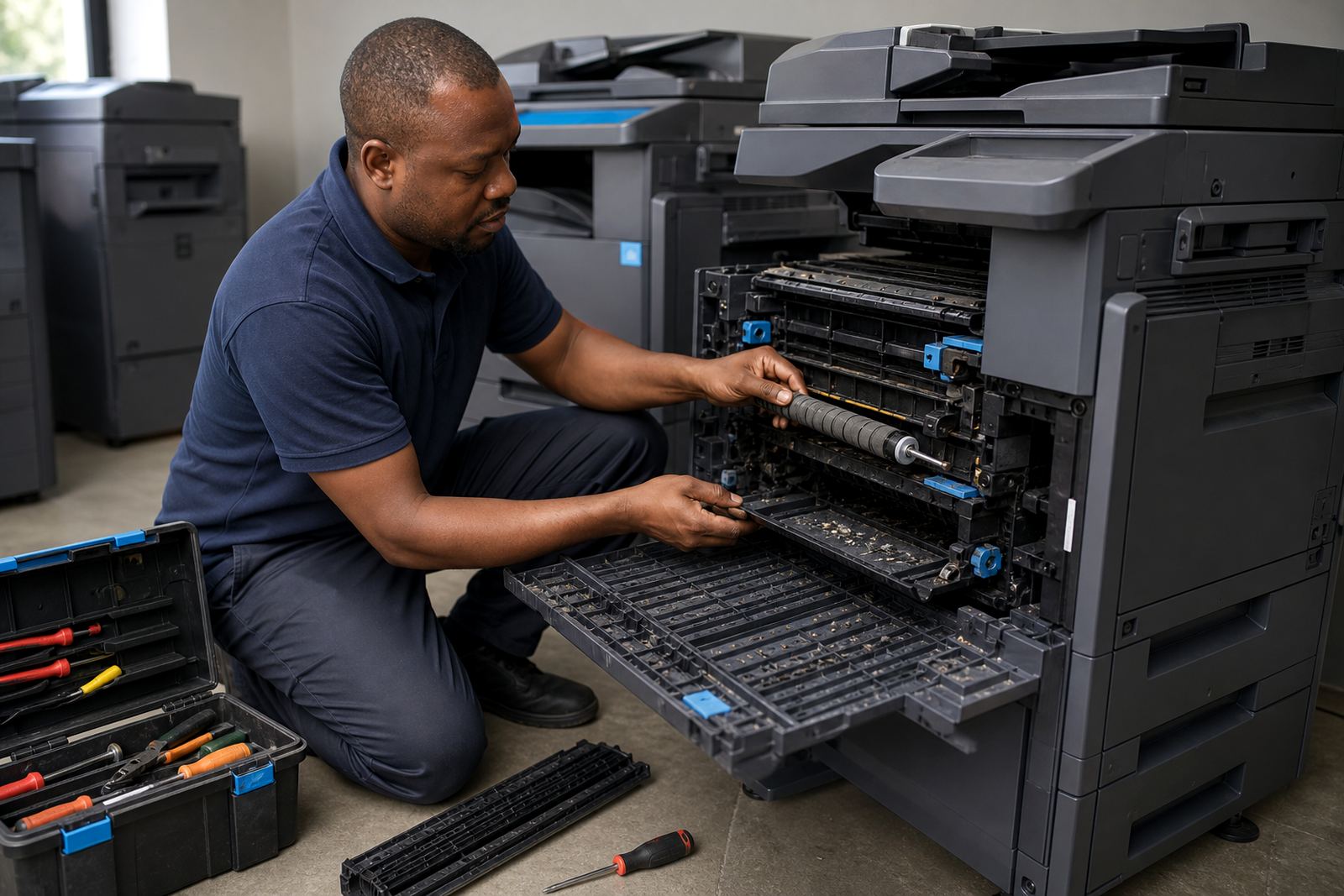
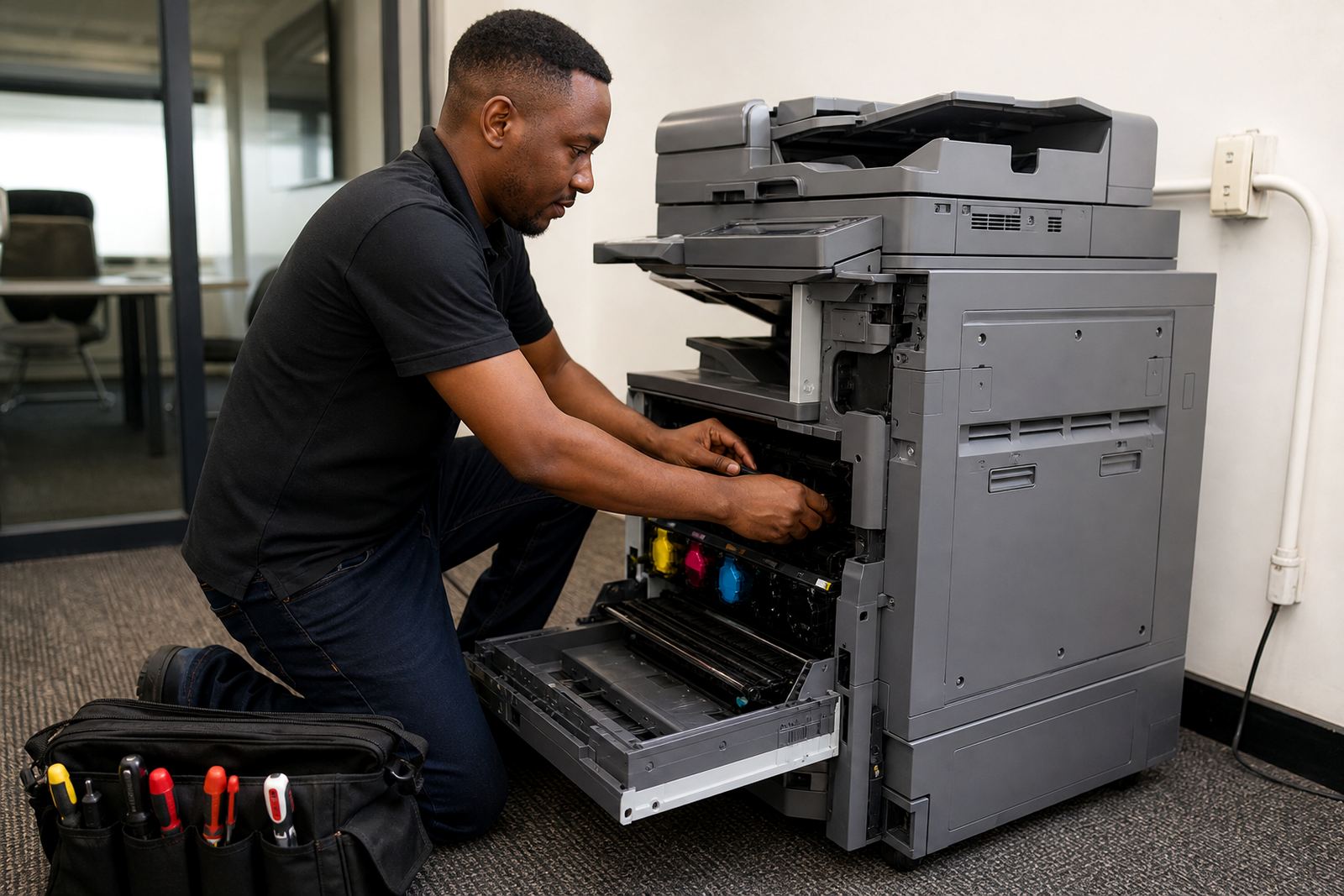
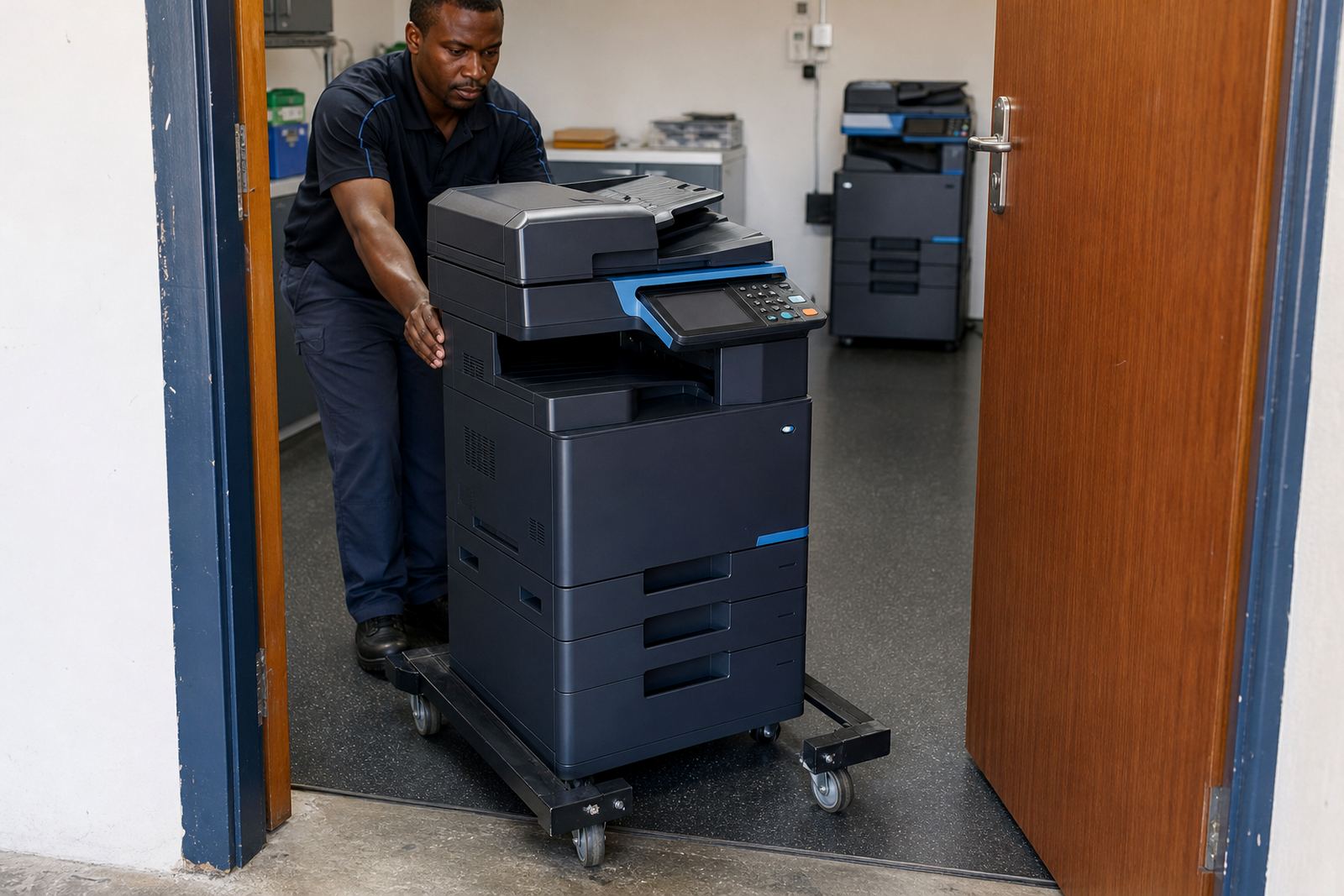
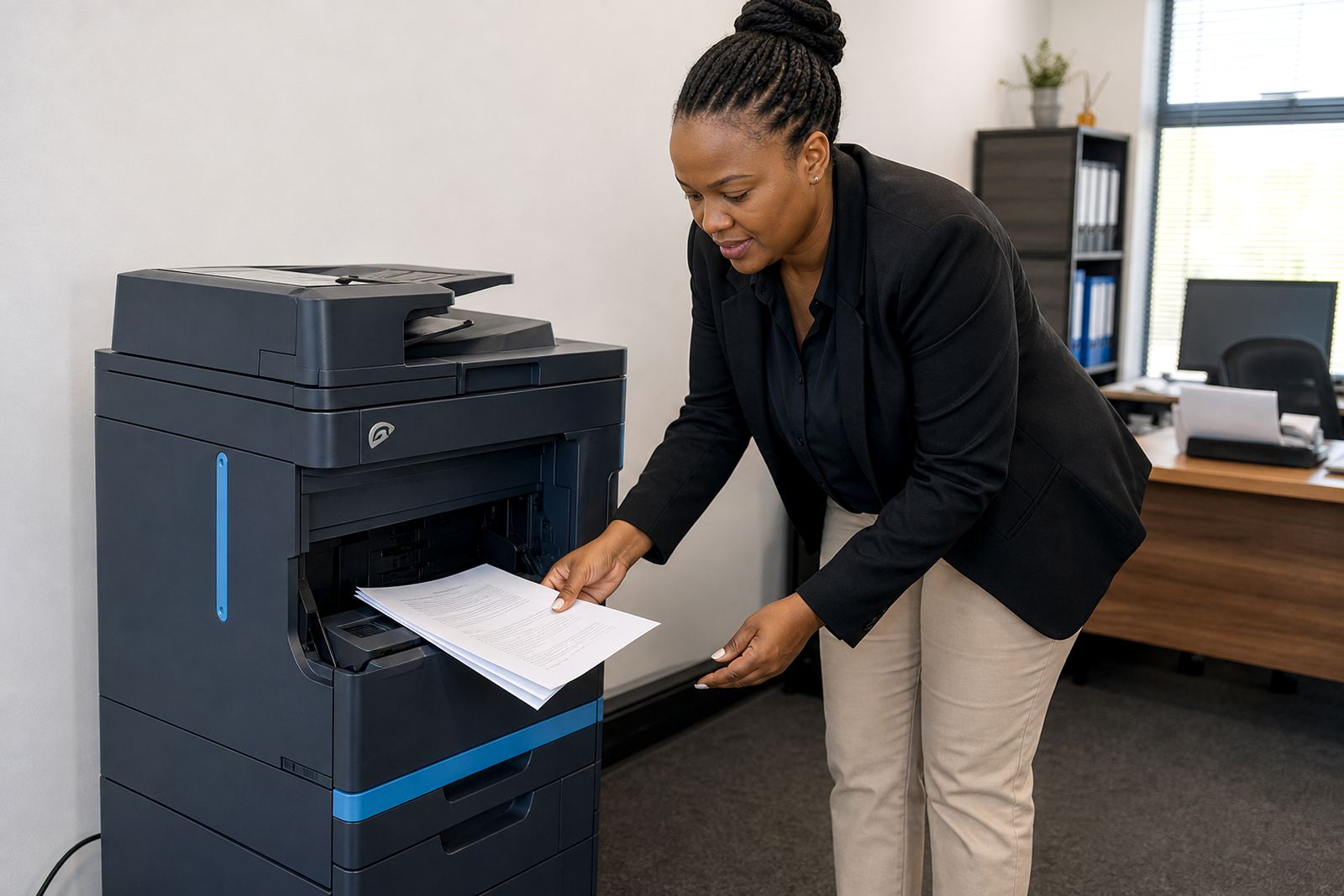
Printers and copiers need regular attention, especially where several staff members use the same device through the day. On-site servicing keeps rollers, feed paths and scanning parts working properly, while breakdown support deals with faults that need a field technician rather than a quick settings change. A good service process also includes machine relocations, user handover and the sort of setup checks that stop avoidable callouts later.
Midrand offices often want a local base with coverage into Sandton, Centurion and the wider Gauteng corridor. That makes sense for groups that run more than one room, because a fleet review may show that one machine is underused while another is doing too much. The service note is not only about fixing faults, it is also about keeping the mix practical for the site.
- On-site servicing handles wear, jams and print quality issues.
- Breakdown support covers faults that need field work.
- Machine relocations need cable, network and user checks.
- Fleet reviews help match machines to real office demand.
Scan-to-message, secure print and the user side of the machine
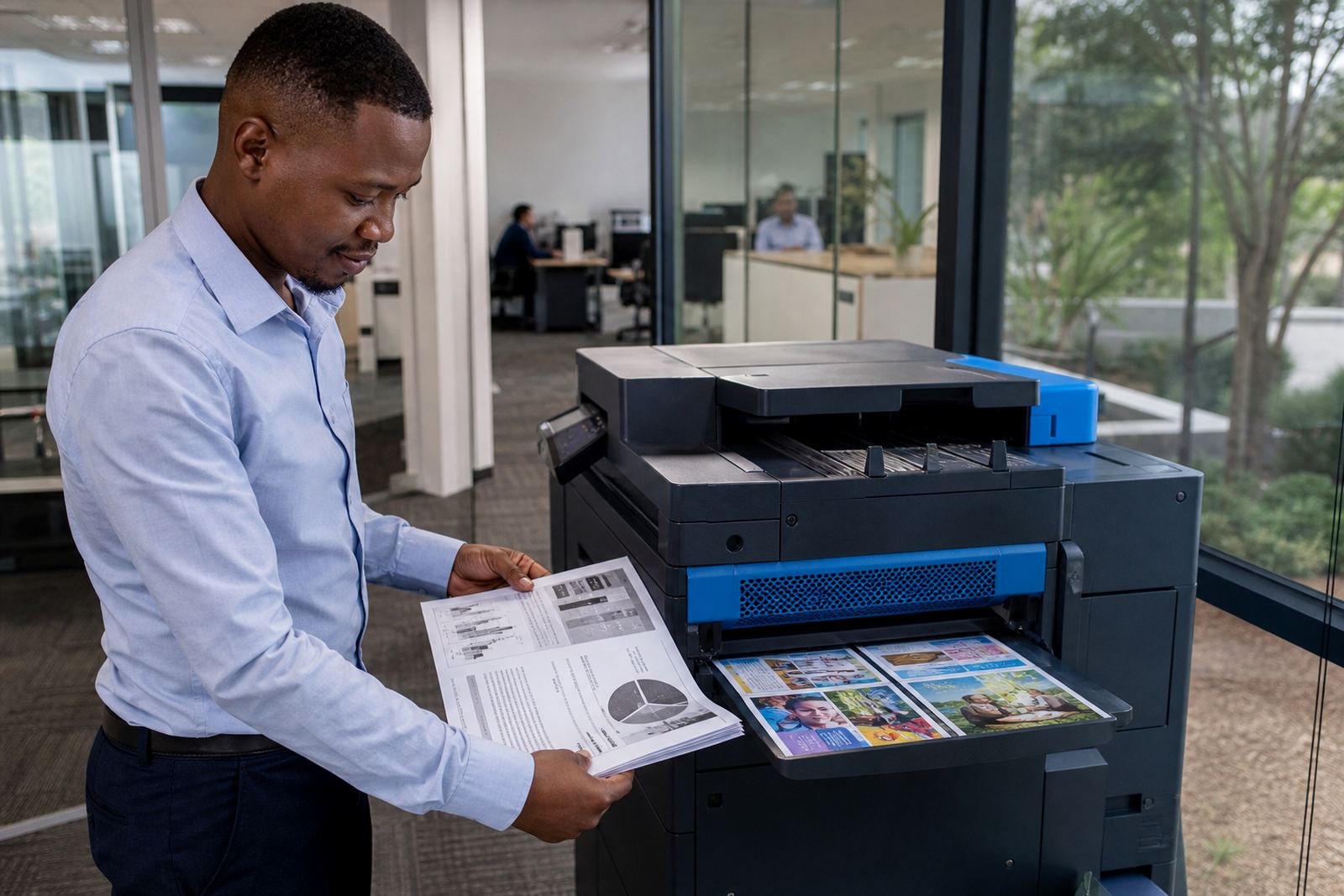
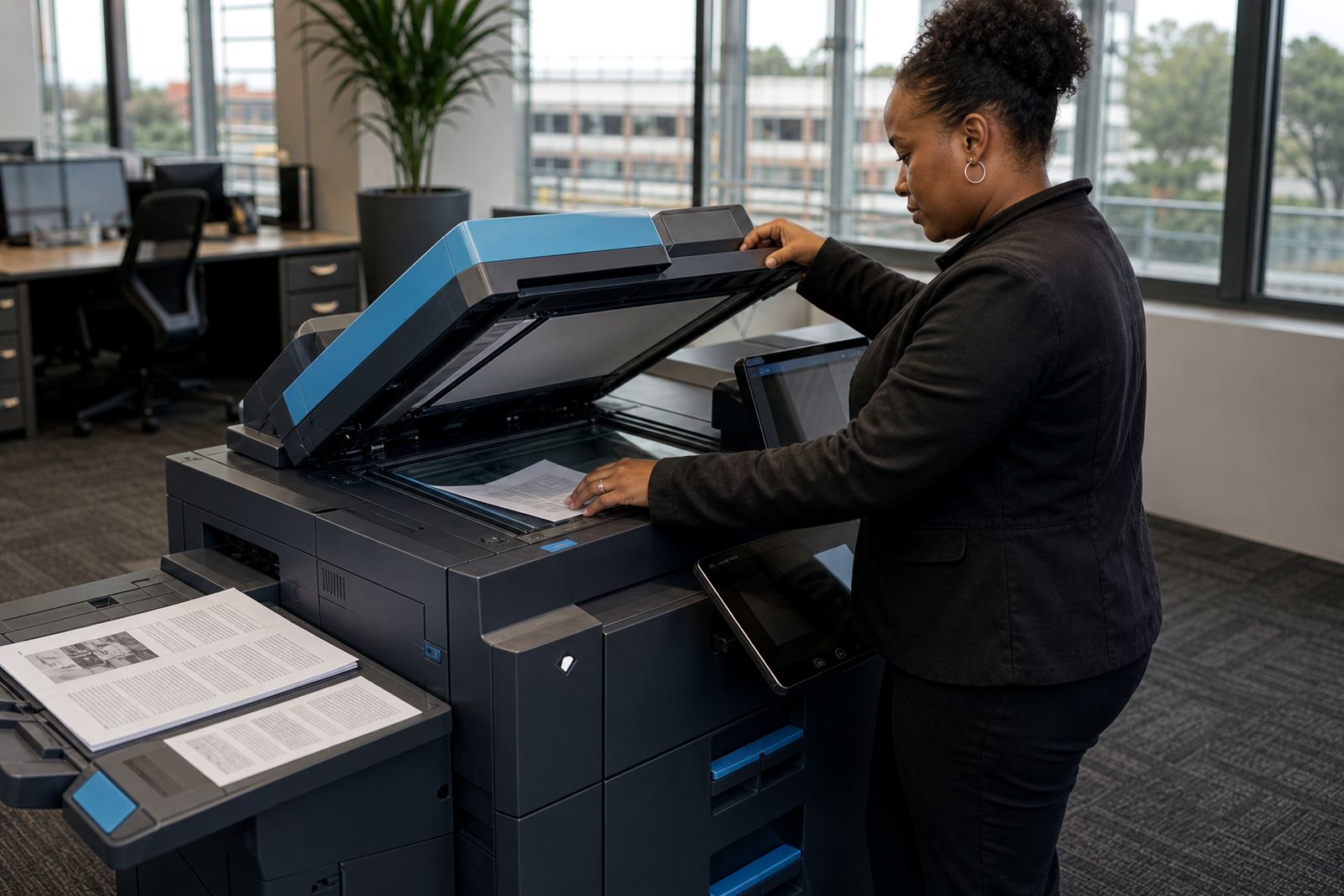
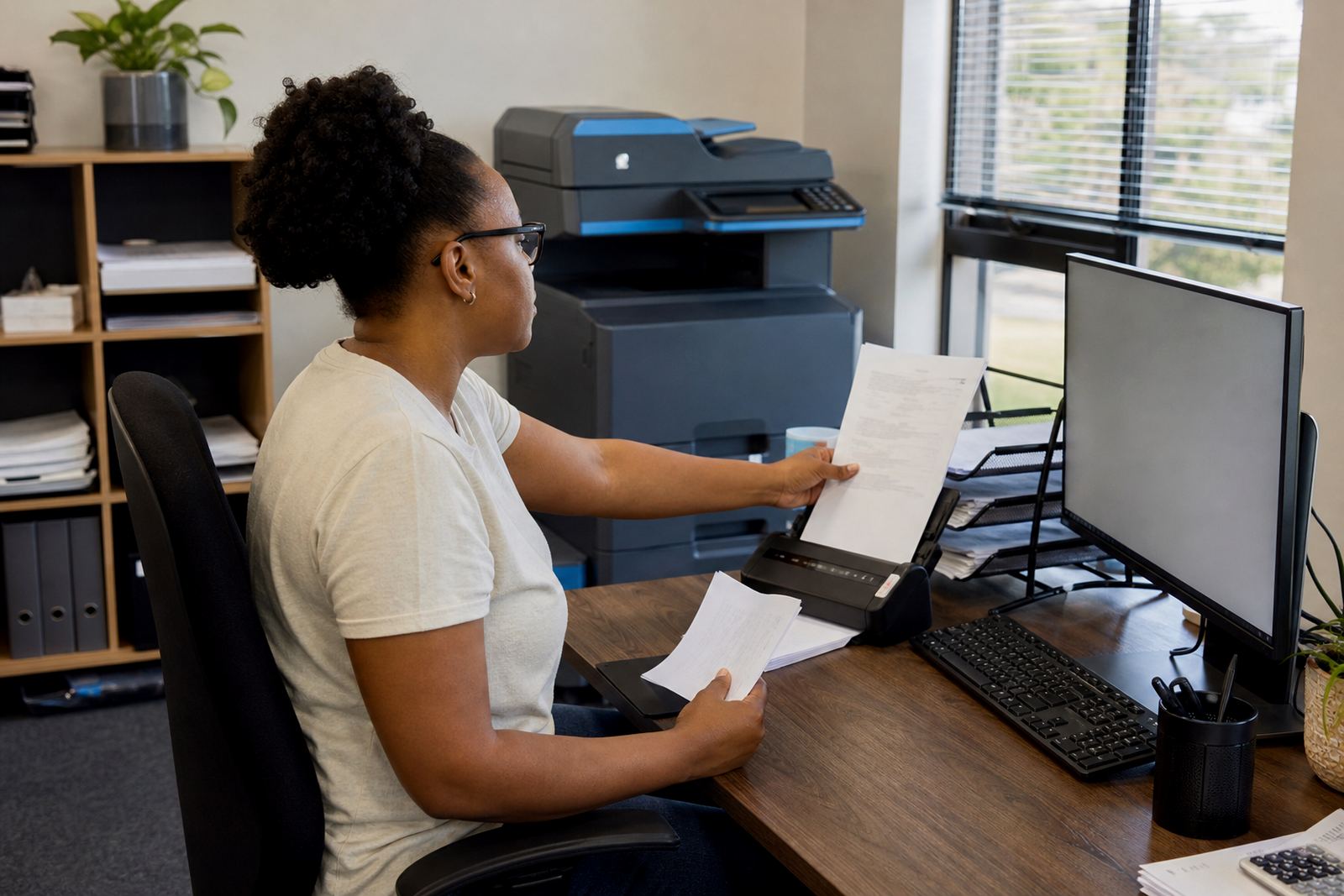
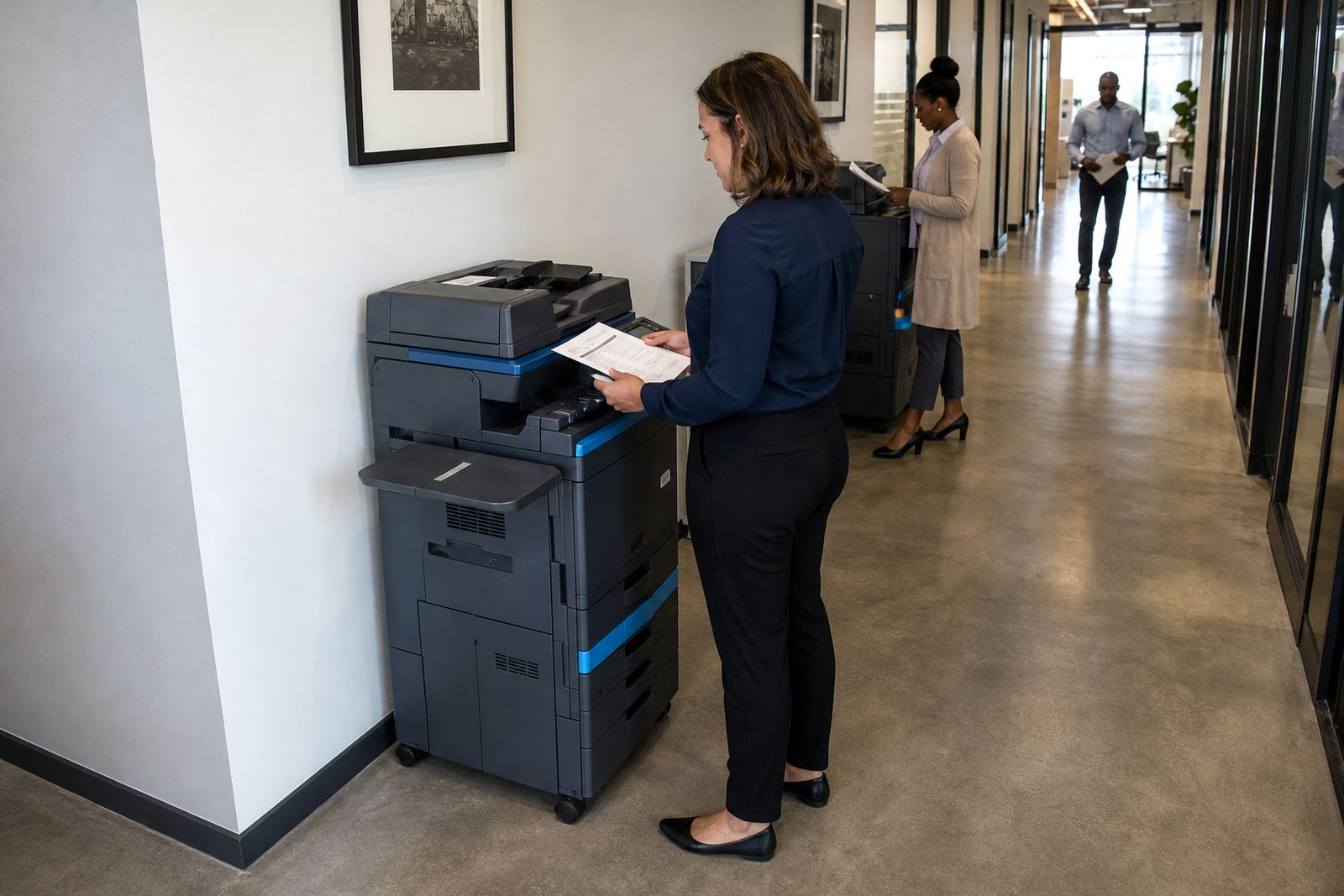
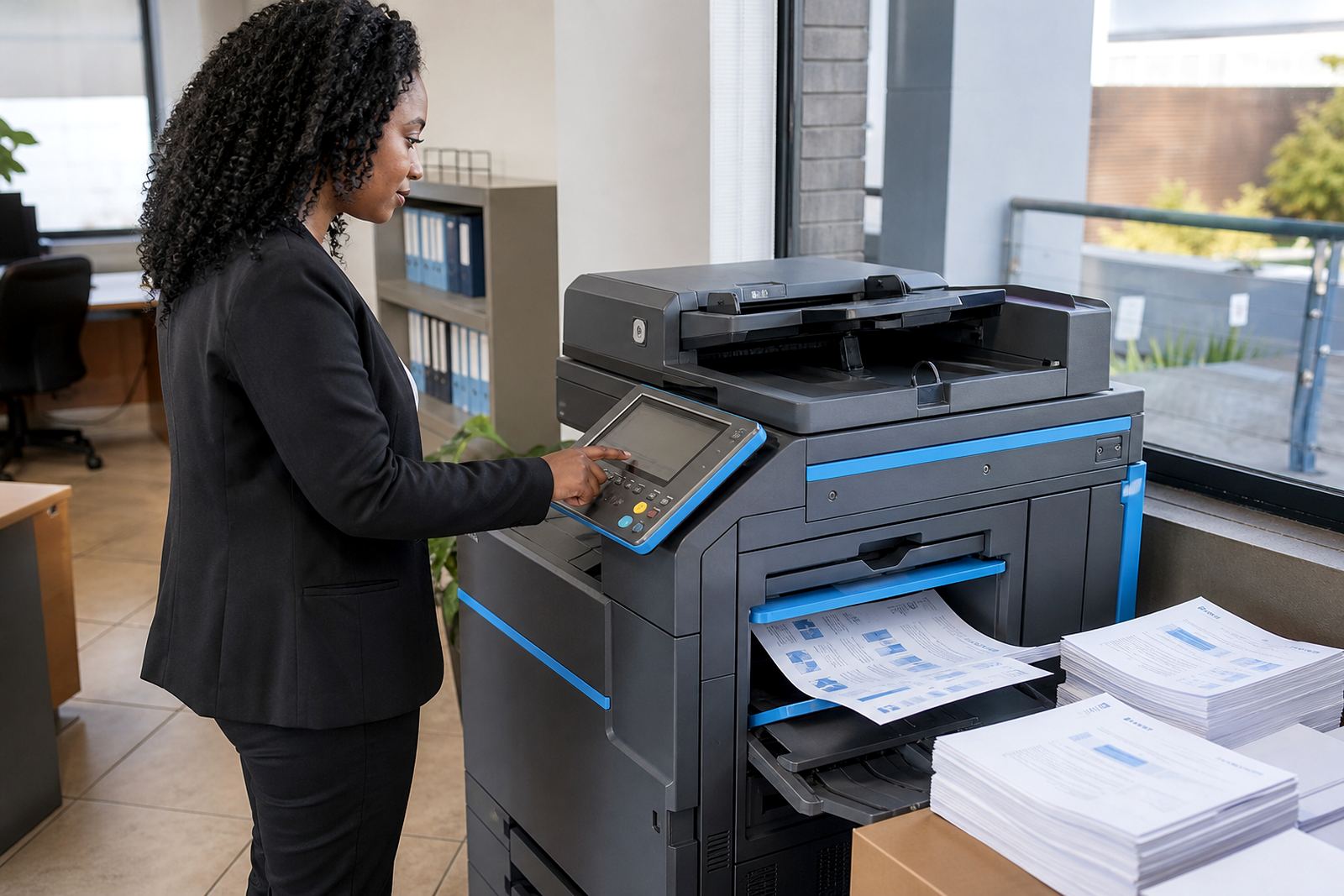
Modern office copiers do more than copy pages. Scan-to-message setup lets staff send records, forms and supporting papers straight into an inbox, which is useful for admin teams and front office work. Secure print adds a holding step so sensitive documents are released only when the user is at the device, which matters in shared spaces where papers can be left lying on the output tray.
These features are only helpful when people know how to use them. That is why user handover sits beside installation and network setup. If the machine is connected properly and the team understands the screen, the daily print room routine becomes less awkward and there are fewer repeated mistakes from one workstation to the next.
- Scan-to-message supports records and office admin.
- Secure print protects documents in shared spaces.
- Network setup matters for wider office use.
- User handover keeps the machine practical from day one.
End-of-term swaps and the questions this hub is meant to answer
Rental plans often run for a set term, and the end of that term is where many offices need a fresh look. A machine that once fit a small team may no longer suit the page count, or the colour requirement may have changed. End-term swaps allow the fleet to shift without forcing the office into a purchase it did not plan for.
This hub brings together the common questions people ask when they are comparing rental, billing, support and equipment choices. The articles linked from here go deeper into those topics, while this page helps a reader decide where to start, whether the concern is a single copier, a growing team or a whole print room that needs tidying up.
- End-term swaps reset the machine mix when needs change.
- Some teams move from mono to colour, or the other way round.
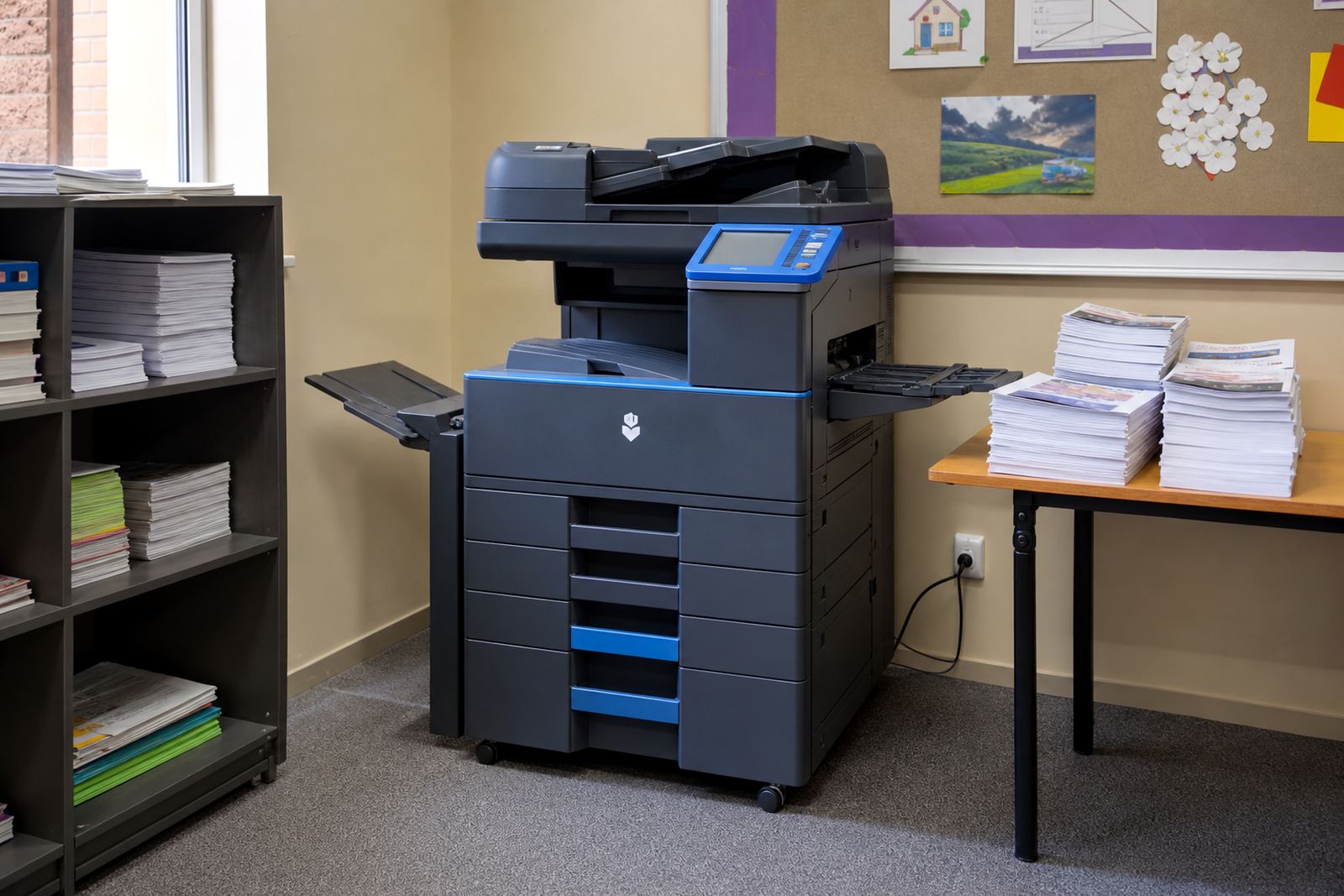
- Schools and practices often need different usage patterns from offices.
- Listing cards below point to the detailed articles.