When a swing unit makes sense
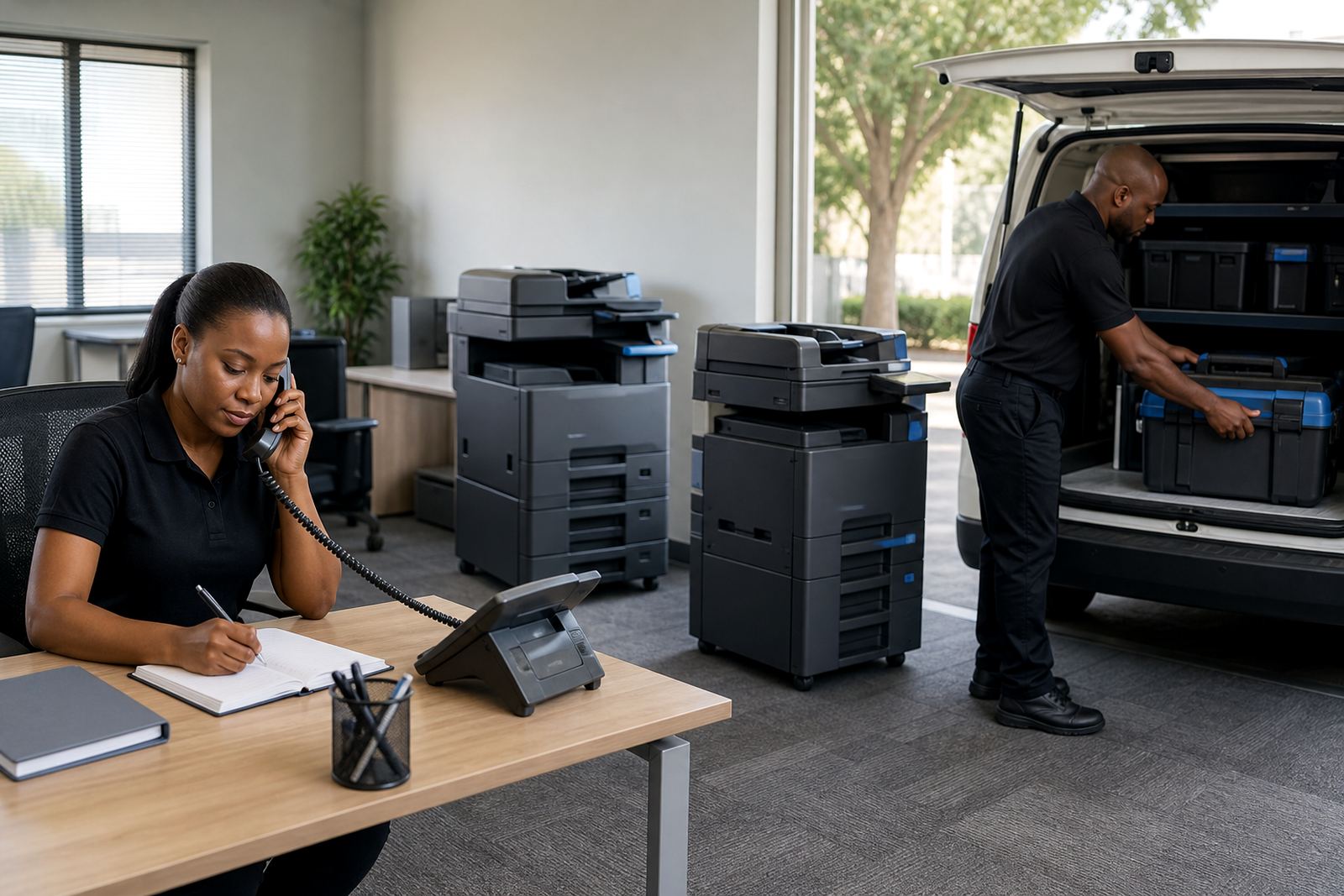
A swing unit is useful when the main multifunction printer is off-site for repair, a part is delayed, or a relocation has left the office without a working device. It is also a practical option when a branch in Midrand, Sandton or Pretoria needs cover for a busy month, but the permanent fleet plan is still being finalised.
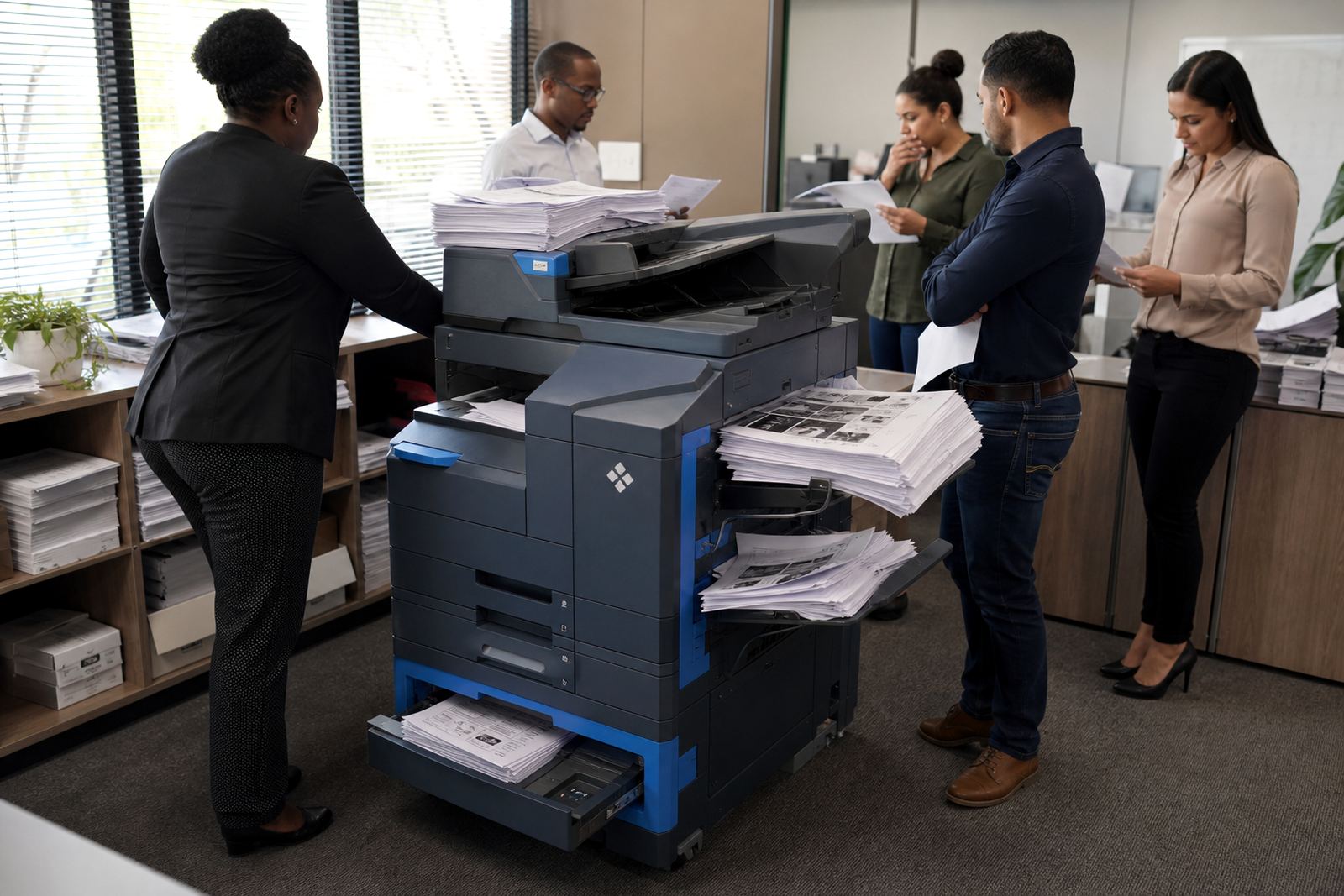
In practice, the replacement unit should match the real workload. A small A4 mono machine may suit a back office, but a reception area or accounts department often needs colour scanning, secure print and faster copy output. The aim is to keep the day moving without forcing staff to change habits for long.
What a temporary unit normally covers
Replacement units are usually set up with the same basics that matter on a working floor. That includes print, copy and scan functions, toner supply, metre reading support and access for service work if something needs attention during the hire period.
- Mono or colour output, depending on the document mix
- A4 or A3 size, based on paper sizes used in the office
- Scan-to-send us a message for quick circulation of documents
- Secure print for sensitive payroll, legal or client files
- Metre-based billing so usage stays visible
Where a team prints mostly internal reports, mono is often enough. If proposals, plans or training packs need colour, a colour unit is usually the cleaner fit. The machine should be matched to the job, not just dropped in as a spare.
How the handover works on the ground
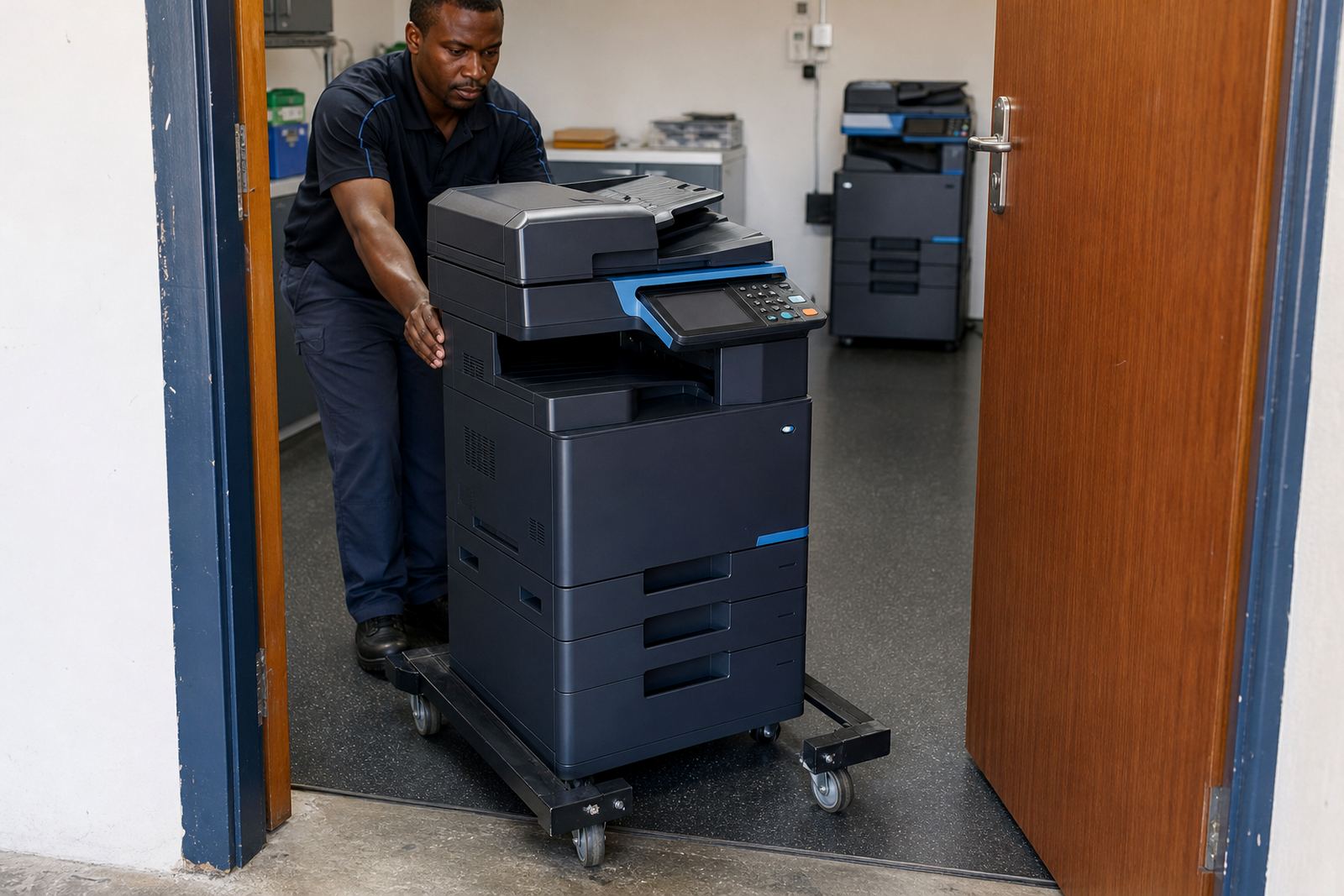
A short handover matters more than people think. A replacement unit has to sit in the right place, join the network, and be usable by the staff who depend on it. If the office works from shared folders or scan-to-message routes, those settings must be checked before people start stacking jobs on the tray.
In a Durban office with high humidity and salty air near the coast, a machine can also need a cleaner placement away from open windows and constant foot traffic. In Bloemfontein, the same unit may be used in a quieter room but still needs the right paper storage, because heat and dust can affect feed quality and toner behaviour.
Where the permanent machine will return after servicing, the temporary unit is set up with the same user habits in mind. Staff should not need to relearn the basics just to keep printing invoices, reports or class notes.
Rent, click charges and the extra line items that matter
Temporary cover is usually priced on a rental basis, with click charges linked to metre readings and usage. That keeps the cost tied to real output rather than guesswork. A month with heavy printing will read differently from a quieter stretch, especially where the office is handling month-end packs or school admin.
It helps to be clear on what sits inside the arrangement. Toner supply is normally included, and service visits are part of the support plan. If the office needs relocation support, extra cabling, or a machine swap at the end of the term, those points should be listed clearly so the admin side stays tidy.
- Monthly rental covers the machine itself
- Click charges track the pages used
- Toner supply is included on managed plans
- Service attendance is arranged if faults appear
- End-term swaps can be planned when the repair is complete
Fleet gaps, relocations and short cover periods
Temporary units are not only for breakdowns. They also help when a company is shifting floors, opening a branch, or waiting for a fleet review to decide which machines stay and which ones move on. In those moments, a temporary copier can keep the office productive while the final layout is settled.
A school in Centurion might need a unit while exam papers are being copied and the main machine is in for service. A legal practice in Johannesburg may need secure print and scan-to-message while a device is relocated between rooms. The replacement should fit the task, not create another admin problem.
That is also where user handover matters. Staff should know how to release secure jobs, load paper correctly and report a paper feed or toner issue without digging through guesswork. A clear setup cuts down on avoidable stops.
A Midrand example that is easy to picture
Picture a finance office in Halfway House that runs invoices, supplier packs and scanned client files every day. The main multifunction unit develops a fault during a busy week, and the team cannot wait around with no copier on site. A temporary A4 colour machine is brought in, fitted for scan-to-message and secure print, then linked to the network so the office can keep moving.
The replacement carries the load while the repaired machine is serviced off-site. Once the original unit is ready, the temporary one is removed or swapped into another branch if that suits the fleet plan. That sort of handover is practical, especially where the office cannot afford a long pause in document work.
What to keep ready before a swing unit arrives
A good handover starts with a few facts that are easy to gather. The office should know where the machine will sit, who uses it, whether colour is needed, and whether the team scans often enough to need a proper message setup. Those details help the temporary unit land in the right place.
- Room size and where the machine will stand
- Mono or colour requirement
- A4 or A3 paper use
- Network access point and scan-to-message needs
- Whether secure print is used for sensitive work
For offices across Johannesburg, Pretoria, Durban, Cape Town and Bloemfontein, the same rule applies. Temporary cover works best when it matches the volume, the paper size and the way staff already work. Anything less tends to create a second problem just when the first one is being sorted.