


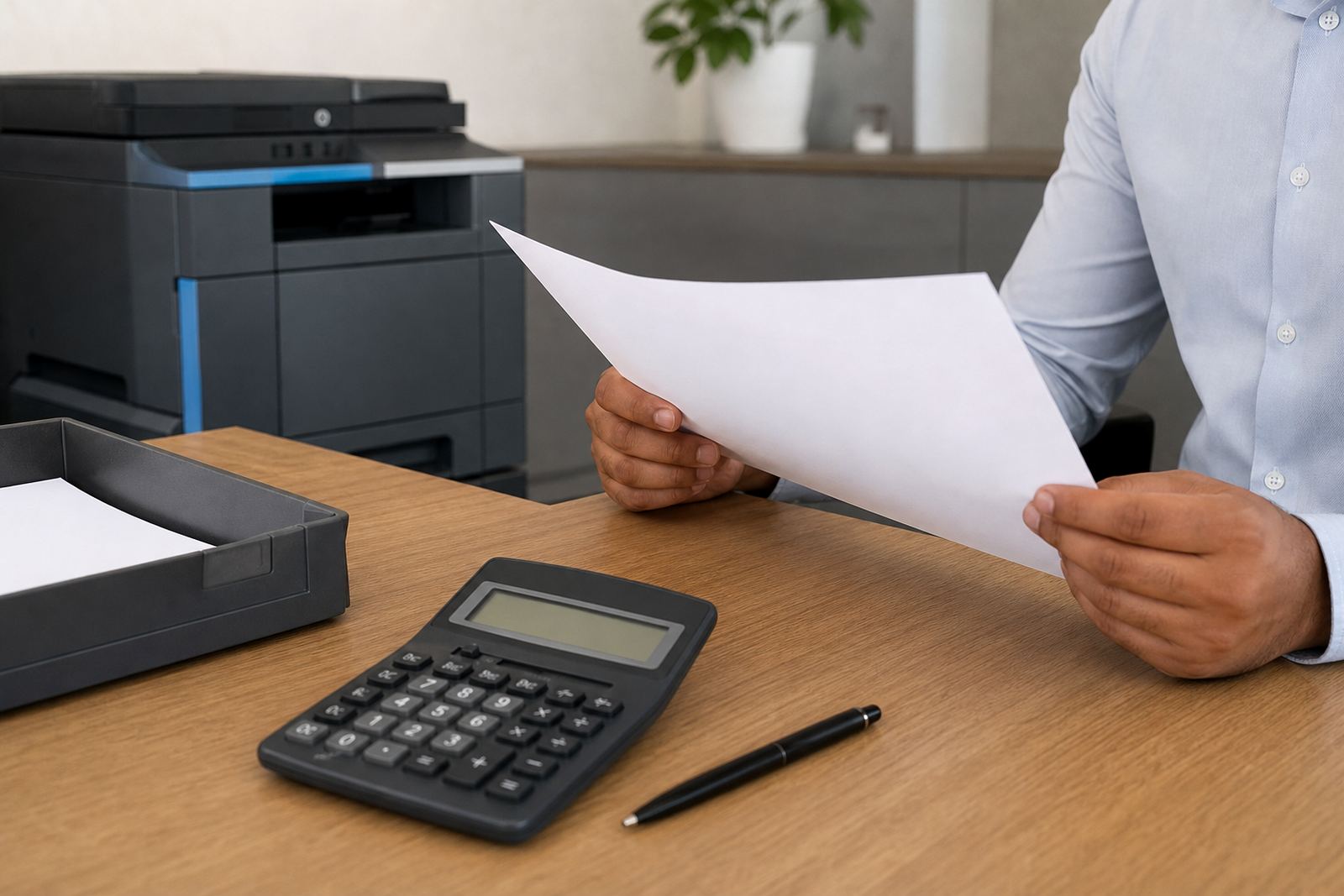
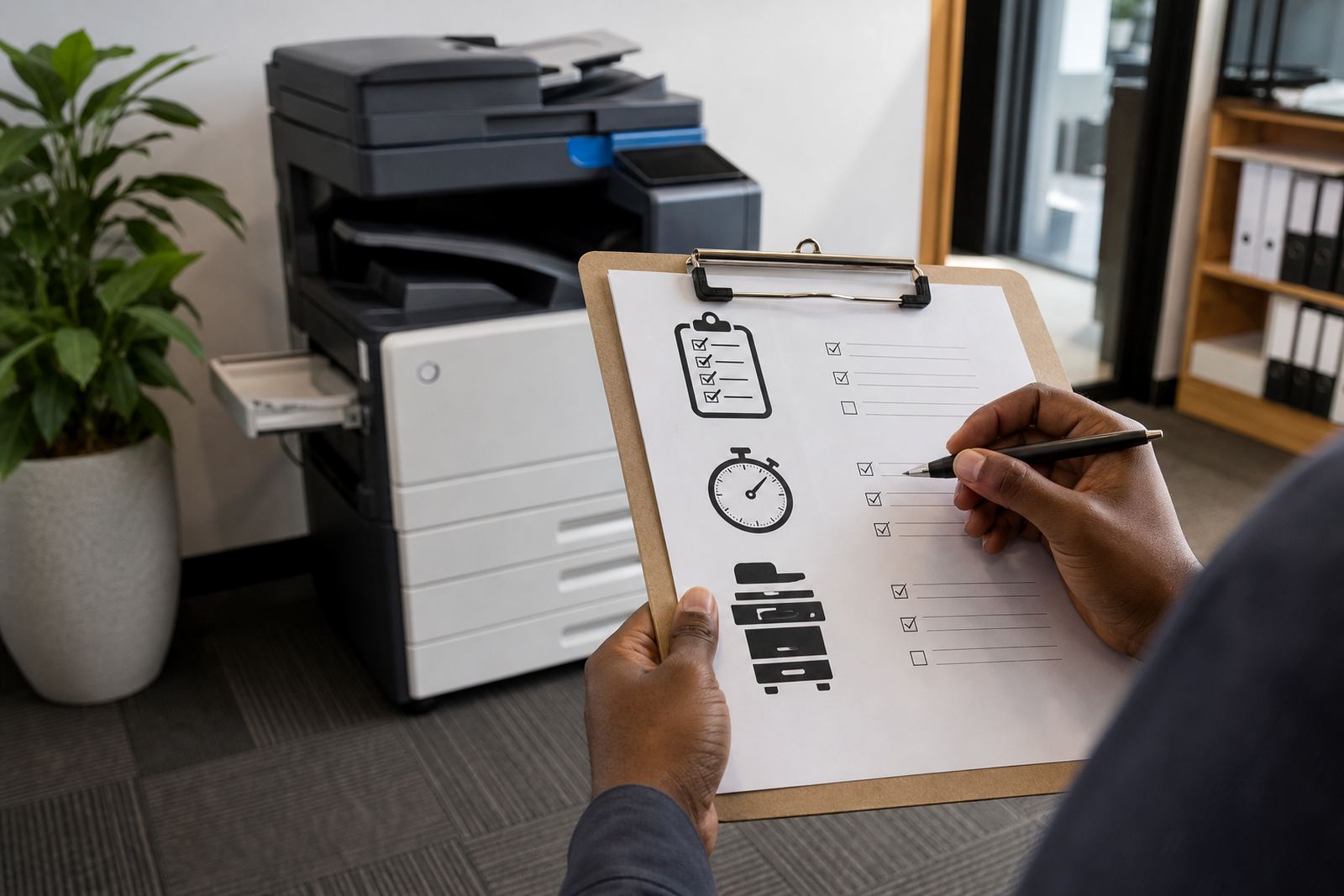

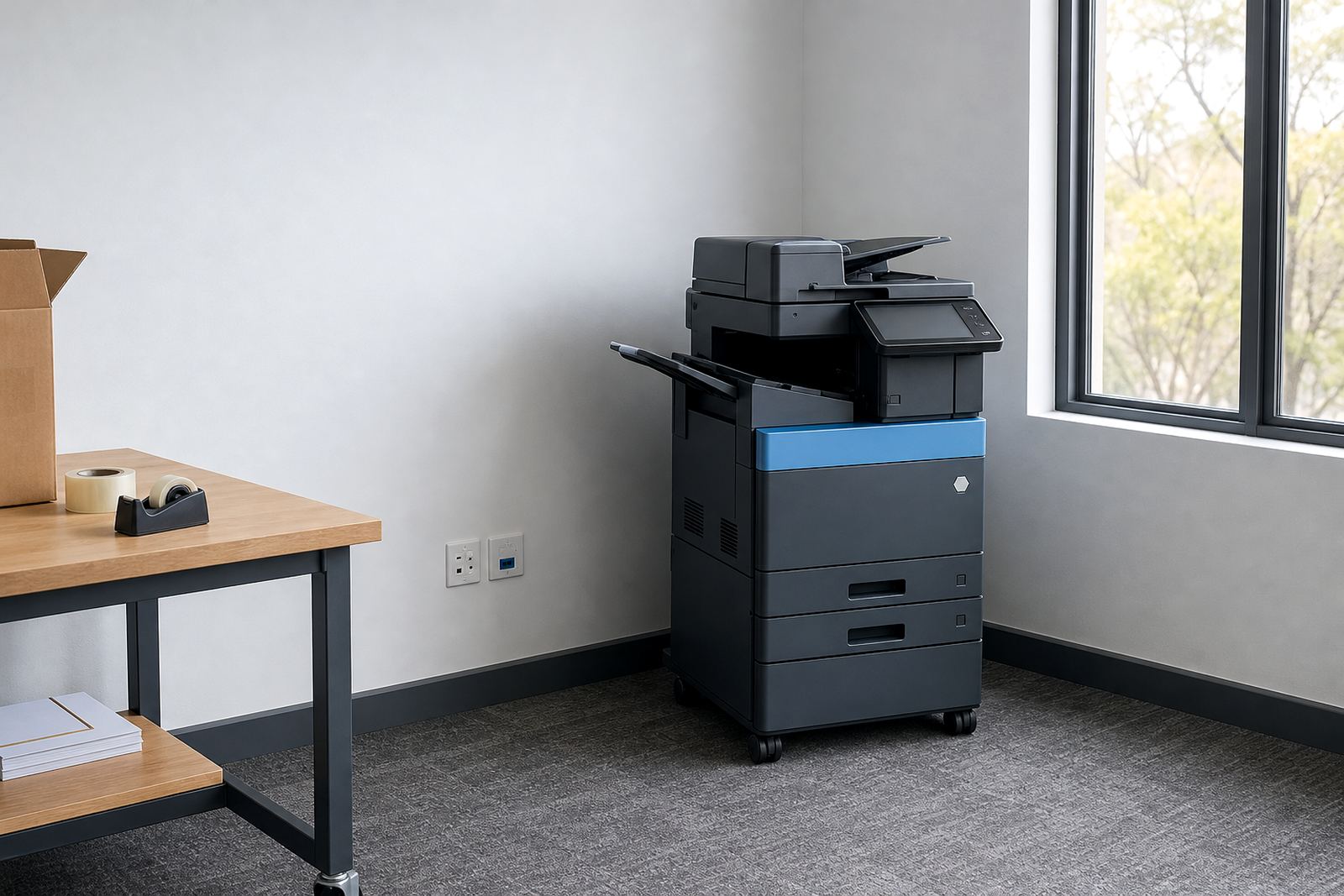
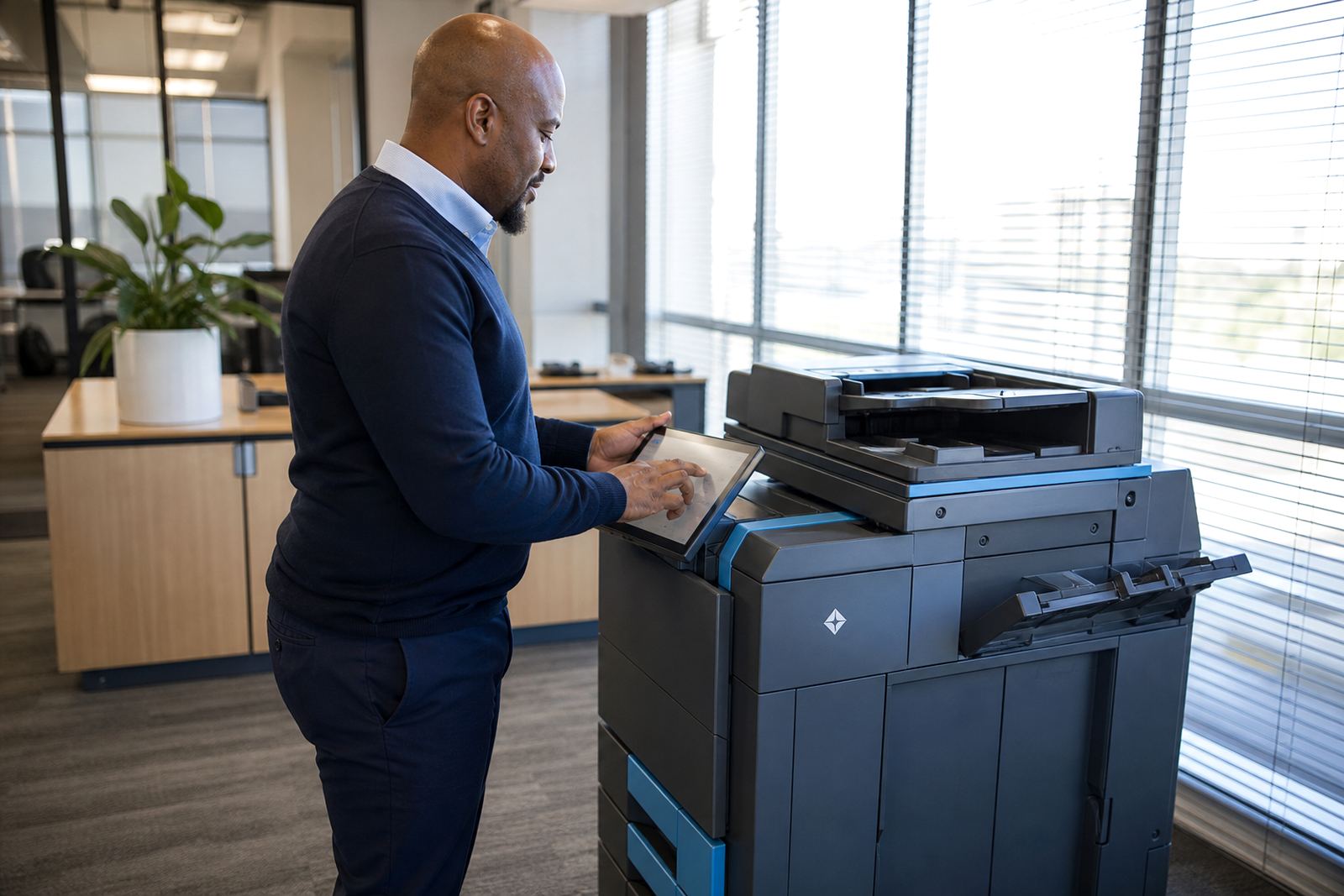
Start with the job the printer must handle
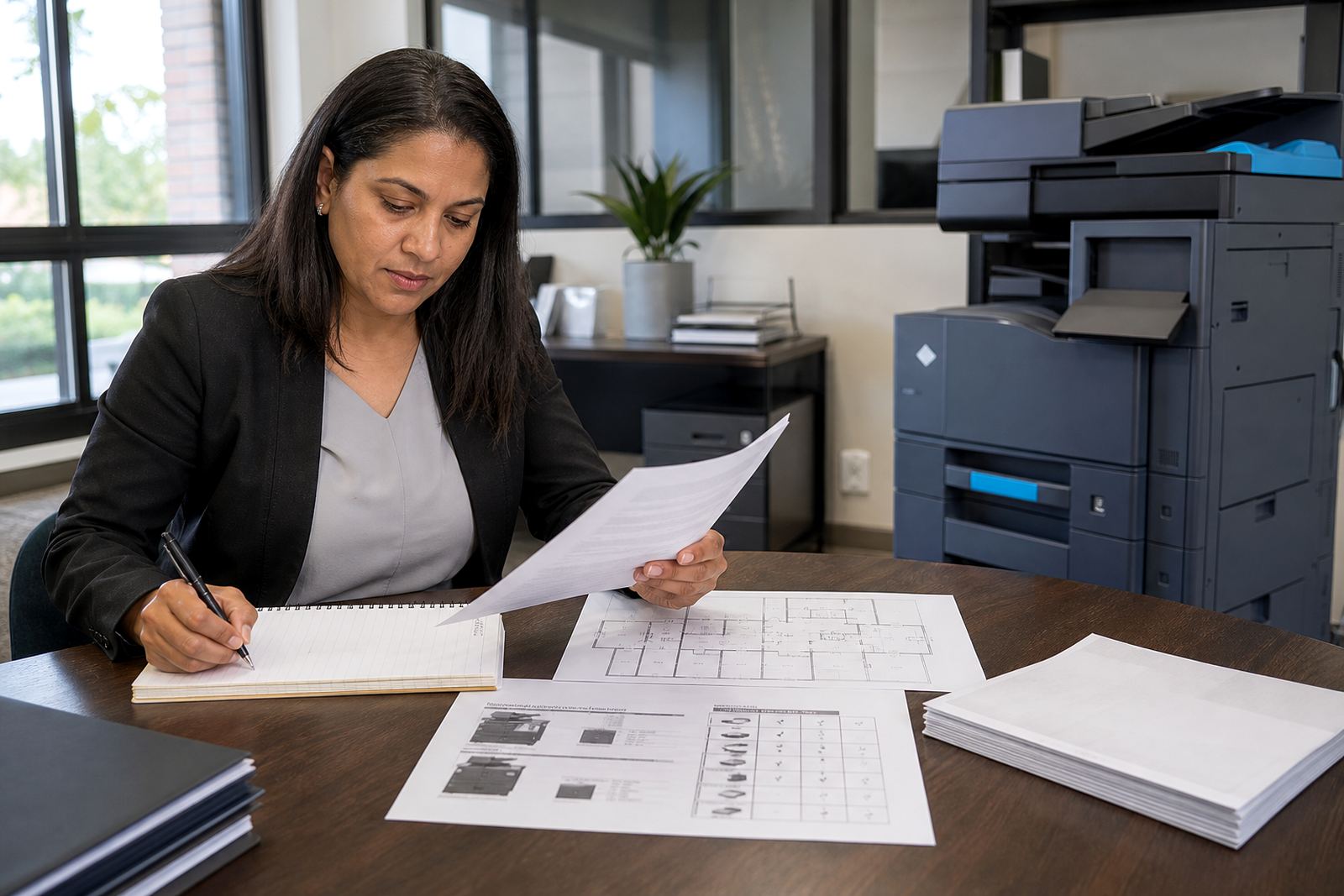
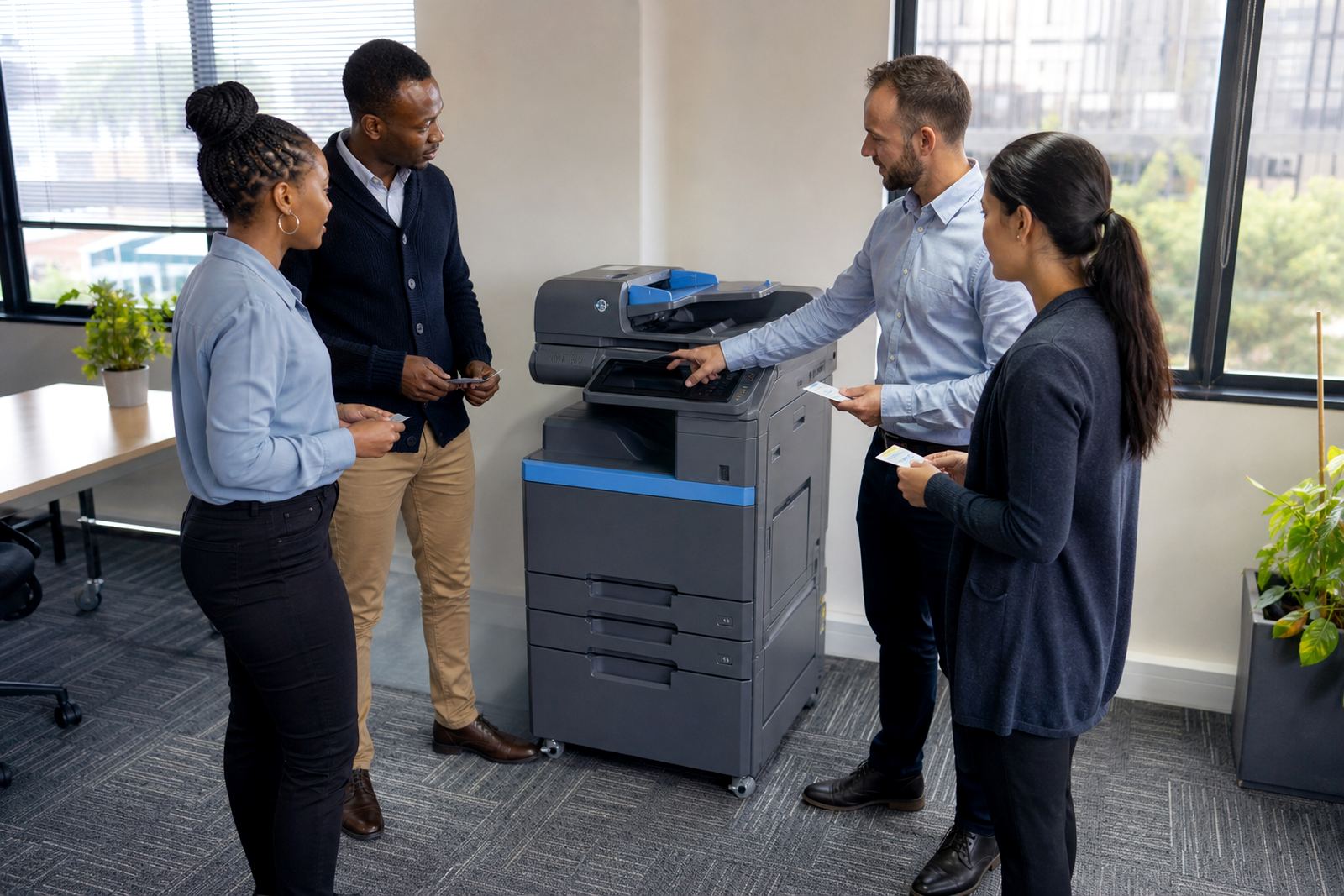
Every office uses print differently. A small practice may need one compact A4 multifunction machine for scanning, copying and everyday letters, while a school office or a busy finance team may need a larger A3 unit with a stronger paper path and heavier duty cycle. The right rental plan starts with the pages you print, the paper sizes you use and how many people share the device.
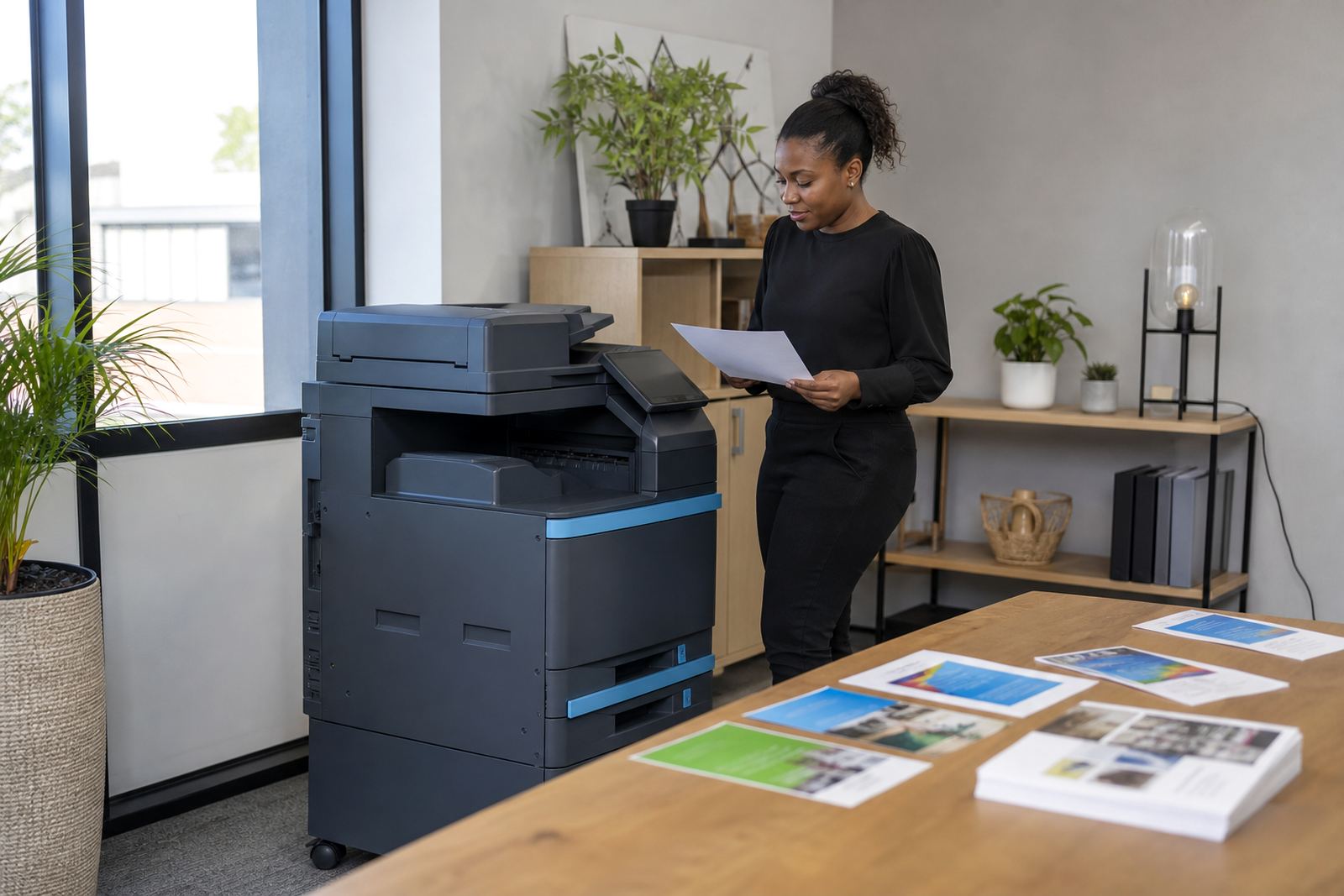
It also helps to separate colour work from plain mono output. A lot of offices print invoices, reports and forms in black and white, then reserve colour for presentations, charts and marketing packs. That split can shape the monthly rental and the click charges quite a bit.
The rental terms that deserve a slow read
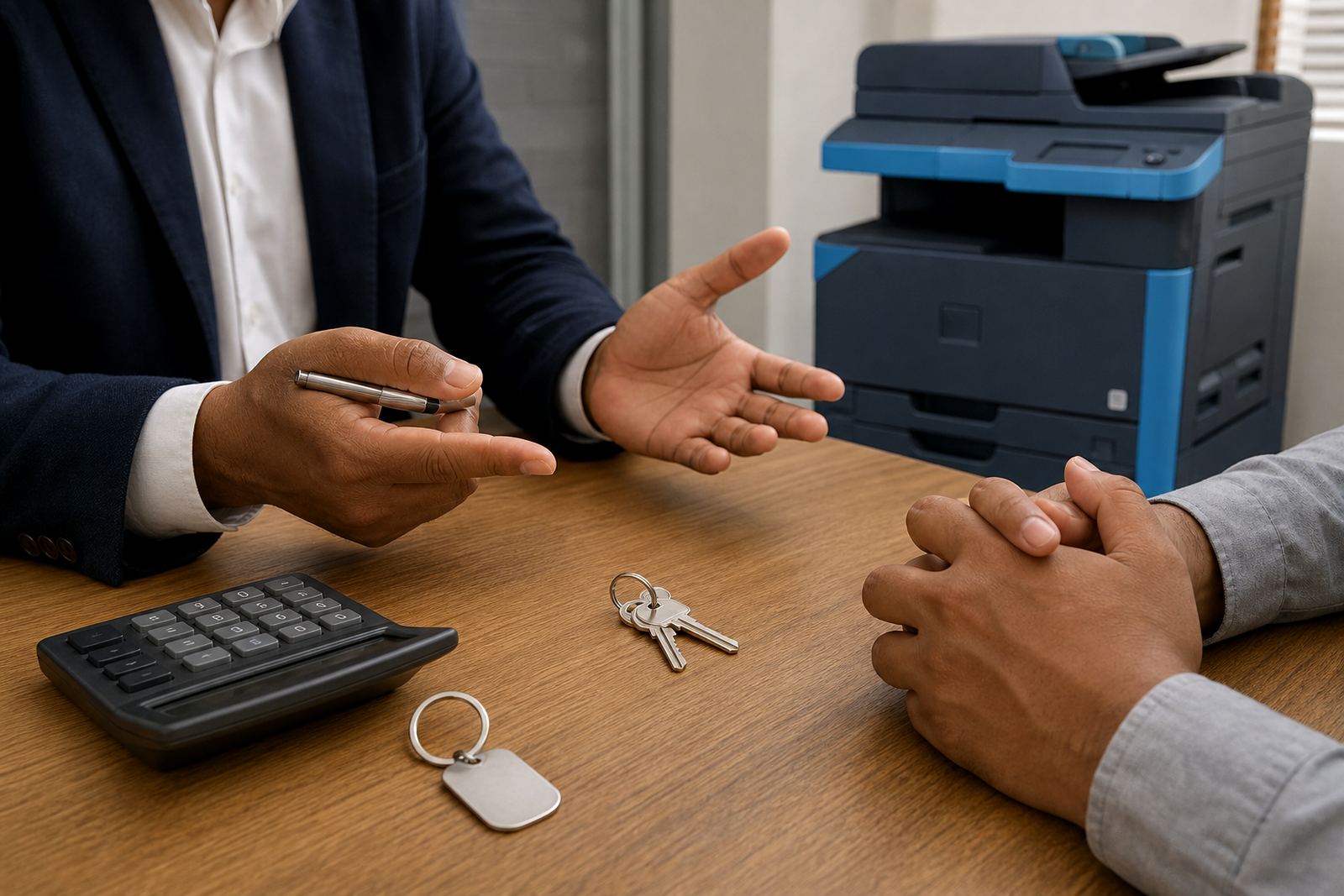
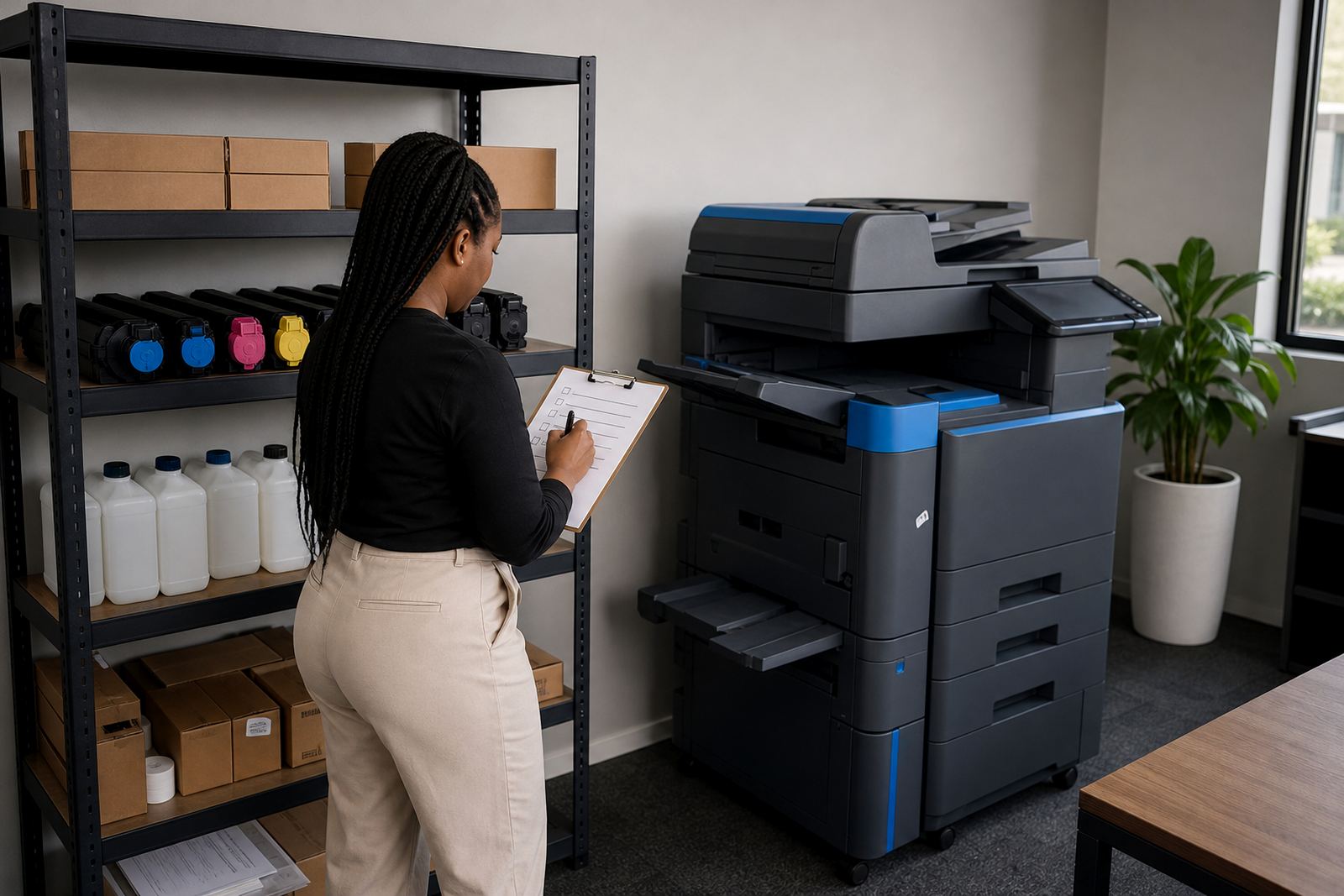
Managed print is not only about the machine. The agreement usually covers the monthly rental, toner supply, metre-based billing, on-site servicing and the rules for wear parts or exclusions. Some plans suit offices that want one fixed monthly amount plus usage charges, while others work better when the fleet is split by department and billed on actual output.
- Monthly rental for the machine itself
- Mono and colour click charges
- Toner supply and replacement
- Metre readings and billing checks
- Service visits and breakdown handling
- End-of-term swaps or machine changes
Ask how the metre is recorded, what counts as a black page versus a colour page, and how consumables are tracked when several users share one device.
A4, A3, mono or colour
A4 machines suit most offices that work with letters, invoices, quotations and message attachments. A3 machines make more sense where staff print training packs, drawings, spreadsheets or wider layouts that need extra page space. The choice between mono and colour should follow actual use, not the wish to have colour available just in case.
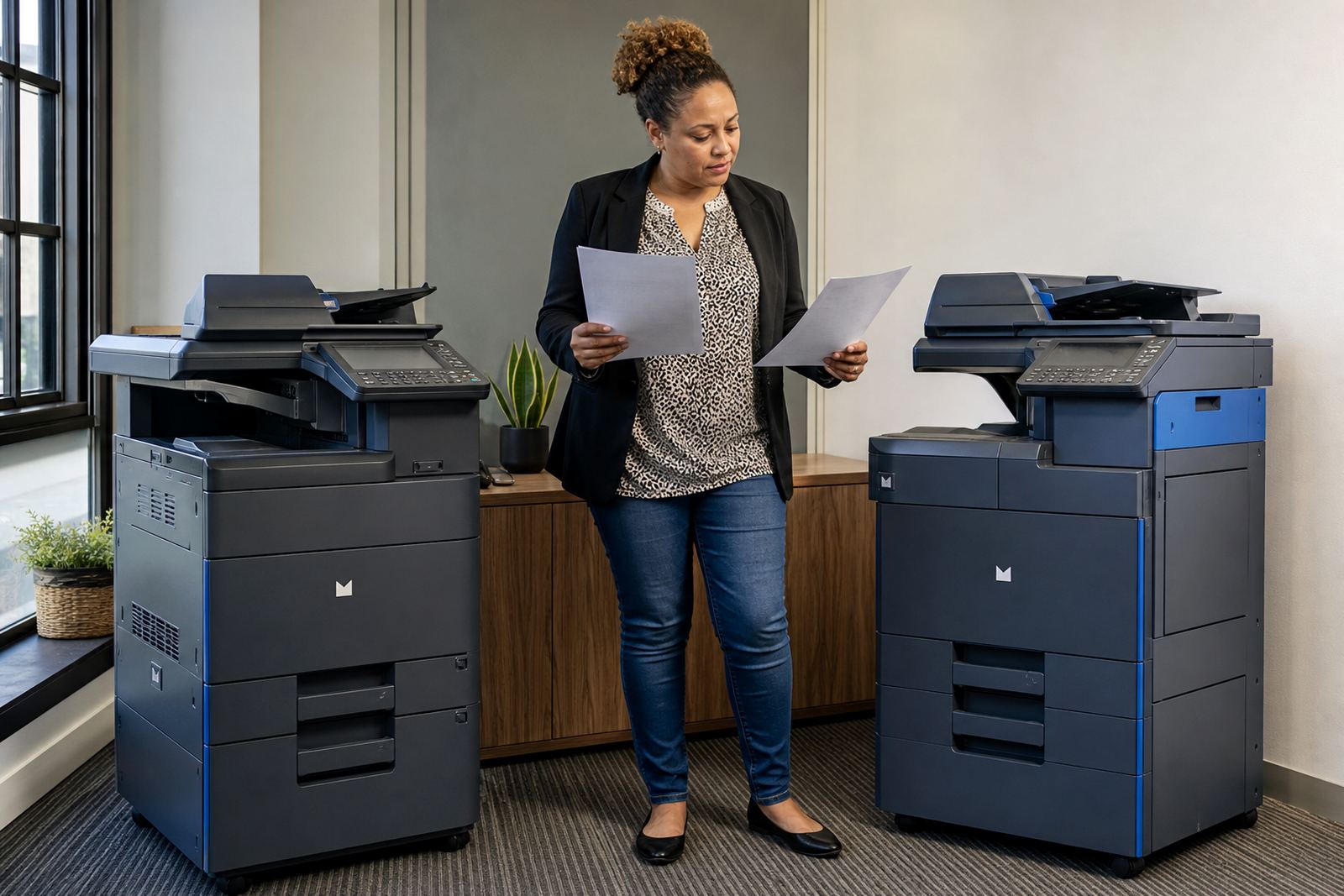
Colour printing adds value for some teams, but it also changes running costs. A good guide will show where colour is worth the spend and where a mono machine gives cleaner control over the monthly budget. In some offices, two smaller devices are more practical than one large machine that tries to do everything.
Support that keeps paper moving
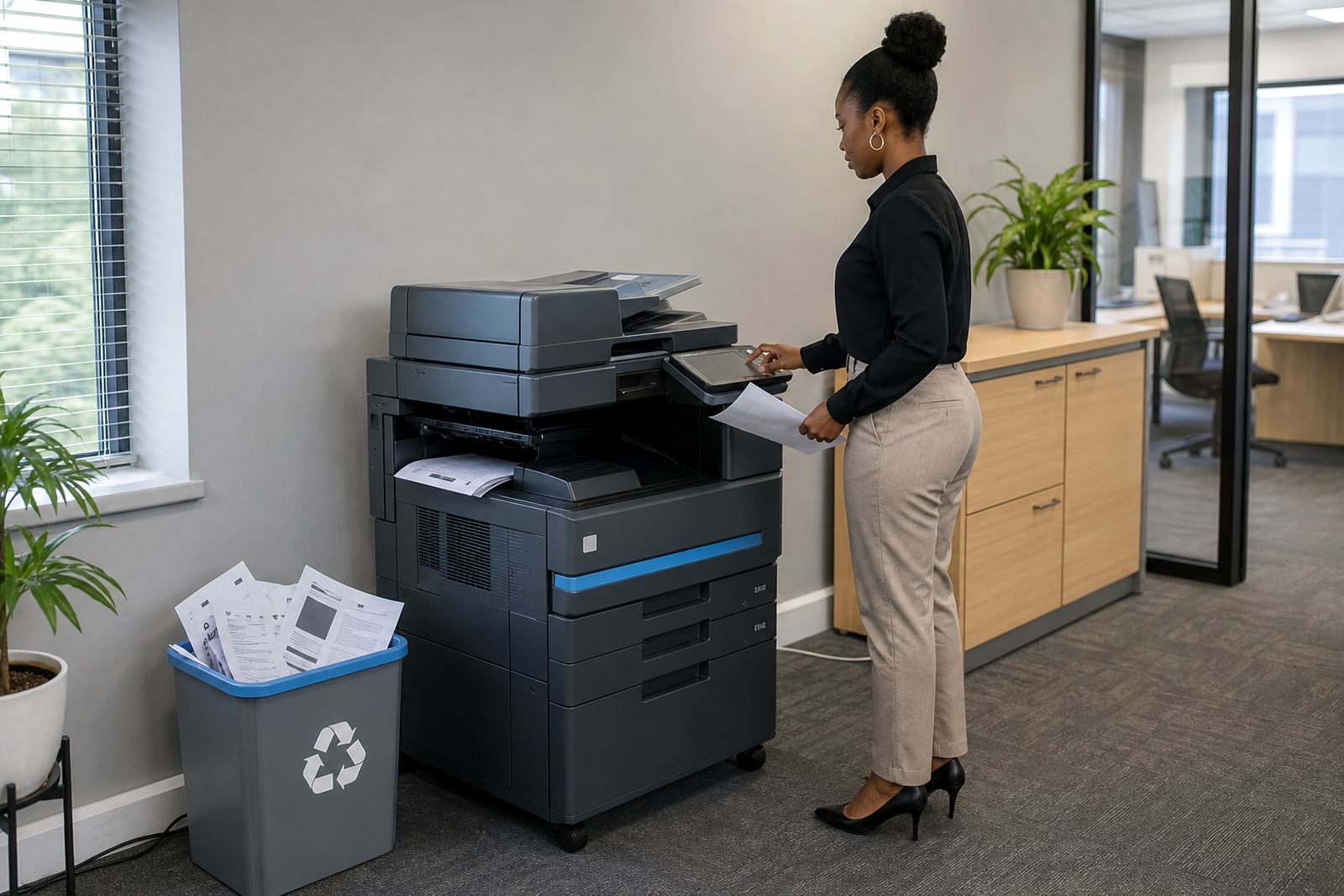
Support terms matter once the machine is in daily use. Offices need clear arrangements for toner supply, on-site servicing, breakdown response and user handover so the machine stays useful after installation. A proper setup also includes scan-to-message, secure print and network access that fits the office workflow.
- Device installation and placement
- Network setup for shared office use
- Scan-to-message configuration
- Secure print for confidential work
- Metre reading support for billing
- Machine relocations when the office moves
Where several staff members use the same printer, small setting changes can save a lot of trouble. Secure print is useful in reception areas, while scan-to-message helps teams move documents without extra steps.
When a fleet needs sorting, not just one machine
Some offices start with one device and then grow into a small fleet. That is common in firms with separate reception, accounts and management areas, or in schools with admin rooms and staff offices in different parts of the building. A fleet review looks at page volumes, device age, service history and whether each unit still suits the team using it.
That review often shows where a slow machine has become a bottleneck or where one department is paying for more capacity than it ever uses. It can also expose waste from staff sending heavy files to the wrong device or printing colour jobs on a machine that should stay mono.
End-of-term swaps and other clean handovers
Rental plans should explain what happens near the end of the term. Some offices need a straight swap to a newer machine, while others want a change in size, from A4 to A3 or from mono to colour. That process is easier when the service team handles removal, installation and user handover without leaving loose ends behind.
Machine relocations also come up when a business moves floors, changes branches or reshapes its office layout. A guide that covers those steps helps teams avoid downtime, missing cables and half-set printer queues. It also makes the next plan easier to compare because the previous usage is already clear.
A practical way to compare the options
When you read through the guides, compare the machines against the same list each time: page volume, print size, mono or colour, scan functions, security settings and the service terms around toner and metre billing. That keeps the conversation on real office use rather than glossy brochure language.
Go-Printers Rental works with offices, schools and practices across Halfway House, Midrand, Johannesburg, Pretoria, Durban, Cape Town, Bloemfontein, Centurion and Sandton. If you are working through a rental brief, our contact form is the place to send it through.