Start with the paper that leaves your trays
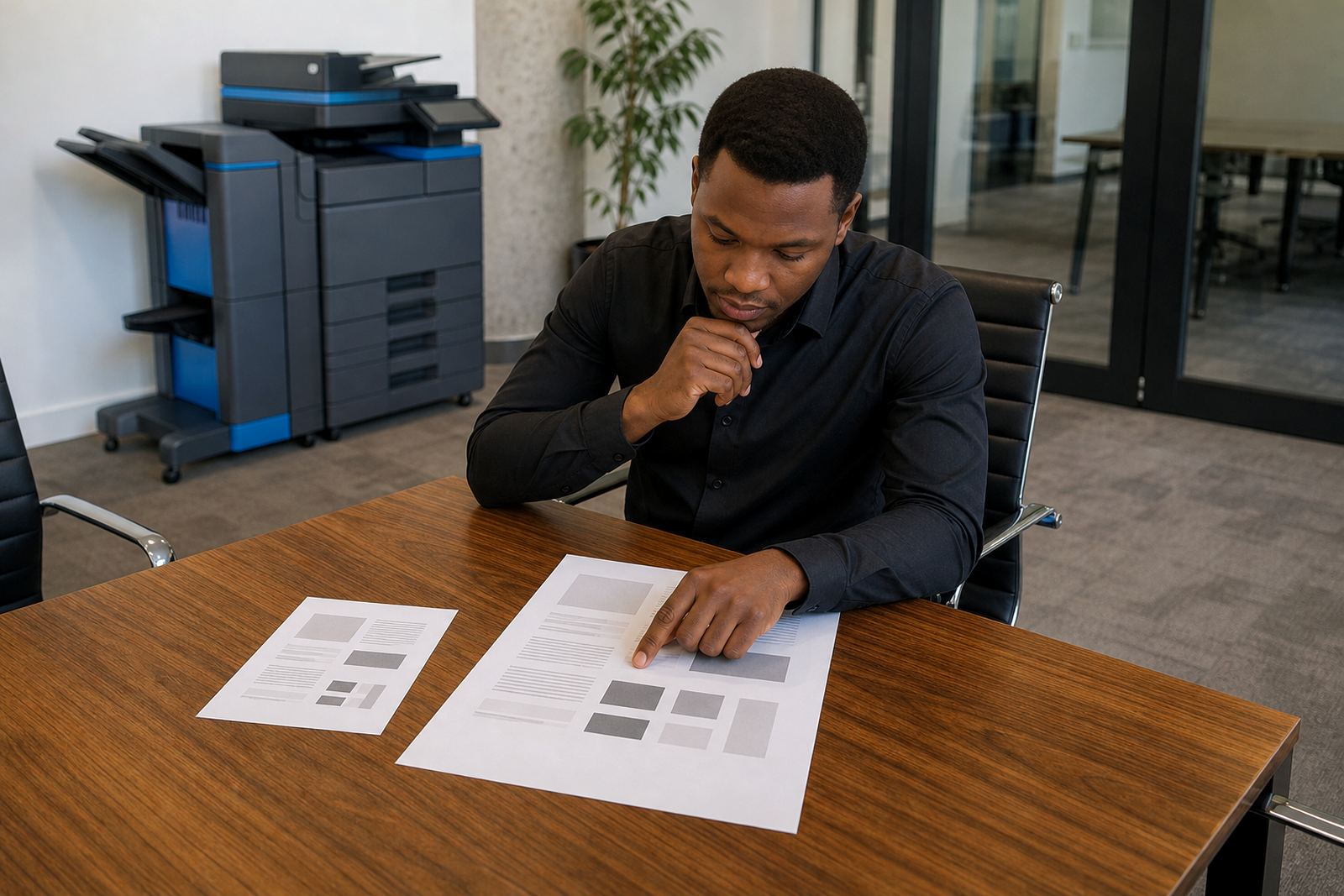
Most offices should begin with the paper size, not the machine body. If your work is letters, invoices, statements, HR packs and scan-to-message files, an A4 multifunction printer normally covers the day to day load without wasted space. If your team regularly prints brochures, training material, site plans, spreadsheets that need wider columns, or internal booklets, A3 becomes useful very quickly.
A3 machines are larger, heavier and usually pricier to rent than A4 units, so they only earn their keep when the extra page size is used often enough. A printer room in Halfway House or Sandton might handle the same document types as one in Centurion or Pretoria, but the mix is what matters. A small typo in your paper estimate can push the whole plan off course.
Where A4 keeps the budget tidy
A4 works well for most offices because it keeps paper costs manageable and keeps the machine footprint smaller. It also suits teams that print mostly single sheets, internal forms, patient records, learner packs, purchase orders and signed copies. For many offices, a solid A4 model with mono printing is enough, especially where colour is used only for occasional headers or charts.
Rental plans also make A4 easier to forecast. The monthly rental covers the machine, while click charges track what you print. That makes it easier to match usage to cost, and toner supply can be included in the managed plan rather than bought separately.
When A3 earns its place in the office
Choose A3 when people regularly need documents that are wider than standard office paper. That includes property packs, construction drawings, event layouts, accounting schedules, training manuals and presentations that need more room on the page. A3 is not only about size, it also helps when a team wants to copy or scan large originals without folding them or splitting them across sheets.
Some offices only need A3 in one department, so a fleet review can show whether one A3 unit is enough and the rest should stay A4. In a mixed office, one machine doing A3 and a second doing everyday A4 can make more sense than buying a single oversized device for everyone.
Mono or colour, the real test is use
Mono printing suits firms that produce mostly text, forms and reports. It usually gives sharper control over monthly running costs because the click charge is lower than colour on many managed print plans. Colour helps where charts, teaching material, marketing packs or customer-facing documents need to look clearer.
- Use mono if the page is mostly words and black tables
- Use colour if charts, headings or visuals matter often
- Mix both only where the colour pages are genuinely worth the cost
- Check whether scan-to-message and secure print are needed on the same device
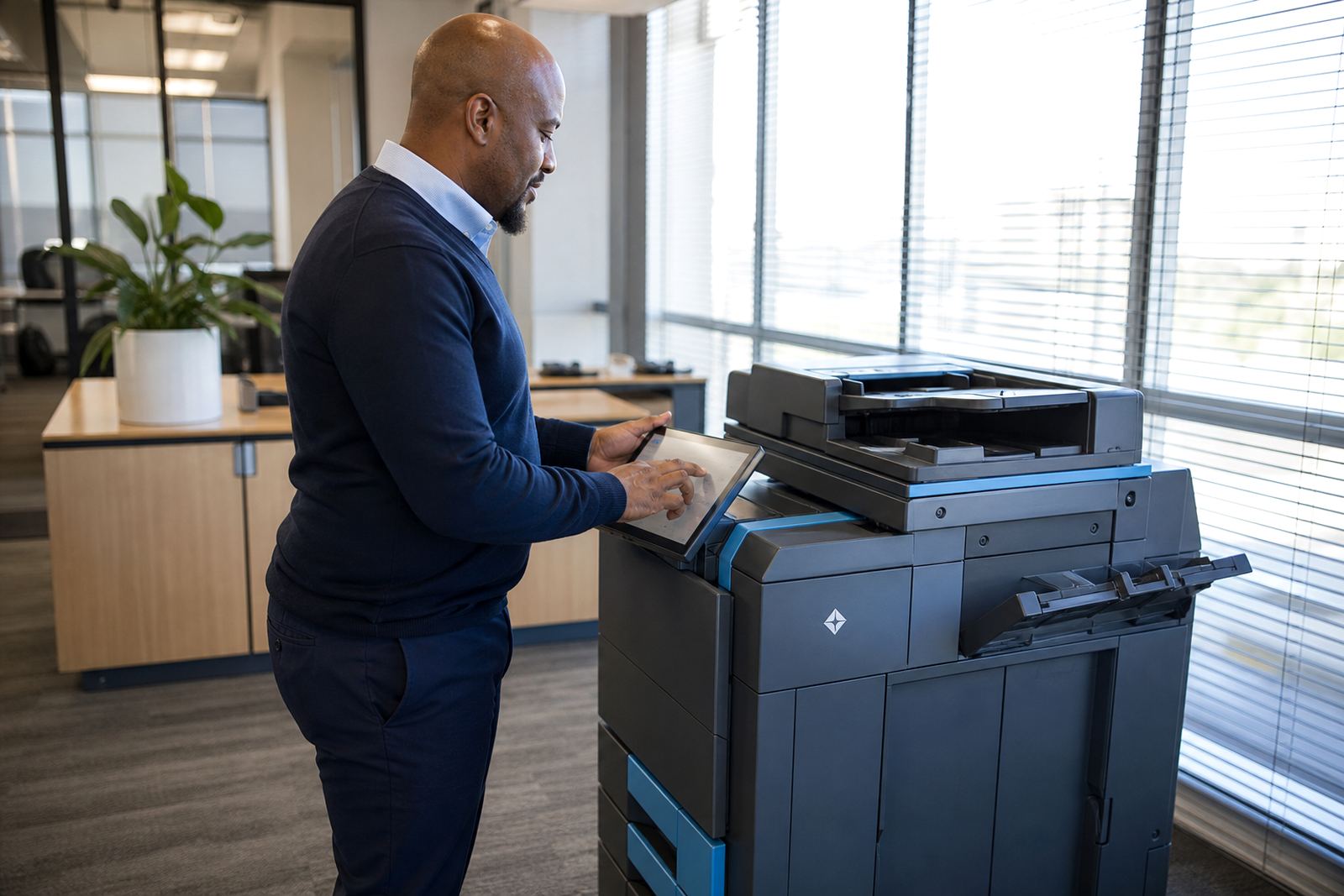
A machine with secure print is useful in shared offices, while scan-to-message helps teams move paper files into shared folders fast enough for daily admin. Those features matter more than people realise when the printer sits in a reception area or open office.
How rental plans change the decision
Buying a machine locks in the cost up front, but rental spreads the spend through the month and keeps toner supply inside the agreement. That matters when an office wants predictable billing and does not want to deal with unexpected cartridge buys, drum changes or maintenance calls. Metre reading support also keeps the billing honest because usage is recorded from the machine rather than guessed.
For offices in Johannesburg, Durban, Cape Town or Bloemfontein, rental also makes upgrades easier. If your print needs grow, or the work changes from mono to colour, the fleet can be reviewed without starting over. End term swaps are useful when an older unit no longer fits the volume or the paper size mix.
A quick room-by-room check before you decide
Walk the office and note where printing actually happens. Reception may need a fast mono A4 unit, finance may want secure print, and a back office might need A3 for reports or folders. Schools and practices often need more scanning than printing, while design, engineering and property teams may need wider pages more often than they first admit.
- Count how many people print every day
- List the documents that need A3, not just A4
- Note whether colour is essential or occasional
- Check if scanning, secure print and user handover matter
- Confirm whether one machine or two would suit the space better
A machine relocation can also matter if the current printer sits too far from the users. A shorter walk to the device often saves more time than a bigger model on the wrong floor.