Start With The Pages That Leave The Tray
Look at a normal month, not a busy one. If most pages are invoices, bank letters, internal notices and training notes, mono usually fits the rhythm better because the running cost stays easier to track. If your office sends proposals, marketing packs, property packs or client packs with charts and logos, colour has a place, but only where it is used on purpose.
In managed print, the question is not only what the machine can do. It is also how many pages pass through it, who prints them, and how often staff need scan-to-message, secure print or quick copying. A tidy metre count tells a better story than guesswork.
Mono Makes Sense When The Work Is Mostly Text
Mono A4 or A3 devices suit many offices that need steady copying, scanning and printing without paying for colour on every page. Legal practices, medical rooms, admin teams and education offices often run a heavy text load with a smaller number of presentation pages. In those cases, mono output keeps click charges simpler and the monthly rental easier to compare.
- Invoices, statements and letters are mainly black and white
- Internal packs do not need colour charts or graphics
- Users want clear scan-to-message and secure print functions
- The office values lower click cost over colour flexibility
A mono fleet can still handle duplex printing, A3 copying and network scanning, so it is not a stripped down choice. It is a practical one when the pages are mostly plain text and the toner tray should not drain on colour toner that never gets used.
Colour Pays Its Way When The Page Carries Meaning
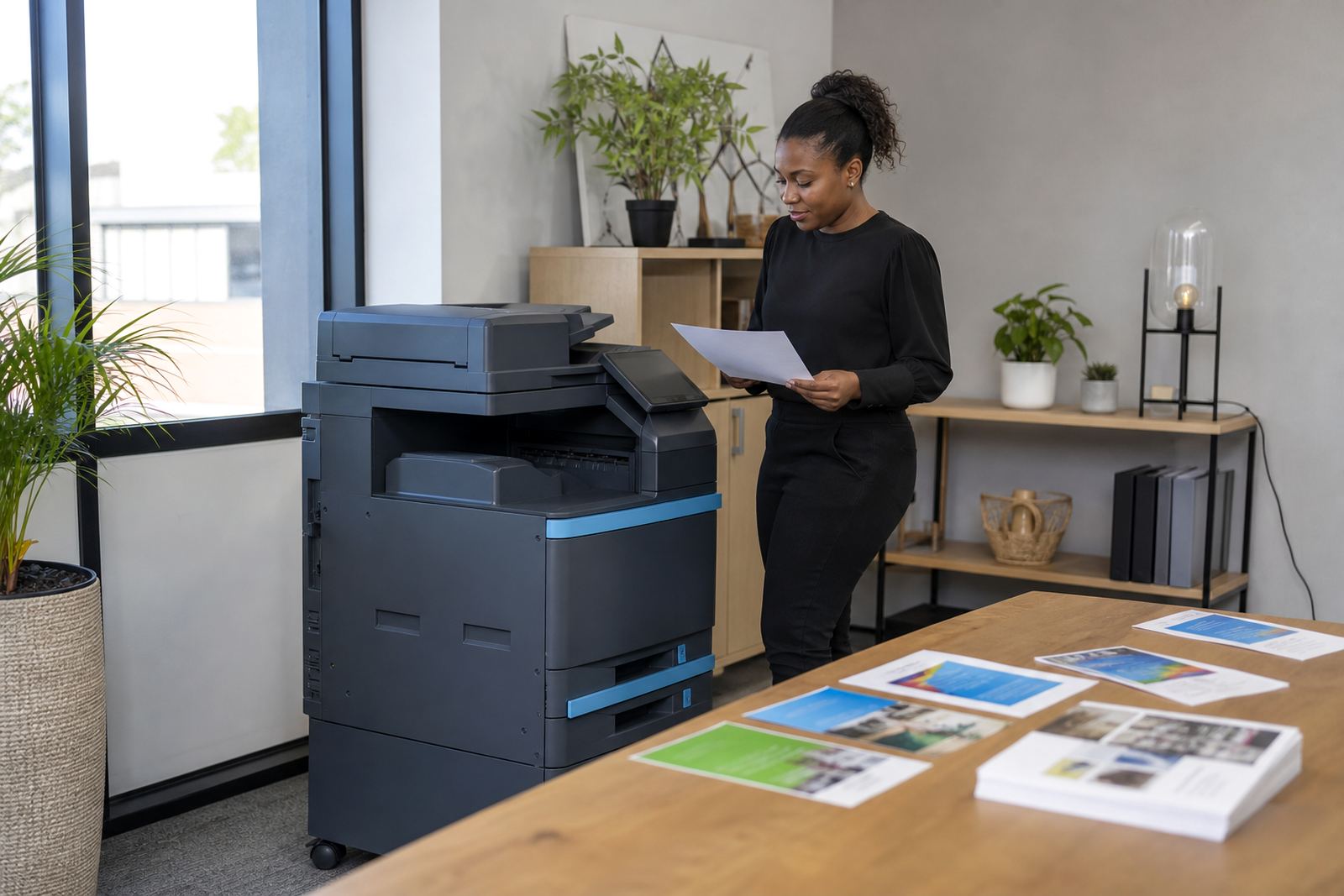
Colour is worth considering when diagrams, plans, photos, sales packs or branded documents need to land properly on paper. A school office may need colour for notices and parent packs. A design, sales or property team may need it for presentation sheets. In those cases, the extra cost can be fair if the page actually benefits from colour.
Many offices do not need colour on every machine. A common arrangement is a mono copier for daily output, with one colour multifunction machine for teams that print visuals more often. That balance keeps the monthly rental grounded and avoids paying colour click charges for pages that do not need them.
Match The Machine To The Way People Work
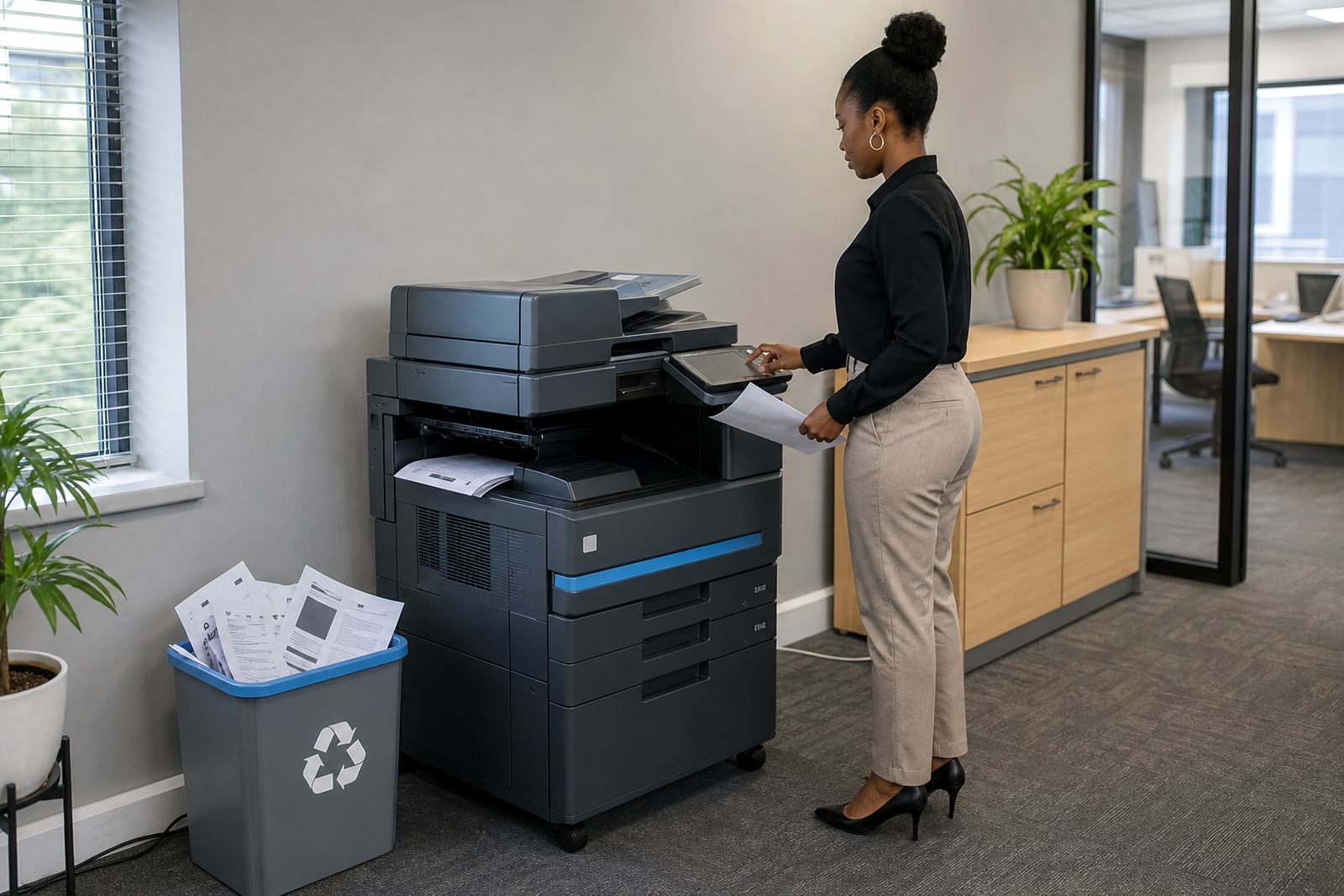
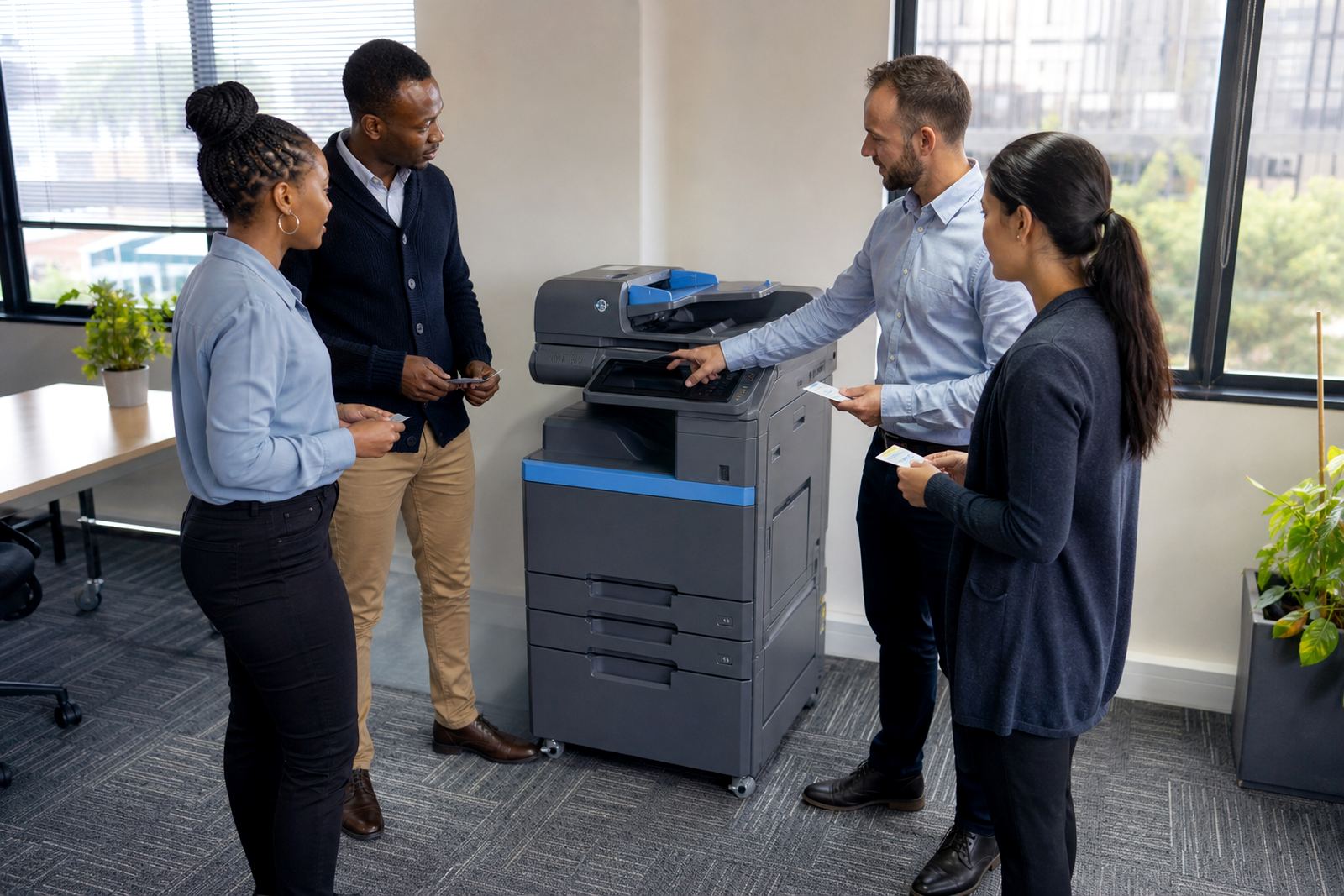
Good selection starts with workflow. If a reception area handles walk-up copying, a finance team prints confidential files, and managers scan signed forms to message, the machine needs to cope with mixed use. Secure print helps keep private documents waiting for the right user, while scan-to-message cuts down on retyping and extra handling.
- Count the people who print every day
- Separate text-heavy work from presentation work
- Check whether users need A3 copying as well as A4
- Decide where secure print and user login will matter most
- Plan for metre reading support so billing stays accurate
For offices in Midrand, Sandton, Pretoria or Durban, that mix can shift by department. One floor may need mono only, while another room needs colour for client-facing packs. A fleet review helps split the load without overbuying.
Rental, Click Charges And The Real Monthly Picture
Managed print plans usually separate the monthly rental from the click charge. Rental covers the machine, and the click charge follows the pages that move through it. That structure suits offices that want toner supply included and do not want to budget for cartridges every time the machine runs low.
Mono click rates and colour click rates are not the same, because colour uses more consumables and more moving parts. If your office prints mostly text, mono can be kinder to the budget. If the team prints many colour pages but only a few each day, the total still may stay reasonable. The key is to read the metre pattern honestly, not hope the figures will balance themselves.
Metre reading support matters here. When readings are clear and taken on time, billing follows real use instead of a rough estimate. That keeps the plan steady for schools, practices and branch offices that need clean records.
A Simple Check Before You Choose
Before you decide, pull a short sample from the past month. Count the pages, not the conversations about pages. Look at how many were black and white, how many needed colour, and how many were scanned or copied rather than printed. That gives a fairer guide than a single busy week.
- Which pages need colour to be read properly
- How many users print from desktops and laptops
- Whether the office needs A4 only or A3 as well
- How often toner must be supplied to keep up with output
- Whether end term swaps may suit future growth
If the answer keeps pointing toward text, mono is often enough. If the office relies on presentation pages, colour may earn its place. Either way, the machine should fit the work, not the other way round.
Keeping The Fleet Fit For The Job
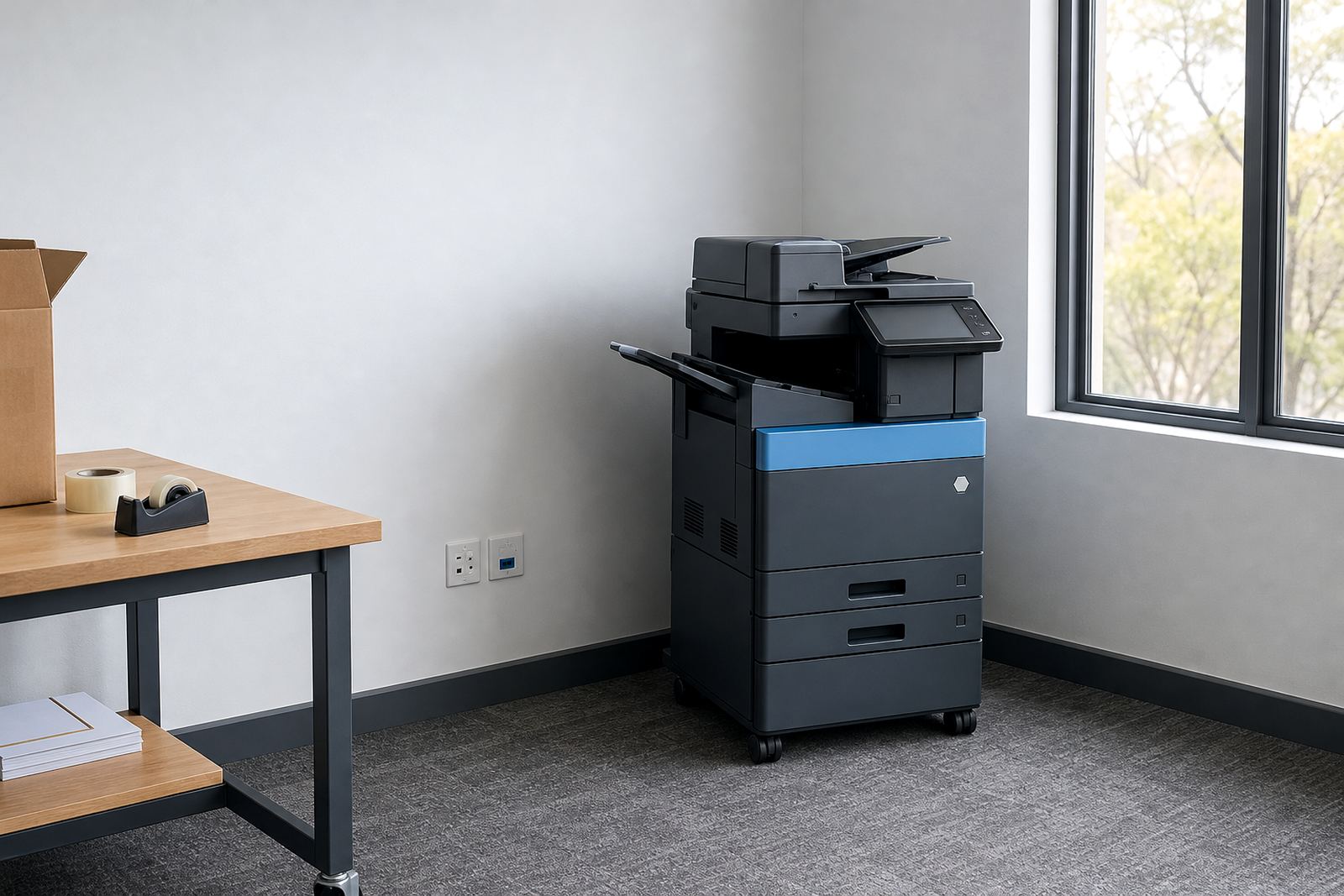
Machines change as a business changes. A growing team may move from one mono unit to a mixed fleet, or from smaller A4 devices to A3 machines with stronger scan and copy functions. Machine relocations, user handover and end term swaps all help keep the setup aligned with the office, instead of forcing staff to work around an awkward fit.
For offices in Halfway House, Johannesburg, Bloemfontein and Cape Town, the useful question is not which option sounds better in theory. It is which machine handles the actual day, the actual metre count and the actual document mix. That is how managed print stays useful over time.
When the print pattern changes, the fleet should be reviewed before the costs creep up. A plain mono machine can be the right answer for one department and the wrong answer for another, so the mix deserves a proper look rather than a guess.