

Keeping the fleet readable, usable and in step
Support starts with the day-to-day details that keep an office printer fleet steady. We help with A4 and A3 multifunction machines, mono and colour setups, and the mix of rental and click charges that sits behind each account. When a team needs scan-to-message set correctly, secure print turned on, or users shown where the metre reading sits, that work is part of the support picture too.
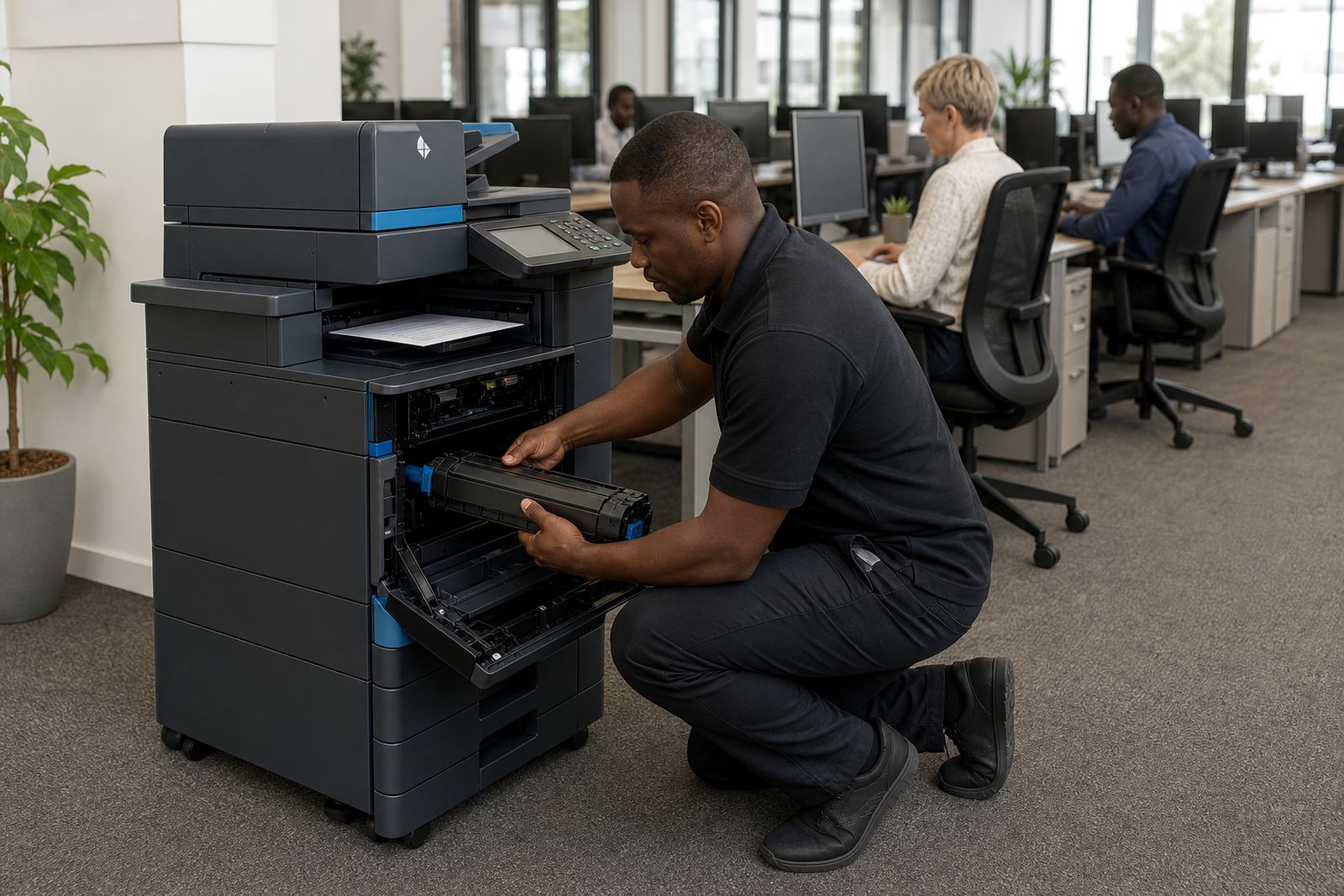
In busy offices, the small issues build up fast. A tray that sticks, a network setting that drops, or a copier that needs a clean paper path can slow a whole floor. Our support process is built around those practical faults and the paperwork that goes with them.
The support tasks we handle around the office
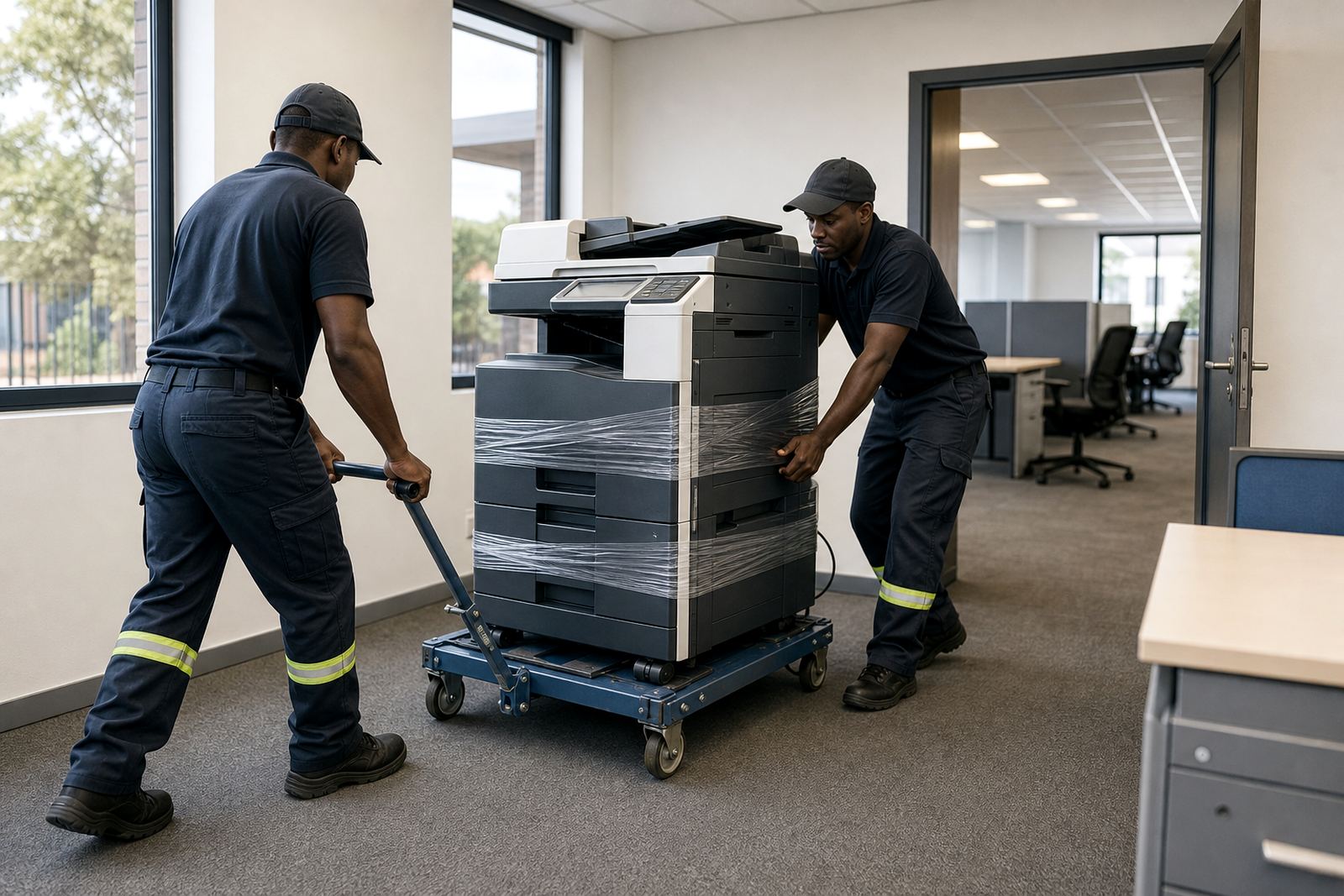
Some calls are about setup, others about keeping the machine in daily use. We cover the office side of printer rental with installation, network setup, toner supply and machine relocations. When a branch changes layout or a receptionist moves into a new space, the copier often needs to move with it and be checked again on the network.
- Device installation and user handover
- Network setup for shared printing and scanning
- Toner supply and metre reading support
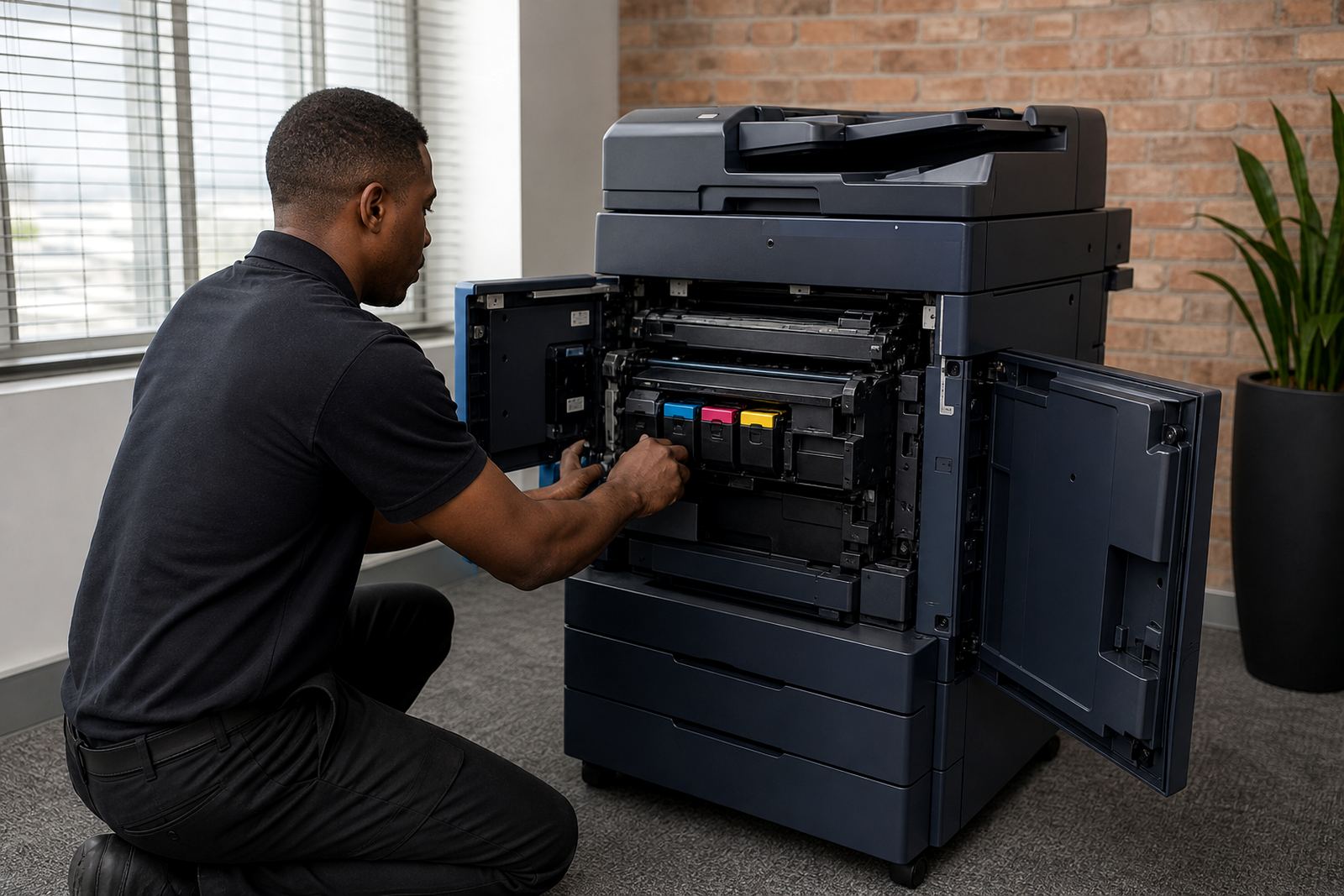
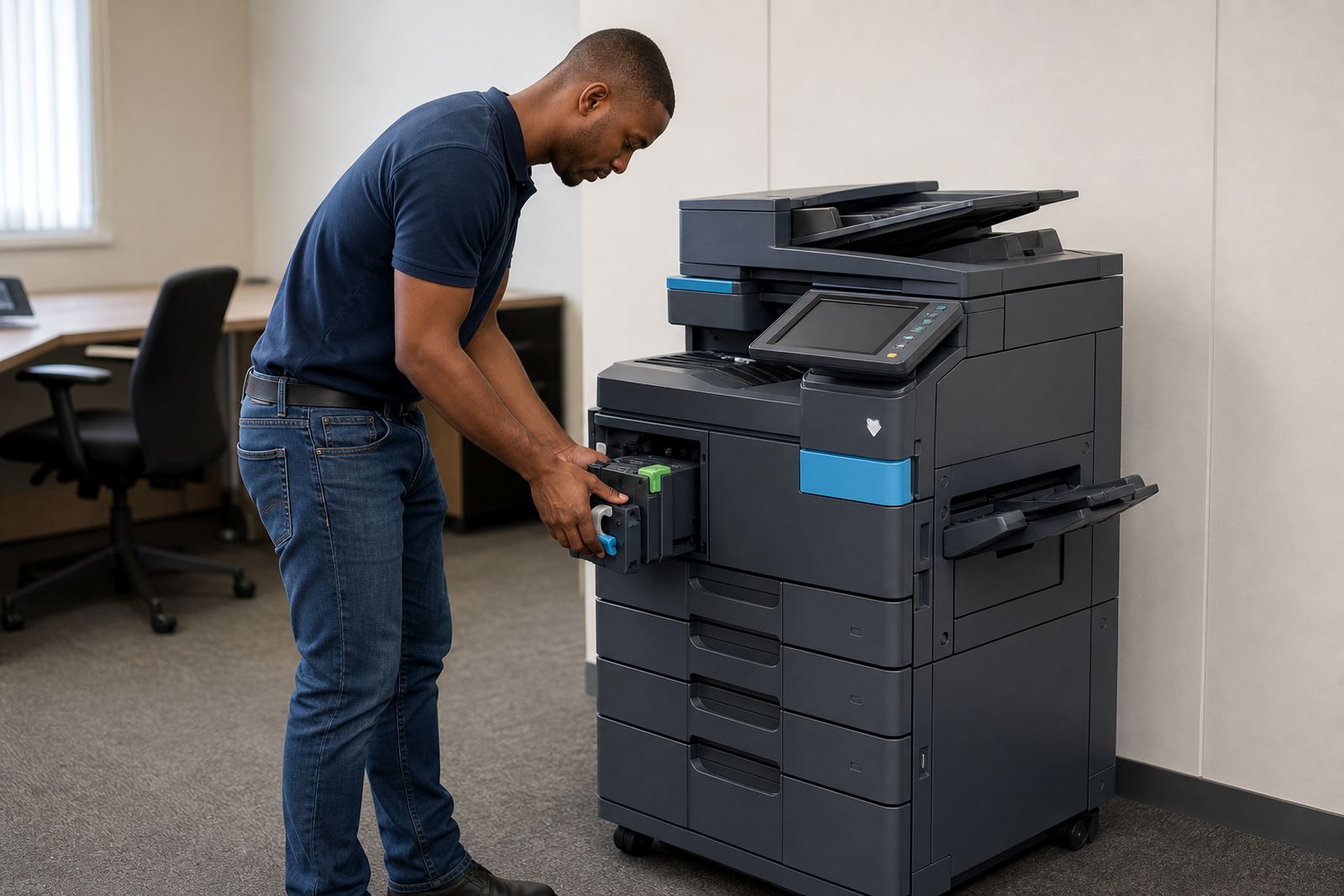
- On-site servicing for faults and wear
- End-term swaps when the fleet needs a different fit
When a machine needs a field visit
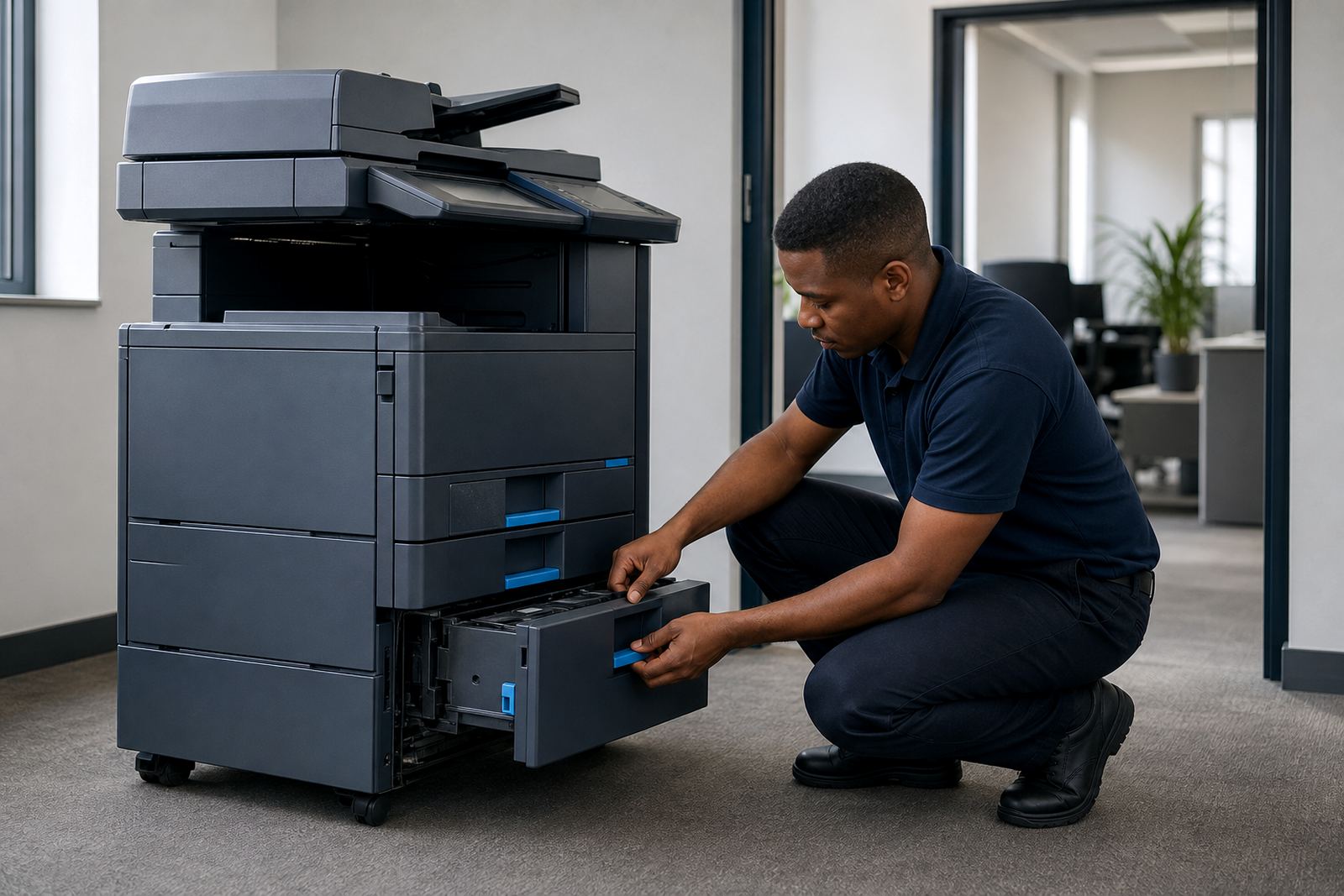
Some faults can be sorted with settings, others need a technician at the machine. Paper feed issues, scanning problems, print quality concerns and panel faults all call for proper inspection. Our team handles on-site servicing in Halfway House, Johannesburg, Pretoria, Centurion, Sandton, Durban, Cape Town and Bloemfontein, with the same focus on the machine and the office routine around it.
For practices, schools and admin teams, a copier is not a spare item. It sits in the path of invoices, registers, notes and daily paperwork. That is why breakdown support needs to be practical, careful and clear about what was done on site.
Managed print work that keeps billing tidy
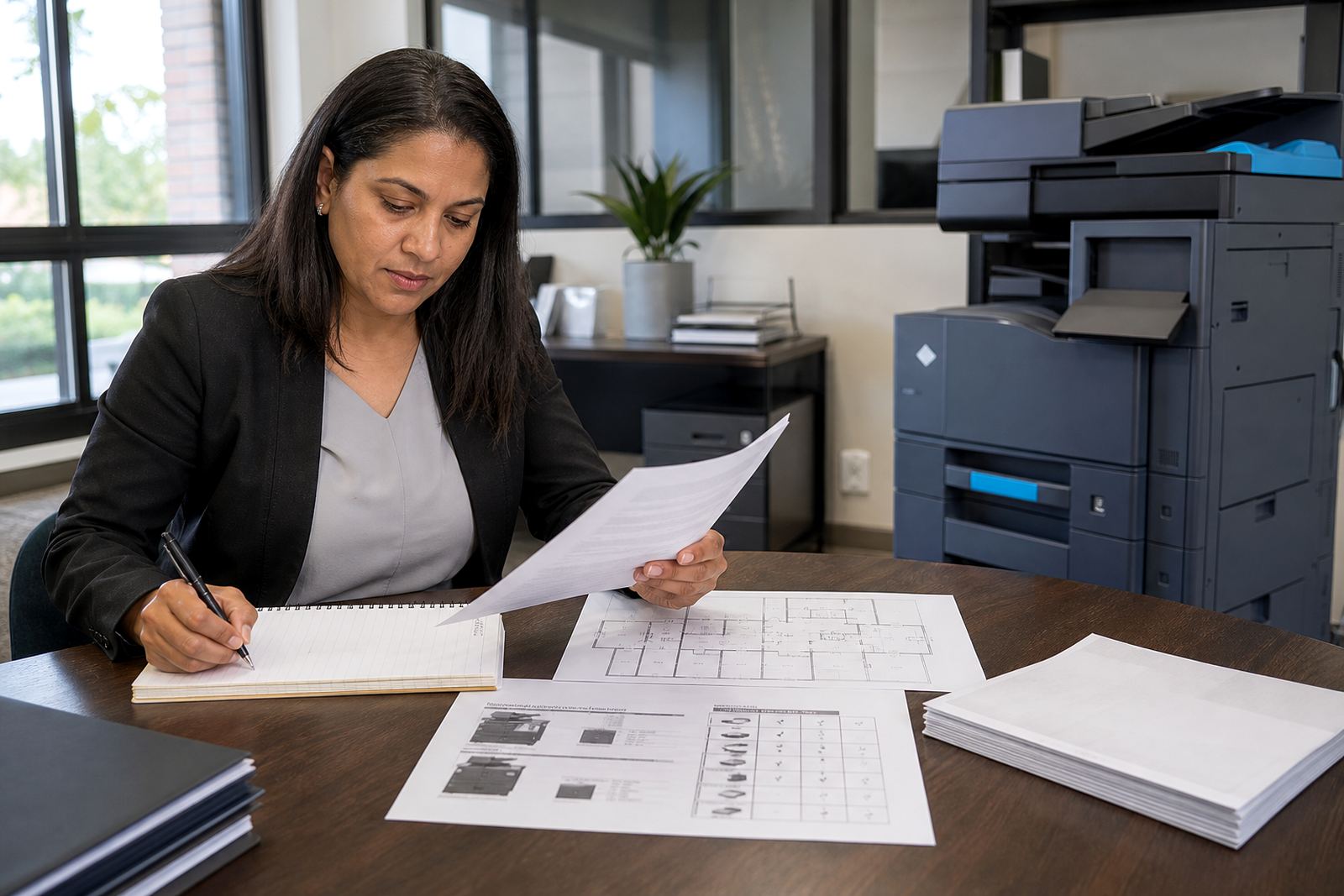
Metre-based billing works best when readings are captured properly and the account reflects real use. We support that side of managed print with metre reading checks, click charge tracking and toner supply linked to the plan. That helps offices avoid the uneven costs that can show up when supplies and usage are handled separately.
- Monthly rental for the equipment itself
- Click charges tied to actual printed pages
- Toner included under the managed plan
- Readings recorded for accurate billing
- Fleet review when usage changes across departments
Setup that office staff can live with
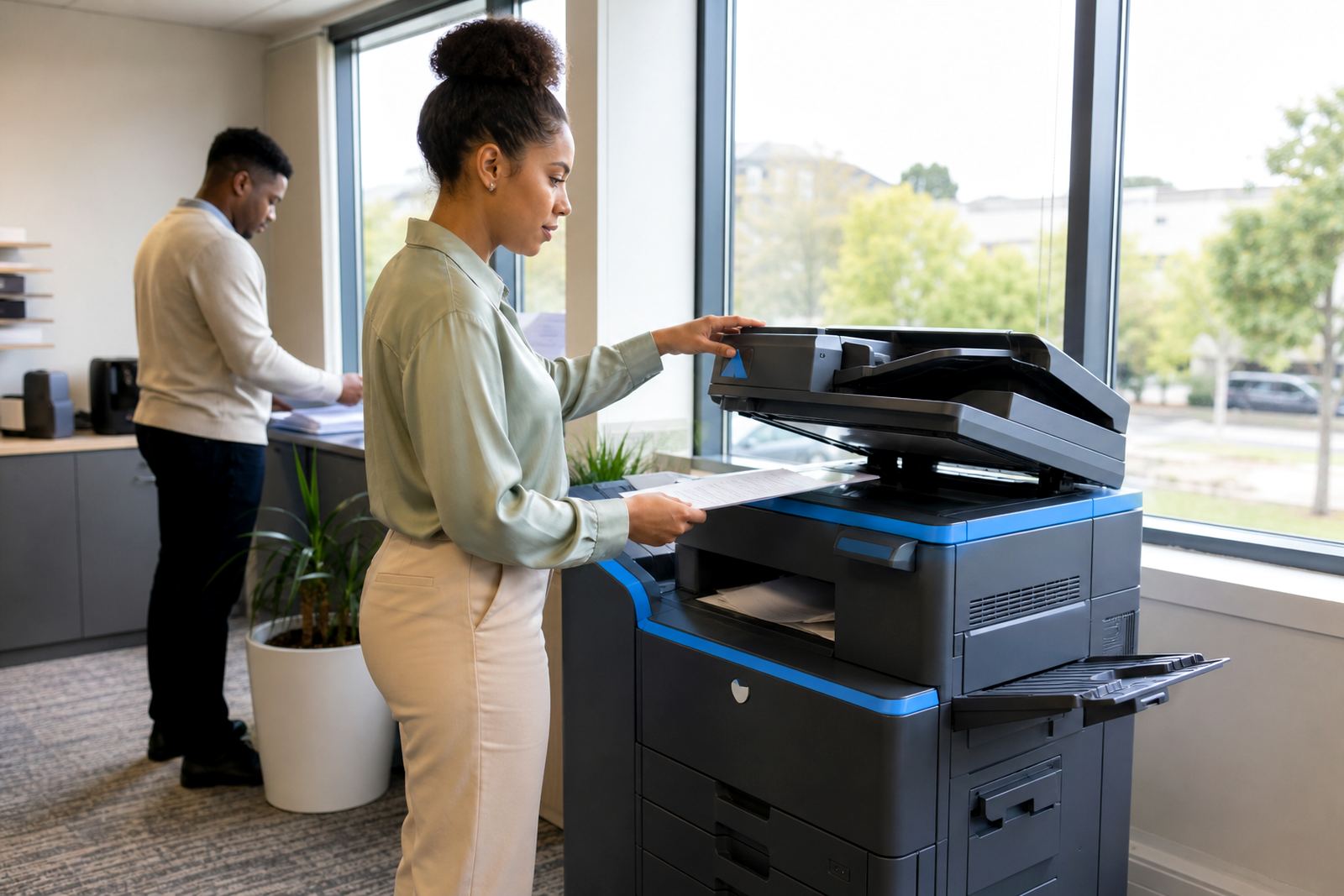
Good support is also about making the machine easier to use. Scan-to-message should be set so users can file documents without fuss. Secure print should release jobs at the right device and keep sensitive pages out of the wrong hands. User handover matters too, because a neat setup is wasted if nobody knows which tray, code or menu to use.
We work with office teams that need plain instructions and a machine that fits the room. A3 copiers, compact A4 units and mixed fleets all behave differently, so support has to match the way the office actually works, not a generic script.
When the term changes, the fleet can change too
End-of-term swaps are part of support when a device no longer suits the page volume, paper size or colour use. Some offices move from mono to colour, others trim back from a larger copier to a smaller unit that takes up less space. Machine relocations, user changes and a fresh service check often go together at that stage.
Our support team looks at what the office needs now, not only what was set up at the start. That keeps the rental arrangement practical when departments grow, move or settle into a different print pattern.