What belongs on a service call
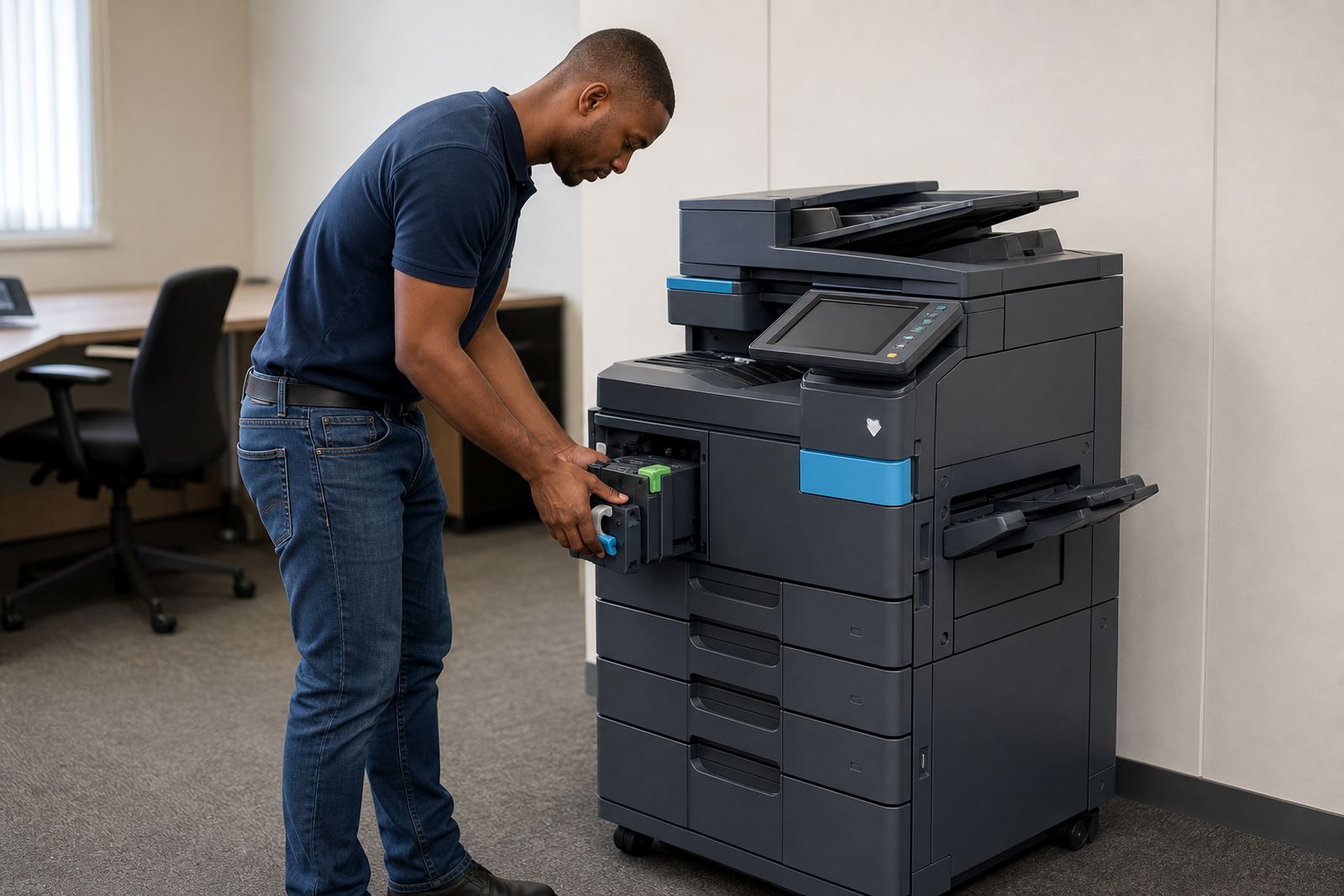
A service call is for faults that affect day to day printing, copying or scanning on the machine in your office. That can include paper jams that keep returning, faded output, streaks, error codes, broken feeders, noisy motors, scan-to-message problems, secure print settings that will not hold, and copiers that stop midway through a run.
If the unit is under a managed print plan, we use the metre reading, fault description and site details to route the job correctly. That helps us work out whether the issue needs a field visit, a remote settings check or a parts swap at your premises in Midrand, Sandton, Pretoria, Johannesburg, Durban, Cape Town or Bloemfontein.
What to note before you log the fault
A clear note saves time on site and keeps the fault history tidy. If several people use the same machine, ask the user who first noticed the problem to describe what happened and what was on the screen or in the printout.
- Machine location in the office, branch or school admin area
- Metre reading for mono and colour if the display shows both
- Fault message, beeps or flashing lights on the panel
- Whether the problem affects printing, copying, scanning or all three
- Any recent toner change, paper change or move of the device
- How often the fault appears and which tray, feeder or function is involved
If the machine is used for scan-to-message, mention the message setup too. In many offices the fault is not mechanical at all, but a settings issue after a password change, network move or user handover.
Metre readings, toner and monthly billing
Managed print plans usually depend on metre-based billing, so the reading matters when a service call is logged. If the count has jumped, or the machine is producing poor prints despite fresh toner, that note helps separate a supply issue from a mechanical one.
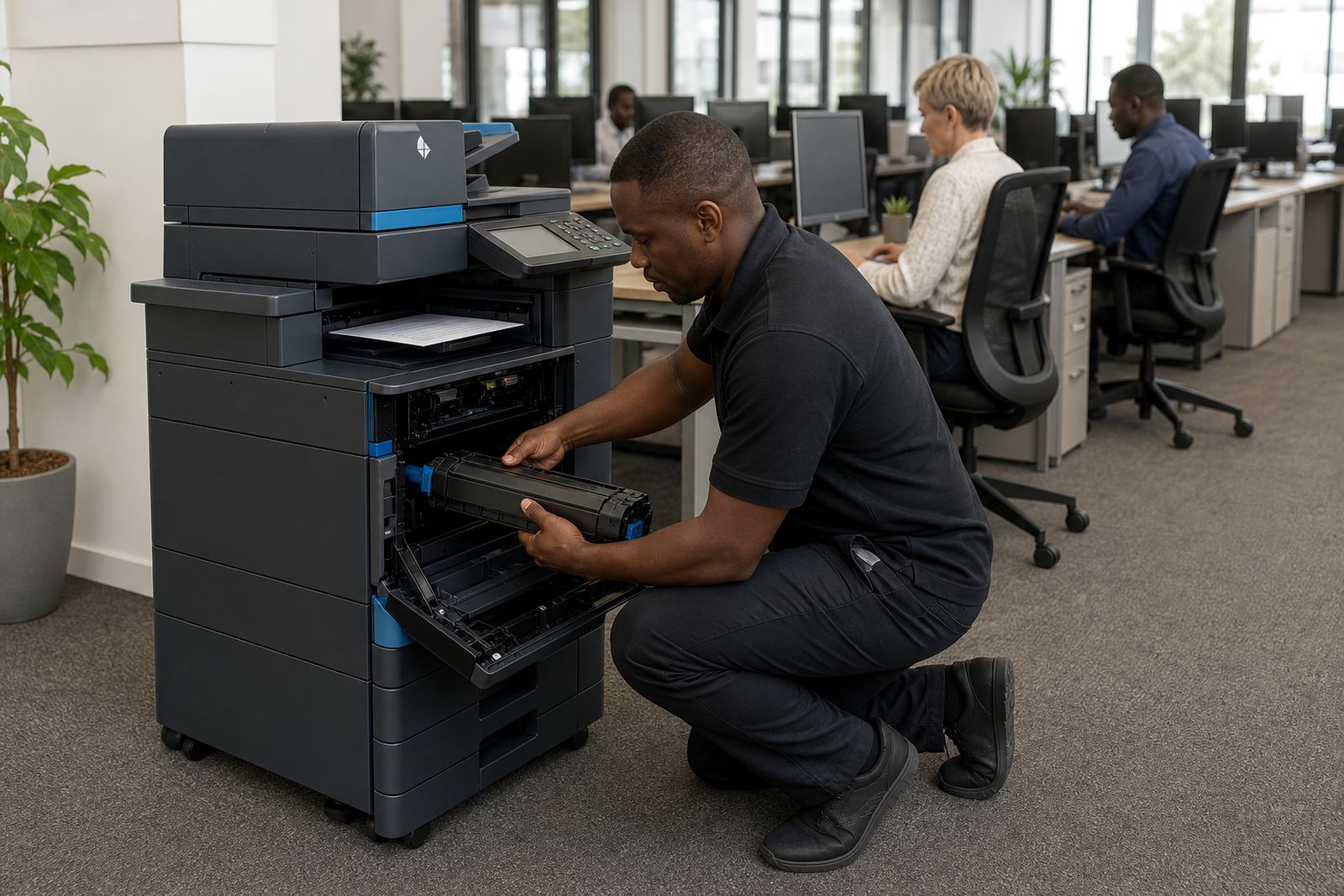
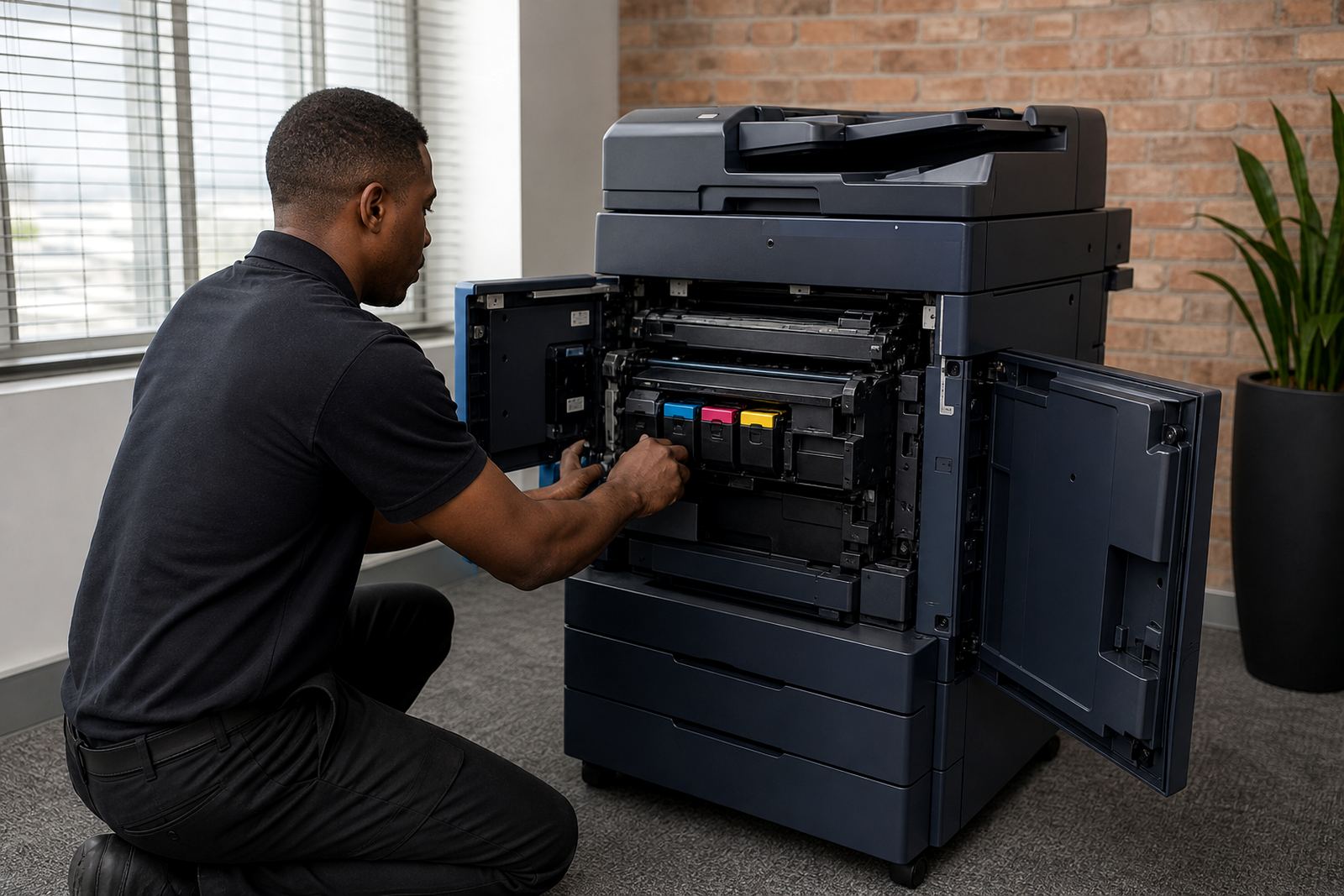
Where toner is included, our service team checks whether the cartridge needs replacing, whether the machine has accepted the cartridge correctly and whether the print quality issue is linked to image transfer or fuser wear. For offices with A4 and A3 machines on the same site, it helps to say which unit is affected because the usage pattern is often different.
Monthly rental and click charges are part of the managed print setup, but the fault report itself should focus on the machine behaviour. A copier that pulls in multiple sheets needs a different fix from a unit that scans but will not print, so the more direct the note, the easier the follow-up.
How the technician visit is planned
Once the fault is logged, the service team checks the plan, the machine type and the site details before sending the case to the right field technician. Installation history, relocations, end term swaps and previous breakdowns all matter when a machine has had a rough patch.
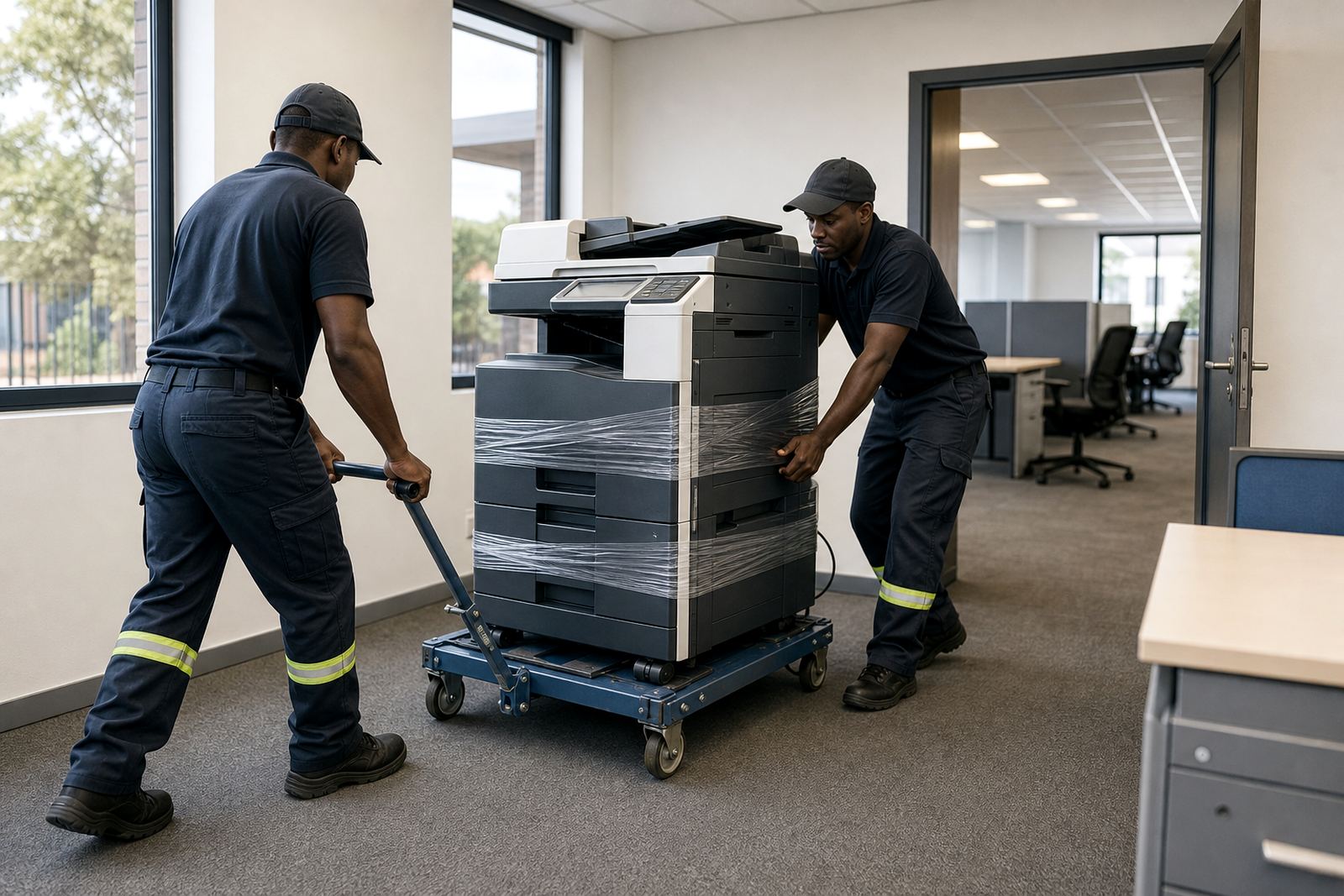
For offices in Halfway House, Centurion and Sandton, access notes are useful if the machine sits in a shared reception, a secure floor or a room with limited storage space. If the device needs a parts order, the technician may first inspect the machine and confirm what is needed on site.
- Have the device switched on and accessible if possible
- Keep the paper trays filled with the normal office stock
- Clear the area around the machine so panels can be opened
- Have the user who knows the fault present if practical
- Keep the latest metre reading near the machine or on hand
When a machine has reached the point where repairs no longer make sense, the account can be reviewed for a replacement or end term swap under the existing managed print arrangement.
Scan-to-message and secure print faults
Some service calls are not about toner or paper at all. A scan-to-message setup can fail after a password change, network alteration or mailbox rule update, and secure print may stop working if a user profile or release code has changed.
When you log those faults, say whether the issue affects one person or the whole office. That small detail helps the team decide whether the settings need to be adjusted on the device, at the workstation or in the mail system. If the machine prints normally but scanning fails, the cause is usually different from a hardware fault in the paper path.
For schools and practices, those settings matter because shared devices carry a lot of daily traffic. A copier that still prints but cannot scan to the right folder can slow down records, invoices and admin work, especially where more than one department uses the same unit.
Log the fault through our contact form
Use our contact form to send the service details, including the site, the machine model if known, the metre reading and a short note on what the unit is doing. If the fault affects more than one device, list each machine separately so the service team can split the call correctly.
That works for offices in Johannesburg, Pretoria, Durban, Cape Town and Bloemfontein, as well as Midrand, Centurion and Sandton. If the machine has already been moved, mention the new location and whether the old installation points still matter for cables, network access or tray use.
For a cleaner handover, include the end user name, the floor or room, and whether the problem is urgent because of a blocked invoice run, a queue of copies or a scan function that has stopped. Those details keep the call practical from the start and avoid a lot of back and forth at the machine.