Start with the machine number and the metre
Toner requests are easiest when the machine number, site name and current metre reading are all at hand. That keeps the request tied to the correct device, whether the unit sits in Halfway House, Sandton, Pretoria or a branch in Cape Town.
For managed print plans, toner is usually tracked against the printer fleet, not treated as a loose office consumable. The reading helps confirm how far the unit has moved through its duty cycle and whether the black, cyan, magenta or yellow supply is due for replacement on that machine.
- Machine name or asset number
- Site address and floor or room
- Current metre reading from the screen or report
- Mono or colour unit
- Any warning lights or print faults showing
What toner supply covers on a managed plan
Managed print contracts usually include toner supply as part of the monthly arrangement, along with metre-based billing and servicing. That means the office does not need to buy random cartridges from a shelf and hope they match the machine.
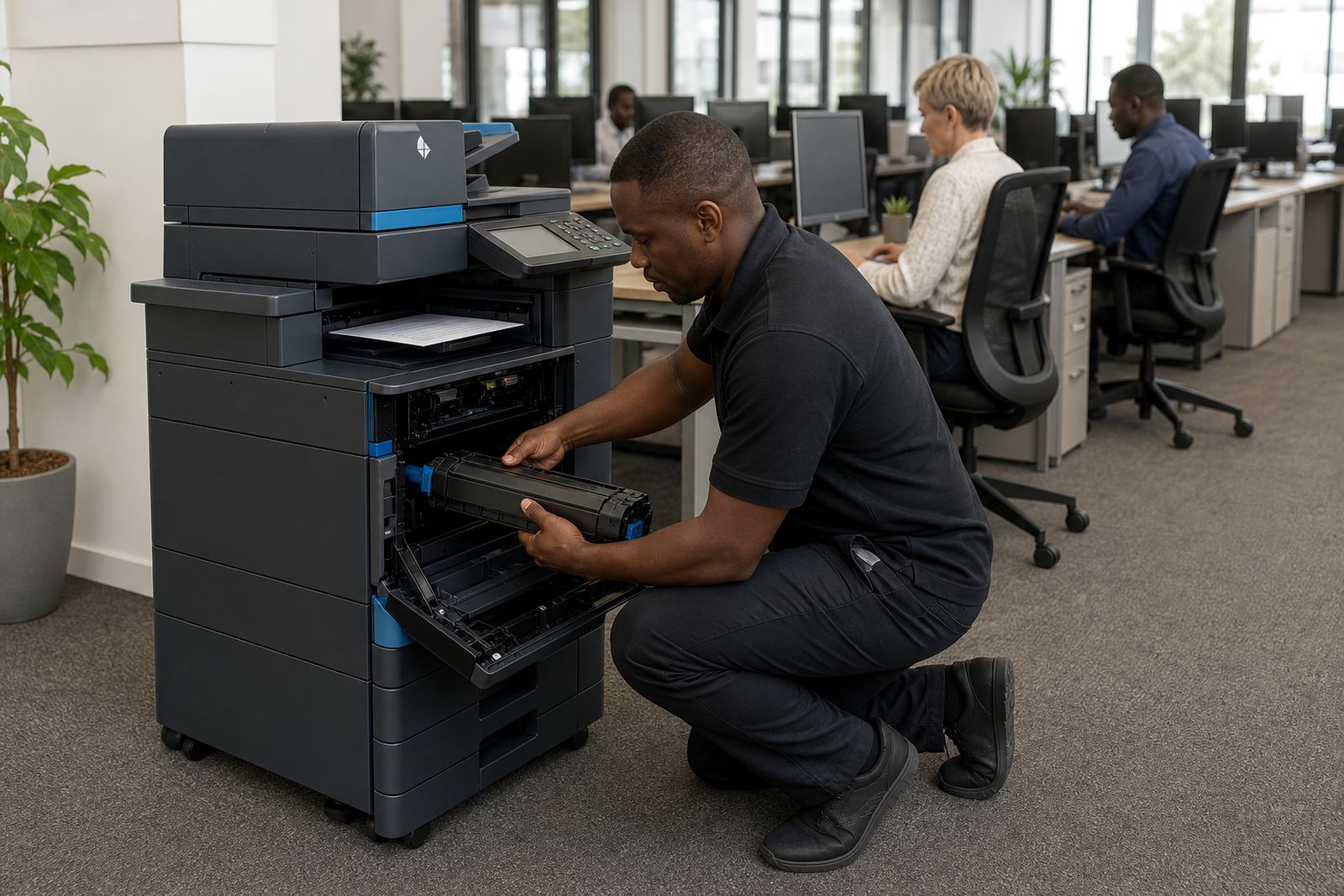
When the toner is covered under the plan, the right consumable is issued for the model in use and for the coverage already agreed. This matters on busy copier fleets where one department prints mostly text and another runs colour reports, forms and presentations all week.
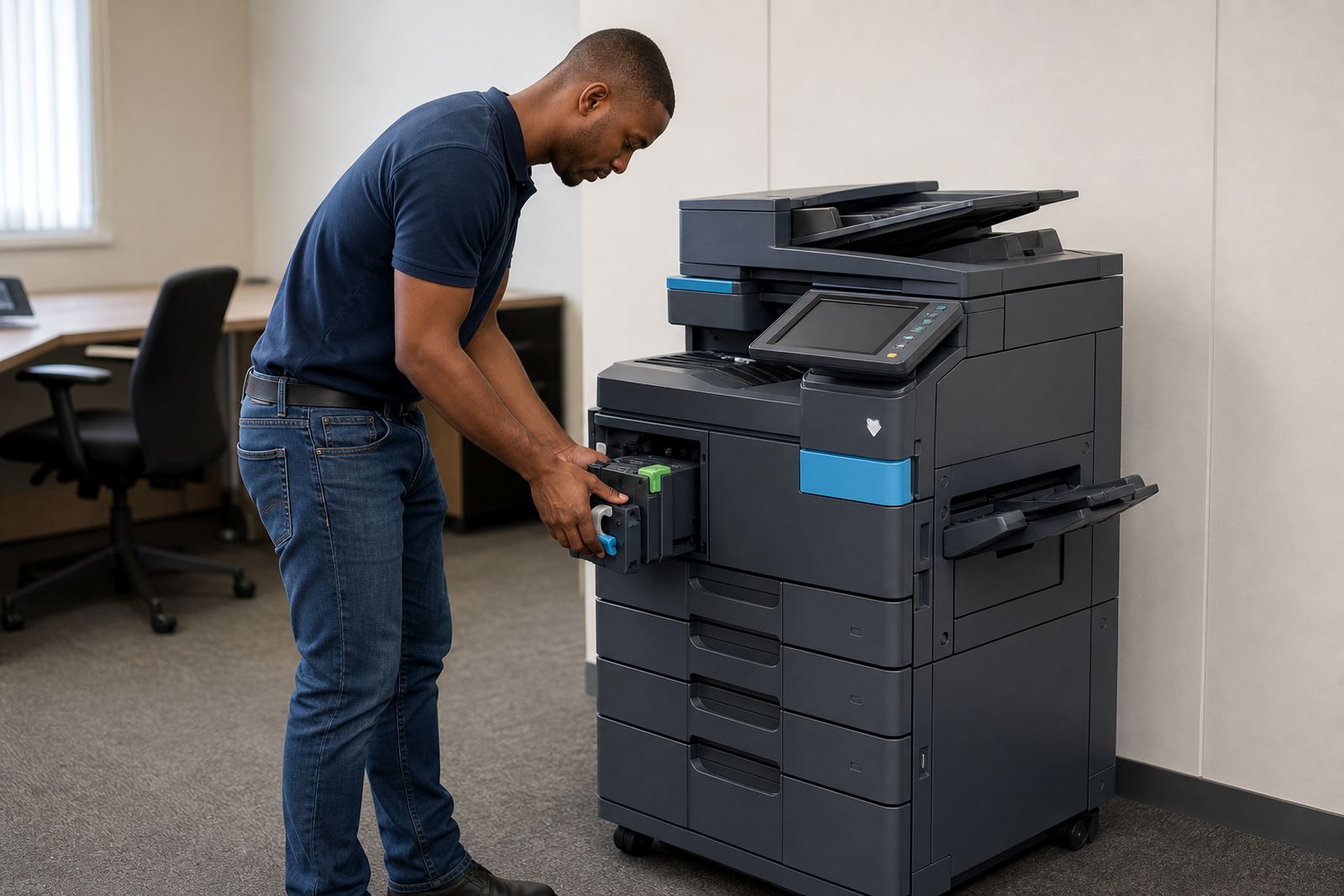
- Replacement toner for the approved machine
- Supply matched to mono or colour output
- Support for A4 and A3 multifunction equipment
- Consumables tied to the rental agreement
How the request moves through the office
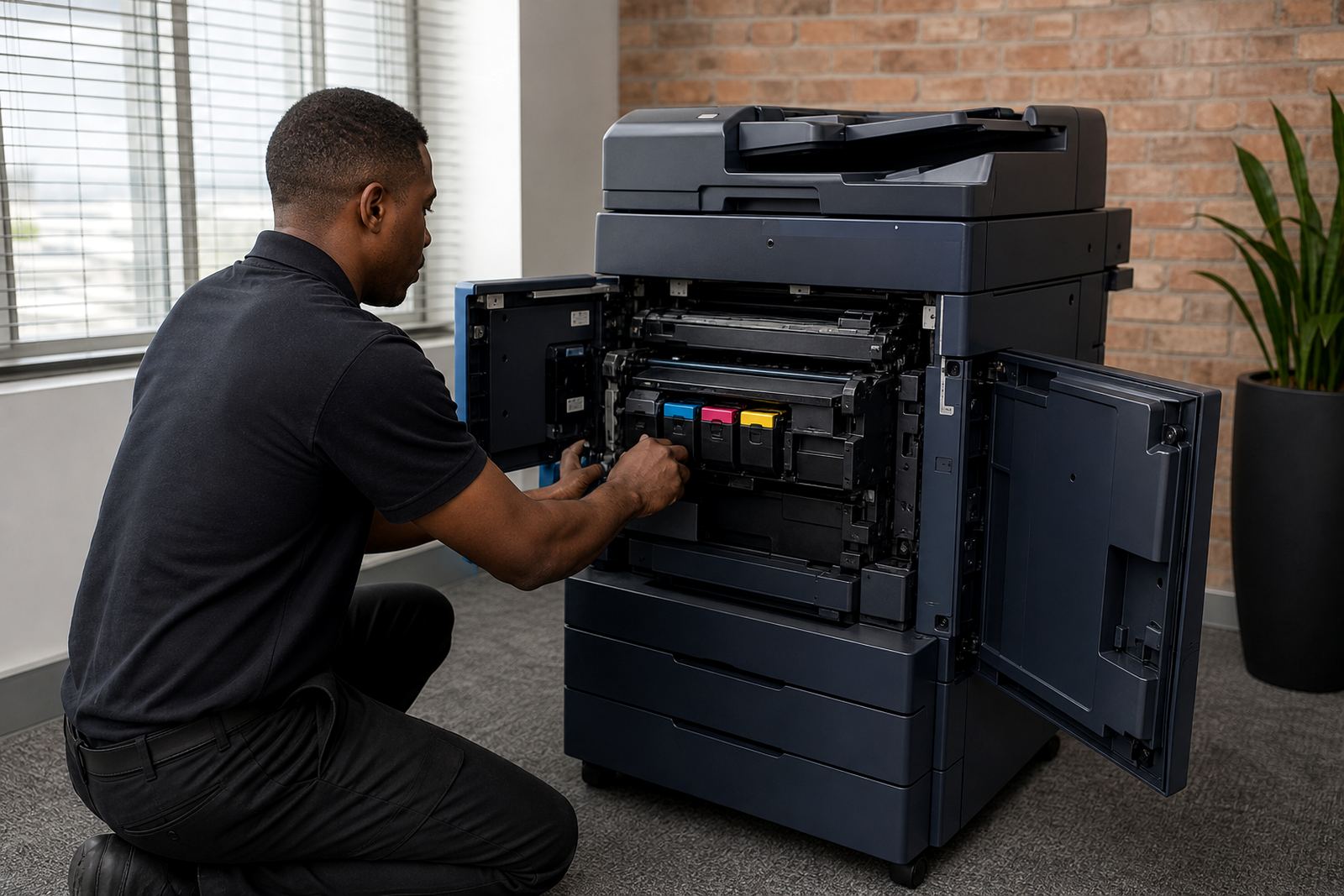
Most toner requests start when a warning shows on the panel, or print quality drops before the cartridge is empty. A faint page, streaking or a message about low toner usually means the machine needs attention before a deadline slips on the office side.
Our contact form is the place to send the details, especially where more than one printer is on site. If the device was moved, renamed or reassigned after a floor change, include that note too, because fleet records can get messy in a rush and the wrong office ends up waiting.
- Send the machine details through our contact form
- List any error message exactly as it appears
- Note whether the copier is shared or personal use
- Flag if the office is in Johannesburg, Durban or another branch city
When toner problems are not just toner
Not every print fault points to an empty cartridge. A copier can show light print because the drum, developer, paper path or transfer parts need servicing, and some A3 units need a technician rather than a simple swap.
That is why toner requests are often checked together with the machine behaviour and metre pattern. If the pages are fading, repeating marks or smudged toner is appearing where it should not, the fault may need on-site servicing or a closer look at the consumable cycle.
- Faded pages even after replacement
- Lines, spots or ghosting on prints
- Paper dust or toner around the tray area
- Messages that do not clear after a reset
Planning toner around monthly use and click charges
Office printing usually works better when toner requests follow the monthly rental and click charge structure already in place. Heavy text use in a law office looks different from colour-heavy sales work, and the plan needs to reflect that difference without adding guesswork to the month.
Metre readings give the picture, and the toner supply follows that pattern. For a copier fleet in Centurion, Midrand or Bloemfontein, the practical part is keeping the machine supplied without overstocking cartons in a storeroom or running short before month end.
Where secure print, scan-to-message and shared queues are active, the device often serves a whole team. That makes toner timing more than a simple consumable issue, because a delayed cartridge affects several people at once and can leave a reception area or accounts office waiting on basic paperwork.
Other support tied to toner requests
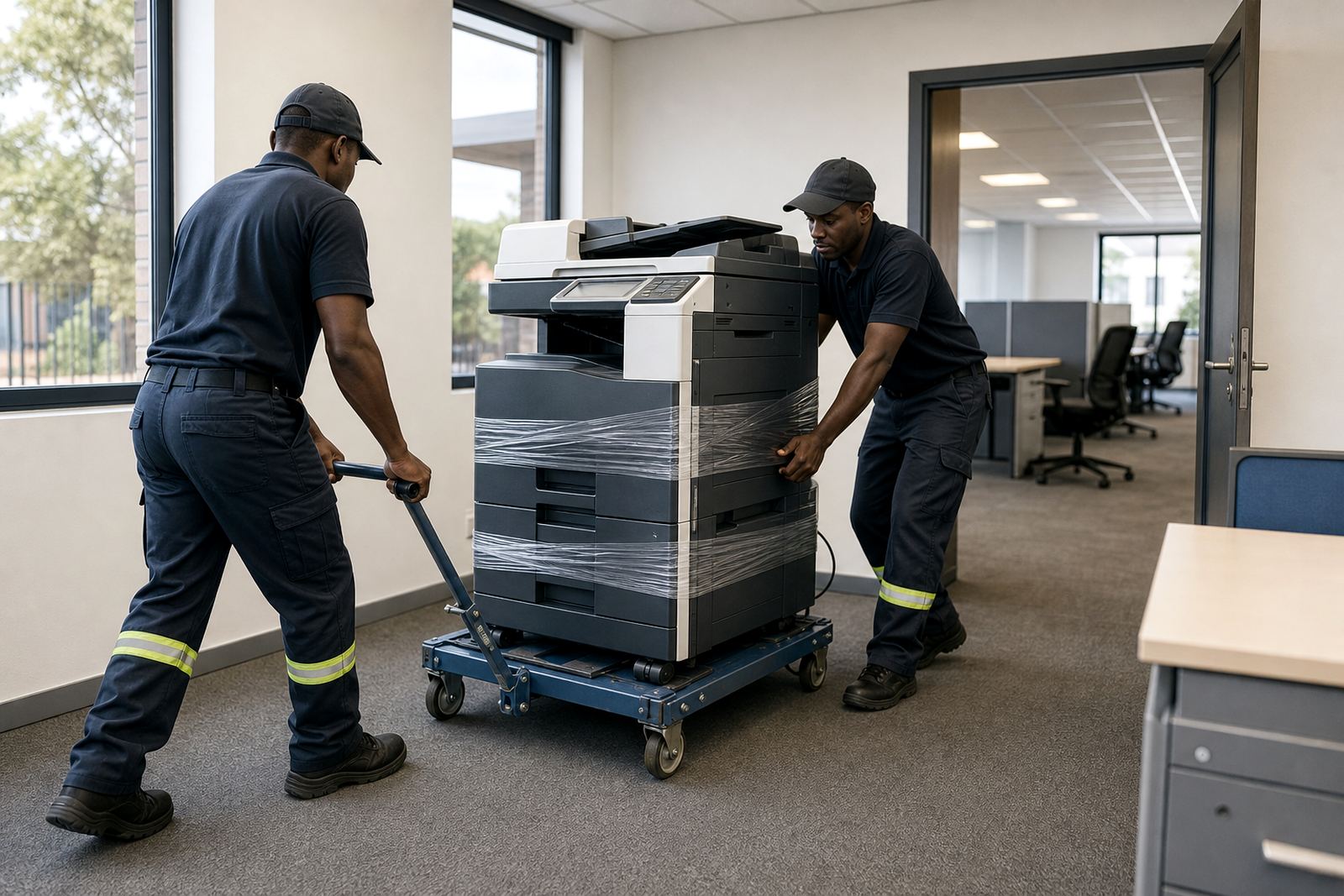
Toner requests often sit alongside other machine tasks. A relocation, end term swap or new user handover can all affect how the printer is set up, labelled and monitored. If the unit has moved from one room to another, the supply record needs the same update so the right site is still matched to the right machine.
In larger fleets, the support picture may also include network setup, scan-to-message setup and secure print setup. Those settings do not change the toner itself, but they do change who uses the device, how much it prints and where faults show up first.
- Machine relocations across the same office or between branches
- End term swaps for leased or rented units
- User handover after staffing changes
- Fleet review when print volumes shift