


A rental plan that keeps the printer work moving
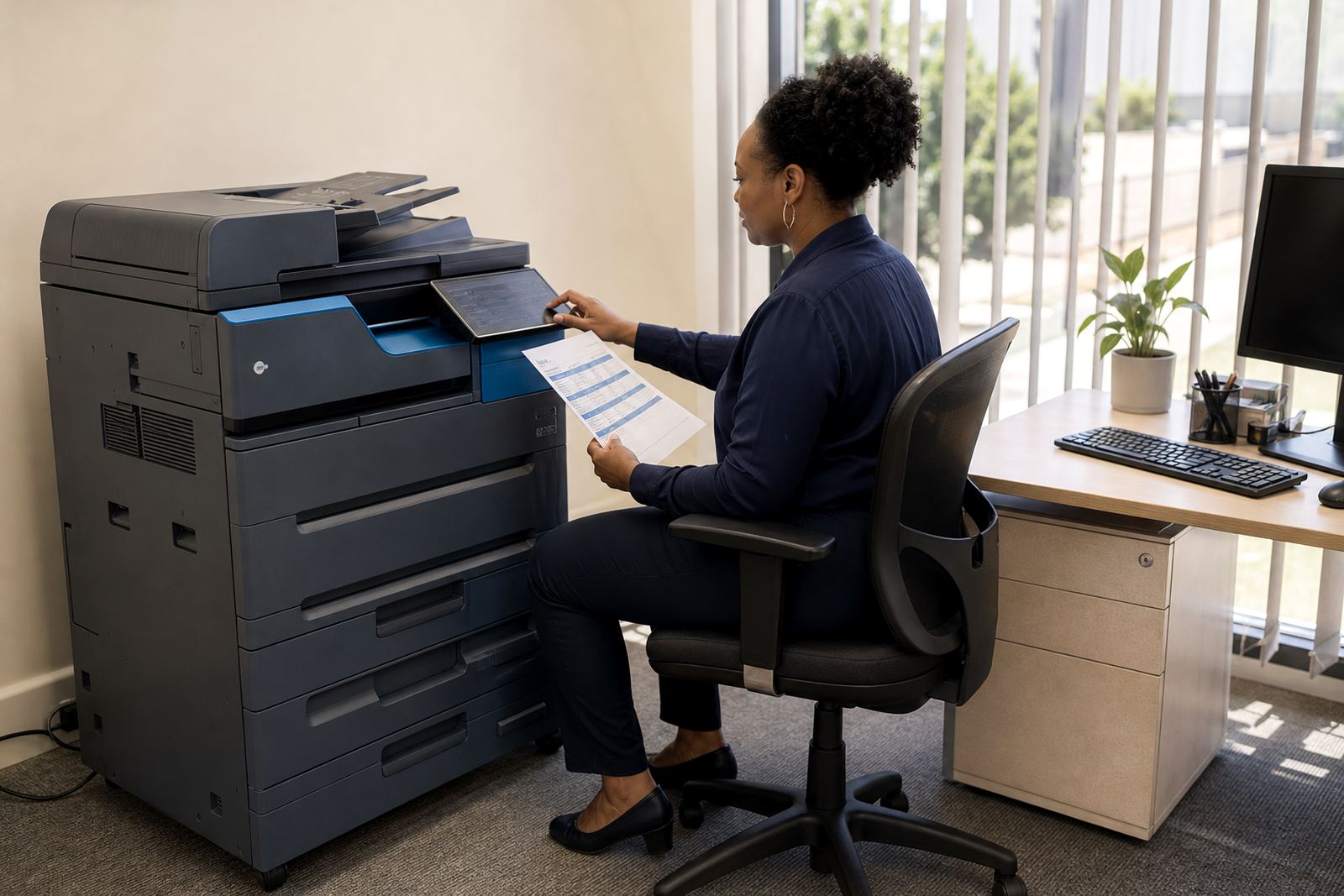
Managed print services suit offices that want one monthly structure instead of buying a copier outright and carrying every follow-up task themselves. The plan can include an A4 or A3 multifunction machine, black and white or colour printing, toner supply, metre-based billing and support for everyday use across teams that scan, copy and print in the same week.
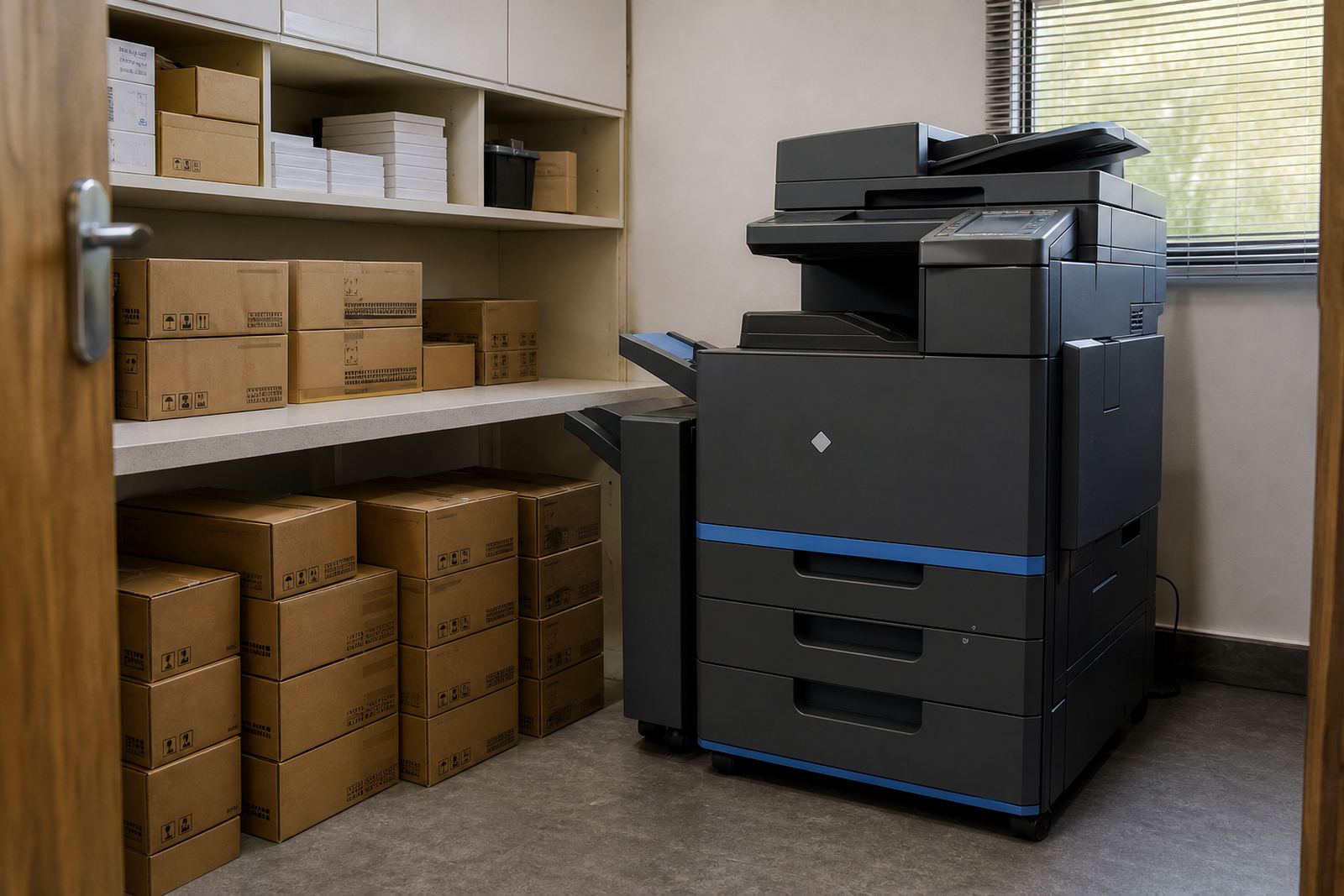
For a small office, the practical question is often whether the volume is steady enough for a compact mono device or whether colour, paper handling and finishing matter more. Larger teams, schools and practices usually need a fuller setup, with network use, user controls and a machine that can take a heavier monthly cycle without constant interruptions.
How the moving parts fit together
The rental and the usage charge are not the same thing. Rental covers the machine on site, while click charges or metre billing cover the pages through it, usually tracked from regular metre readings. That structure makes it easier to match cost to use, especially where print volumes move up and down through the month.
- Monthly rental for the device and the agreement structure
- Click charges linked to black and white or colour output
- Toner included as part of the managed plan
- Metre readings used to keep billing aligned to usage
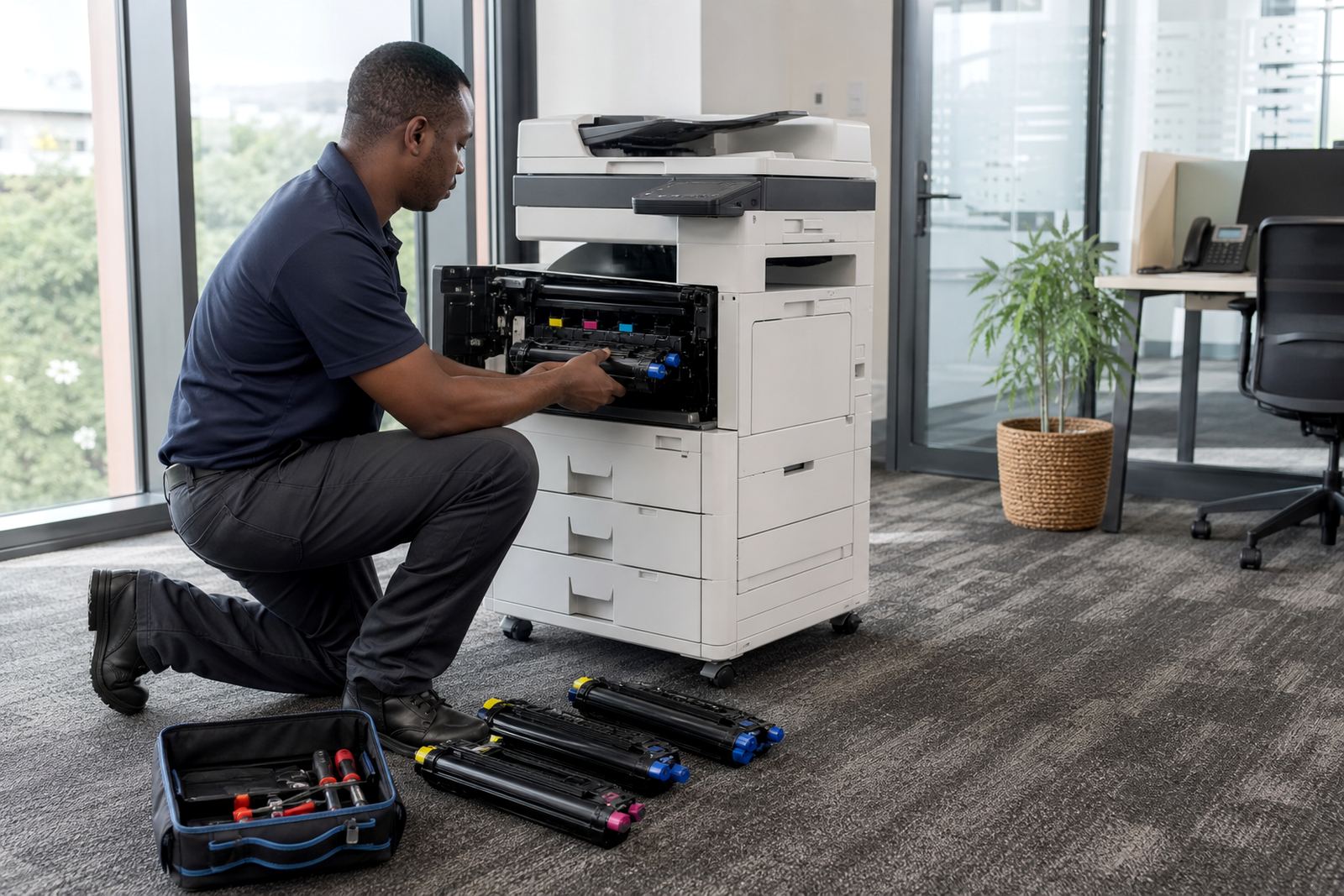
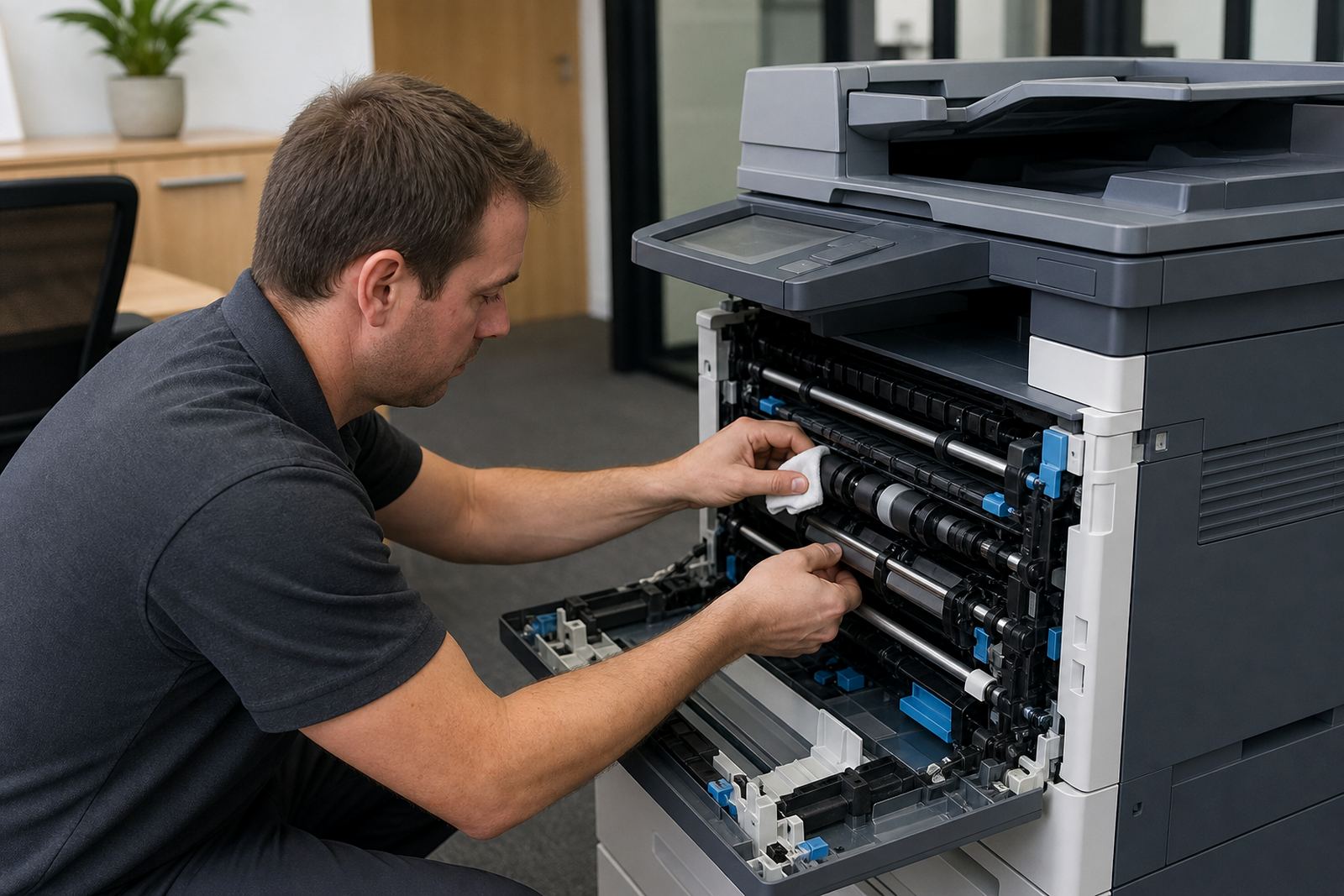
- On-site servicing when the machine needs attention
What the service side actually includes
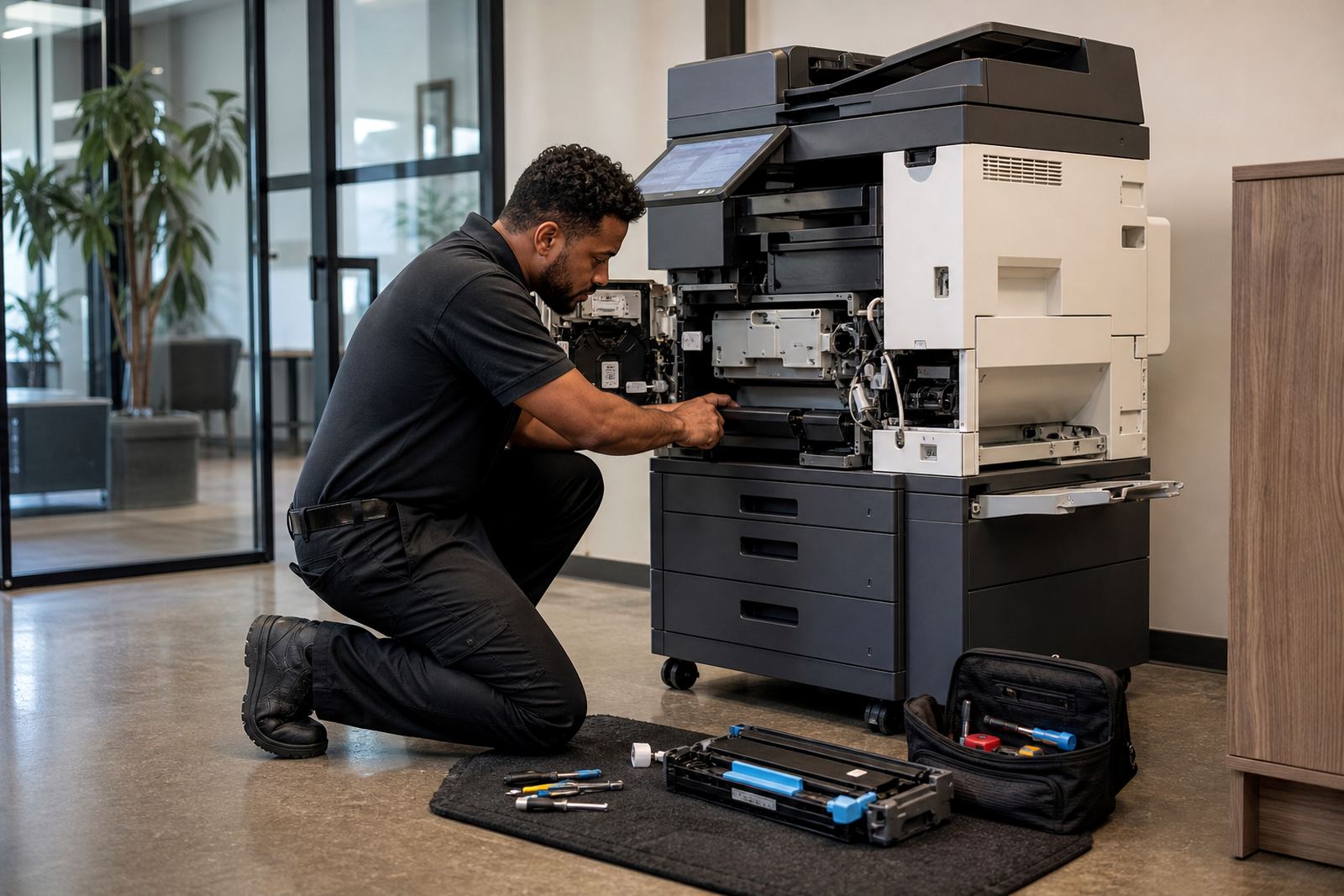
A managed print plan is only useful if the office can keep working without chasing separate suppliers for every toner bottle or error message. The service side normally covers setup, connectivity, user handover, consumables and fault work, so the machine stays part of the office routine instead of becoming a side job for staff.
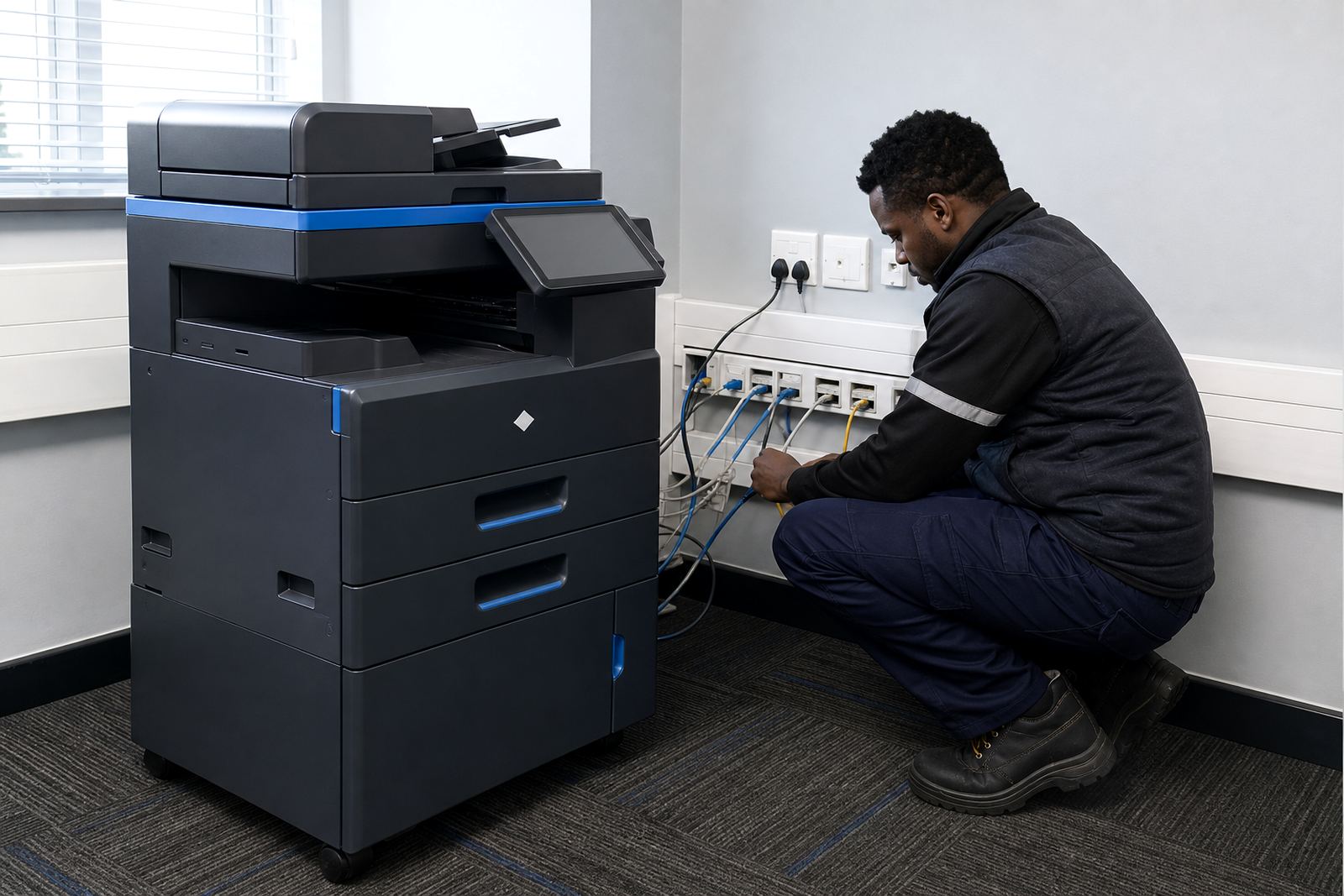
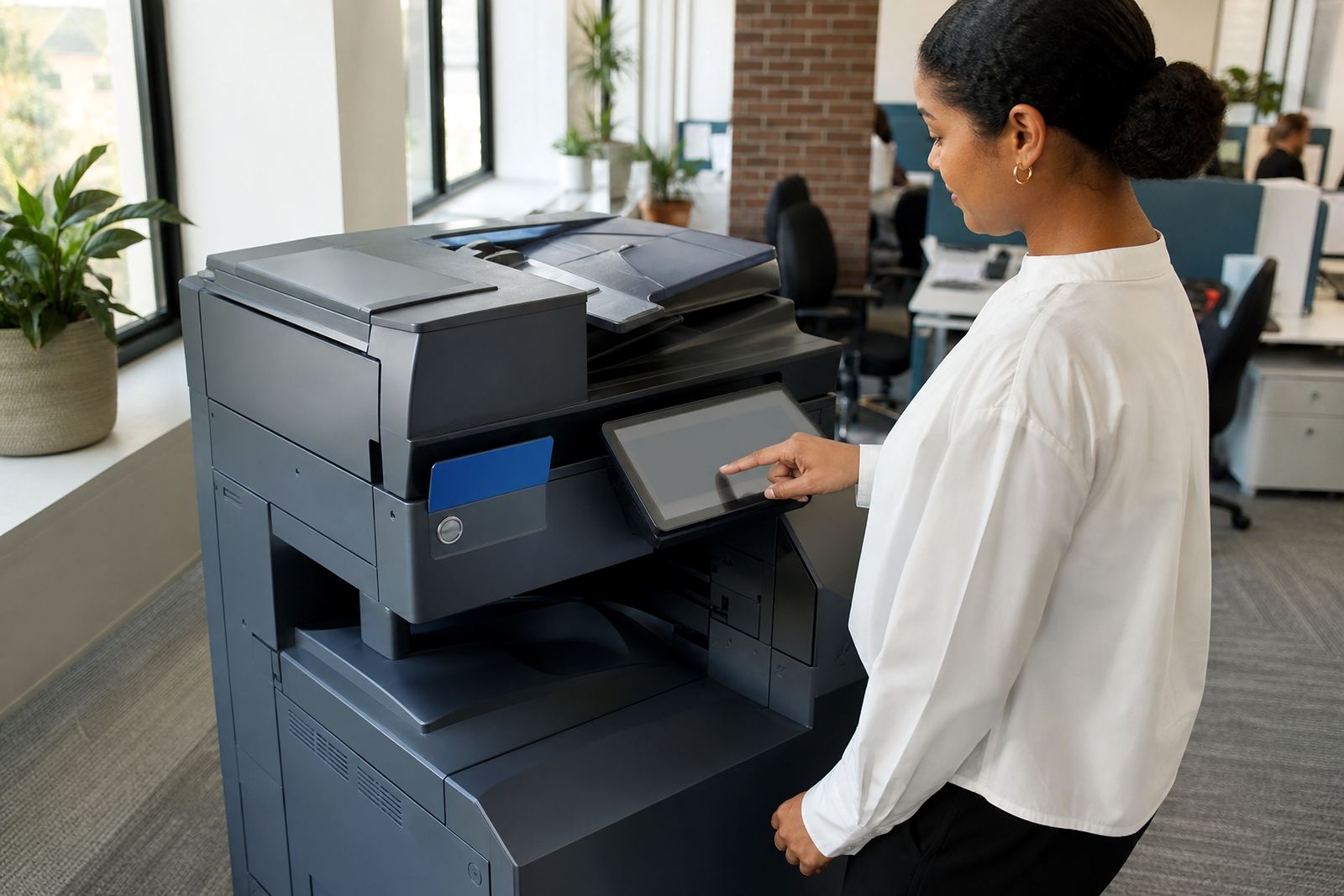
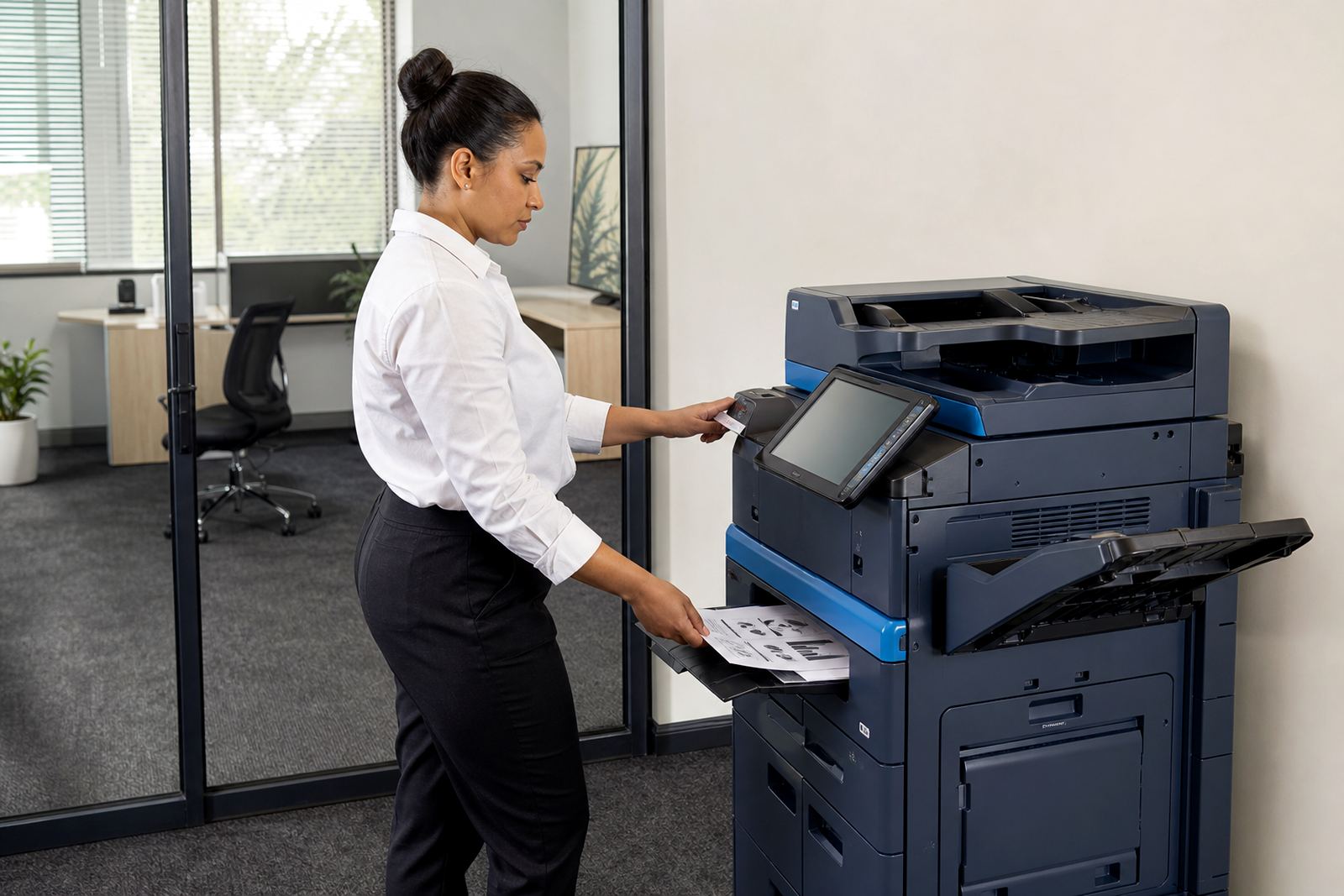
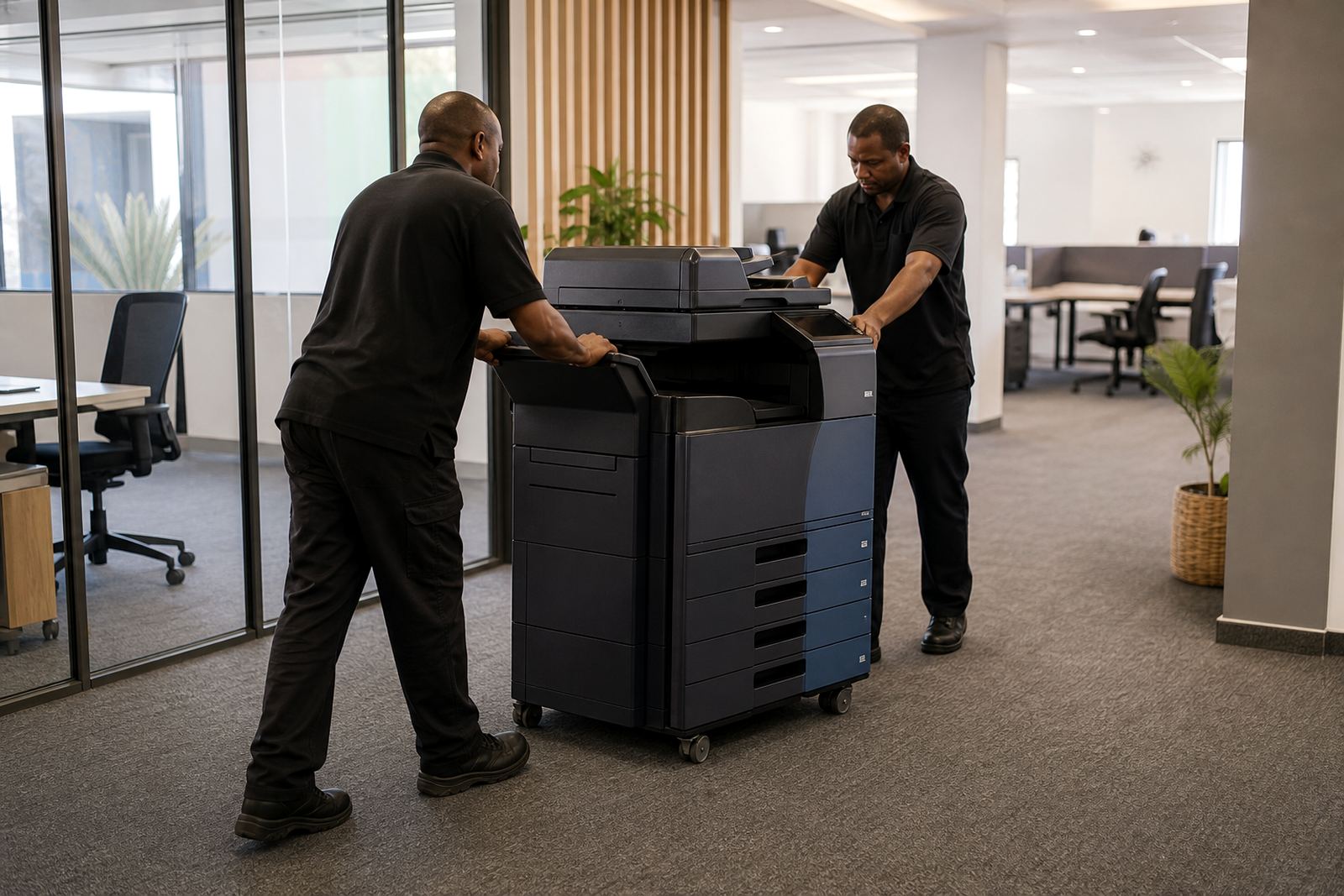
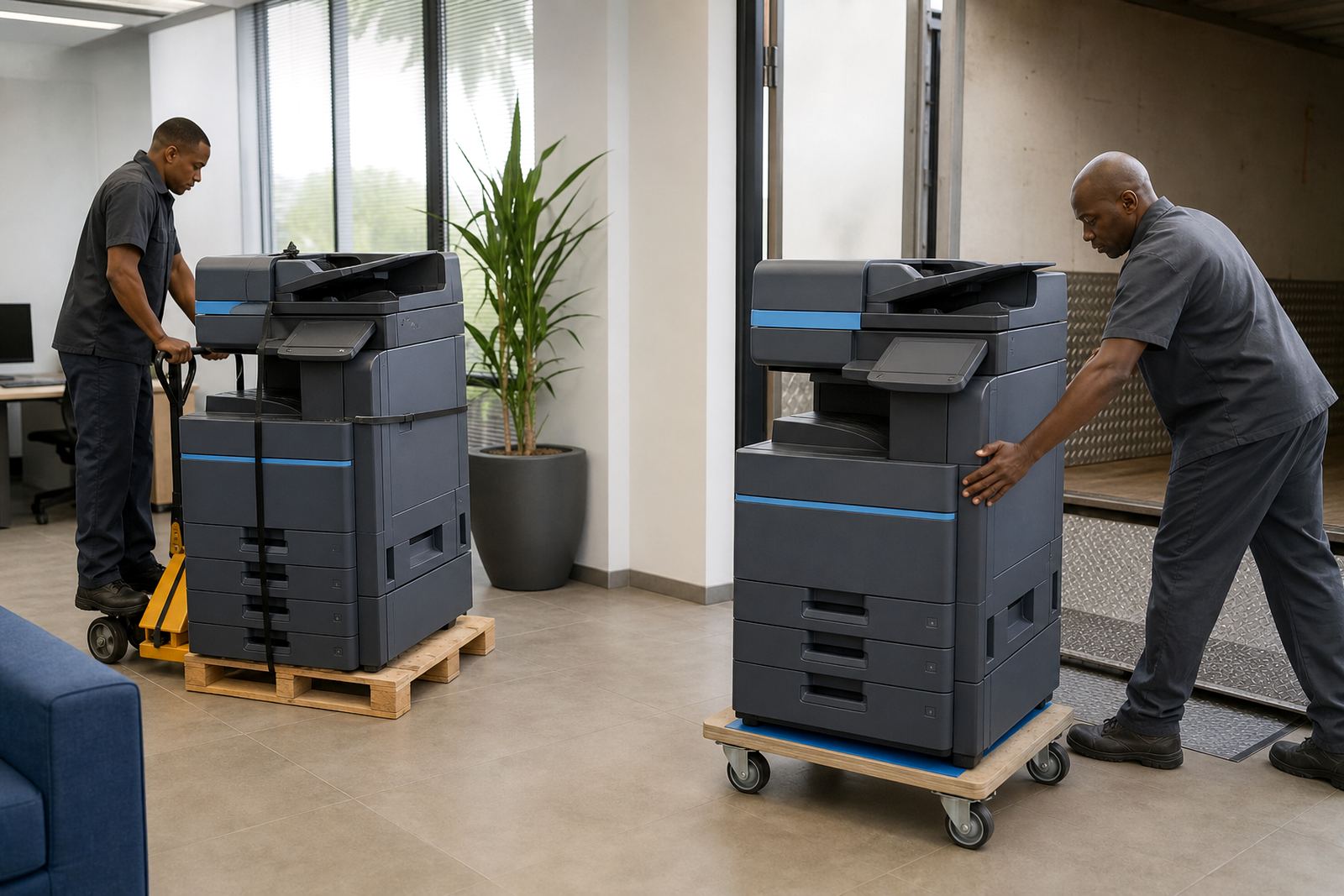
In practice that can mean scan-to-message setup for administrators, secure print for confidential documents, network setup for shared use and machine relocations when a department moves. End-of-term swaps also matter, because a growing office may need a different device size, faster output or a colour unit once the original contract no longer fits.
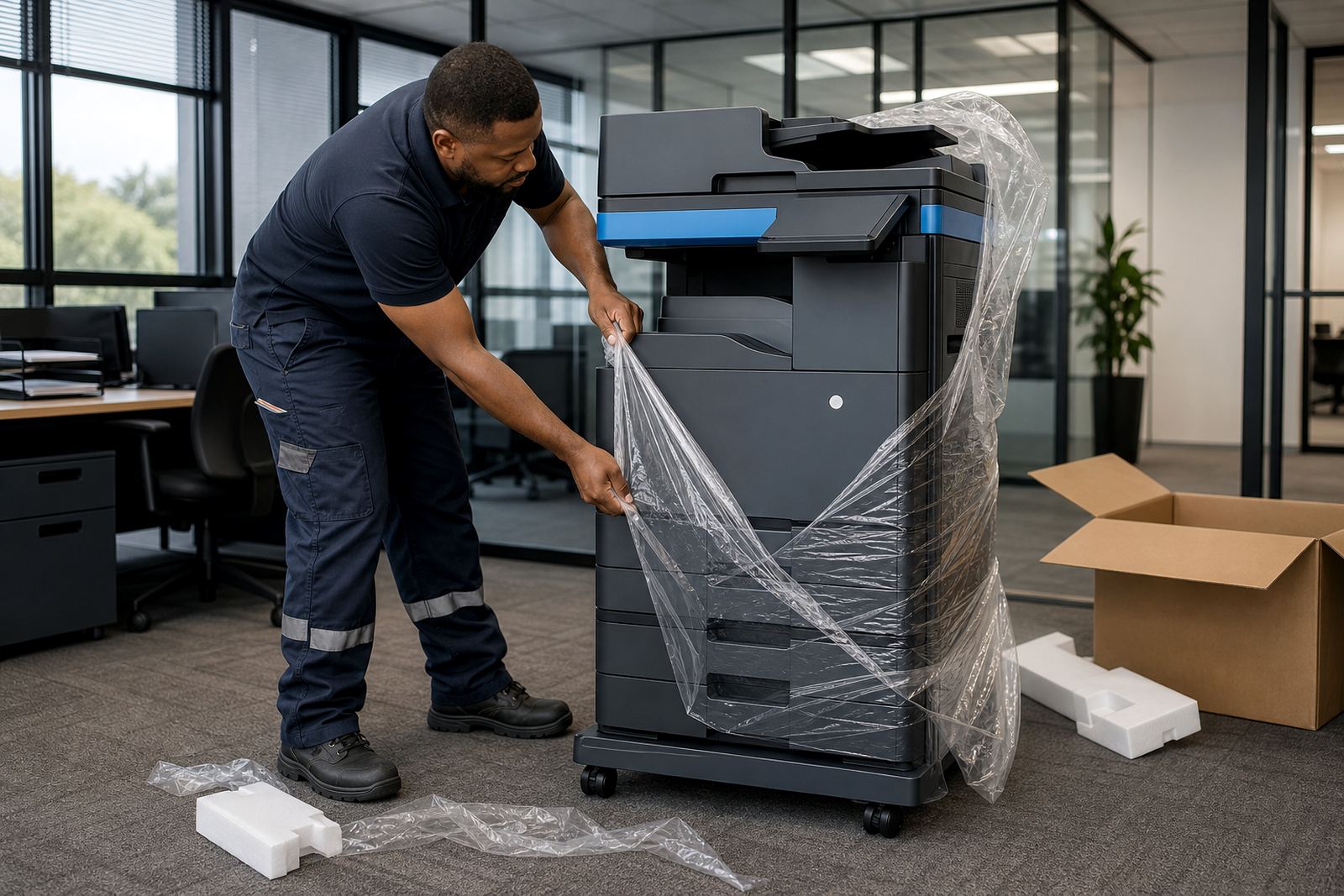
- Device installation and basic configuration
- Scan-to-message setup for internal sending
- Secure print setup for controlled release of jobs
- Machine relocations within the same office or branch
- End-term swaps and user handover
Choosing between mono and colour
Mono machines are often enough for forms, statements, internal packs and everyday admin. Colour becomes more useful where presentations, charts, course material or branded documents need clearer impact on paper. The right choice depends on how often colour is used, not just whether someone likes the look of it.
Paper size also matters. A4 suits standard office work, but A3 is useful for layouts, schedules, drawings and documents that need more space. Some offices also need a machine that can scan multiple pages neatly into message folders, which saves time on filing and sharing, especially where several staff members use the same unit.
Where the work is based and where it travels
Our base is in Halfway House, Midrand, with managed print support for offices, schools and practices across Johannesburg, Pretoria, Durban, Cape Town and Bloemfontein, plus surrounding business areas such as Centurion and Sandton. Coastal humidity in Durban and the heavier print traffic in central business offices can both shape the kind of machine and service plan that makes sense.
Some sites need a straightforward rental arrangement, while others need a broader fleet review before the contract is set. That review looks at the number of users, the mix of black and white versus colour pages, and whether the current setup still suits the office floor plan, filing rhythm and monthly print volume.
Meet the team behind the plan
The work is handled by a small office team with clear roles. Sibusiso Sekgobela leads the business, while Lerato Majola manages operations, Jason Mafokeng oversees service coordination, Megan Februarie handles accounts, Themba Khumalo looks after field service, Annelise Matlala supports client queries and Aiden Hadebe assists with solution planning.
That mix matters because managed print is not only about machines. It also needs someone to track usage, someone to handle service calls, someone to keep billing clean and someone to make sure the setup still matches the way the office prints, scans and stores documents.
Starting a review without overcomplicating it
A fleet review is the easiest place to begin if the office is unsure what it needs. A short look at current volumes, paper sizes, colour use and user count can show whether the present arrangement still fits or whether a different rental structure would be better for the next term.
Clients reach us through the contact form on our contact page. From there, the discussion can cover toner supply, meter readings, device installation, user handover, breakdown response and the kind of end-of-term change that keeps the office moving without unnecessary disruption.