What we look at before any machine swap
A proper fleet review starts with the actual job in front of the machines. We look at monthly metre patterns, mono versus colour use, A4 and A3 requirements, tray capacity, duplex printing, scan-to-message habits and whether secure print is needed for sensitive files.
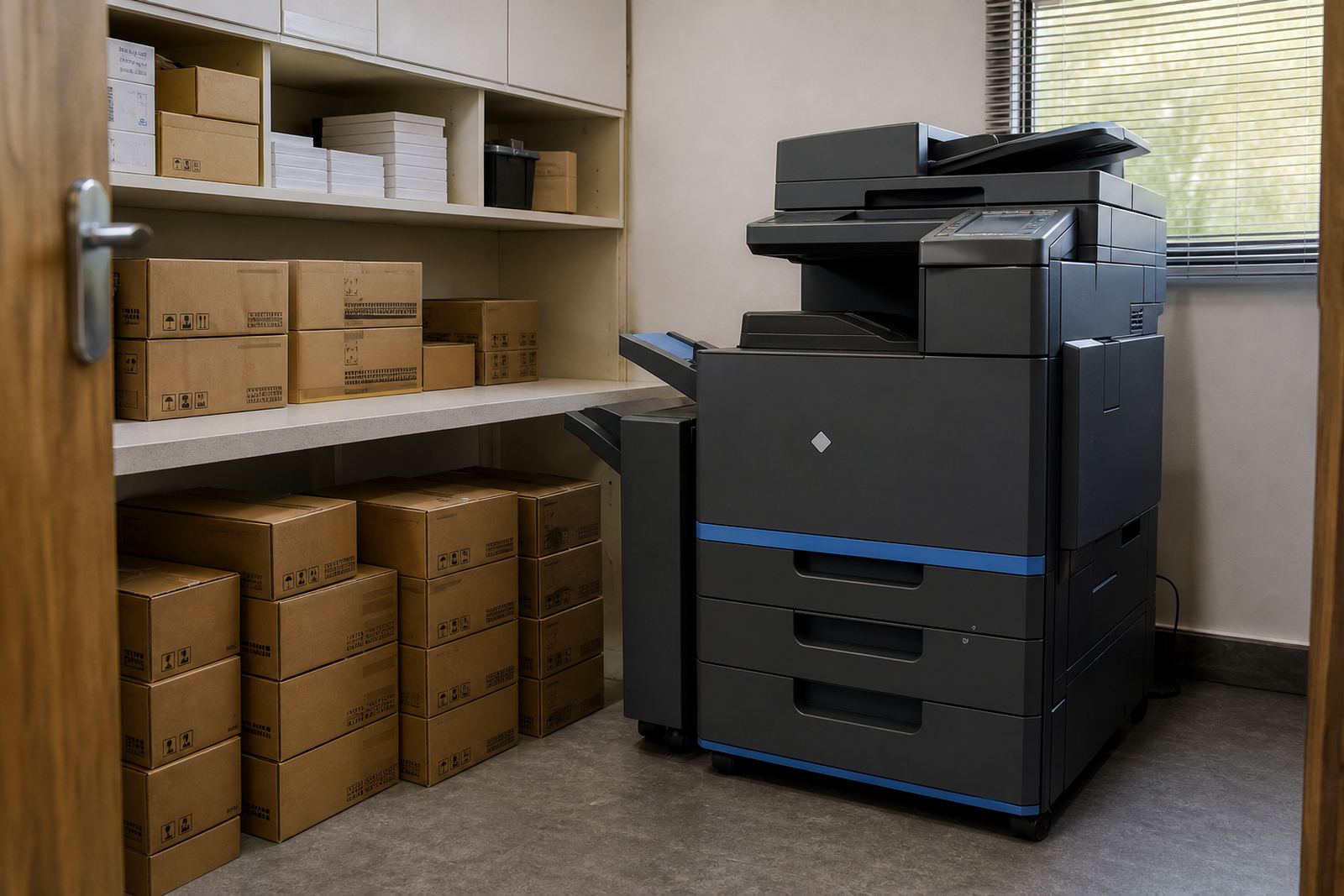
The review also checks how many people use each device, which departments push heavier volumes, and where paper jams or hand-feed work slow the day. In offices that print contracts, reports or training packs, the paper size and finishing needs matter as much as the machine count.
- Mono and colour usage by department
- A4 only or mixed A4 and A3 output
- Stapling, tray size and duplex settings
- Shared use, walk-up use and secure release needs
- Scan to message, scan to folder and copy habits
Reading the numbers without overbuying
Many offices carry machines that are too large for the actual demand, or too small for a month that always runs heavy. Fleet review helps separate peak weeks from everyday printing, then matches the rental machine size to that pattern instead of guessing on the day.
That is where monthly rental and click billing need to line up. A lower rental can suit a light user, while a busier office may need a stronger device with clearer click charges and better paper handling. The point is not to pile on features, it is to match the machine to the work and keep the metre cost honest.
- Monthly rental suited to the machine class
- Click charges linked to actual metre use
- Colour settings reviewed against real demand
- Paper handling matched to the stack size and format
How the review is carried out on site
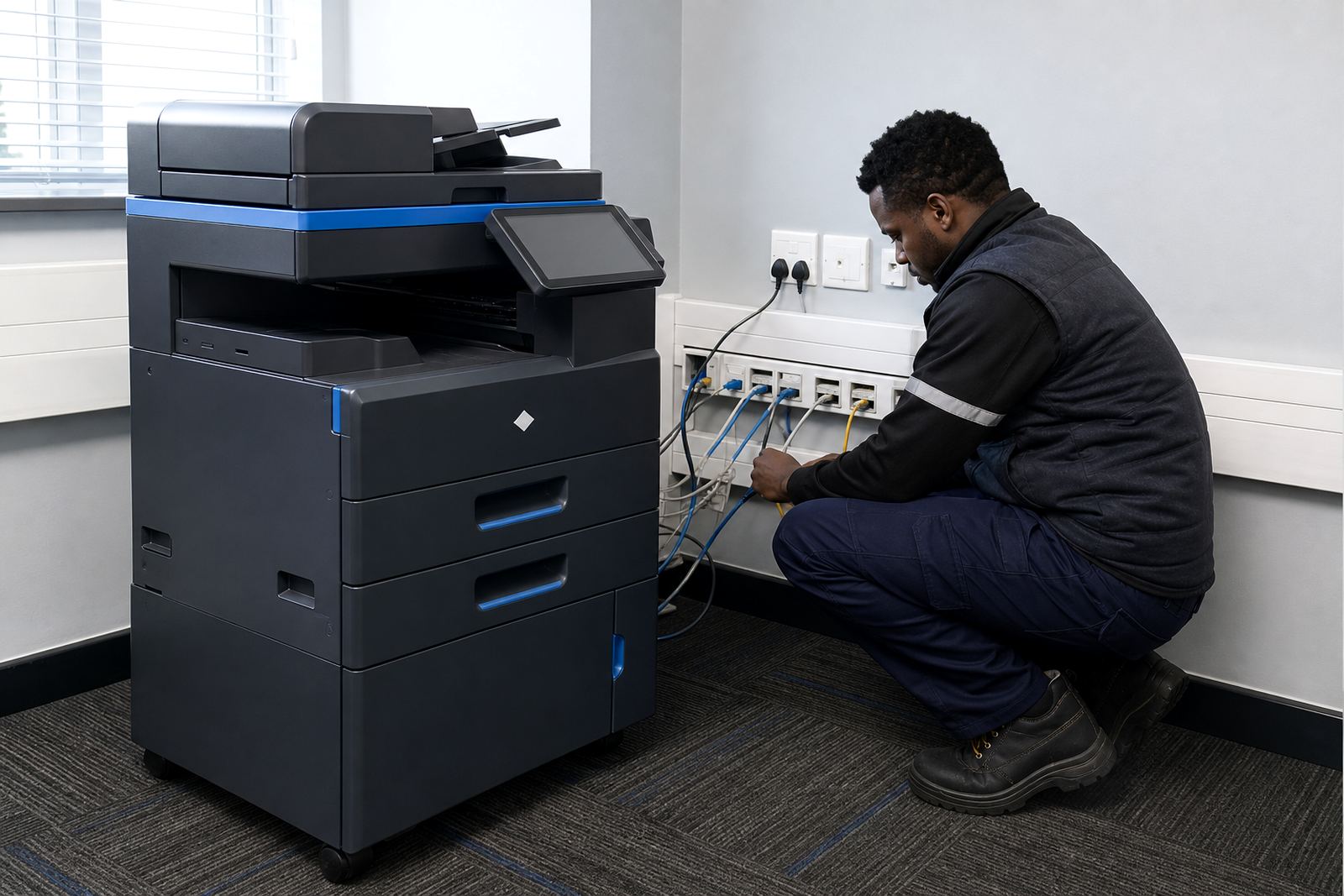
The process is practical and direct. We inspect the current devices, gather metre readings, note any service call history and look at where users queue, scan or collect print jobs. If a branch has more than one team sharing a copier, that shared load is part of the picture too.
When the review shows a better fit, we map the changes in plain terms. That can mean moving from several small units to fewer shared machines, changing one colour device to mono for heavier black-only output, or adding A3 handling where reports and plans are regularly printed.
- Site walk-through and device count
- Current metre readings and use patterns
- Paper size, scan and finishing review
- Suggested changes by department or branch
What a better matched fleet can include
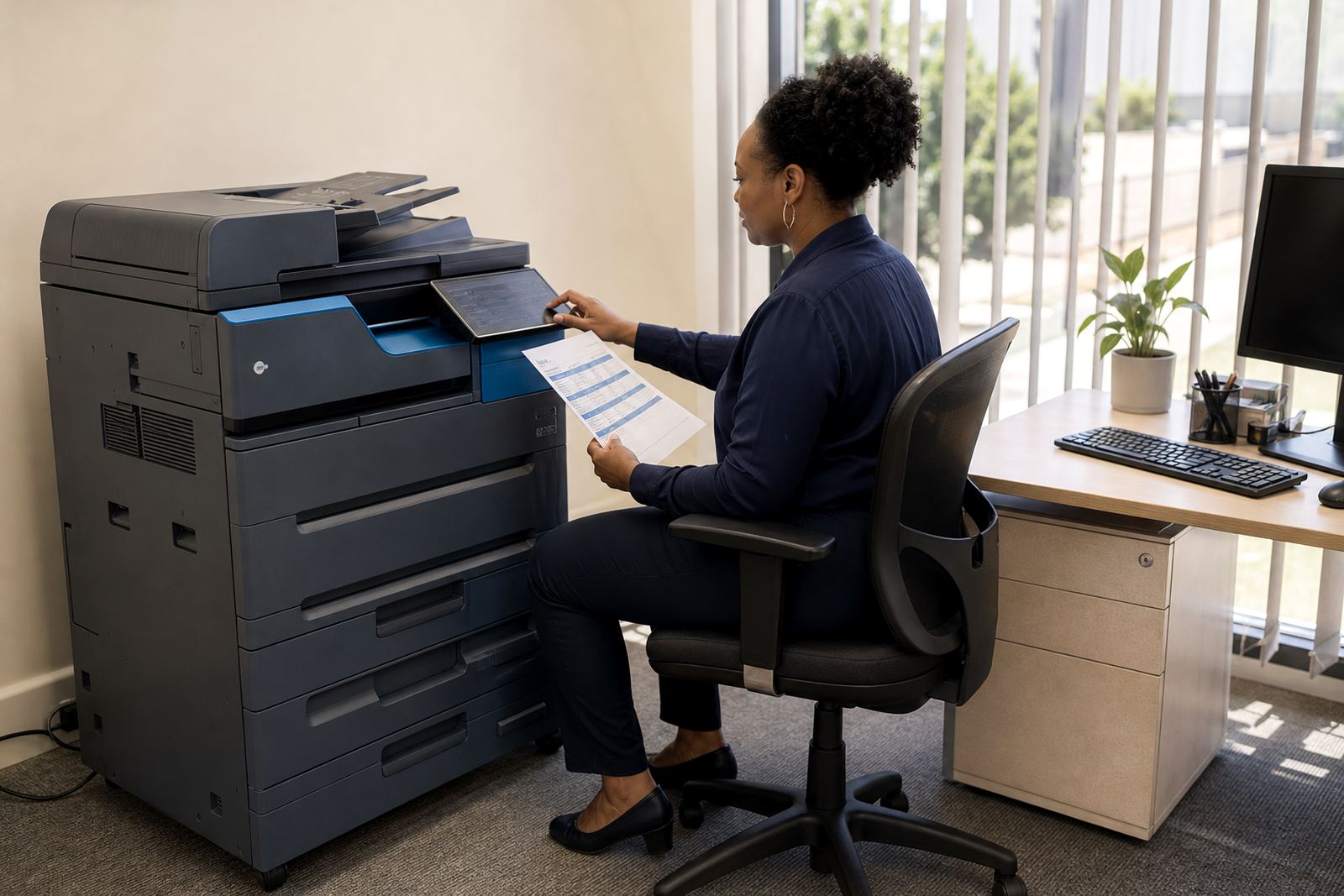
Fleet review can lead to different setups for different parts of the business. A front office might need quick A4 print, scan-to-message and secure release, while accounts may need reliable mono output with low waste. Training rooms, schools and practices often need higher paper capacity and cleaner A3 handling for forms, notices and handouts.
We also look at practical functions that save time for users and field teams. These include network setup, user handover, toner supply planning and clear metre reading support, so the machine mix works as a managed plan rather than a loose stack of devices.
- Multifunction A4 or A3 machines
- Mono or colour depending on use
- Secure print and scan-to-message setup
- Paper trays, duplexing and document feeders
- Relocations or end term swaps where needed
Pricing shaped around the way the fleet is used
Fleet review pricing is usually tied to the scope of the assessment, the number of sites and how many devices need to be checked. The wider value comes after the review, when the office is no longer carrying excess capacity or paying for features that never get used.
Managed print plans can include toner supply, on-site servicing, breakdown response and metre based billing, so the office does not have to manage every cartridge or service call as a separate job. Where a device is underused, the review may also show that a smaller model is the better rental fit. There is no need to build the plan around guesswork when the metre readings already show the pattern.
- Assessment scope by device count or branch count
- Rental and click structure based on actual use
- Toner and servicing included where the plan allows
- Fleet changes built around measured demand
Aftercare once the fleet has been reset
After the review, the fleet does not get left as a paper exercise. We keep track of the machine list, the metre reading pattern and any changes in user behaviour that affect print volumes. If a branch grows, or a practice starts scanning more records than before, the setup can be adjusted to suit that shift.
For offices across Halfway House, Midrand, Johannesburg, Pretoria, Centurion, Sandton, Durban, Cape Town and Bloemfontein, that follow-up matters because different sites rarely print in the same way. A good fleet plan should cope with that difference without making the billing messy or the users frustrated.
- Updated device list after the review
- Ongoing metre reading support
- Toner and service planning for the next cycle
- End term swaps if the machine mix needs changing
Key facts
| Service type | Fleet Review for office multifunction printers and copiers |
|---|---|
| Machine classes | A4 and A3 multifunction printers, mono and colour |
| Billing model | Monthly rental plus metre based click charges |
| Core functions | Scan to message, secure print, duplex, copy and network use |
| Coverage | Halfway House, Midrand and major South African office centres |
| Support included | Toner supply, on-site servicing, breakdown response and user handover |