What network setup covers on a working site
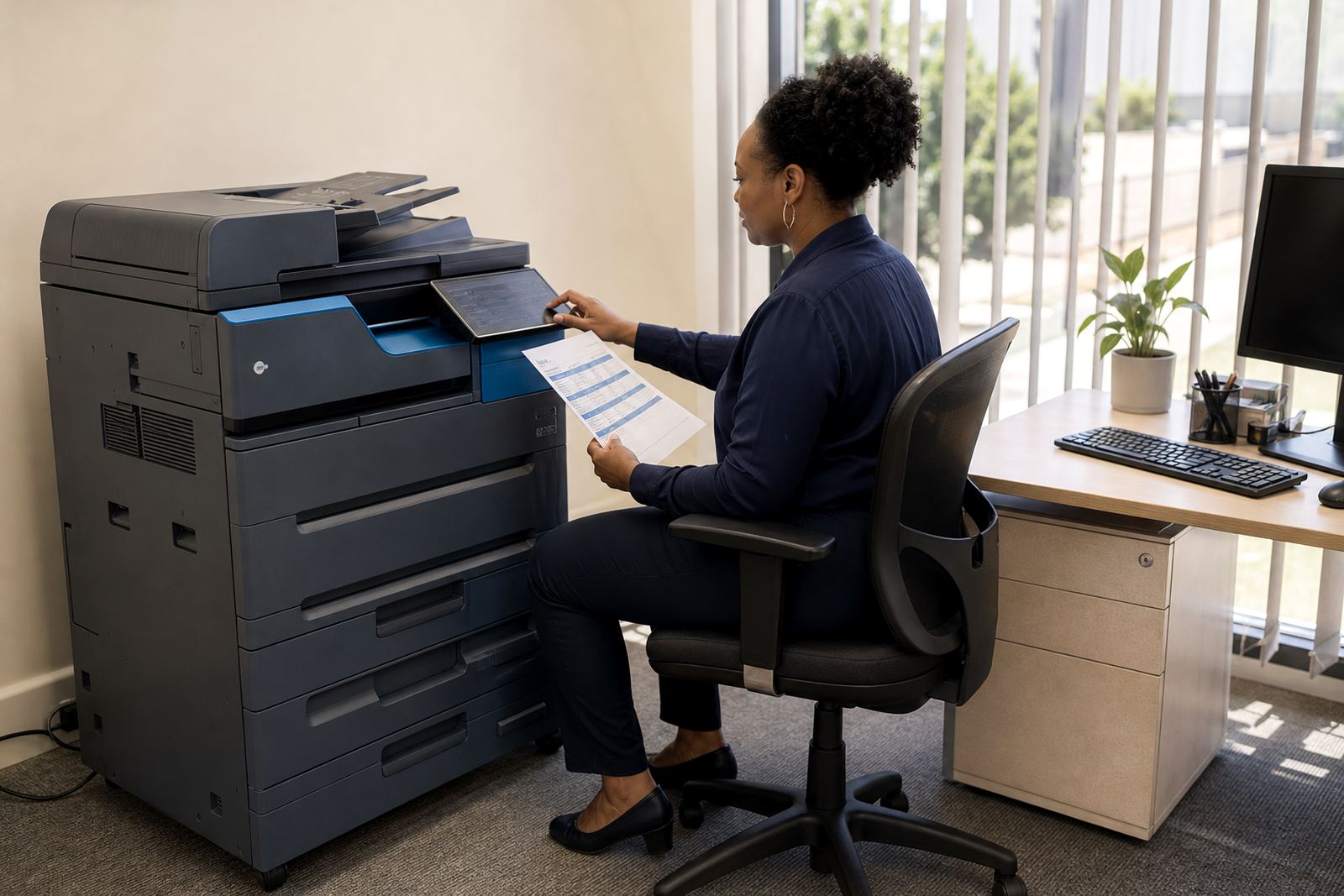
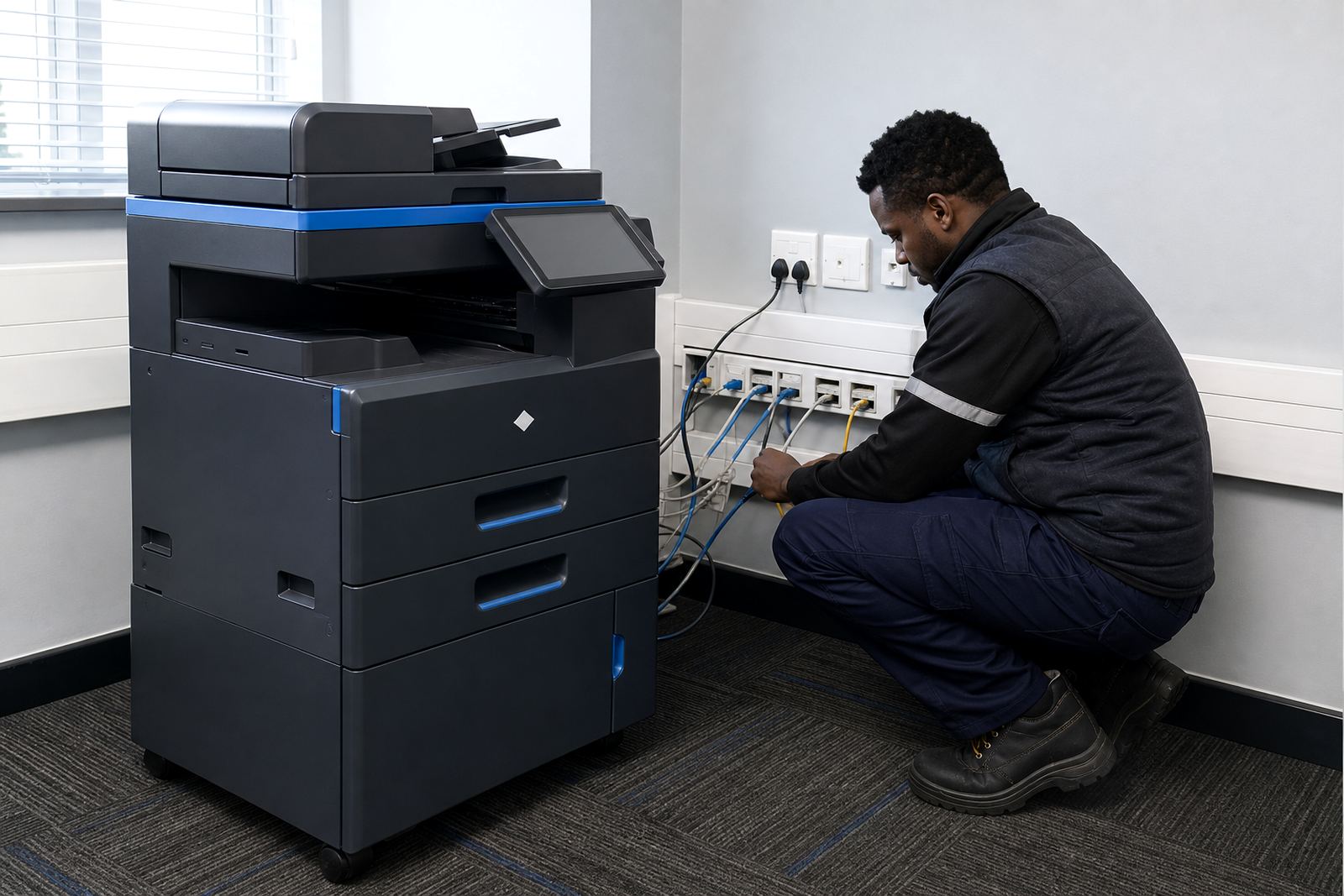
Network setup is more than plugging a machine into a wall socket and hoping the office sorts itself out. We connect the printer or copier to the network, assign the right settings, and configure the functions people actually use, from everyday print jobs to scan-to-message and secure print.
For a smaller office this may mean one multifunction machine on a shared network with a few user groups. For a busier floor, it can include multiple devices, print queues for different departments, and scanning paths that send files to the right inbox or folder without confusion.
- Wired network connection setup for office use
- Print queue setup for selected users or departments
- Scan-to-message configuration for routine document capture
- Secure print setup for confidential documents
- User access setup for staff, reception and finance teams
Machines and features we configure
Most offices want the machine to fit the way people already work. That can mean an A4 unit for day to day documents, or an A3 machine where larger copies, plans or reports are handled at the same device. We set up mono systems for heavy black-and-white output, and colour systems where presentations, forms or branded pages need colour handling.
The feature list depends on the machine and the office workflow. If the device supports duplex printing, stapling, address book scanning or PIN release, we include those functions in the setup so staff are not left guessing which button does what.
- A4 and A3 multifunction printer setup
- Mono and colour device configuration
- Scan-to-message destinations and folders
- Secure release codes or PIN printing
- Basic user guide notes for everyday use
How the setup process runs on site
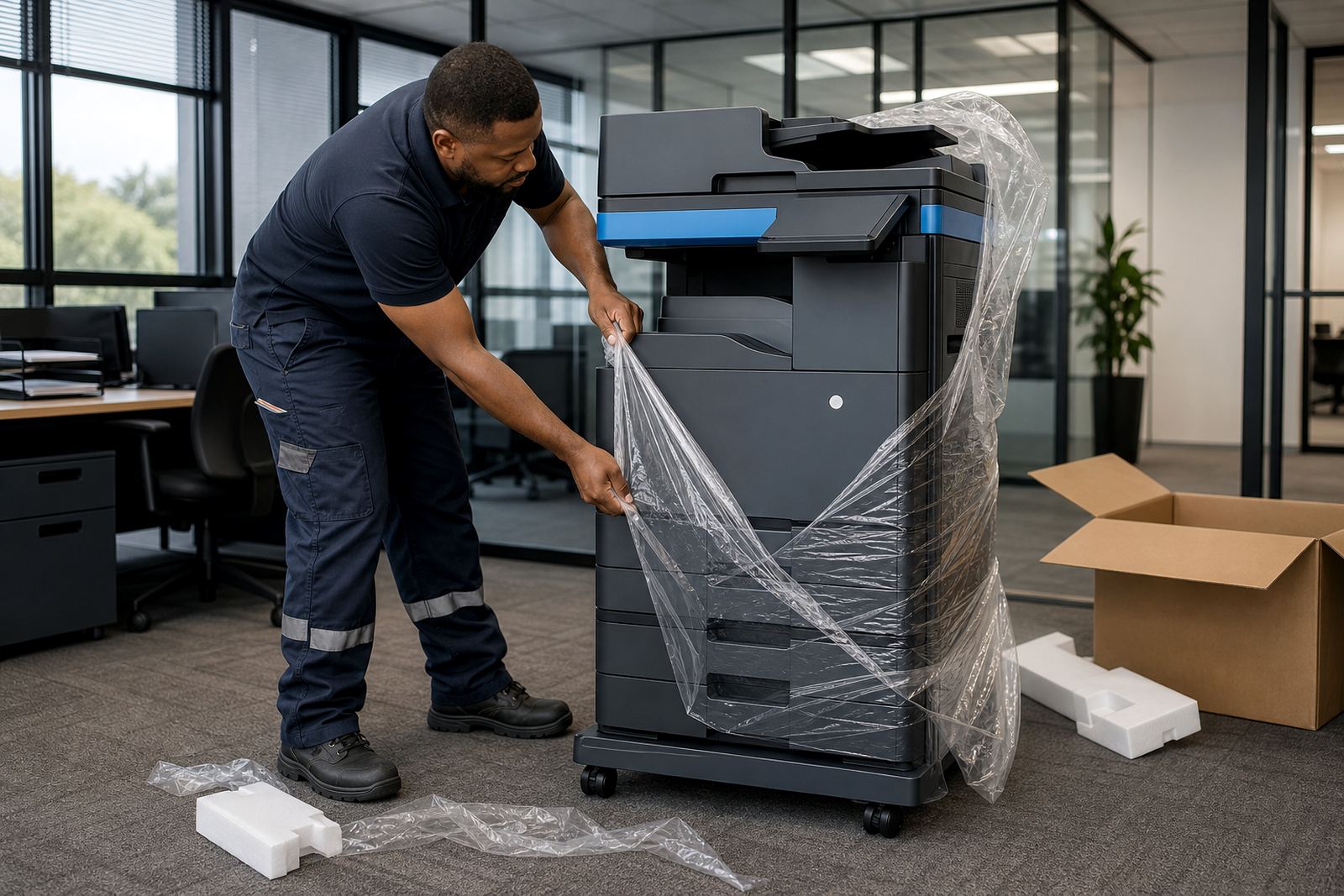
We start by checking where the machine will sit, which users need access, and how the office handles printing today. That tells us whether the best route is a direct setup on a small network or a wider configuration across several workstations and departments.
After that we connect the device, install the print path, test scanning and confirm the settings with the people who will use it. If there are department limits, colour rules or document handoff steps, those are set during the same visit so the office does not inherit a messy setup later.
- Site check and workflow review
- Device connection and network registration
- User access and print path configuration
- Scan tests and secure print checks
- Final handover with practical use notes
Pricing that sits with rental and click billing
Network setup is usually priced separately from the monthly rental and the metre-based click charge. That keeps the rental plan clear, because the machine, toner supply, service cover and usage billing are tracked in different parts of the agreement.
For some clients the setup is a once-off project cost. For others it is folded into the managed print arrangement, especially when several machines are being placed across a branch office or when user access rules need careful handling. We keep the billing structure plain so the office can see what belongs to rental, what belongs to usage, and what belongs to the setup work.
Because the network work depends on the number of users, the device type and the office layout, pricing is usually based on the actual scope rather than a fixed public figure.
Aftercare once the printer is live
Once the device is in use, the follow-up work is practical. If staff need a mailbox changed, a scan destination corrected or a user added to the print list, we deal with those adjustments as part of the managed print relationship. That keeps the machine useful when the office grows or changes rooms.
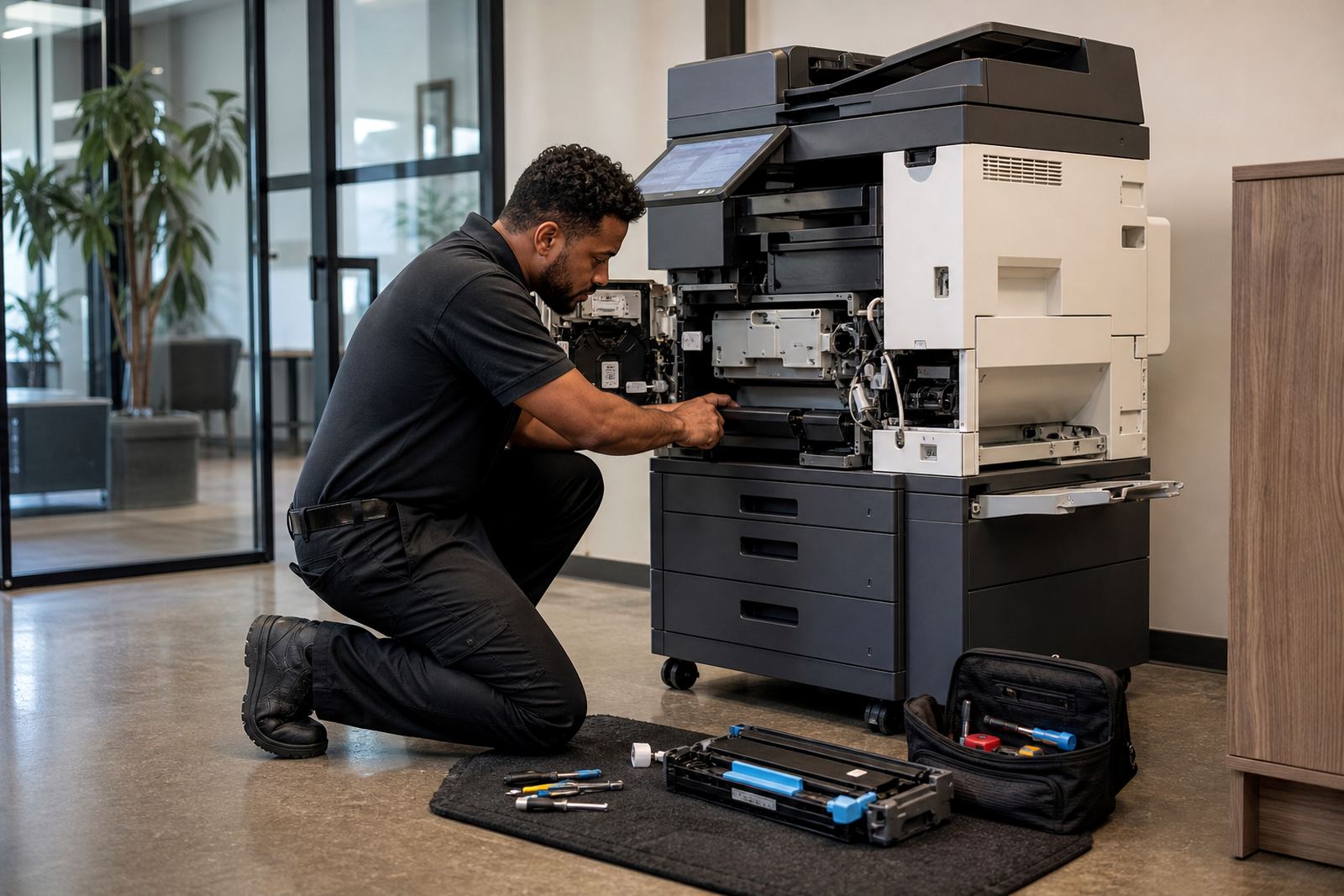
We also help with metre reading support, toner supply and on-site servicing when the device needs attention. If the office later swaps to a different unit, moves premises, or replaces a mono setup with colour, the network side can be updated to match the new arrangement.
- User changes and access updates
- Scan destination adjustments
- Support with metre readings and usage records
- Device relocation and end-term swaps
- Setup notes for reception or office admins
Where this service fits in a managed print plan
Network setup makes most sense when the office wants printing to behave like part of the working day instead of a side task. That is common in Johannesburg, Pretoria, Midrand, Sandton and Centurion, where several users may share one or more devices and need predictable access rules.
It also helps schools, medical rooms and legal practices where scanning, secure print and correct user routing matter just as much as paper output. In coastal areas such as Durban and Cape Town, offices often want machines kept in steady working order with less room for ad hoc fixes, so a clean setup from the start saves a lot of small interruptions.
Our team works from Halfway House, Midrand and supports offices across South Africa, including Bloemfontein and surrounding business areas. The aim is to get the printer, the network and the people lined up properly so the machine earns its place on the floor.
Key facts
| Service type | Office printer and copier network setup |
|---|---|
| Machine formats | A4 and A3 multifunction devices |
| Output modes | Mono and colour |
| Core functions | Print, copy, scan-to-message and secure print |
| Billing model | Monthly rental plus metre-based click charges |
| Coverage areas | Halfway House, Johannesburg, Pretoria, Durban, Cape Town, Bloemfontein, Centurion and Sandton |