

Plans built around real office print volumes
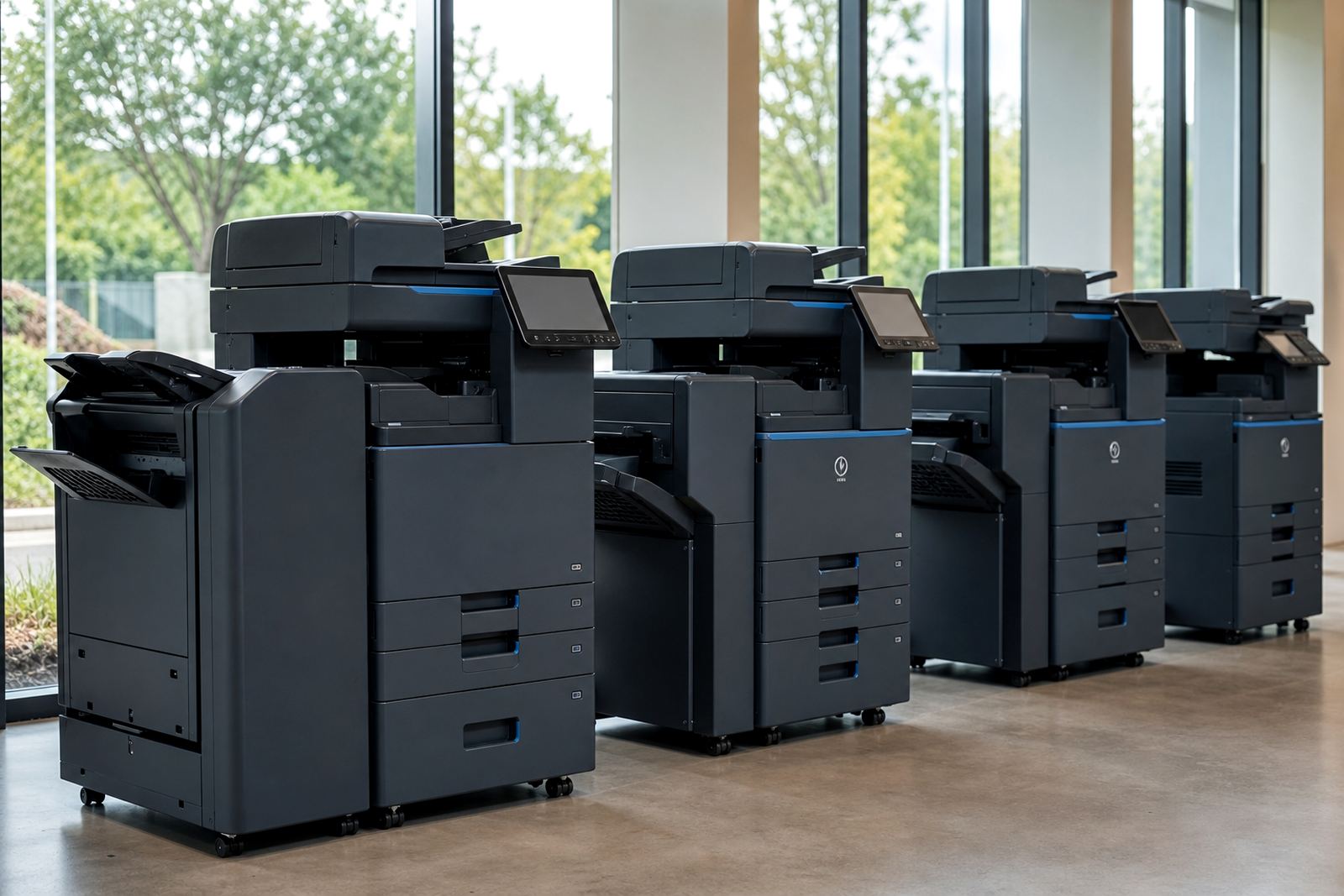
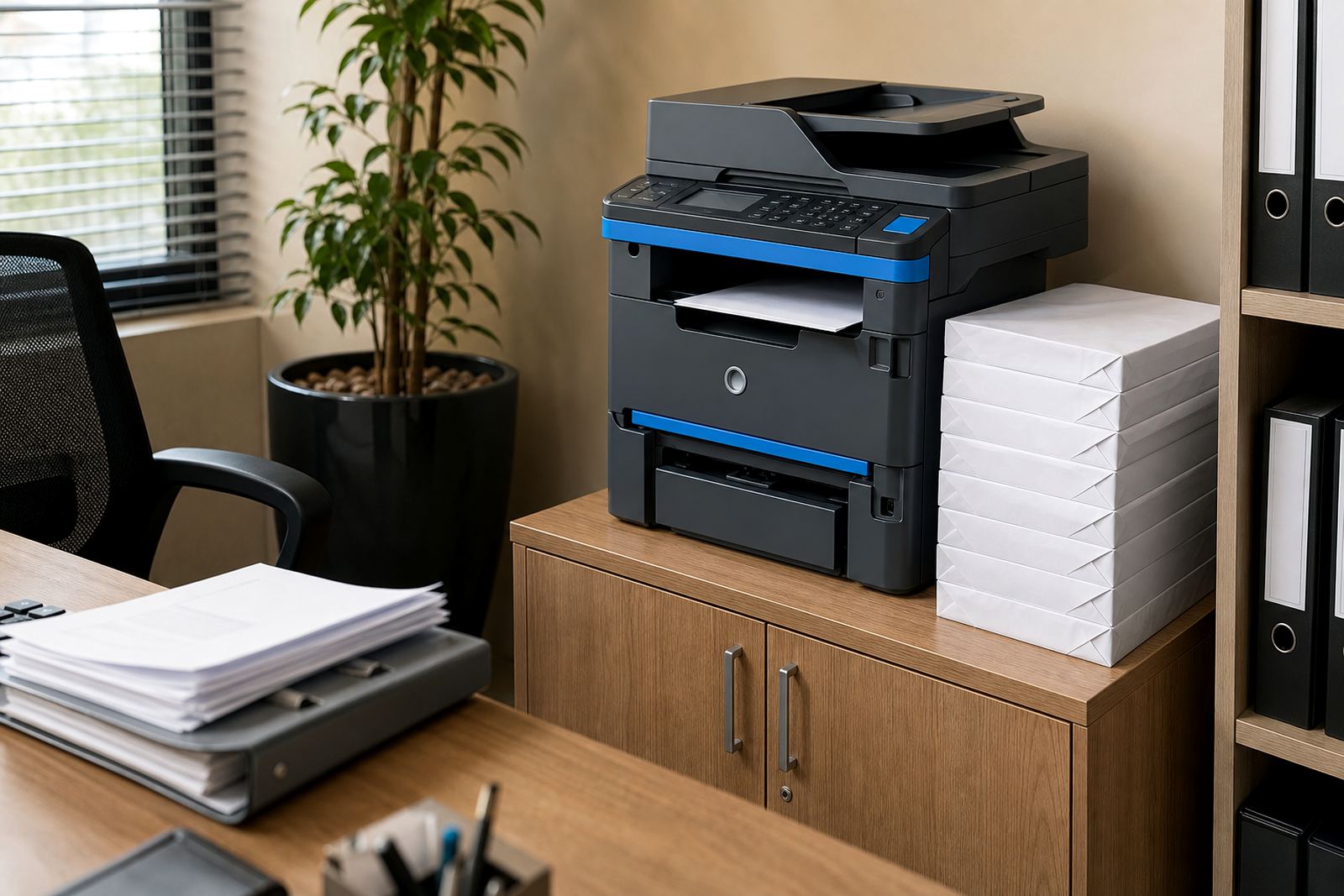
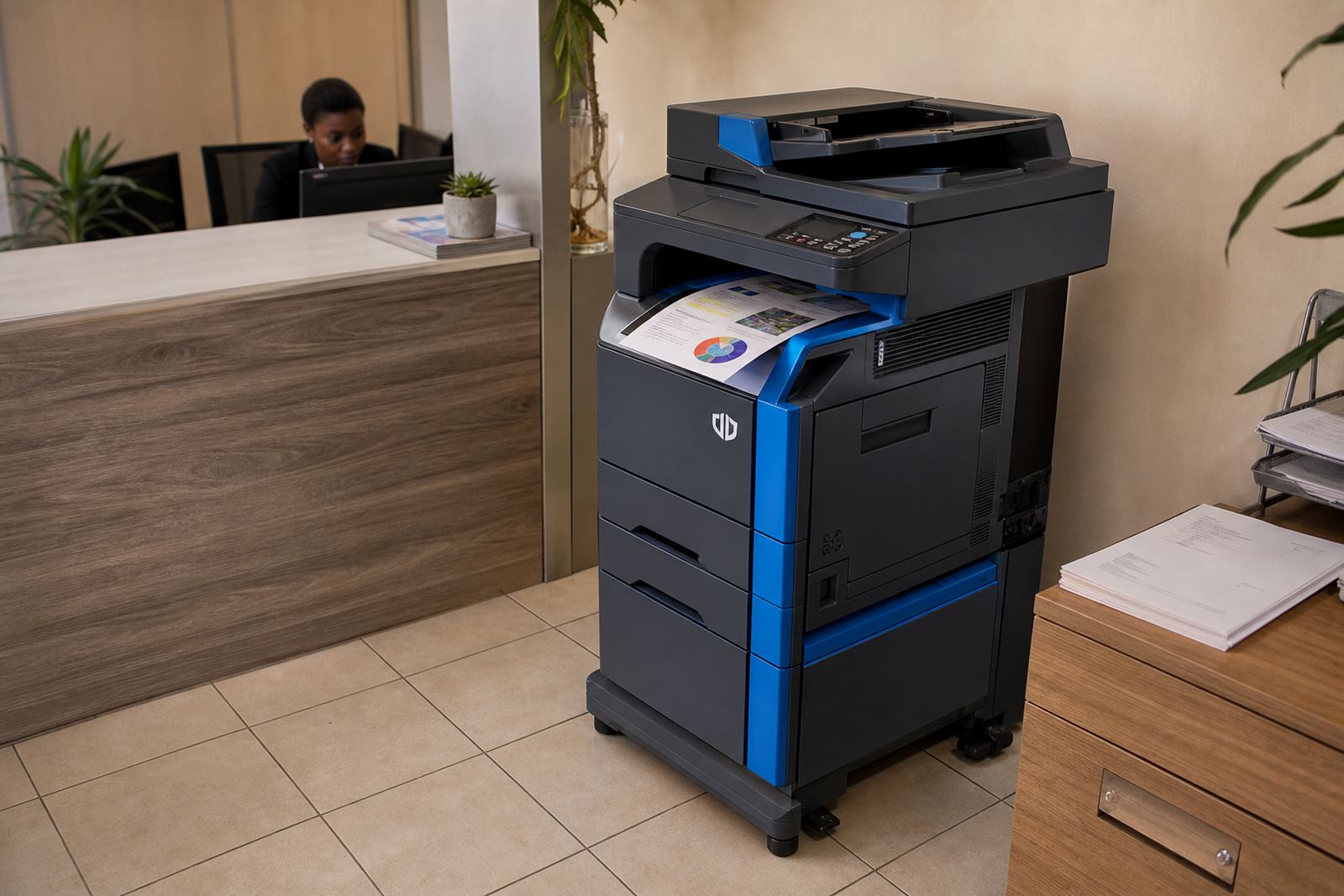
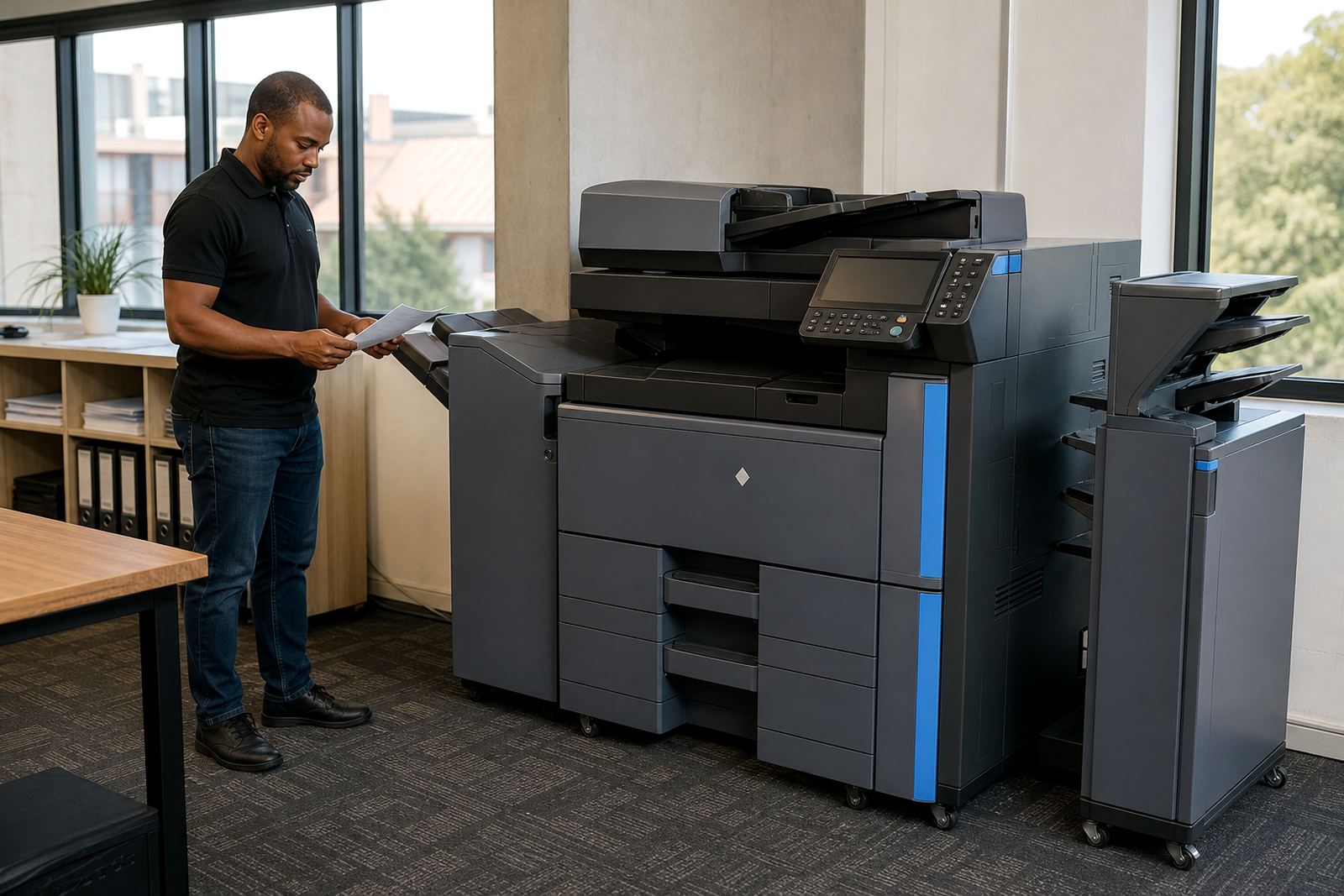
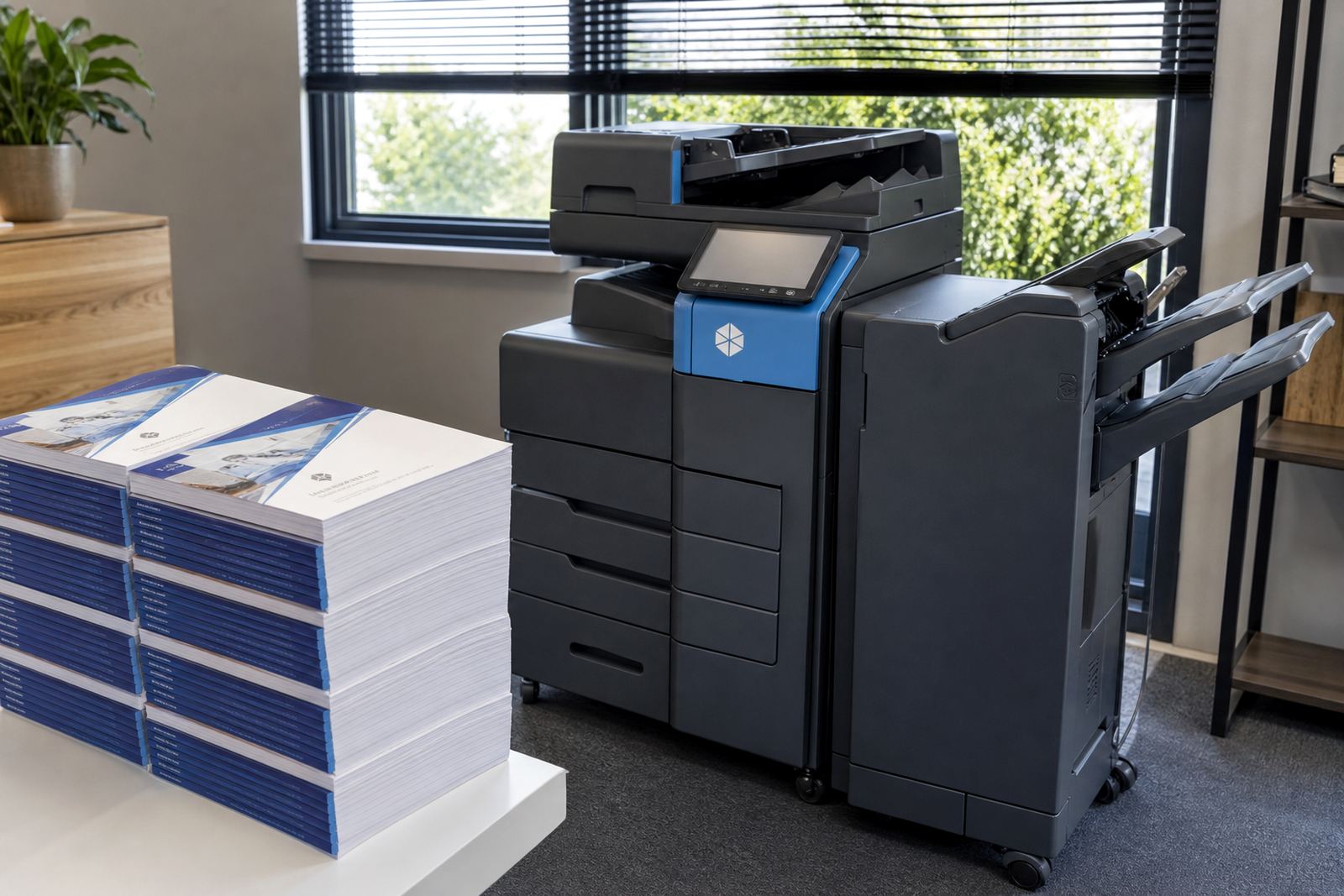
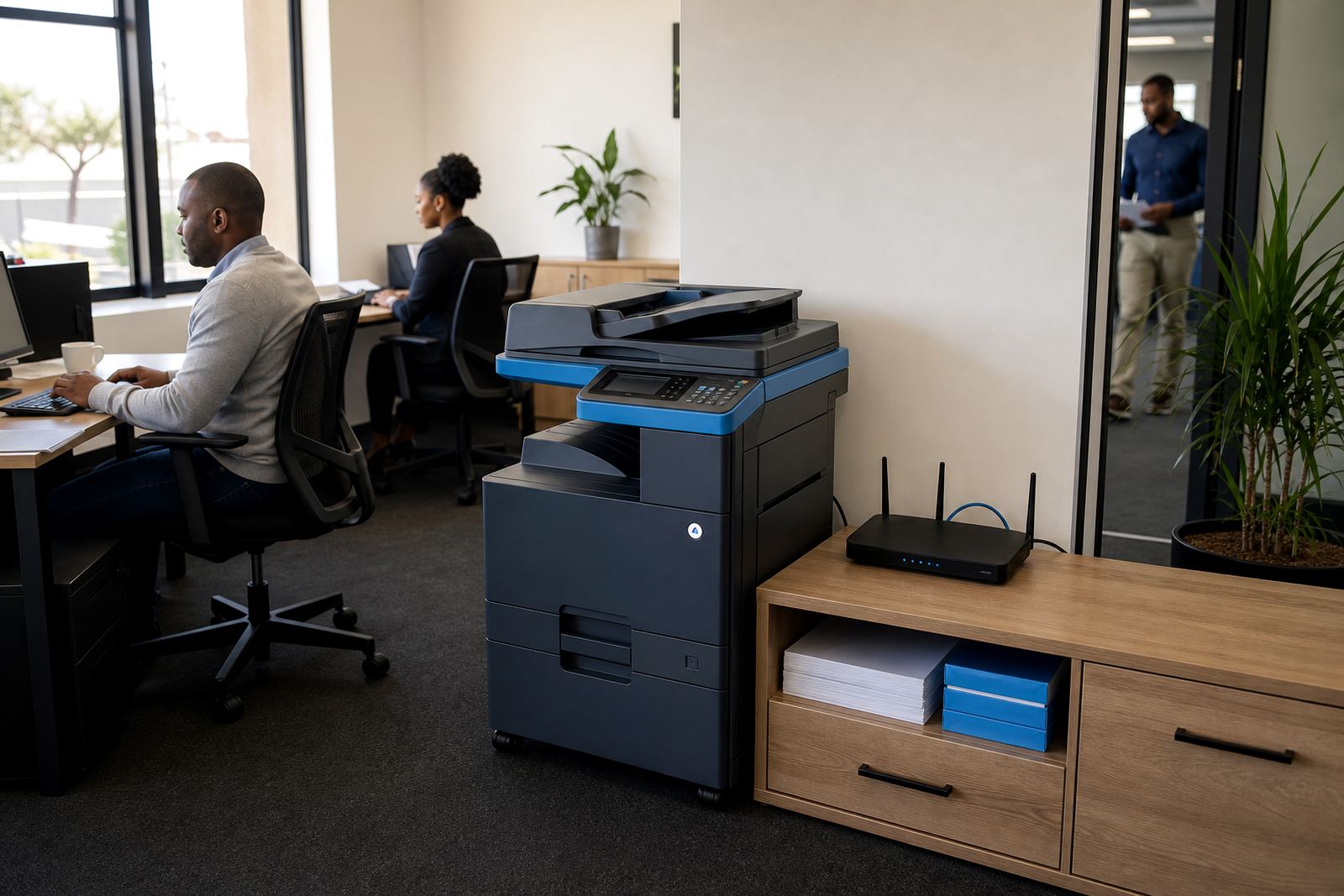
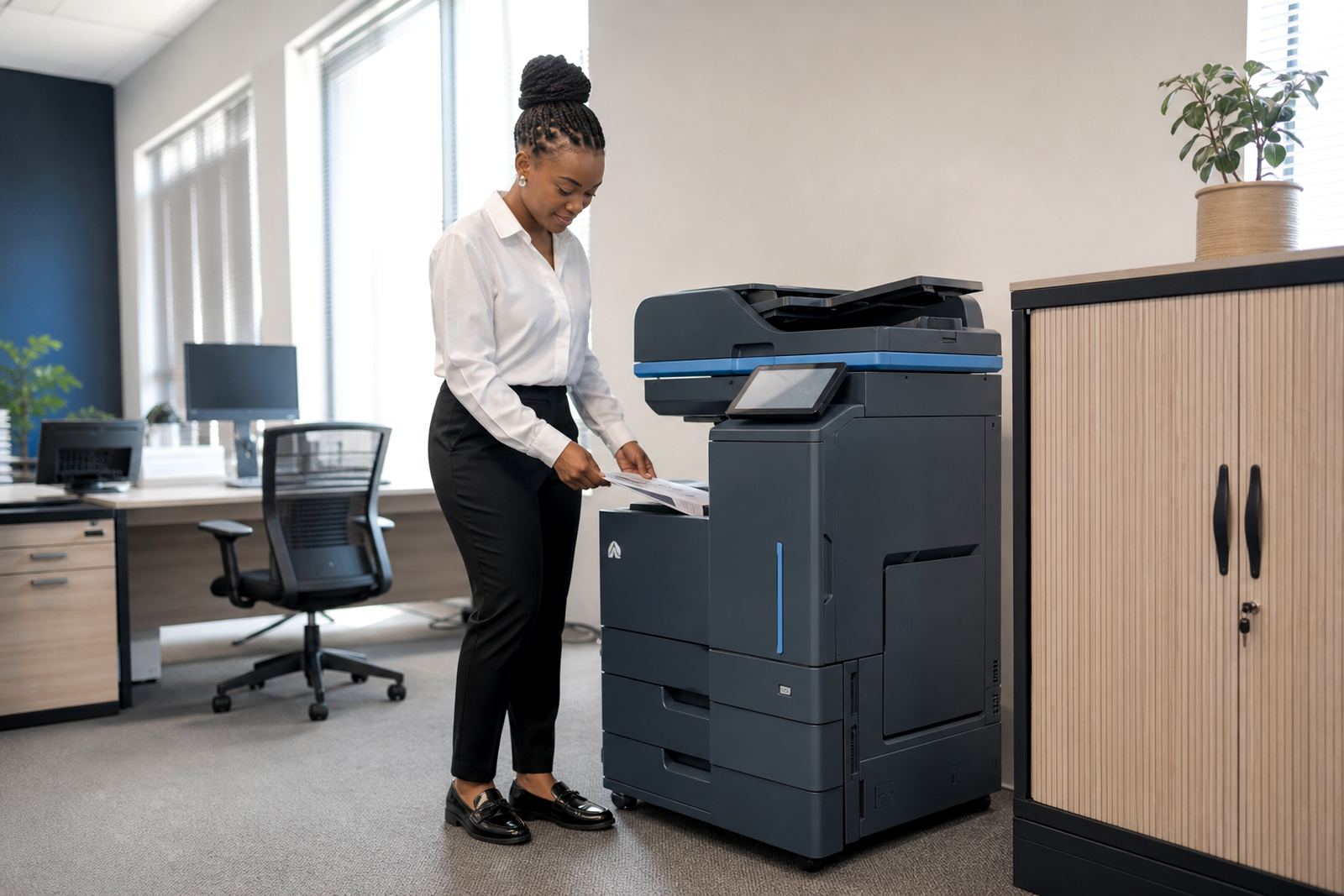
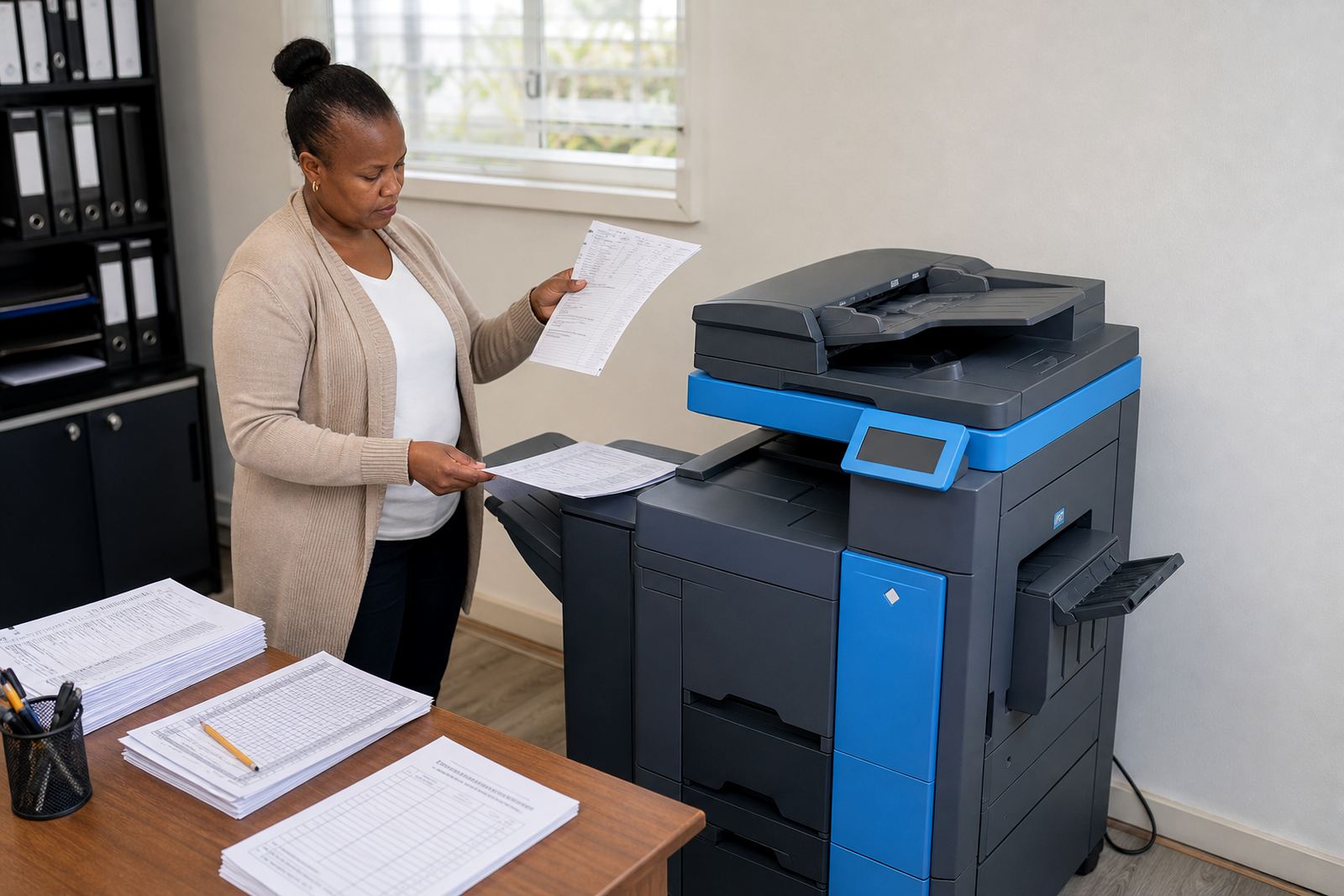
Different teams print in different ways. Some need a compact mono machine for forms, invoices and internal paperwork, while others need colour output for presentations, branded documents and meeting packs. A rental plan should match the volume, the paper sizes and the way the front office or accounts room actually works.
At Go-Printers Rental, the plan structure starts with the machine type and the monthly pattern of use. That keeps the discussion on practical points such as copies per month, duplex printing, scanning, and whether the office needs A4 only or an A3 tray for bigger layouts.
Monthly rental, click charges and the metre reading side
Managed print plans usually separate the rental of the machine from the usage charged on the metre. The rental covers the equipment itself, while click charges apply to the number of pages or copies produced. That makes it easier to track what the office spends when print activity rises or drops.
Metre readings matter because they keep billing tied to actual use. If a practice, school office or branch manager wants cleaner control over budgets, this format is often easier to follow than buying cartridges, tracking service calls and handling separate repair costs.
- Monthly rental for the machine
- Metre-based billing for pages used
- Mono or colour pricing structures
- Usage reports that help with budgeting
Toner supply and service work under one plan
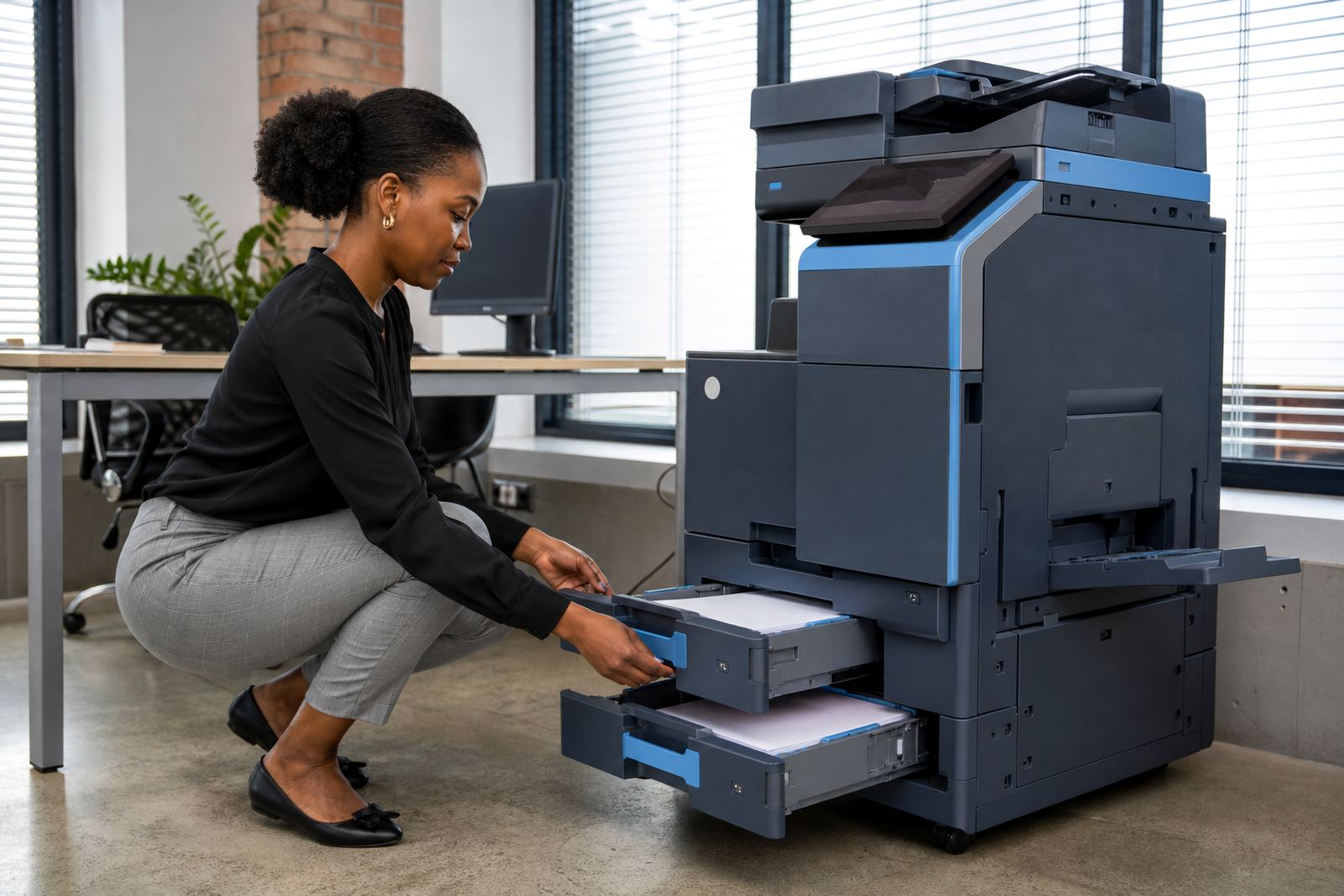
Printer rental plans work best when toner supply is part of the arrangement. Offices do not want to carry spare stock for every device, and no one wants a machine sitting idle because the toner drawer ran dry. The managed print model keeps consumables aligned with the contract.
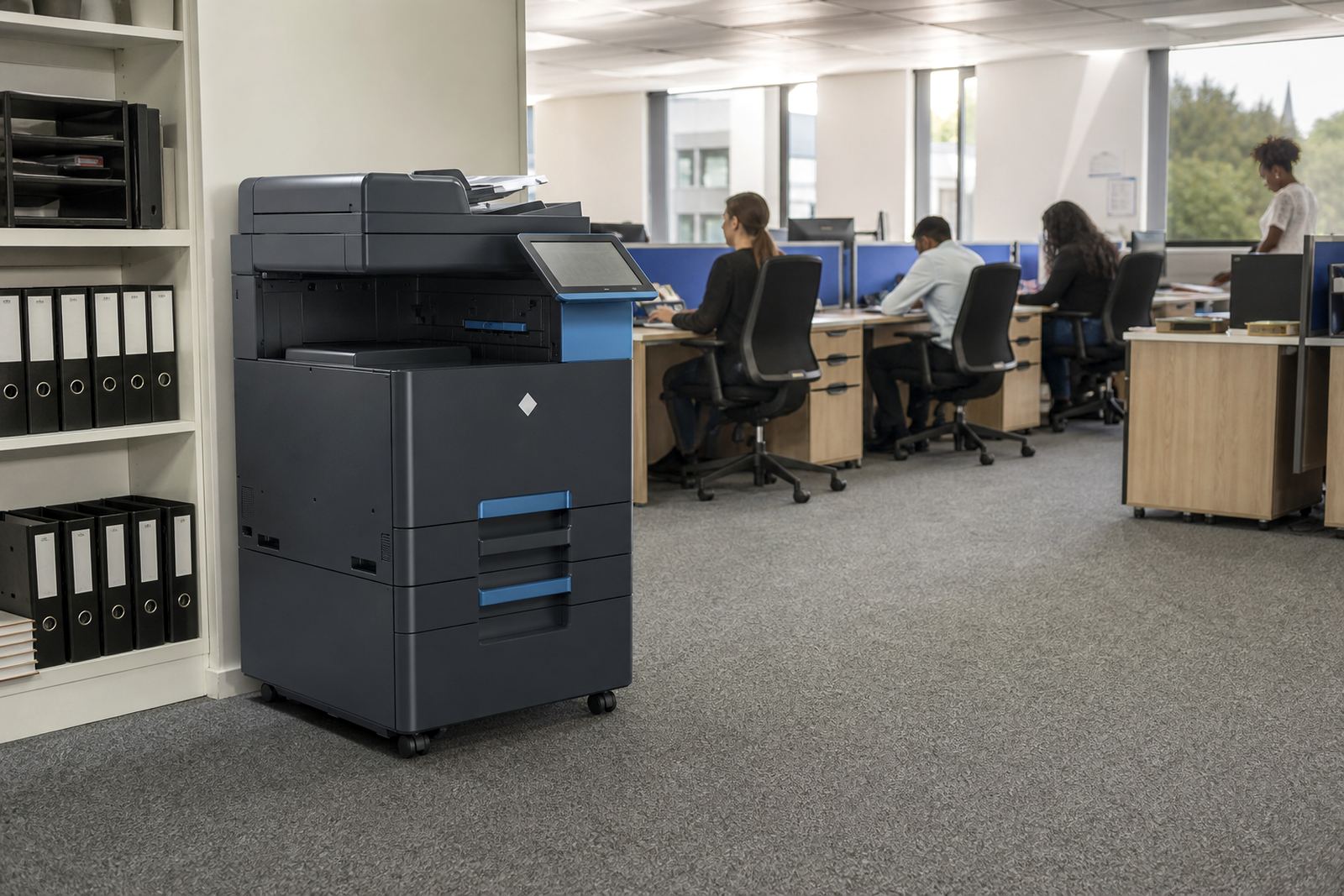
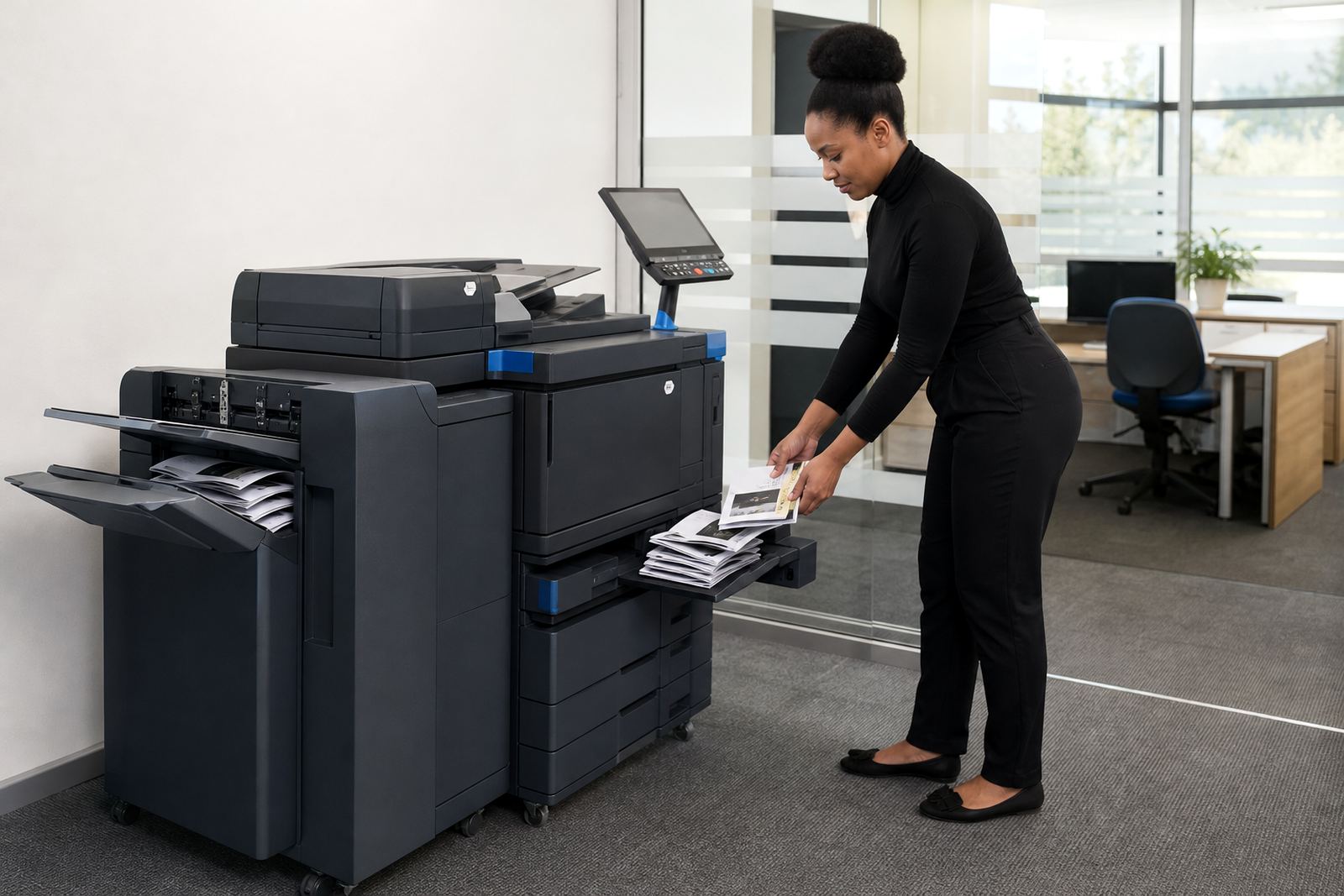
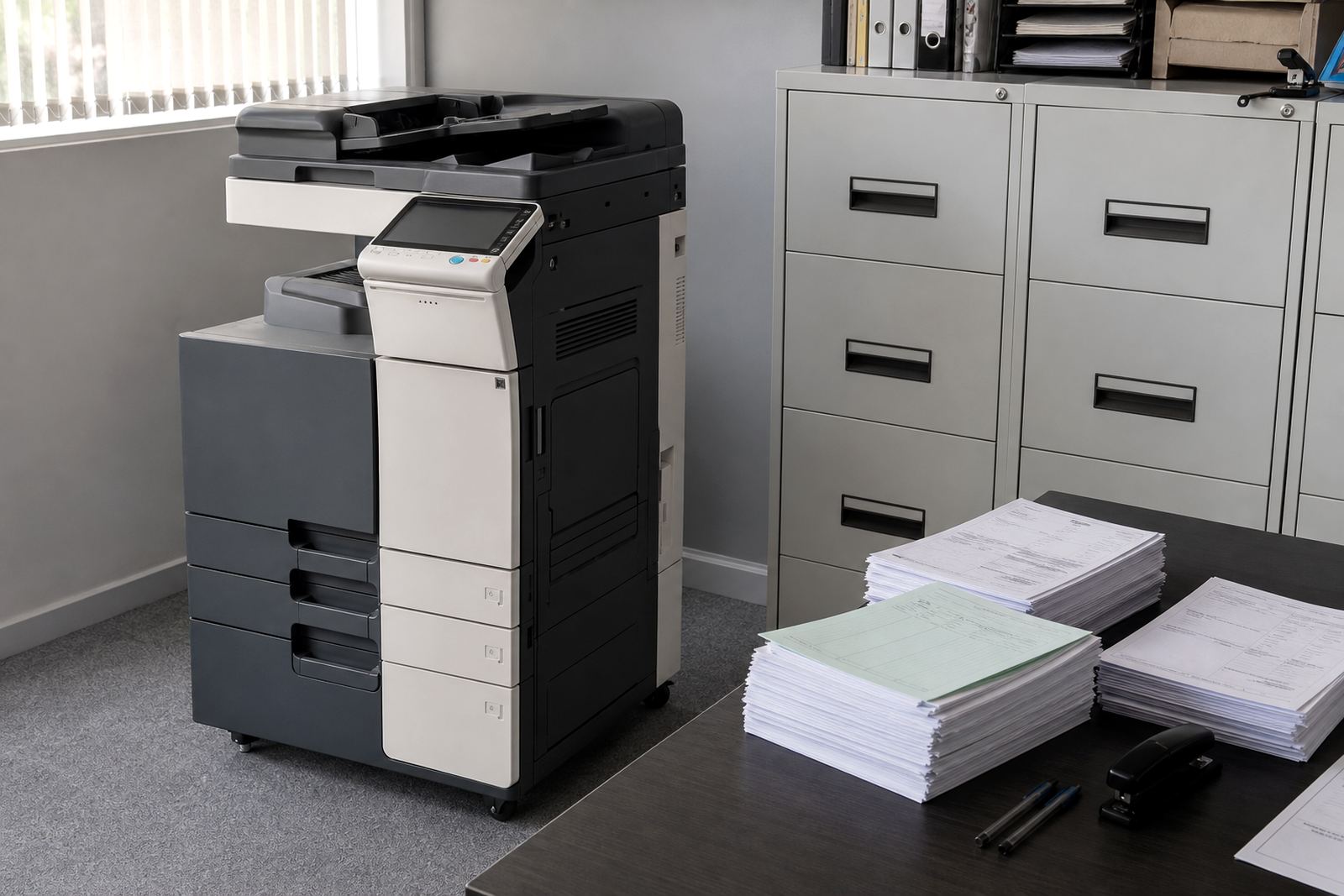
On-site servicing matters just as much. A copier that handles scanning, copying and printing is central to admin work, so breakdown support has to fit normal office conditions. That includes regular maintenance, fault finding, part replacement where needed, and checks on the print quality across the fleet.
A4, A3, mono and colour choices that change the conversation
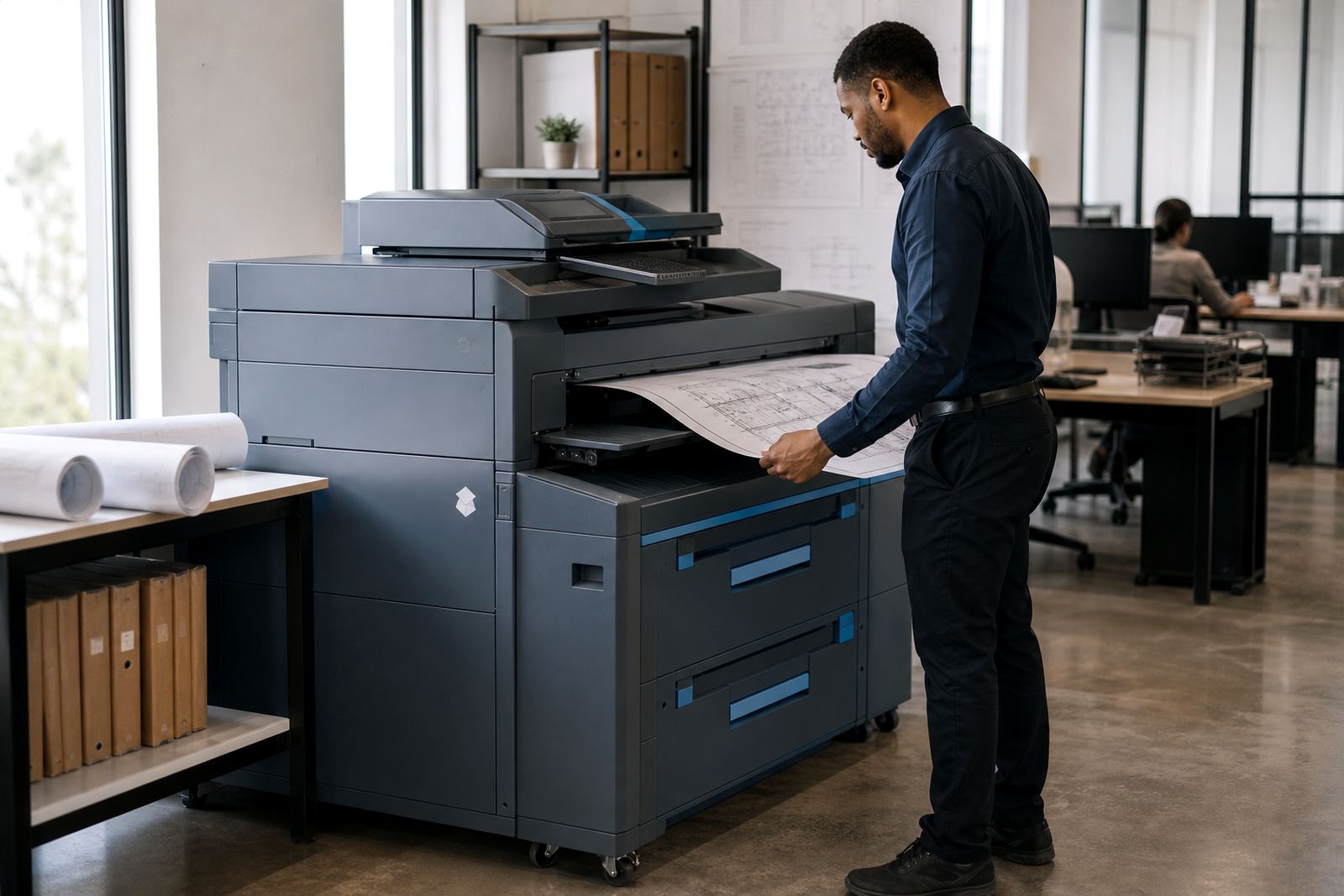
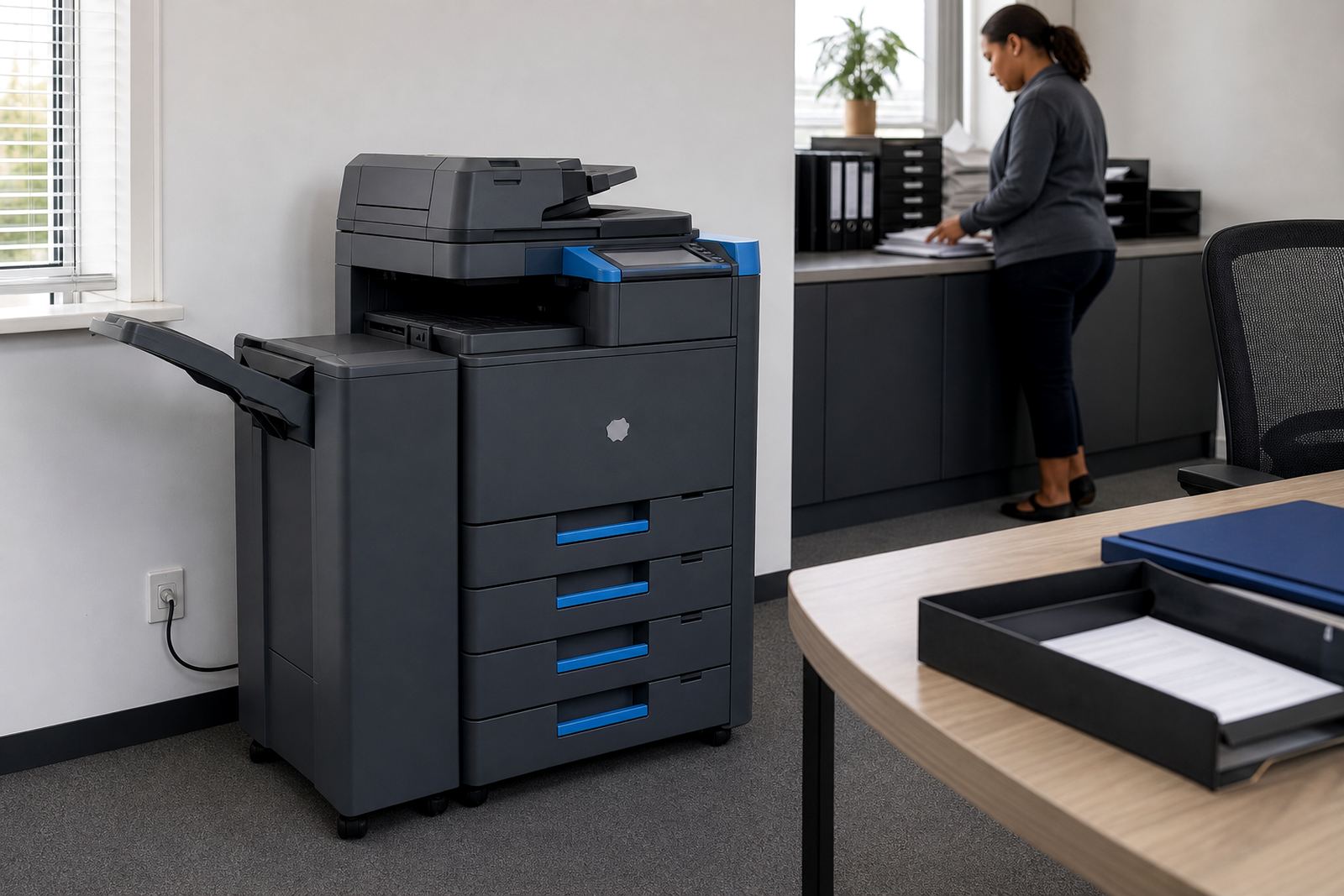
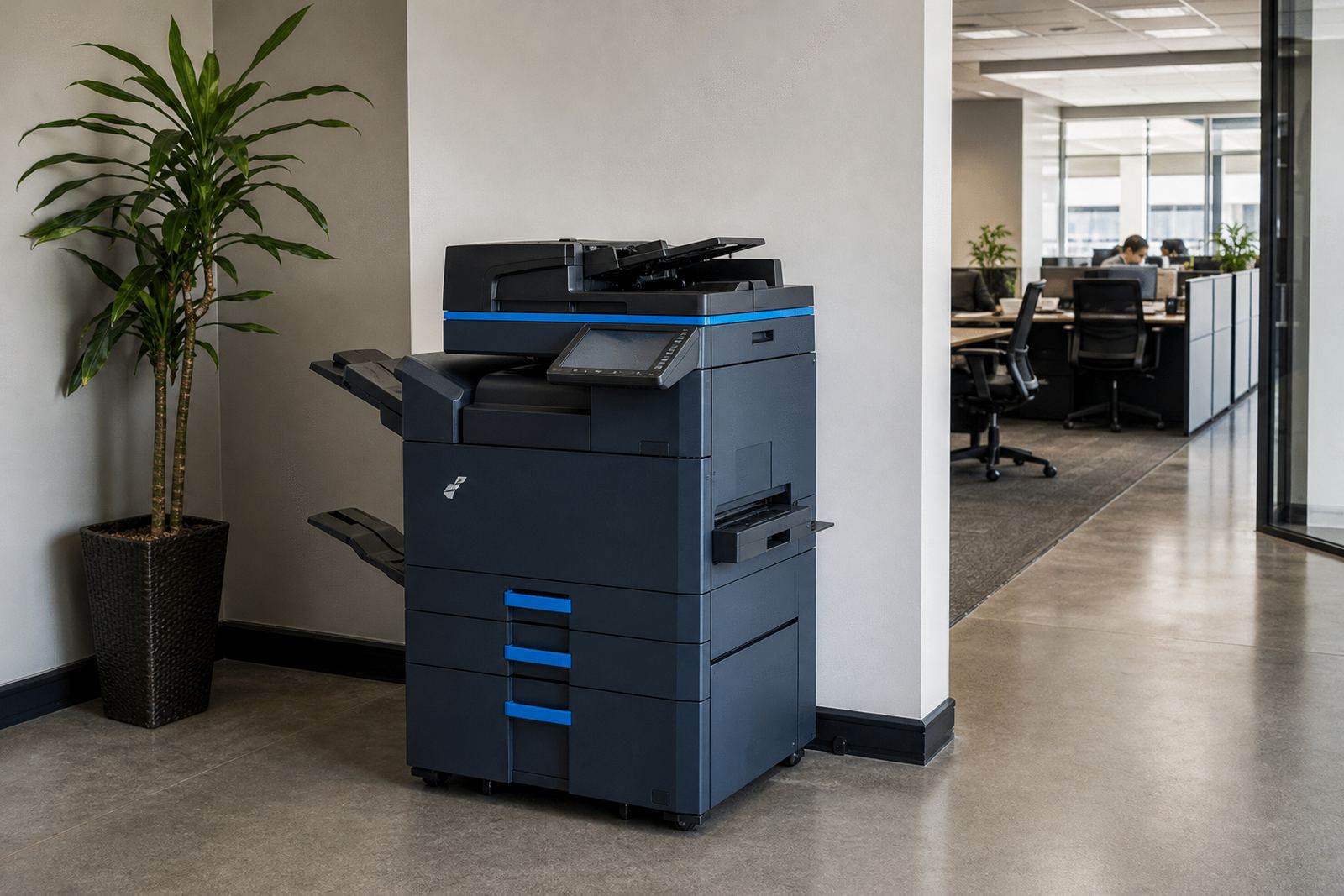
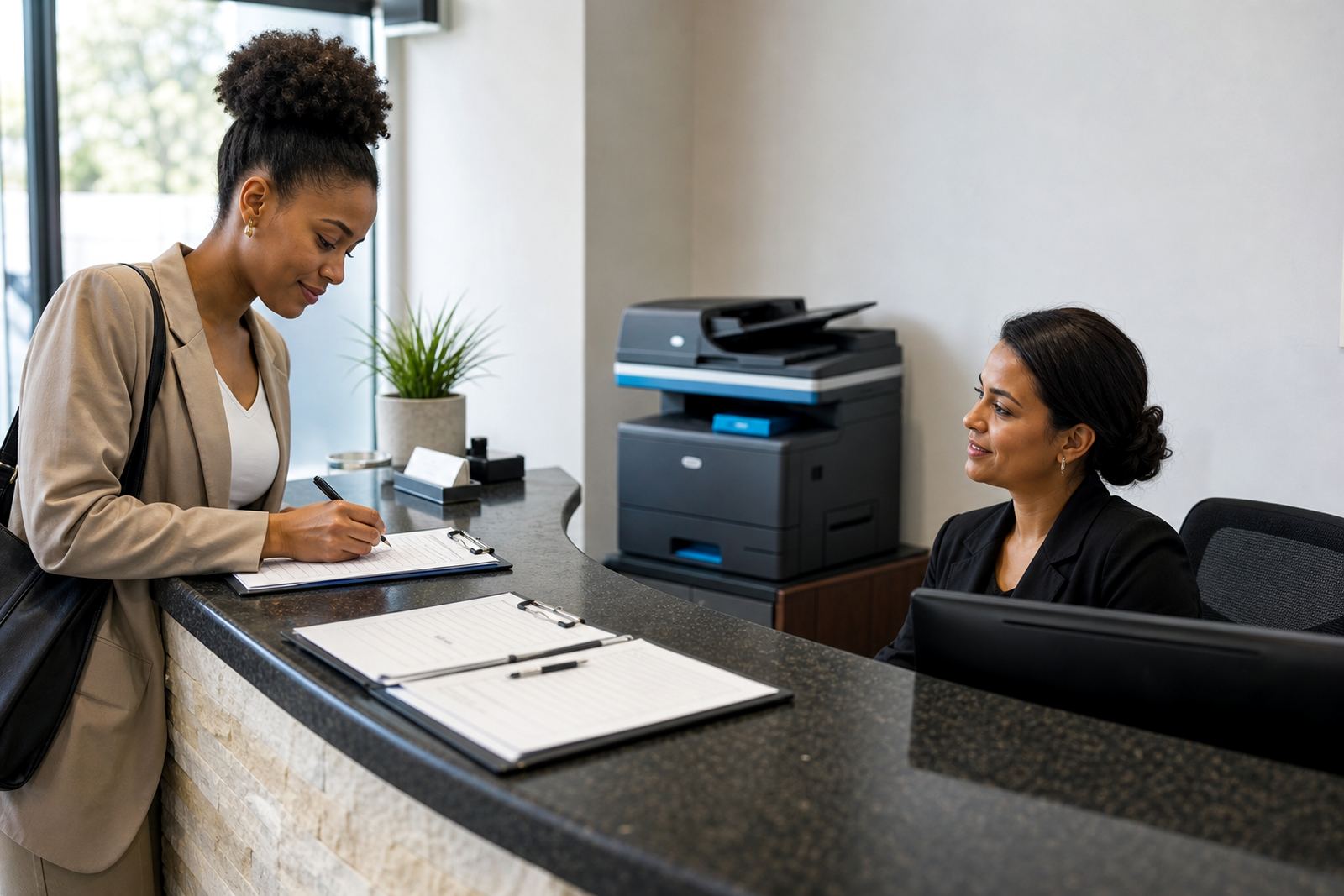
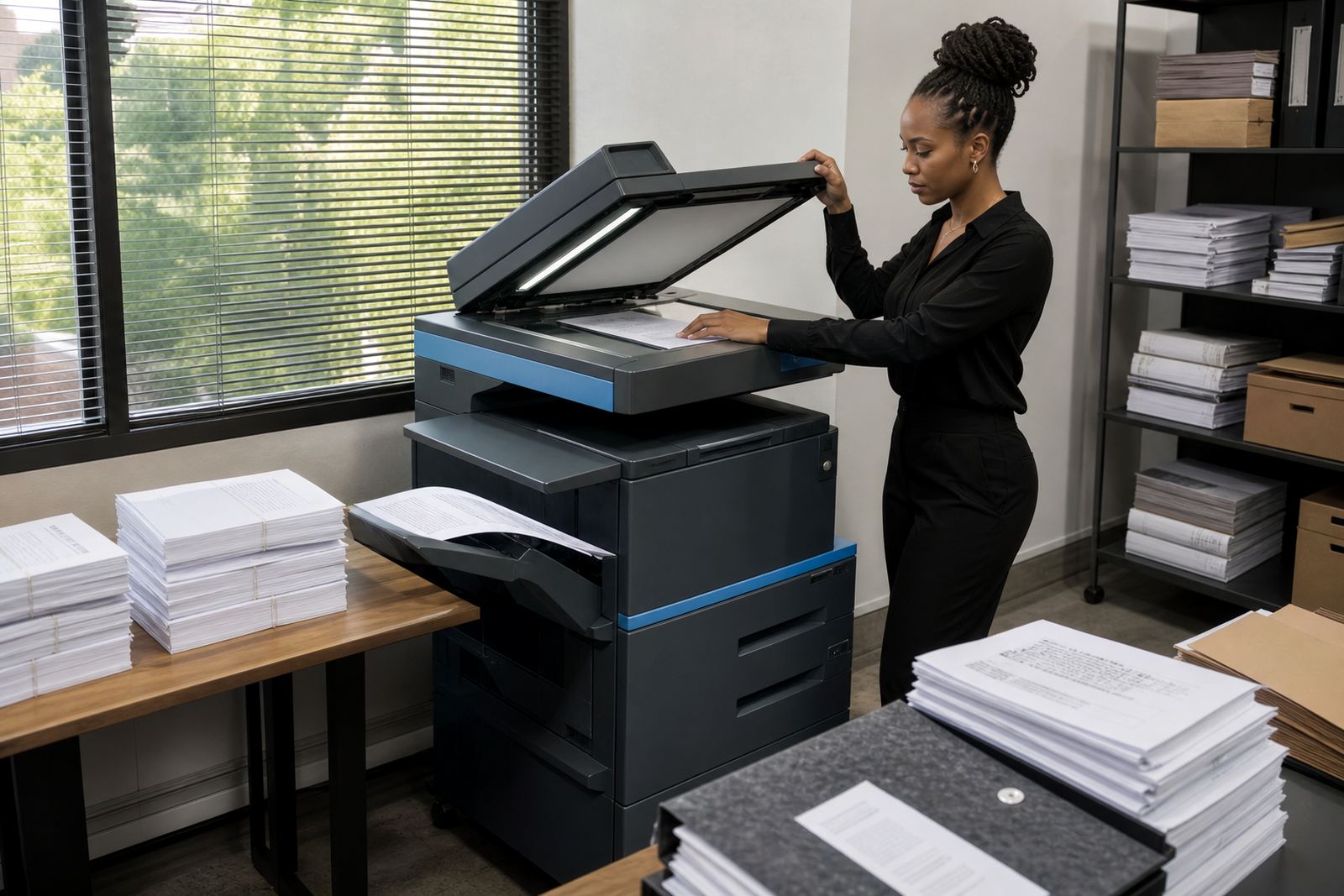
A4 machines suit most reception counters, finance teams and day-to-day admin rooms. A3 machines make more sense when the office prints layouts, charts or wider documents that need extra space on the page. The choice between mono and colour then depends on how often visual documents leave the building.
Some teams only need black and white output with scanning and copying. Others need colour for proposals, classroom packs or client packs. The right rental plan should reflect that difference, not force a larger machine where a smaller unit would do the job neatly.
- A4 for routine office use
- A3 for larger layouts and mixed media
- Mono for text-heavy output
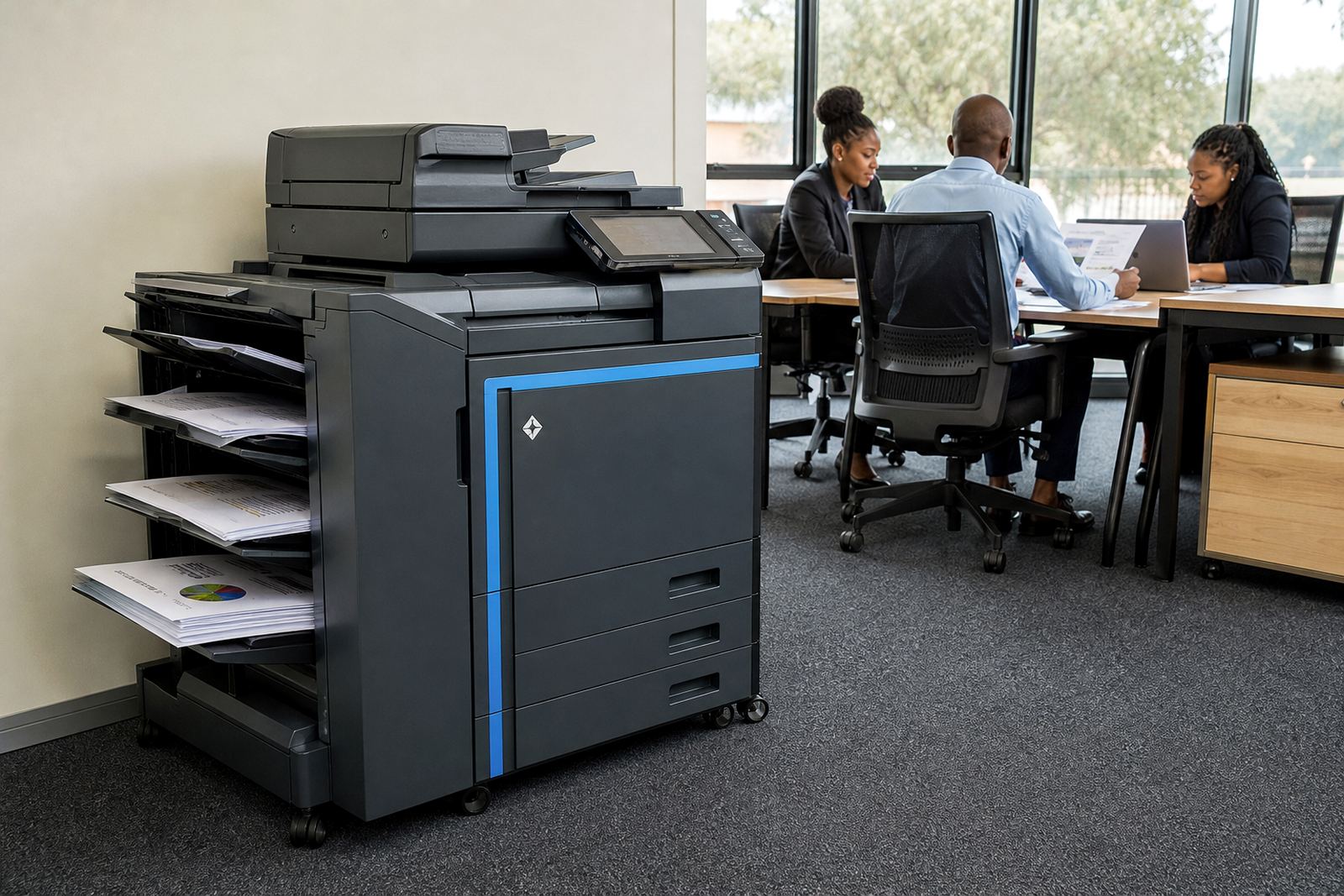
- Colour for reports, packs and presentations
Scanning, secure print and the daily workflow
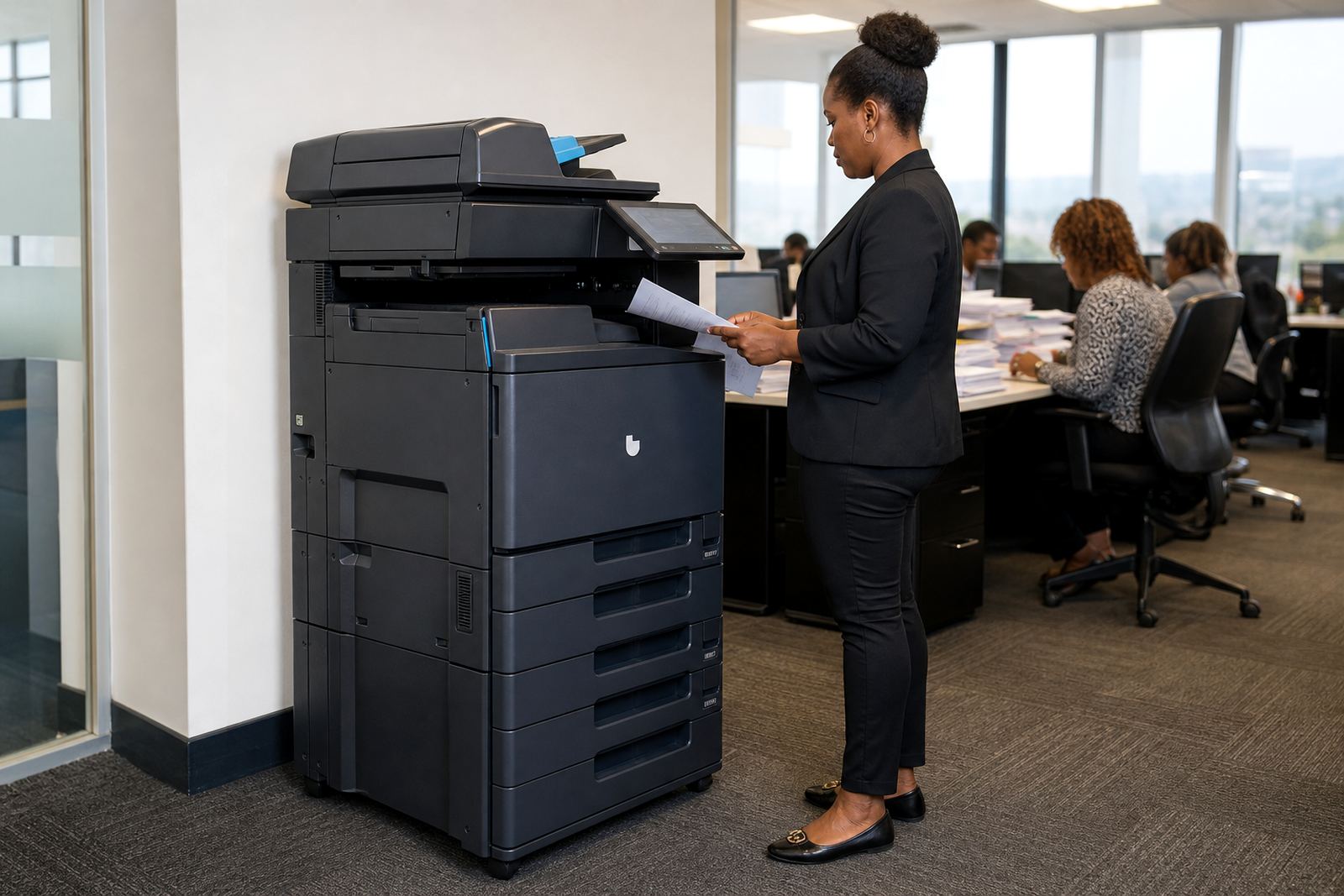
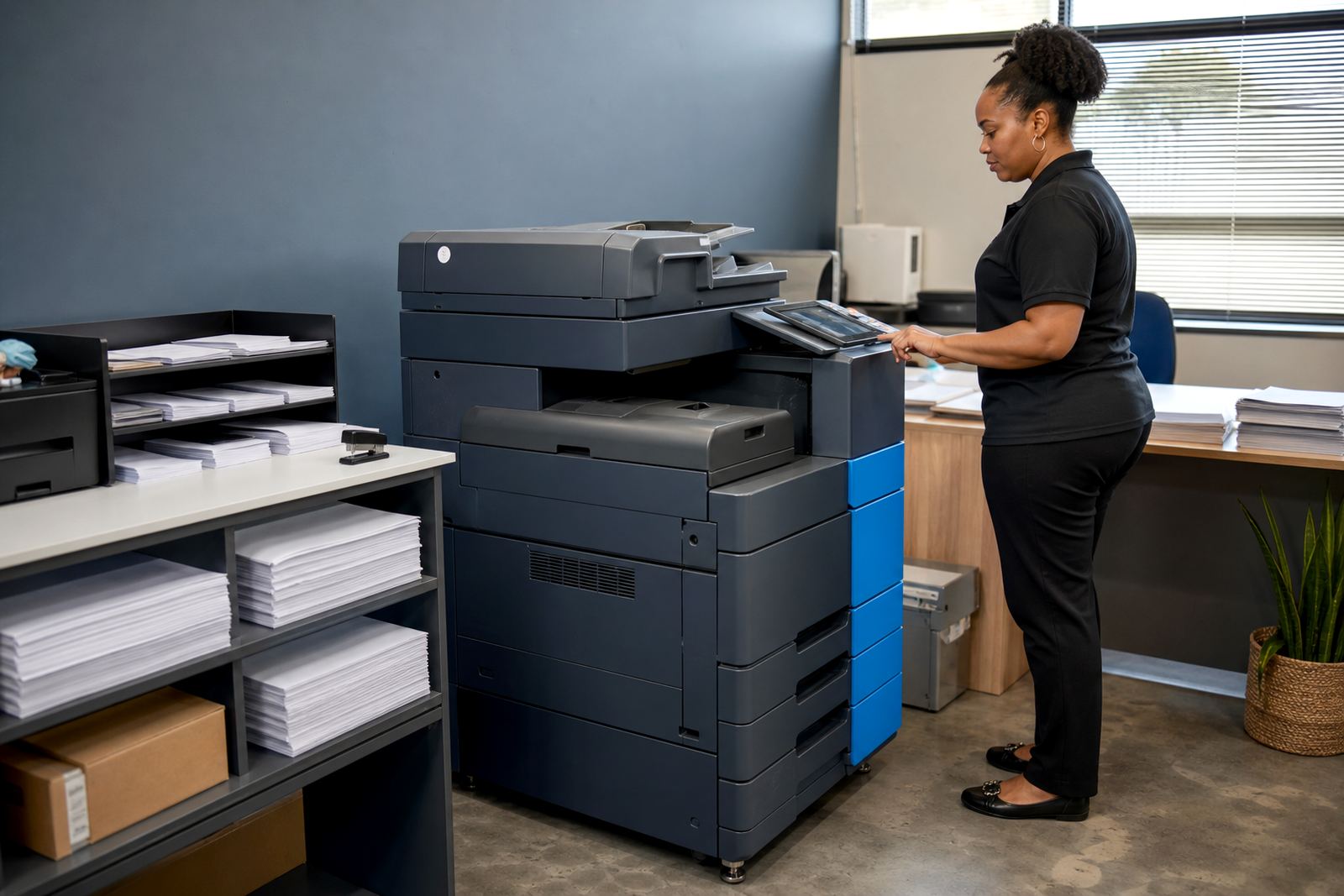
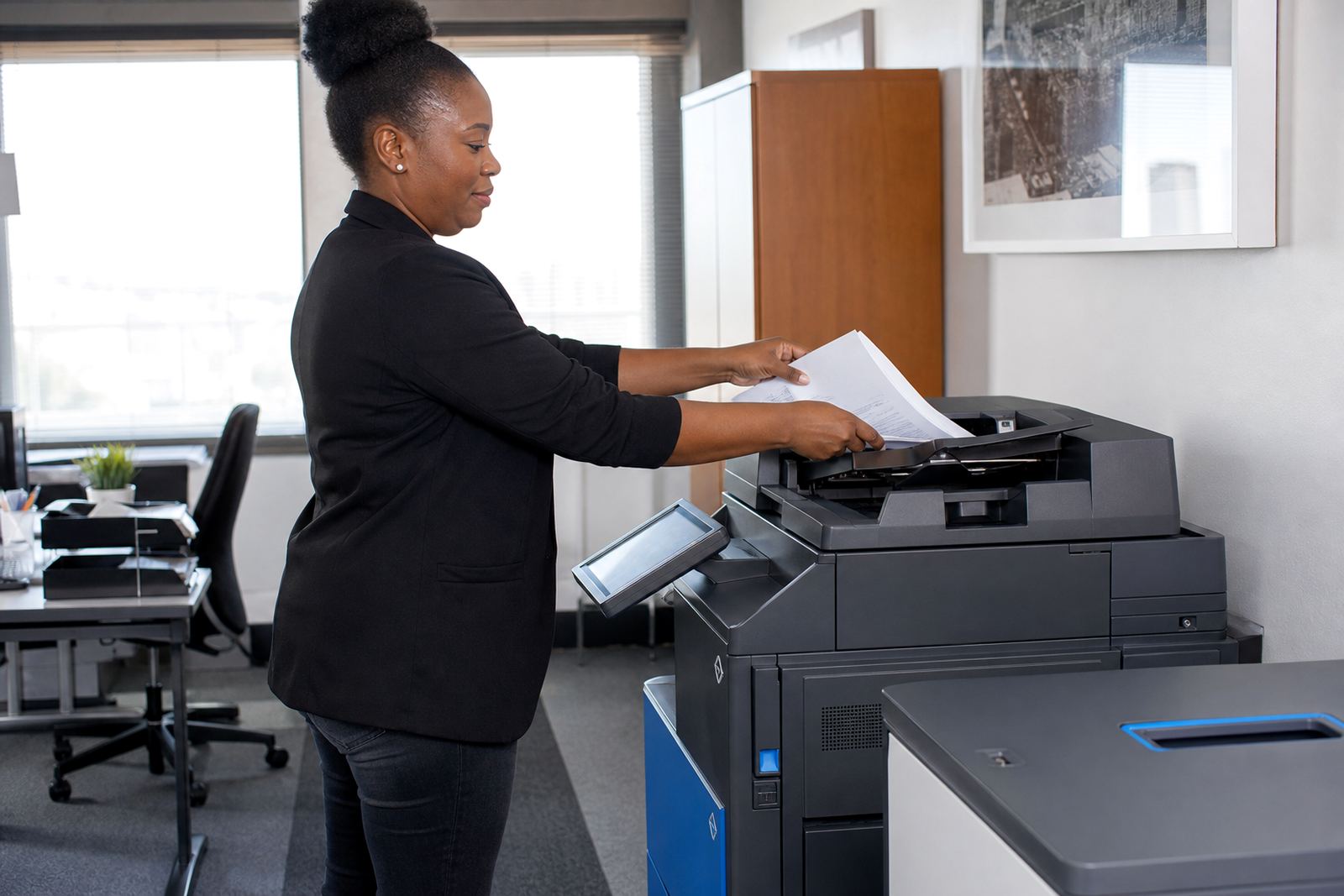
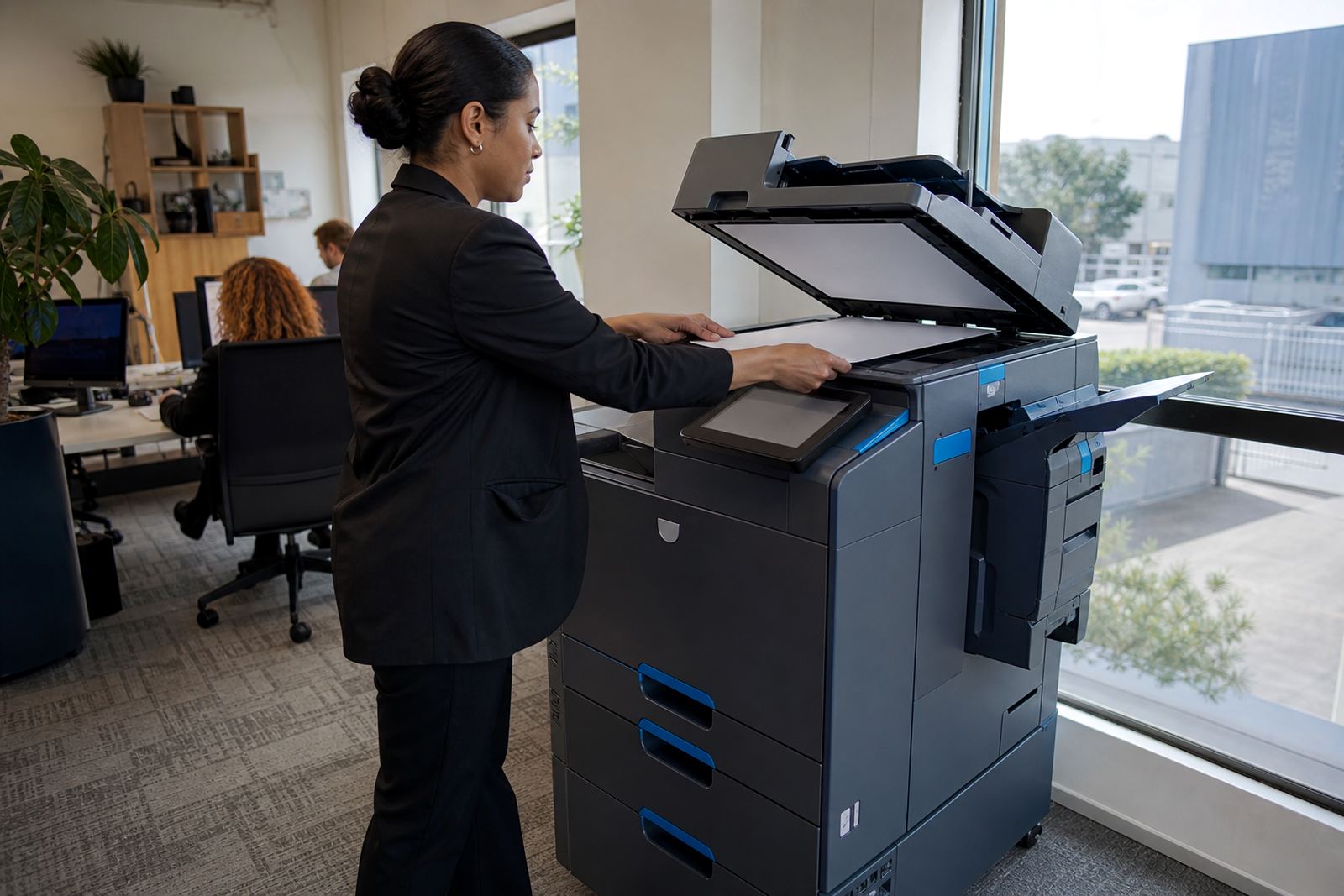
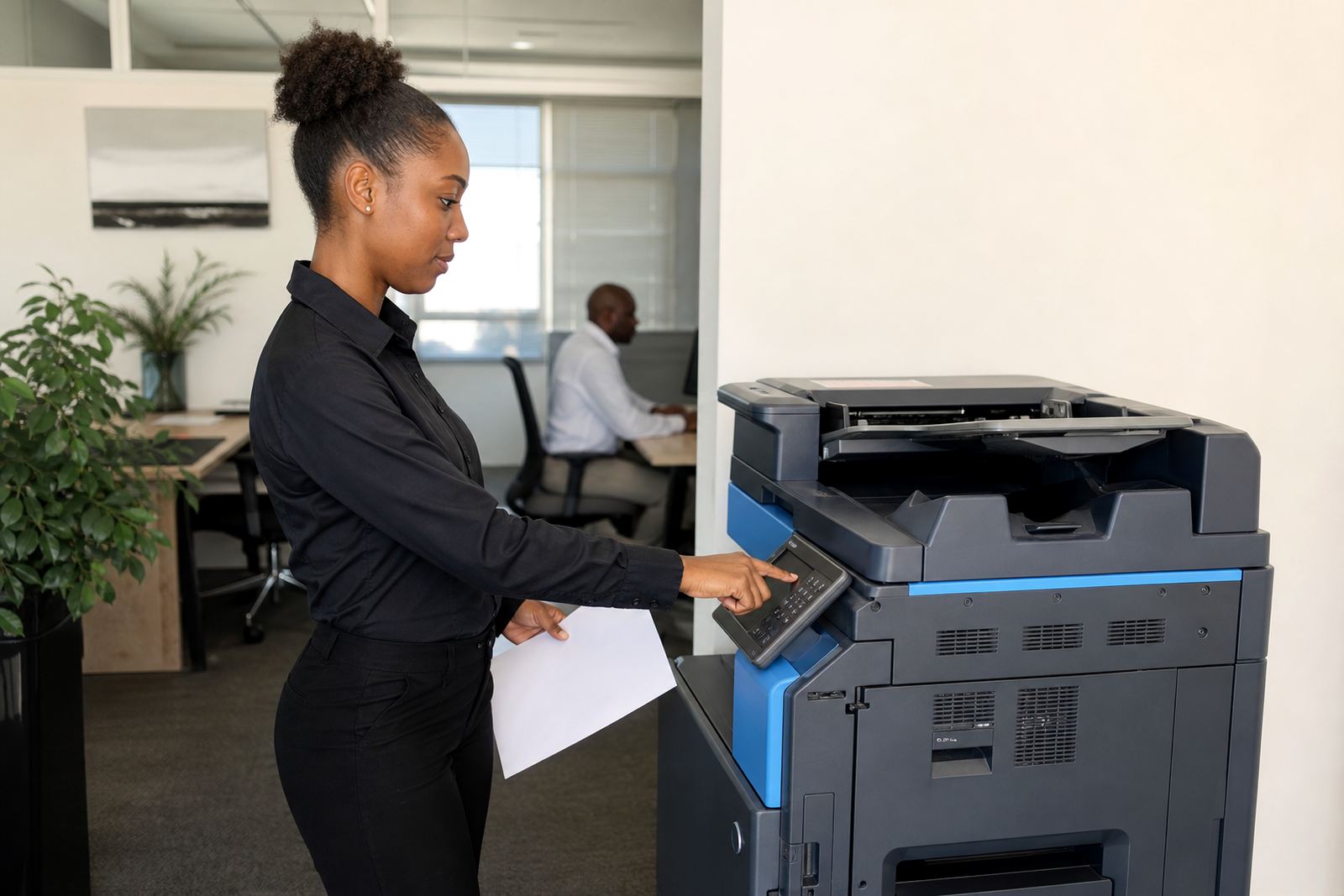
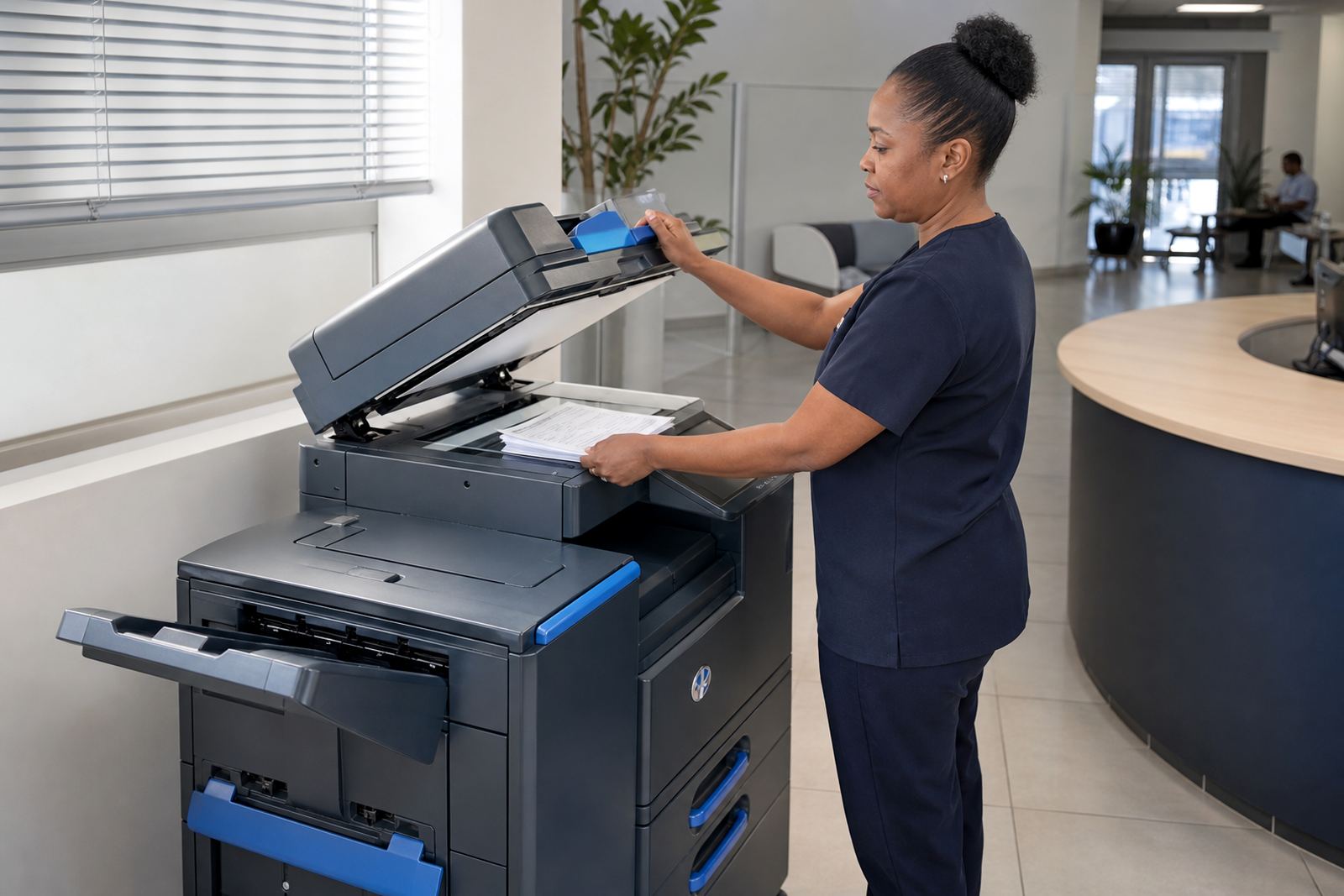
Modern multifunction printers do more than copy pages. Scan-to-message helps teams move documents into inboxes and filing systems without extra steps. Secure print keeps sensitive work in the queue until the user is physically at the device, which suits accounts, HR and professional rooms where privacy matters.
These features are not extras for the sake of it. In a busy office they reduce queues at the machine and make the paper trail easier to manage. When staff move between branches or share devices, the setup needs to stay clear and usable.
Swaps, relocations and end-of-term planning
Office needs change. A branch may grow, a school office may need a different mix of devices, or a practice may move into rooms with a different print pattern. Managed print plans should allow for machine relocations, user handover and end-term swaps when the setup no longer fits.
That flexibility helps the office avoid buying a machine that becomes awkward six months later. It also keeps the print environment aligned with the actual work on the floor, whether the office is in Midrand, Sandton, Centurion or further afield.
- Machine relocations when offices move or expand
- User handover for new staff or teams
- End-term swaps when a different model is needed
- Fleet review when usage shifts across sites