Built for black-and-white office traffic
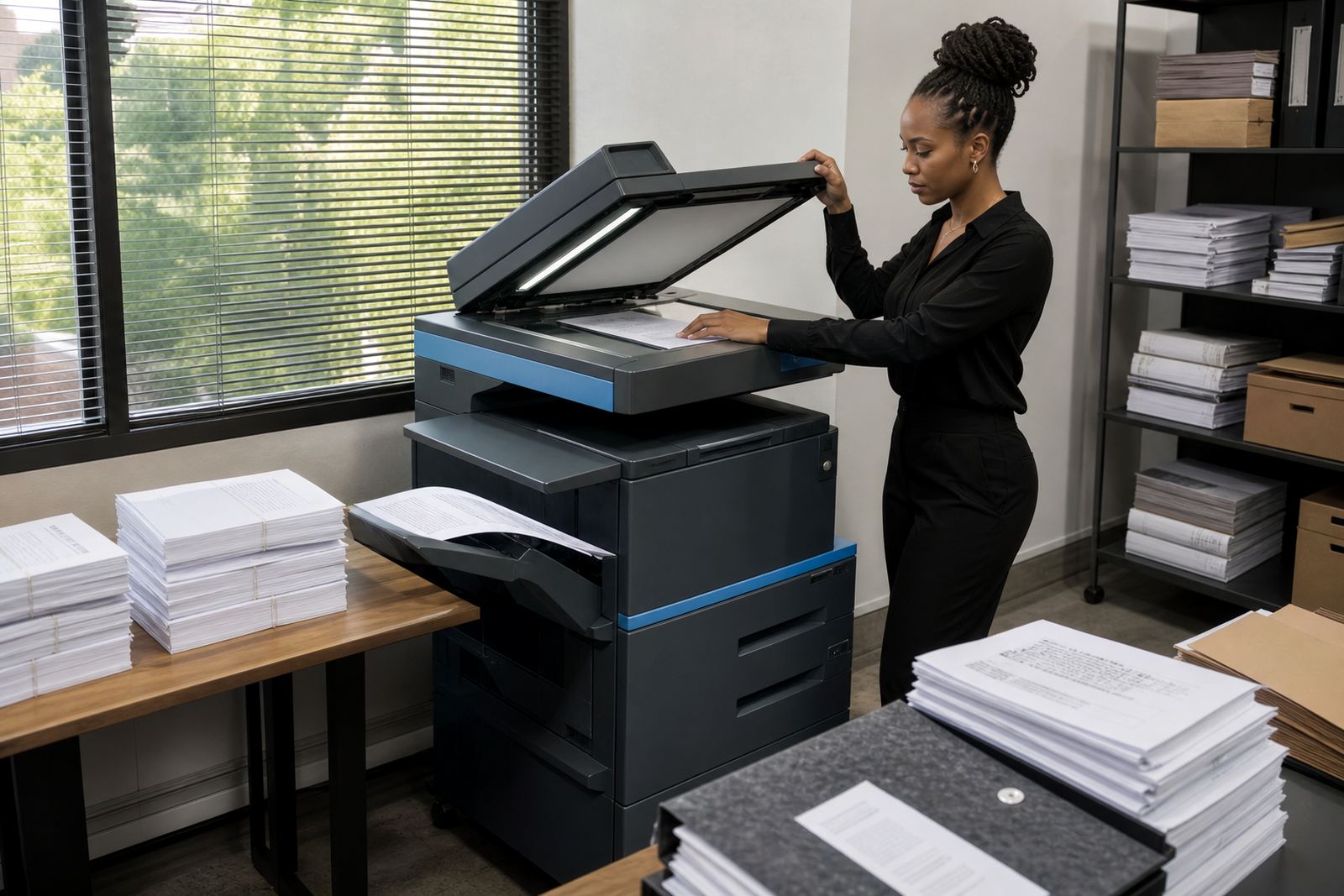
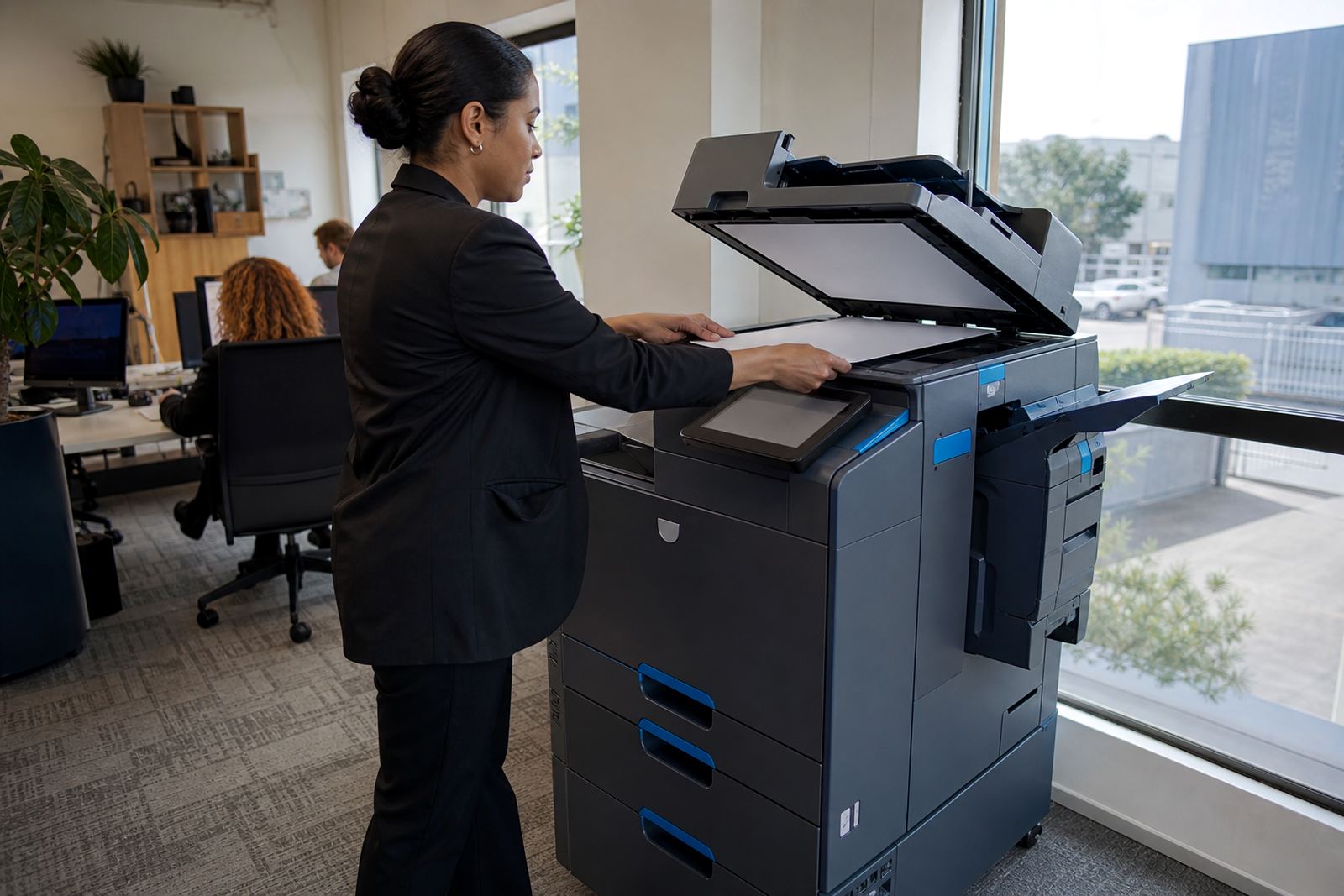
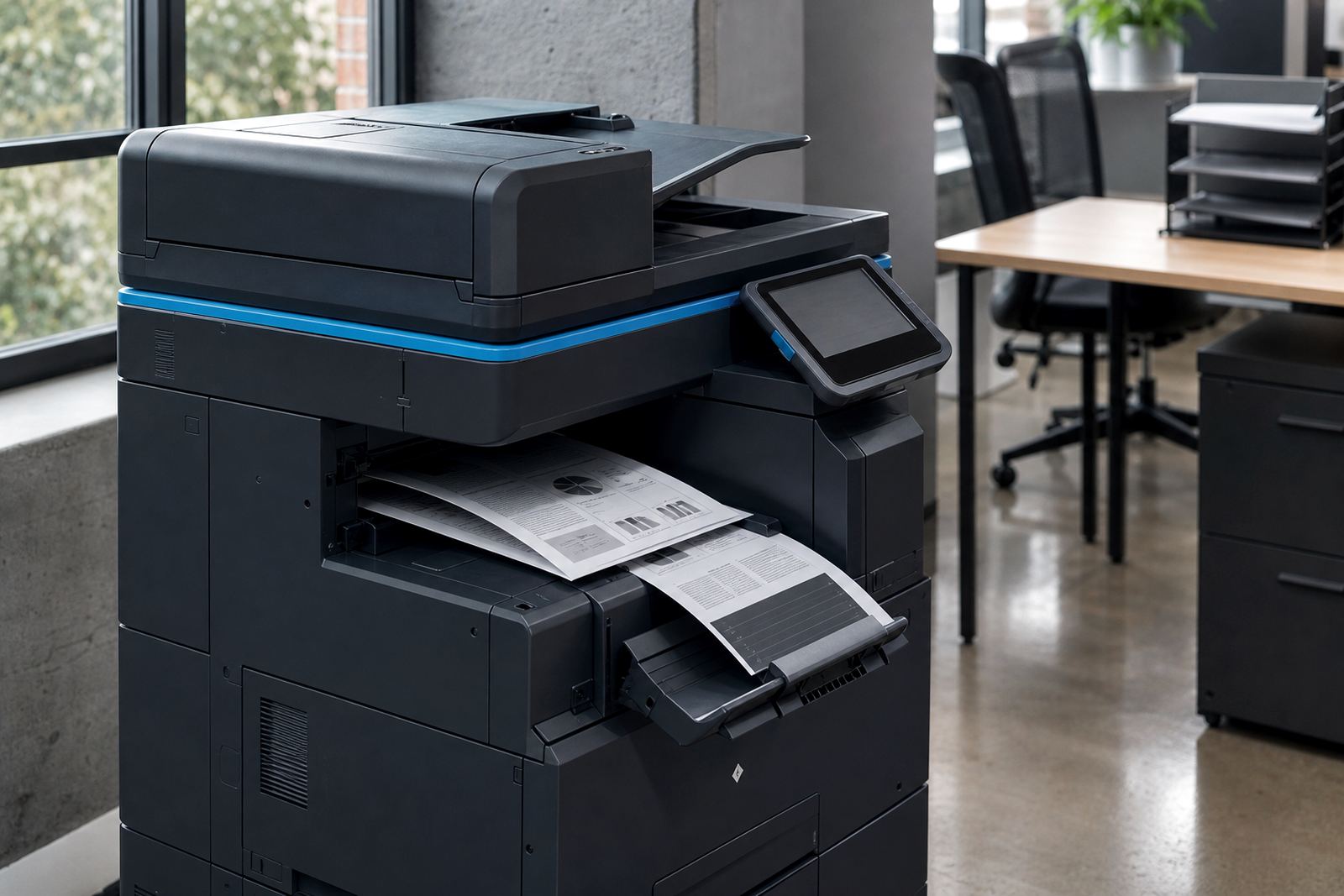
An A4 mono multifunction unit is the practical choice when a team prints more text than graphics. It handles copying, scanning and network printing from one floor-standing or benchtop footprint, with paper handling sized for regular office runs rather than light home use.
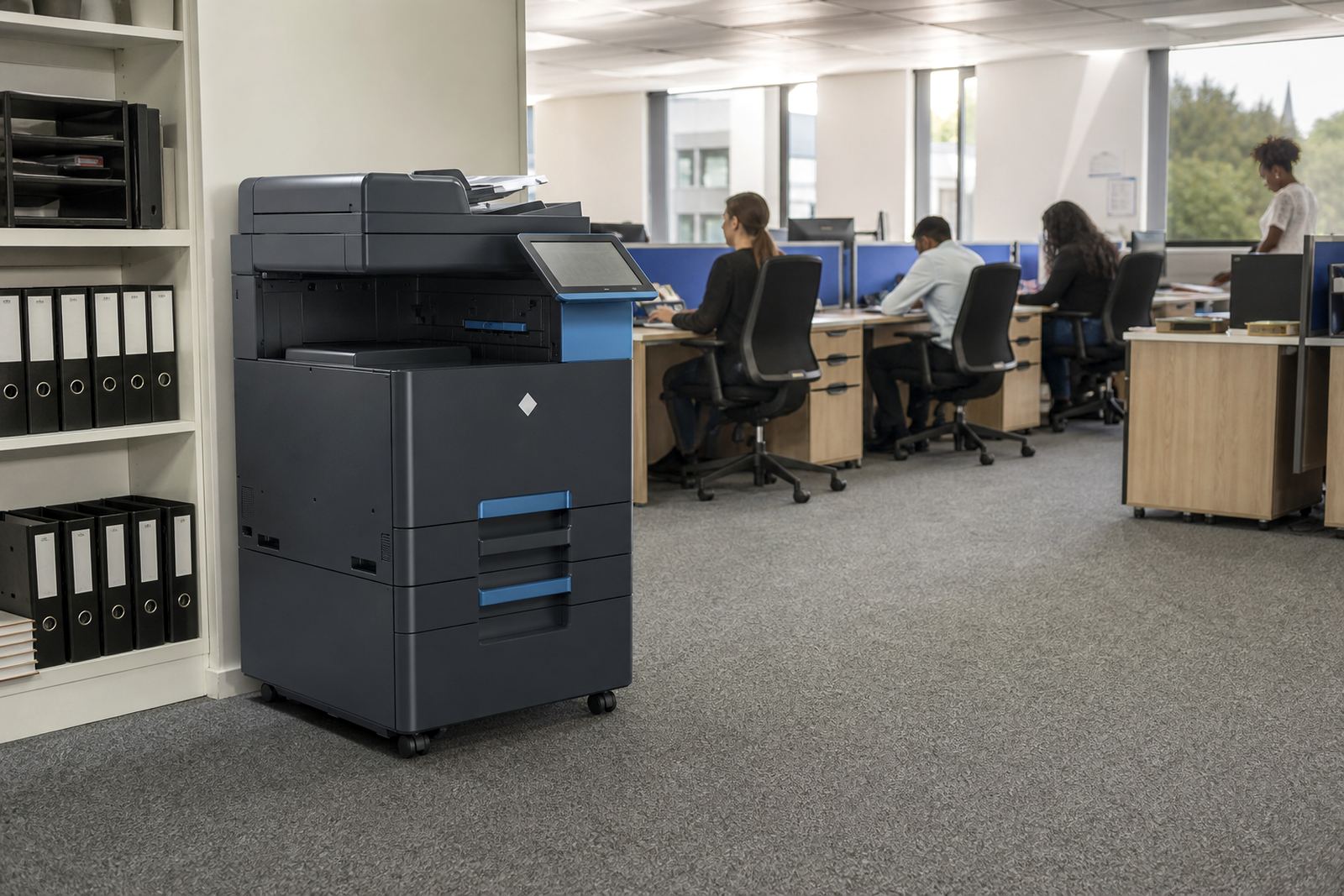
For Midrand offices, law practices, admin teams and school offices, this format keeps the job focused on speed, clarity and paper control. Mono output keeps page costs predictable where colour is not needed for daily work, and the machine is set up to fit normal office cabinets, counters or a dedicated corner near the network point.
- A4 print, copy and scan in one machine
- Mono output for text-heavy work
- Suitable for shared offices, reception areas and admin rooms
- Network-ready for several users on the same floor
Sizes, paper paths and finishing choices
The right A4 mono rental depends on how many pages move through the office and how often staff need to scan or copy batches. Some teams need a compact unit with a modest tray for personal or small-group use, while others need a heavier workgroup unit with larger paper capacity and duplex printing for double-sided documents.
We also look at finishing features that matter in real use. Duplex printing saves paper on policies, statements and draft packs, while document feeders help with multi-page scanning and copying. If your team uses secure print or scan-to-message, those settings are added during setup so users can release jobs at the device and send files to inboxes or shared folders without fuss.
- Compact A4 units for smaller office bays
- Workgroup models with larger paper trays
- Automatic duplex printing where double-sided use is common
- Document feeder for copying and scanning stacks of pages
- Secure print and scan-to-message options available
Where this rental works best
This product suits offices that need reliable black-and-white documents through the month, not glossy presentations or heavy colour output. Accounting teams, schools, medical reception areas, consultants and branch offices often use A4 mono machines for statements, letters, forms, course packs and appointment records.
It also works well where staff share one device and need a clear monthly line for the equipment and the pages used. With managed print plans, the office avoids buying a machine outright and instead runs the unit on an agreed rental with click charges tied to metre readings. That setup gives procurement and accounts a cleaner paper trail, especially where usage changes from one month to the next.
What the installation and setup covers
An office printer rental only works properly once the machine is placed, connected and tested on site. We handle device installation, network setup, scan-to-message setup and secure print setup, then show the team the tray loading, paper size settings and the basic steps for copying and scanning.
Power is required for the machine and the network connection needs to be stable enough for shared printing, scanning and user authentication. The installer also checks that the office layout gives enough space to open trays, reach the control panel and carry out routine paper changes without blocking a passageway or doorway.
- Device installation at the office or branch
- Network setup for multiple users
- Scan-to-message and secure print configuration
- User handover for daily operation
- Machine relocations and end term swaps available on plan
How care, toner and billing sit together
Managed print keeps the machine supplied and monitored instead of leaving the office to chase separate parts of the job. Toner supply is included on the agreed plan, metre readings guide the click billing, and on-site servicing handles the mechanical side when rollers, feed paths or image quality need attention.
For offices in Johannesburg, Pretoria, Durban, Cape Town, Bloemfontein and Centurion, that matters when the printer is shared by a busy team and the work cannot sit in a queue for long. We also review the fleet where several devices are in use, so the office can see whether the mono A4 unit is still the right fit or whether another machine should take over some of the pages.
- Toner supply included on the managed plan
- Metre reading support for accurate billing
- On-site servicing for wear, jams and print quality issues
- Breakdown response and fleet review options
Details to line up before the order goes out
Before an A4 mono rental is placed, the office should know how many users will share the machine, how many pages move out each month and whether the main need is printing, copying or scanning. It helps to note if the team needs one-sided or double-sided output, secure release at the device, or a feeder that can take multi-page documents without manual page turning.
We also need the office address, the floor or branch location, any lift or access limits, and whether the machine will sit in Midrand, Sandton, Pretoria or another branch area. That lets the team prepare the right unit, the paper handling and the installation route, so the machine lands in the correct spot and starts on the right settings.
- Estimated monthly page volume
- Mono print, copy and scan requirements
- Need for duplex, secure print or scan-to-message
- Delivery point, floor access and branch location
- Any need for relocation or an end term swap later on
Key facts
| Product type | A4 mono multifunction printer rental |
|---|---|
| Functions | Print, copy, scan and network sharing |
| Output | Black and white only |
| Billing model | Monthly rental plus metre-based click charges |
| Support | Toner supply, metre reading support and on-site servicing |
| Setup options | Device installation, network setup, secure print and scan-to-message |