A4 printing that uses both sides without fuss
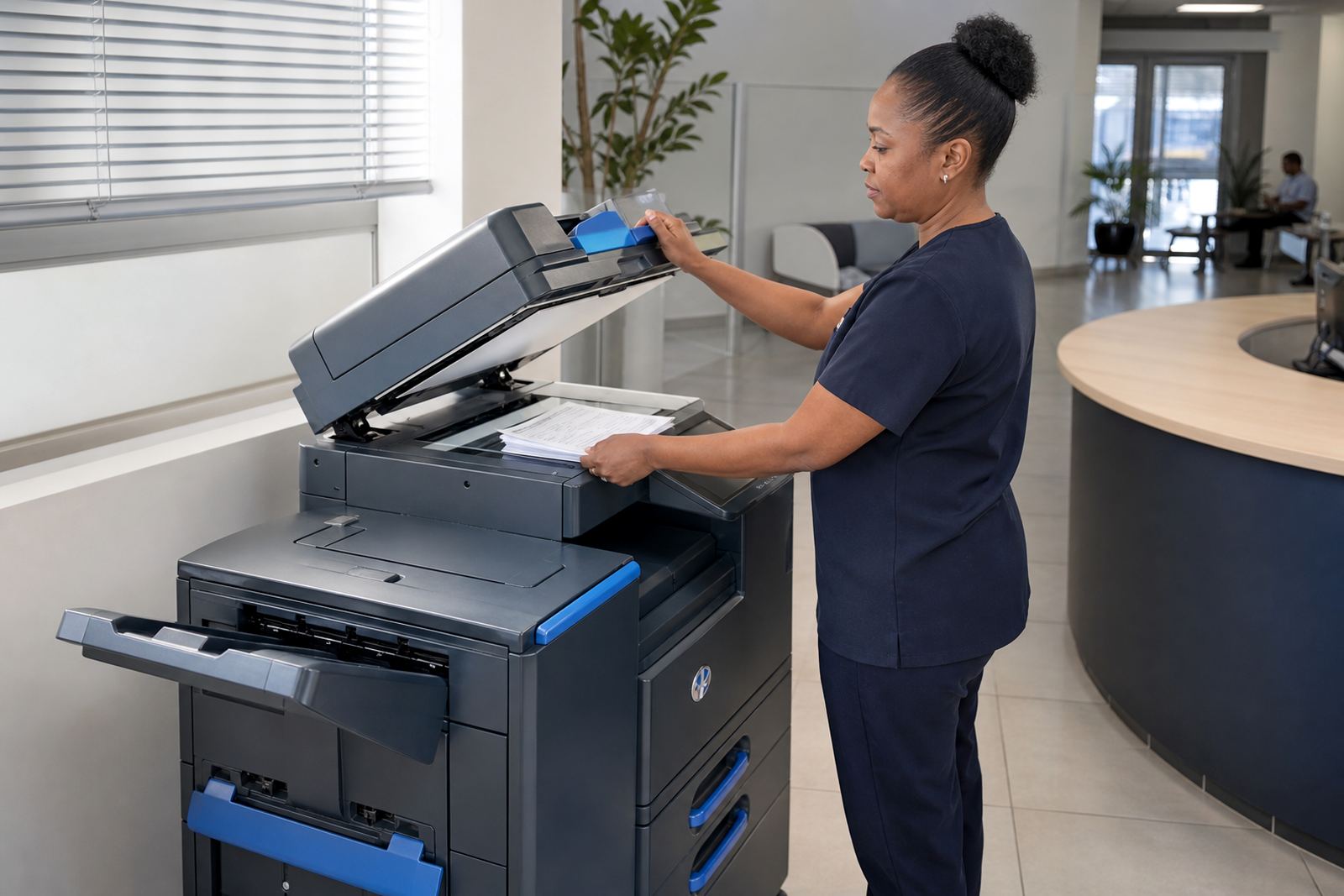
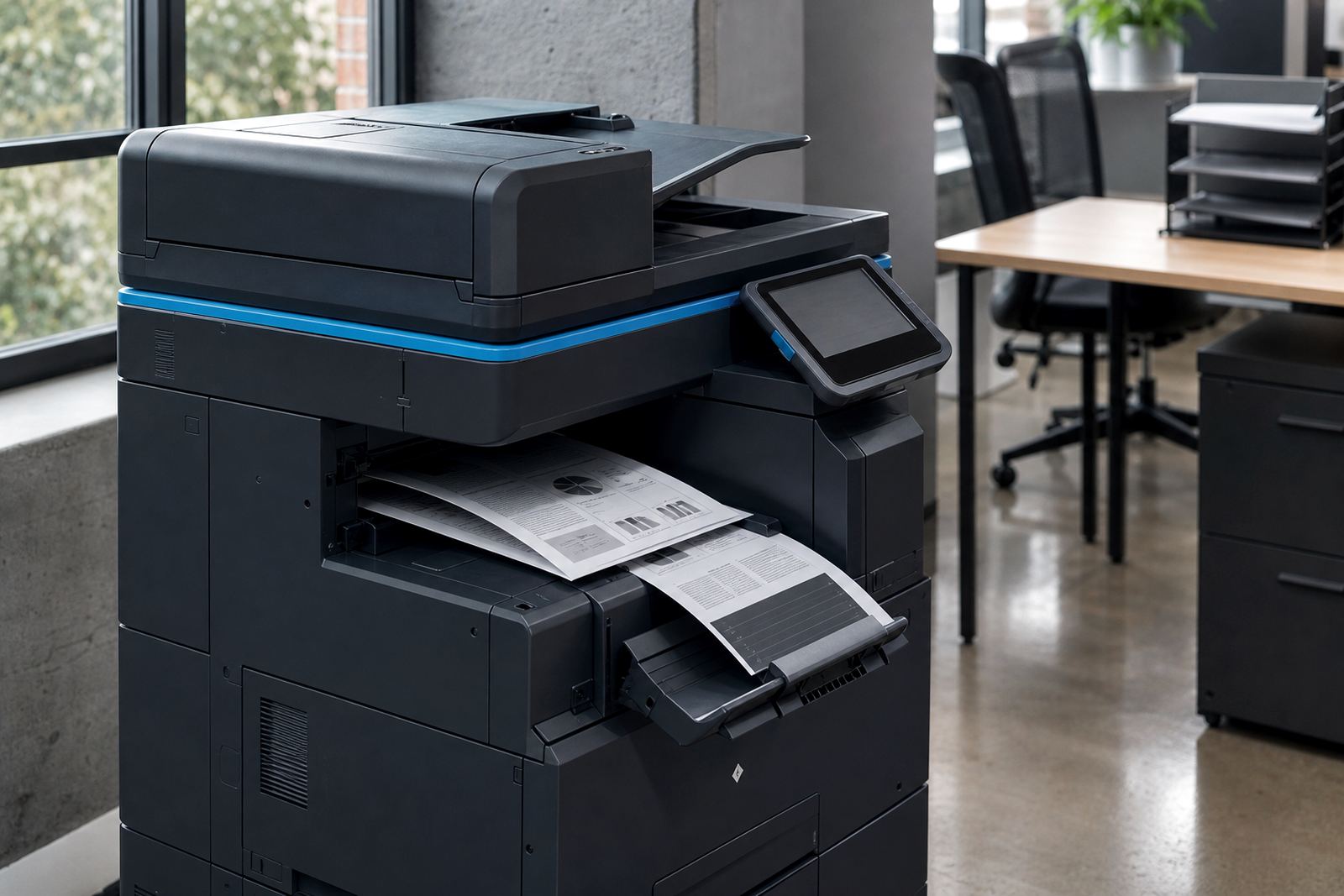
The Duplex A4 Plan is built around an office multifunction printer set for automatic double-sided output. It is a sensible fit for teams that print memos, letters, contracts, reports and school admin packs, where paper use climbs fast if every page is one-sided.
You get a managed print arrangement rather than a once-off machine purchase. Monthly rental covers the unit, toner supply is part of the plan, and click charges are linked to metre readings so usage is tracked cleanly. That keeps the running figure tied to real print volume and not guesswork.
- Automatic duplex printing on standard A4 paper
- Mono or colour options, depending on document mix
- Copy, print and scan functions in one machine
- Metre-based billing for actual usage
Where the plan sits well in a busy office
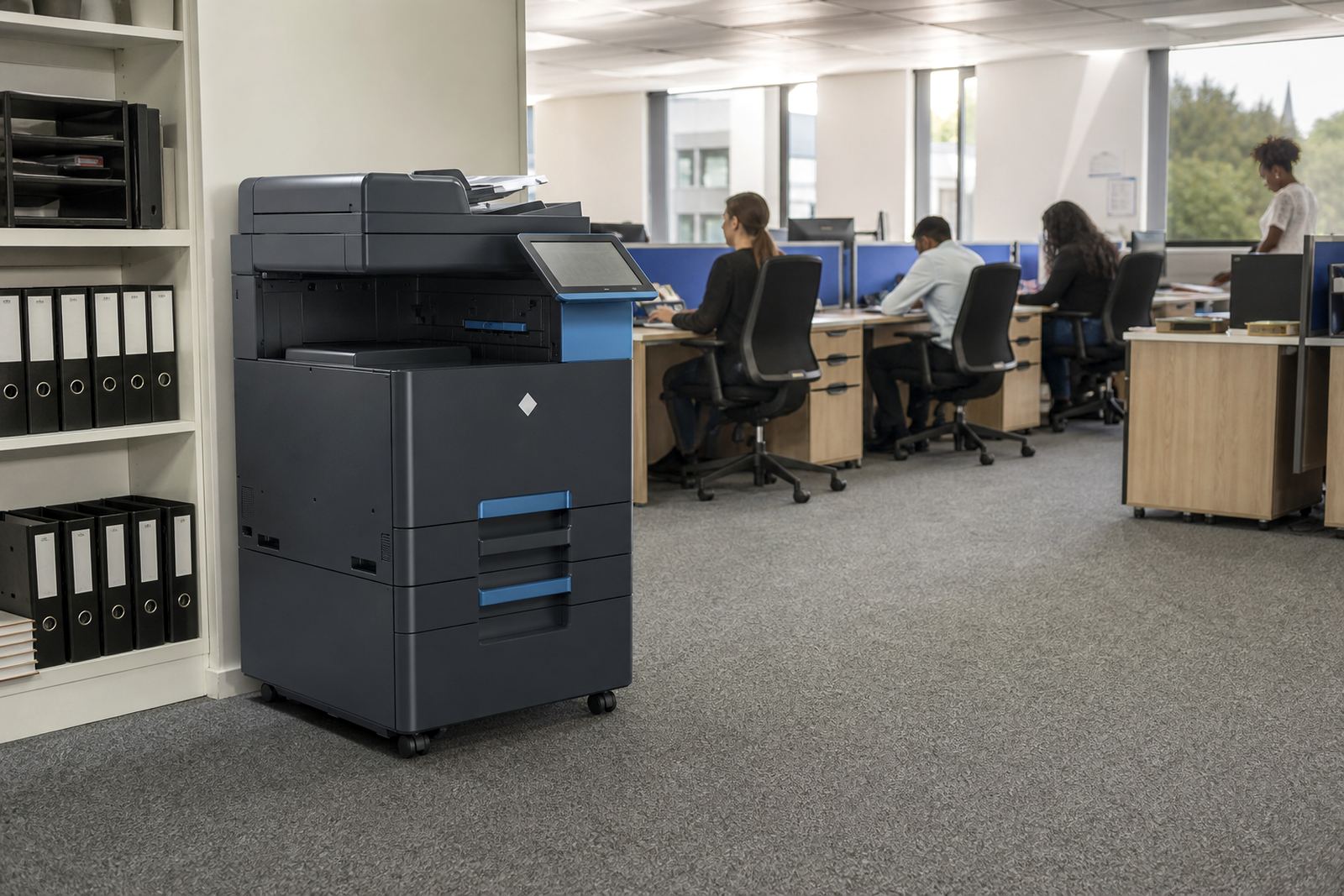
This plan works for accounting teams, legal practices, education offices, medical rooms and branch operations that need controlled output without cluttering the floor with separate devices. It is also useful where staff scan forms to message, print invoices and share internal files from one central point.
For offices in Johannesburg, Pretoria, Sandton, Centurion, Durban, Cape Town, Bloemfontein and wider Gauteng, the setup suits compact copy rooms, reception areas and shared admin spaces. A smaller A4 footprint helps where every metre counts, while the duplex setting cuts paper usage across the week.
- Good for shared admin counters and reception print points
- Works well where scanning and message filing matter
- Useful for schools, practices and branch offices
- Suitable for mono-heavy or mixed colour document flow
Size choices and the features most teams ask for
The plan can be matched to the output you actually need. Some offices only need black-and-white output for forms and records. Others need colour for presentations, proposals and notices. A4 is the standard on this plan, though many managed fleets also need a separate A3 machine nearby for larger drawings, registers or training packs.
Useful options often include a document feeder for multi-page scanning, secure print for confidential work, and scan-to-message setup so teams can send files without extra steps. A feeder, duplex unit and network connection all help the machine handle steady office use with less standing around at the tray.
- Mono units for text-heavy print rooms
- Colour units for mixed office documents and internal notices
- Automatic document feeder for multi-page jobs
- Secure print for confidential releases at the device
- Scan-to-message setup for everyday filing and sharing
Installation and network fitting on site
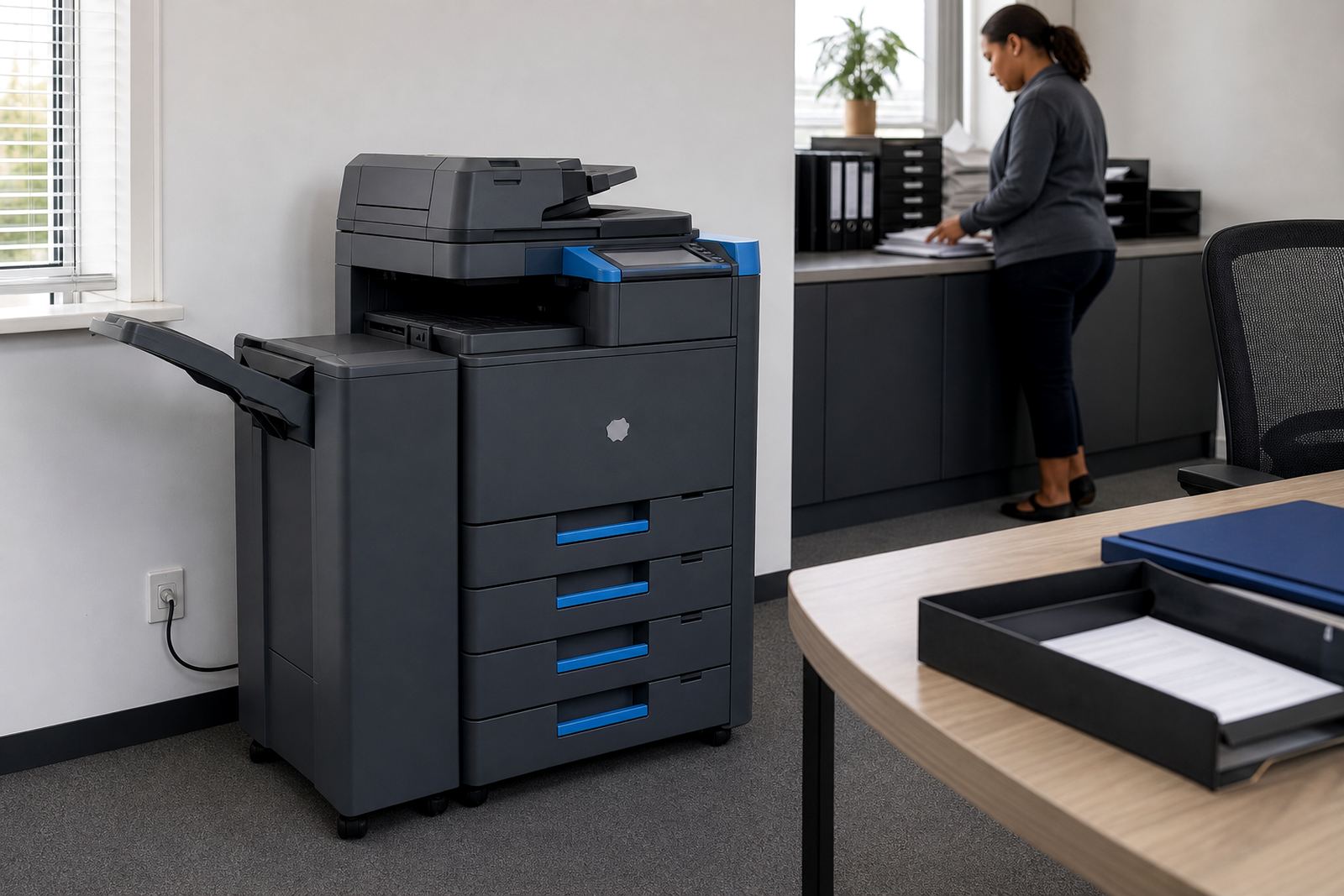
These machines are installed where they can sit safely, connect properly and serve the right users. Most offices place them near a network point and a stable power supply, with enough room to open trays, load paper and reach the scanner glass without crowding the passage.
Our team handles delivery, device installation, network setup and user handover. If the machine needs to sit on a stand, trolley or dedicated print station, that is arranged around the room layout. We also handle machine relocations when departments move or a branch changes offices, which is common in Midrand, Sandton and central Pretoria.
- Delivery and installation at the agreed site
- Network setup for print and scan functions
- User handover for everyday office use
- Relocations when the machine must move rooms
Care, servicing and the paper trail on usage
Managed print only works well when the machine is kept in good order. Toner supply is included on the plan, and metre reading support keeps billing tied to actual pages produced. On-site servicing covers faults, feed issues, scan errors and wear items that affect normal use.
Regular care matters in dusty offices and humid coastal conditions too, especially where paper picks up moisture or trays are left open. Keep the paper dry, use the correct gsm for the tray setting and avoid overfilling the cassette. If the team prints long reports or monthly packs, a quick check of duplex settings and print drivers can save a lot of paper.
- Toner supply included under the managed plan
- Metre reading support for usage tracking
- On-site servicing for faults and wear parts
- Breakdown response for print interruptions
Points to confirm before the plan is put in place
Before the agreement is set, it helps to confirm the monthly print volume, the split between mono and colour, and whether the office needs scan-to-message, secure print or end-term swaps. A short review of the room layout also matters, because a machine placed near the right users saves time at the tray and at the scanner.
It also helps to know if the office wants one A4 unit or a fleet spread across departments. Some teams need a single central copier, while others need a smaller device on each floor. If the branch handles legal, finance or patient files, secure print may be part of the setup from the start.
- Estimated monthly print volume and document mix
- Mono only or mixed colour requirement
- Need for scan-to-message and secure print
- Any machine swaps planned at the end of term
- Room location, floor access and power point position
Key facts
| Plan type | A4 multifunction printer rental with duplex output |
|---|---|
| Print mode | Mono or colour, matched to office use |
| Functions | Print, copy, scan, scan-to-message |
| Billing | Monthly rental plus metre-based click charges |
| Supplies | Toner included under the managed plan |
| Support | On-site servicing, metre reading support and end-term swaps |