

Rollout work that starts with the floor plan
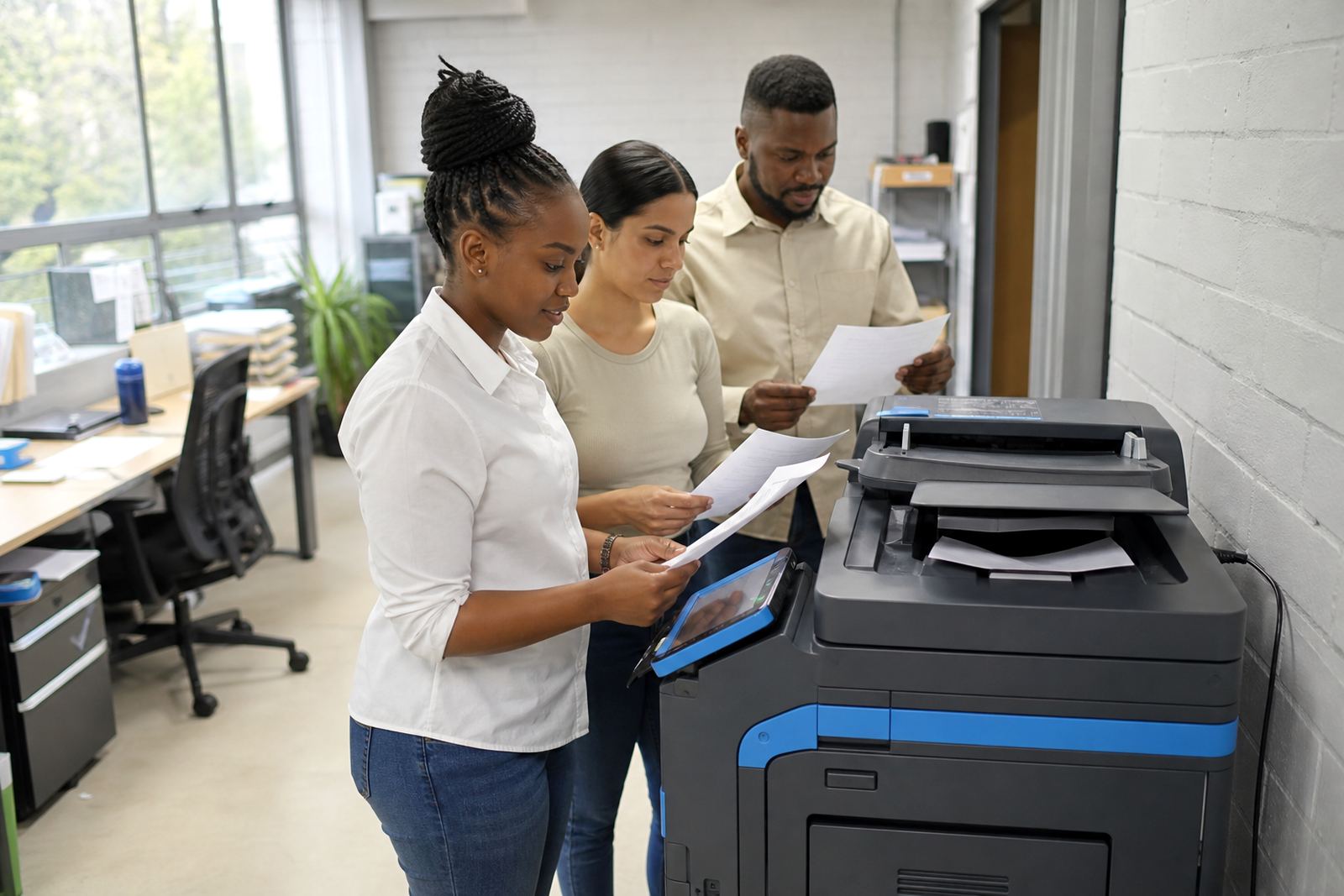
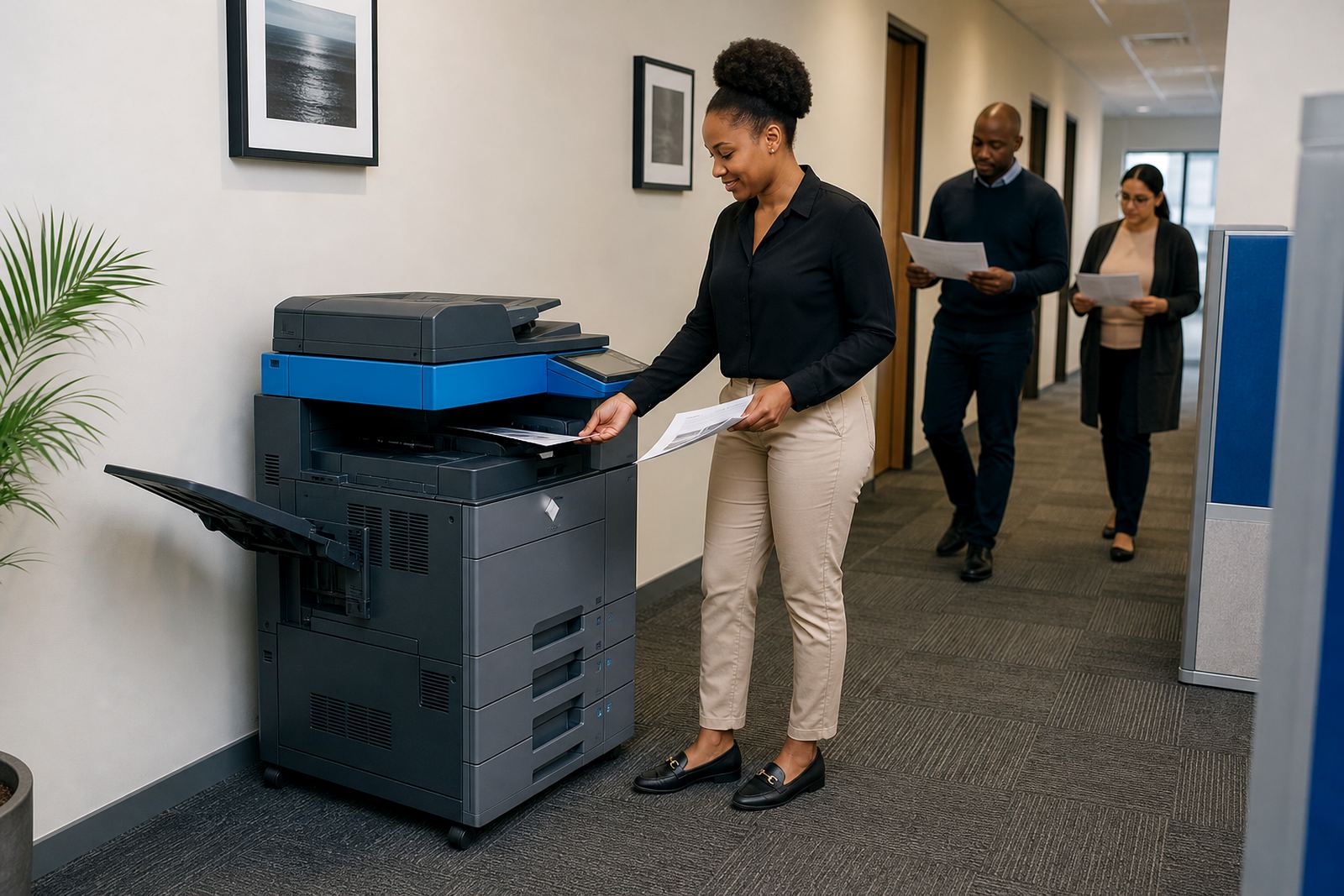
An office rollout is not only about placing a machine in a corner and leaving it there. The better jobs begin with the number of users, the print mix, the scan flow and where paper passes through the building, from reception through to finance or the repro room.
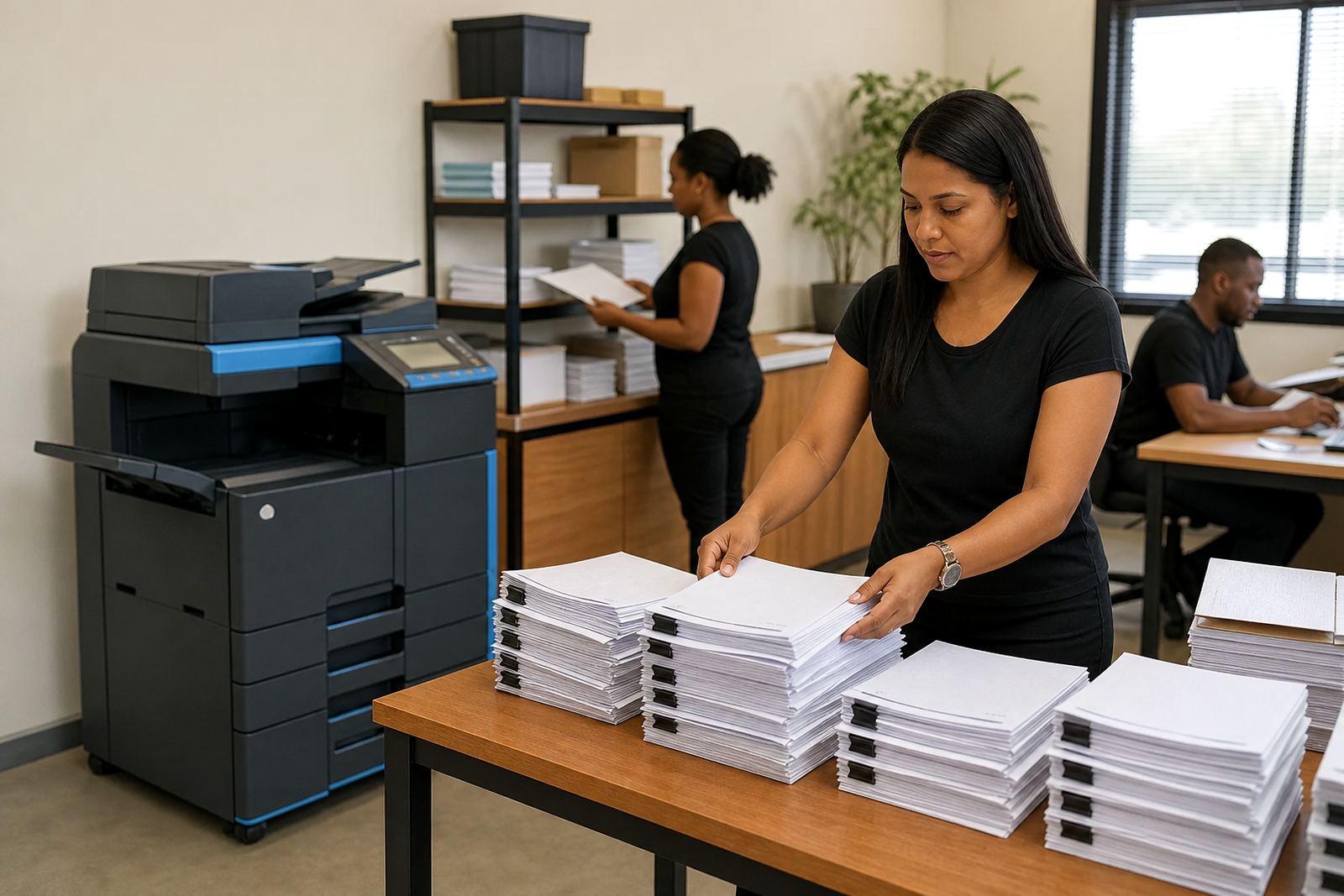
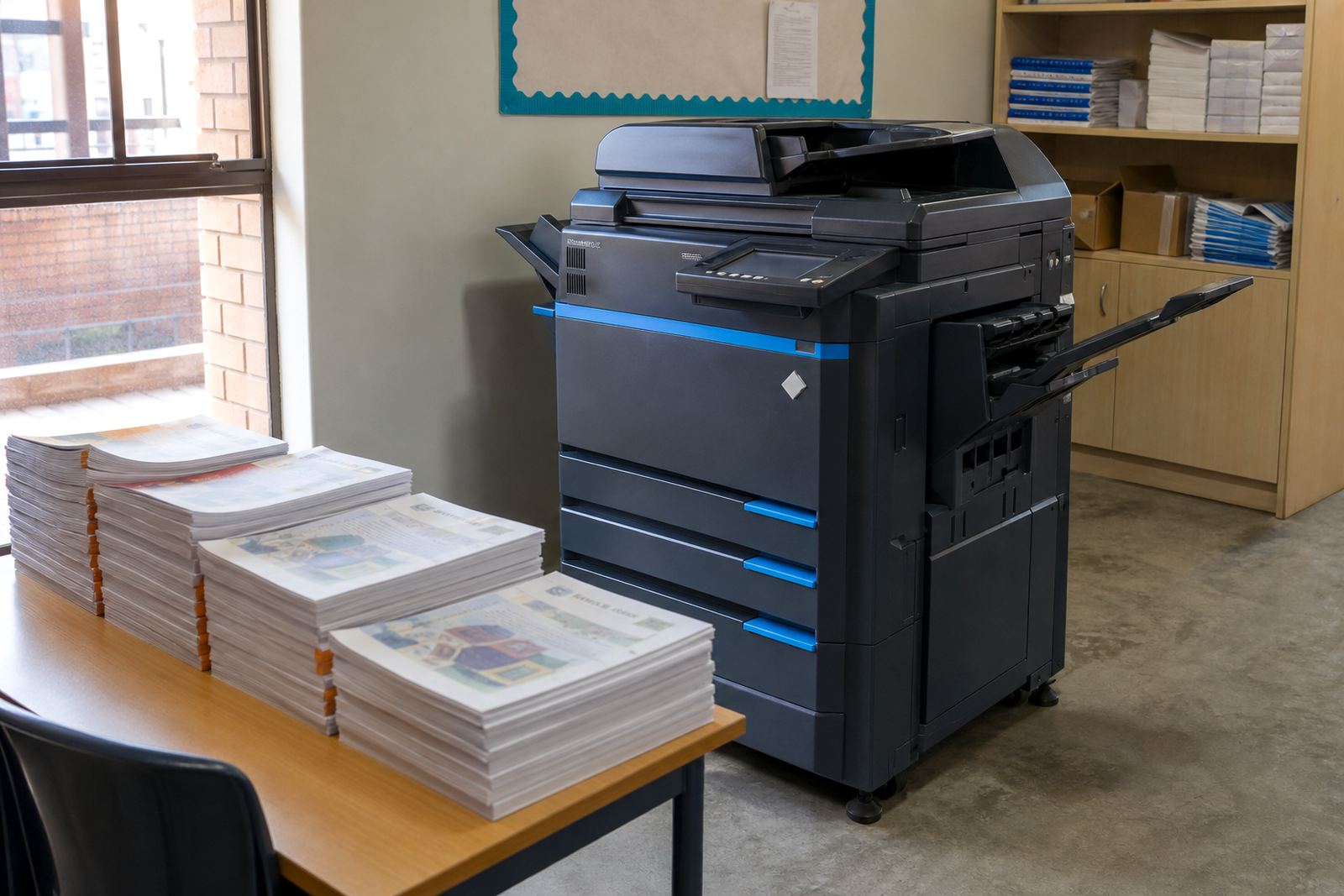
In Halfway House, Midrand and across Johannesburg, Pretoria, Durban, Cape Town and Bloemfontein, the same rollout can look very different. A small legal practice may need a compact mono A4 unit with secure print and scan-to-message, while a school office may need a faster A3 machine that can handle bulk copying and mixed day-to-day printing.
What a managed print rollout usually covers
Managed print plans are built to keep the fleet predictable. Toner supply, metre readings, service visits and click charges are tied into one arrangement, so the office is not juggling separate parts and ad hoc purchases.
- Rental of one machine or a full fleet
- Monthly rental with metre-based billing
- Mono or colour output options
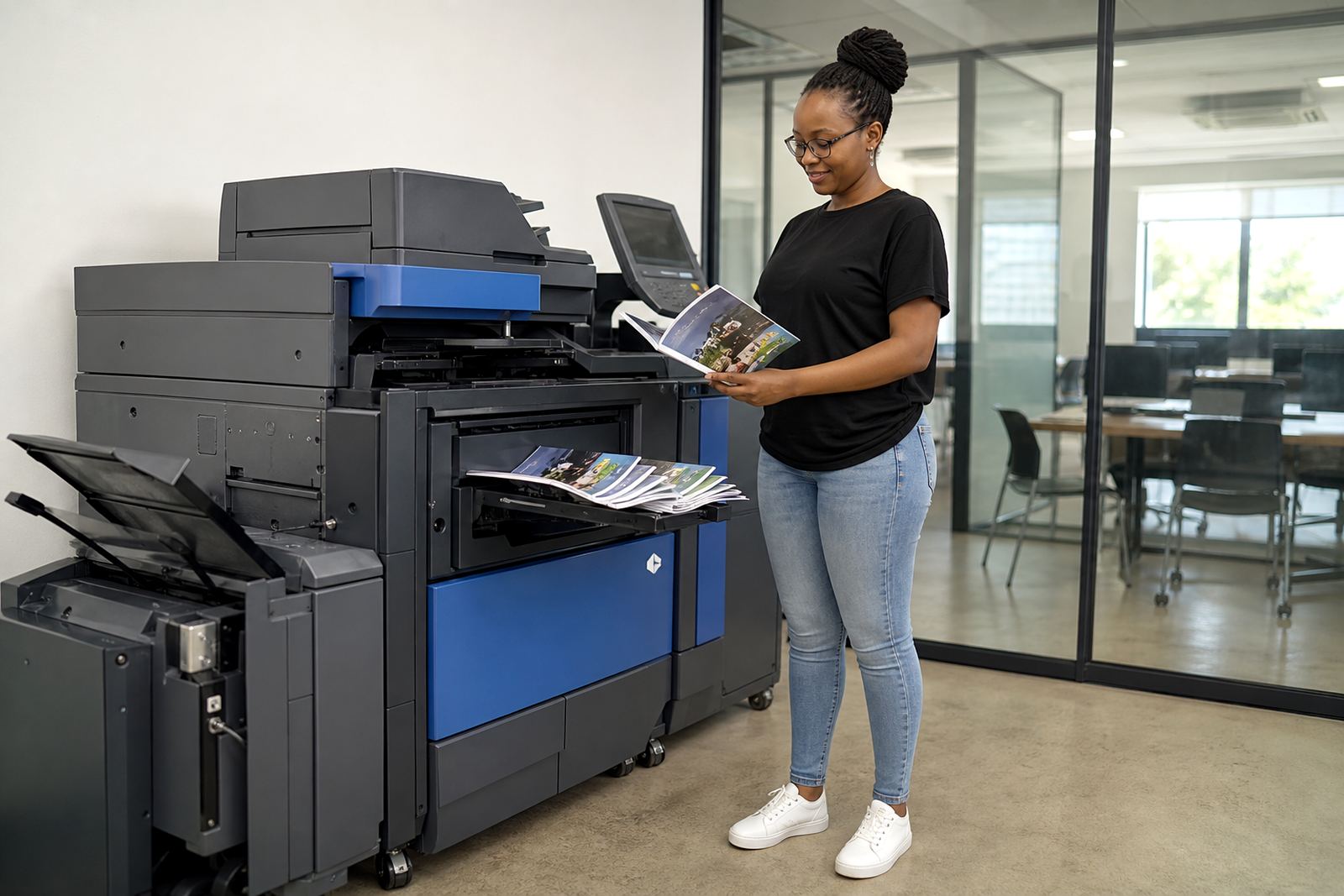
- A4 and A3 multifunction machines
- Scan-to-message and secure print setup
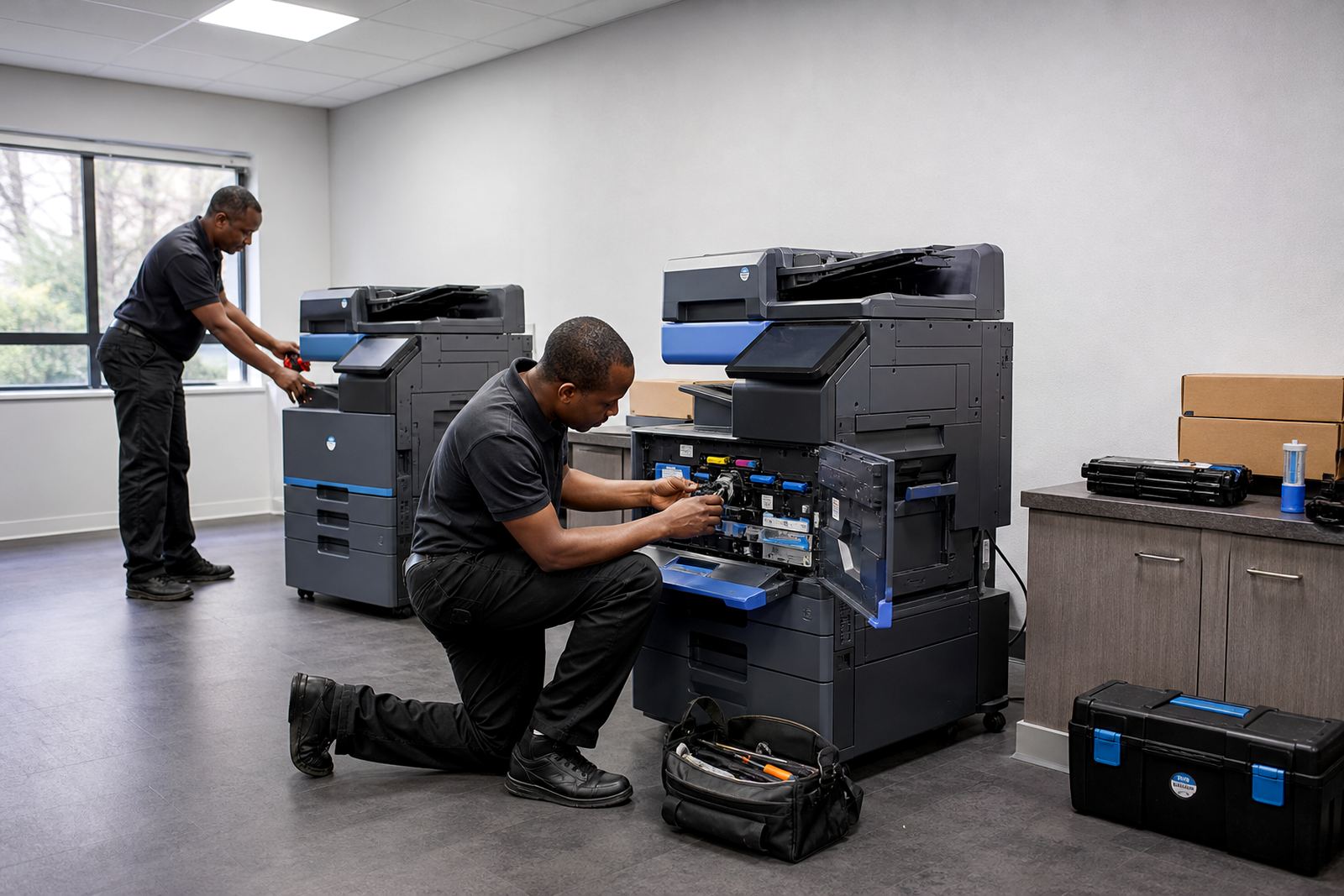
- On-site servicing and breakdown support
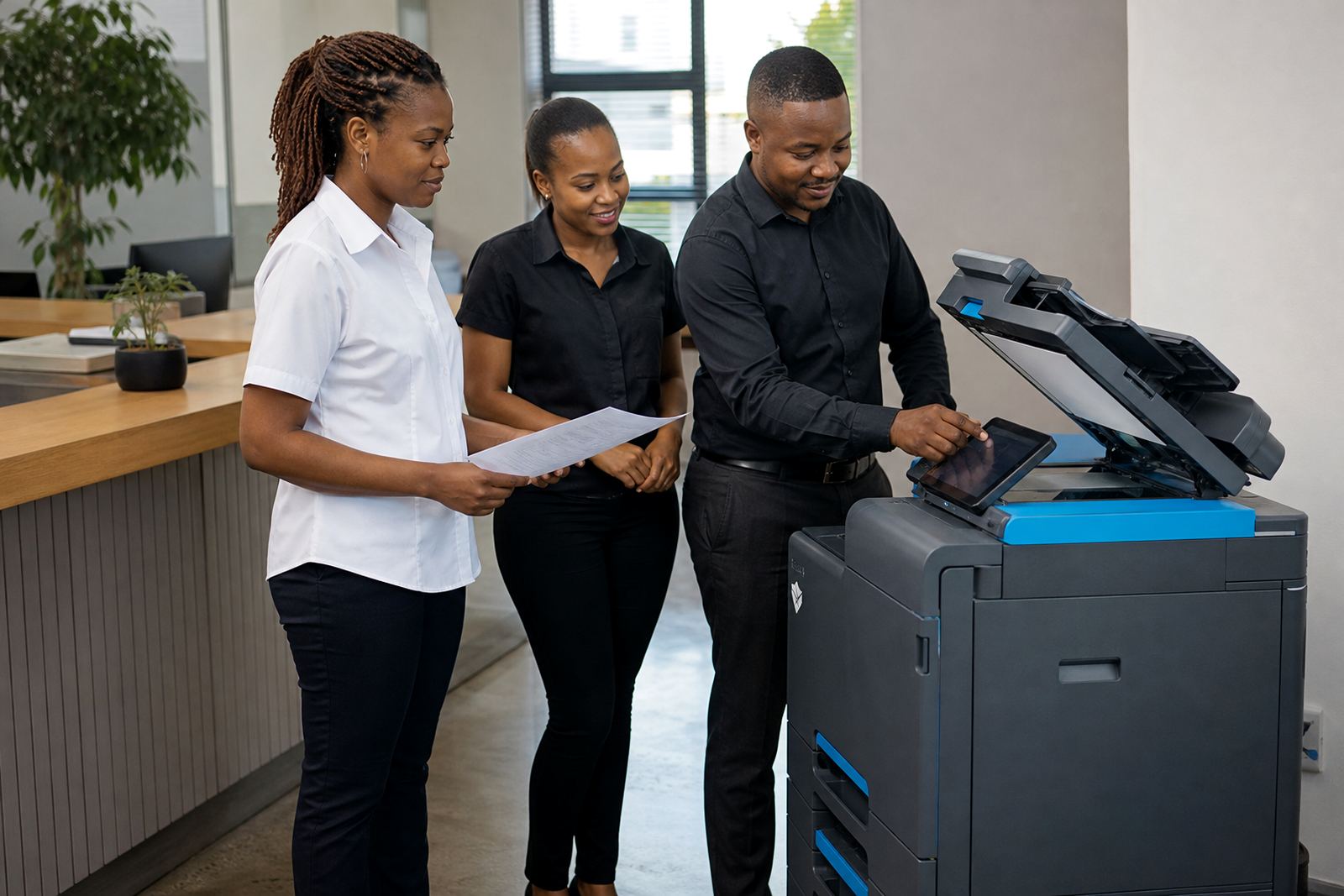
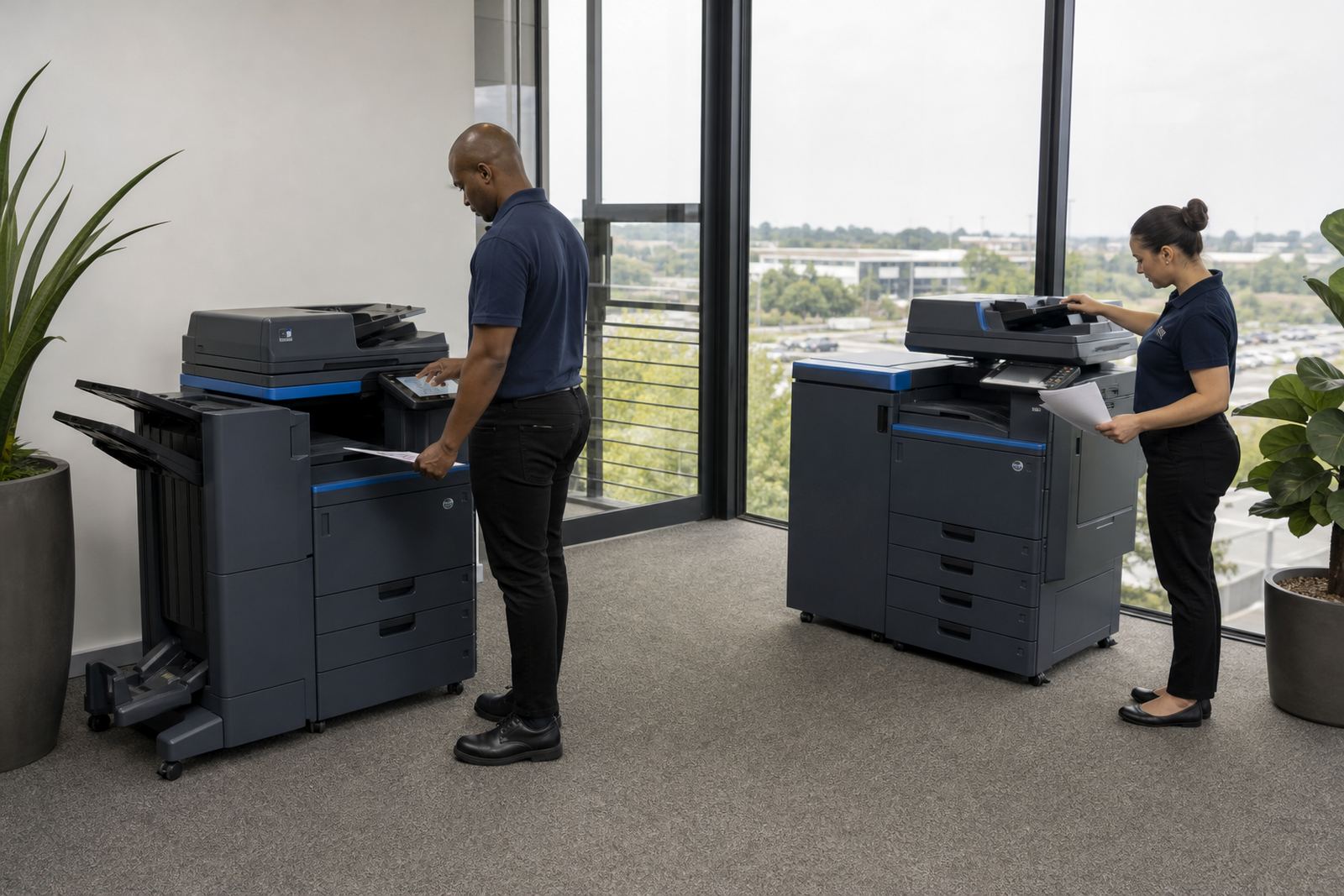
Some offices want a simple photocopier that can print and scan. Others need networked devices with user controls, user handover and set rules for who can release sensitive pages.
When a fleet needs a reset rather than a patch-up
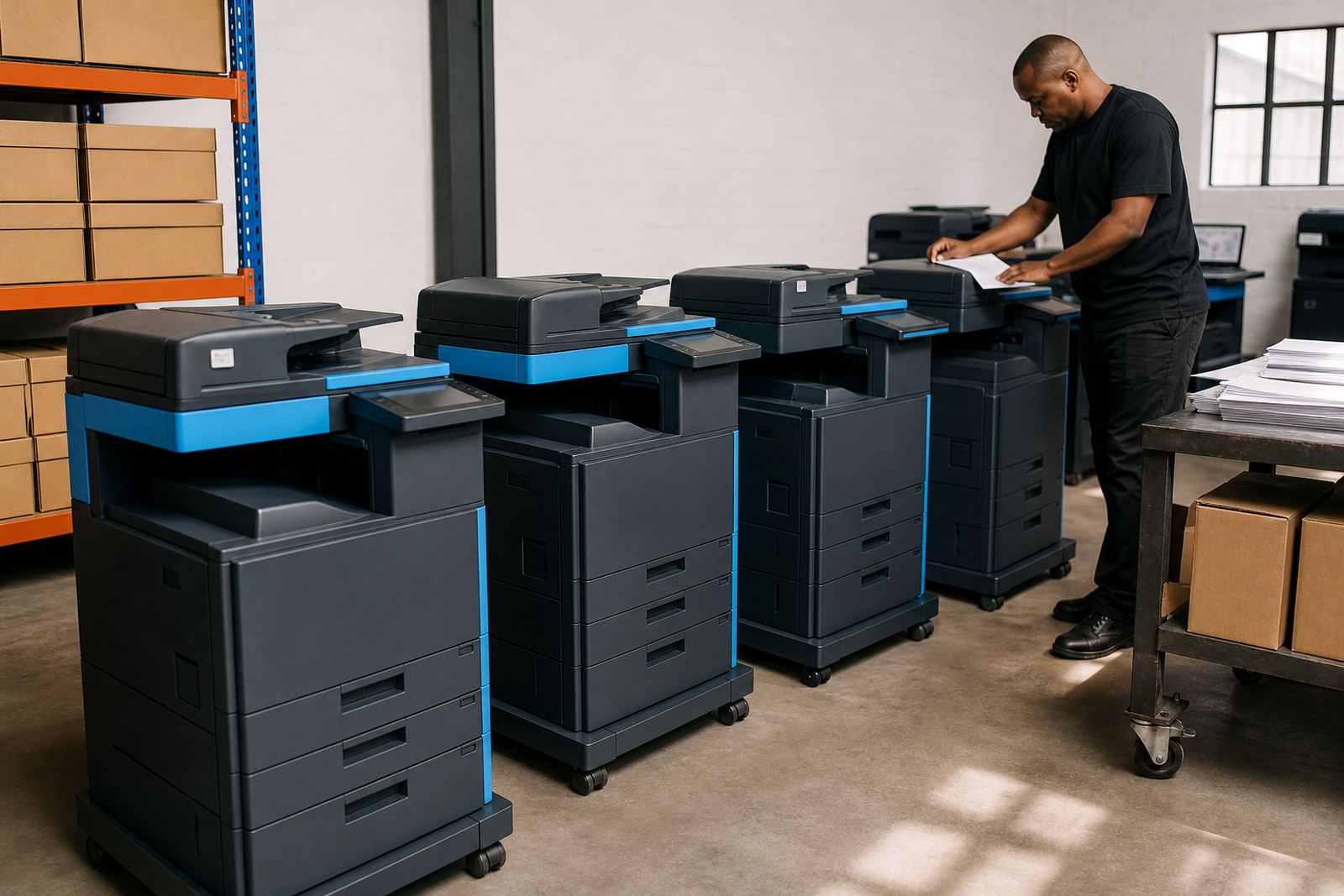
Rollout projects often start when the existing fleet has become uneven. One machine is overworked, another sits unused, and the monthly spend is hard to trace. In that case, a fleet review gives a clearer picture of what stays, what moves and what should be swapped at the end of term.
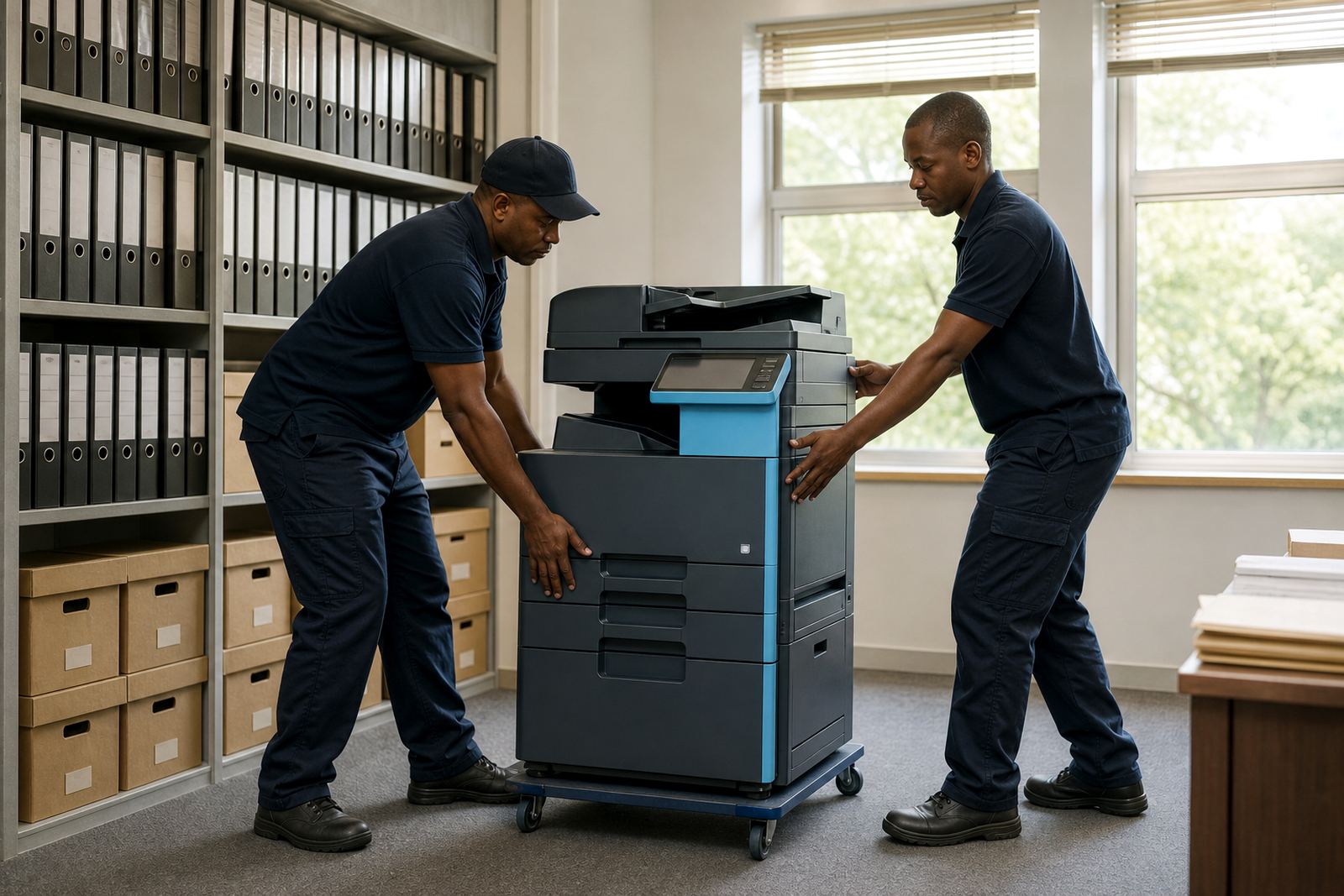
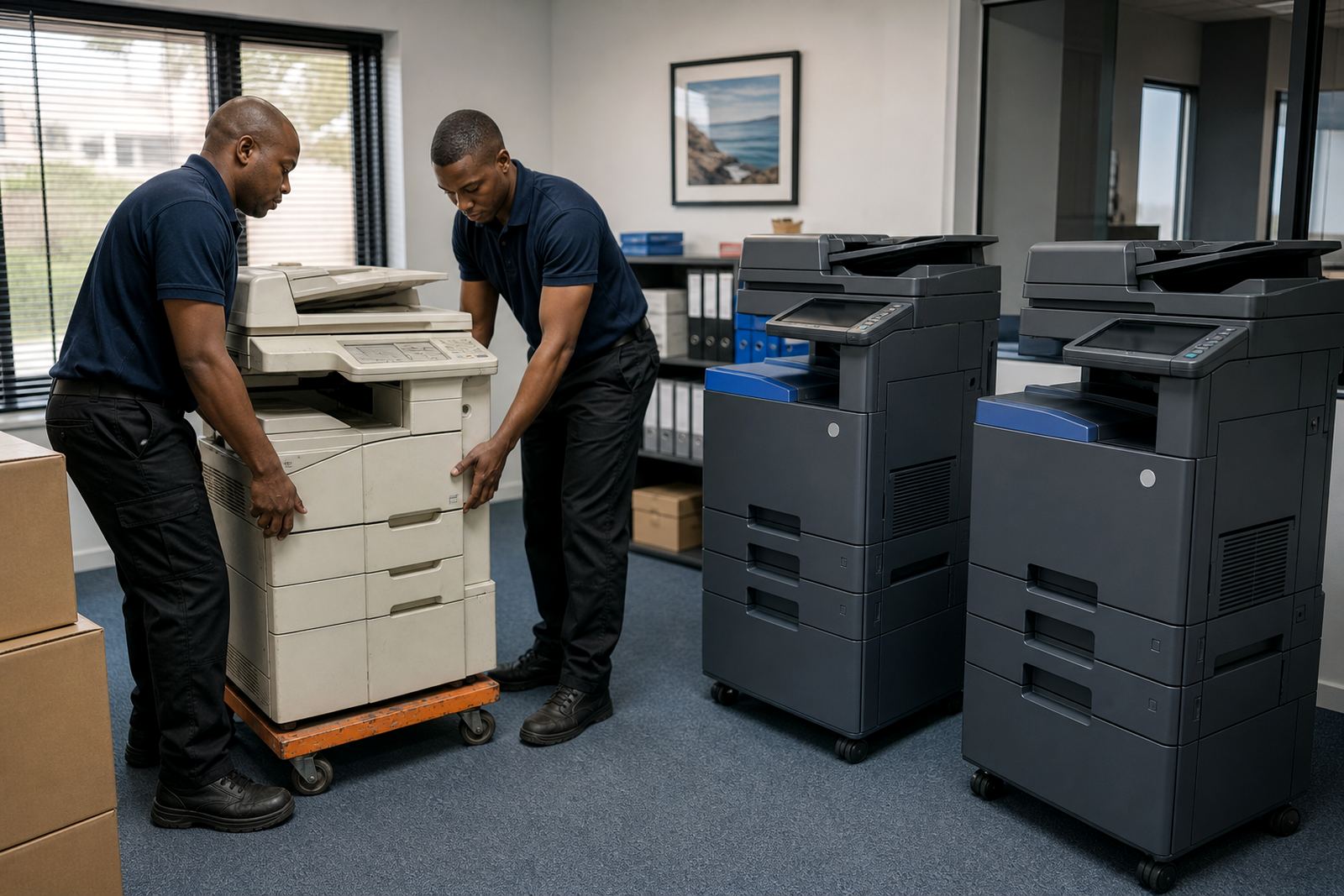
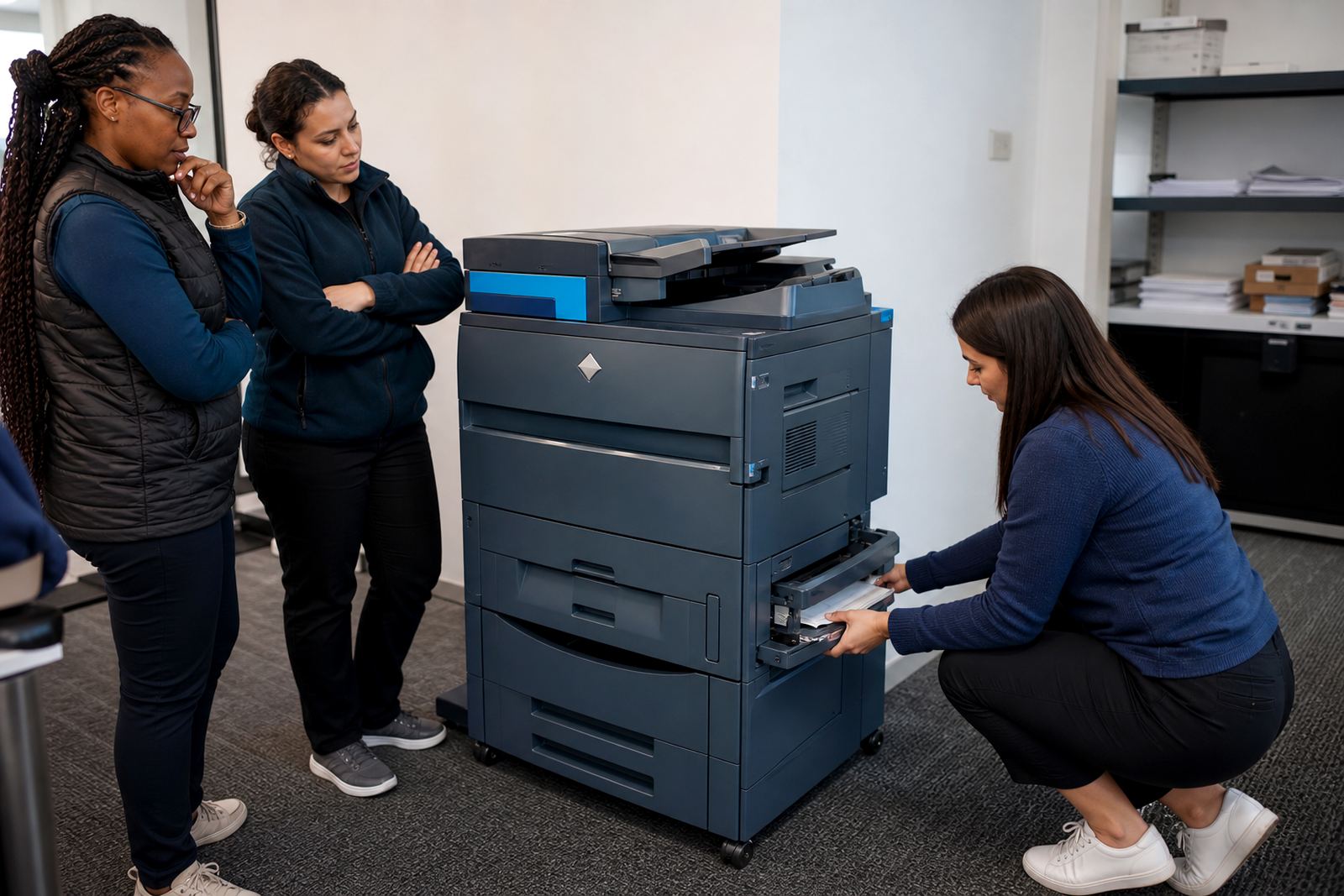
Machine relocations are common in growing offices, especially where a team moves floors or a branch opens in another suburb. A proper handover matters too, because staff need the scan destinations, paper tray habits and secure print steps explained without guesswork.
- Office moves and internal reshuffles
- End-of-term swaps for ageing machines
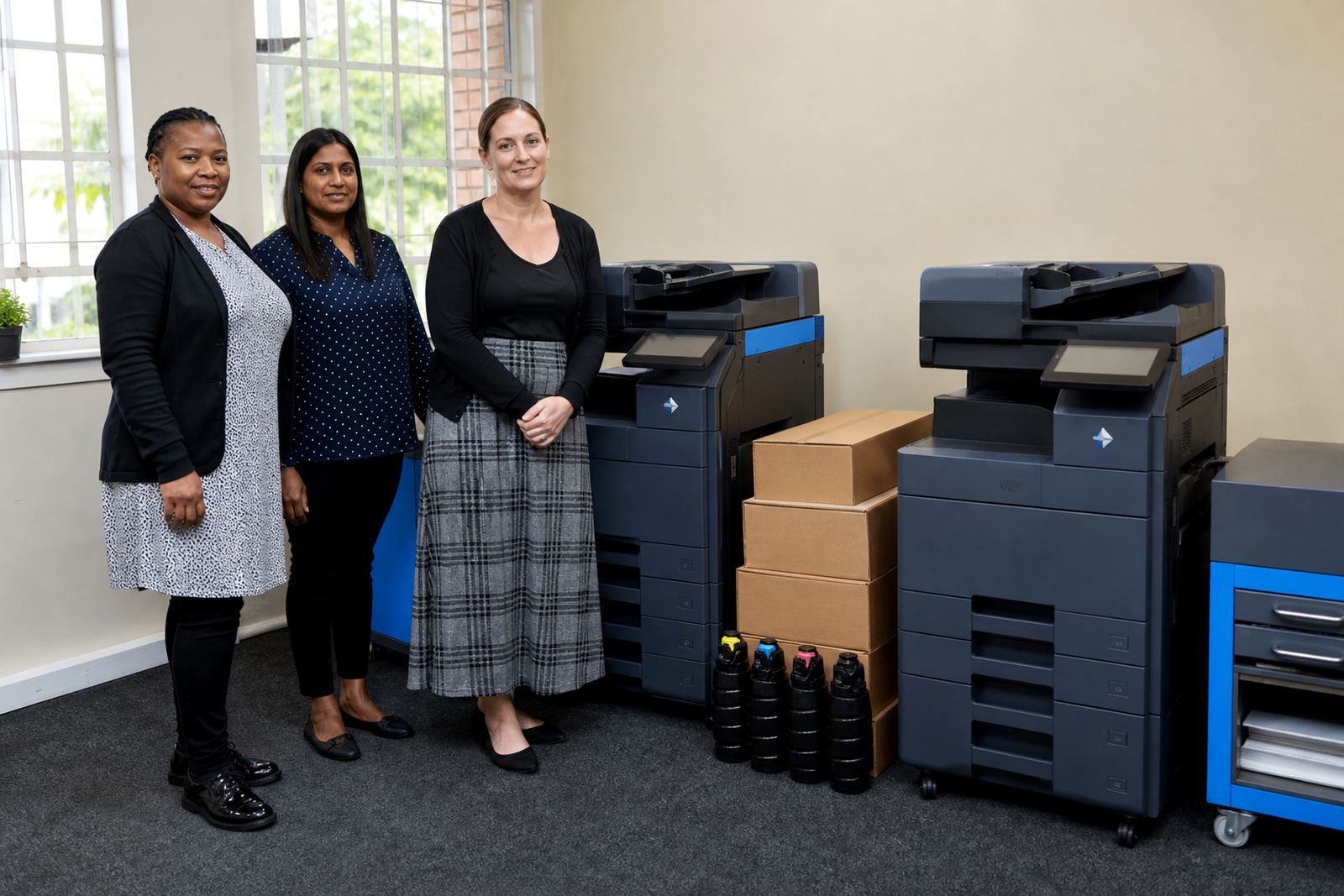
- Consolidation from several small units to one larger device
- Placement changes for open plan and back office teams
How different places shape the setup
A law firm in Sandton may want tighter print controls and fast monochrome output. A training office in Centurion may care more about scanning, copying and a machine that can cope with heavy daily use. A school office in Pretoria often needs a sturdier machine for forms, reports and admin packets that stack up during the term.
Coastal sites in Durban and Cape Town can also call for a firmer maintenance routine, because humidity and paper storage affect how a machine behaves over time. That is where on-site servicing and regular toner checks help keep the rollout steady, not flashy just practical.
Services that sit behind the rollout
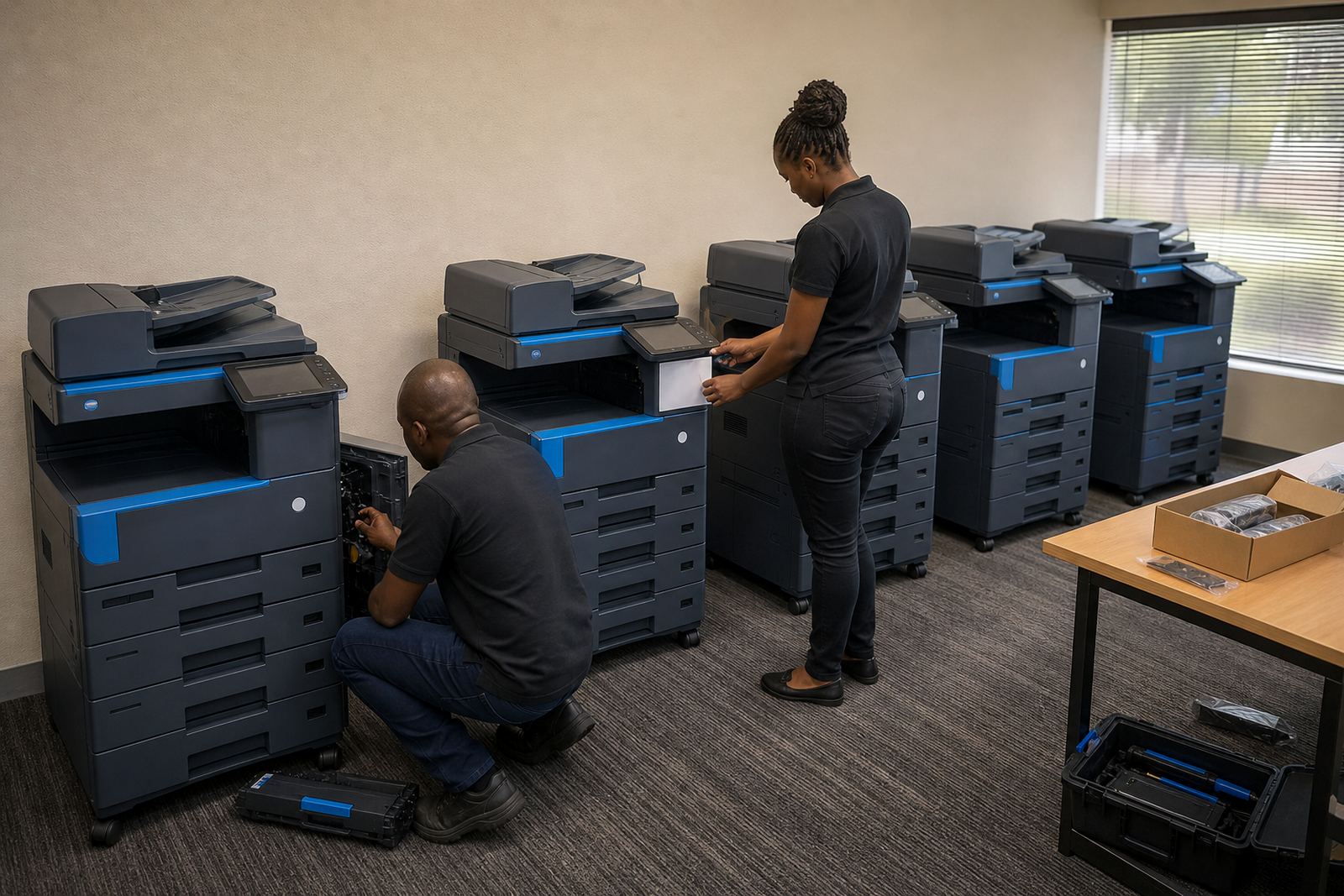
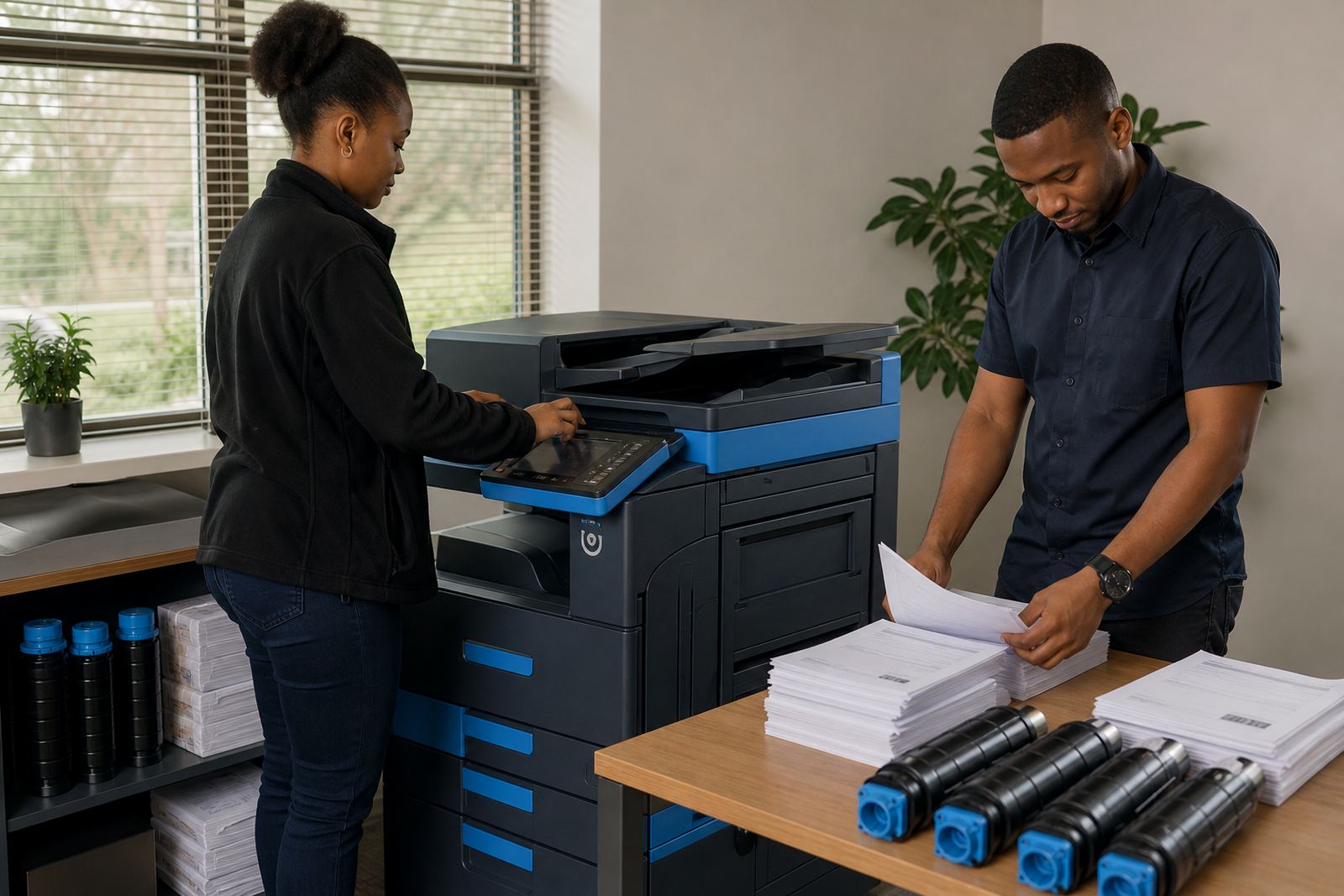
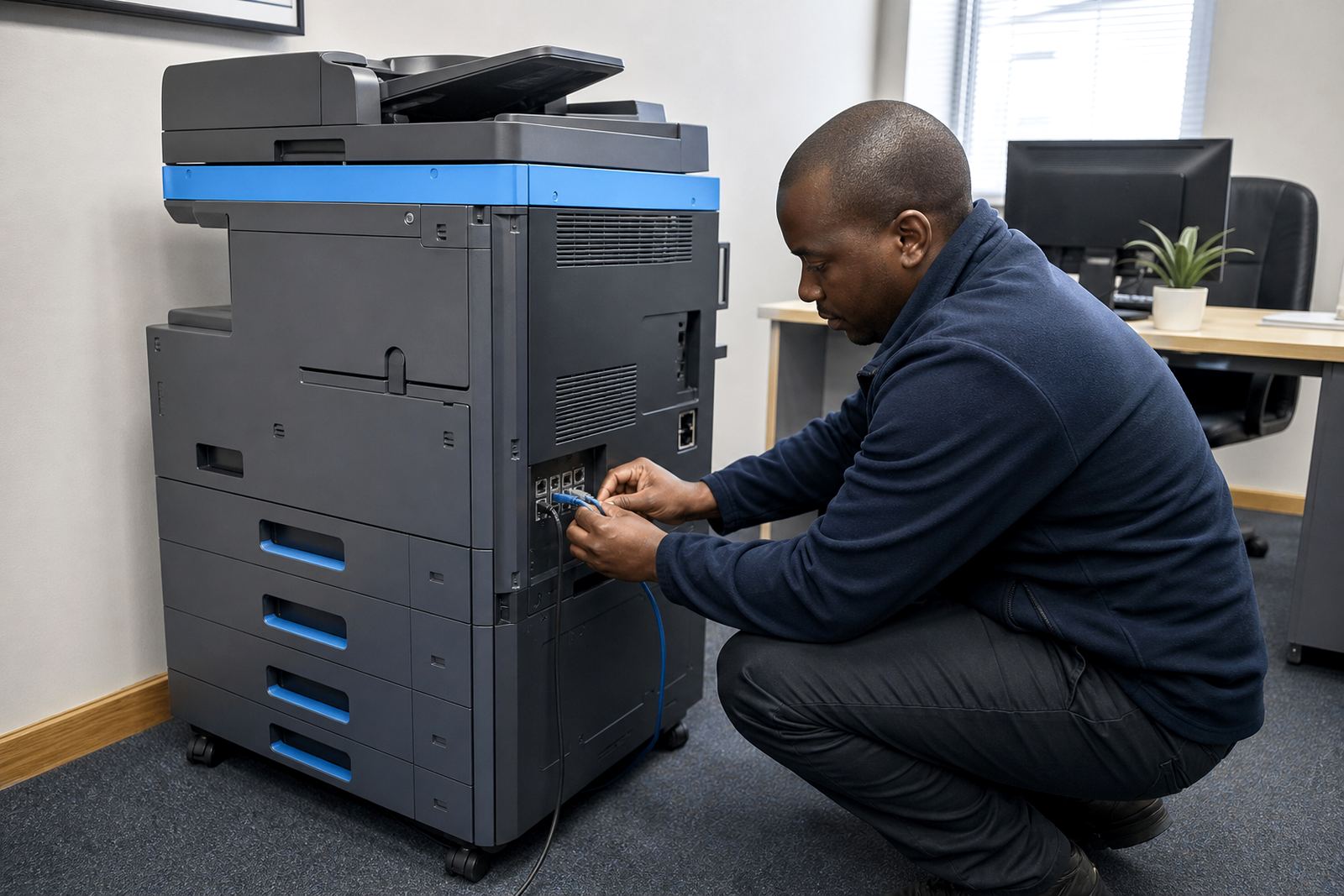
The public part of the rollout is the machine on the floor, but the useful part is the support behind it. That includes installation, network setup, toner supply, metre reading support and fault handling when something jams, skips or stops scanning properly.
- Device installation and network joining
- Metre reading support for billing checks
- On-site servicing for faults and wear
- Breakdown response for urgent stoppages
- Secure print and scan-to-message setup
- User handover for staff who need the basics covered
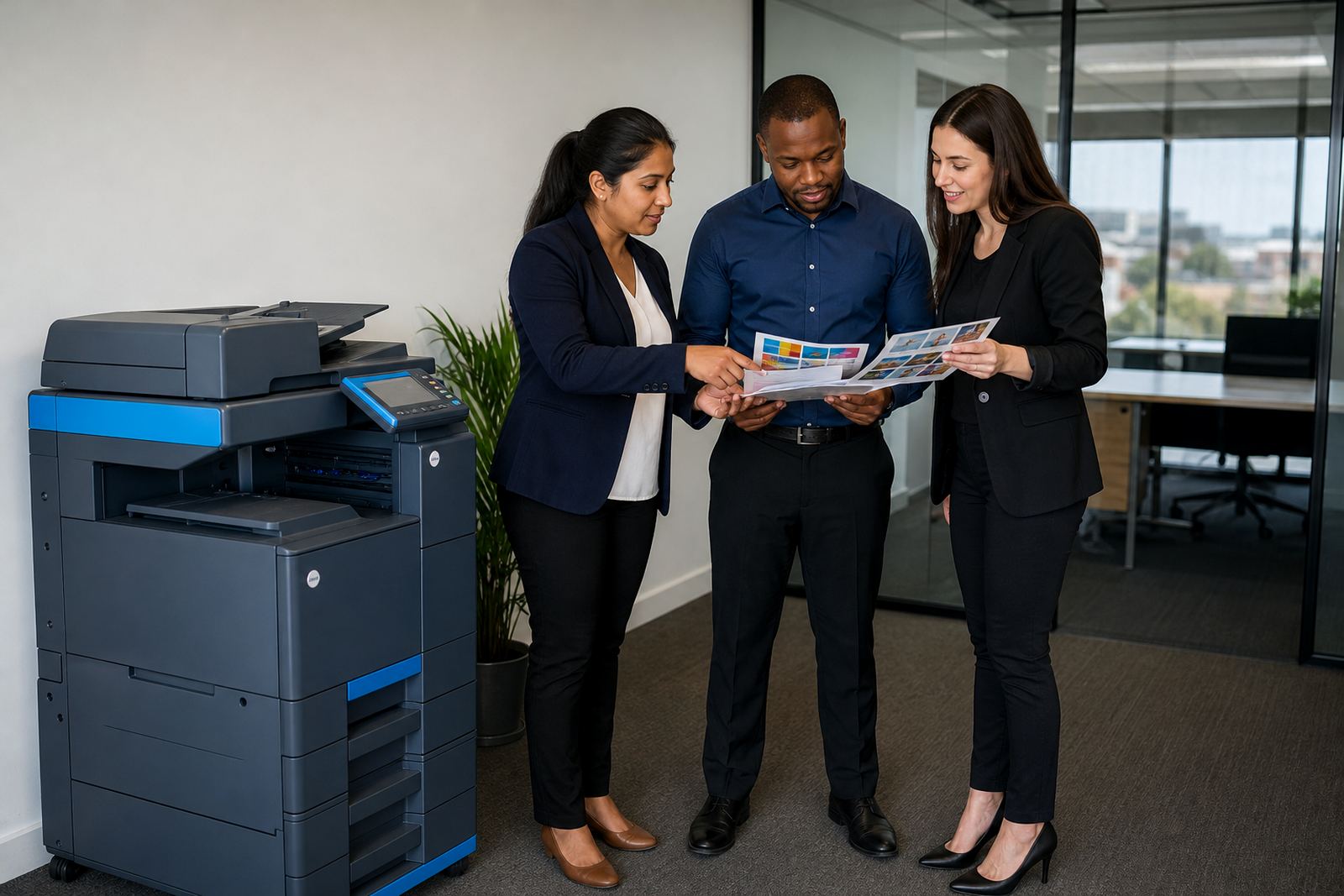
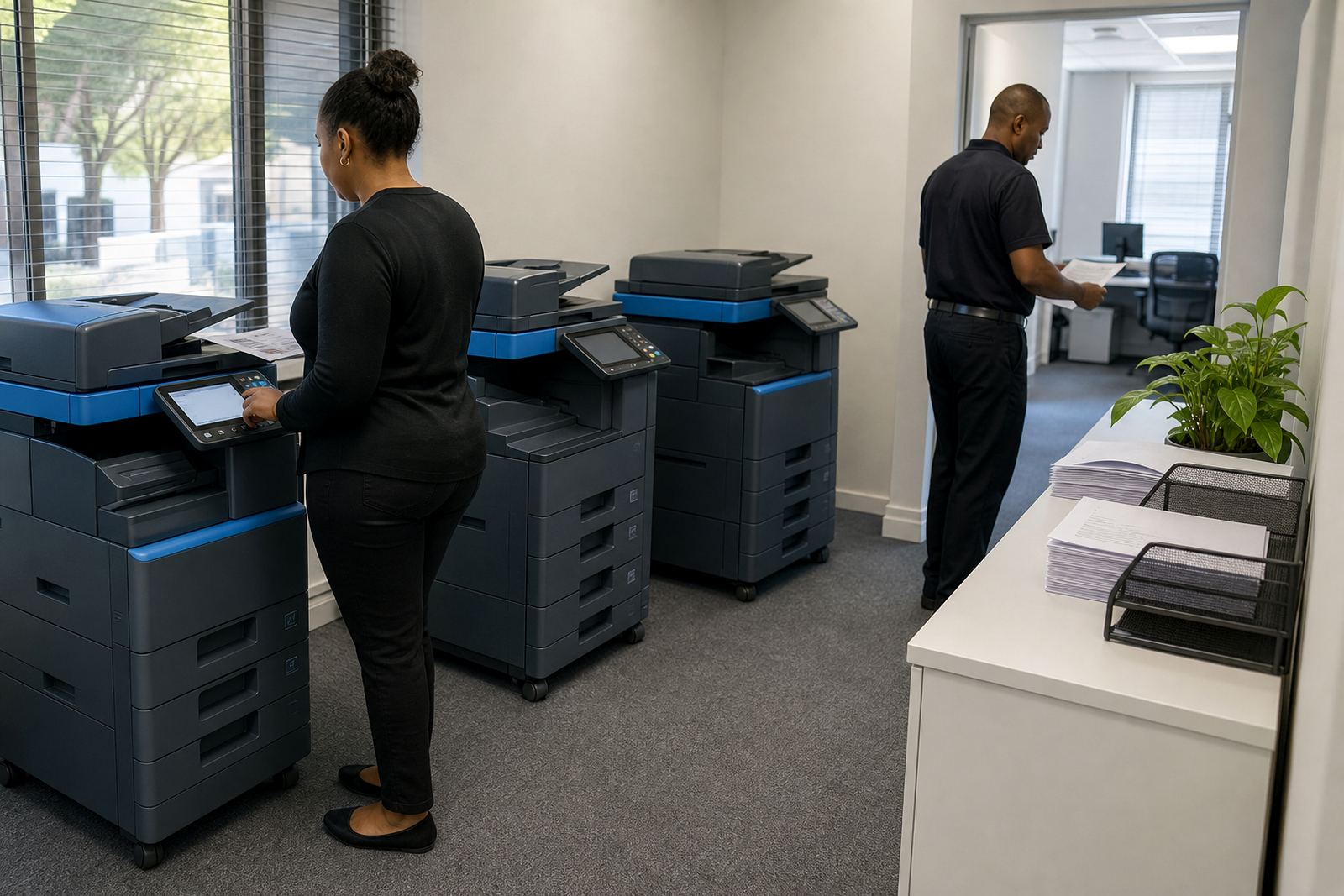
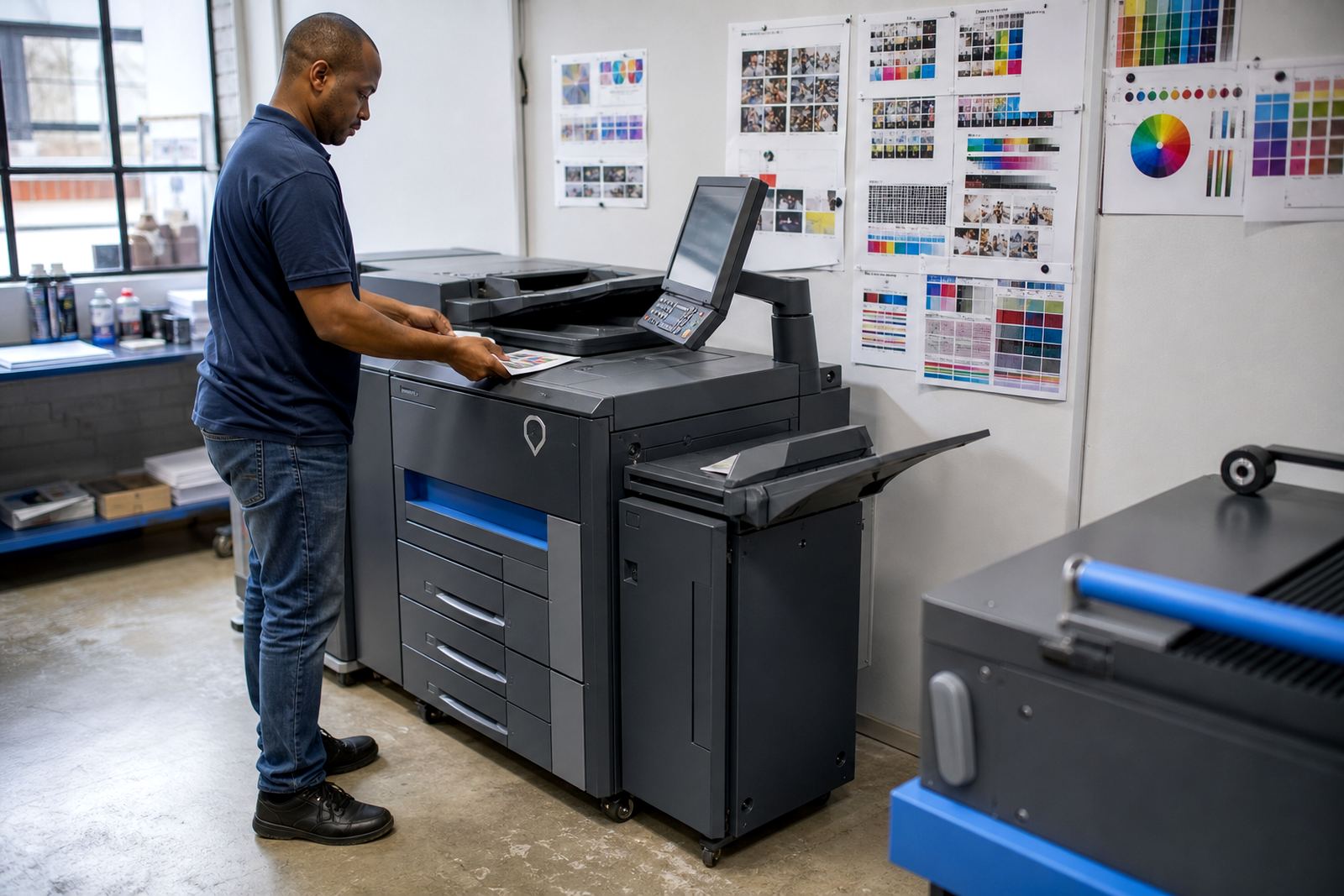
Where a site has several departments, a single rollout can include more than one machine type. The finance team might need secure mono printing, while reception or marketing uses colour for presentations and client packs.
The cards below and what they help you compare
The project cards below are grouped by place and client type rather than by company name. That makes it easier to compare the shape of the work, whether it was a school office, a professional practice or a multi-branch team handling copies, scans and billing across more than one site.
Use the listing to see how each rollout was handled in practice, then match your own office to the nearest fit. Some briefs need one machine and a clean setup. Others need a wider fleet review, a relocation, or end-term swaps that change the whole print layout.