A busy office, not a light print room
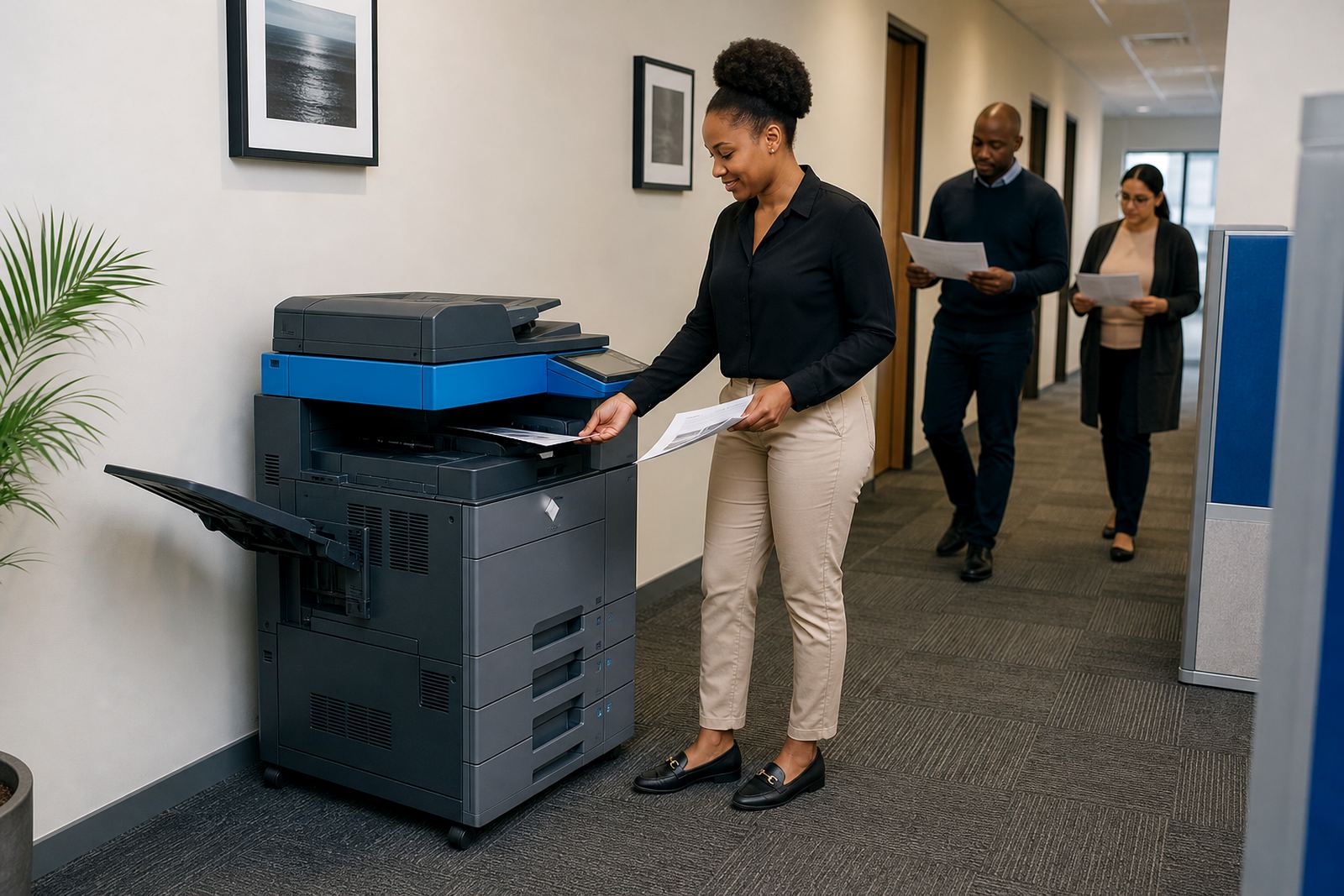
The brief came from a community office in Soweto that handles local programme admin, meeting packs, forms and notices. The team needed one setup that could carry mono and colour output, copy stacks of paperwork, scan records to message and keep user access controlled when several staff members shared the same machines.
Space was tight, so the plan had to suit a practical floor layout and regular public-facing work. The office also needed clearer control over monthly print use, with toner included and a billing method that matched actual metre readings instead of guessing at volumes.
The rental mix we put in place
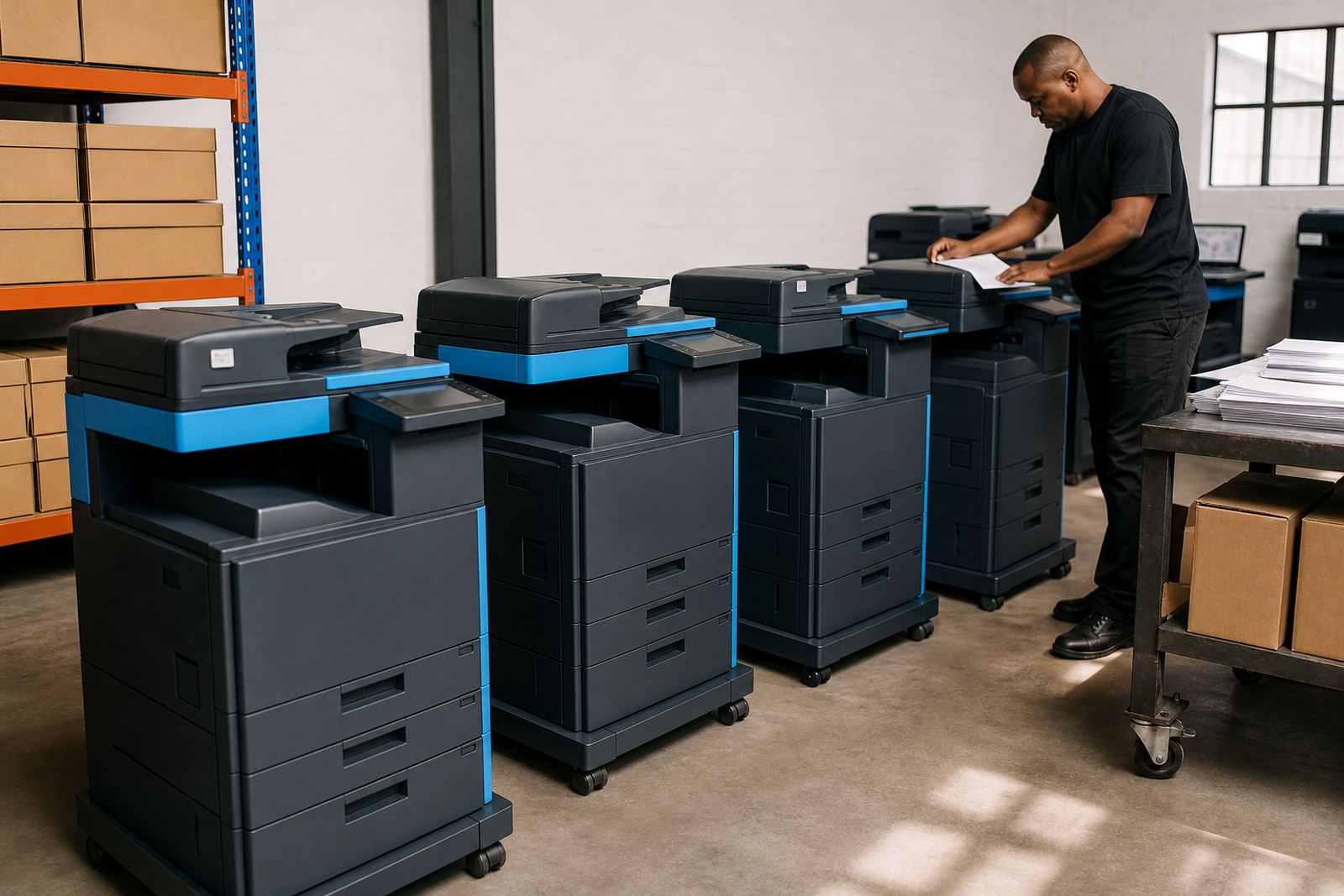
We supplied multifunction office copiers on a managed print plan, with a mix of A4 and A3 capability for forms, notices and larger internal packs. The setup covered mono printing for daily admin and colour printing for documents that needed charts, headings or programme material with better readability.
- Multifunction A4 and A3 machines for print, copy and scan work
- Mono and colour units matched to different document types
- Monthly rental with click charges linked to metre readings
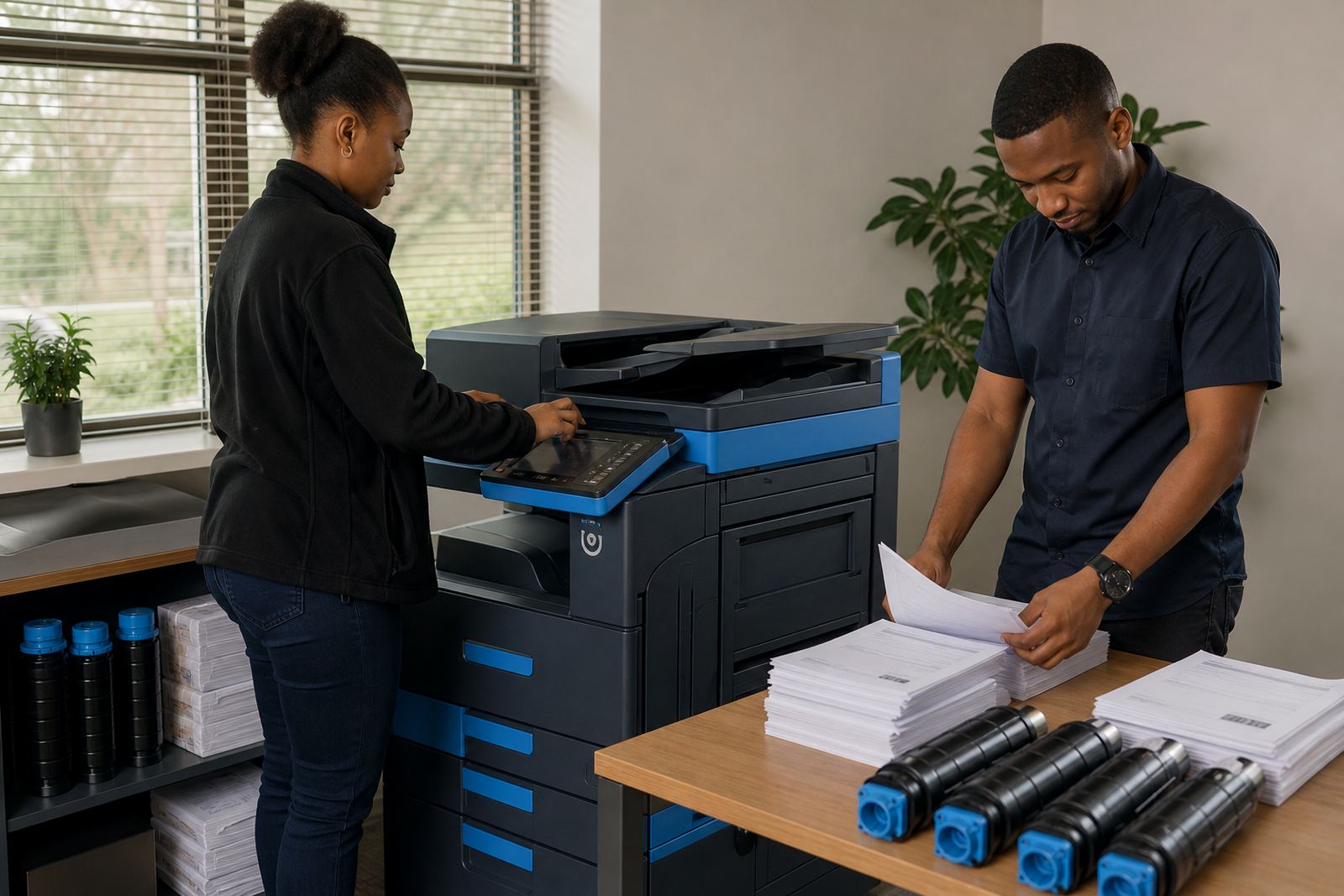
- Toner supply included in the plan
- Scan to message and secure print setup for shared use
The office did not need to buy cartridges separately or manage ad hoc toner runs. That kept the workflow cleaner, especially where several people were printing from the same network.
Installation around a shared team environment
The rollout took place over two weeks. First came the site walk and placement notes, then network setup, printer registration and user handover. We also checked paper paths, tray settings and default scan destinations so the team could move between filing, printing and sending without confusion.
Because the office works with many hands on the same devices, we set secure print on the main units and kept the function layout plain. That reduced stray prints and helped staff release only the pages they needed. A few points needed a small adjustment after the first use, mostly around scan naming and tray preferences, and that was sorted in the next site visit.
Metre reading, servicing and the day-to-day rhythm
The managed print plan was built to suit a real office rhythm rather than a showroom set-up. Metre reading support gave the accounts side a cleaner view of usage, while on-site servicing and breakdown response meant faults could be dealt with on location instead of pulling a machine out of service for long stretches.
- Monthly metre capture for billing and usage control
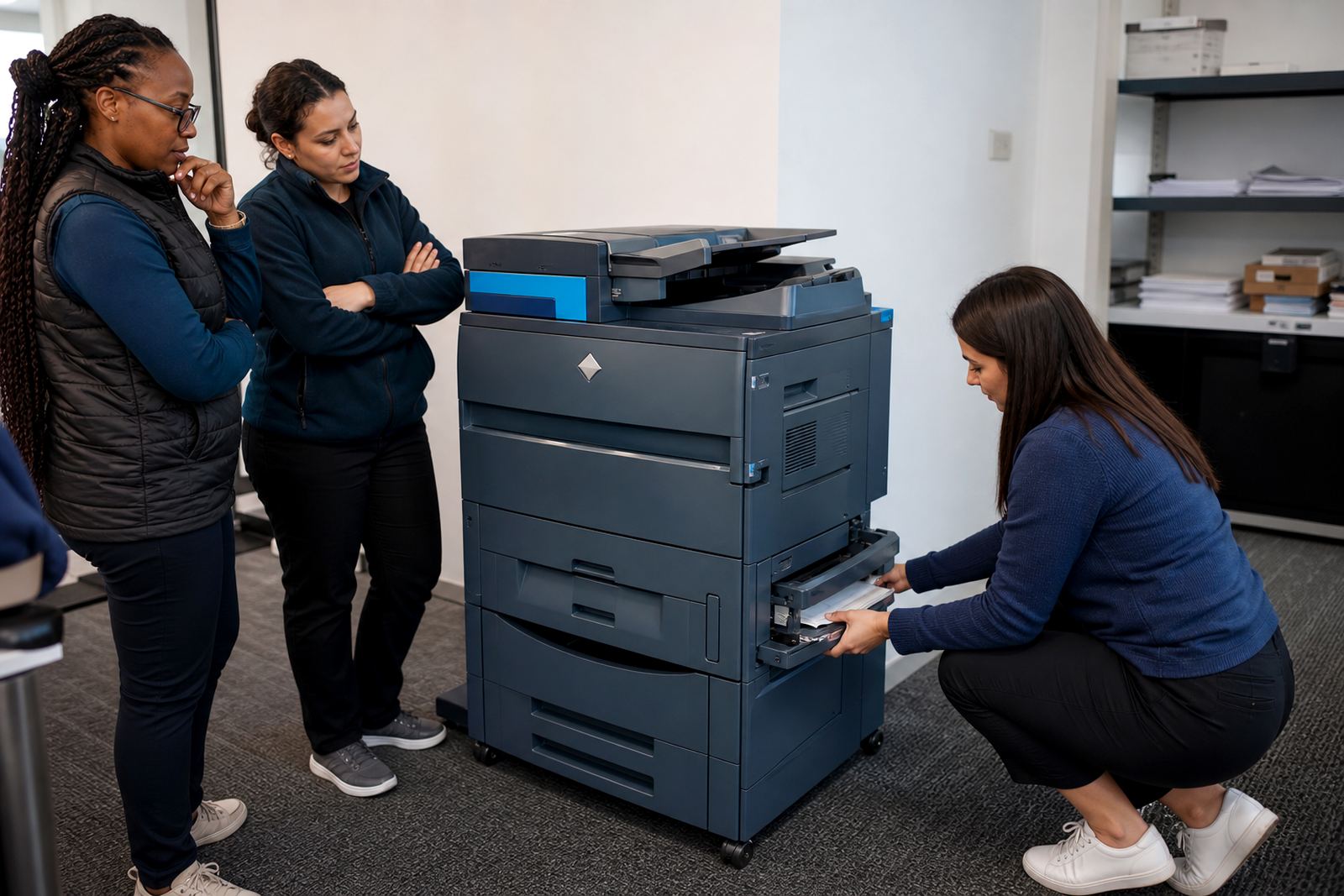
- On-site servicing for jams, feed issues and scan faults
- Breakdown response for the main shared devices
- User handover for staff who needed the basics repeated in plain terms
- Machine relocations when the office layout changed
The result was less time spent chasing consumables or sharing one copier under pressure. The office could keep reports moving, print notices in batches and handle internal forms without the stop-start pattern that comes with unmanaged ownership.
What changed once the machines were working as a system
Once the setup settled, the office had a clearer print cost structure and fewer interruptions around toner or basic maintenance. Scan to message helped with record keeping and document circulation, while secure print kept confidential items from sitting in the output tray.
The team also gained a smoother route for end-of-term swaps, which matters when a public-facing office needs equipment that keeps pace with use. Instead of treating the copier as a one-off purchase, the rental plan made it part of the office routine, with service and consumables tied into one arrangement.
If we set up this kind of office again
We would keep the same split between mono and colour devices, and we would still map the placement around shared access points first. That approach suits community offices, school administration rooms and practice front offices where many people touch the same machine during a working week.
For a similar brief, the important details are the document mix, the monthly usage pattern and whether the team needs secure release, A3 copying or heavier scan work. Once those points are clear, the rest of the plan can be kept practical and tidy.
Key facts
| Project | Soweto Community Office |
|---|---|
| Service type | Managed office printer rental |
| Machine format | Multifunction A4 and A3 copiers |
| Output mix | Mono and colour |
| Billing method | Monthly rental plus click charges |
| Included support | Toner supply, metre reading support, on-site servicing, secure print and scan to message setup |