The Bloemfontein brief was for shared admin control
The office was running a busy front counter and back-office flow from one shared copier point, so the team needed one machine that could handle day-to-day printing, copying and scanning without turning every job into a queue. The plan had to fit a mixed user group, with secure print for confidential pages and metre billing tied to actual machine use.
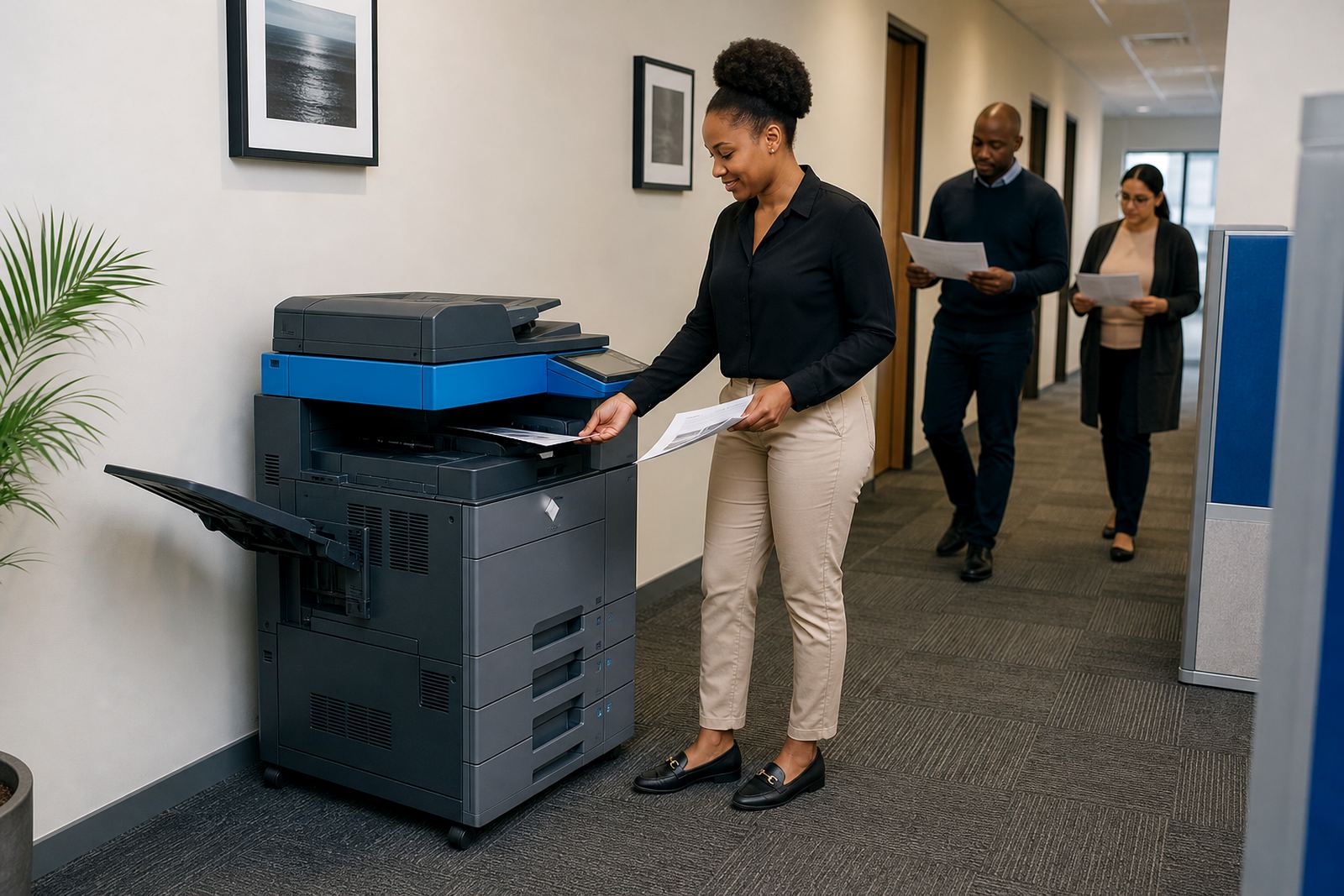
There were a few limits from the start. The copy point sat in a narrow passage, so the footprint had to stay compact enough for easy access. Staff also wanted a setup that would not overload the team with training, because different people use the machine during the week and not everyone prints in the same way.
- Shared office environment with frequent staff turnover at the copier
- Secure print needed for confidential admin documents
- Monthly billing linked to metre readings
- Mixed mono and colour use across the office
What went into the install and setup
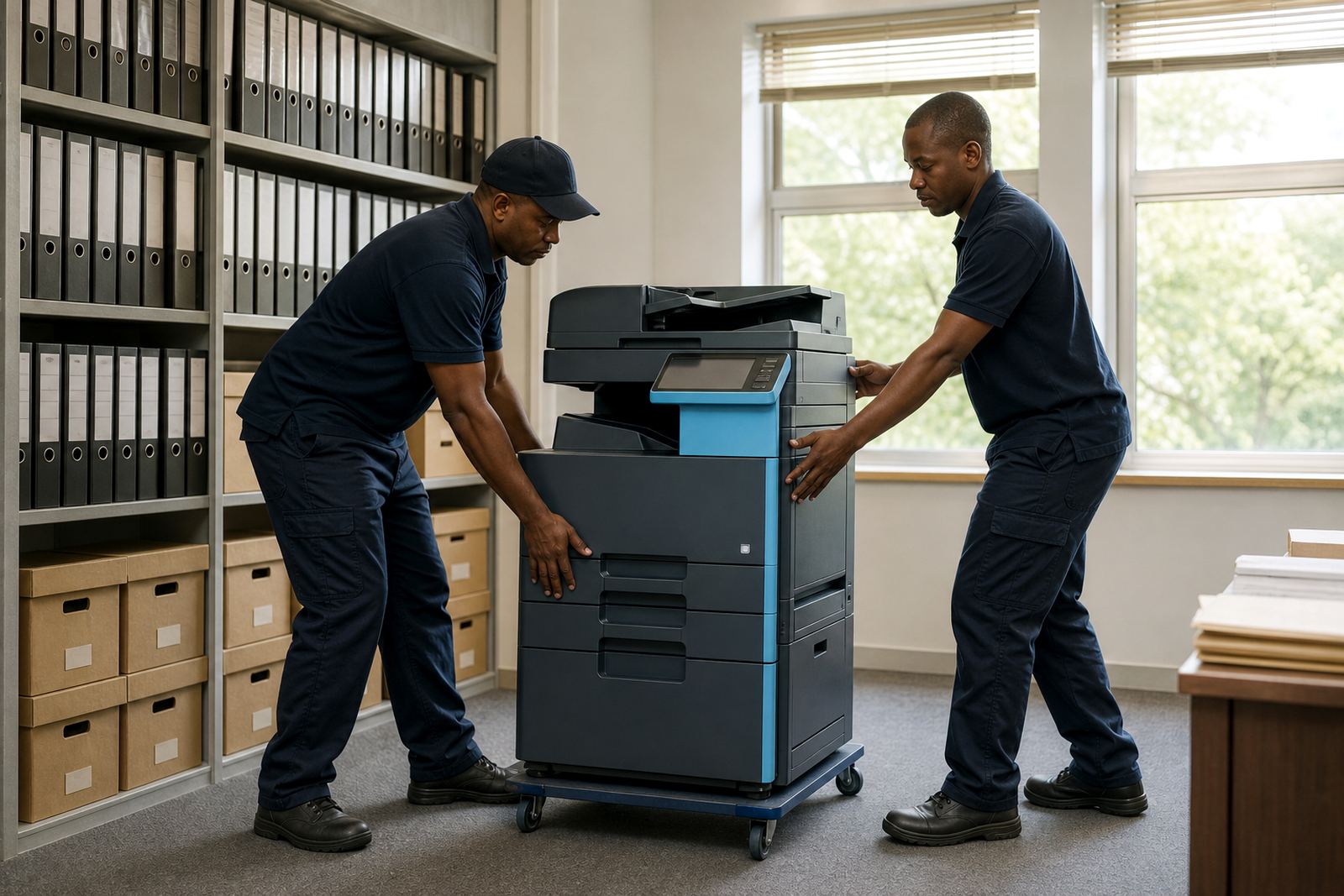
We supplied a multifunction A3 machine suited to office admin, with print, copy and scan functions in one unit. The setup included network connection, scan-to-message configuration, secure print release and basic user handover so the office could manage the machine without guesswork. The document feeder was set for batch work, and the tray layout was checked against the paper sizes they use most often.
The rental structure was explained as a monthly machine cost plus metre-based billing for pages run through the device. That gives the office a clearer picture of usage, while toner stays under the managed plan and does not need to be chased from one supplier to another. We also checked the placement so the lid, trays and service panels could be reached without moving furniture around.
- Multifunction A3 copier for printing, copying and scanning
- Secure print enabled for controlled output release
- Scan-to-message set for office document sharing
- Toner included under the managed print plan
Week by week on the floor
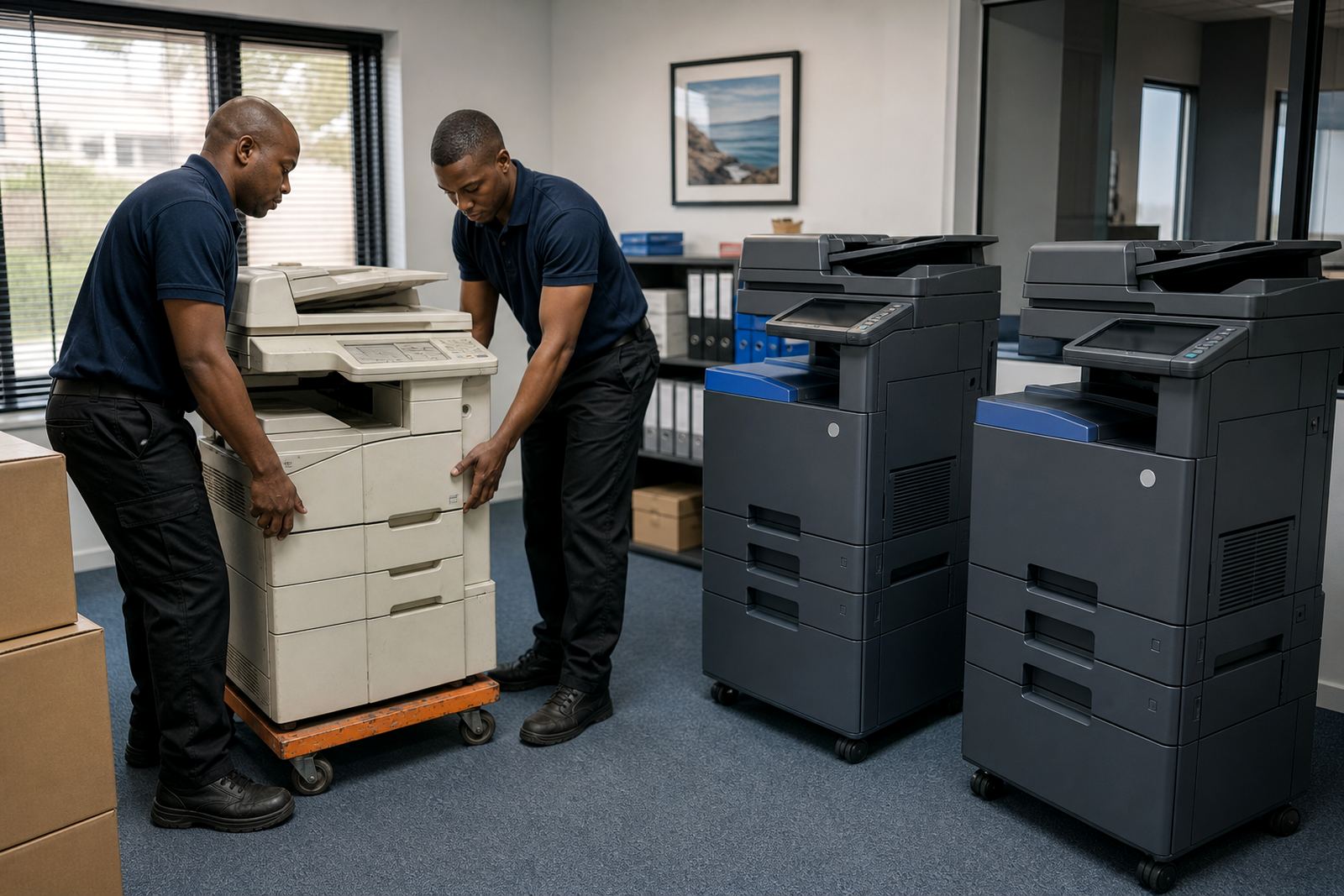
The first week covered the site check, placement planning and confirmation of the office’s print volumes. After that, the machine was delivered, installed and joined to the network, with user access tested at the copier itself rather than assumed from a remote setup. The second week was used for fine-tuning, especially the default settings for mono jobs, colour jobs and scan destinations.
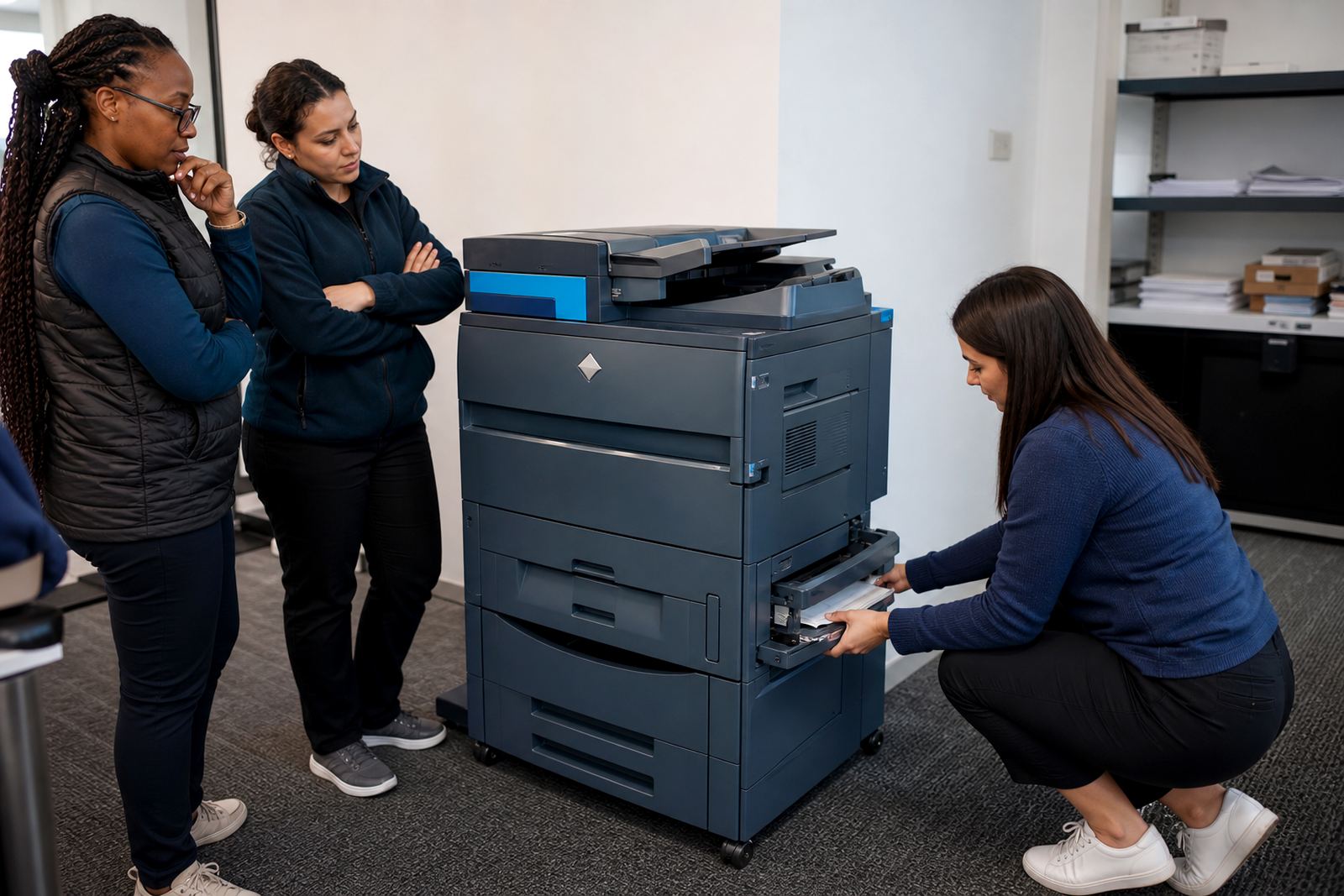
By the end of the rollout, staff had a working process for secure print, and the reception and admin users knew how to release held jobs without holding up the queue. The service side was also set up so metre reading support and maintenance calls would follow the same admin route, which kept the office from having to invent a new process every time something needed attention.
- Week 1: site check, volumes, position and access planning
- Week 2: delivery, installation and network joining
- Week 3: settings refinement and user handover
- Ongoing: metre support, toner supply and servicing on plan
What the office gained from the change
The biggest change was order around the print point. Staff no longer treated the copier as a free-for-all, and sensitive pages were held until the correct person was standing at the machine. That reduced accidental pickup and cut down on paper waste from abandoned jobs, especially when several people were printing near the same time.
The monthly metre billing gave the accounts side a cleaner record of usage, and the office could match costs to actual output rather than guessing from toner purchases and ad hoc servicing. For a shared admin team, that matters because the real cost of printing is not only the machine, it is the time lost when consumables or settings are not under control.
- Secure print lowered the risk of confidential pages sitting in the tray
- Metre billing made monthly usage easier to track
- Toner stayed under the rental plan instead of separate purchase cycles
- Users had one machine with one process, not several workarounds
What we would repeat on a similar Bloemfontein office
We would keep the same approach on a similar job: start with page volumes, look at where the machine will sit and build the setup around the real habits of the office. In practice that means checking whether most work is mono, how often colour is used, and whether scanning is mostly for message distribution or internal filing. Those details shape the choice better than a generic spec sheet.
For an office like this, the cleanest result usually comes from a machine that can handle steady admin use without overcomplication. The install should leave room for service access, paper loading and easy user handover, because the copier has to fit the room as much as the workload.
- Start with actual usage, not just the number of staff
- Keep the machine close to the main admin flow
- Set secure print before the office gets used to open printing
- Leave enough space for service panels and paper movement
Bloemfontein project notes from the service side
The service arrangement mattered just as much as the hardware. A managed print plan works best when toner supply, metre readings and breakdown handling sit under one line of contact, so the office is not splitting routine admin across several people. That is especially useful in a shared environment where one person may be away when a toner warning or fault message appears.
This Bloemfontein install also showed how useful clear user handover is. Once staff know where secure print lives, how the scan address works and who handles metre readings, the machine becomes part of the office rhythm instead of a monthly disruption. The setup held its shape, and the front office could keep moving without having to pause for basic print issues.
- One managed plan for toner, servicing and metre tracking
- Secure print and scan functions kept within the admin routine
- Shared users had a simple release process at the copier
- Service access was kept practical for future maintenance
Key facts
| Project type | Shared office copier install |
|---|---|
| Town | Bloemfontein |
| Machine type | Multifunction A3 office copier |
| Print mode | Mono and colour |
| Billing method | Monthly rental plus metre charges |
| Included setup | Secure print, scan-to-message, network connection, toner supply, on-site servicing |