

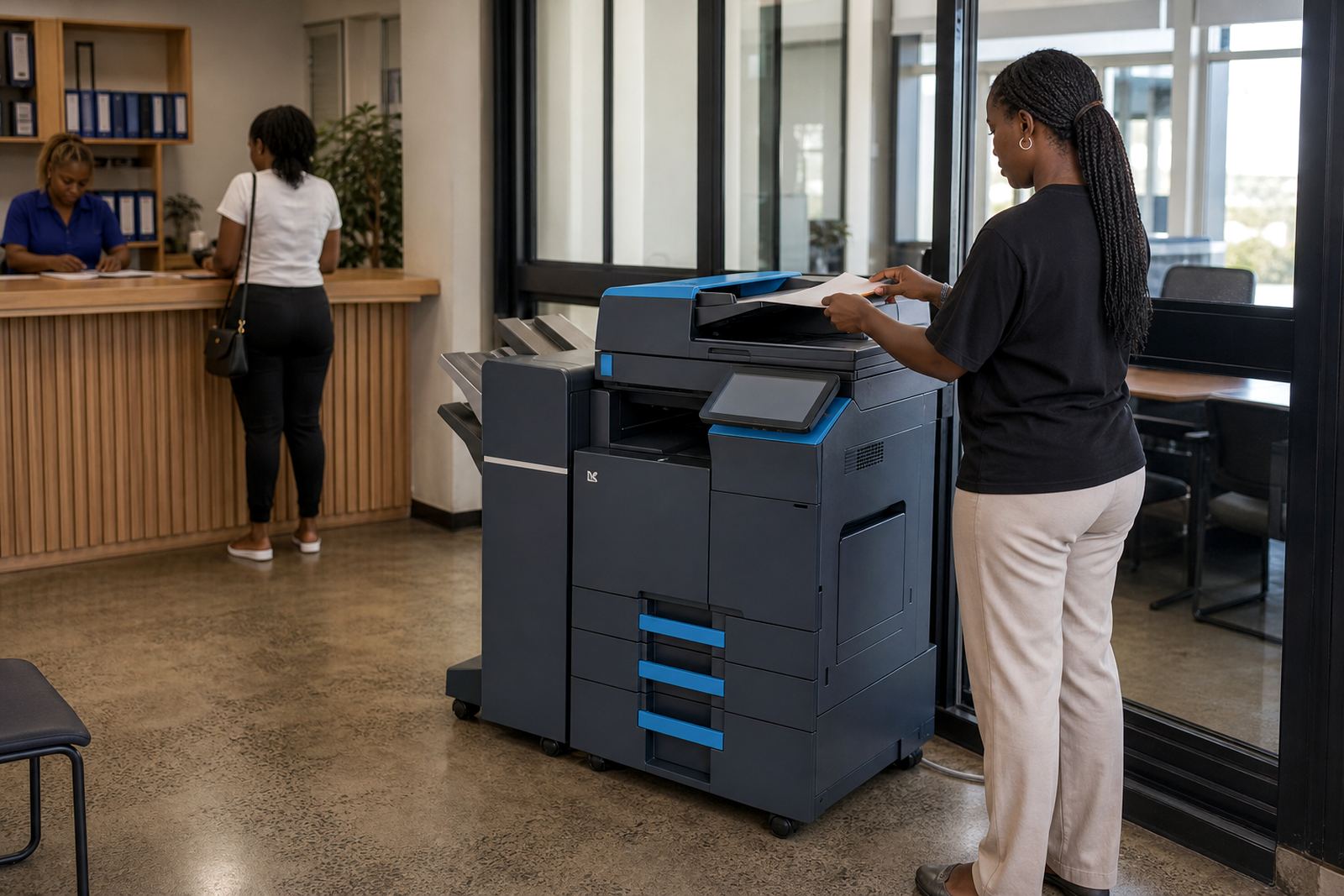
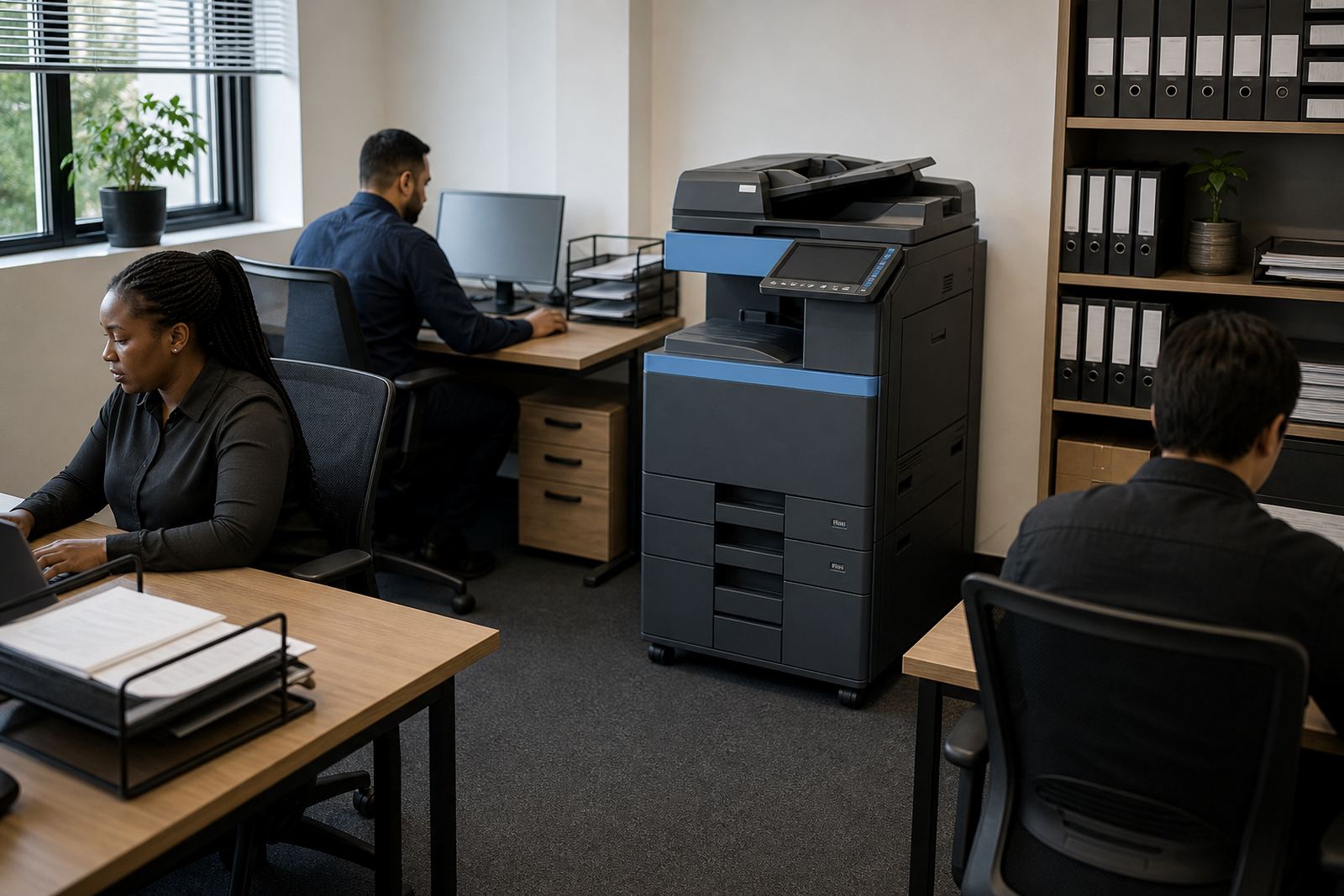
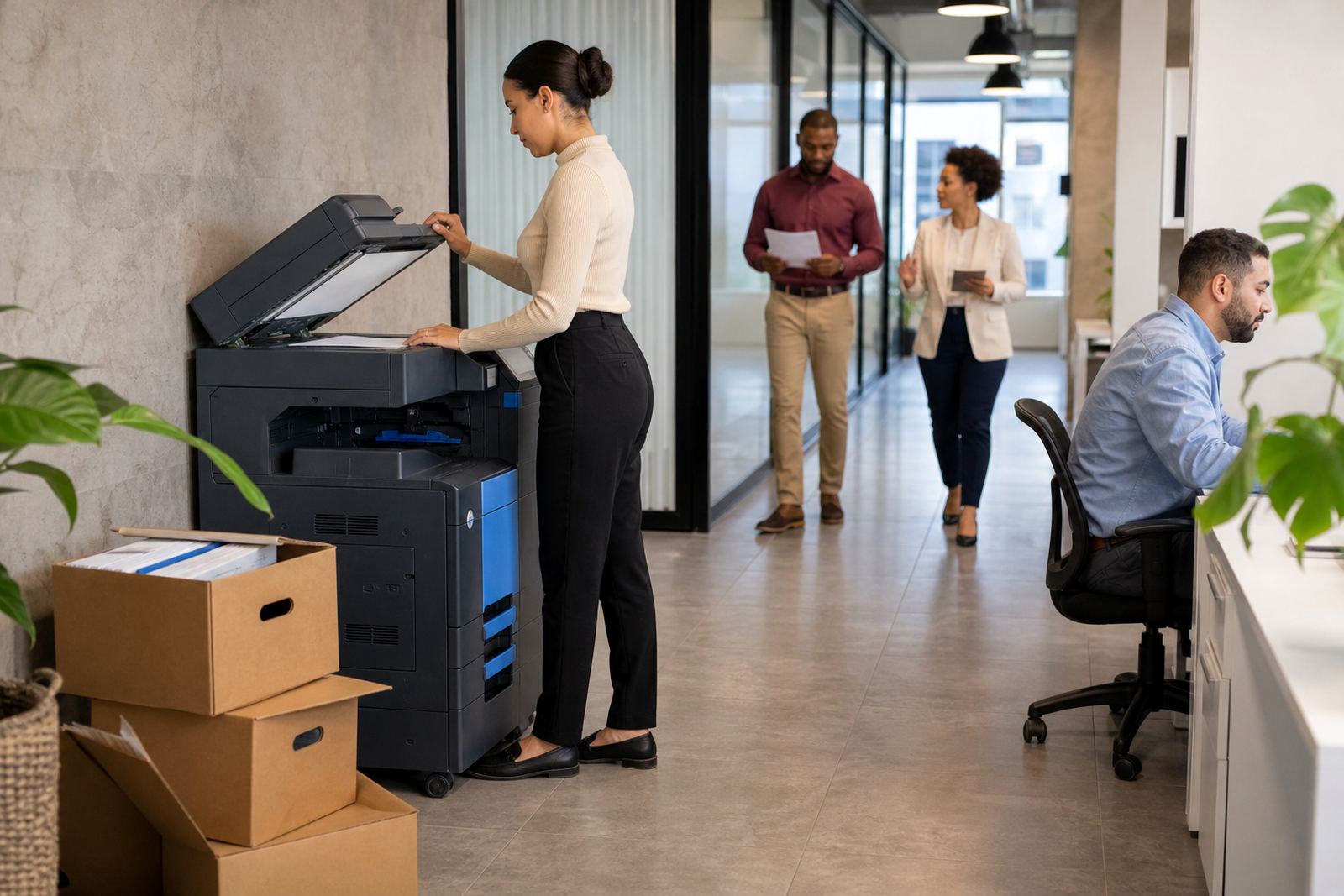
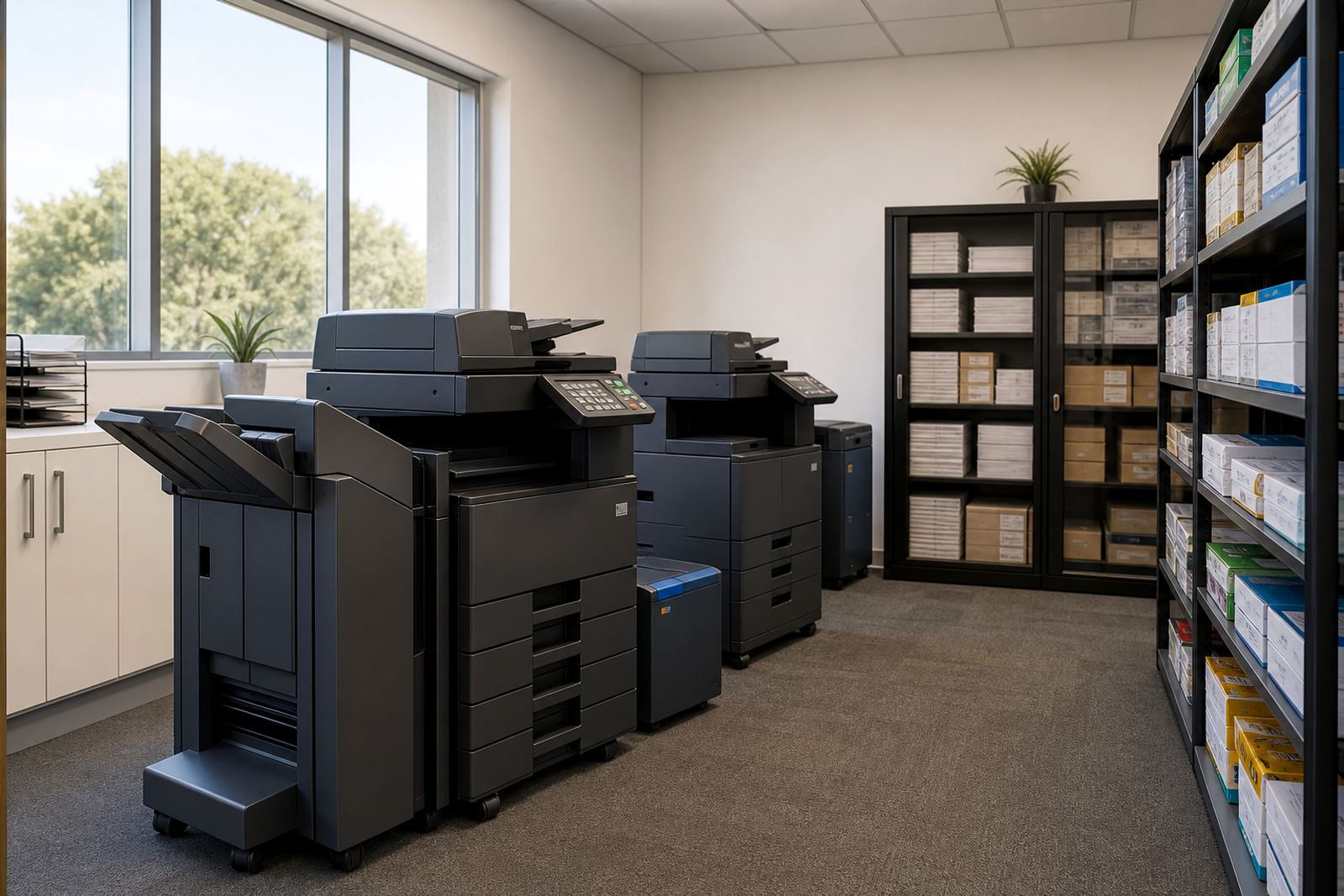
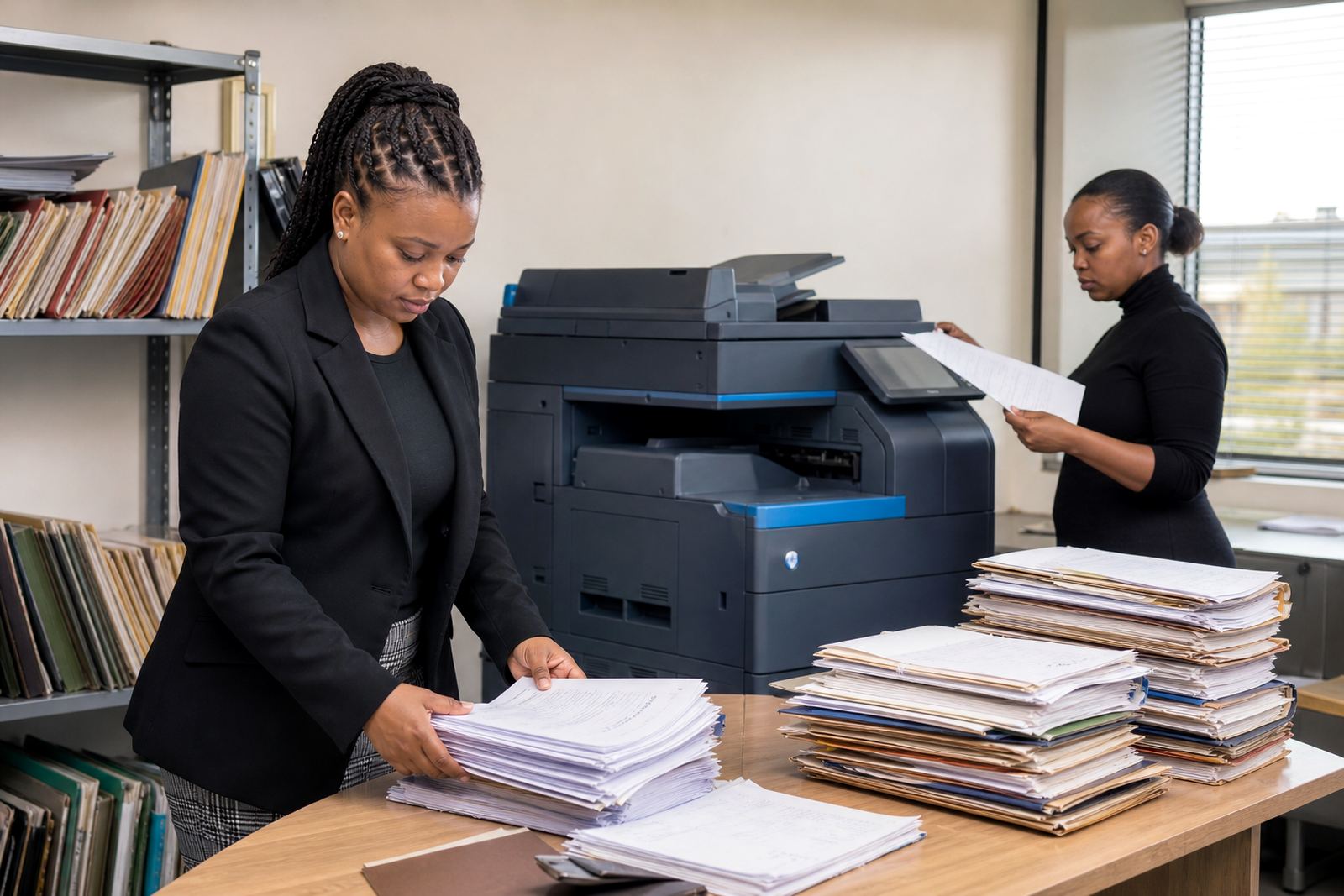
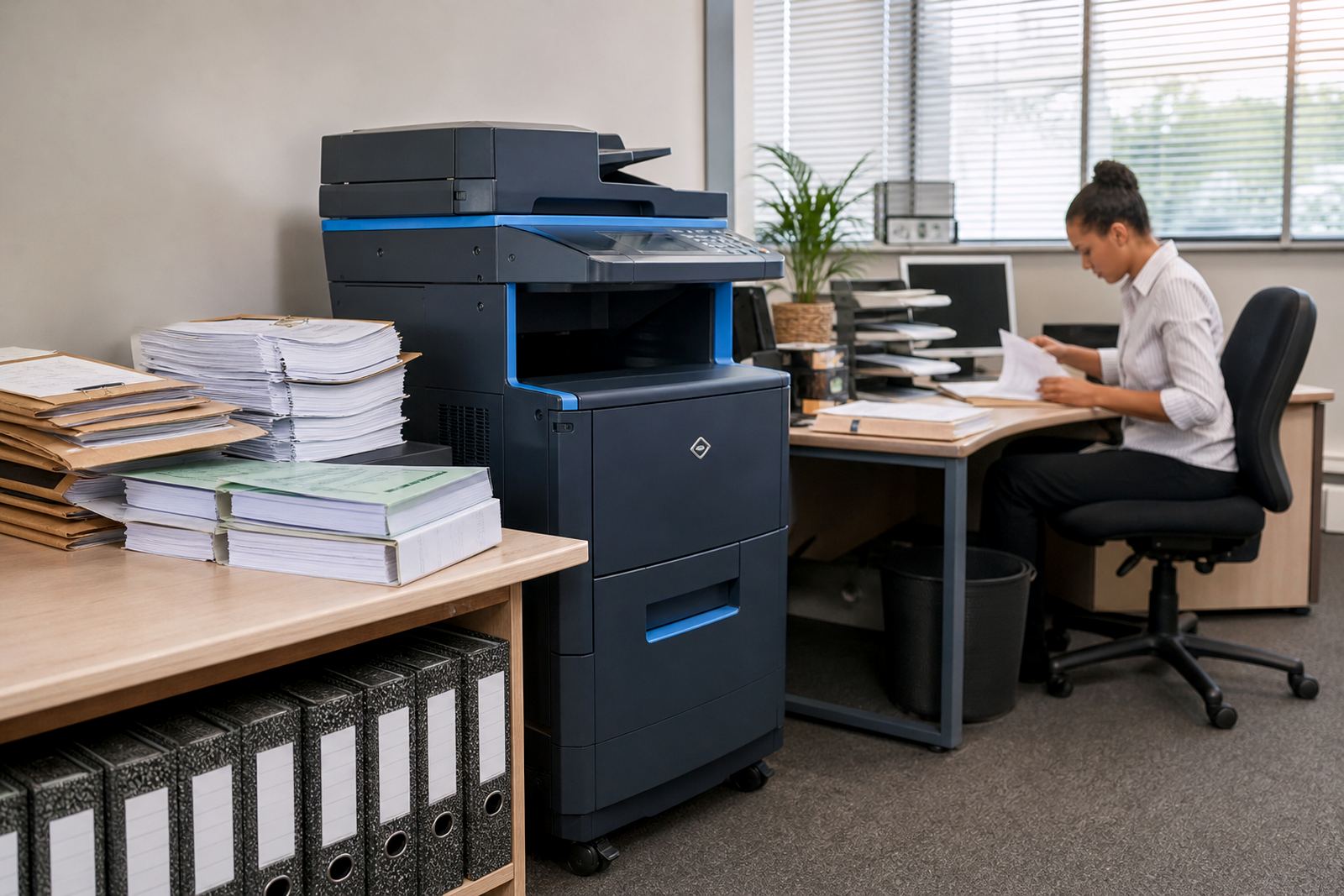
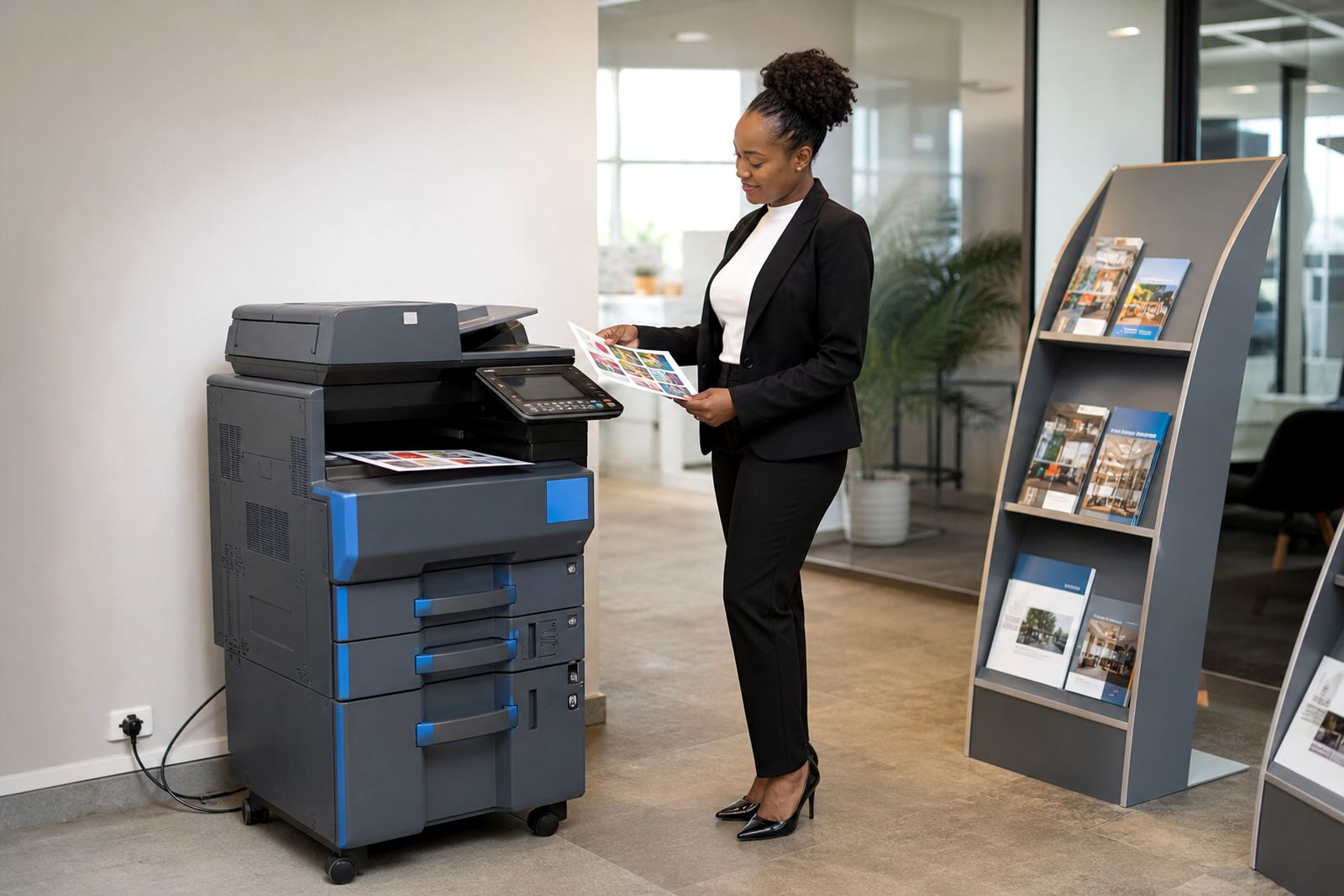
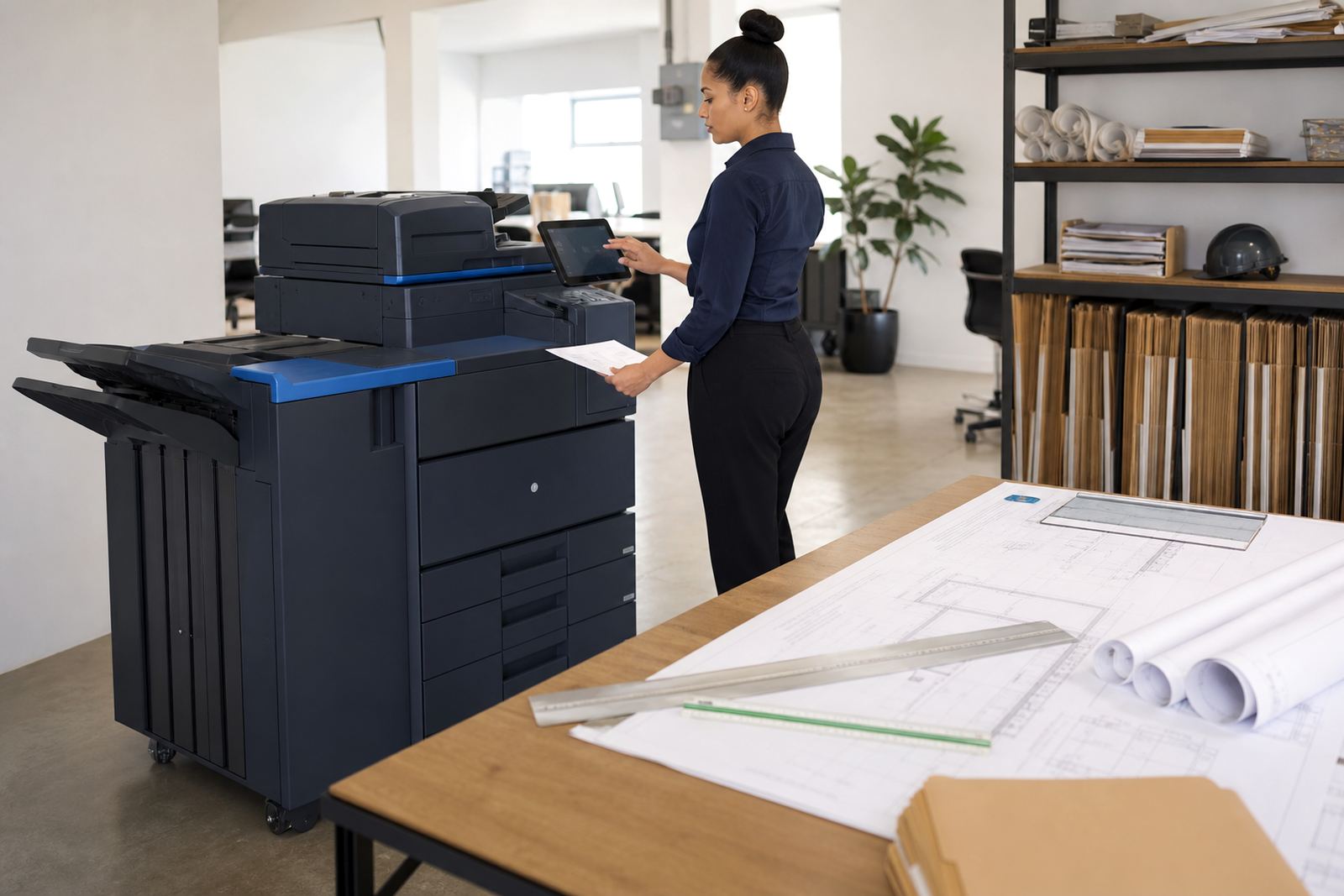

Front offices that need clean, steady document flow
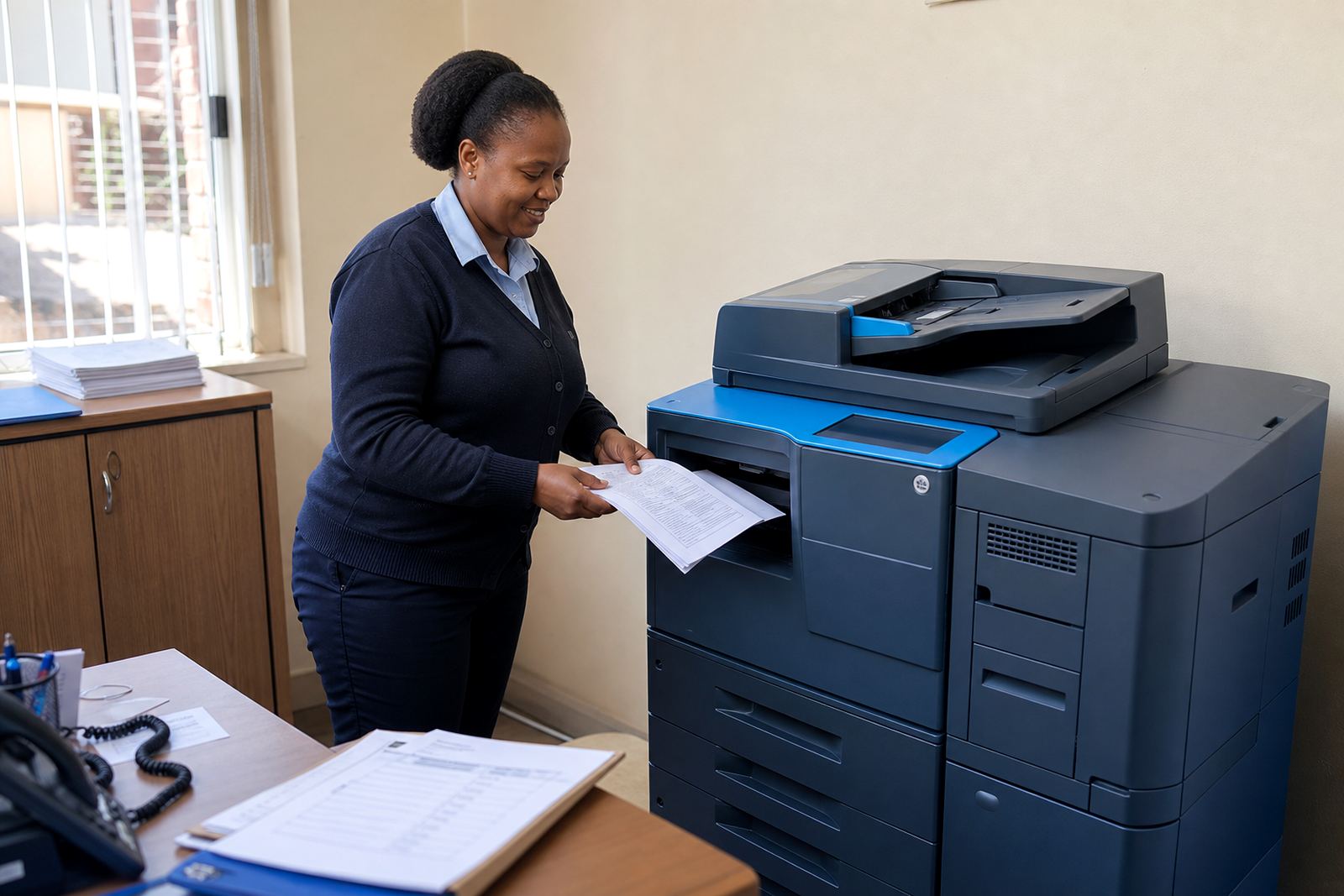
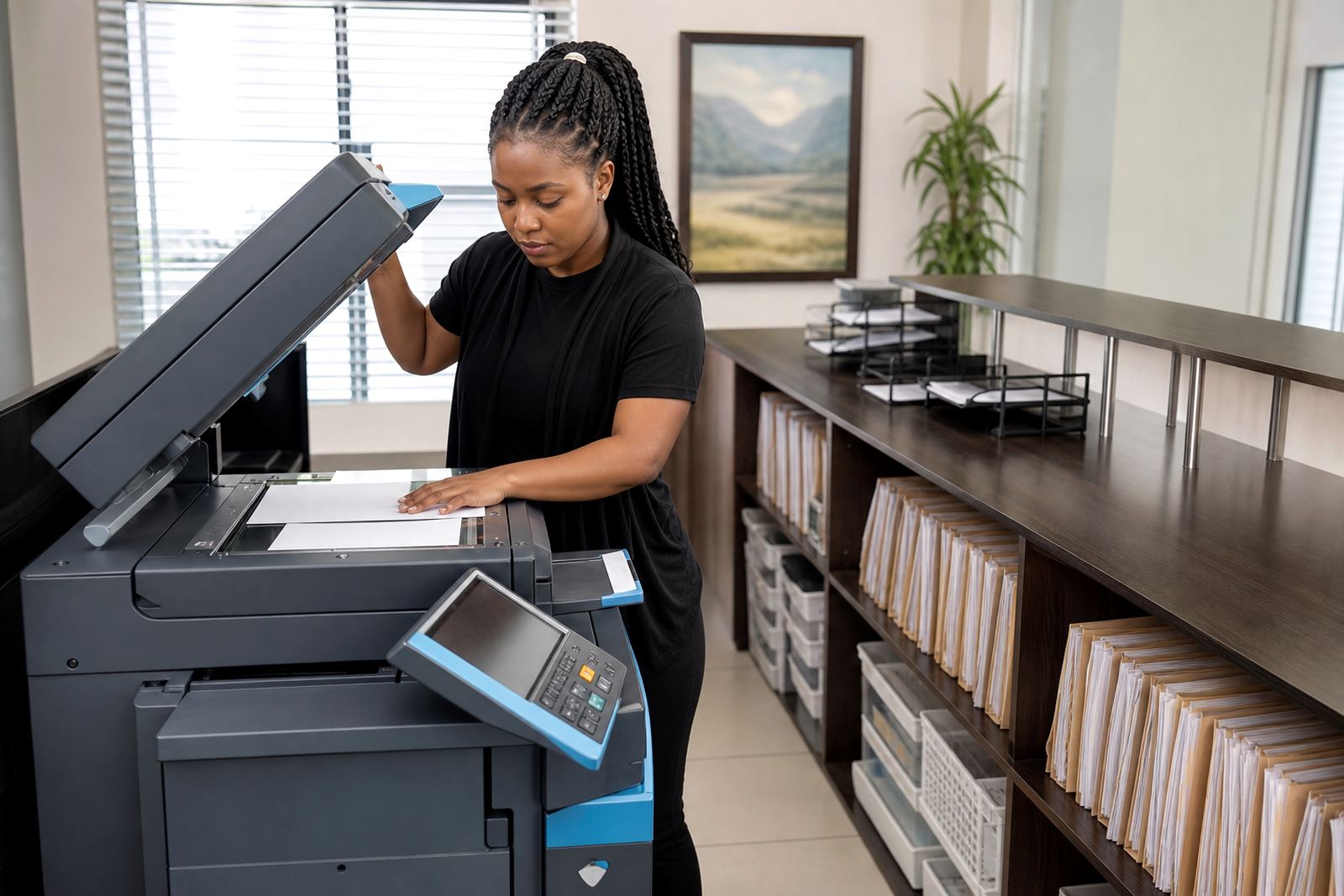
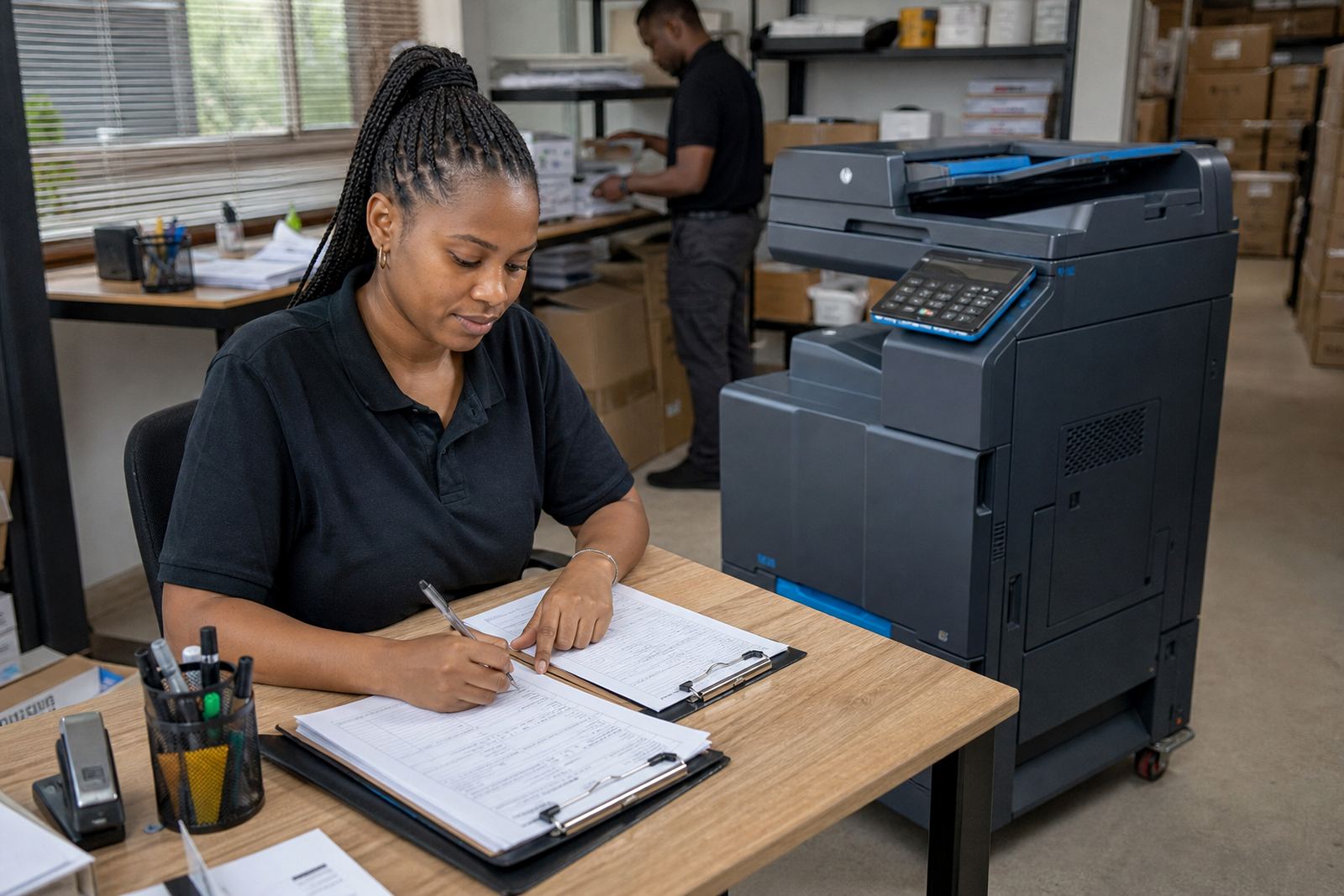
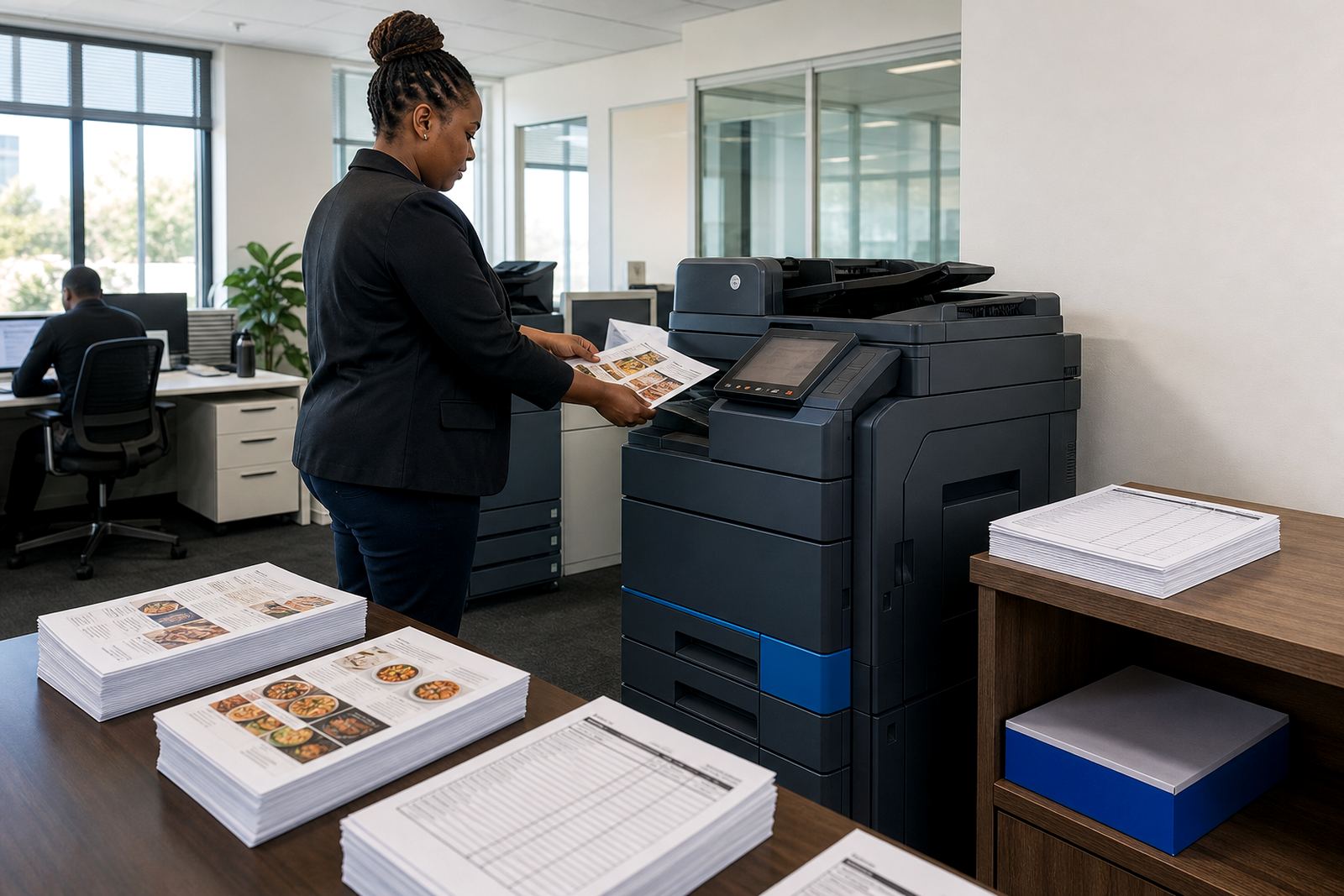
Reception counters, legal rooms, consulting suites and admin offices usually need a machine that keeps paperwork moving without clutter. A compact A4 unit may suit lighter filing and correspondence, while busier teams often need an A3 device for larger scans, copies and mixed-size jobs. Mono suits high-volume text printing, while colour is useful where presentations, proposals and client packs carry diagrams or branded pages.
Managed print planning usually starts with the work pattern, not the machine list. We look at who prints, who scans and who needs secure release at the device. That keeps the rental tied to actual use, not guesswork.
Schools and training rooms with heavy daily copying
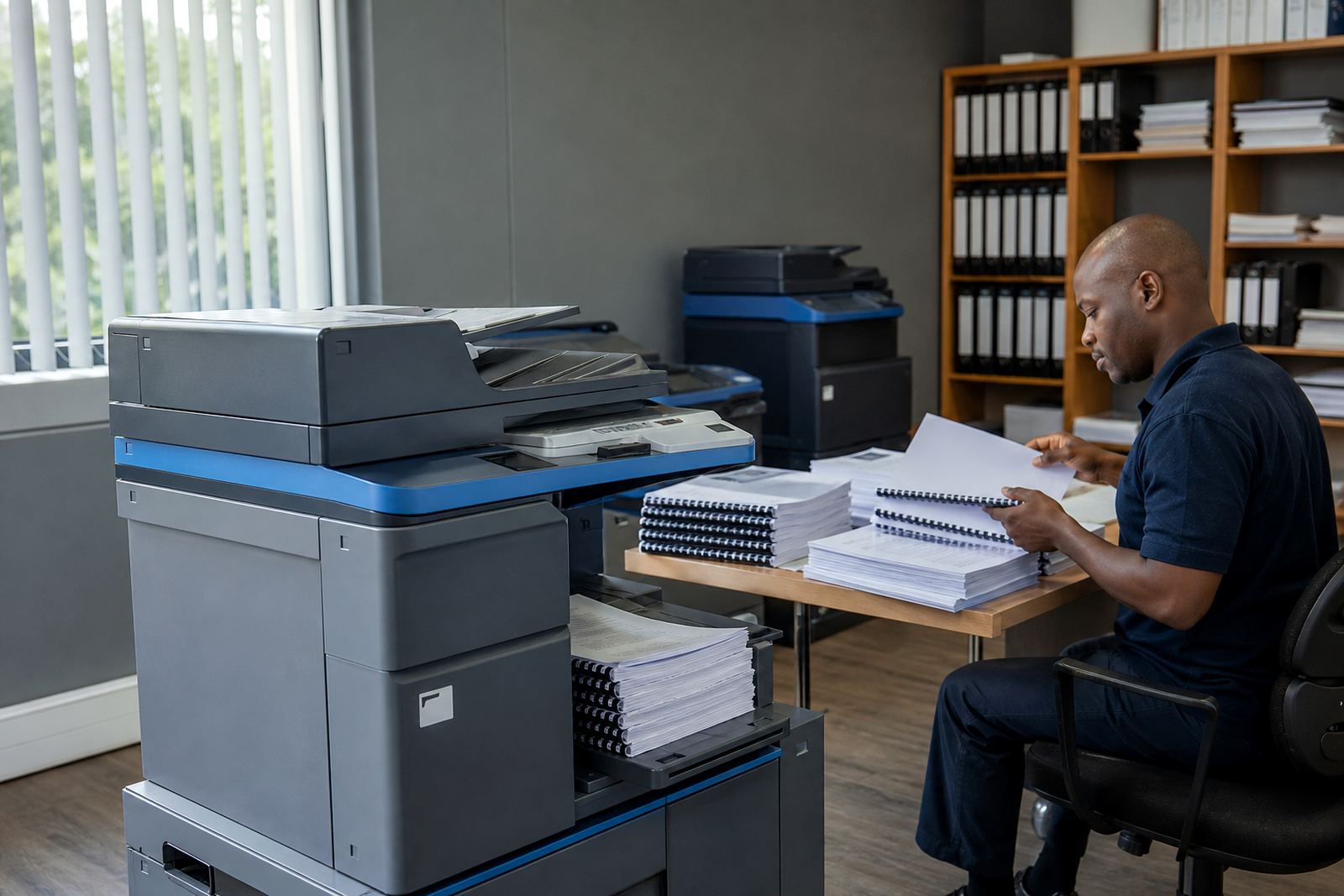
Schools, tuition centres and training offices tend to move through worksheets, handouts, assessments and notices in batches. That pushes the focus towards durable machines, steady paper handling and sensible mono or colour balance. Some sites need one central copier, others need a small fleet split between reception, staff admin and copy rooms.
- High page counts usually favour metre-based billing.
- Colour runs are best kept for material that needs it.
- Scan-to-message helps with records and class packs.
- End-term swaps matter when volumes change across the year.
Professional practices with privacy and traceability
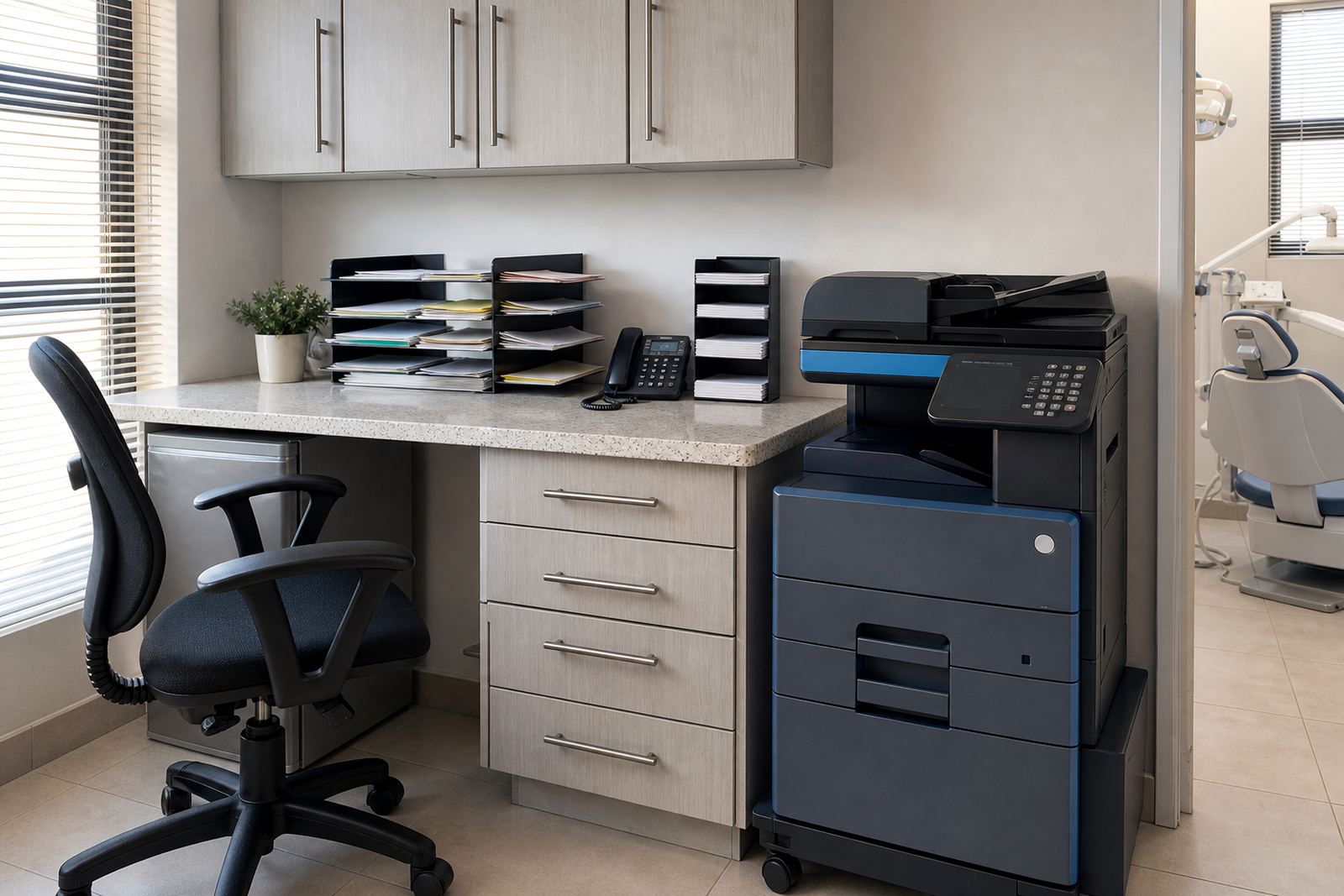
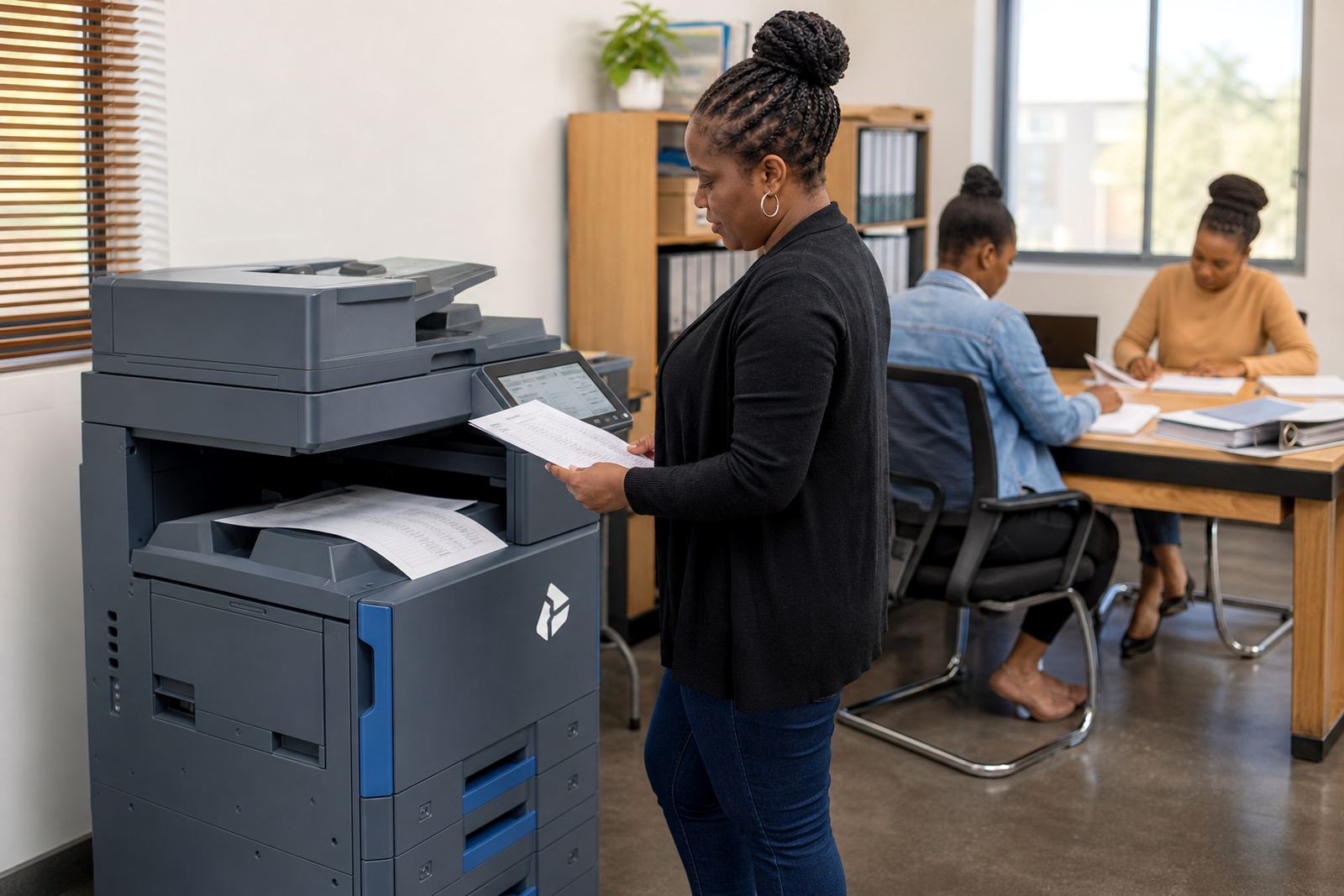
Medical rooms, finance teams and advisory firms often care less about speed on paper and more about control. Secure print setup helps keep sensitive pages from sitting in the output tray. Metre reading support keeps billing tied to actual usage, while on-site servicing reduces disruption when a feeder jams or a scan function stops behaving properly.
These spaces usually want clear user handover as well. Staff need to know how to release a job, change a basic setting and send a scan to the right inbox without calling for help every time.
Branches with more than one floor or one workflow
Some workplaces run one printer at reception, another near accounts and a third in a back office or operations room. That layout makes fleet review useful, because the real question is not how many devices fit in the building but which teams use them and where the bottlenecks sit. A small branch in Sandton may need one multifunction printer, while a larger office in Johannesburg or Pretoria may need separate mono and colour units.
Machine relocations are often part of the same plan. When offices move rooms or merge departments, the devices should be moved, tested and reconnected with the least fuss possible.
When the monthly rental needs to match the clicks
Rental and click charges work best when they are read together. The monthly rental covers the device and the managed arrangement around it, while click billing tracks the pages produced on the machine. That structure suits offices that want predictable equipment access and a clear view of print consumption.
- Mono fleets suit notices, letters and internal forms.
- Colour fleets help with charts, proposals and client-facing packs.
- Mixed fleets are common where departments print different kinds of work.
- Tonner supply and service cover sit inside the same plan.
Across Midrand and the major business centres
Our base in Halfway House, Midrand places us close to offices that need regular service around Johannesburg, Pretoria and Centurion, with support also arranged for Durban, Cape Town and Bloemfontein. Different towns bring different document habits, from head offices with steady internal printing to practices that scan client records all day. The setup always has to fit the site, the team and the document flow.
For a new site or a fleet change, the usual steps include installation, network setup, scan-to-message setup, toner supply planning and a handover that leaves the users clear on the basics. Our contact form is the route into that process.