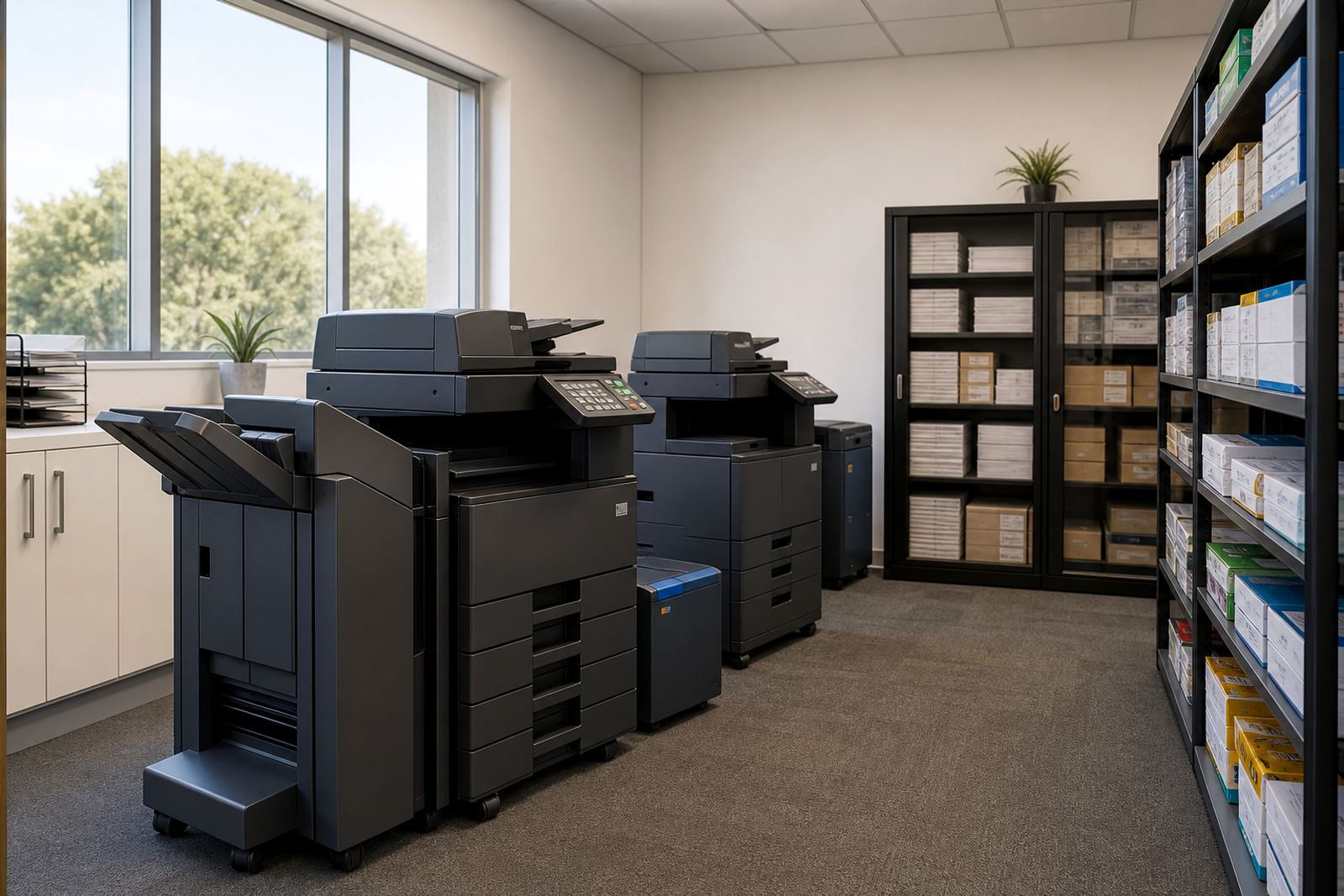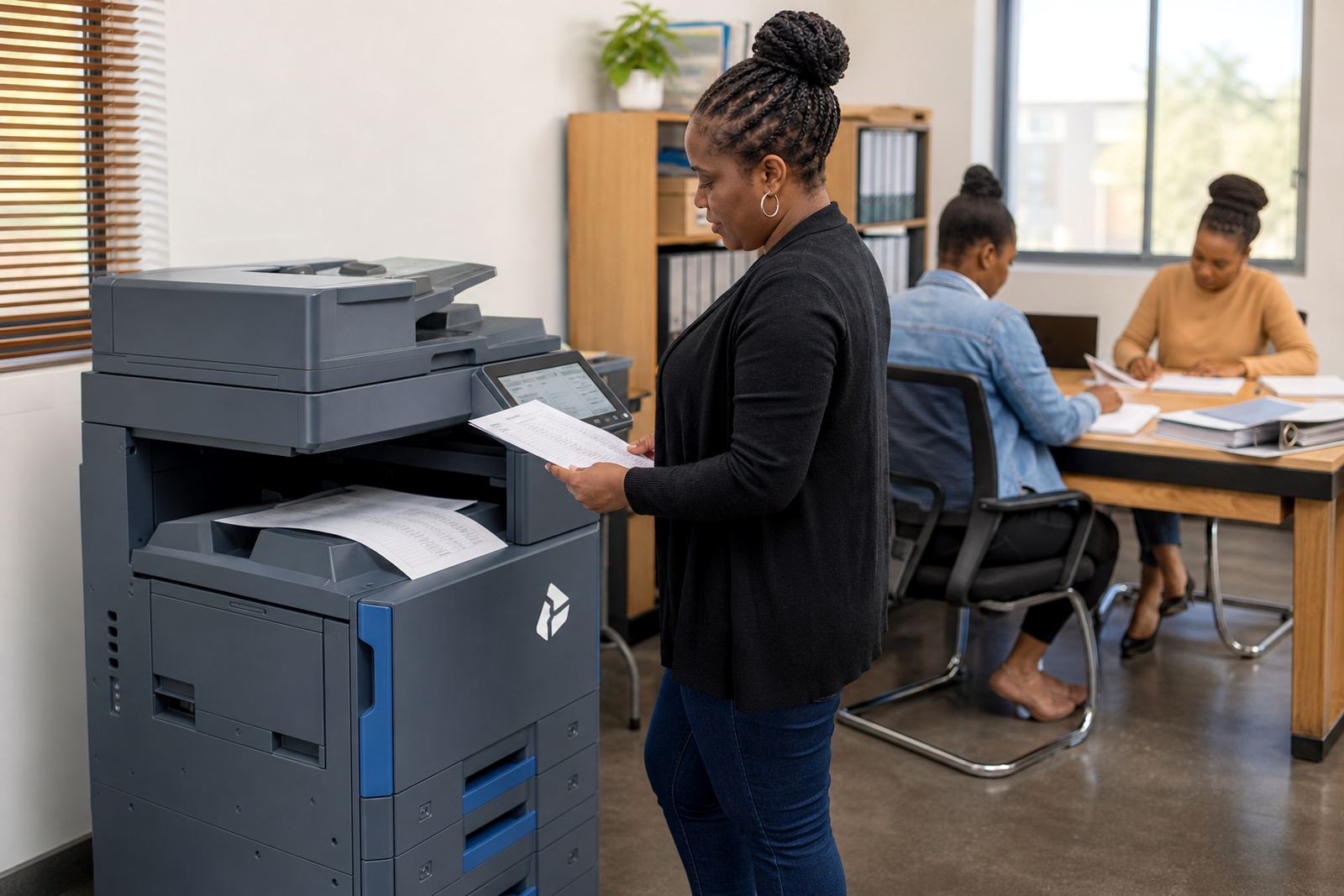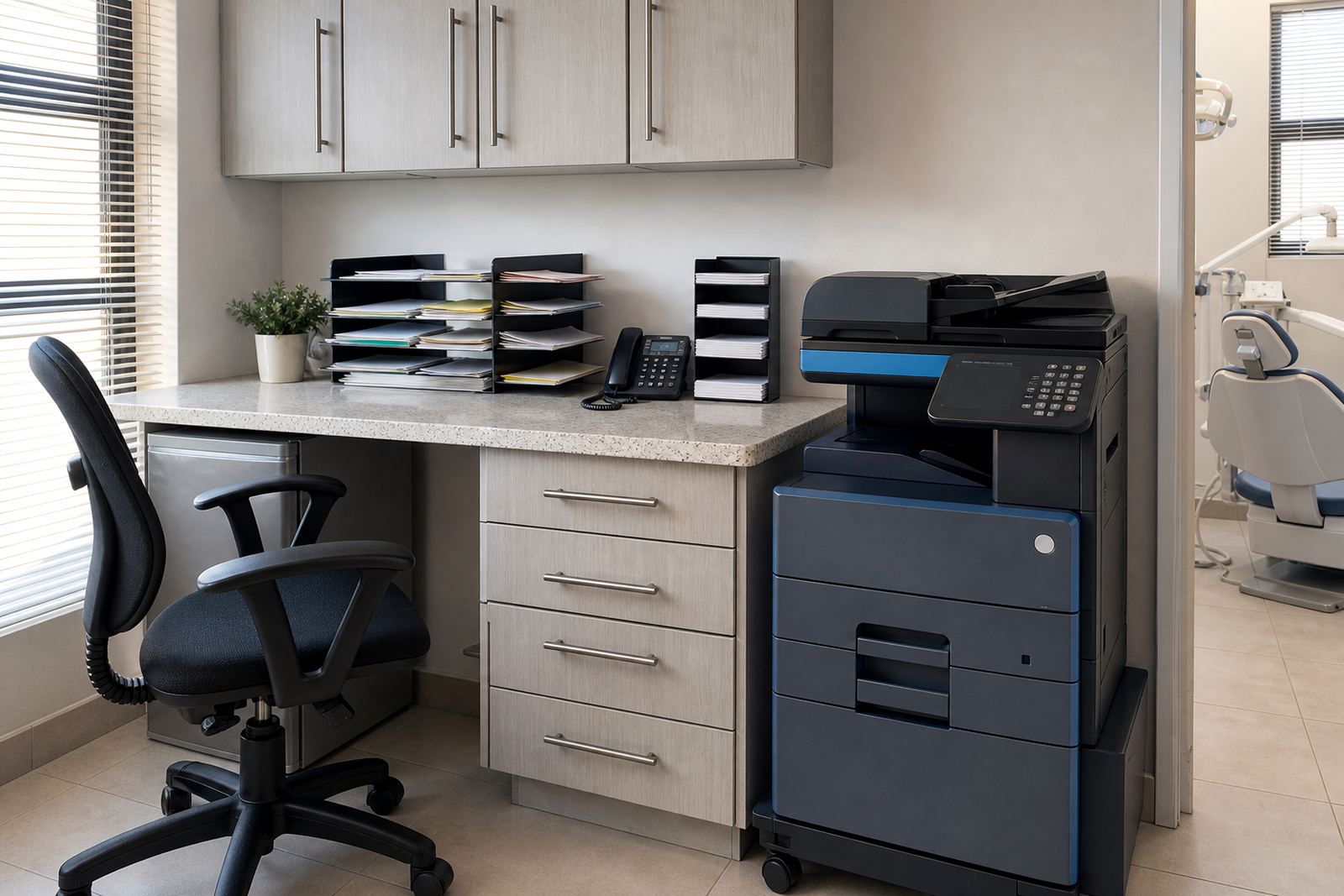
Paper flow in a dental front office
A dental practice normally needs one machine that can handle the front counter, the treatment coordinator and the back office without becoming another admin problem. Most rooms need A4 copying and printing for consent forms, pre-treatment quotes, patient instructions and referral copies, with scanning set up for message and record keeping. Where the practice also prints larger layouts, referral packs or internal admin sheets, an A3 multifunction unit can be worth the extra footprint.
The usual rental setup is a monthly machine charge plus metre-based billing for pages. Mono pages suit high-volume admin work, while colour is better for treatment plans, branded letters and diagrams that must be easy to read. Toner is included on managed print plans, so the practice does not end up carrying separate stock for every cartridge and drum change.
What a dental machine set often includes
Most practices do well with one main copier-printer in reception or the admin area, then a second smaller unit where the practice has more than one floor or a busy back office. For a compact surgery with limited admin traffic, a single A4 multifunction machine is often enough. For multi-chair practices, referral-heavy rooms and offices that scan patient documents every day, a sturdier A3 device usually makes more sense.
- Copy, print and scan functions in one unit
- Automatic document feed for multi-page forms
- Scan-to-send us a message for patient records and referrals
- Secure print for confidential files at the device
- Mono and colour options depending on usage
- Metre readings for fair monthly billing
Secure print is especially useful in a busy practice where patient information should not sit in an output tray. Scan-to-message also cuts down on manual filing, and it helps when a dentist needs a copy sent to an insurer, lab or another practice across town.
Placement that works in a real surgery
In a dental practice the printer should sit where reception can reach it fast, but not where patients can stand over it while private pages are coming out. A small alcove, back office counter or an admin corner close to the records area usually works better than a crowded front counter. If the machine is used for scanning, the walk to the device should be short enough that staff do not leave files unattended.
We often see trouble when a printer is placed too far from the team that uses it most. That leads to extra walking, more interruptions and more time waiting for simple copying tasks. Network setup matters too, because a printer that is wired into the practice system and tested properly saves a lot of repeated calls from staff who just need a page printed now and then.
Machine relocations and user handover are part of the practical side of the job. If the practice changes rooms, extends into another unit or adds a second reception point, the printer plan should move with it rather than forcing staff to work around the old layout.
Managed print terms that suit a practice
Dental practices usually prefer predictability. A rental plan spreads the machine cost, while clicks and metre charges follow actual use. That works well for practices that have steady front-office traffic but do not want to buy a copier outright. Toner supply sits inside the arrangement, and the service plan covers the day-to-day upkeep that keeps the device usable.
For a smaller surgery, budget pressure often sits in the low to mid thousands of Rand per month once rental and average usage are combined, depending on mono or colour, A4 or A3, and how many pages the team runs through the machine. A busier practice with higher scan and copy volumes, or a colour unit with a wider paper range, usually sits higher. The useful part is that the structure stays linked to the actual metre reading, not to guesswork.
- Monthly rental for the machine itself
- Click charges tied to page count
- Toner supply included in the plan
- On-site servicing for faults and wear
- Breakdown response when the machine stops working
- End-term swaps when the contract period changes
Mistakes that create avoidable admin
One common mistake is choosing a machine that copies well but scans poorly. In a dental setting, scanning matters because patient forms, estimates and referral documents all move through the device. Another error is under-sizing the paper handling. If the practice goes through frequent double-sided forms, blank trays and awkward paper sizes, the front counter loses time to reloading and rerunning jobs.
Colour is another point that needs thought. Some practices only need mono printing for most of the week, then colour for selected treatment plans and patient leaflets. Others print coloured diagrams often enough that a mono-only setup becomes a false saving. A fleet review helps here, because one large printer is not always better than two smaller ones placed properly.
Relocation is also worth planning before the lease starts. Dental rooms change use, chairs move, and front offices get reorganised. If the machine has to be shifted later, the network and power points should already be considered so the team does not end up with cables across a walkway or a copier wedged into the wrong corner.
Service details the front counter actually notices
When a printer sits at the heart of a dental practice, small faults become admin delays very quickly. Faded pages, paper jams, scanner errors and worn feed rollers all interrupt the front office. On-site servicing keeps those issues from turning into a pile of unfinished estimates and missing patient copies. A good support arrangement also covers metre reading support, because the billing should match what the practice really used.
For surgeries across Johannesburg, Pretoria, Centurion, Sandton, Durban, Cape Town, Bloemfontein and Midrand, the practical value is in having one plan that fits the office pattern rather than a machine bought for one narrow task. A simpler setup can work in a single-dentist practice, while a larger clinic may need a small fleet with separate roles for reception and back office work.
If the contract needs to change near the end of term, end-term swaps are usually easier than trying to stretch an undersized machine for another year. That is often the point where the page volume, paper size or colour use has moved on and the practice needs a different layout.