When a studio needs paper that keeps up with revisions
An architectural office rarely prints the same sheet twice in the same week. One round goes to a concept review, the next goes to client mark-up, then a revised set lands on the table with heavier colour use and more scanning. A rental plan suits that rhythm because the machine sits in the office, the toner is supplied under the plan, and billing follows the metre rather than a big upfront purchase.
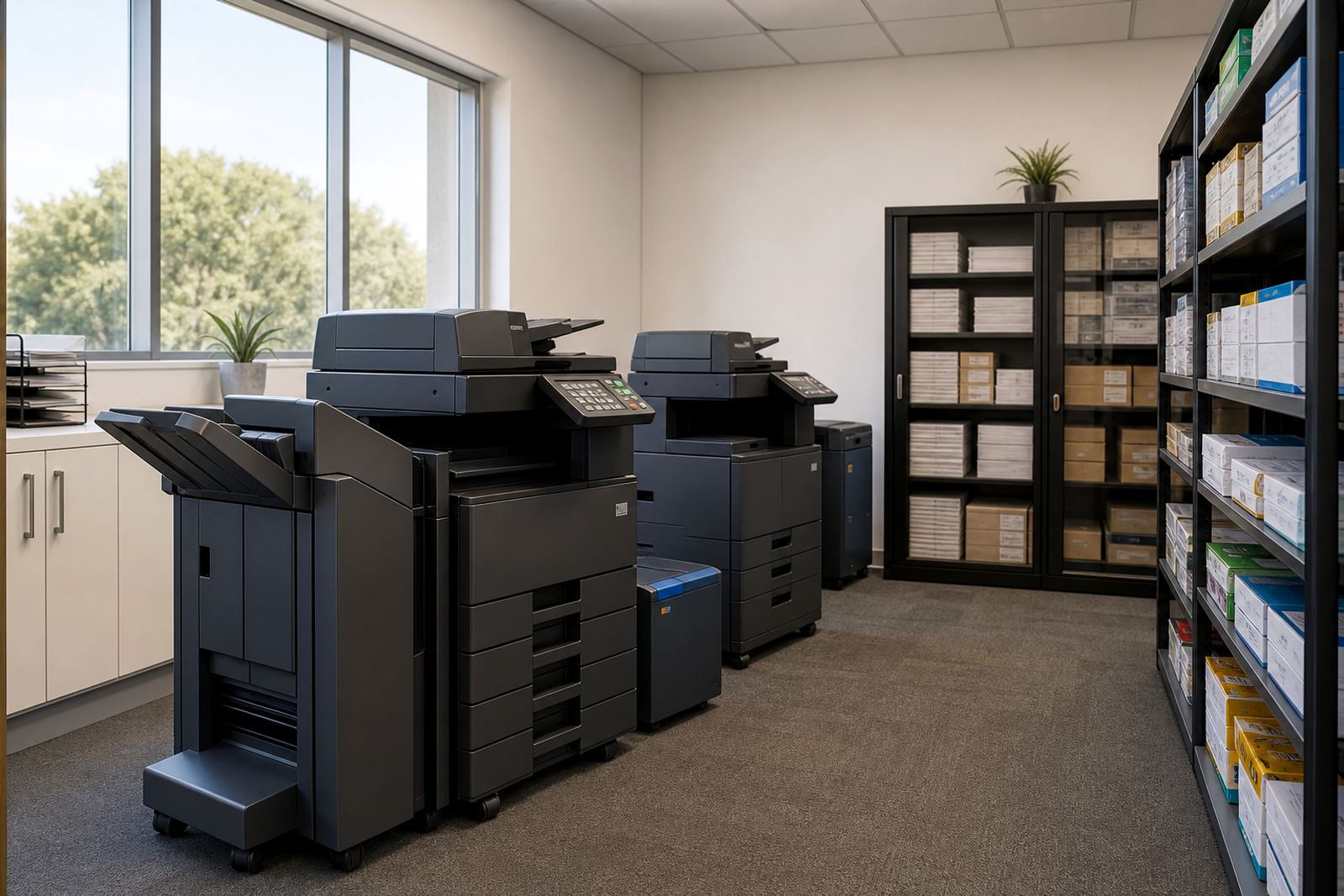
For smaller practices, a single A3 multifunction unit can cover print, copy and scan work at reception or in the shared work area. Larger teams usually need more than one device, especially where project teams print in different rooms or where a copy room must handle permit packs, boardroom sets and issue sheets without queues. The right setup depends on volume, colour use and whether the office handles mostly A4 admin print or a steady stream of A3 drawings.
Equipment that suits drawing sets, mark-ups and boardroom packs
Most studios look at one of two paths. A compact A4 multifunction machine suits admin, contracts and daily office print. An A3 colour multifunction machine is the better fit where plans, presentations and revision sets move through the office every day. Colour matters more than people expect in architectural work, because client presentations, zoning notes, finishes schedules and highlighted revisions all read better when the output is clear.
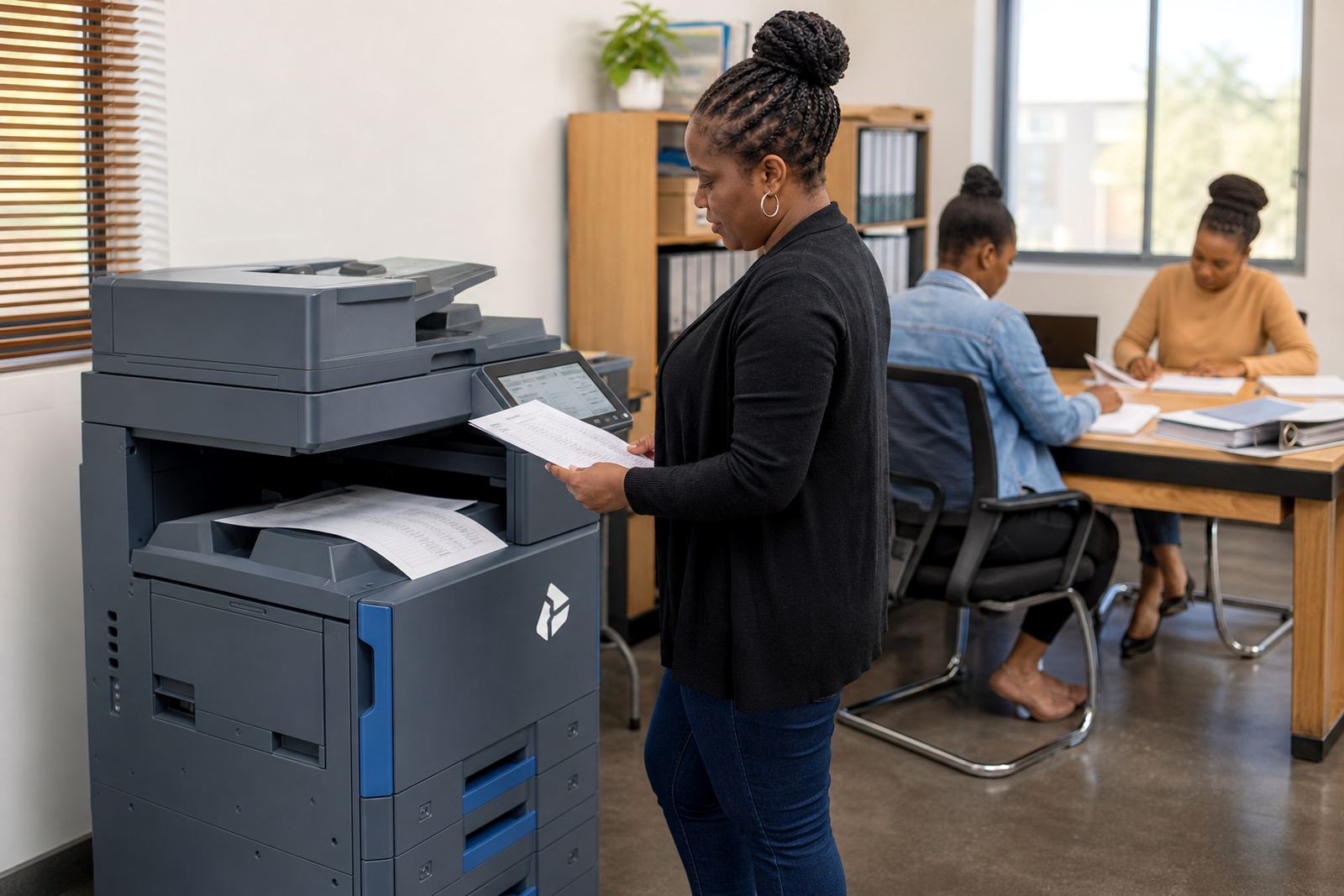
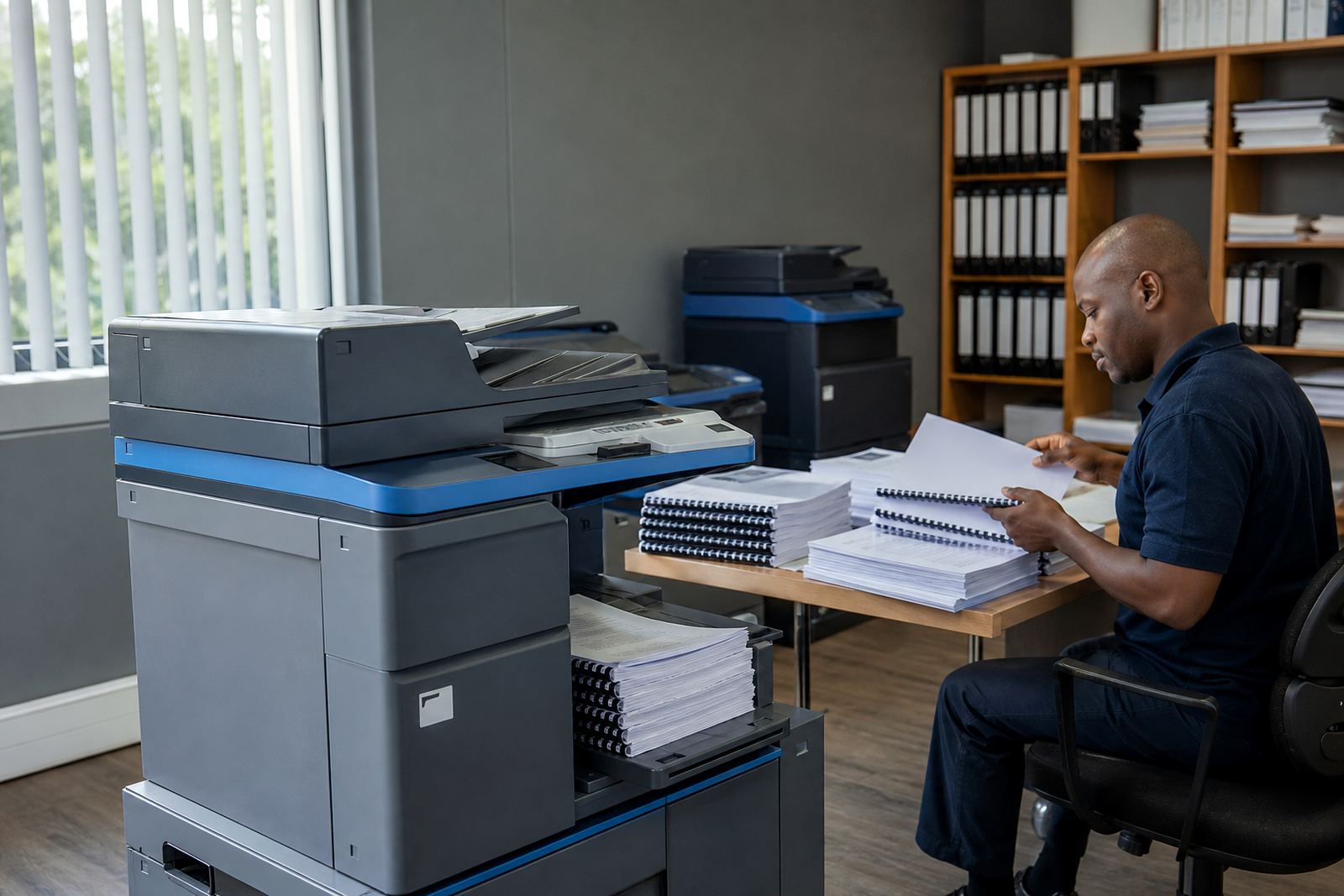
The useful extras are often the quiet ones. Scan-to-message helps with marked-up sheets and signed documents. Secure print keeps confidential drawings from sitting in the tray. Duplex printing saves paper on reference packs and internal notes. A decent feeder matters too, because revision bundles do not arrive as single sheets, they arrive as mixed sets with notes, sketches and the odd stapled page that has to be processed properly.
- A3 colour machine for presentations, revision sets and marked-up drawings
- A4 mono unit where the office prints mostly admin paperwork
- Scan-to-send us a message for issue sheets, site notes and signed forms
- Secure print for drawings that must not sit exposed in the output tray
- Automatic duplex for internal packs and draft sets
How the office layout affects print flow
Printer placement matters in a studio more than many offices admit. If the machine sits too far from the design team, people waste time walking between counters and the printer. If it sits in a tight corner, large sheets get bent on the way out or people crowd around the tray while waiting for A3 sets. The better position is usually near the main circulation path, close enough for the design team to reach it, but away from sensitive discussion space.
Power and data points should be checked before the unit arrives. Network setup is part of the job, and the machine should sit where staff can print from workstations without chasing cables across the floor. For multi-floor offices, a second device can make more sense than trying to force one printer to serve everyone. In busy practices, metre reading support and a named service coordinator also help keep usage records in order, especially where different project teams need separate cost tracking.
- Place the machine near the design team, not hidden in storage
- Allow space for A3 output, paper loading and toner access
- Check network points before the unit is installed
- Keep boardroom output away from the main discussion area if privacy matters
- Use separate devices if one printer would become a bottleneck
The billing pattern that usually suits project work
Managed print is built around two parts. The first is the monthly rental for the machine itself. The second is the click charge or metre charge, which follows actual use. That structure works well for studios because output rises and falls with deadlines, client presentations and project stages. Toner is included in the arrangement, so the office does not have to keep replacing cartridges or budgeting for ad hoc consumables each time a device runs low.
Many offices also prefer a fleet review before they sign off on a plan. That shows whether a single A3 machine will carry the load, or whether the office needs one faster unit for production and another smaller machine for admin. A carefully sized plan avoids overpaying for capacity that never gets used, while still leaving enough room for heavier print months. End term swaps can also help when the office changes shape, or when the output mix shifts from mono pages to more colour work.
- Monthly rental covers the machine itself
- Click charges follow metre readings and actual use
- Toner stays in the plan instead of sitting on a separate budget line
- Fleet review helps match machine size to real output
- End term swaps suit changing teams and changing print habits
Mistakes that make a studio print life harder than it should be
The common mistake is buying too small a machine for a studio that works in colour and A3. That leads to paper jams, slow output and frustrated staff trying to push presentation work through a device built for light office print. Another issue is underestimating scanning. Architectural teams often think first about printing, then discover that digital issue sets, archived mark-ups and message copies make scanning just as important.
Another problem is poor user handover. If the machine is installed but nobody knows how to use secure print, how to release a job, or how to clear a routine feed error, the office ends up calling for avoidable help. User handover should cover the basics clearly, and the service plan should include on-site servicing and breakdown response where needed. Machine relocations also matter when a practice shifts rooms, expands into a bigger office, or rearranges the layout after a lease change.
For architectural studios across Midrand, Sandton, Johannesburg and Pretoria, the practical choice is usually the one that matches the current workload rather than the office dream version. A well-sized machine, placed properly and backed by servicing, does the daily work without taking over the room.
Budget ranges that suit a real office brief
The budget for an architectural studio depends on whether the office wants a mono A4 unit, a colour A3 device, or a small fleet with one machine for admin and one for drawings. As a general guide, lower-volume office plans often start in the low thousands of rand per month, while heavier colour A3 arrangements sit higher once the machine size, click pattern and support level are added. The exact figure moves with volume, paper size and how much colour the team really uses.
It also helps to budget for the habits of the office, not only the machine. A studio that prints large presentation sets, scans signed pages, and keeps several project teams working at once will need a different structure from a small drafting room with limited output. Our contact form is the best place to send the basics of the office setup, the number of users and the kind of print mix the team handles each week.
Across Halfway House, Midrand and the wider Gauteng corridor, the best managed print plan is usually the one that keeps the process steady, the output clear and the toner accounted for without turning printer admin into another project.