Paperwork that gathers around a training room
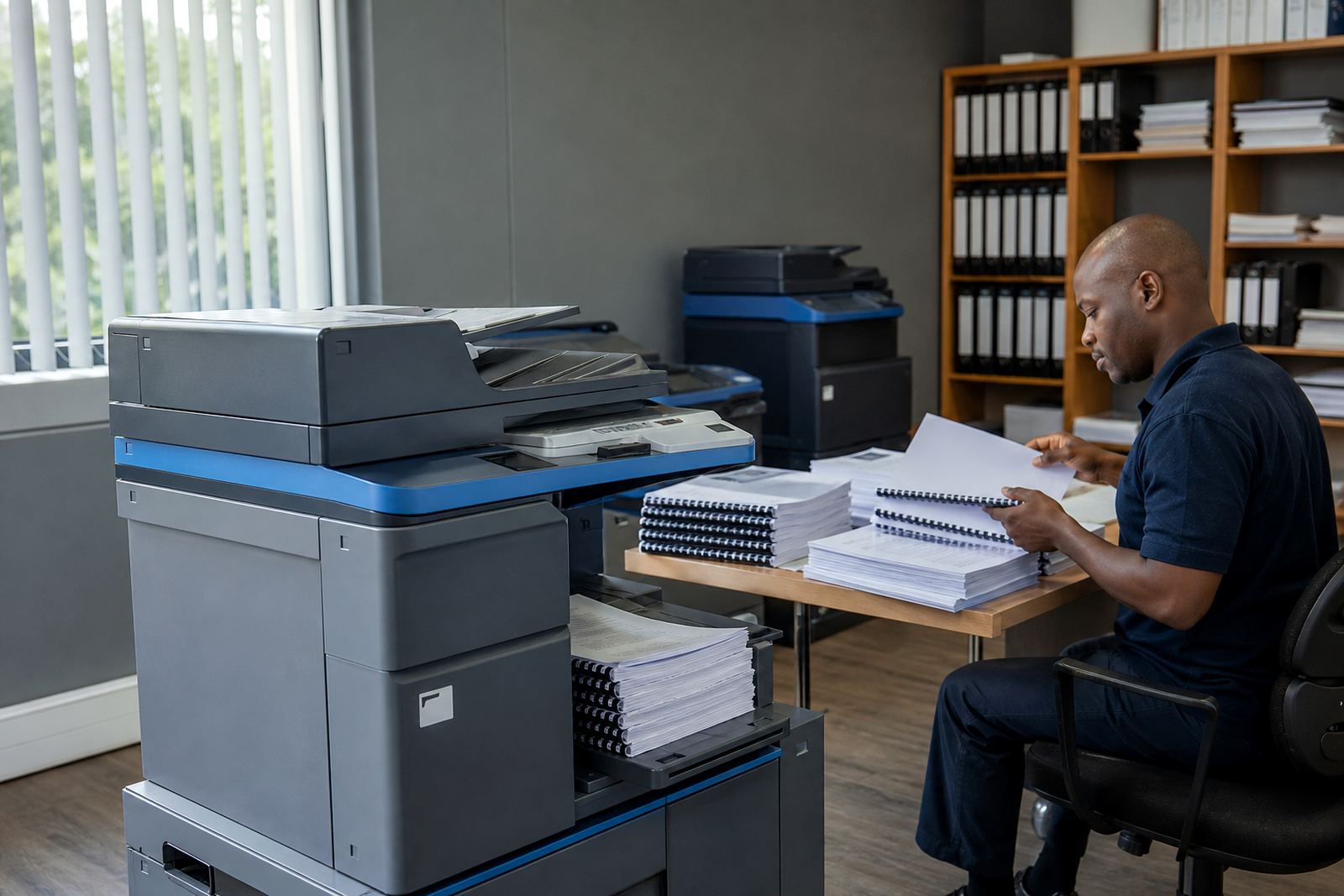
A training centre rarely prints one kind of page all day. Morning sign-in sheets, learner packs, assessment papers and course registers all need to move through the same machine without the queue becoming messy. Some rooms need compact A4 units for admin, while larger centres want A3 capability for posters, induction packs and exam layouts.
Managed print works well where several staff members share one copy and print point. It keeps toner supply, metre readings and service visits under one plan, which makes monthly planning easier for administrators who already juggle venues, trainers and learner files.
The machine mix that usually fits a centre
Most training centres do best with a practical mix rather than a single overworked device. A mono multifunction machine often handles everyday forms and registers, while a colour unit is useful for branded course notes, learner certificates and charts with diagrams. If the centre prints larger handouts, A3 support is worth including from the start.
- A4 mono multifunction printer for registers, worksheets and internal admin
- A4 colour unit for learner packs, visuals and course covers
- A3 copier for posters, diagrams, floor plans and assessment pages
- Network setup so multiple offices can print to the same device
- Scan-to-send us a message for enrolment forms, IDs and attendance records
- Secure print for sensitive learner information
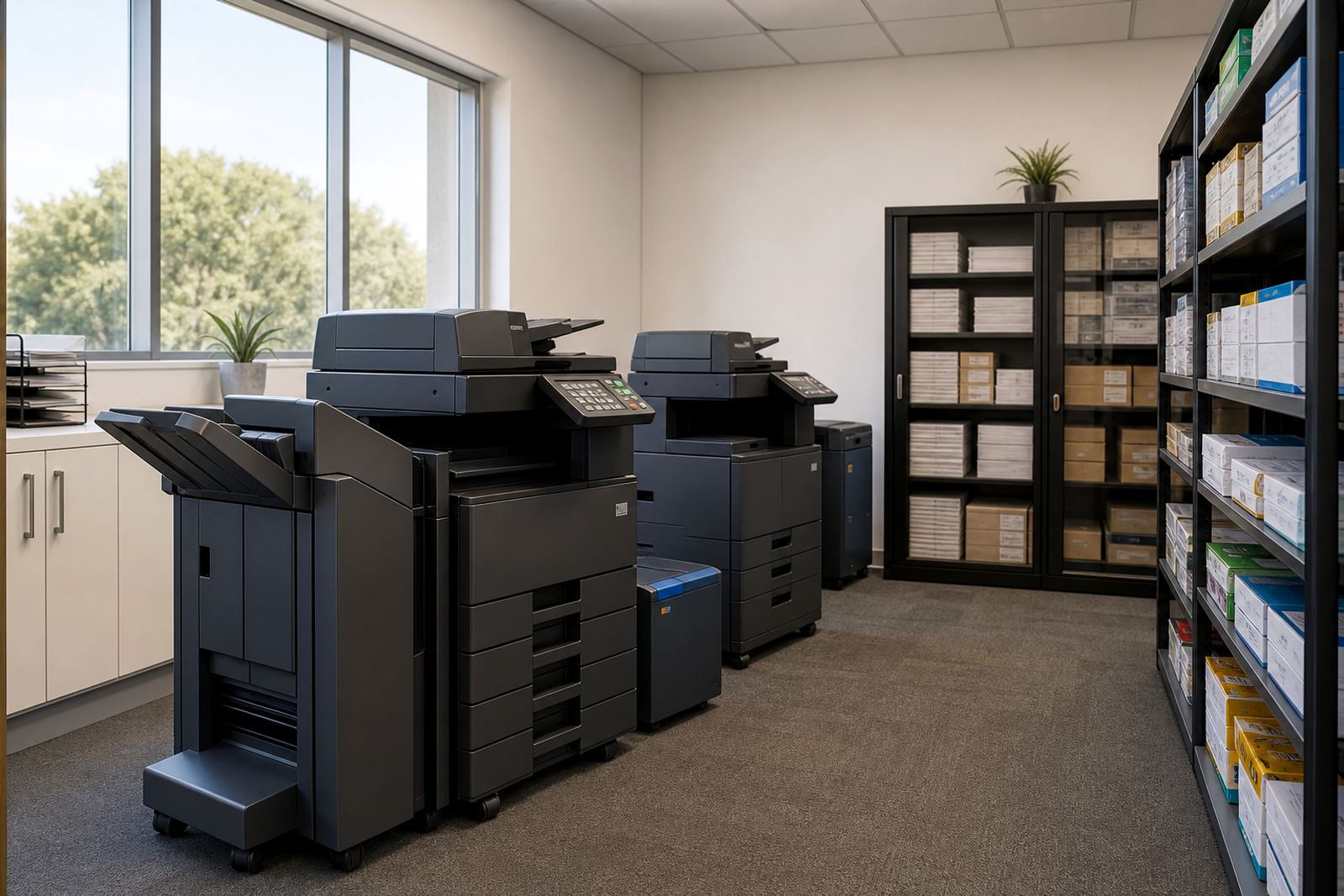
For centres with several classrooms, it helps to place the main device near reception or the admin office, then add a second machine closer to the staff room. That reduces bottlenecks when trainers print in bursts before a session starts.
Layout choices that save walking and waiting
Printer placement matters in a training environment because the paperwork pattern changes during the day. A device tucked into a back storeroom often leads to extra walking and missed pages, especially when trainers need a quick reprint before the class starts. Keep the main machine where staff can reach it without crossing the whole building.
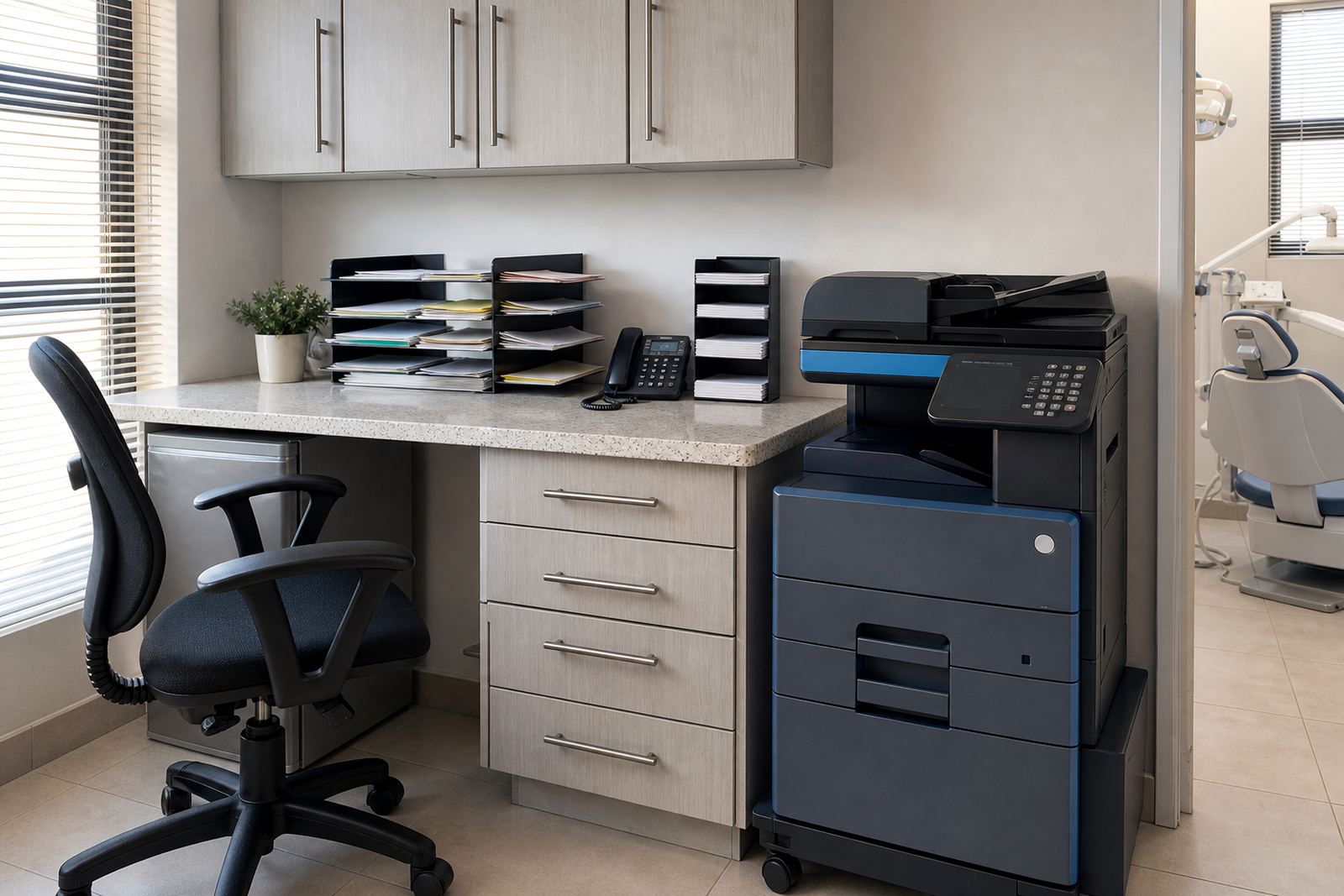
Power points, network access and enough floor space around the machine should all be checked before the unit arrives. If the centre uses secure print, staff need a simple release routine that fits the admin counter or reception flow. In a coastal town, a more enclosed room can also help reduce dust and humidity stress on paper trays and rollers.
For multi-floor campuses, machine relocation and end-of-term swaps matter more than many centres expect. A smaller site can shift from a colour-heavy setup during enrolment to a leaner mono plan during quieter months, which keeps the fleet close to actual use.
Common mistakes in learner admin rooms
One common error is underestimating how many copies a centre makes during enrolment weeks and exam periods. Another is choosing a machine that cannot handle enough paper volume, so trays empty too quickly and staff keep stopping mid-task. Some centres also ignore scan-to-message setup, then end up storing paper files that should have been digitised already.
- Placing one printer for an entire campus, then creating queues
- Choosing colour for every page when mono would cover most work
- Skipping secure print on documents that include ID numbers or marks
- Ignoring metre reading support and getting caught out on billing checks
- Not planning for machine relocation when rooms change use
Another problem is buying equipment outright when the centre only needs print capacity and predictable monthly control. Rental with clicks and toner included can be easier to budget for than carrying repair, supply and replacement risk separately.
What the monthly figure usually needs to cover
Budgeting for a training centre should separate the rental from the click charge in plain terms. The rental covers the machine itself and the plan arrangement, while the click charge follows the metre readings and the number of pages produced. Mono pages usually sit differently from colour pages, so it helps to look at the real mix of handouts, registers and branded material before settling on a plan.
Small centres with one main office device may work with a modest monthly setup, while busier campuses with A3 output, scan-to-message and several users will need a higher tier. In Rand terms, the budget should reflect whether the centre needs a single unit or a small fleet, plus whether there is a need for end-of-term swaps, extra toner movement or more frequent service attendance.
A useful way to think about it is this: if the machine is producing learner packs, registers and certificates every week, the plan should support those volumes without surprise. That is usually better than running the printer hard and hoping it will stay in step with term changes.
Support that matches the rhythm of a training calendar
Training centres need office equipment that keeps pace with enrolment days, classroom cycles and assessment windows. Device installation, network setup and user handover all matter because several people often share the same unit, sometimes with different levels of confidence. Clear labelling, simple scan-to-message steps and secure print access make the day to day work lighter for admin teams.
Our team in Halfway House, Midrand supports offices, schools and practices across Johannesburg, Pretoria, Durban, Cape Town and Bloemfontein, with local service coverage reaching Centurion and Sandton too. The work usually includes toner supply, metre reading support, on-site servicing, breakdown response and fleet review, so the print room stays aligned with how the centre actually runs.
That approach is useful for learning spaces where the paperwork never sits still for long. One week may lean on assessments, another on enrolment files, then the next on notices and attendance sheets. The printer plan needs to move with that rhythm.