A head office print room has more than one job
A head office usually carries the pressure for the whole business. Finance wants clear mono printing for invoices and packs, sales wants colour for proposals, HR needs scan-to-message and secure handling of private files, while reception and administration need a machine that can copy, print and scan without fuss.
That mix is why a single office printer often struggles. A good rental plan can split duties across two or more multifunction machines, so one unit handles everyday mono work and another takes colour presentations, A3 drawings or heavier scanning. In Midrand, Sandton and Pretoria offices, the layout often works best when the front-of-house team does not share a busy production machine with back-office staff.
We look at the floor plan, the user count and the kind of documents moving through the building. A small head office may only need one A4 device and one larger unit for colour. A larger site may need several devices across departments, plus a central machine for the print room.
The machine mix that normally fits the brief
Head office fleets are usually built around multifunction A4 or A3 machines. A4 units suit day-to-day admin, contracts, statements and internal packs. A3 machines earn their place when the office handles spreadsheets, design proofs, training material or drawings that do not fit on a smaller page.
Mono versus colour is usually the first split. Mono machines keep running costs tight where colour is not needed. Colour units make sense where presentation work, charts or client-facing packs leave the office regularly. Some businesses run one colour machine for shared work and keep the rest mono, so costs stay under control.
Typical features in a head office setup include scan-to-message, scan-to-folder, user codes, secure print, duplex printing and network setup. These are not extras for show. They help stop paper waste, protect private documents and keep the fleet usable across several teams.
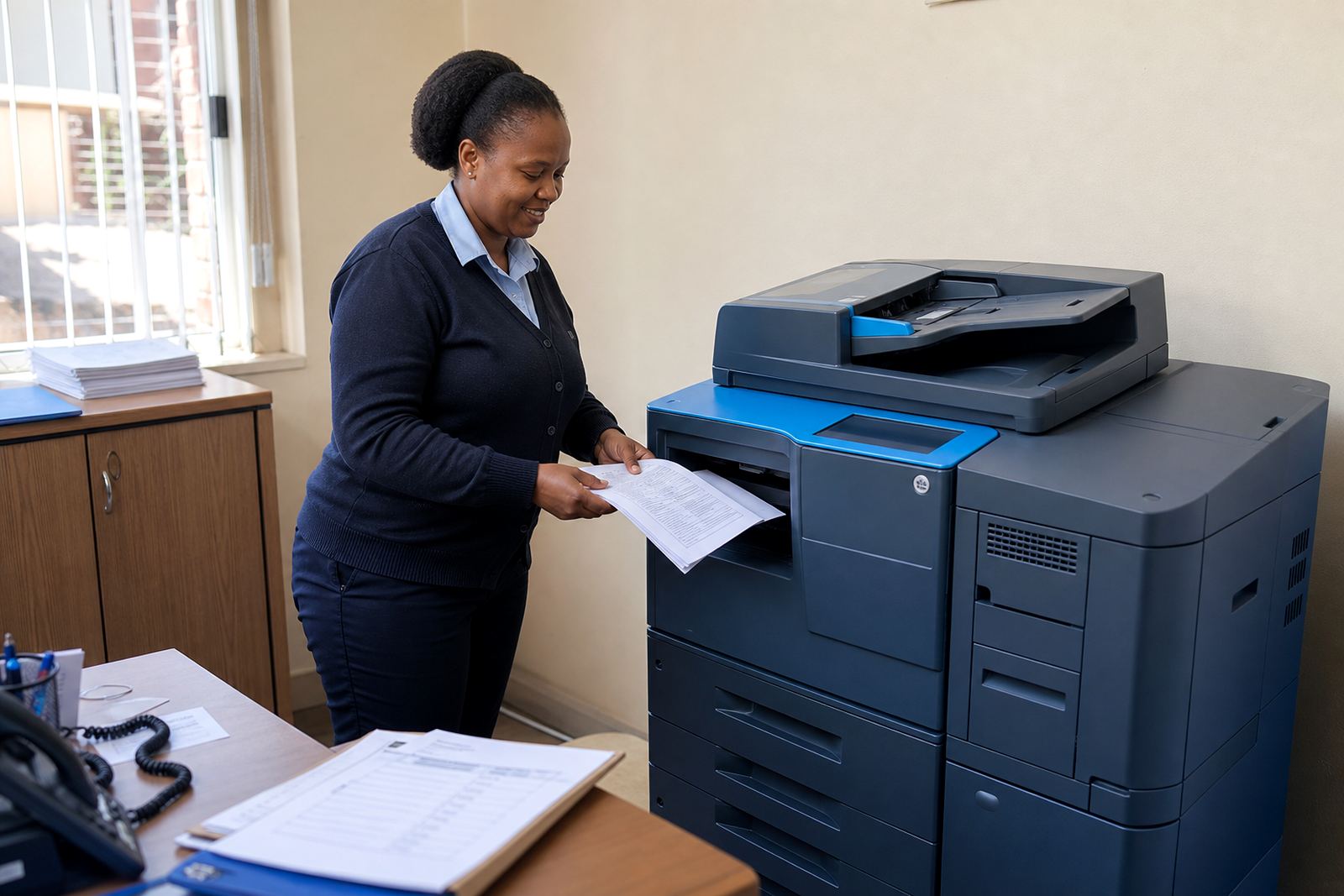
- Front office or reception: compact multifunction unit with scan and copy functions
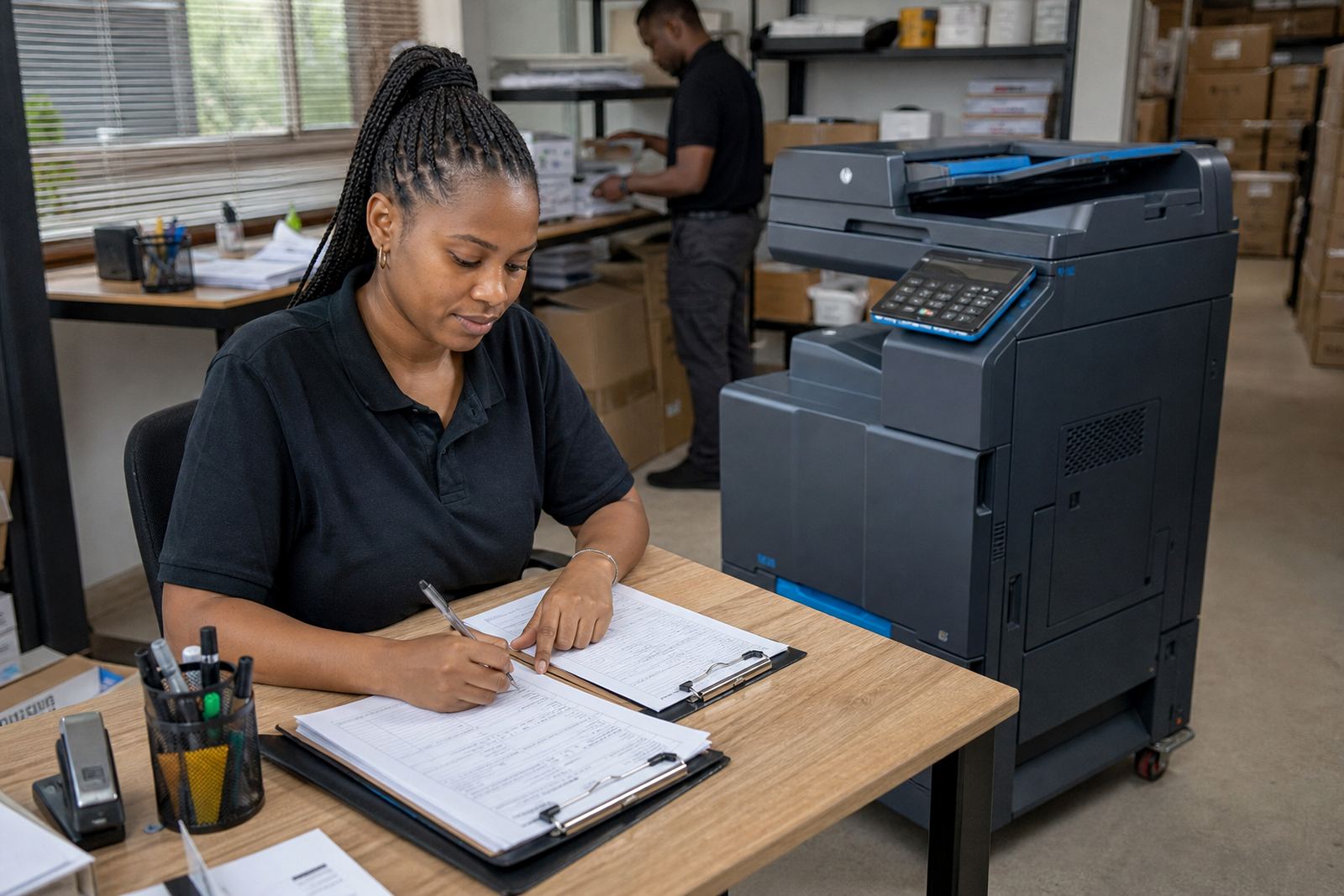
- Admin floor: higher-volume mono device for daily internal printing
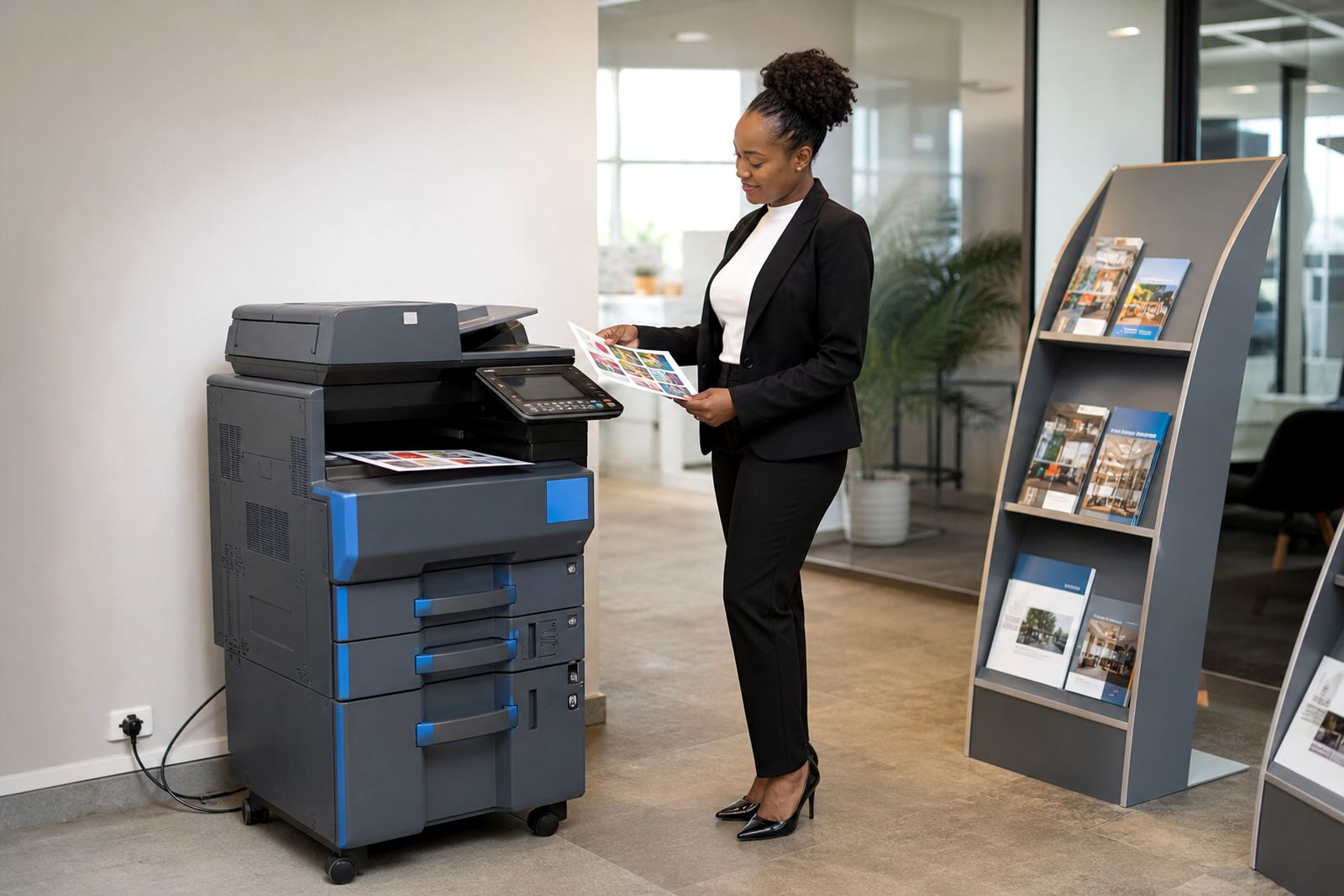
- Management or sales: colour multifunction machine for presentations and client packs
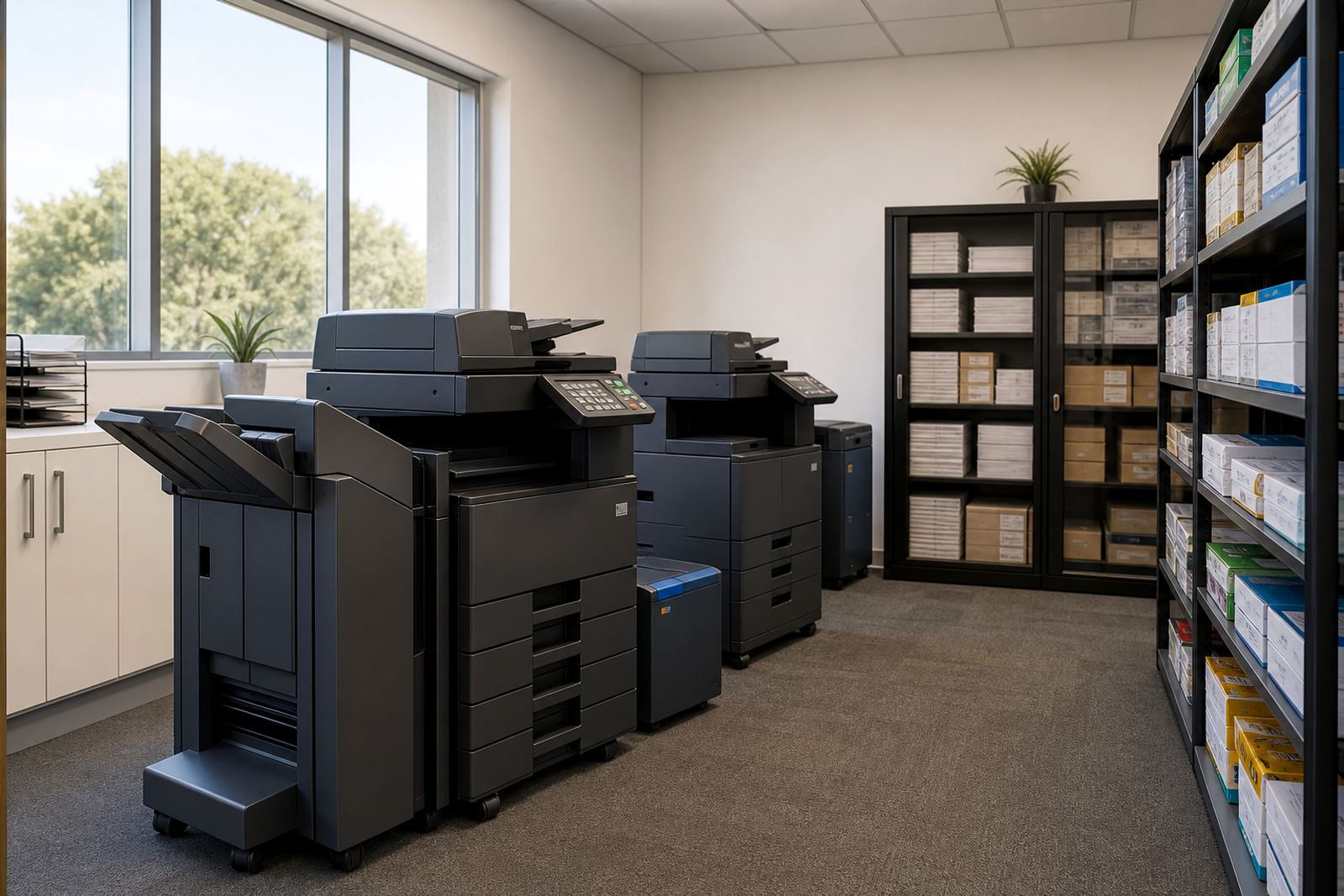
- Shared print room: A3 machine with secure print and user control
Planning the layout so the fleet works quietly
Placement matters as much as machine choice. A copier tucked into a narrow passage becomes a bottleneck. A printer placed too far from the users becomes a walking problem and the volume drops into random corners of the office. We normally look for a central point with enough space for opening trays, paper loading and maintenance access.
Cabling and network access need attention from the start. A printer that sits in the right room but is awkward to connect causes avoidable headaches. Secure print works best where staff can release documents close to the machine instead of leaving pages on trays. For offices in Durban or Cape Town, moisture and air movement can also affect paper storage, so the print room should be dry and clean, not pressed against a window or a plant room.
Metre readings also matter in a larger office. A managed print plan tracks usage so the monthly rental and click charges stay clear. That helps the accounts team budget properly and keeps toner supply aligned with actual use rather than guesswork.
- Keep the busiest machine near the teams that use it most
- Separate confidential printing from public or reception areas
- Allow clear access for toner changes and servicing
- Store paper in a dry spot away from heat and humidity
Where head office budgets usually land
Budgeting for printer rental is usually easier than buying machines outright, because the cost is spread across monthly rental and click charges. The monthly rental covers the equipment and the managed plan. The click charge is tied to the metre reading, so the office pays according to actual use rather than over-ordering consumables.
For a modest head office with one or two multifunction units, budgets can sit in a lower monthly range, especially where the print volume is light and mono pages carry most of the work. A busier office with A3 colour, multiple departments and higher scan volumes will need a wider budget band. The exact Rand figure depends on machine size, expected volume, colour use and the service layout.
It is worth separating the whole cost from the sticker price of a machine. Toner supply, on-site servicing, breakdown response, user handover and end of term swaps all affect the final monthly figure. Offices in Johannesburg, Pretoria and Centurion often prefer this approach because it keeps the print room predictable and avoids a large purchase tied up in office equipment.
The mistakes that make a print fleet expensive
The most common problem is under-sizing. A small copier placed at the centre of a busy office will be worn out by lunch. The next issue is over-sizing, where a heavy machine is installed for a small team and the office pays for capacity it never uses. Both mistakes are avoidable once the actual print pattern is clear.
Another error is ignoring user habits. If staff need scan-to-message but the machine is set up only for printing, the office ends up using workarounds. If secure print is not activated in a shared environment, sensitive documents can sit exposed on the tray. Poor toner planning can also interrupt work, especially where a whole floor depends on one unit.
Relocations need care as well. Moving a copier without proper handling can knock trays, rollers or network settings out of line. When a head office changes rooms, or shifts between floors, the machine should be checked, reset and tested before the team starts relying on it again.
- Do not place every department on one machine
- Do not mix confidential files with open tray printing
- Do not ignore metre-based reporting and toner use
- Do not move a copier without proper reinstallation
What a managed print arrangement covers in practice
A managed print plan for a head office is built around steady use. We handle device installation, network setup, toner supply, metre reading support, on-site servicing, breakdown response, scan-to-message setup, secure print setup, fleet review, machine relocations, end-term swaps and user handover. That gives the office a single way to manage the fleet instead of chasing separate parts and pieces.
Some offices start with one or two devices and grow the fleet as departments settle into place. Others need a full print room from the start. Either way, the arrangement works best when the devices match the document flow, not when the office tries to force everything through one machine. For head offices with several branches or satellite teams, a fleet review can show where mono is enough and where colour earns its place.
Our base is in Halfway House, Midrand, and we work with offices across Johannesburg, Pretoria, Durban, Cape Town, Bloemfontein, Centurion and Sandton. The aim is to keep the print side organised, readable and practical for people who rely on paper, scanning and copying every day.