School printing that has to keep moving
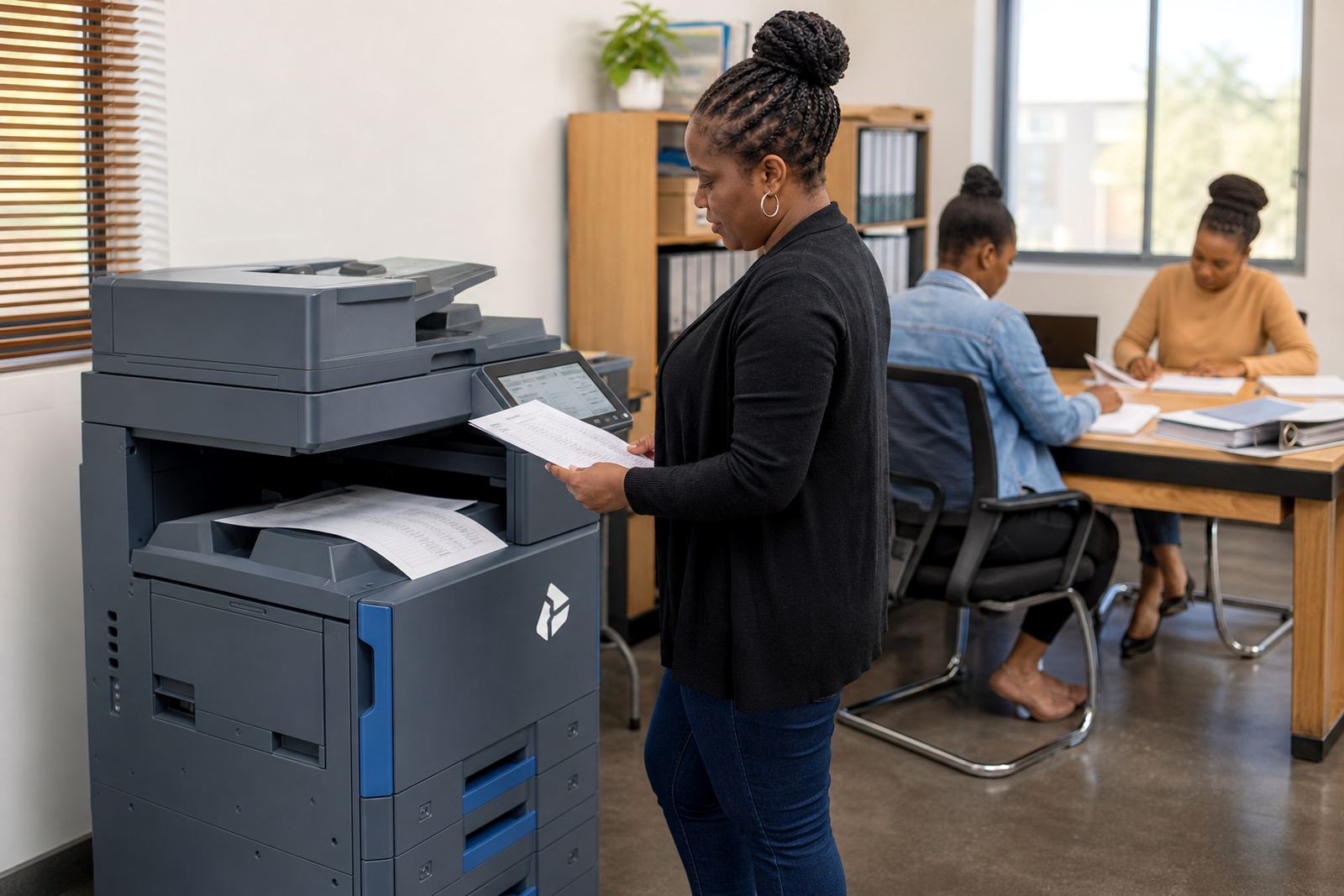
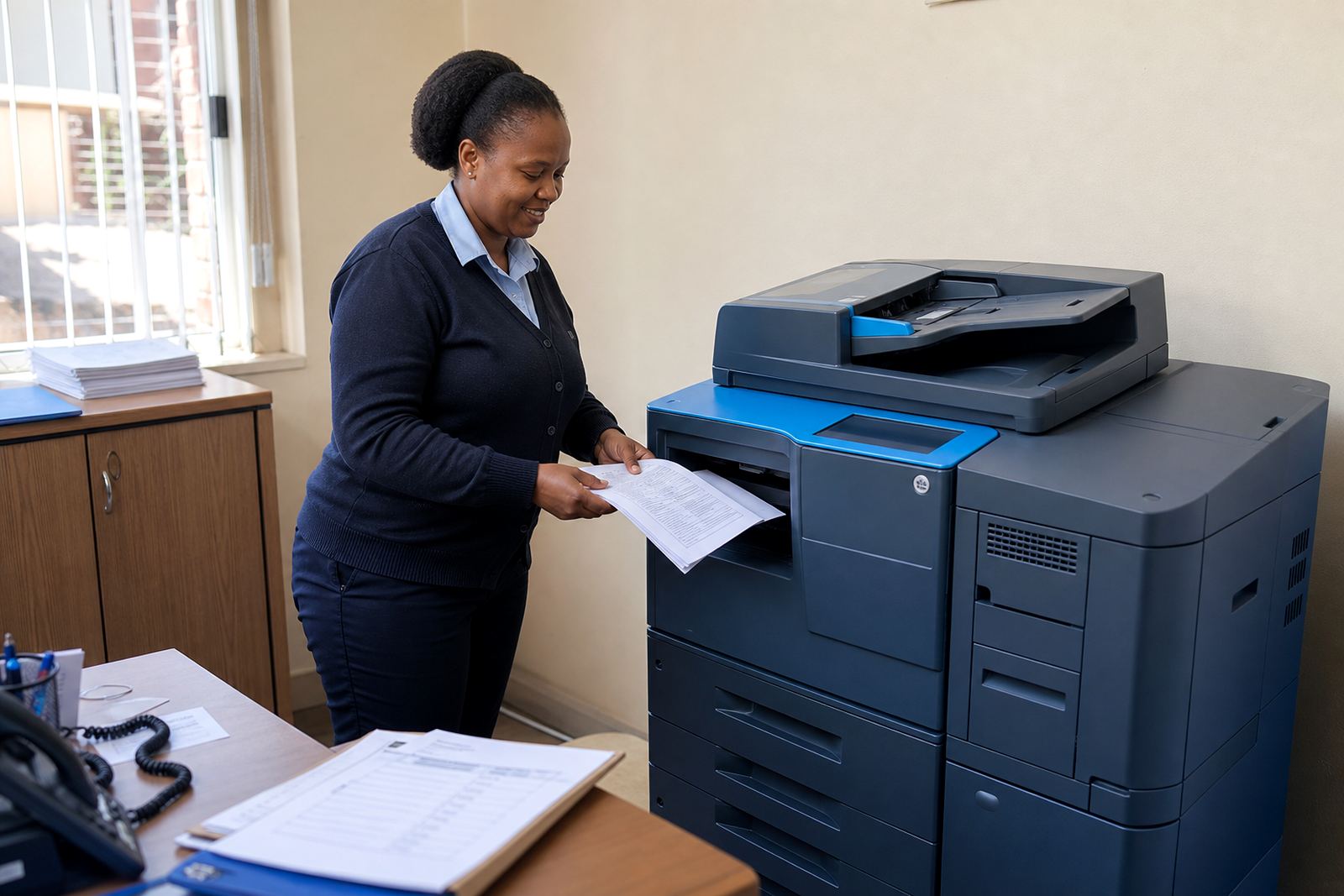
A school office does not print the same way as a small business. One hour can be registration forms, the next parent letters, reports, discipline records and exam papers. Staff rooms also need a dependable machine for notes, rosters and learner packs, while the admin block usually carries the heavier load. In a busy term, the machine near the front office can run all morning and still face another pile after lunch.
Managed print plans suit that pattern because the school pays for use, not a large purchase up front. Toner is included in the plan, metre readings drive the billing and servicing stays tied to the fleet instead of a one-off callout scramble. For schools in Midrand, Centurion, Sandton and across Gauteng, that structure is easier to plan around than buying and hoping the machine holds together through reports week.
The mix that usually fits a campus
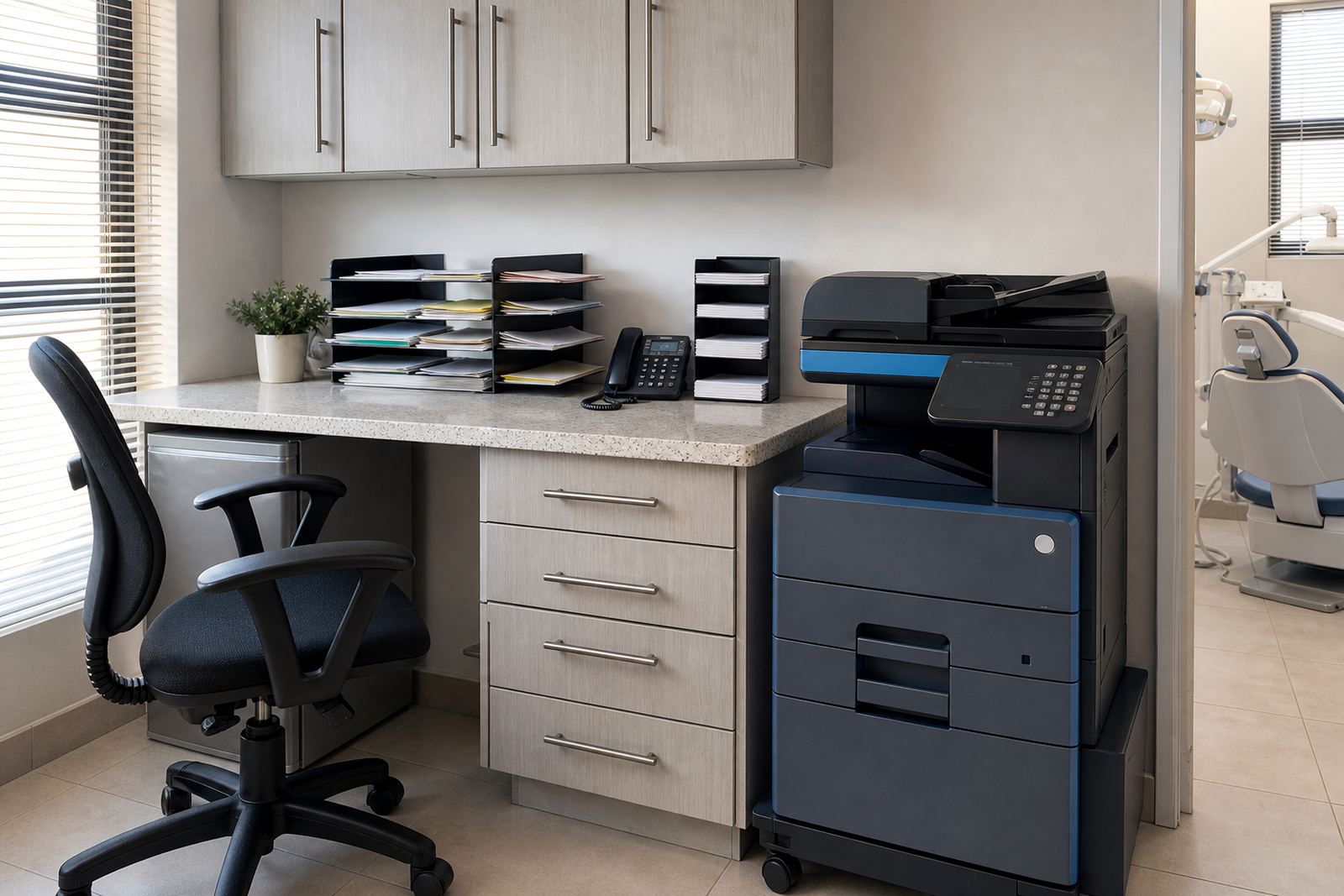
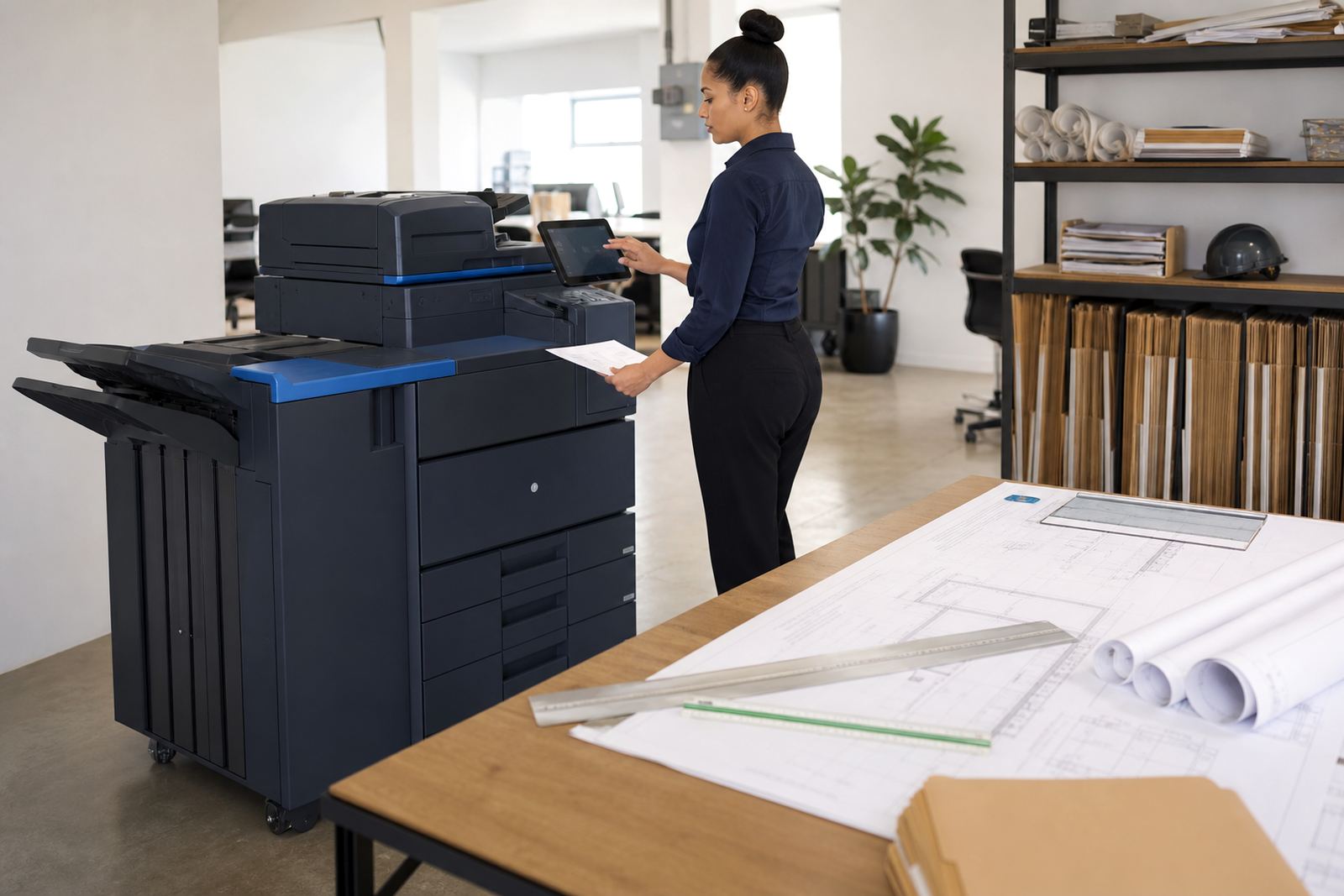
Most schools need more than one type of machine. A compact A4 multifunction unit works well in an admin office or HOD room, while a larger A3 copier handles worksheets, policy packs and bulk handouts. Mono devices suit plain forms and internal notes. Colour is useful where learner packs, charts, notices or branded communication need clear separation and a cleaner finish.
- One central A3 unit for worksheets, exam sections and bulk copying
- One or two A4 multifunction machines for the front office and staff areas
- Mono where volume is high and colour is not needed
- Colour where parent communication, learning material or charts matter
- Scan-to-send us a message for digital records, submissions and internal filing
The right mix depends on who prints, how many rooms share the fleet and whether the school separates admin print from classroom print. A small primary school and a large college do not need the same layout, even if both want control over cost.
Planning the layout before the first metre reading
Printer placement changes how hard the team works. Put the main device where paper movement is easy, not tucked beside a packed cupboard or behind a locked classroom. Keep the school office machine close to the people who process admissions, fees and correspondence, and place the shared unit where staff can reach it without interrupting lessons. For larger campuses, one machine per block can cut queueing and reduce unnecessary walking.
Secure print helps where learner records, staff files or assessment papers should not sit in an output tray. Scan-to-message is useful for sending signed forms, letters and records to the right inbox without scanning twice. If the school has several offices or a satellite campus, network setup needs to be planned properly so the machines behave the same way from room to room, not with odd exceptions that only one person understands.
Costs that are easier to plan around
School print budgets usually work better when rental and usage are separated clearly. The monthly rental covers the machine and the managed arrangement, while click charges cover the number of prints or copies made. That keeps the budget readable when termly peaks arrive. A lower-volume office may do well with a modest monthly rental and a small click allowance, while a high-volume worksheet room needs a different structure altogether.
Budgets vary with machine size, colour use, scan functions and expected monthly volume. A compact admin setup can start in the lower thousands of Rand per month, while a larger school fleet with A3 capability, colour output and heavier usage can move much higher. The real issue is not just the monthly number, but whether the plan matches the way the school actually prints. A cheap plan that underfits the school often becomes expensive by the third term.