Paperwork that never really comes in one shape
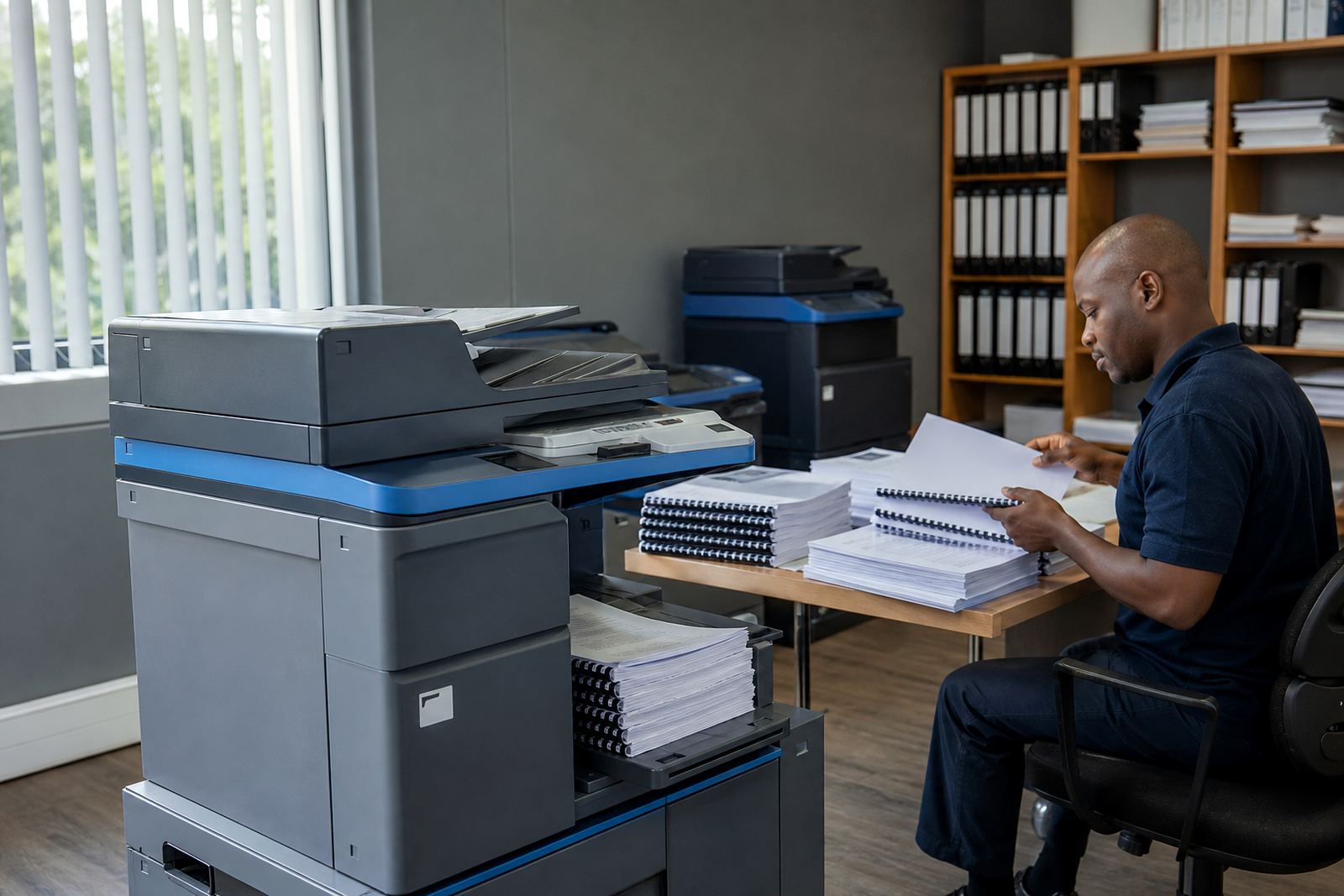
A nonprofit office may print donor proposals in the morning, attendance registers after lunch and programme packs before a field visit. That mix calls for a copier that can move between mono and colour jobs without drama, and scan stacks to message when files need to travel between office, branch and field staff. A rental plan helps because the machine, toner and service sit in one managed arrangement instead of turning into separate admin items.
Most teams do well with one central multifunction printer for the main office, then a second smaller unit where a reception counter or finance room keeps moving. If the office is in a busy part of Midrand, Sandton or Pretoria, the setup often needs to cope with steady use from several people at once, plus visitors dropping in for sign-offs and copies.
The machine mix that suits donor work and daily admin
Nonprofit offices usually need more than a basic printer. A practical set-up can include a monochrome A4 machine for letters and bulk records, plus a colour multifunction unit for reports, board packs and community material. Where binders, plans or training sheets run larger, an A3-capable device saves time because staff are not cutting pages down to size.
- Mono printing for high-volume forms, minutes and filing copies
- Colour printing for proposals, committee packs and awareness material
- Scan-to-send us a message for records, signed documents and remote approval trails
- Secure print for payroll, donor finance and sensitive staff files
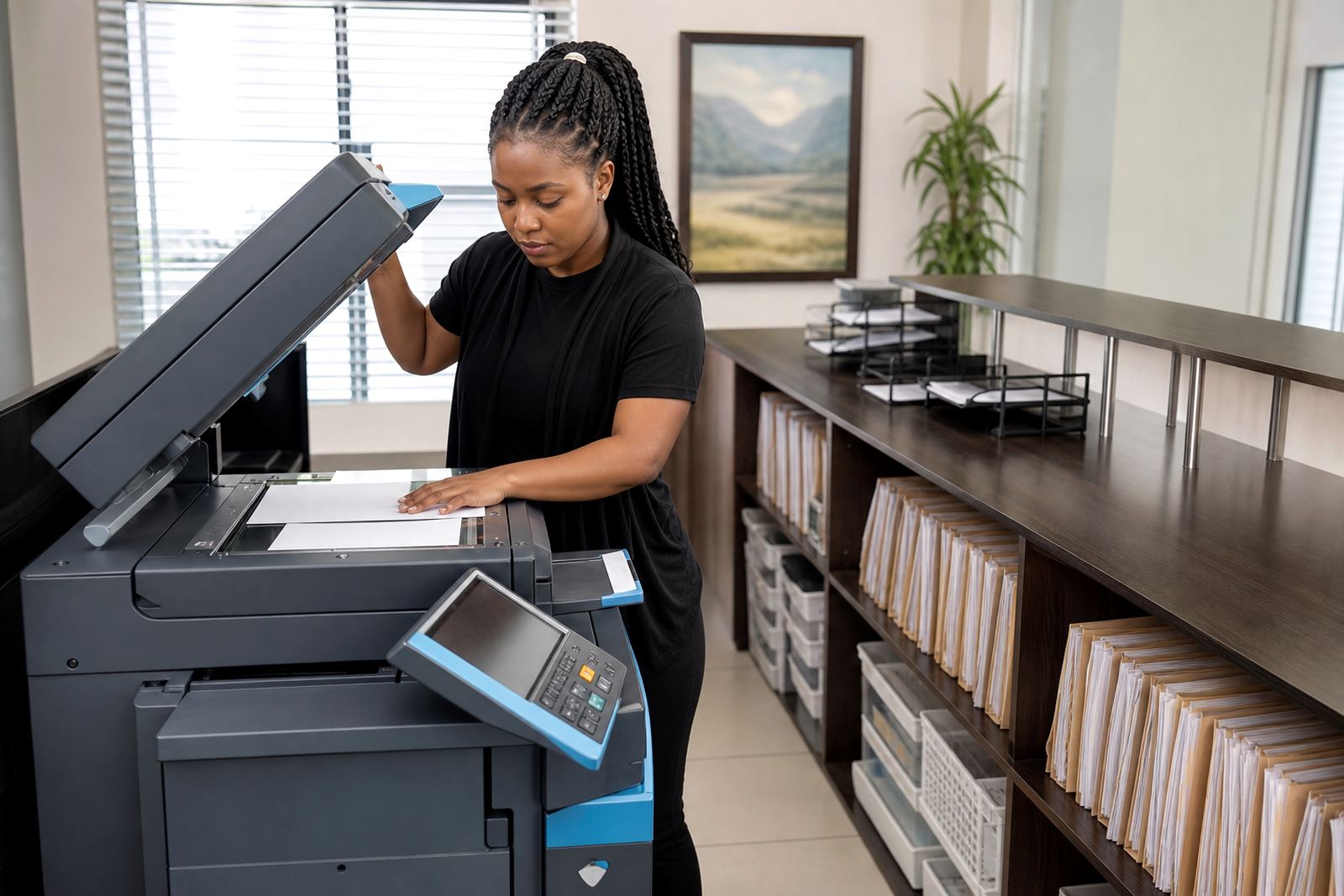
- Copy and scan functions in one unit so fewer devices clutter the room
For offices in Cape Town or Durban, humidity and sea air can affect paper handling if the machine sits near open doors or windows. A sensible layout keeps paper in sealed cupboards and places the unit away from direct sunlight, dusty walkways and kitchen steam.
How the floor plan affects print costs
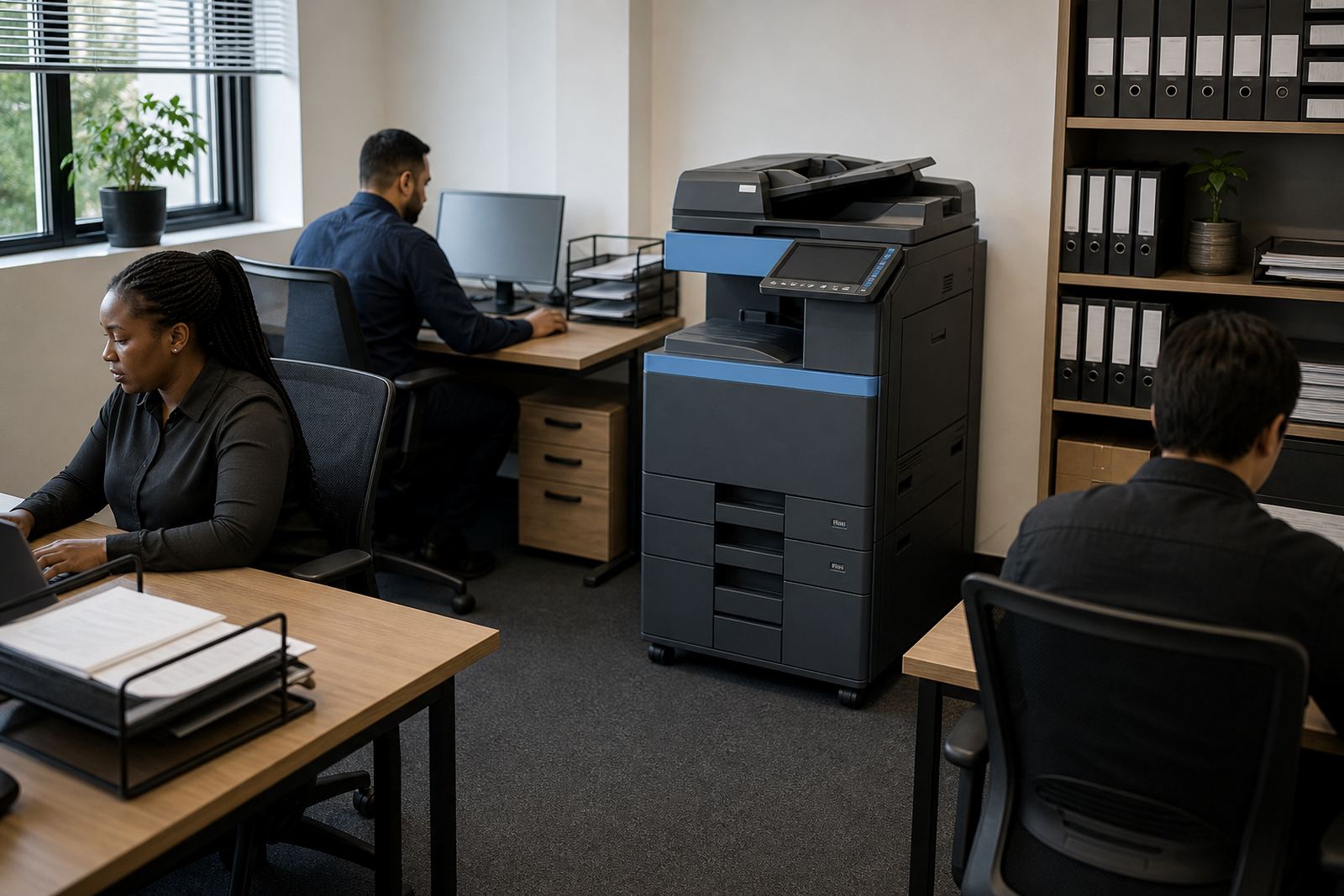
Rental pricing is only part of the picture. The way people move through the office changes the metre count, the amount of toner used and the wear on trays and rollers. A printer parked too far from finance, programme coordination and reception ends up used in bursts, then ignored until a queue forms. One machine in the right spot often works better than two machines placed for convenience rather than traffic.
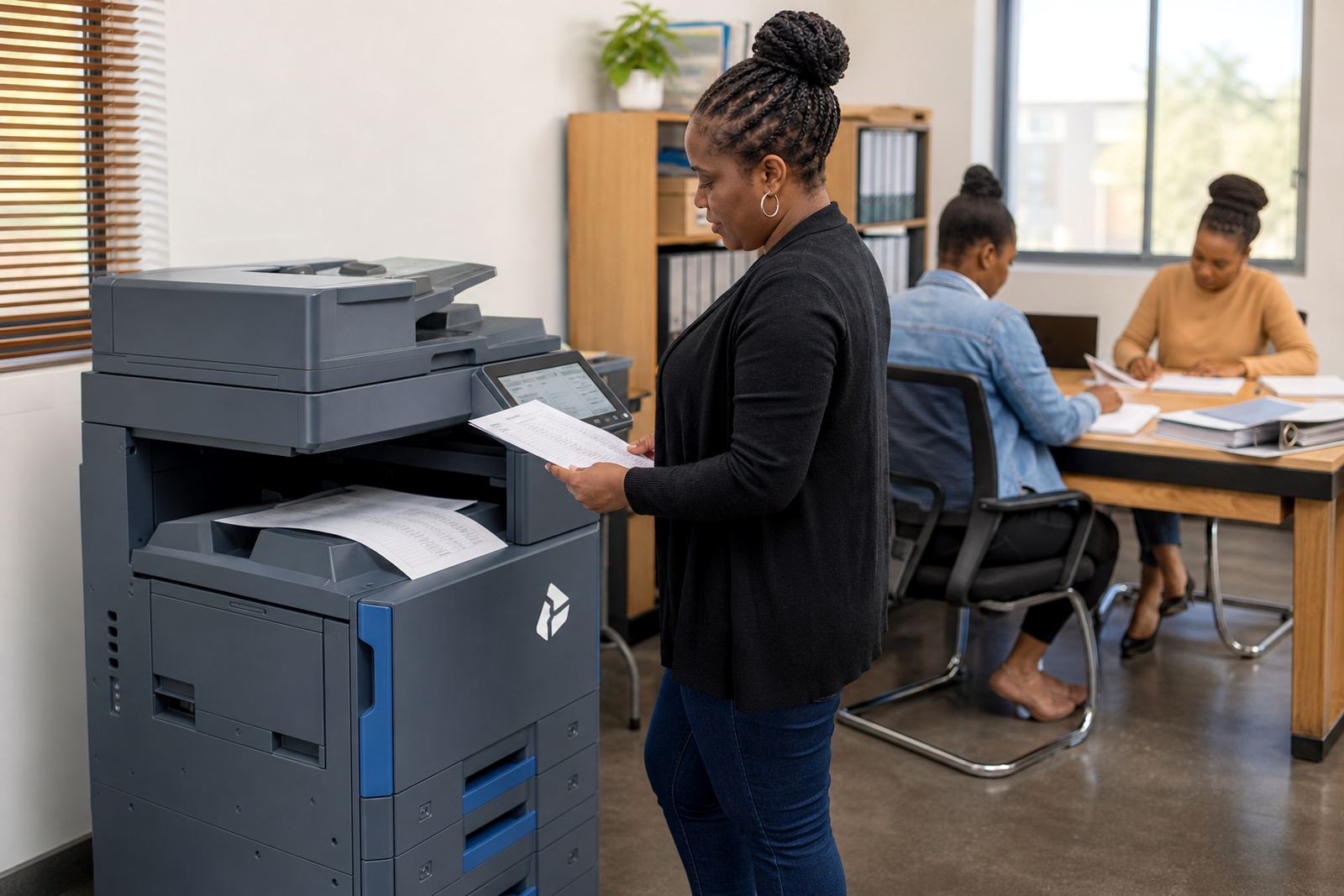
We usually look at who prints, who scans and who needs access control before suggesting the layout. If field staff collect packs after a meeting, the machine should sit close to the exit path. If the office handles volunteer sign-in sheets, a second unit near reception can keep the main machine free for longer jobs.
- Keep the main unit near the highest-use team, not in storage space
- Place scan stations where signed documents are captured without backtracking
- Avoid long cable runs where the network point can be moved instead
- Leave enough room for paper trays, front access and servicing
Budget bands that make sense in Rand
For a nonprofit office, monthly rental usually depends on the size of the machine, whether it is mono or colour, and the expected print volume. Entry level office setups start lower, while larger A3 multifunction units with stronger scan features and higher duty cycles sit higher. Click charges then cover the metre usage, so the office pays for what passes through the device rather than carrying the full burden of ownership.
As a working guide, smaller teams often look at a modest rental for an A4 mono unit with separate copy and scan functions. Medium offices with donor reporting and colour packs usually move into a higher band for a colour multifunction machine. Larger branches, especially where several people share one print room, may need a fleet review so the costs are spread across the right machines instead of one overworked device.
Our accounts side can structure the plan with toner included and metre reading support, which keeps billing tied to actual usage. That helps when funding is tied to project cycles, because the office can align the print setup with the work rather than buying a machine that sits underused for half the year.
Common mistakes nonprofit teams make with printers
One common mistake is buying for the best case, not the real week. A machine that looks cheap on the quote can become expensive if toner is separate, repairs are ad hoc and scanning is clumsy. Another is choosing colour everywhere, even where most output is black text and tables. Mono covers a great deal of admin work and keeps running costs more controlled.
We also see offices underestimate paper flow. A team may need only one printer on paper, then discover that finance, M&E, HR and programme staff all queue at the same unit by ten o'clock. When that happens, the office needs a better spread of access, not just a bigger machine.
- Using a small benchtop printer for high volume jobs
- Ignoring secure print for confidential staff and donor papers
- Leaving scanning to one person instead of the whole team
- Placing machines where visitors can see sensitive documents
Managed print support across branches and project offices
Nonprofit groups often work across more than one site, with a head office in Midrand and project points in Johannesburg, Pretoria or Cape Town. That makes machine relocation, user handover and end-term swaps part of ordinary office life. A rental plan can follow that movement, so the equipment matches the office shape as it changes.
We also handle on-site servicing, breakdown response, toner supply and fleet review for organisations that need steady admin support rather than one-off sales. If a site grows or a smaller branch closes, the machine mix can be adjusted to suit the new pattern. For a charity office, school programme or community practice, that flexibility keeps the print room useful without loading the budget with idle equipment.
Halfway House gives us a central base for servicing offices across Gauteng and beyond, and our contact form is the place to start the conversation when the print room needs a better fit.