Reception work needs steady pages, not fuss
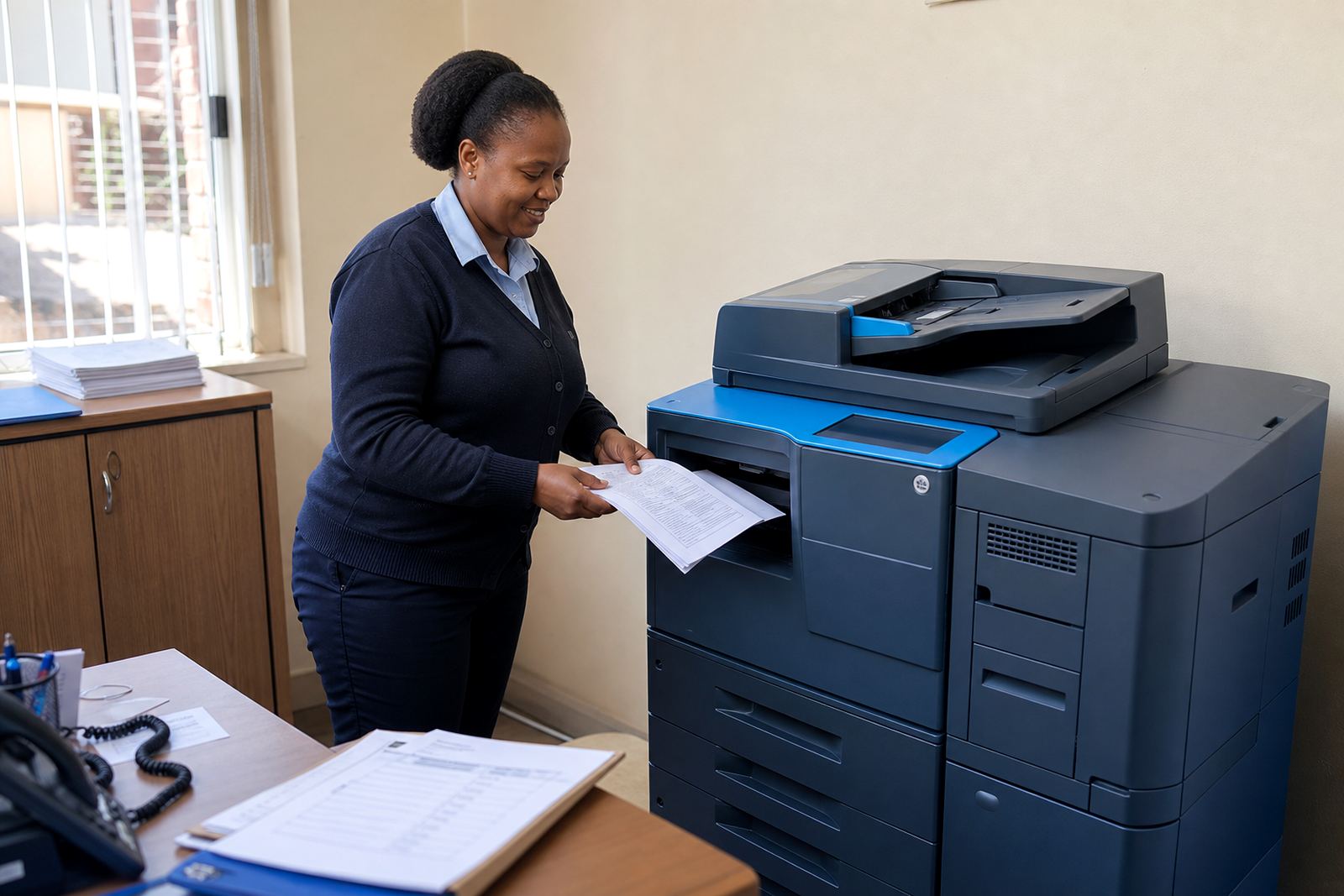
A medical practice prints far more than people expect at first glance. There are patient registration forms, referral letters, consent pages, medical aid claims, treatment plans, referral scans and the odd A3 report that has to be signed off by a doctor or practice manager. A multifunction printer rental plan keeps those jobs on one machine, with copy, print, scan and send functions in the same setup.
For most practices, the right starting point is a mono machine at reception for day to day admin, then a colour unit where referral packs, patient education sheets or specialist letters are handled. Some rooms only need black and white printing, while others need colour scans, secure print release and scan to send us a message for confidential paperwork. The aim is a machine that fits the volume and the way your front office runs, not a unit that looks impressive and then sits underused.
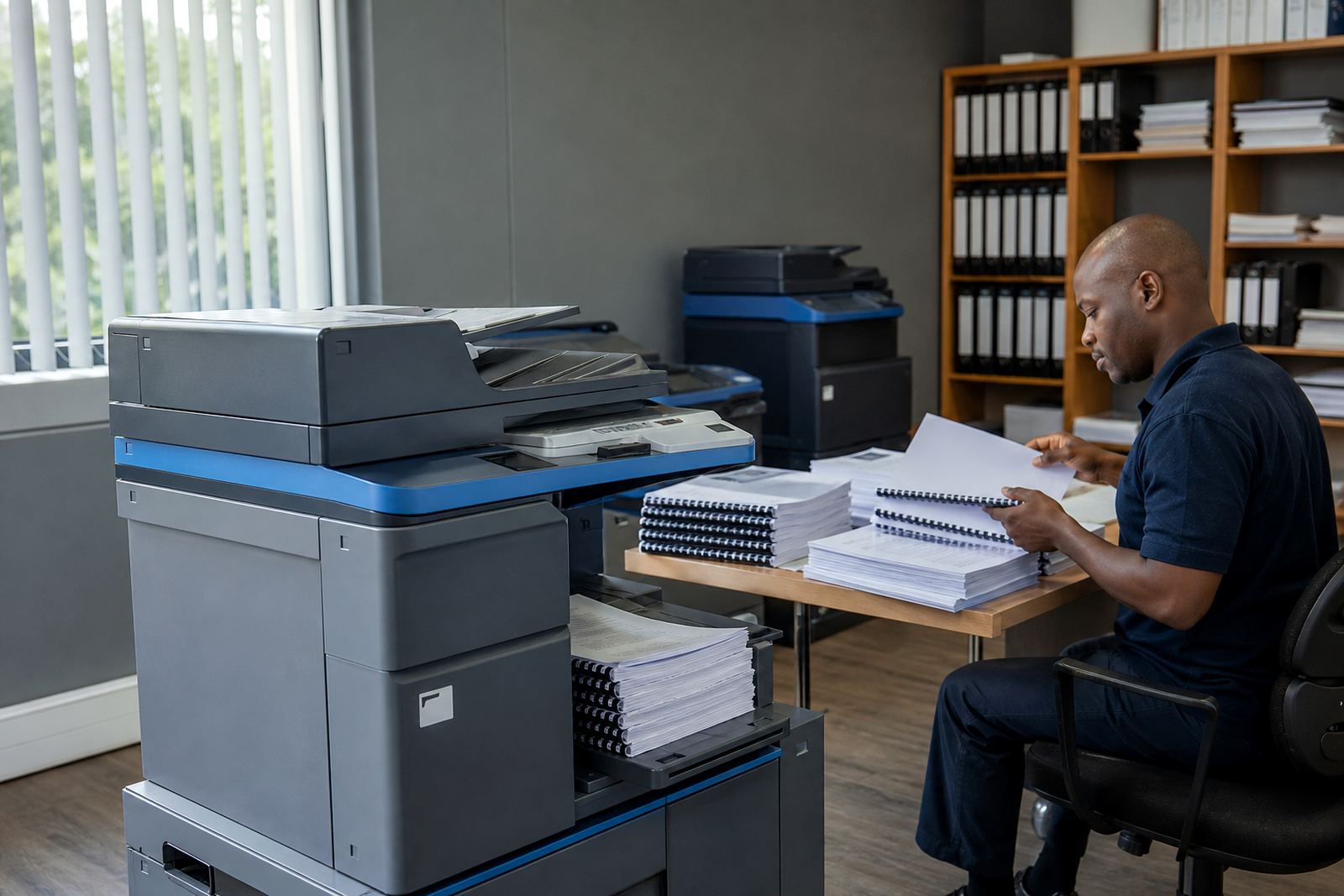
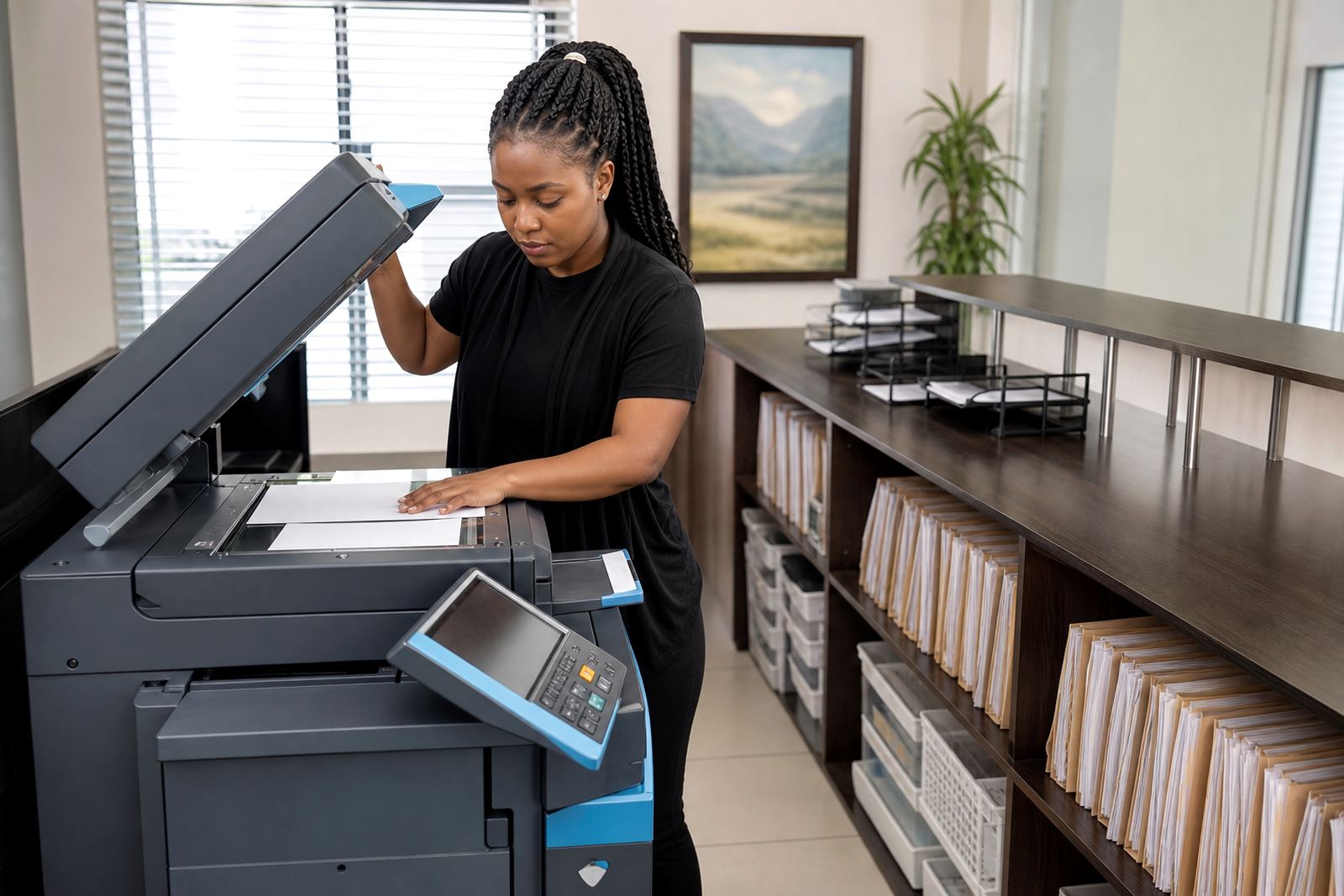
In busy rooms, paper handling matters just as much as speed. A standard paper tray with a second tray for letterhead and forms helps a lot, and an automatic document feeder saves staff from standing over the scanner one page at a time. For smaller practices in Midrand, Sandton or Centurion, a compact A4 machine is often enough. Larger group practices and day clinics usually lean toward A3-capable equipment because it handles wider forms, mixed paperwork and heavier monthly counts with less interruption.
How managed print fits a practice floor
Managed print is built around monthly rental and click charges. The rental covers the machine itself and the support around it, while the click charge is worked out from metre readings and covers usage per page. That structure suits medical practices because printing rises and falls with patient flow, holiday periods, accounts cycles and seasonal demand, so the bill follows actual use rather than a guess.
Toner supply is included on managed plans, which removes the common headache of running out in the middle of a busy morning. Our team also handles metre reading support, so usage stays tracked and the billing stays clean. If a practice has more than one machine, a fleet review can show where a mono unit makes sense, where colour is wasted, and which room needs a faster device instead of a larger one.
- Monthly rental for the machine
- Mono or colour click charges based on metre readings
- Toner included in the plan
- On-site servicing for faults and wear
- Secure print setup for confidential documents
- Scan to message setup for referrals and reports
Most practices prefer one clear setup rather than three different office devices. A reception printer, a consulting room printer and a back-office copier can all sit on the same managed plan, which keeps toner use, servicing and end-of-term swaps easier to track.
Layout choices that save steps at peak times
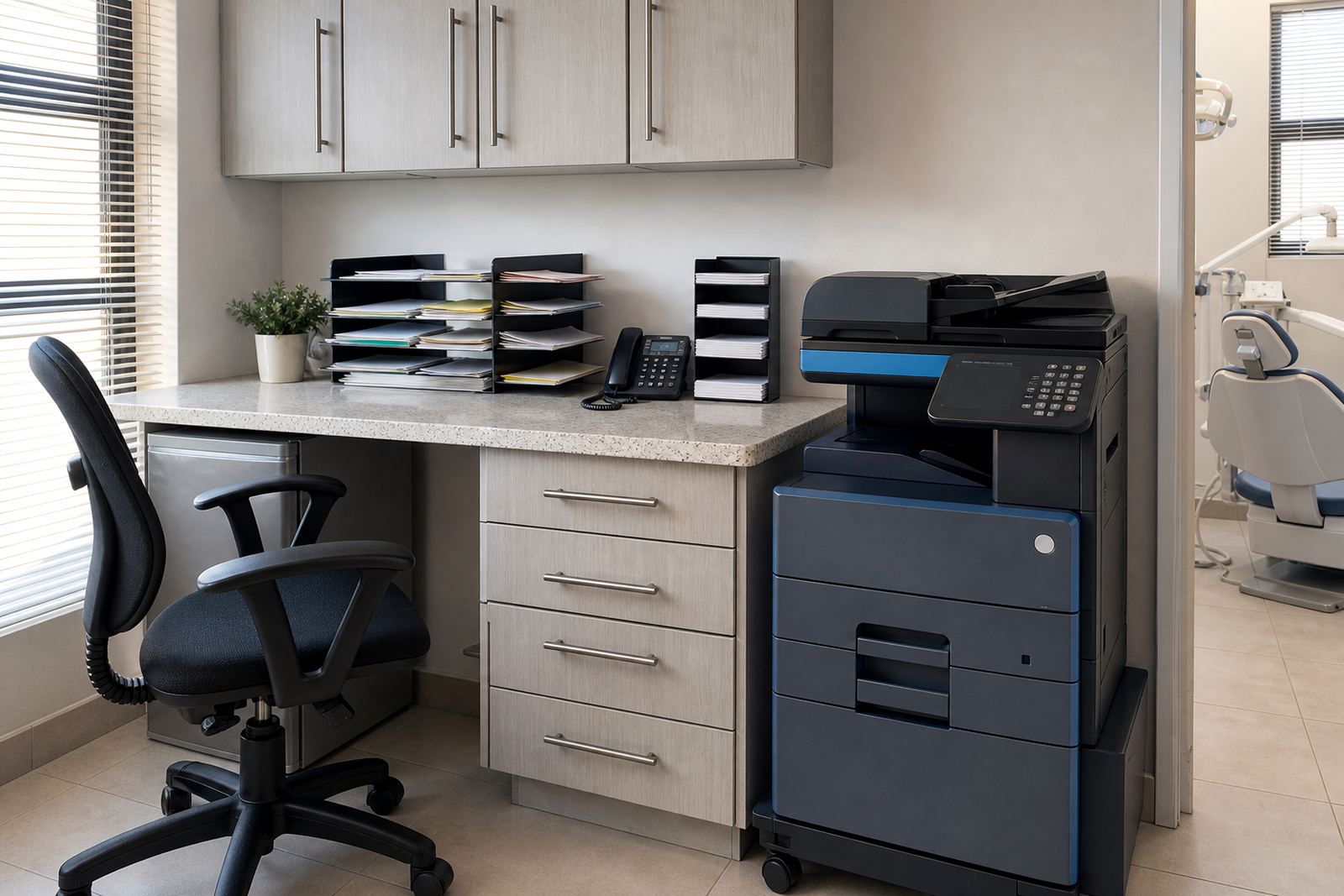
Good placement is practical work. The reception printer should sit close to the admin team, but not where patients can read the screen or see documents left in the output tray. Secure print is useful here because it holds a job until a staff member releases it, which is handy for claims, billing notes and letters with patient details.
Consulting rooms do not always need their own machines, but in larger practices it can save walking time and reduce queue pressure at reception. Where doctors scan notes or referral documents, scan to message should be set up with clear naming rules so the file can be found later without hunting through folders. If the practice handles a lot of external correspondence, a second tray with plain paper and headed paper prevents constant switching.
Network setup matters too. A printer should sit neatly on the office network, with user permissions set to suit the practice. If the machine is shared across reception, accounts and consulting rooms, user handover becomes part of the setup so the team knows how to print, scan and release a job without calling someone in every time.
- Keep the main device within easy reach of admin staff
- Use secure print where patient information is handled
- Separate plain paper and headed paper if possible
- Place a scanner near the people who file records
- Check that each room can reach the machine without clutter