One machine that keeps the front office moving
For a small office, one multifunction printer usually carries the load for statements, contracts, invoices, scans and client packs. The right unit is sized for the actual number of users, the monthly duty cycle and the mix of mono and colour pages, rather than for a large open-plan floor that never fills the trays.
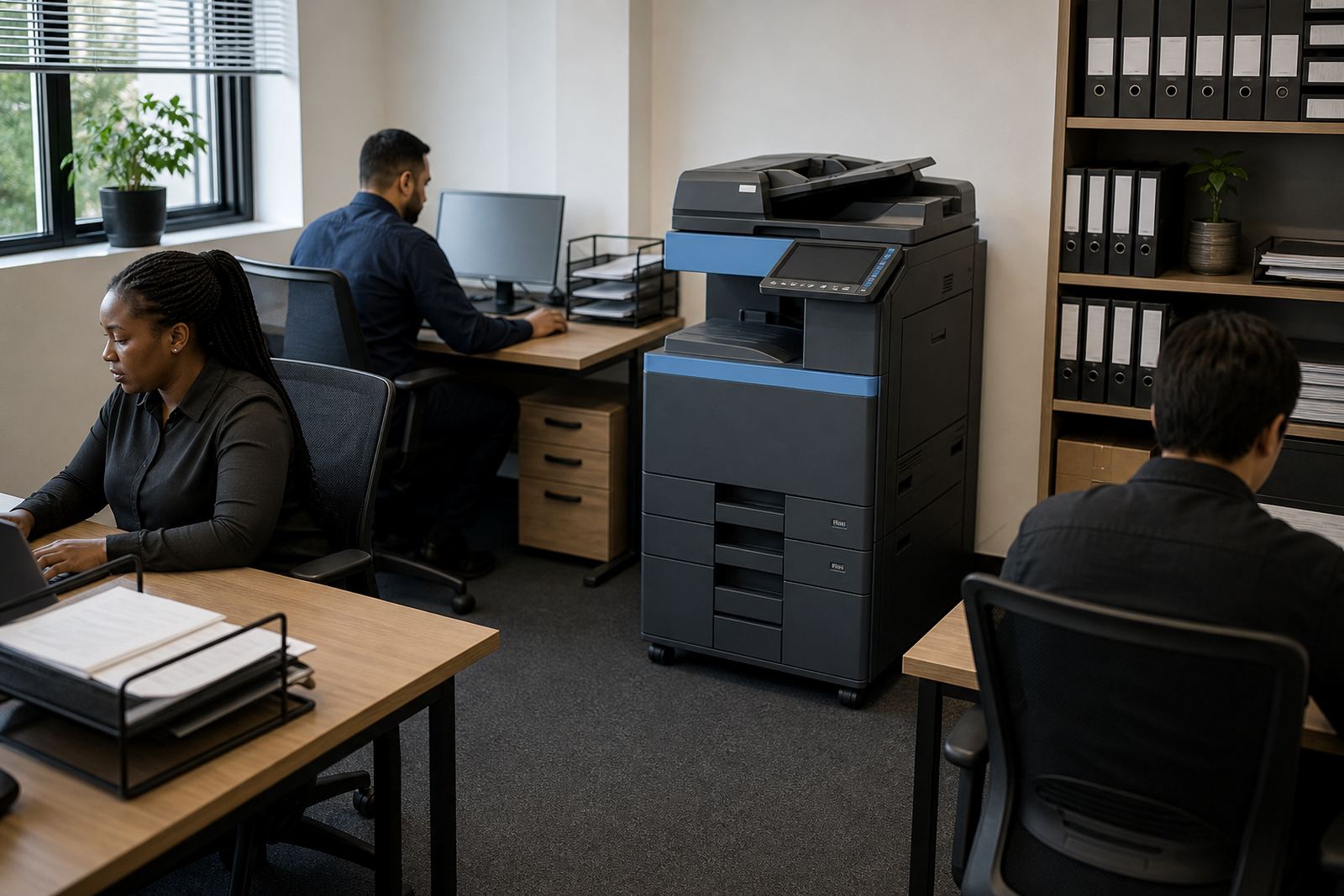
In many smaller teams, a single A4 machine is enough. Where the office handles presentations, forms or property packs, an A3-capable unit can make sense, especially if the team needs larger scans or wider layout printing. We look at where the machine will sit, who walks to it, and whether it needs to live near reception, accounts or a shared passage so people are not crossing the office all day.
What usually sits in a small office setup
A small office rental plan normally centres on one multifunction machine with print, copy and scan functions. Mono is often the sensible choice for heavy text work, while colour suits teams that send client-facing documents, marketing proofs or diagrams that need clear visual detail.
- Monthly rental for the machine itself
- Click charges for mono pages and colour pages
- Toner supply folded into the plan
- Metre readings used for billing and usage control
- Scan-to-message setup for shared workflows
- Secure print for documents that must stay private
Smaller offices also benefit from clear user handover. Staff need to know where to load paper, how to clear a simple paper jam, and when to call for help instead of forcing a cover shut and damaging a roller. That kind of guidance saves a lot of avoidable downtime.
Layout choices that save steps and spare frustration
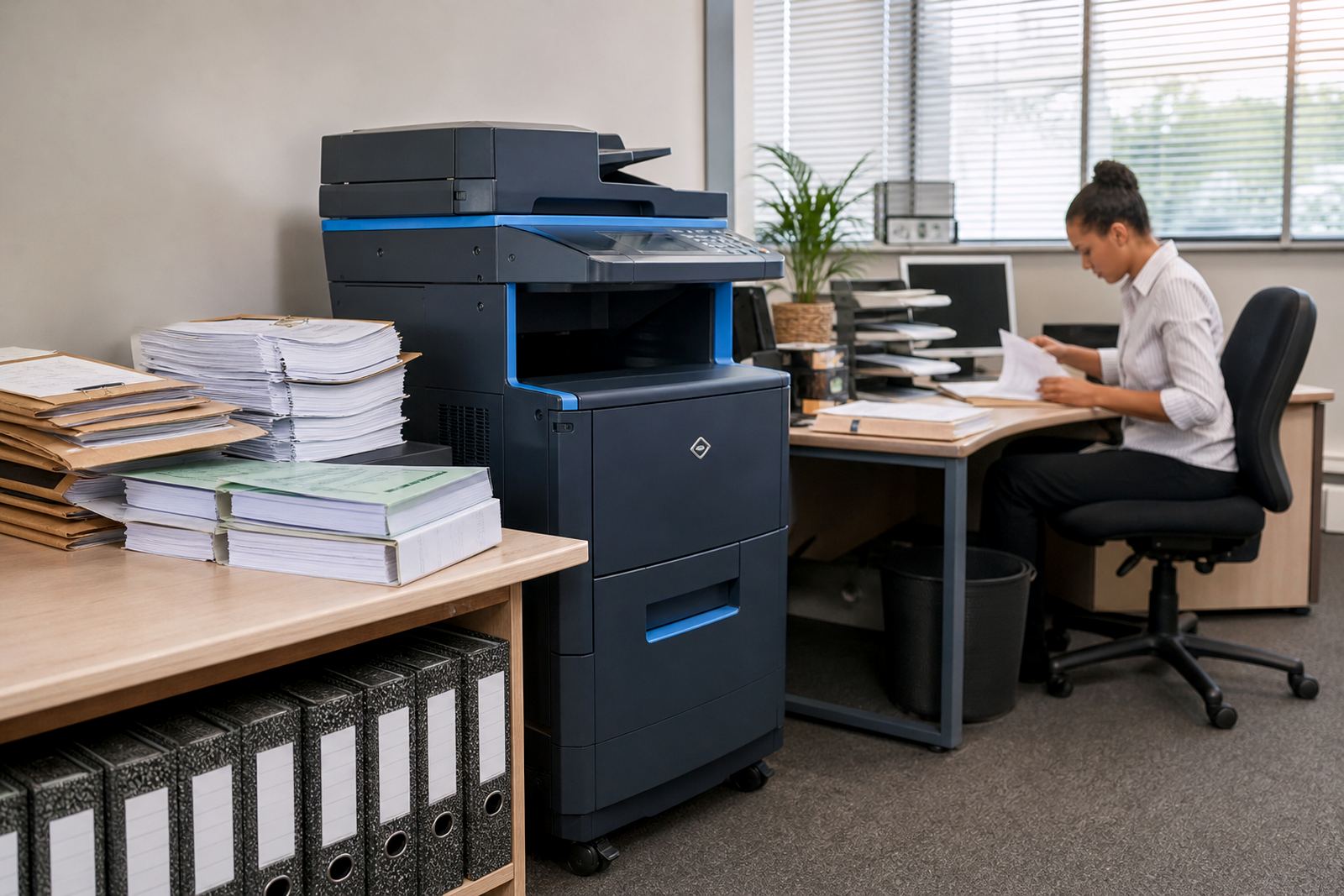
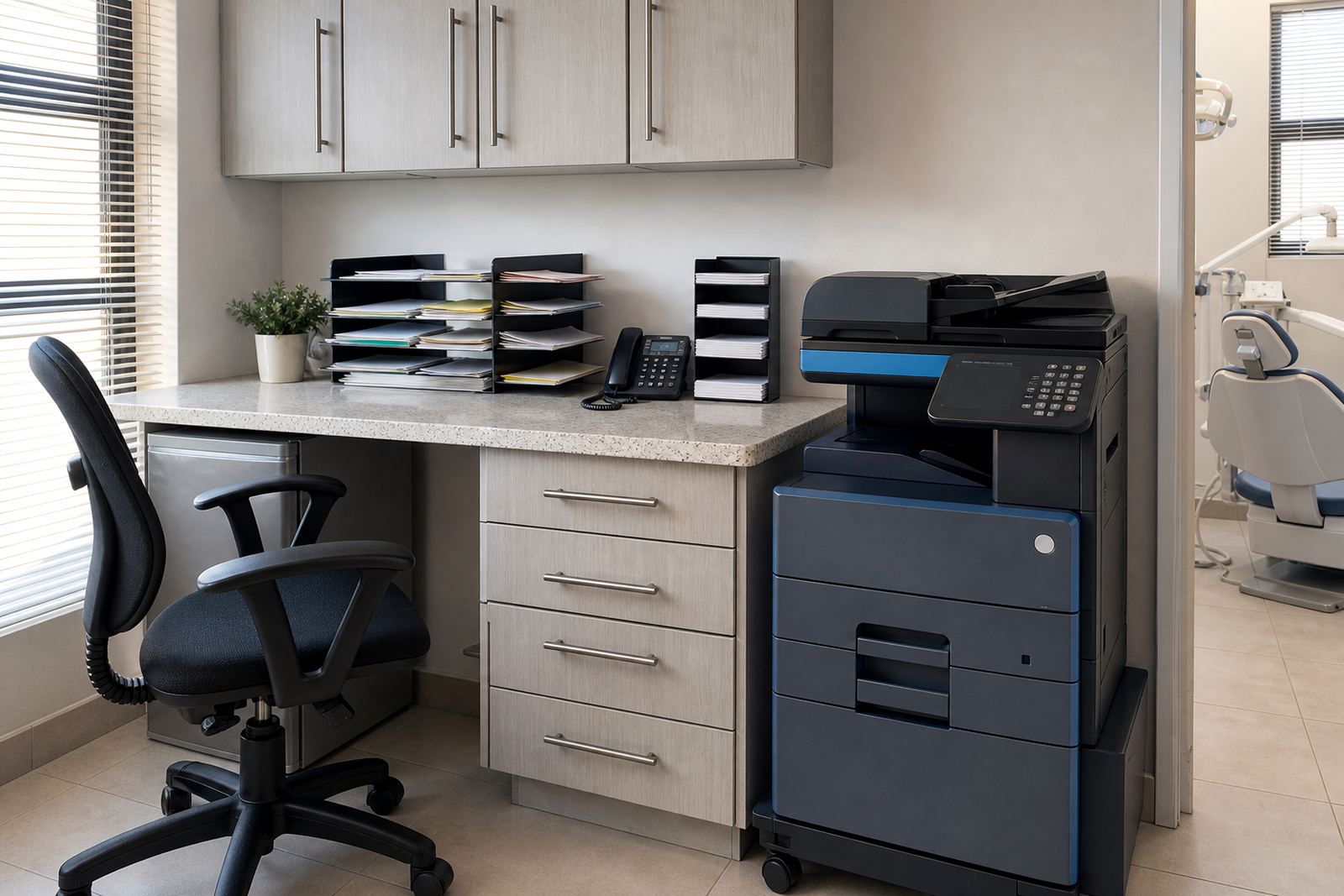
Office layout matters more than most people expect. If the printer sits in a cramped corner with no table space for finished sets, pages get left on top of cabinets or mixed with incoming post. A better spot has enough breathing room for paper trays, a waste box and a small stack area for scanned originals.
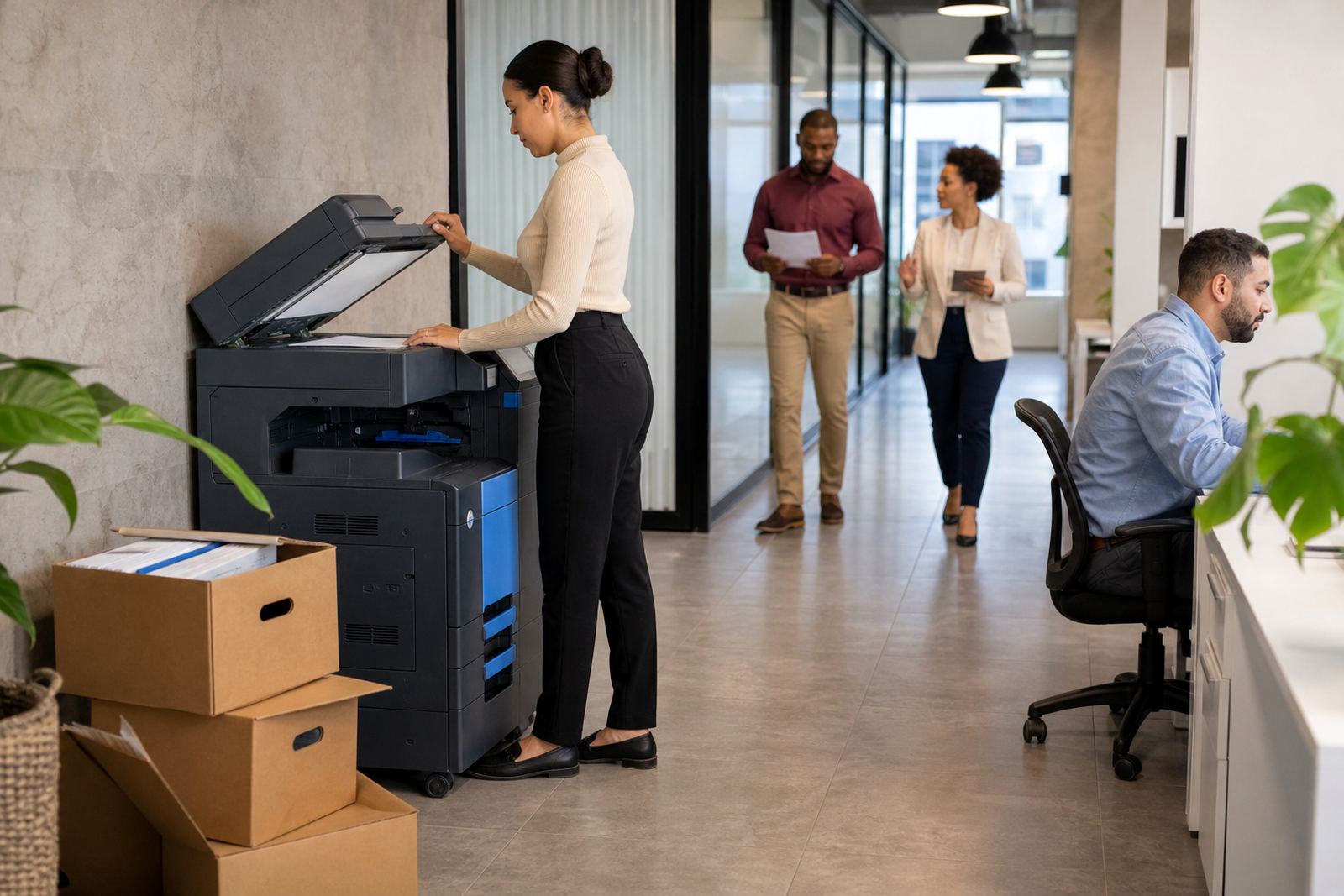
For a team of four to fifteen people, the printer should be close to the daily workflow, not hidden in a back room that everyone avoids. Where internet access is patchy or the printer shares a network with other devices, network setup needs to be sorted early so scan-to-message and secure print work properly from the start.
- Leave space at the front for tray access
- Keep the unit away from direct sunlight and damp corners
- Place it where staff can reach it without blocking corridors
- Allow room for power, data and a small service approach
The mistakes that push costs up
Small offices often overspend by choosing a machine that is too large, or too cheap for the actual duty cycle. A unit that is under-specified will jam more often, run hot and struggle with steady use. On the other hand, a machine that is far bigger than the team needs can waste money on rental and clicks without adding much value.
Another common mistake is ignoring the split between mono and colour. Many offices print mainly black text with only a few colour pages a week. In that case, colour should stay as an occasional option rather than the main cost driver. Poor paper handling also creates trouble, especially in humid coastal areas where paper can curl if it is stored badly.
- Choosing colour as the default when mono pages dominate
- Putting the machine too far from daily users
- Skipping secure print where private documents are common
- Not checking metre readings against monthly usage
- Forgetting that toner storage needs a dry, tidy place
Monthly costs in rand, without the guesswork
For small offices, rental plans are usually easier to budget than buying a machine outright. The monthly figure depends on the size of the device, the pages expected, whether the office needs colour, and the level of service cover attached to the plan. Click charges then track real use, so the office pays according to the pages it actually runs through the machine.
As a broad guide, smaller mono plans often sit lower than colour plans because the running costs are simpler. A compact office that prints light volumes may only need a modest monthly rental plus click charges, while a busier practice or agency can need a stronger A4 or A3 machine with a higher monthly allowance. The right structure depends on page mix, not guesswork, and metre readings keep that picture honest.
We also look at whether the office needs end of term swaps. If the team grows, the machine can be changed for a better fit at the end of the term rather than forcing a poor setup to carry on. That is often cleaner than buying a second device and scattering the workflow.
Servicing that keeps small teams on schedule
Managed print for a small office is not only about the box on the floor. It also covers toner supply, on-site servicing, breakdown response, machine relocations and user handover when the office changes shape. If a printer moves between rooms or branches, proper relocation matters because cabling, network settings and paper handling all need to line up again.
Good small-office support is practical. A technician should be able to check alignment, clear recurring feed issues, set up scan-to-message properly and make sure secure print is working where confidential documents are involved. For offices in Midrand, Sandton, Centurion and nearby areas, that kind of service planning is often what keeps one machine doing the job of three separate devices.
Our team manages installations, fleet review, toner supply, metre reading support and end term swaps for smaller offices that need a tidy arrangement without owning the hardware outright. The aim is a machine that fits the room, the volume and the way the staff actually work.