Busy seasons need a machine that keeps its footing
An accounting practice does not print in neat little bursts. Tax season, year end packs, audit files and client statements all push the machine harder than a normal office workload. A managed print plan keeps that pressure in one place, with toner included, metre-based billing and on-site servicing arranged around the way the office actually works.
Mono output usually carries the heaviest load in an accounts team because most pages are letters, ledgers, working papers and reports. Colour still has a place for charts, management packs and presentation material, but it does not need to carry the full monthly volume. That split matters when the monthly rental and click charges are being set out.
- Mono devices suit high page counts and cleaner running costs.
- Colour devices fit client packs, charts and internal reports.
- A3 units help where ledger layouts and wider schedules are still used.
- A4 machines suit smaller offices and tighter print rooms.
The usual equipment mix in an accounting office
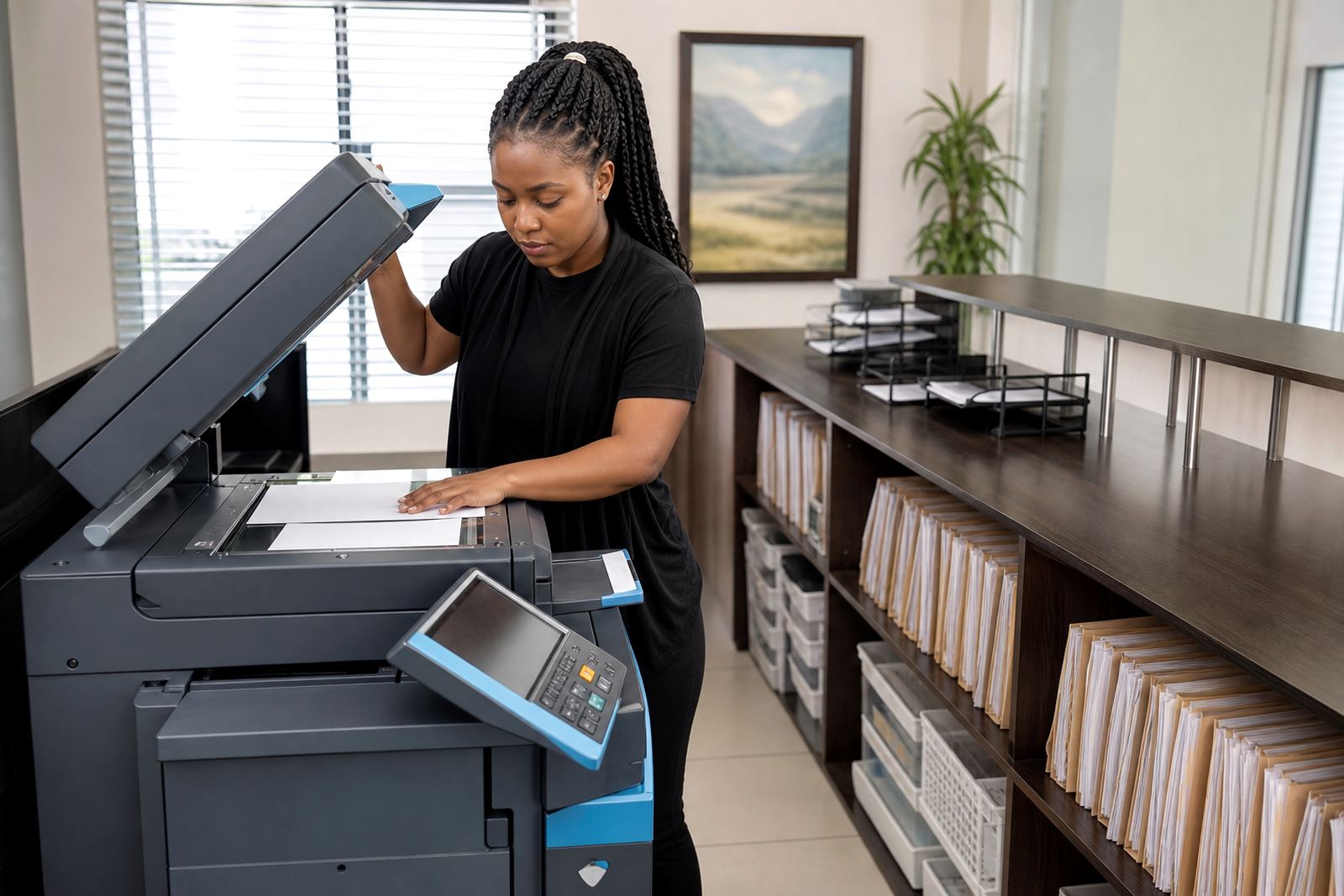
Most firms want a multifunction machine rather than separate bits of kit on every floor. Printing, copying, scanning and sending from one unit keeps the admin counter clear and reduces the chance of multiple service points. Where filing rooms and partner offices sit apart, a second device can stop long walks for a few urgent pages.
The right setup depends on whether the firm prints mainly black and white, or whether partners and managers need colour for reports and client packs. Secure print is often a smart add-on in this environment because confidential tax files and payroll documents should not sit in the tray. Scan-to-message also helps when a signed document has to move straight into a client file or a remote working folder.
- Network setup links the device to the office system and user access.
- Scan-to-message suits signed forms, IDs and quick file sharing.
- Secure print reduces the chance of private pages being left behind.
- Fleet review helps when one old machine is doing too much work.
How the floor should be planned before the printer lands
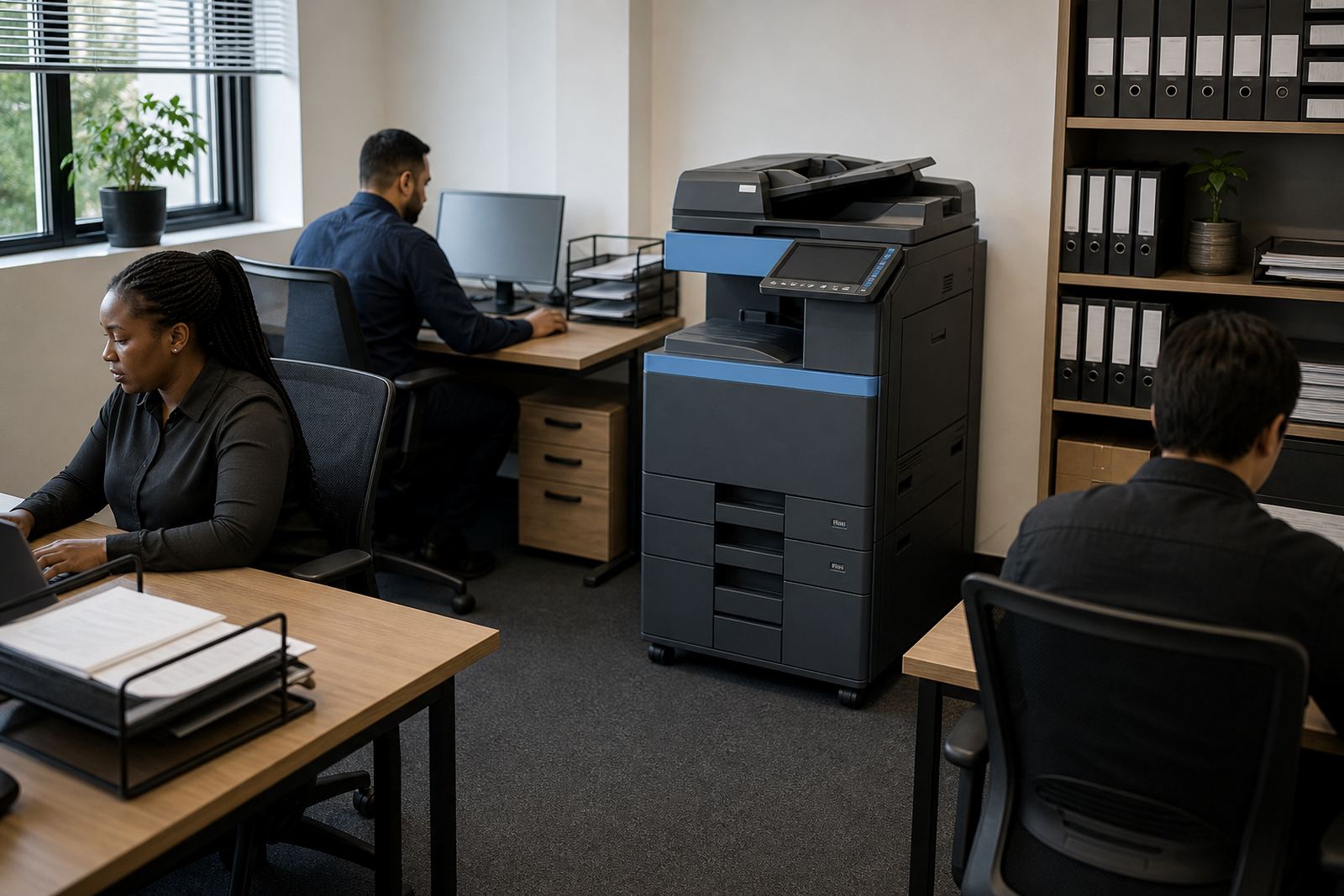
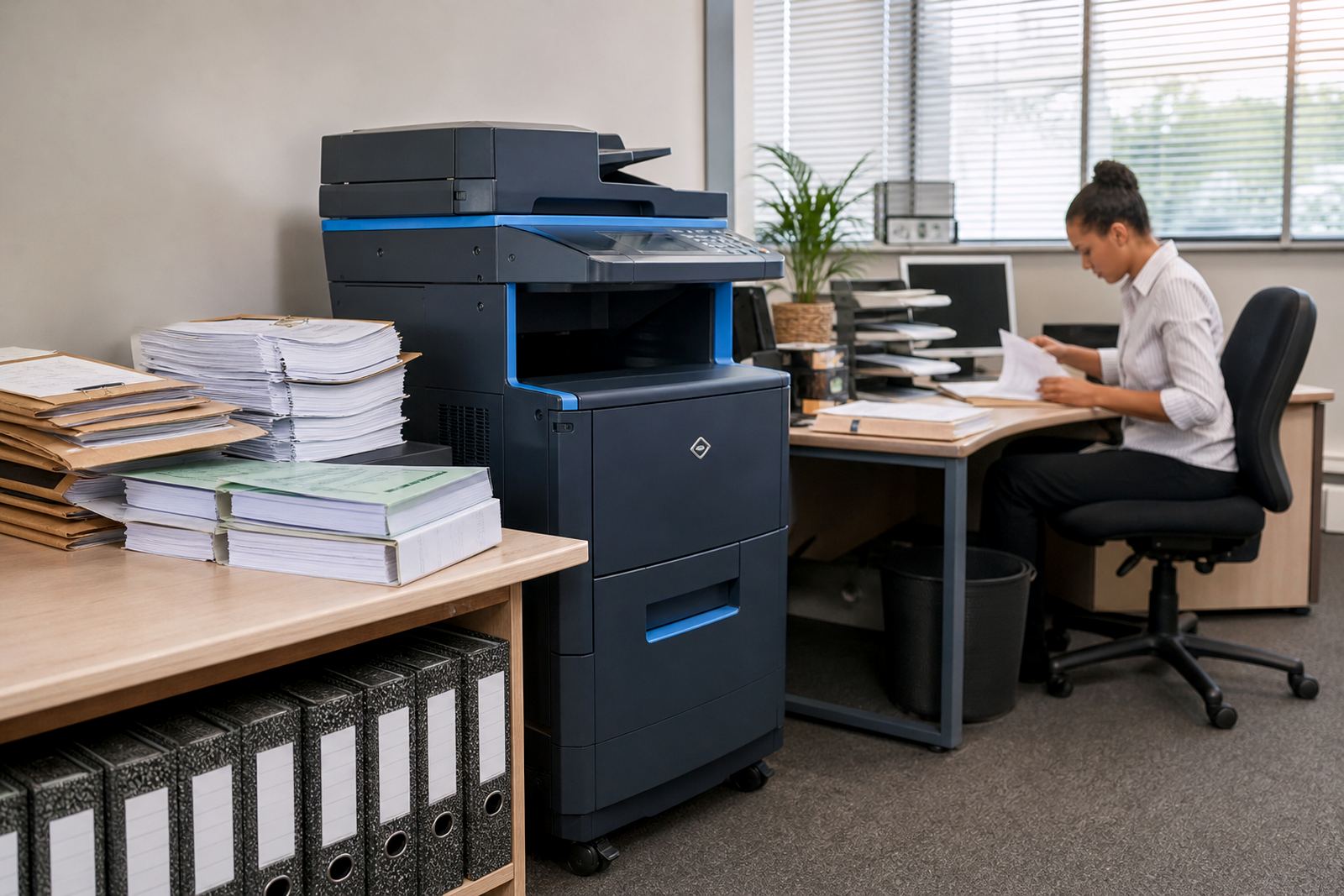
Accounting offices often have a front counter, partner rooms, staff rows and a records area, so the machine should sit where daily traffic is easy but not in the middle of client movement. A central point near the admin team usually works better than a corner room that nobody wants to cross at month end. The route to the copier matters too, especially where archived files, boxes and narrow passages fill the space.
Halfway House, Sandton and Pretoria offices often want the machine close to the accounts team and not beside the client waiting area. In Durban and Cape Town, humidity and dusty air near open doors can also influence where the machine sits, so a dry internal wall is better than a spot by the entrance. Machine relocations and end term swaps are easier when the original placement already leaves enough room for servicing and paper handling.
- Leave space for trays, side access and paper loading.
- Keep the machine out of direct sun and damp corners.
- Place it near the people who use it most often.
- Plan access for toner, metre reading support and servicing.
Where accounting teams often overspend
One common mistake is buying a machine for peak season only, then living with the cost and maintenance when volumes drop. Another is choosing colour for every job when mono would handle most of the work at lower running cost. Some offices also underestimate the difference between monthly rental and click charges, which can make the quote look neat at first and awkward later.
Metre readings matter because they keep billing tied to actual use, not guesswork. That helps a firm track page volume from month to month, especially where one team prints heavily during audits and another team works mainly from digital files. Breakdown response also needs to be planned, because a jammed or faulty unit can slow a whole admin line when deadlines are close.
- Do not size the machine only for the busiest week.
- Do not pay colour clicks for pages that do not need colour.
- Do not place a device where servicing is awkward.
- Do not ignore paper handling when client files are thick.
Budget bands that suit small, medium and larger firms
Managed print budgets for accounting firms are usually built around three parts: monthly rental, click charges and the service arrangement. A smaller practice with modest mono volumes may look at leaner monthly costs, while a larger office with A3 work, scanning and heavier usage will need a wider budget band. Colour use, finishing options and the number of users all shift the number upward.
For a small office, a basic mono multifunction plan may sit in the low thousands of Rand per month before volume charges, while a busier practice with higher page counts and added features can move well beyond that. Larger firms with multiple users, A3 handling and more frequent servicing needs should budget further up the scale. Exact figures depend on metre volume, machine class and the service scope selected, so the plan should follow the actual print pattern rather than a guessed figure.
We also help with user handover so staff know how to send scans, release secure print jobs and read the screen without creating avoidable calls to the service team. That training is small work, but it cuts down on repeated faults that are really just setting errors.
What the support flow looks like once the machine is live
After device installation, the setup is checked for network access, scanning and everyday print use. Toner supply is included in the plan, metre readings are tracked and on-site servicing is arranged when the machine needs attention. That keeps the office from having to chase separate vendors for every part of the process.
For firms with more than one branch, fleet review can show whether one large central unit is doing too much or whether smaller devices in Johannesburg, Centurion, Bloemfontein or Cape Town would be steadier. It is also useful before a lease term ends, because end term swaps can be timed around office moves, growth or a change in document flow. The aim is not fancy kit, just the right machine in the right place with the right billing pattern.
- Device installation starts with the office layout and user count.
- Network setup covers print access and scanning functions.
- Toner supply and metre support keep billing and stock predictable.
- End term swaps let the office move to a different setup later.