Paper trails that move with the goods
Warehousing admin is not office work in the neat sense. The counter sees delivery notes in the morning, the stores team sends out transfer slips after lunch, and the back office still needs stock counts, gate passes and invoice copies before close of play. A managed print plan suits that rhythm because the machine is there, the toner is covered, and the cost follows usage instead of sitting in one big upfront purchase.
For a warehouse office, the usual mix is one A4 multifunction printer at reception or in admin, then a heavier A3 unit in the main office if staff handle larger forms, spreadsheets, dispatch packs or bin labels that need wider pages. Mono machines work well where most pages are plain text. Colour is useful when branch coding, hazard labels, audit packs or supplier schedules need clearer separation. The right choice is not about having the largest machine, it is about matching the daily volume and the kind of pages that leave the building.
Managed print also helps where several people share one unit. Staff can send scans to message, collect printouts securely, and use one machine for copying, scanning and printing instead of crowding separate devices into the same room. That matters in a warehouse admin area where counters are narrow and people keep walking in with paperwork in hand.
What the typical machine setup looks like
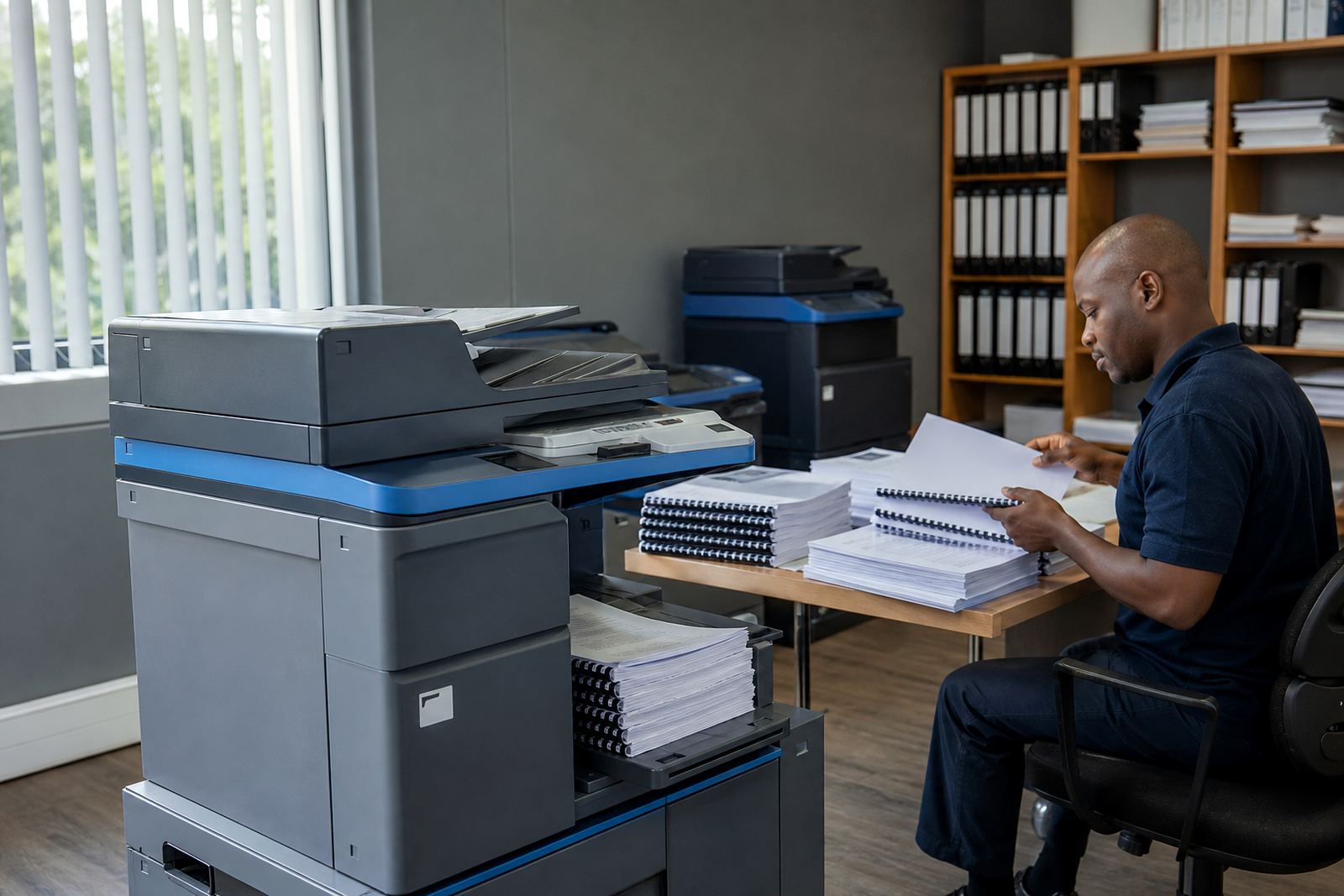
A sensible setup starts with the work pattern. If the team prints mostly invoices, proof of delivery slips and receiving documents, an A4 mono machine with duplex printing is often enough. If the site handles stock sheets, picking lists, delivery manifests or branch packs, an A3 multifunction printer gives more room without forcing awkward scaling. A second unit may help where one machine sits near dispatch and another in admin, so teams do not queue with paper in hand.
On a managed print plan, the rental covers the machine and toner supply is built into the service. Metre readings keep the billing tied to actual use, which suits warehouses that have busy month ends and quieter stretches in between. When one branch prints heavily and another hardly prints at all, the fleet can be arranged to suit the real flow rather than a rough guess.
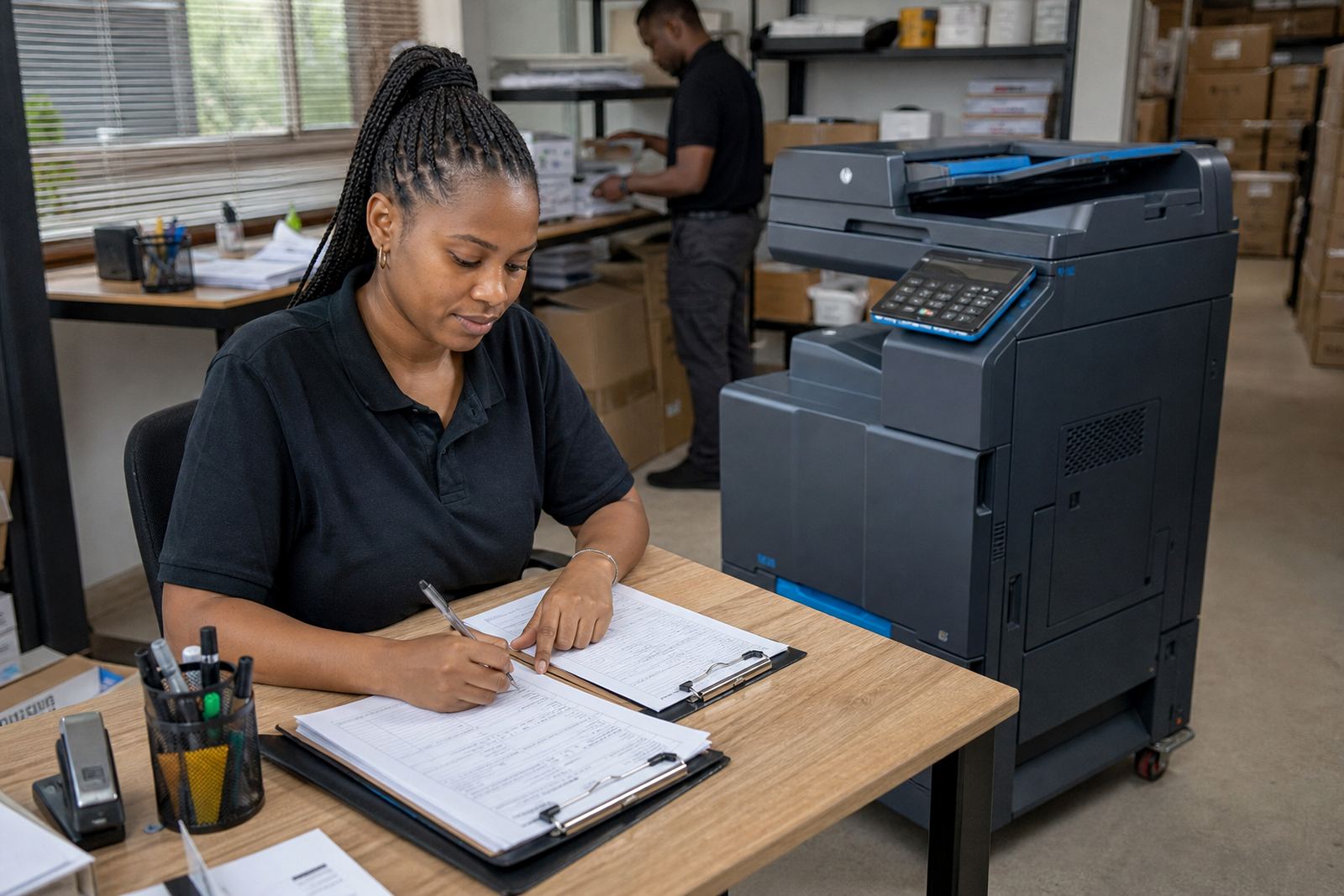
- Reception and goods-in: compact A4 mono multifunction printer for delivery notes and scans
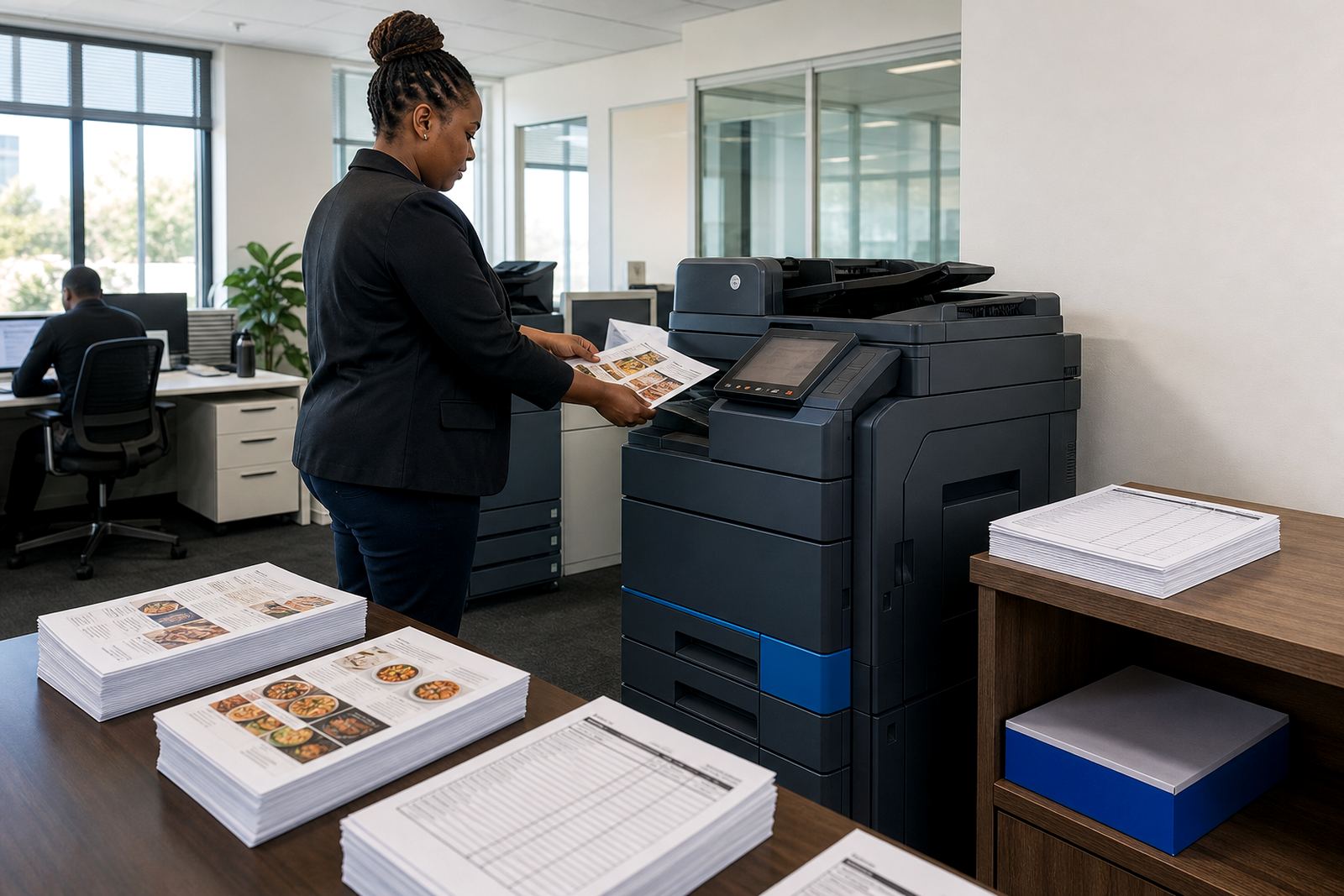
- Admin office: A3 mono or colour multifunction unit for broader documents and shared use
- Dispatch counter: secure print setup for forms that must not sit on the tray
- Multi-branch setup: one standard print policy across sites, with local usage tracked by metre
Layout choices that save footsteps and paper
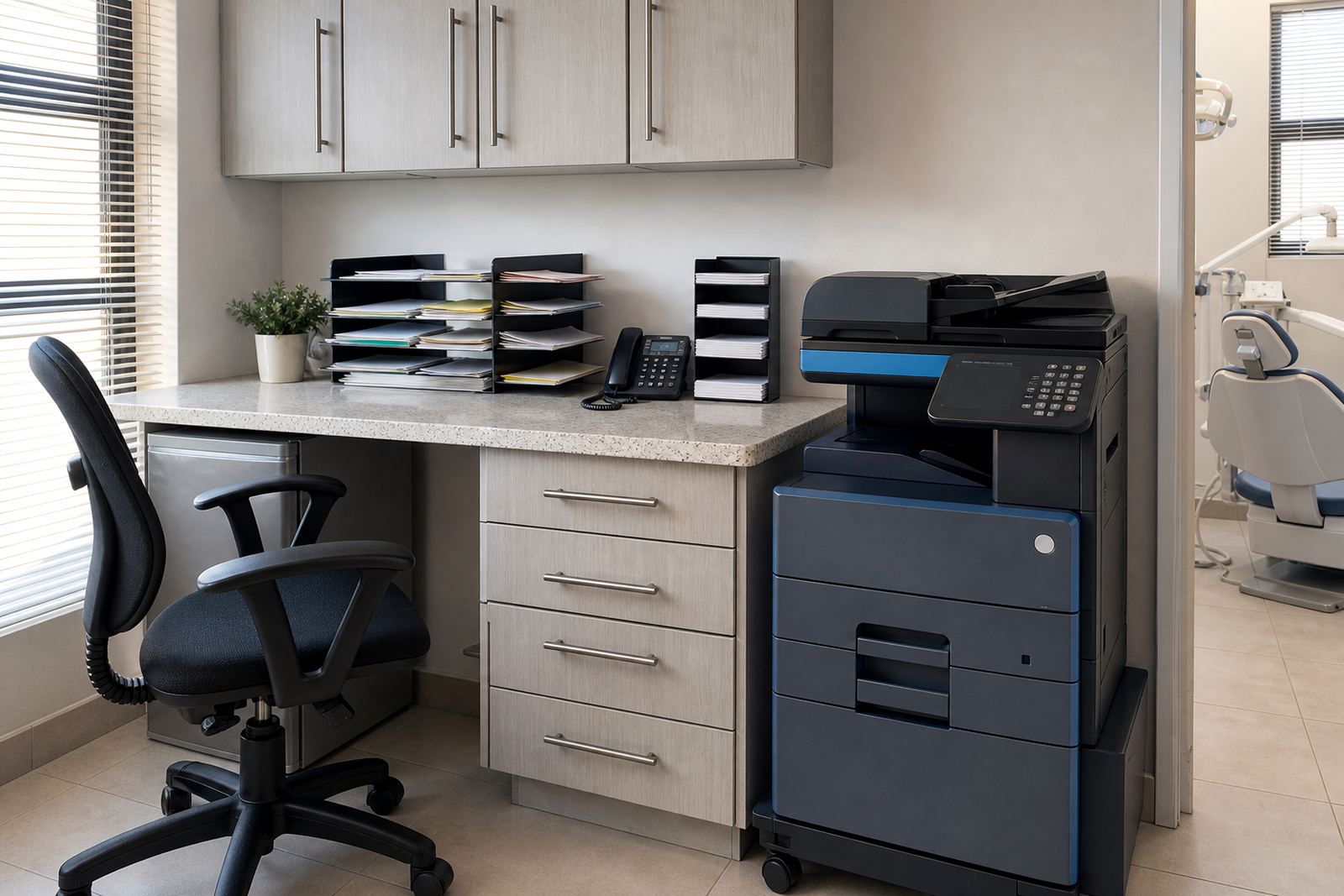
Printer placement matters more than many people expect. In a warehouse office, the machine should sit where paperwork starts and where it gets signed off, not tucked in a corner that forces staff to cross the floor three times for one dispatch pack. If receiving staff scan delivery notes back into the system, place the machine near the counter they already use. If the accounts team handles supplier queries and branch statements, keep the unit close to that counter so the person dealing with the records is not always walking past the packing area.
Network setup should be planned before the machine arrives. Shared printing, scan-to-message and secure print all need the device on the right part of the network and named properly so staff can find it without guessing. In larger sites with several offices, a relocation plan also helps. Machines sometimes need to move when a storeroom becomes admin space or when a new branch manager takes over a different room. A managed plan allows for that without turning the change into a full replacement.
Warehouses near Midrand, Centurion, Sandton or the broader Johannesburg corridor often run mixed spaces, with admin, stores and dispatch close together. That makes cable routes, counter position and walkways worth checking before installation. The machine should not block movement, and paper trays should open without hitting walls, counters or file cabinets.
Common trouble spots in warehouse admin
One common mistake is buying a machine for rare peak use and then expecting it to behave like a daily workhorse. Another is choosing colour when the site only needs black text and simple scanning. The third is ignoring secure print, which matters when invoices, pricing sheets and stock adjustments sit in a shared admin room. There is also the problem of underestimating toner use when dispatch surges or month end falls on a busy week. The machine may be fine, but the plan is not matched to the paper load.
Metre reading support keeps things steadier. It gives a clear view of actual output and makes it easier to spot when one site is printing far more than the others. On-site servicing matters too, because warehouse admin often cannot wait for a couriered fix while deliveries keep arriving. A field technician can clear feeds, adjust settings, replace worn parts and check whether the scan path or network setup is part of the issue.
- Too little capacity for month end and stock take periods
- Wrong paper size for delivery packs or branch reports
- Shared trays without secure print for sensitive paperwork
- No backup plan for machine swaps at end of term
Budget ranges that make sense in Rand
Budgeting for warehouse admin print usually works better when rental and click charges are separated in the discussion. The monthly rental covers the machine and the service arrangement. Click charges follow usage and are tied to the metre. That structure helps offices keep the spend aligned to actual pages, especially where some months are quiet and others are heavy with dispatch, returns and inventory work.
For a small admin room with light printing, a compact A4 mono unit on a modest rental can be enough. A busier warehouse office with scanning, copies and shared printing will usually need a larger monthly commitment, especially if the machine must handle A3 pages or a higher duty cycle. Colour units sit higher than mono because they carry more parts and toner complexity, but they are useful where tabbed branch packs, alerts or internal codes need clear colour separation.
In Rand terms, the right budget range depends on page volumes, colour use, paper size and whether the site needs one machine or a fleet across several branches. The better way to plan it is by counting monthly pages, checking who prints what, and deciding whether the role is mainly receiving, dispatch, accounts or branch admin.
End-of-term swaps and branch handover work
Warehousing admin changes often. A branch can grow, a site can shift from local stock handling to regional dispatch, or a manager can want a different machine mix when the team changes. End term swaps make that easier. Instead of forcing an ageing device to soldier on past its useful life, the plan can move to a different unit that suits the new workload.
That also helps with relocations and user handover. If a warehouse moves from one floor to another, or a branch closes one office and opens a new one, the printer setup should move with the work, not stay behind with the last room. Training is worth including too, because staff need to know how to scan to message, clear a simple jam, use secure print and check the paper size before sending a job.
For offices in Johannesburg, Pretoria, Durban, Cape Town and Bloemfontein, a managed print plan gives a clearer way to keep the paperwork moving. The machines are chosen for the job, the toner is handled through the plan, and the service support stays tied to the site instead of being left to the person at the counter.