Admin counters that never sit still
In a hotel group or restaurant group, the print room is rarely quiet for long. One week it is payroll packs and stock sheets, the next it is function menus, sign-in registers, maintenance logs and supplier invoices. A central office needs machines that can move between black-and-white work and colour pages without slowing everyone down.
That is where rental works well. You keep the machine in use, not on the asset list, and the plan carries the toner supply, metre-based billing and service cover. For hospitality teams, the real value is having one place to manage printing across heads office, finance and operations, instead of chasing separate purchases for each department.
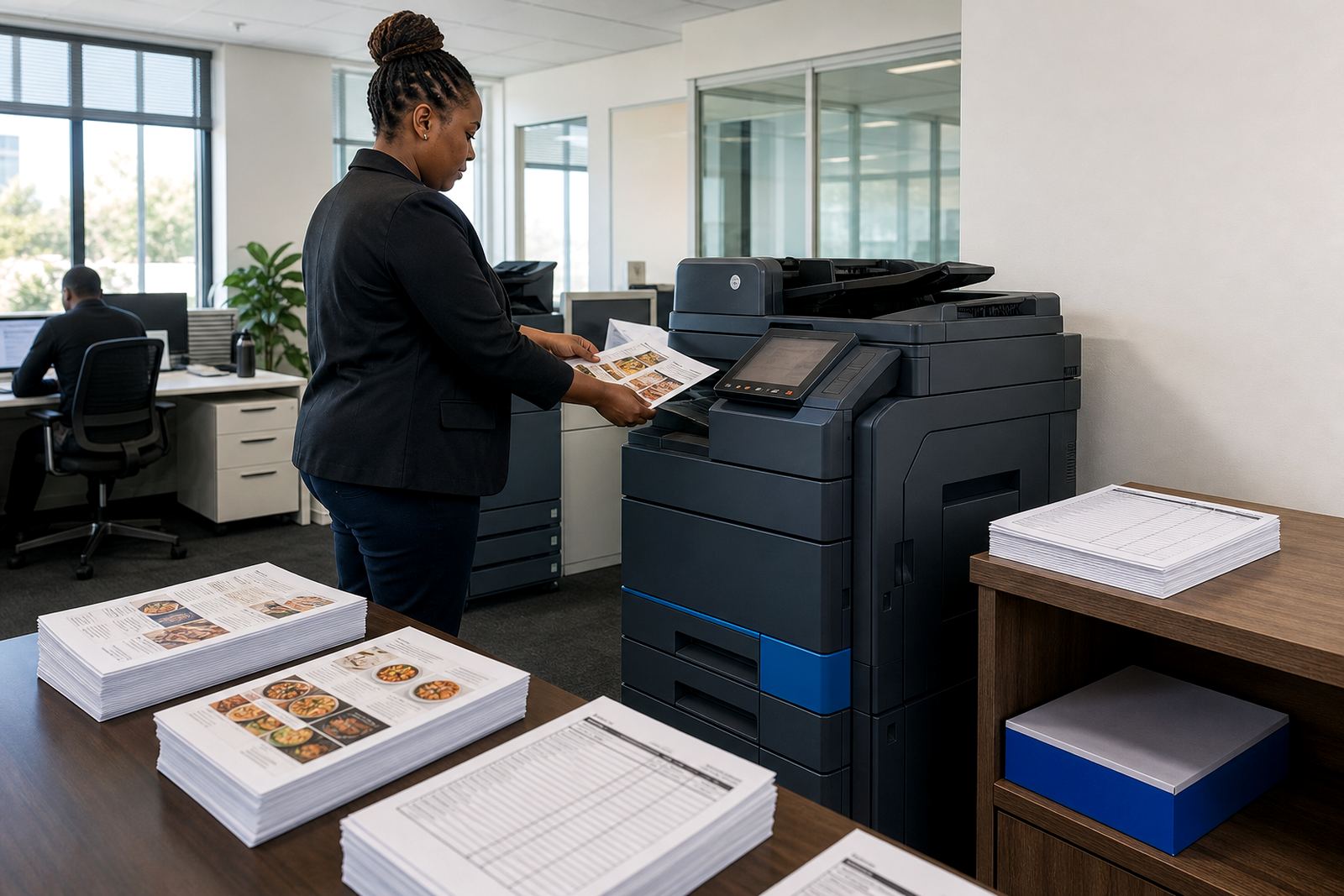
We usually see A4 multifunction printers for general admin, then an A3 unit where teams need wider formats for property files, roster boards or event packs. Mono units suit heavy document runs. Colour units make sense where menus, guest-facing forms or brand sheets need to look clean and consistent. A mixed fleet is common when the office handles both control work and presentation work.
What the right machine set normally looks like
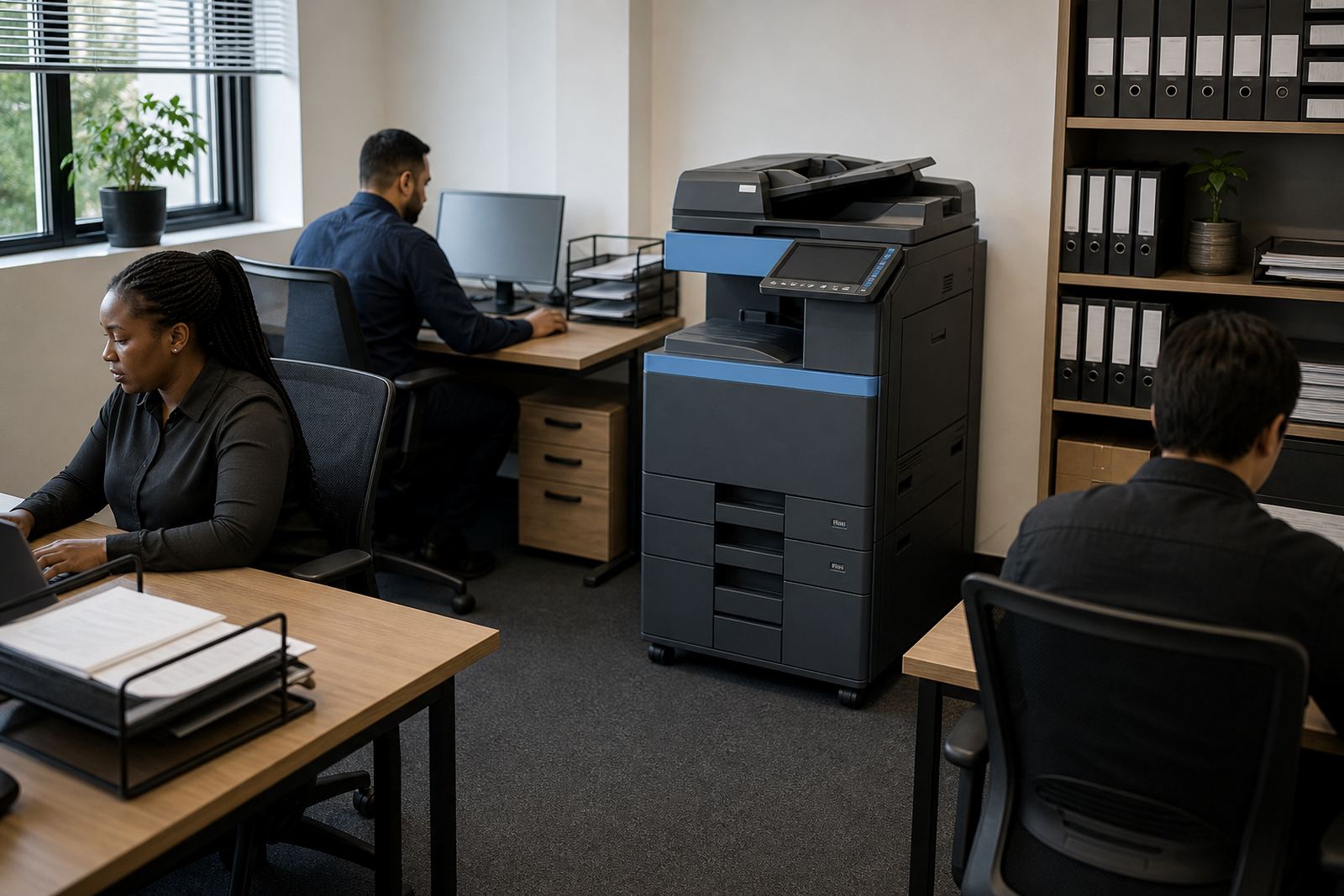
The equipment mix depends on page volume, number of users and whether the office prints in bursts or steadily through the month. A small head office may only need one A4 mono multifunction printer and one colour unit for reports. A larger hospitality group office might need a few devices spread across finance, operations and reception support.
- A4 mono multifunction printer for invoices, statements and internal packs
- A4 colour multifunction printer for menus, guest forms and branded documents
- A3 machine where larger layouts or planning sheets are handled
- Secure print setup for shared offices with confidential payroll or supplier files
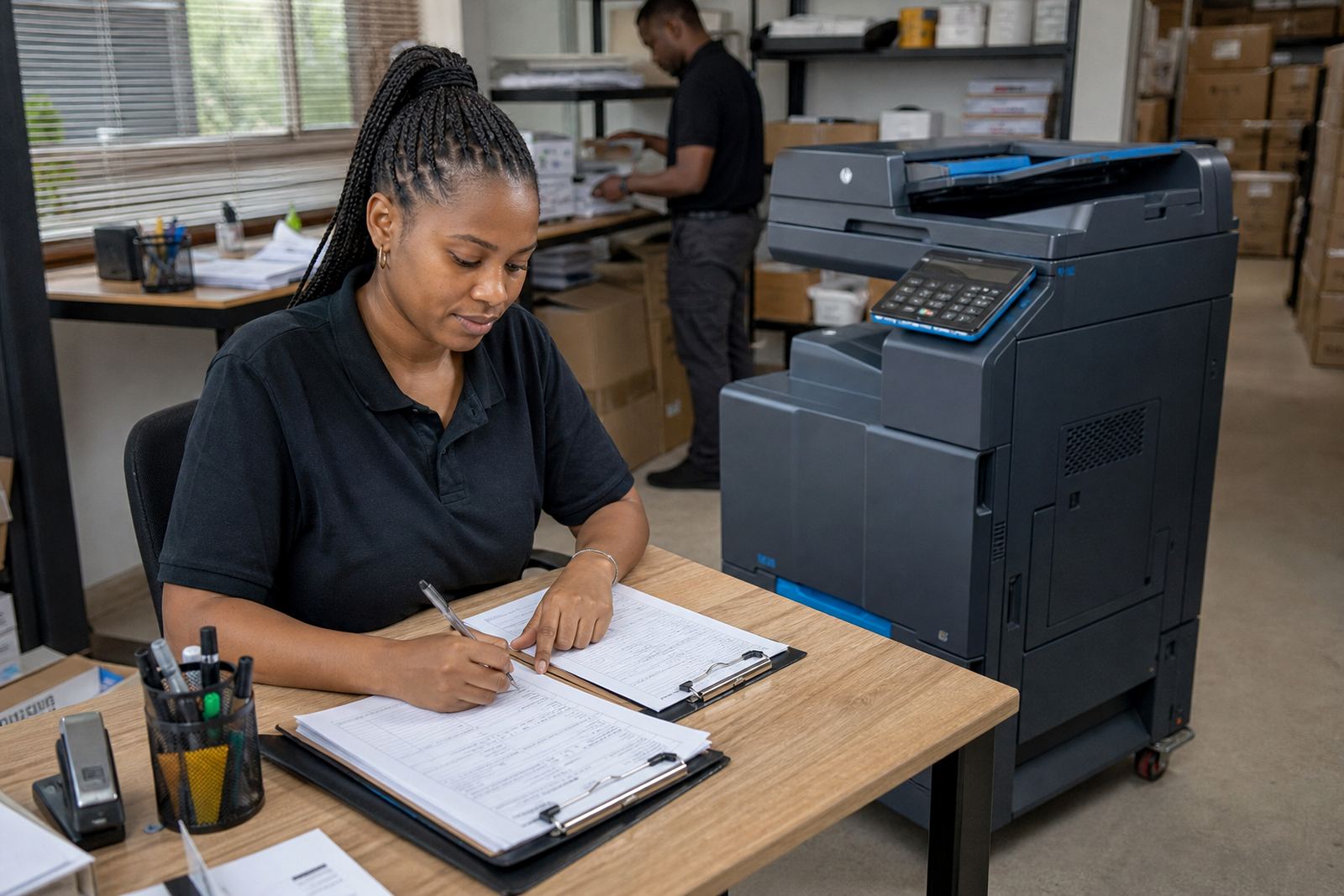
- Scan-to-message setup for digitising signed forms and delivery notes
Our team also looks at paper paths, tray capacity and where staff collect printouts. If a device sits too far from the people who use it, the office ends up with missed pages and long walks between teams. A better plan keeps the busiest machine close to the busiest workflow, not tucked away where no one wants to queue.
Budget ranges that make sense in Rand
Hospitality offices often want the monthly figure to stay predictable, especially when each site already carries rent, stock, laundry or kitchen costs. Managed print keeps that cost visible. The rental covers the machine and agreed service support, while clicks track the number of pages printed.
For a light office, the monthly rental can sit in the lower range with modest click charges, especially where mono output is the main load. Mid-sized offices with colour use, scan traffic and a second machine will sit higher. A larger fleet with A3 capacity, multiple users and heavier service needs will sit higher again, but the structure stays easier to plan than replacing machines outright.
Most hospitality groups find it useful to compare three parts of the spend: rental per device, click charges for mono and colour pages, and any extra use linked to specialist functions. That gives finance a cleaner picture than buying a machine once and then discovering toner, servicing and breakdowns need their own budget line.
Where layouts usually go wrong
A lot of print trouble comes from poor placement, not poor equipment. A machine parked beside the wrong team becomes a bottleneck. A colour device used for every internal slip burns through pages too fast. A small printer asked to carry all departments starts failing on volume, and then the office loses confidence in the whole setup.
Common mistakes we see in hospitality groups include overbuying colour where mono would do, underestimating scan demand, and forgetting that hospitality paperwork often moves between front office, finance and operations. If the network is not set properly, scan-to-message can become patchy and staff go back to manual handovers. Secure print also gets overlooked, even though shared offices often deal with salary, bank or supplier information.
- Putting one machine at the centre of every department’s work
- Skipping a metre review before choosing the fleet size
- Ignoring how many signed documents need scanning each week
- Leaving the office without a clear toner supply plan
- Using colour for jobs that should stay mono
A plan for sites from Midrand to the coast
We work from Halfway House in Midrand and support offices in Johannesburg, Pretoria, Centurion, Sandton, Durban, Cape Town and Bloemfontein. Coastal humidity can matter for paper handling and machine placement, especially where stores or admin rooms are near kitchens or loading areas. A dry, clean position with sensible airflow helps paper feed better and keeps dust off the machine.
For hospitality groups with more than one site, machine relocations and end-term swaps are part of the rhythm. A growing office may move from one mono device to a mixed fleet, or from one compact unit to a larger A3 machine as reporting becomes heavier. The point is to keep the print setup aligned with the business, not make staff work around a machine that no longer fits.
Our service scope includes device installation, network setup, toner supply, metre reading support, on-site servicing, breakdown response, scan to message setup, secure print setup, fleet review, machine relocations, end term swaps and user handover. That gives central admin a clearer base for reports, menus, forms and supplier paperwork, without turning printing into a side project.
The working pattern for hospitality groups
Hospitality admin teams usually need a print plan that is calm in the background and practical on the floor. The machine must be easy to use, easy to monitor and easy to service when the office gets busy. If the plan is too narrow, staff work around it. If it is too wide, finance pays for capacity no one touches.
We shape each setup around the office’s own mix of mono pages, colour pages and scan work. That may mean a single multifunction unit for a small group office, or a broader managed fleet for a team handling multiple venues. Either way, the aim is to keep monthly costs readable and the paperwork moving without clutter.
When the fleet is right, the office has one less thing to worry about. Reports print cleanly, menus look presentable, and the people handling supplier paperwork can keep moving without making every small job into a separate procurement task.