When one machine starts slowing the floor
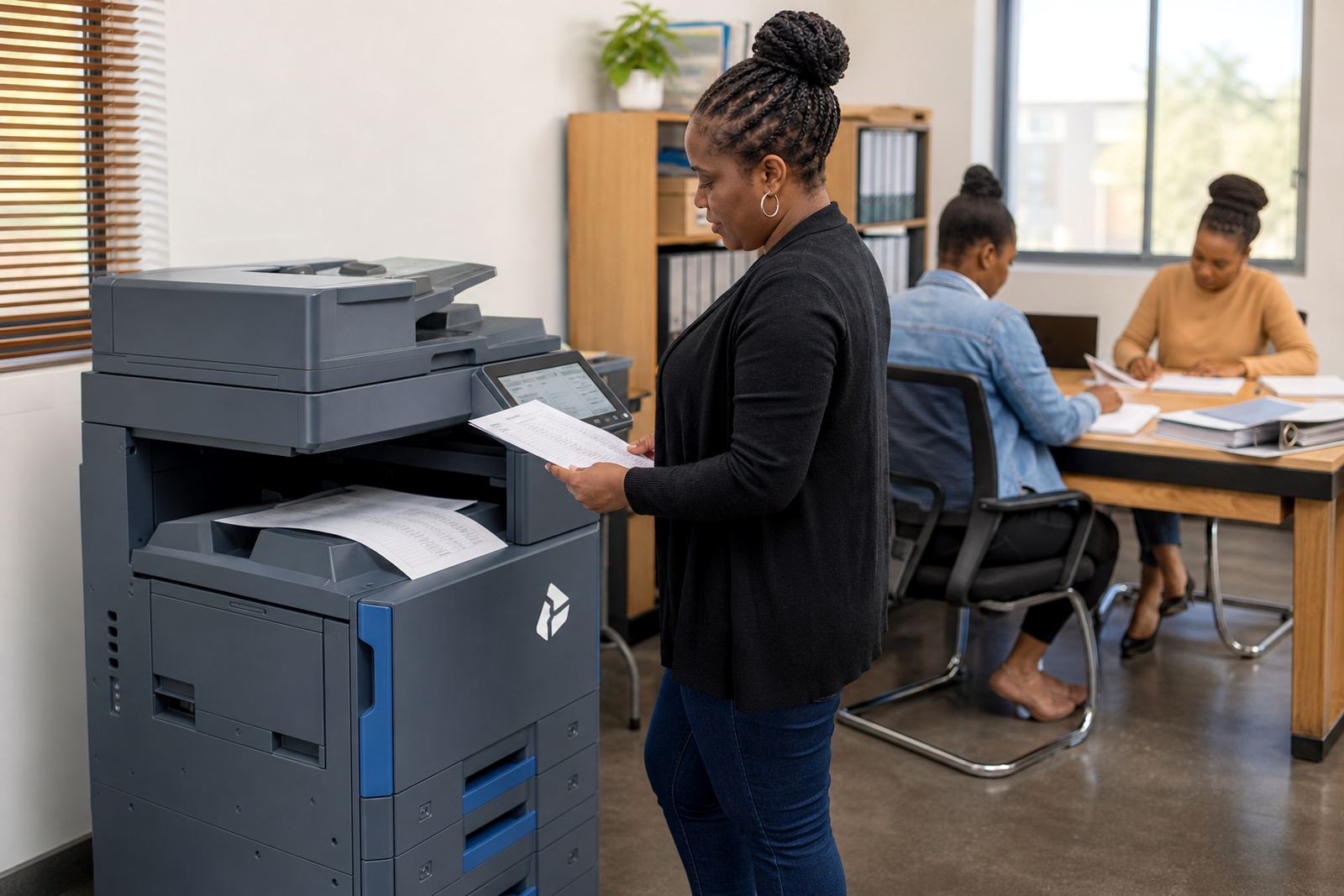
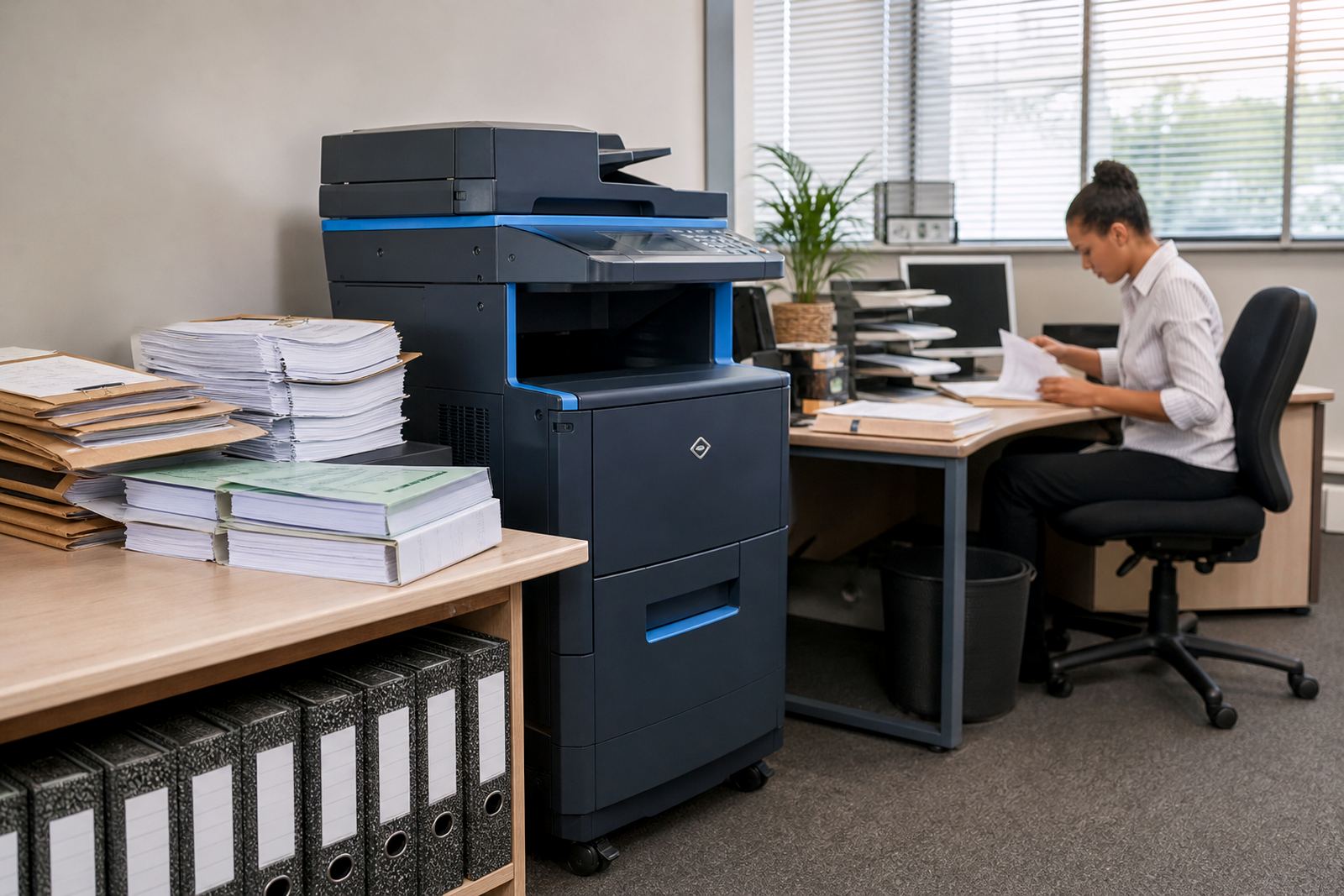
Growing teams usually notice the pressure in small ways first. Pages stack up at reception, scan jobs sit unattended, and someone is always resetting paper because the tray is too small for the day’s volume. At that point, a single office printer is doing the work of a shared system, and the office feels it.
Our managed print plans are set up for that in-between stage, where a business is larger than a basic benchtop unit but not ready to buy and maintain a fleet outright. We place multifunction A4 or A3 machines that can print, copy and scan for shared use, with toner included and metre billing tied to actual output. That keeps costs linked to real usage rather than guesswork.
Offices in Halfway House, Sandton, Centurion and Johannesburg often move at this stage because staff numbers change, departments split, or the admin team starts handling more document-heavy work. The equipment needs to keep up without turning into a maintenance problem every week.
Picking the right size for the team
The best fit is not the biggest machine on the list. It is the one that matches daily volume, document size and how many people need access. A small legal practice may only need a compact mono multifunction unit with scan-to-message and secure print. A growing school office or finance team may need a faster colour device with duplex printing, higher paper capacity and stronger finishing options.
- Mono machines suit high-volume text work, forms and internal packs.
- Colour machines help with presentations, brochures and marked-up documents.
- A3 units are useful when teams print larger layouts, schedules or spreadsheets.
- A4 units work well where counter space is tight and the load is steady.
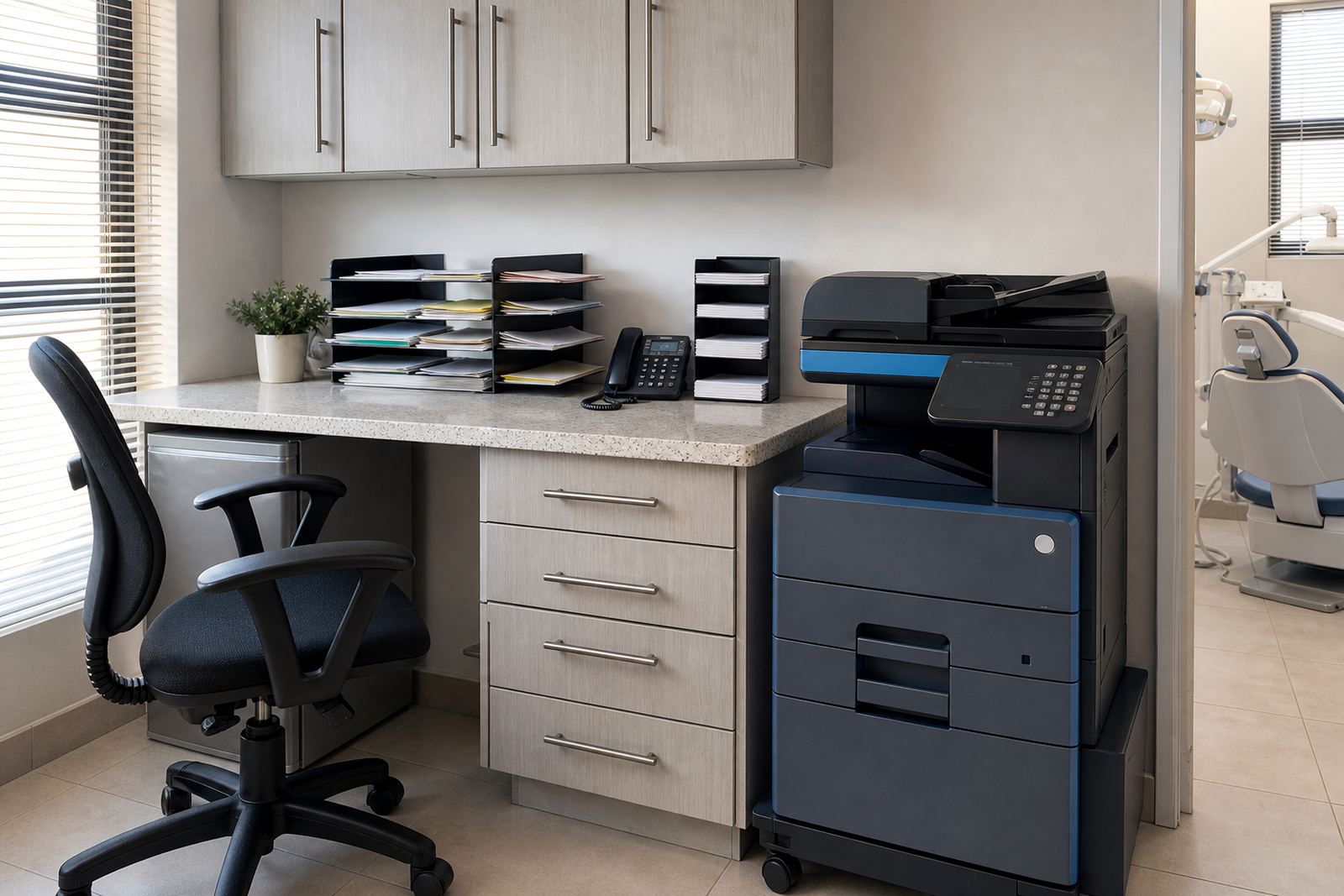
We also look at where the machine sits. If it is tucked into a narrow passage or beside a reception point, service access and paper loading matter more than people expect. A badly placed device slows everyone down, even when the machine itself is perfectly capable.
Layout choices that save frustration later
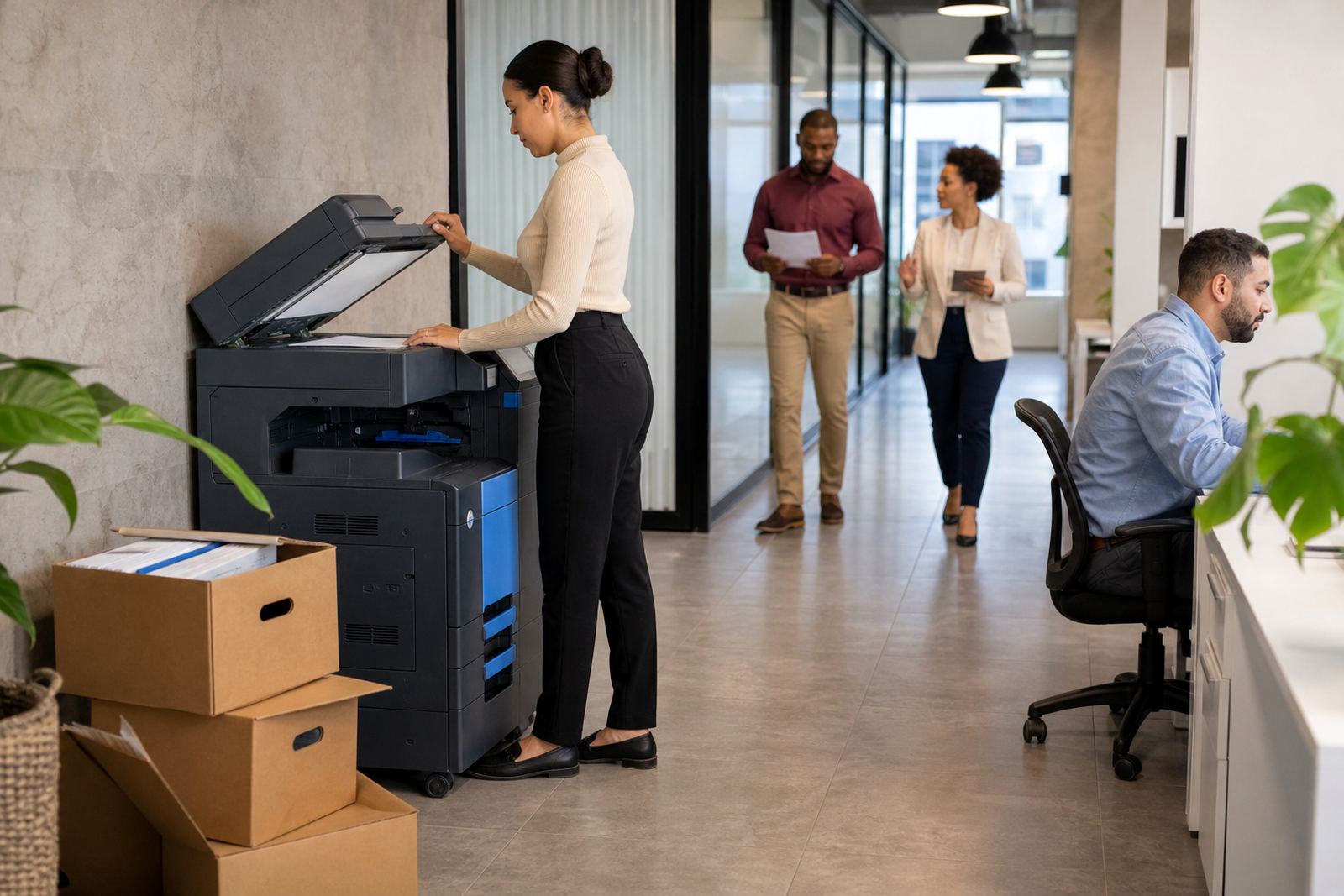
A growing office usually needs more than one printing point, even if there is only one central machine to start with. The aim is to keep the walking distance sensible and the queues short. That means thinking about staff movement, shared departments, visitor areas and where scanned files are handled.
Scan-to-message setup matters where documents move between branches or get sent to clients, auditors and remote staff. Secure print also helps when sensitive payroll, medical or legal pages are part of the daily flow. If one device serves several teams, user controls reduce confusion and keep printed pages from sitting in the tray too long.
We often map a setup with one central device for general work and a second machine for heavier users or colour output. That can be a better arrangement than loading everything onto one unit and hoping it holds the line. It also makes metre readings and service checks easier to manage.
What managed print usually covers
A managed print plan is more than a machine on rental. It links the hardware, toner supply, usage records and servicing into one agreement, so the office has a clearer view of running costs. Monthly rental covers the device itself, while click charges are tied to the number of pages printed or copied. That split helps offices budget without buying consumables separately every month.
Typical support for growing teams includes toner supply, metre reading support, on-site servicing, breakdown response, network setup, machine relocations, end term swaps and user handover. Where a site changes shape, such as a move within Midrand or a floor change in Pretoria, the device can be repositioned without starting from scratch.
- Install and connect the machine on the office network.
- Set print queues, scan destinations and user access controls.
- Track metre readings for invoice accuracy.
- Handle replacement toner and servicing visits.
- Swap the machine at the end of the term if the office needs a different size.
Budget ranges that make sense in rand
Budgets depend on model size, mono or colour output, monthly volume and the length of the rental term. A compact mono machine for a small office will sit in a different range from a faster A3 colour unit serving a busy team. Click charges also vary, because colour pages cost more to run than mono pages.
For planning, smaller shared office setups often sit in the lower monthly rental bands, with usage charges building as print volume increases. Mid-range teams with heavier scanning and copying needs usually need more paper capacity and faster output, which lifts the monthly commitment. Larger offices, schools and practices that need A3 output or multiple units should budget for a broader monthly figure that includes service and toner flow, not just the machine hire.
It is useful to think in two parts. First is the rental for the hardware. Second is the click rate for what the team actually uses. That structure keeps the office from paying for idle capacity, and it is easier to review when staff numbers change or departments split.
Mistakes that show up after the first busy month
The most common problem is choosing a printer that was fine for one office counter and too small for a team floor. Another is ignoring how much scanning happens, especially where documents need to be sent to message folders or saved into shared drives. A third is placing the machine too far from the people who use it most often.
Some offices also forget about secure print until confidential pages start appearing in the output tray. Others undercount colour use and are surprised when the month’s billing reflects actual page patterns rather than wishful thinking. It helps to plan around real habits, not just the brochure idea of what the office might print.
When the setup is matched properly, the machine stops being a bottleneck and starts feeling like part of the workflow. That is usually the point where a growing team notices fewer interruptions and less waste around the copier.
Go-Printers Rental works with offices in Durban, Cape Town and Bloemfontein as well as Gauteng sites, with equipment choices shaped by floor space, user count and the kind of files moving through the business.