Paper trails that do not sit still
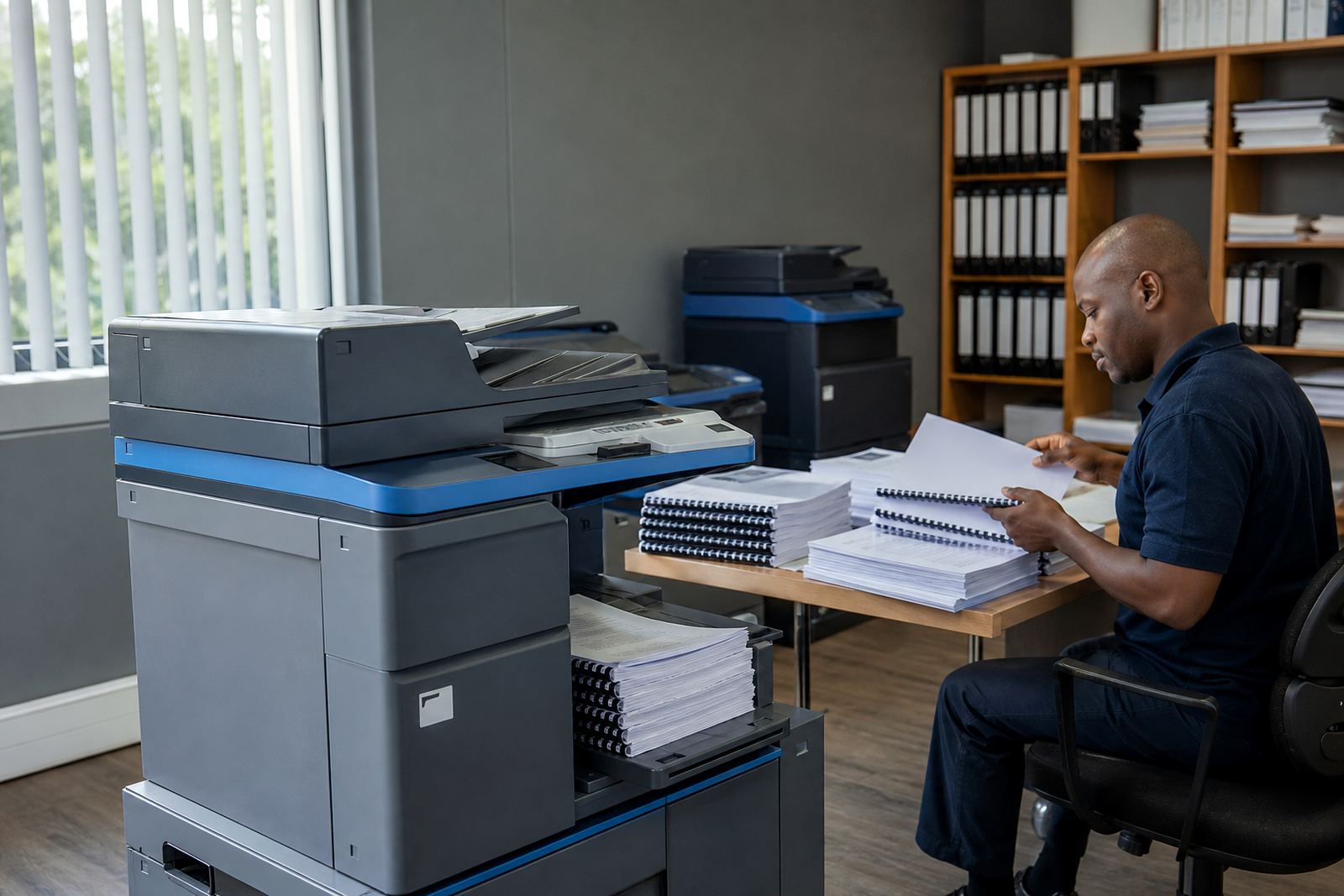
Estate offices in Midrand, Sandton, Centurion and other busy nodes usually need one machine for copying, scanning and everyday printing, then a second unit for higher volume or colour work. Property files are rarely neat. One hour brings lease packs, the next brings signed mandates, levy letters, disclosure forms and a stack of scanned returns that must be clear enough to send on without fuss.
Rental makes sense when the workload shifts from week to week. You pay a monthly rental for the machine, then usage is tracked by metre reads or click charges, so the costs follow real output rather than a big upfront purchase. Toner is included on the managed plan, which keeps the office from running around for cartridges when a meeting pack must leave the branch before lunch.
A typical estate-office setup
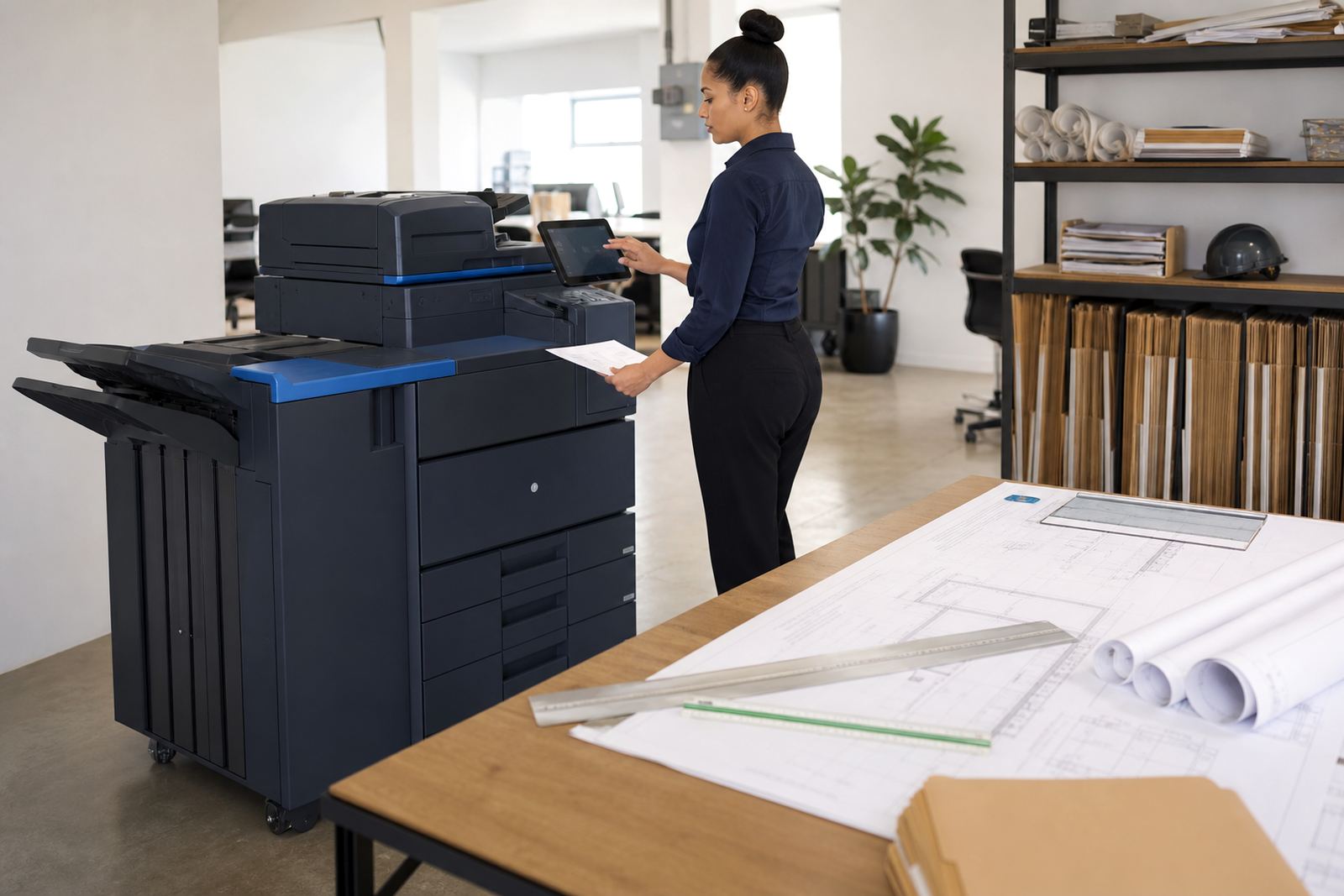
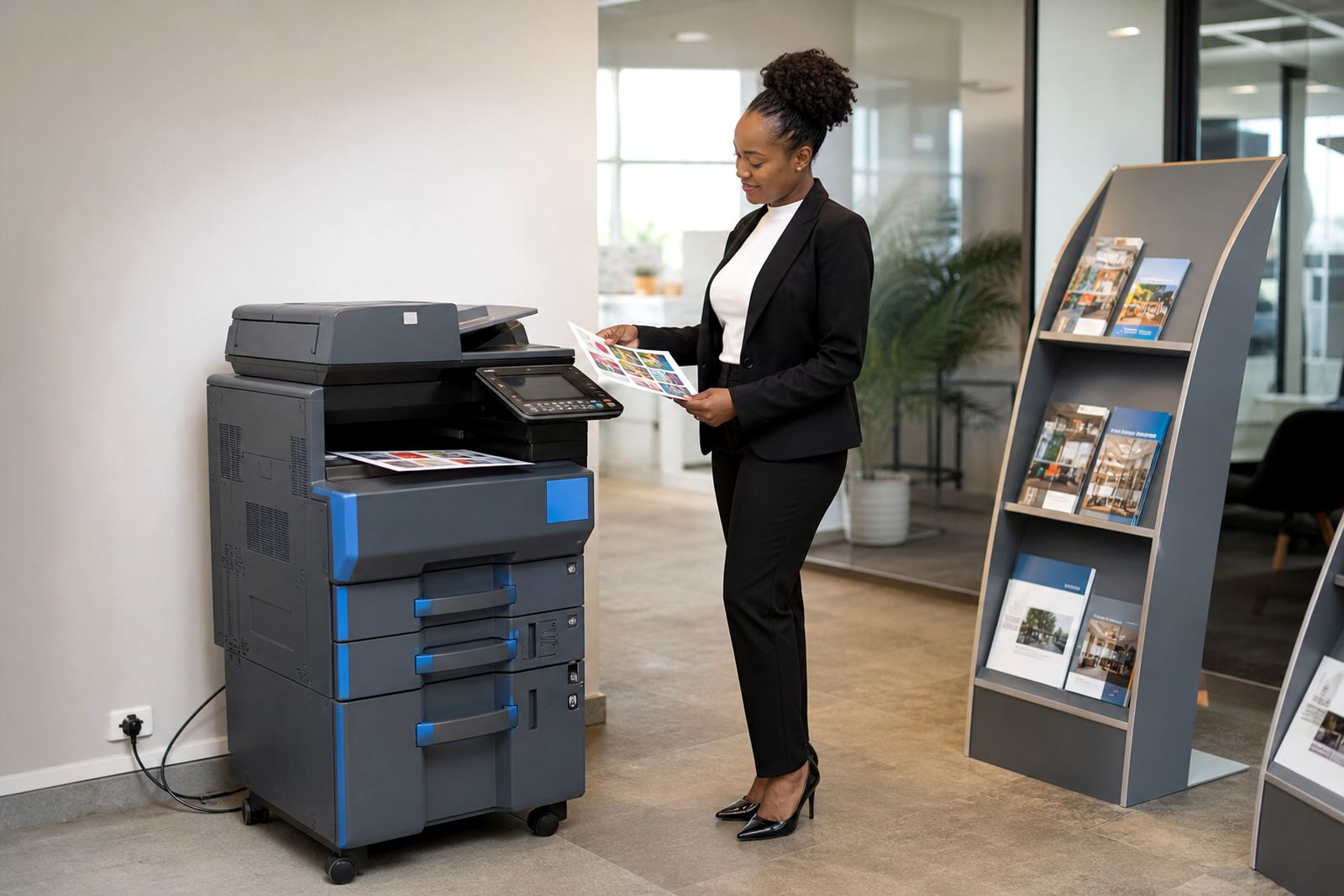
Most estate teams need a mix of speed, neat colour and a sensible footprint. A compact A4 monochrome unit suits everyday letters, statements and internal printing. An A3 colour multifunction machine helps with property brochures, listing packs, floor plans and signed documents that must stay legible when scanned back to PDF.
- Mono or colour, depending on how much client-facing print you issue.
- A4 for routine admin, A3 for schedules, plans and wider layouts.
- Scan-to-send us a message for contracts, mandates and approval forms.
- Secure print for tenant records and sensitive correspondence.
- Automatic duplexing to cut paper use on longer packs.
If the office has several agents sharing one printer, the layout matters. Place the main unit where people can collect work without crossing the reception flow, and keep the scan function close to the person handling incoming paperwork. That small decision saves time every day and cuts the number of forgotten pages left on trays.
Where colour earns its place
Colour is not needed for every page, but estate offices often use it for a reason. A colour machine helps when you need a property sheet to stand out, a sales pack to look tidy, or a scanned signed document to keep stamps, annotations and highlights readable. For branches handling both rentals and sales, colour can be the better fit because one machine covers more of the day.
Mono units still make sense where the work is mainly black and white. They cost less to run and suit offices that print large volumes of notices, statements or internal filing. The right answer depends on what leaves the office most often, not on what looks impressive on the day of installation.
Planning the room around the machine
Estate offices usually grow around people first and equipment second, so printer placement needs a proper look at traffic, storage and privacy. Put the machine near the team that uses it most, but not where visitors can read the output while waiting. If the office handles mandates, client records or tenancy paperwork, secure print setup is worth including from the start.
Network setup matters too. The scanner should sit on the same network as the team computers, with scan-to-message set for the right inboxes and file paths. When the office works across Johannesburg, Pretoria and coastal branches, a standardised setup makes it easier to move staff between counters and keep the print habits consistent.
- Leave space for paper trays, toner access and open access panels.
- Keep the machine away from direct sunlight and damp corners.
- Use a stable network point for scanning and shared print release.
- Plan where archived files will be stored after scanning.
Common mistakes in estate offices
One mistake is buying a machine for peak season and then living with it when the office is quiet. Another is placing too much weight on upfront cost, only to find that toner, maintenance and breakdowns take the real budget higher than expected. A third is choosing a device that cannot handle A3 work, which leaves the team folding plans or scanning in awkward sections.
Metre readings also get missed more often than they should. When usage is not captured properly, billing loses shape and the office cannot see whether the machine is still the right fit. Managed print plans are built to stop that drift, with readings, usage checks and maintenance folded into the service arrangement.
Rand ranges that make sense for planning
Budgeting for estate office printing depends on volume, colour use and whether one machine or a small fleet is needed. A compact mono A4 rental sits in a lower monthly bracket than a colour A3 multifunction unit, and the click charges move with output. Larger offices with several agents, a support counter and regular property packs usually need a wider budget than a small residential team.
As a planning guide, the monthly rental, toner and service element should be viewed together rather than separately. That gives a truer picture of the office spend and makes it easier to compare a light-use branch with a busy one. If the machine is relocated, swapped at the end of term or set up for another floor, those changes can be built into the managed plan.
- Entry-level A4 mono: lower monthly rental and lower per-page cost.
- A4 colour multifunction: suited to mixed admin and client packs.
- A3 colour multifunction: better for plans, brochures and wider documents.
- Extra units: useful where one branch handles sales, rentals and admin together.
What the estate office gets from the plan
A managed print plan keeps the office moving through ordinary work without turning the printer into a side project. Toner supply is included, metre readings are tracked, servicing is handled on site and breakdown response is tied to the machine being part of the fleet. If the office grows, shifts location or needs a different layout, end-term swaps and machine relocations keep the setup practical.
For estate offices across Halfway House, Johannesburg, Pretoria, Durban, Cape Town and Bloemfontein, the useful part is not the machine alone. It is the fit between the device, the document flow and the way the team actually works. That is where rental becomes easier to live with than owning a printer that no longer matches the pace of the office.