When a legal office needs more than a printer
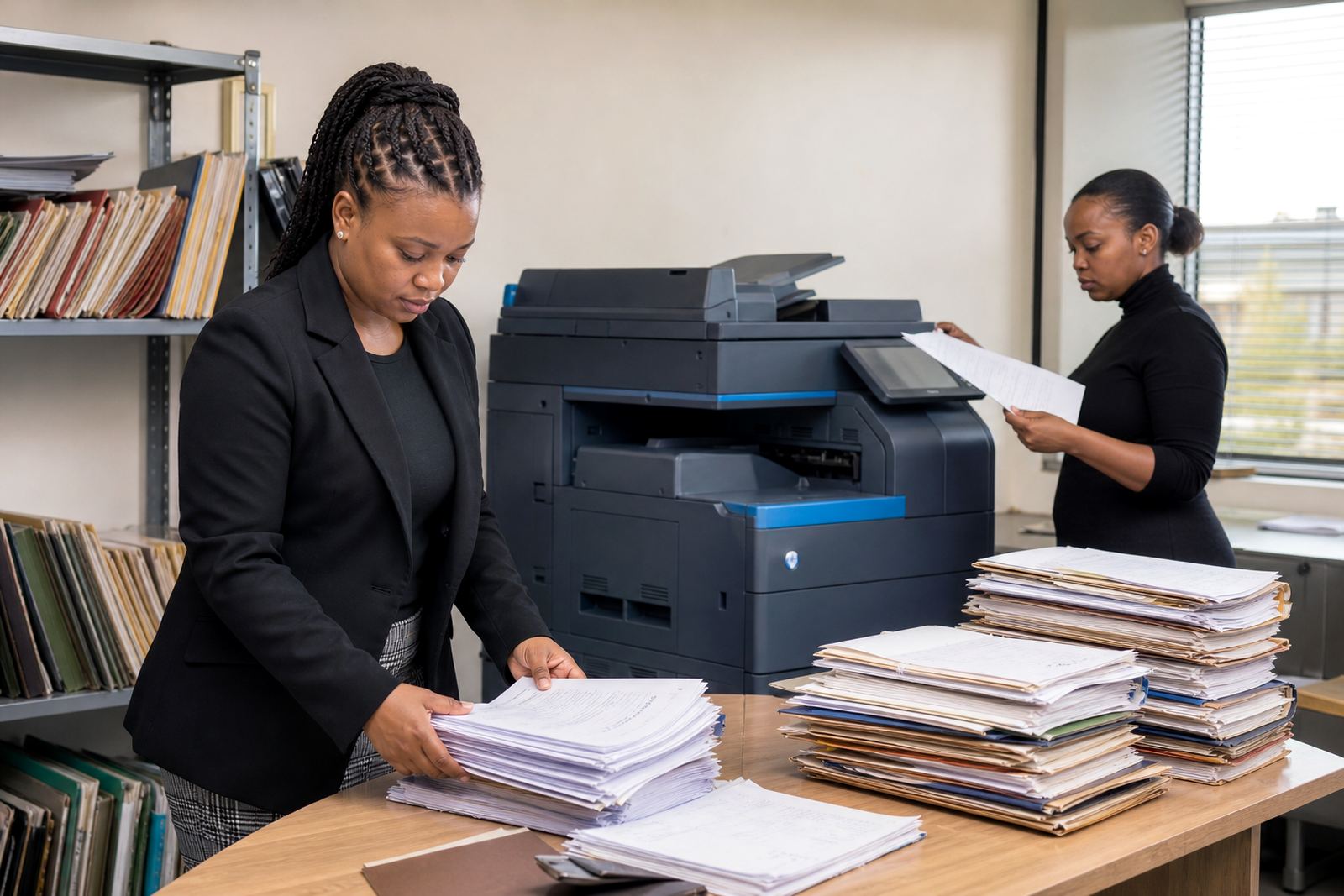
A legal practice rarely prints in neat little bursts. One hour it is affidavits and notices, the next it is annexures, discovery pages, client bundles and scanned matter files moving across departments. A compact benchtop device can struggle once several people start using it at the same time, especially where reception, attorneys and paralegals all need access.
Our rental model suits firms that want one or more office multifunction machines without the upfront cost of buying them outright. You get a set machine on a monthly rental, plus click charges linked to metre readings, toner supply and service cover. That keeps printing tied to actual usage, which is easier to manage when a practice has changing matter volumes through the month.
For legal teams, the useful features are usually the same: reliable monochrome printing for court bundles, colour where diagrams or highlighted exhibits matter, scan-to-send us a message for matter records, and secure print release so confidential pages do not sit exposed in the output tray.
The machine mix that fits legal work
Most practices do well with a main A4 or A3 multifunction copier near the admin hub, then a smaller device for a satellite office or a partner suite. A3 capability helps when a bundle needs tabbed separators, larger exhibits or property-related documents, while A4 units can be enough for smaller firms with lighter daily volumes.
Mono machines are usually the first choice for heavy legal printing because they keep page costs down and handle long document runs well. Colour makes sense where drafting teams need plans, marked-up annexures or presentation pages. We help firms compare monthly rental against click charges so the plan fits the way the office actually prints, not the way a brochure says it should print.
- Mono for affidavits, pleadings and large copied bundles
- Colour where diagrams, tabs and exhibits matter
- Scan-to-send us a message for matter archiving and sharing
- Secure print release at the device
- Optional finishing for stapling or sorting where needed
Layout notes for reception, filing and attorney teams
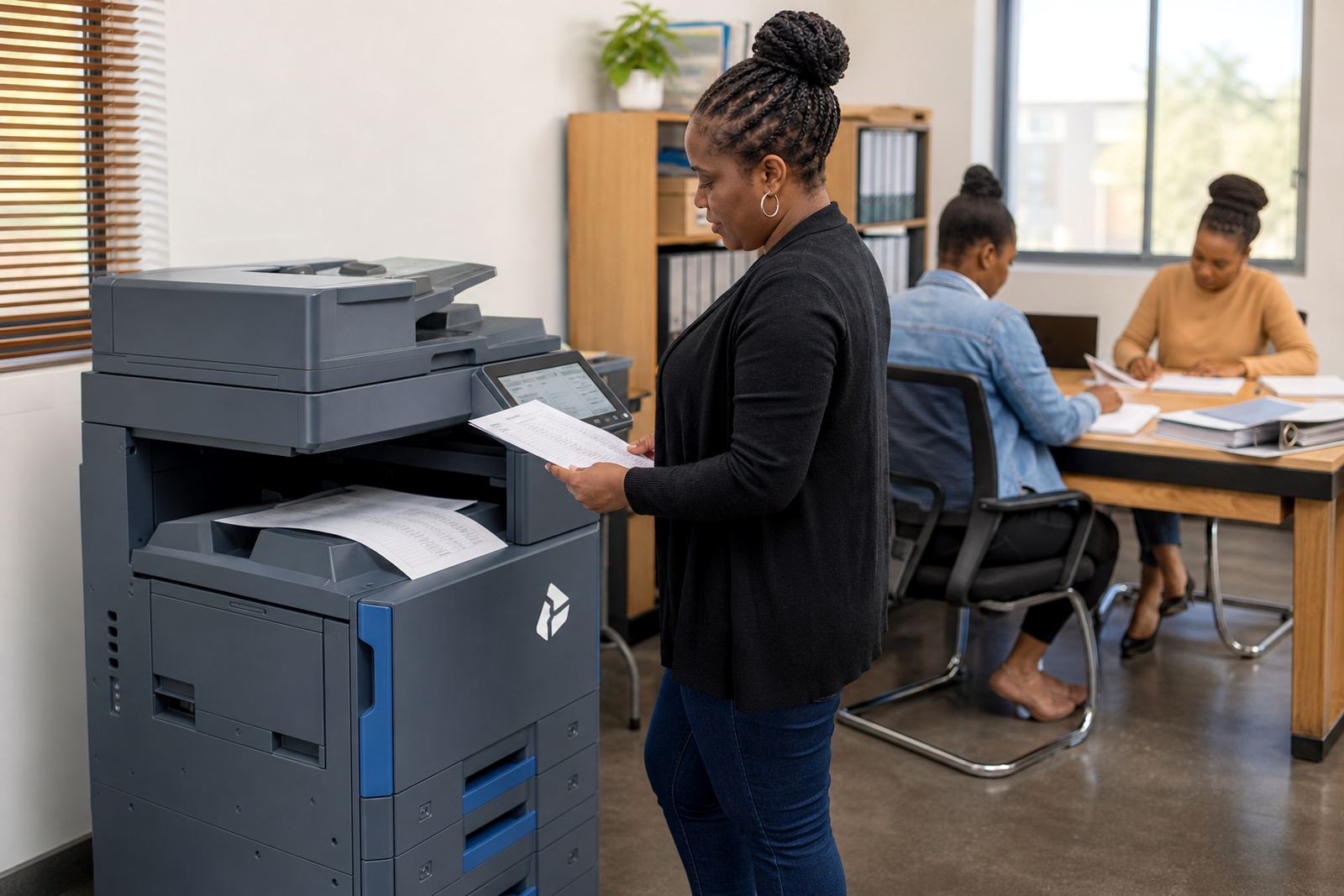
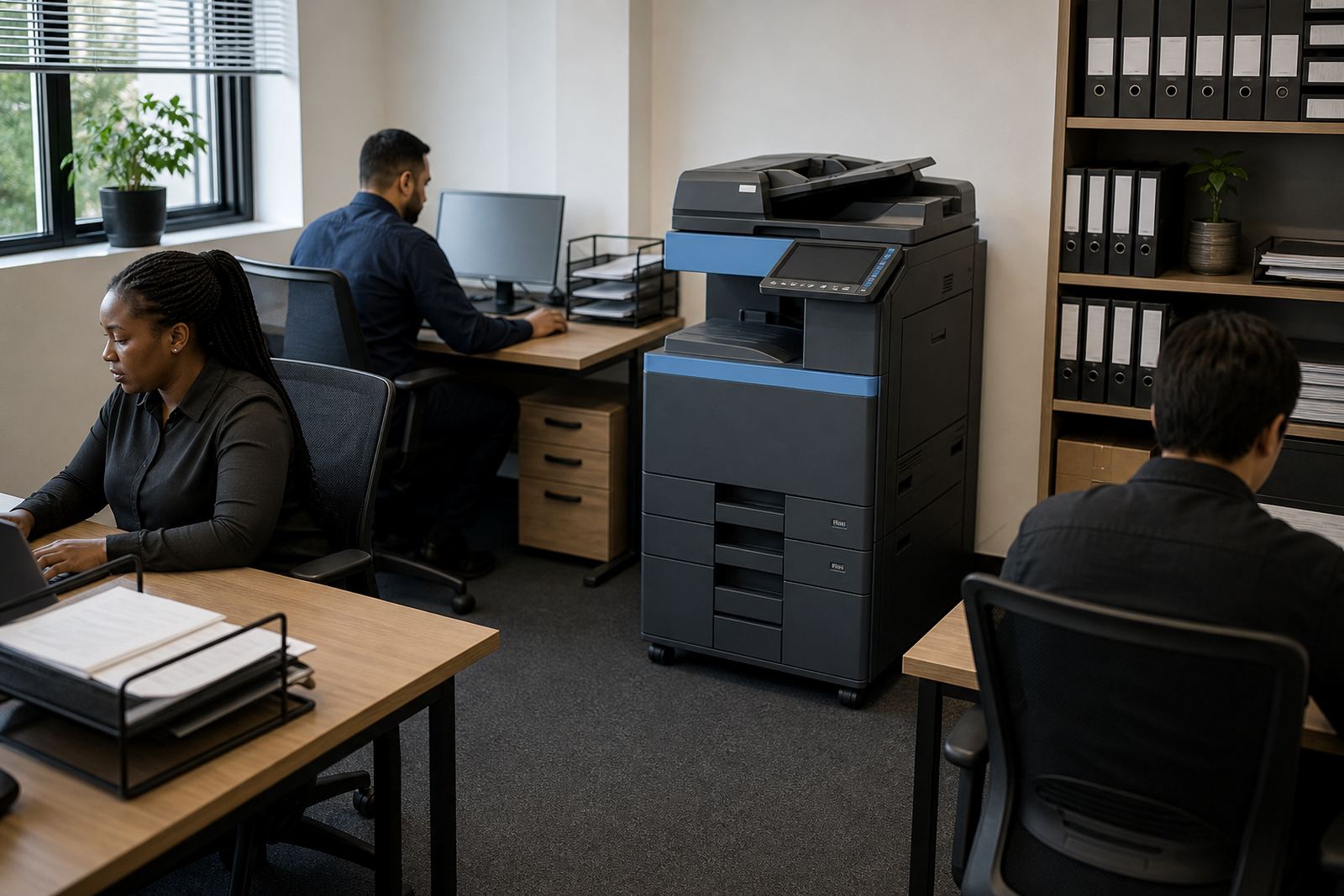
Placement matters in a legal office. A device too close to reception can interrupt client privacy, while one hidden too far from the team creates extra walking and slow handovers. In a busy practice, the main machine should sit where admin staff can reach it easily but where client traffic does not crowd the tray or control panel.
We also look at network setup, scan routing and who is responsible for releasing documents. For firms handling confidential matters, secure print is worth setting from day one. It lets staff send a job, then release it only when they are standing at the machine with their card, code or PIN. That simple layer helps with privacy in open-plan offices and shared work areas.
For branch offices in Sandton, Centurion or Pretoria, machine relocations and user handover are part of keeping the fleet usable. A printer that is installed without proper network settings can end up underused, while a machine placed in the wrong area becomes a daily annoyance.
Common mistakes in legal print setups
One common mistake is choosing by paper speed only and ignoring scan volume. Many legal teams scan far more than they print these days, especially when matter files move between fee earners, assistants and archive teams. Another slip is underestimating the amount of copying that still happens for bundles, court filing and service packs.
It is also easy to skip metre reading support and then end up arguing over usage numbers. A managed print plan works best when the office knows how readings are taken, what counts as mono and colour, and who checks the figures each month. That keeps billing cleaner and reduces confusion around high-volume periods.
- Buying too small for copied bundles and multi-user access
- Ignoring secure print for confidential legal documents
- Forgetting scan-to-message setup for matter file flow
- Placing the device where reception traffic blocks access
- Leaving toner ordering to chance instead of a managed plan
What the budget usually looks like in Rand
Legal practices normally compare three parts of cost: the monthly rental, the click charge for pages used, and any extras for colour-heavy work or larger formats. A smaller office with modest monthly output may only need one machine and a simple plan, while a busy litigation team can require a stronger A3 unit with higher volume handling and tighter servicing support.
As a practical guide, lower-volume mono setups tend to sit at the gentler end of the budget, while larger A3 multifunction machines with secure print, scanning and heavier duty cycles cost more per month. Colour pages usually carry a higher click charge than mono, so firms that print mostly black and white often save by keeping colour for only the documents that need it.
We also factor in toner supply, on-site servicing, breakdown response and end-of-term swaps. When a machine reaches the end of its useful period, the swap should not disrupt active matters or leave staff waiting on a new setup. The point of the rental plan is that the office can keep working without a large capital outlay sitting on the books.
How legal teams keep the fleet orderly
A well-run legal office usually wants the same few things from its print fleet: predictable billing, clear user control and devices that do not stall in the middle of a filing rush. That is why our service list covers installation, network setup, metre reading support, on-site servicing, breakdown response and user handover.
For multi-office firms, one central view helps. A practice might keep the main copier in Halfway House, then add smaller branches in Johannesburg, Durban or Cape Town with the same printing rules and scan paths. That keeps matter files moving in a familiar way across the business, rather than forcing each office to invent its own process.
When a team needs a fresh start on a better-fitted machine, end-of-term swaps and fleet reviews help match the equipment to current usage. The legal work keeps changing, and the print setup should keep pace with it.