A front-office machine that could keep up with the room
The practice had moved into a busier phase and the front counter was carrying more printing than before. Reception needed a machine that could handle letters, referral packs, statements and the odd heavier batch without turning the counter into a bottleneck. The team also wanted cleaner control over print costs, because the old pattern was irregular and hard to track.
The brief was straightforward on paper but fussy in practice. The copier had to sit well in a shared reception and admin area, handle A4 and occasional A3 output, scan to send us a message for daily document flow, and keep user access sensible for a team that included reception, practice management and back-office admin. It also had to be supported on a managed print plan so toner, servicing and metre reading support were part of the same arrangement.
The layout, the limits, and the small details that mattered
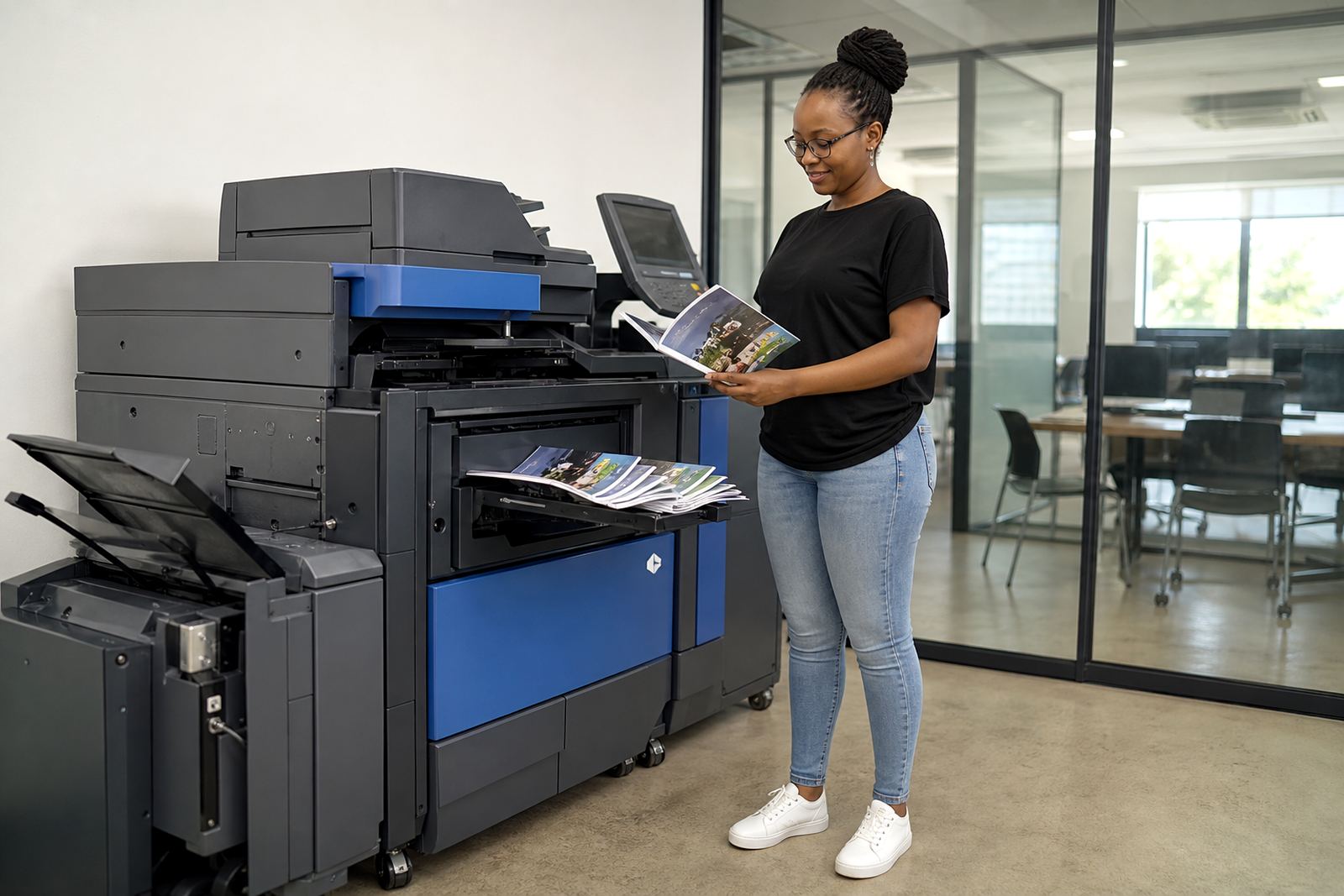
The room had limited space beside the counter, so the footprint mattered. There was enough width for a floor-standing multifunction unit, but not enough room for a bulky placement that would interrupt movement behind the counter area. The client also wanted the machine set up in a way that made paper loading and routine checks easy for staff, not only for the technician who visits.
- Reception printing needed to stay visible and controlled, not scattered across different rooms.
- Admin staff wanted a single machine for mono and colour jobs instead of several smaller devices.
- Scanning had to route cleanly to message folders used by the team each day.
- The practice wanted secure print enabled for documents that should not sit in the tray.
- Running costs had to be tracked through metre readings rather than guesswork.
Humidity on the coastal side can also matter with paper handling, so we paid attention to storage, tray loading and the way the machine would be used in a working office rather than a quiet test room.
What we placed and how it was set up
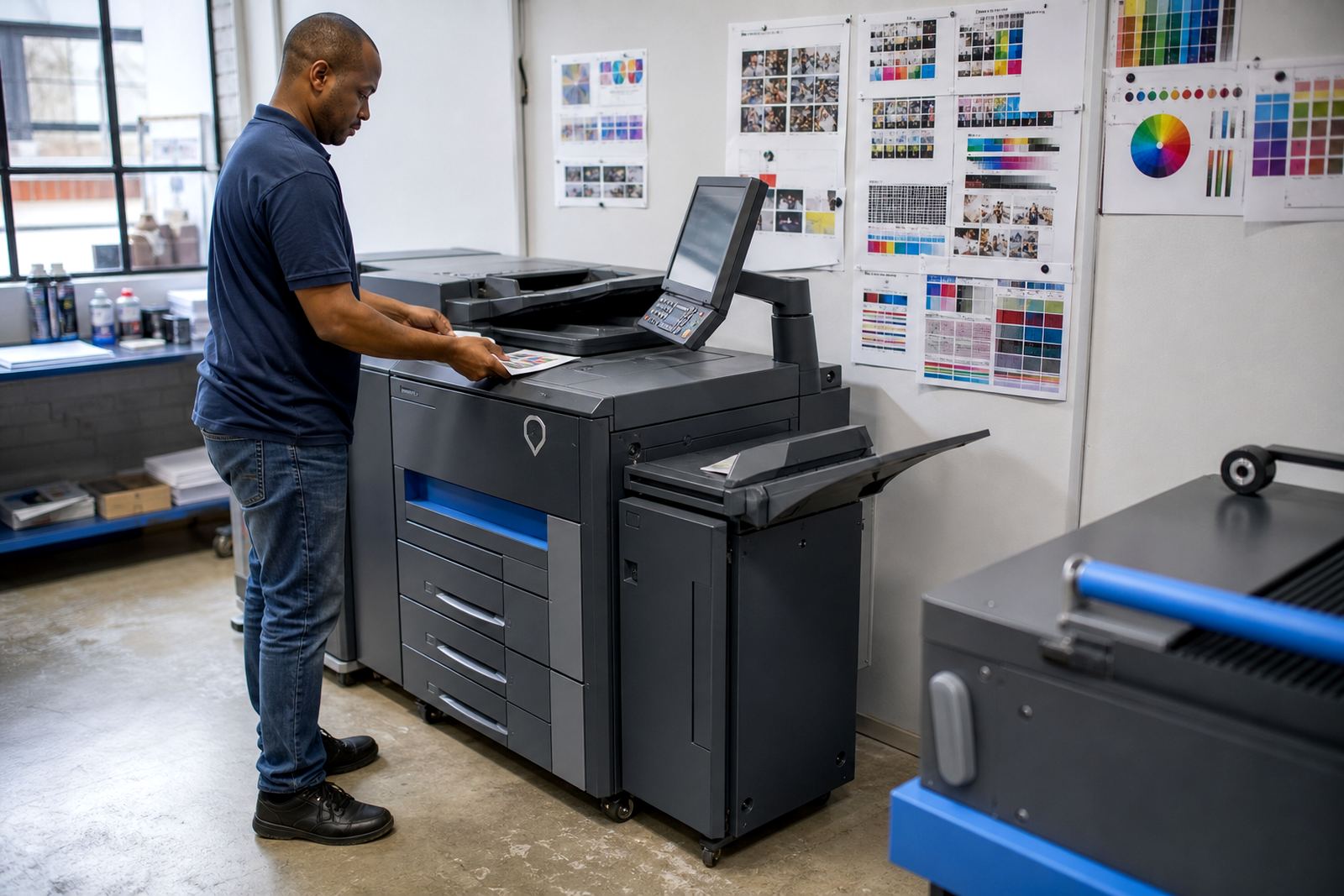
We supplied a managed rental multifunction copier suited to office use, with print, copy and scan functions in one unit. The setup covered the usual office mix: mono pages for forms and internal work, colour pages for presentations and client-facing documents, plus A4 as the daily standard and A3 available when larger sheets were needed. The plan included toner supply, metre-based billing, user handover and on-site servicing as part of the arrangement.
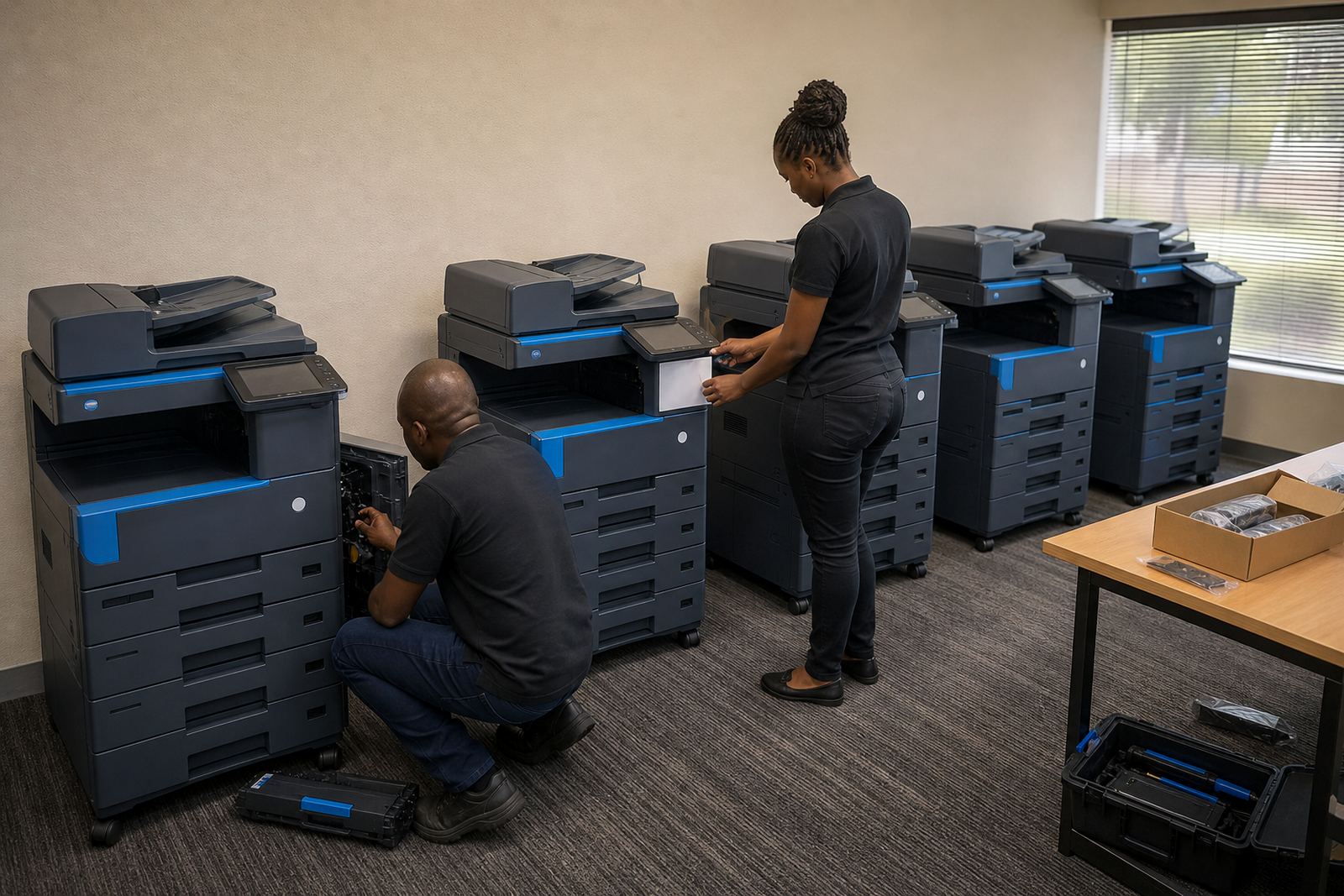
Installation included network setup, scan-to-message configuration and secure print setup. We also checked the paper paths, default print settings and the access process for the staff who would use the machine most often. The client did not want everyone pressing the wrong button every second day, so the controls were pared back to what the team actually needed.
- Device installation and placement in the reception-admin zone
- Network setup for print and scan access across office workstations
- Secure print enabled for confidential practice documents
- Scan to message set for faster document handling
- Metre reading support and toner supply under one plan
The rollout in weeks, not in noise
The rollout was completed over a short practical window. Week one covered the site discussion, print-volume review and device selection. Week two covered delivery, placement and network configuration. In week three, we finished the user handover, checked the scan destinations and adjusted the default settings after the reception team had used the machine in normal work conditions. That sequence kept disruption low and allowed the practice to settle into the new arrangement without a long waiting period.
One useful part of the process was the metre reading baseline. Once the counters were set properly, the office had a cleaner view of monthly use and could see where the colour pages were going. That helped the accounts side too, because the billing structure was tied to actual movement rather than a loose estimate.
What changed after the first few busy weeks
The biggest change was at reception. Staff no longer had to juggle ad hoc printing with toner questions and device errors at the same time. Documents moved through one central machine, and the practice had a clearer handle on paper use, colour use and the general shape of its print spend. It sounds modest, but for a front office that handles calls, arrivals and paperwork at once, that sort of order matters.
The team also noticed that secure print cut down on stray pages sitting around when several people were sending work at the same time. Scan to message reduced the back-and-forth of walking documents to a different room, and the machine felt easier to maintain because the servicing was built into the same plan. When a device is used daily by different people, that matters more than any glossy feature list.
What we would repeat on a similar practice rollout
We would approach a similar practice with the same focus on room layout, document flow and usage rules before the machine is placed. That usually saves trouble later, especially where reception and admin share one device. A front office does not need every feature switched on at once. It needs the right ones set properly, with toner supply and service support tied in from the start.
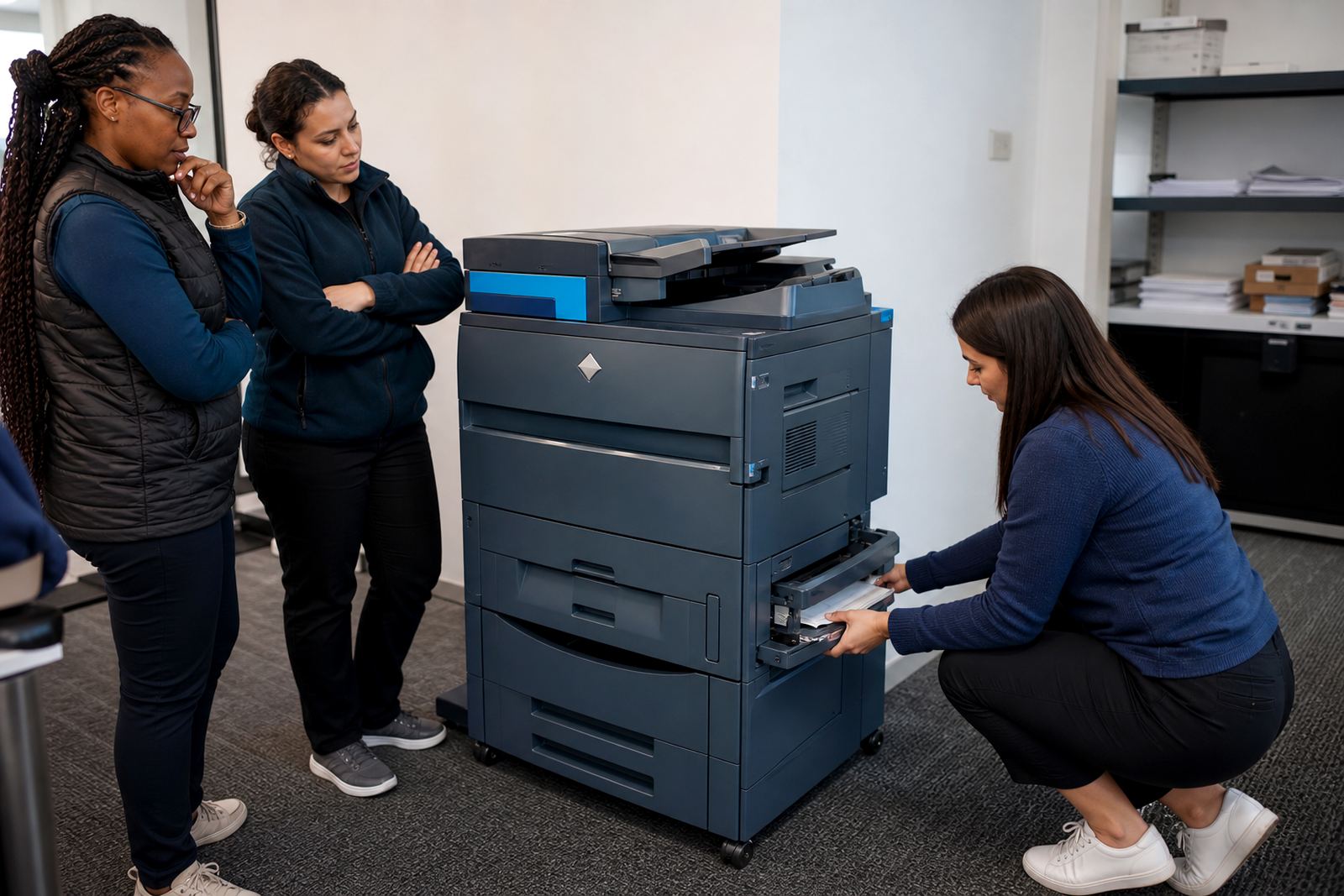
If the document mix includes both internal print and client-facing output, we would keep mono and colour use separate in the reporting so the practice can see where the costs sit. We would also keep the user handover tight and practical, because a neat installation means little if staff still have to guess at tray settings or scan destinations when the phones are ringing.
- Start with real monthly use, not a rough guess from memory
- Set secure print for documents that should not sit open on trays
- Keep scanning pathways short and obvious for reception staff
- Review the first metre cycle and adjust defaults if needed
For practices, schools and offices that want one managed plan rather than a purchase and a pile of separate invoices, that structure usually holds up well.
Key facts
| Project | Umhlanga Practice Rollout |
|---|---|
| Client type | Professional practice with reception and admin teams |
| Location | Umhlanga, Durban |
| Machine class | Office multifunction copier |
| Format support | A4 and A3 |
| Plan | Rental with toner included and metre-based billing |