The brief from a busy Cape Town studio
The office wanted one central machine for printing, copying and scanning, with enough presence for A3 colour work but still sensible for everyday black-and-white pages. Their team handled presentations, concept boards and client mark-ups, so the printer had to sit neatly in a shared workspace and stay easy to use when different staff members sent work to it during the day.
They were also clear about cost control. Buying outright did not suit the project, and they did not want toner sourcing, maintenance calls or parts delays landing on the office manager every month. The rental plan had to cover the machine, the consumables and the service layer in one arrangement, with billing linked to the metre readings rather than guesswork.
- A3 colour multifunction machine for print, copy and scan tasks
- Managed print plan with toner included
- Metre-based billing for controlled monthly usage
- Secure print and scan-to-send us a message for shared office use
Space, workflow and a few practical constraints
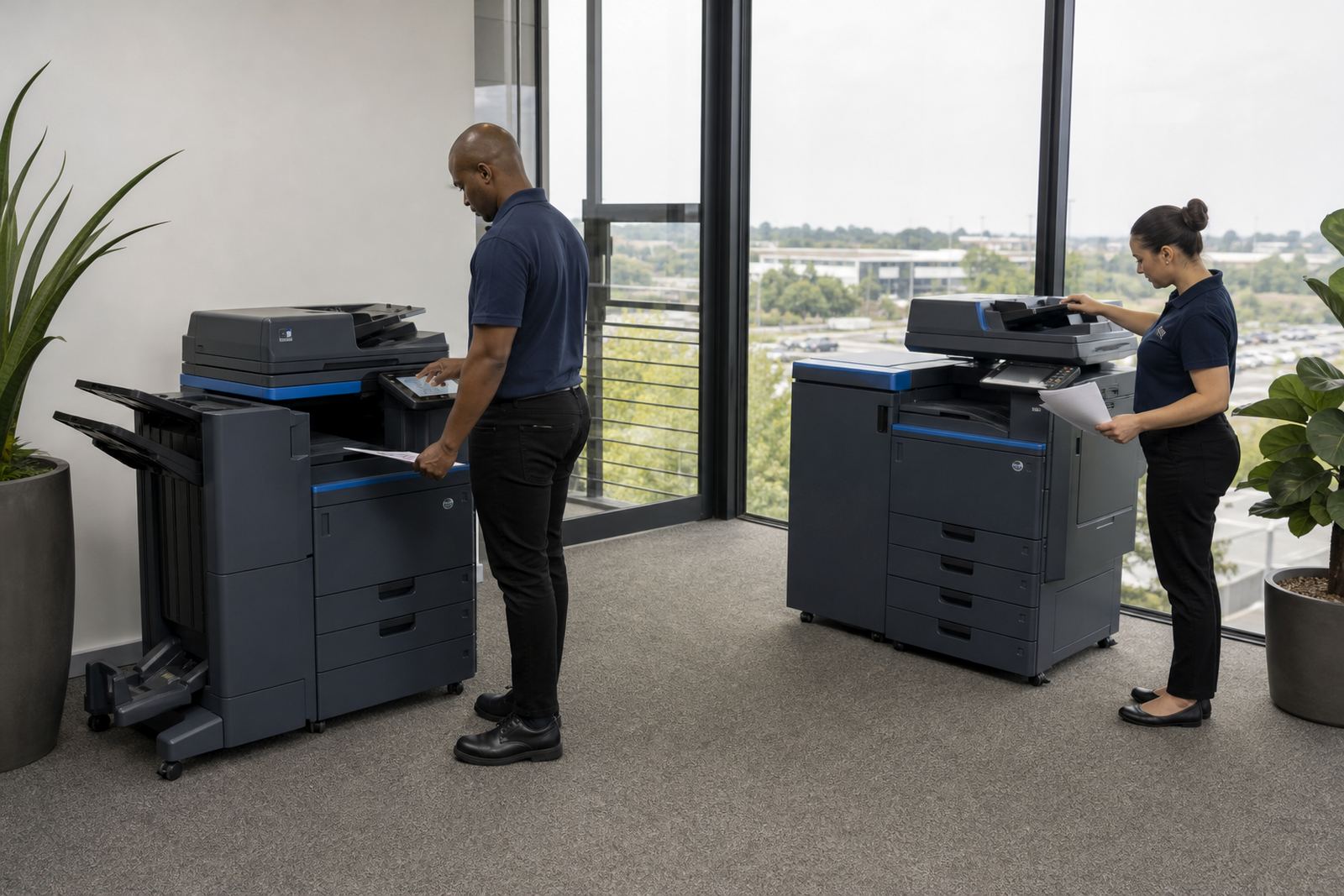
The studio floor did not have room for a bulky footprint near the main work area, so placement mattered. We had to keep the machine close enough for daily use, but away from the busiest circulation path where staff carry mock-ups and sample boards. The network point was available, though the team wanted the device tied into the office environment without making the setup feel awkward or overcomplicated.
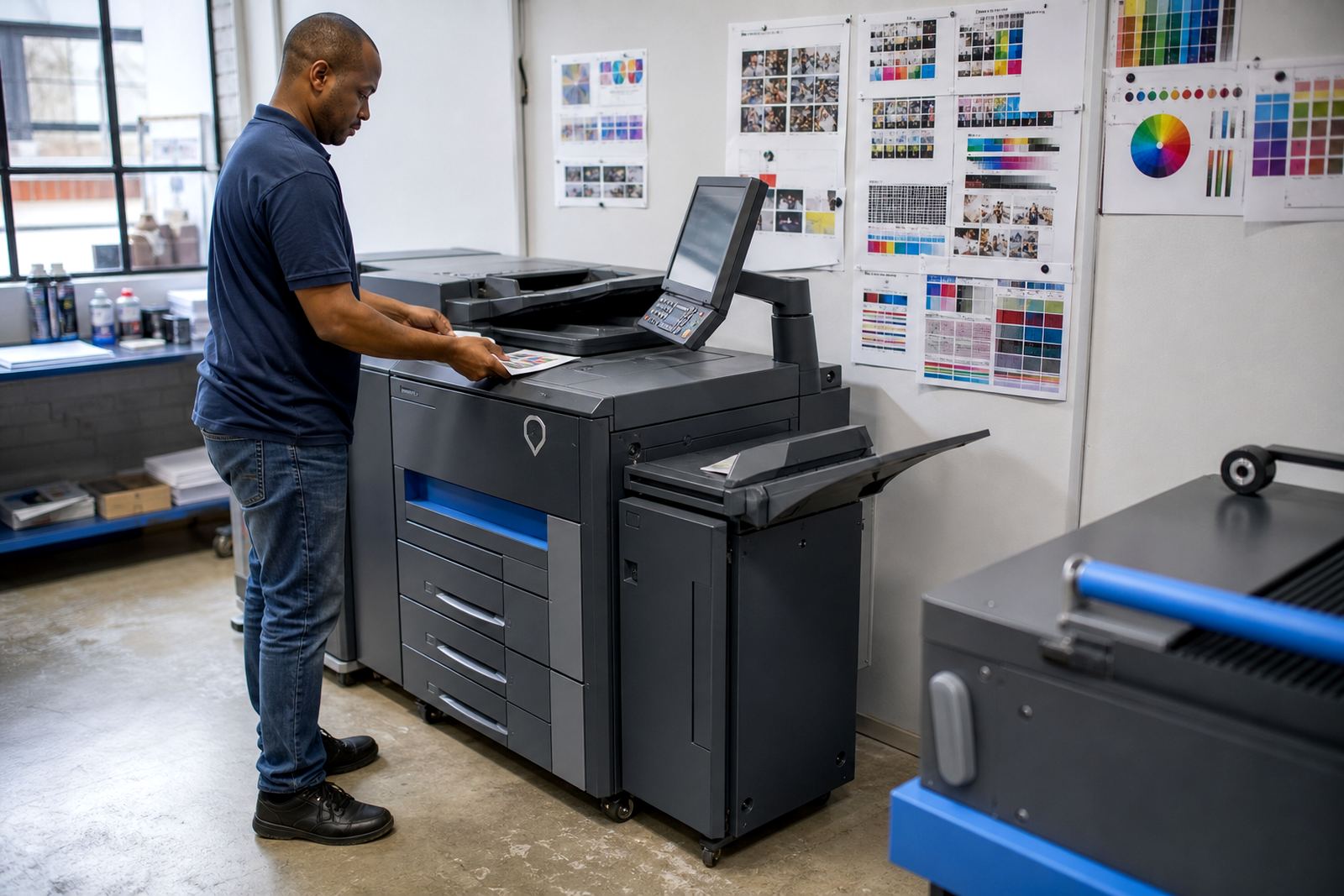
They also needed the machine to handle both mono output and colour work without people changing habits every time a file moved from internal notes to client-ready artwork. That meant getting the defaults right, setting sensible print permissions and making sure the scan functions were easy to find on the control panel. In a shared office, a machine can either save time or create small frustrations all week, so the setup had to be tidy from the start.
- Compact siting for a shared studio floor
- Network-ready installation with user access set out clearly
- Default print settings adjusted for frequent mono use
- Colour output kept ready for presentation sets and proofs
What we supplied and set up
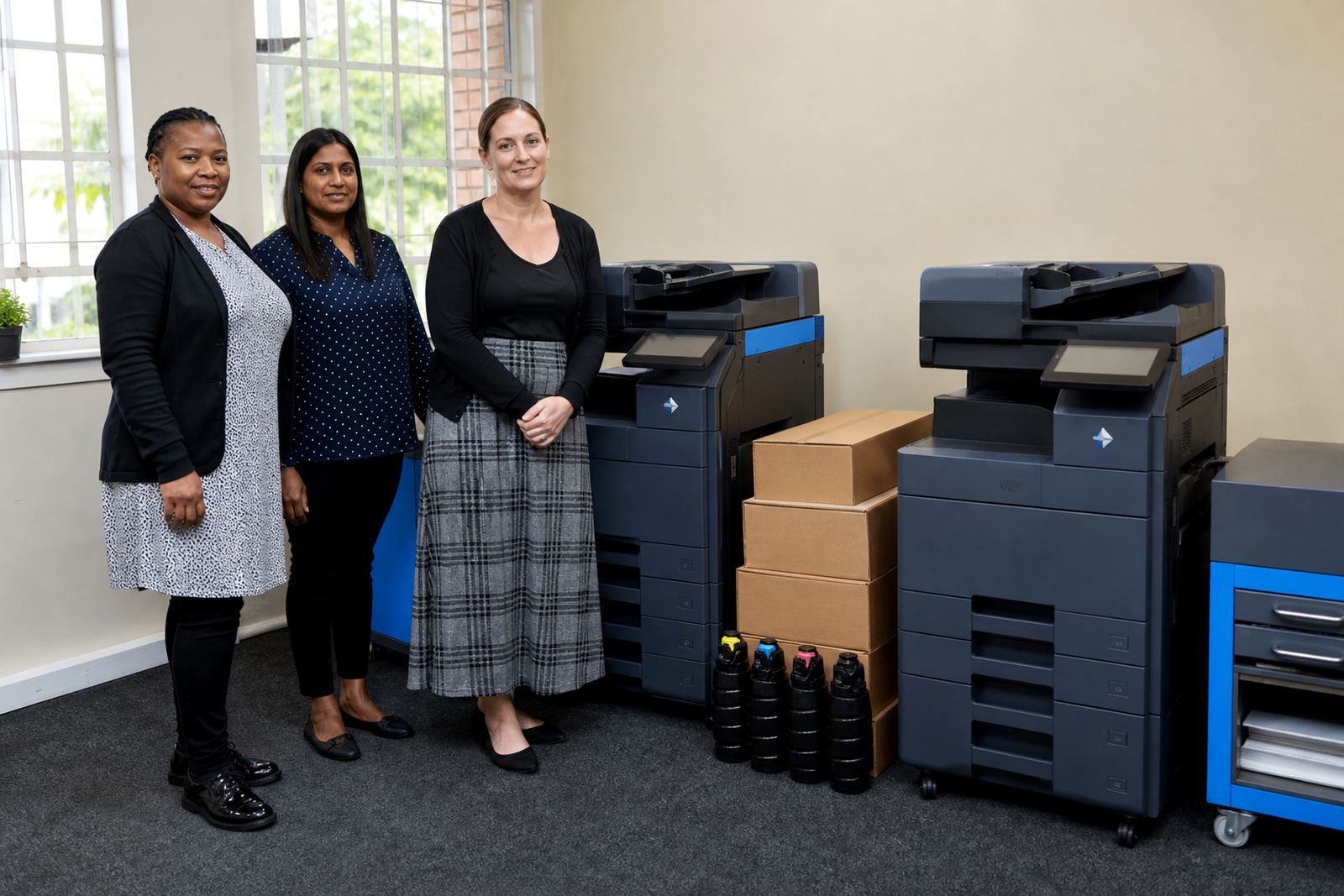
We supplied an A3 colour multifunction unit on a rental agreement that included toner supply and servicing in one plan. The device was installed for copying, scanning and day-to-day office printing, with scan-to-folder set up so the studio could move paperwork and visual material into digital files without extra steps. Secure print was also added, which helped when several people sent jobs to the same machine during the day.
The installation included network setup, user handover and metre reading support. We also set the team up with the right print habits for a mixed workload, where mono pages make up the bulk of the volume and colour is reserved for the work that needs visual impact. A managed fleet review was not needed for a large site, but the same discipline applied: keep the machine suitable for the actual workload, not the imagined one.
- A3 colour multifunction printer with copy, print and scan functions
- Scan-to-message setup for document sharing
- Secure print for controlled release of jobs
- Toner supply included under the managed print plan
- Metre reading support for usage tracking
The installation week and handover
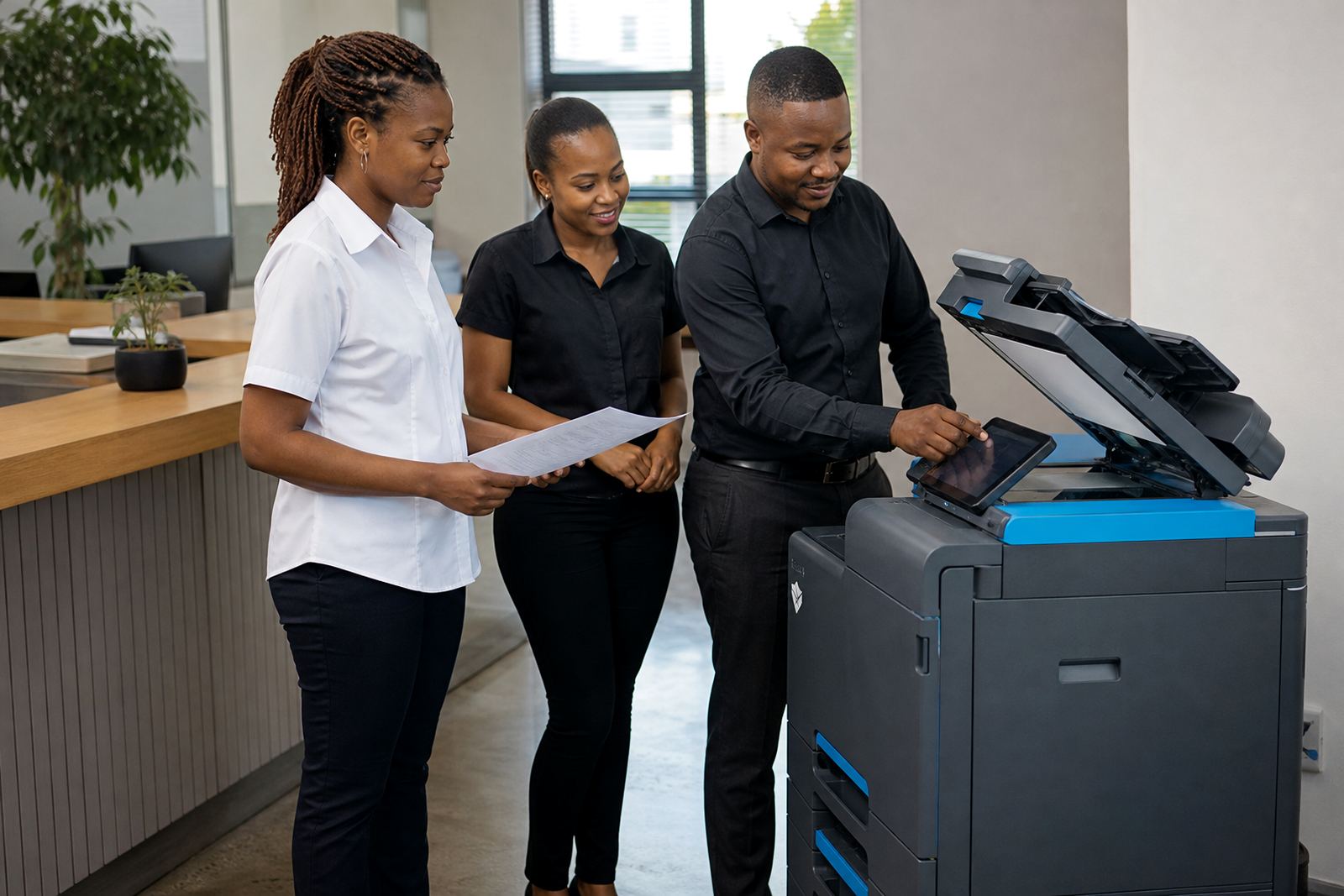
The job ran over a short, organised period. The first stage was site checking and placement, then the machine was delivered, positioned and connected to the office network. After that came function testing, user handover and a walk-through of the basic settings that matter in a studio environment, such as paper size selection, scan destinations and how to release protected print jobs.
We kept the handover practical rather than technical. The office needed a machine people could use without calling for help every time a scan name changed or an A3 file moved through the queue. A few small settings were adjusted after the team started working with it, mostly around job flow and default output. That is normal with a creative office, where the print pattern changes between draft notes and client-facing material.
- Installation completed in a short multi-stage rollout
- Testing covered print, copy, scan and secure release functions
- User handover covered daily operation and paper handling
- Small setting changes were made after live use began
How the machine changed the daily rhythm
The clearest change was that staff no longer had to treat the printer as a separate errand. Jobs were sent, released and collected without the stop-start habits that slow a design office down. The mono volumes stayed under control through the click structure, while colour was available for the pages that needed it, which kept the running pattern more predictable across the month.
It also reduced the clutter around consumables. Toner was part of the plan, so there was no need for someone to keep checking stock levels or making last-minute purchase decisions. In a Cape Town office, where humidity and paper storage can affect the feel of the job, having the machine serviced on site and kept in proper working order matters more than people sometimes expect. The team could stay on the work in front of them, rather than sorting out the printer every other week.
- Print release became more controlled with secure print enabled
- Colour use stayed focused on client-facing pages
- Toner stock no longer sat with the office manager alone
- On-site servicing kept the device in steady working order
What we would repeat on a similar Cape Town floor
For a studio like this, we would keep the same structure: one A3 colour machine, clear access rules, scan-to-message from the start and a rental plan tied to metre readings. That combination suits offices that need regular output but do not want the burden of buying a machine, stocking toner separately or juggling repair arrangements when something goes wrong.
We would also keep the first setup simple. If the team uses a mix of mono drafts and colour presentation work, the machine should be configured around that pattern from day one. A proper handover, plain instructions and a sensible place in the office make a bigger difference than people expect. When the printer fits the workflow, the office notices it less and uses it more naturally.
- Keep the rental plan tied to real monthly usage
- Set scan and print defaults for mixed office output
- Place the machine where the team can reach it easily
- Use secure print where several people share one device
Key facts
| Project | Cape Town Studio |
|---|---|
| Town | Cape Town |
| Machine type | A3 colour multifunction printer |
| Billing model | Monthly rental plus metre-based click charges |
| Included supply | Toner included under managed print |
| Setup | Network installation, scan-to-message, secure print, user handover |