A school office that needed less stop-start printing
The project came from a school in Midrand with two busy areas to support, the admin office and the staff room. Printing was happening all day, mostly notices, letters, reports, learner records and internal paperwork, and the team needed a better way to keep the work moving without tying up cash in equipment. They wanted multifunction printers that could print, copy and scan, with a monthly rental structure and click charges that made the usage easy to track.
The brief was straightforward in wording but detailed in practice. The machines had to handle regular office use, stay sensible on running costs, and fit into a school environment where different users needed access, but not every function should be open to everyone. The team also asked for scan-to-message, secure print and simple handover training so staff could use the devices without calling for help over every small setting.
The room plan, the print mix and the limits on the site
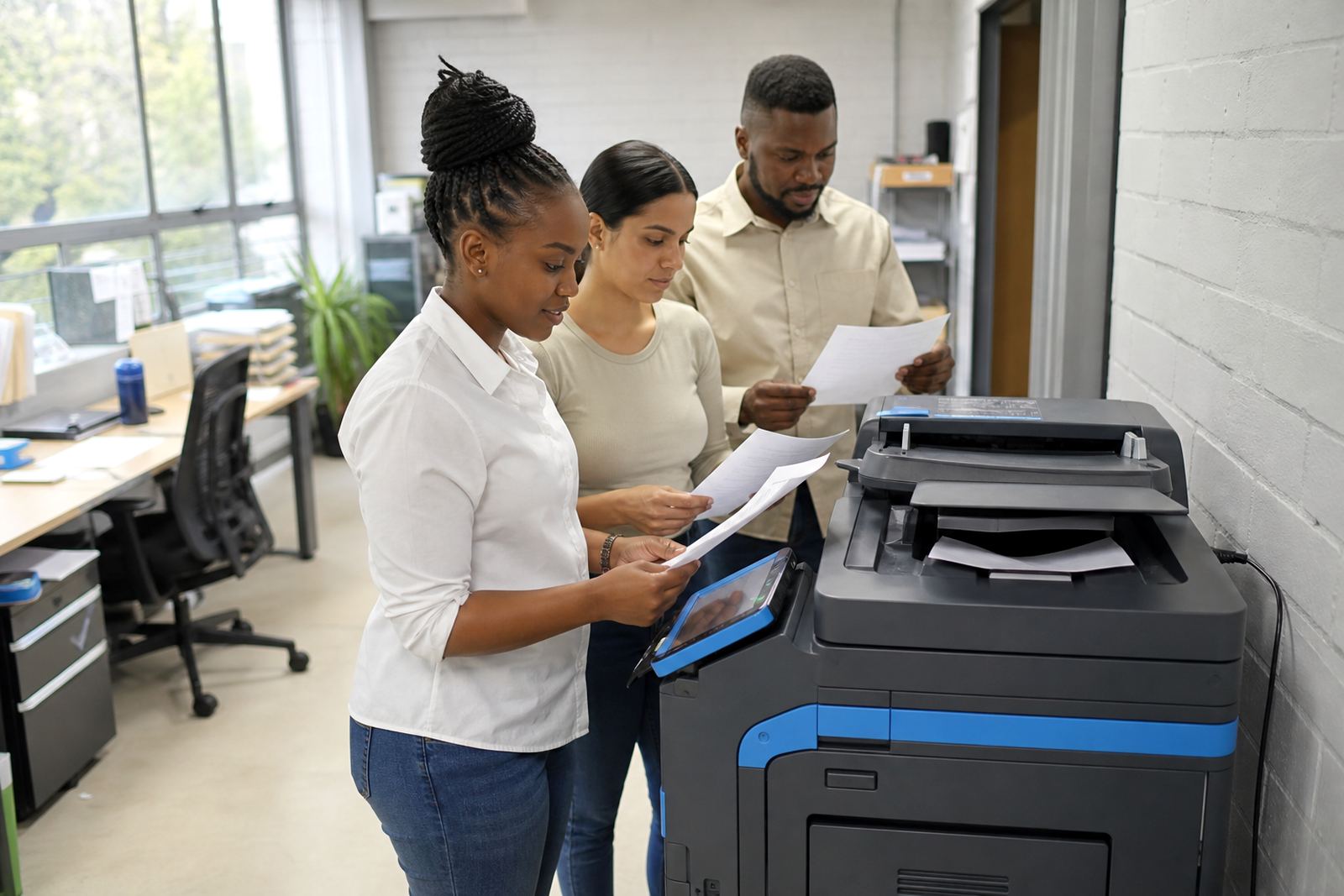
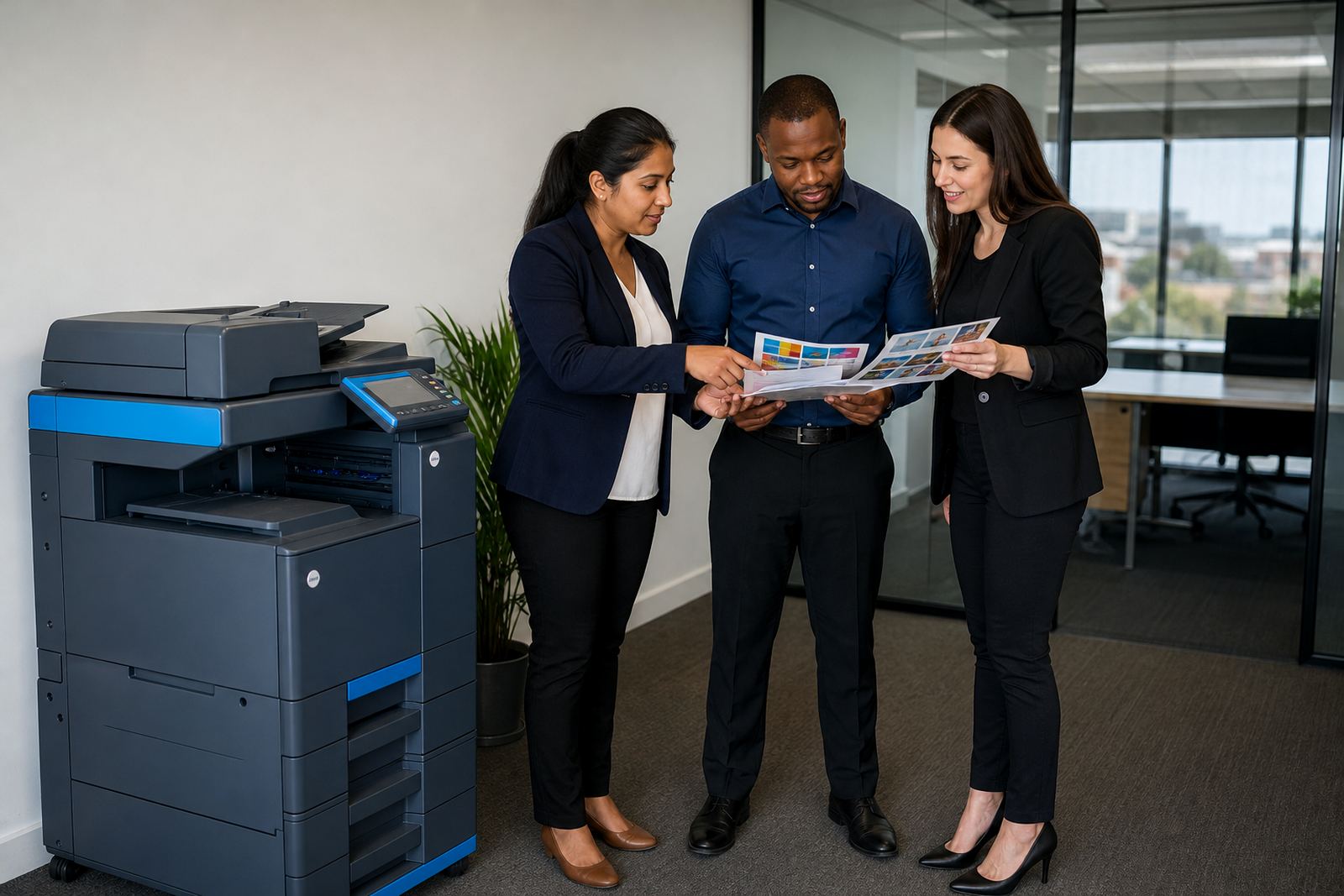
The school had limited space in both areas, so the layout mattered as much as the print volumes. The admin side needed quicker general printing and copying, while the staff room needed a second machine for shorter jobs and day to day use. We looked at the paper sizes in use, the ratio of mono to colour output, and how often people needed A4 versus A3. That shaped the final mix instead of forcing one machine to do everything.
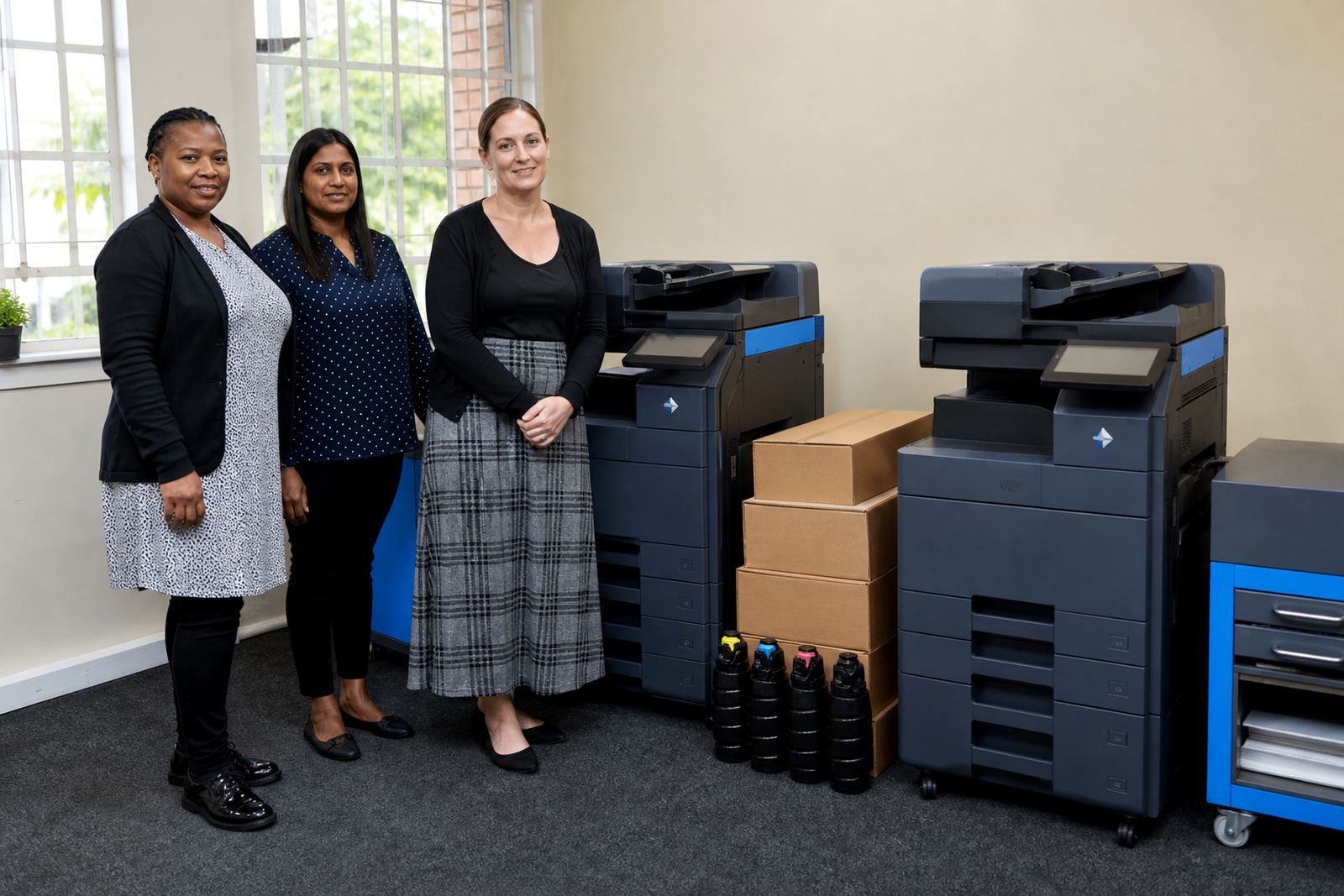
- Two multifunction machines were supplied for the site, one suited to heavier admin use and one for shared staff access.
- The setup covered A4 and A3 printing, copying and scanning.
- Mono output was set for the bulk of everyday work, with colour available for forms, notices and presentation pages.
- Secure print was added so users collected sensitive pages at the device.
- Scan-to-message was configured for records, circulars and archiving.
The school also needed the machines positioned where staff could reach them without blocking walkways. Cable runs and network points had to stay neat, and the devices had to fit with existing furniture rather than forcing a room rearrangement. In a school setting that sounds minor, but it saves time every week.
What was supplied and how the plan was set up
We supplied the office multifunction printers on a managed rental plan with toner included, metre reading support and on-site servicing. That meant the school did not need to carry toner stock separately or guess what a full month of printing might cost. The monthly rental covered the hardware use, while click charges tracked the pages produced under the plan. That structure works well where the usage moves around during term time and exam periods.
The installation included network setup, user access setup and basic staff handover. We configured print queues, checked scan destinations and set up secure print controls for staff documents that should not sit in the output tray. The toner supply was matched to expected use, not just to the machine rating, because school printing often arrives in bursts and then quietens down. We also added guidance for metre readings so the account record stayed accurate and the billing matched the actual volume.
- Monthly rental on a managed print plan.
- Toner included in the supply model.
- Metre-based billing for usage control.
- Network setup for office workstations.
- Secure print and scan-to-message configuration.
The installation work over the first two weeks
The rollout took place over two weeks. In the first week we completed the site check, confirmed the machine positions, prepared the network settings and planned the handover around school operations. In the second week the devices were installed, tested and handed over to the staff who would use them daily. There was no need to interrupt the full office for long periods, which mattered because admin work could not stop while forms and communication went out.
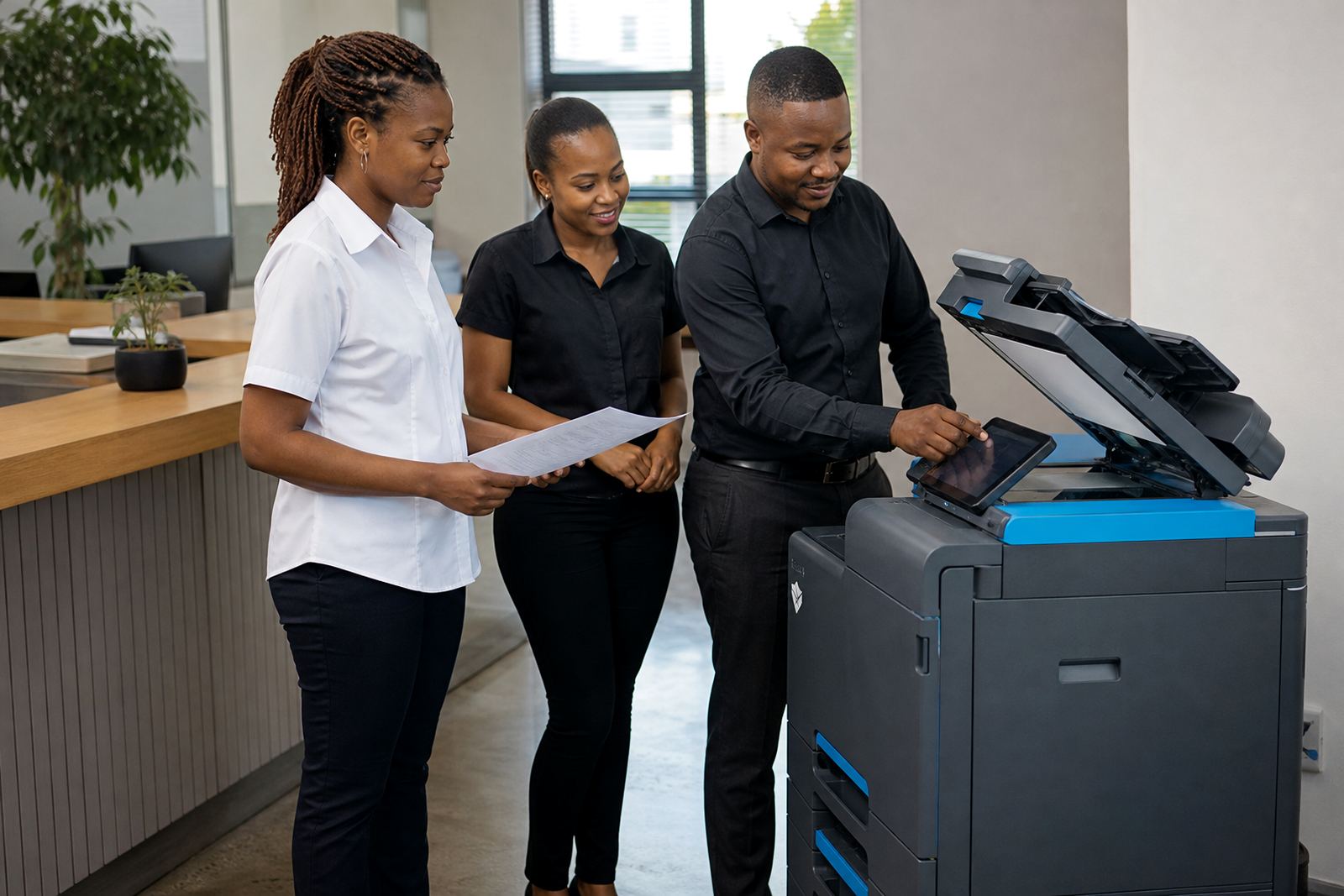
We also took care with user training. A school team usually has a mix of confident users and people who only print once or twice a week, so the handover had to be plain and practical. We showed the difference between standard printing and secure release, how to choose the right tray for A4 or A3 paper, and where to check the machine display for toner and paper status. A small point, but useful: the staff room machine was placed where people could reach it without crowding the copier when learners or parents came through the office side.
- Week 1: site review, layout planning, network checks and access preparation.
- Week 2: delivery, installation, testing and user handover.
- Final checks: scan-to-message routing, print queues and metre record setup.
What the school noticed once the plan settled
The biggest change was predictability. Staff could print what they needed without worrying about separate toner buys or last minute machine issues eating into the day. Because the plan covered servicing on site, faults were handled within the same support structure instead of becoming a separate scramble for the school office. The admin team also found it easier to keep track of print usage because the metre structure was clear and tied to the actual work being done.
Scan-to-message helped in a way that showed up quickly. Records that used to be copied or carried around could be sent to the right inbox, which kept the filing process cleaner. Secure print also reduced the risk of pages sitting in the tray when different people were sharing the same machine. For a school, that matters more than people expect, especially when staff are moving in and out between classes, meetings and office work.
What we would carry into the next school install
For a similar school project we would use the same approach to planning machine placement around the room, because a good layout saves time every day. We would also keep the print mix balanced between mono and colour rather than over-specifying colour on machines that spend most of the week on letters, notices and internal forms. That keeps the running cost grounded and the workflow easier to manage.
Another point we would repeat is the early setup of user access and scan destinations. If those settings are left until after the handover, the office ends up working around the machine instead of the machine fitting the office. The school on this project was better served by a practical handover, a clear metre process and a support arrangement that matched the pace of term time. That combination is what kept the admin side moving without cluttering the building with extra equipment.
Key facts
| Project | Midrand school admin and staff room installation |
|---|---|
| Machine type | Office multifunction printers and copiers |
| Paper sizes | A4 and A3 |
| Print mix | Mono and colour |
| Commercial model | Monthly rental with click charges |
| Support | Toner supply, metre reading support and on-site servicing |