What the warehouse floor was dealing with
The client was a logistics operation in Kempton Park with a busy admin area that handled waybills, stock counts, proof-of-delivery packs and daily dispatch notes. Paper moved fast and often landed in the wrong tray, while staff were sharing a few ageing machines that pulled the wrong size paper and chewed through toner faster than anyone liked.
The brief was to put order around the print side of the workflow without forcing a large capital purchase. They needed dependable multifunction machines for A4 and A3 output, scanning points that made sense for the team, and a billing structure that linked usage to actual copies made. The setup also had to work for mixed users, from warehouse admin to supervisors and accounts staff, with a simple handover for day shift and late shift teams.
- Warehouse admin for dispatch and receiving
- Shared scan points for daily paperwork
- Monochrome output for forms and labels
- Colour output for reports and training packs
The print mix we put in place
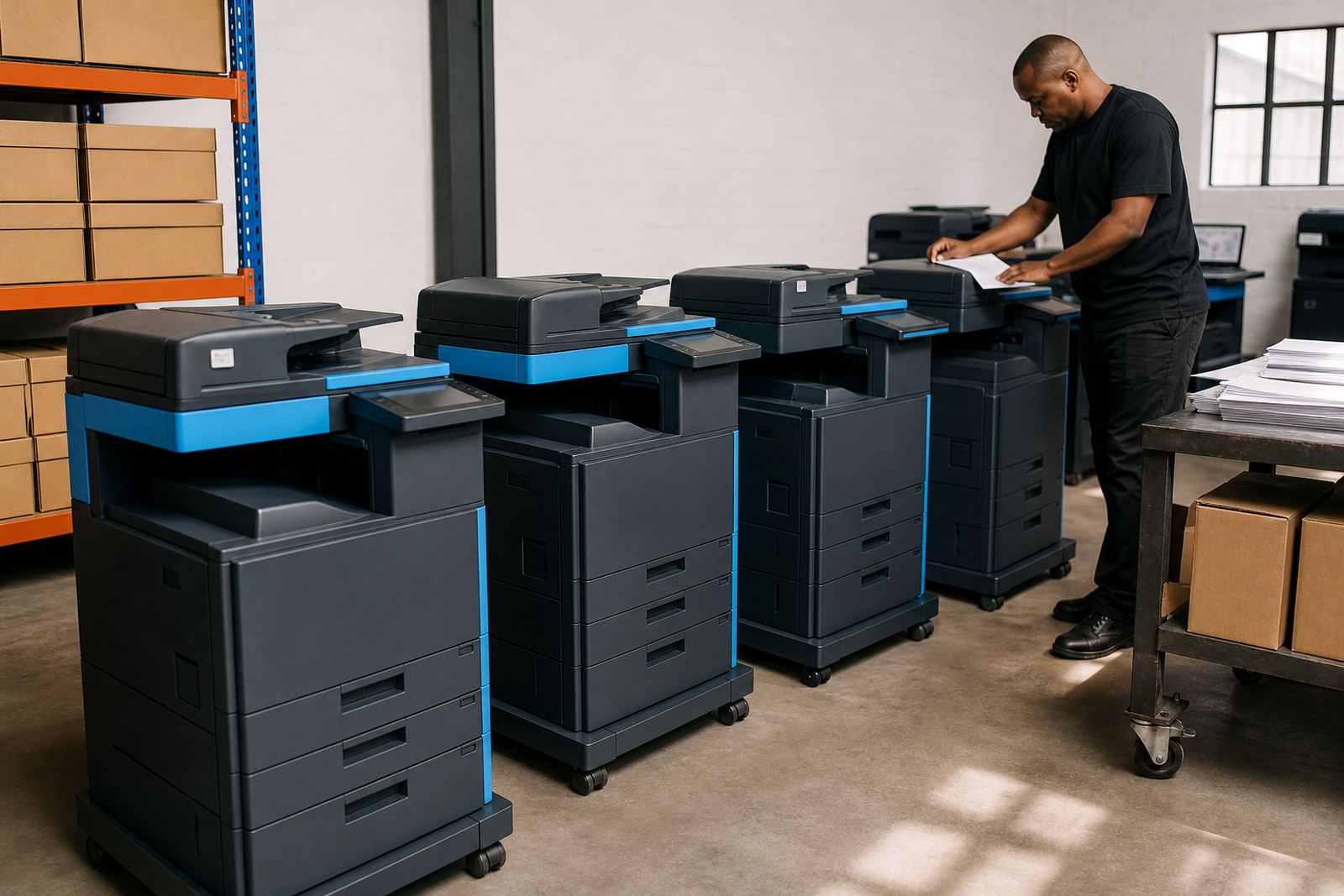
We supplied a managed print arrangement built around multifunction copiers that could print, copy and scan from one device. The fleet included mono machines for the heavier paperwork stream and colour devices for documents that needed clearer tabs, maps or highlighted sections. A3 support was useful for stock sheets and wider schedules, while A4 units handled the bulk of daily admin without fuss.
The billing model was split into a monthly rental and usage-based click charges. Toner was included in the plan, which kept consumables off the office list and made cost planning easier for the accounts team. We also set up metre reading support so the numbers matched the real output at each unit, not just the estimate someone remembered from the previous month.
- Multifunction A4 and A3 machines
- Mono and colour output across the fleet
- Monthly rental plus click charges
- Toner supply included in the plan
Scanning points that fit the work pattern
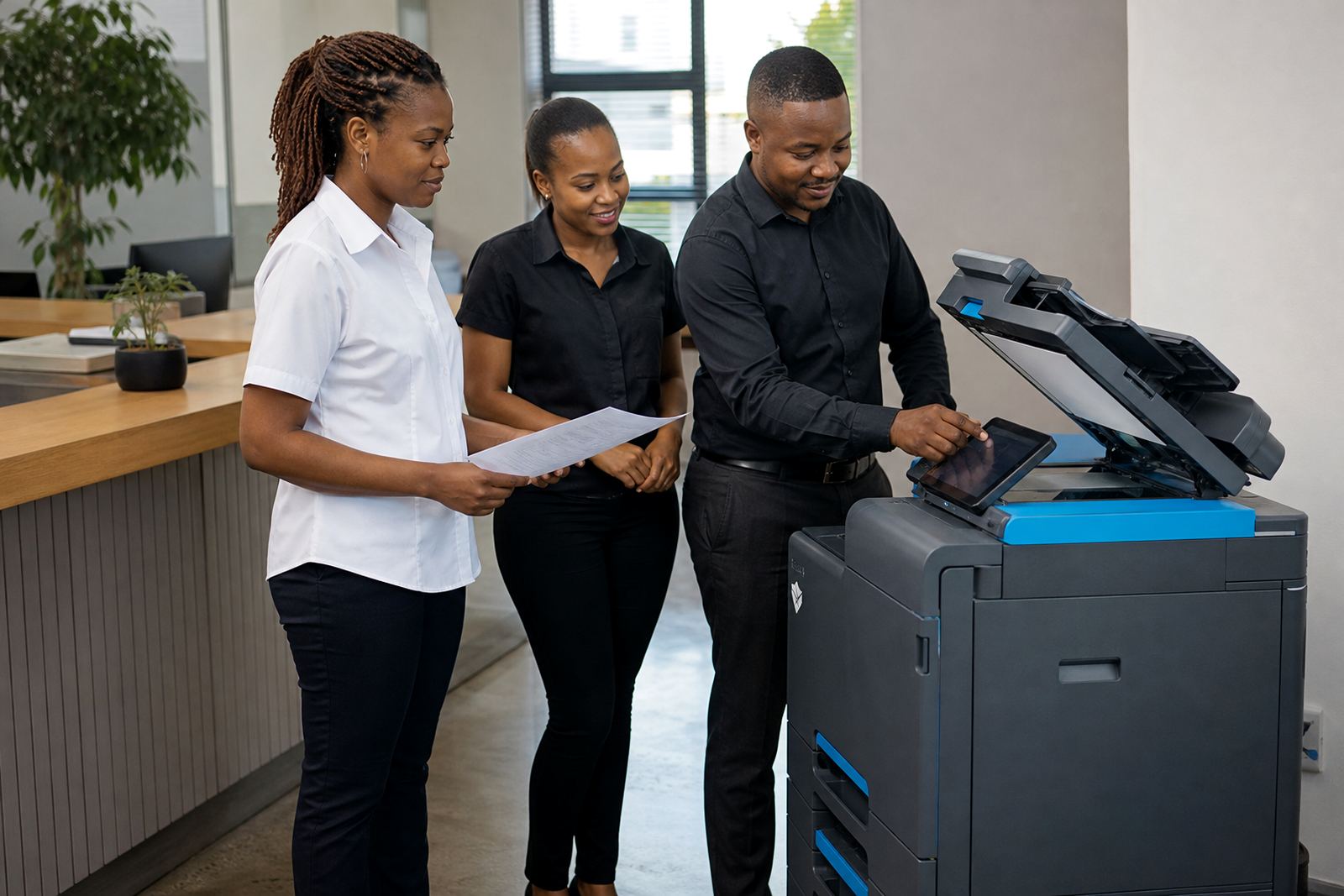
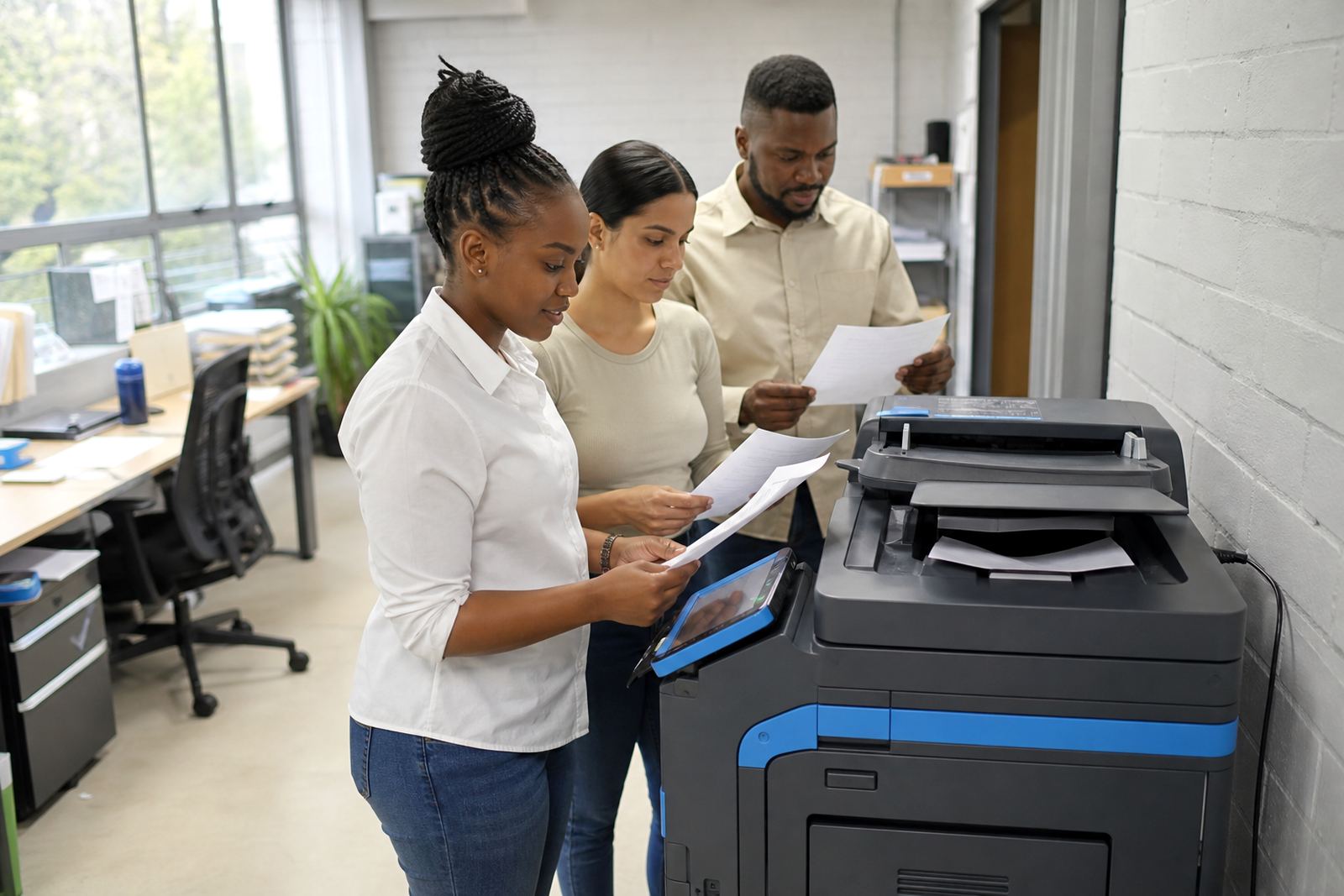
One of the main issues in the building was that scanning had become a bottleneck. Staff were walking paperwork from one corner of the office to another, then back again when a signature was missing or the file needed to be sent on. We repositioned the machines so the scan points sat close to the people who actually used them, not where an old cable run happened to end.
Scan to message was configured for the most common jobs, with presets for dispatch packs, supplier documents and internal admin files. Secure print was added for pages that could not sit in an output tray until someone remembered them. The user handover focused on everyday tasks, not long menus and spare features that would never be touched.
- Scan to message setup for common documents
- Secure print for confidential pages
- User handover for admin and dispatch teams
- Machine relocations to suit the workflow
Servicing inside a warehouse rhythm
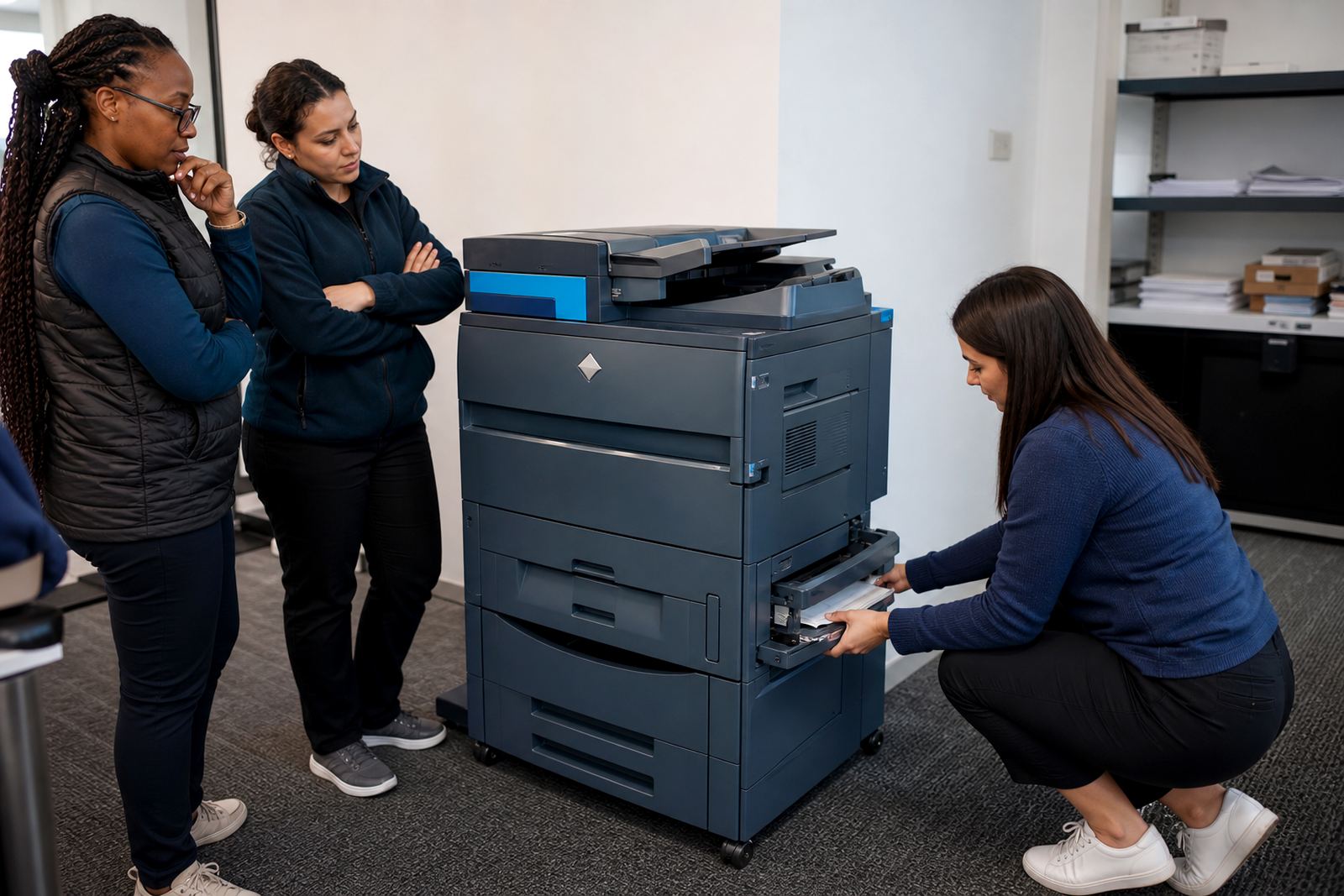
A warehouse does not pause for a copier fault, so the servicing plan had to be practical. We built the rollout around on-site servicing, breakdown response and routine checks that could happen without disturbing the dispatch counter for half a day. The machines were placed where technicians could reach them easily, which mattered in a space where trolleys, cartons and hand scanners were always moving past.
The service side also covered toner supply and basic metre reading support. That way the admin team did not have to manage side requests each time a cartridge ran low or a counter needed checking. The fleet review process gave the client a clearer picture of which devices were doing the heavy lifting and which ones needed to be swapped out or moved.
- On-site servicing for the fleet
- Breakdown response for day to day faults
- Toner supply managed under the plan
- Fleet review for future adjustments
How the rollout ran over three weeks
Week one was used for site walk-throughs, usage notes and mapping the right number of machines to the admin load. We checked the paper sizes in circulation, the shared spaces where scanning happened and the way staff handed off jobs between teams. That gave us a clear picture of where mono output made sense and where colour would be worth keeping.
Week two covered delivery, installation, network setup and the first round of user handover. Week three was used to tidy the placement, refine scan presets and make sure the metre reading process lined up with the daily workflow. It was not a dramatic project, just a careful one that had to work under real pressure. The floor team wanted less chasing of pages, and less confusion around who had printed what.
- Week 1: usage review and machine planning
- Week 2: installation, network setup and handover
- Week 3: scan tweaks and placement checks
What changed after the fleet settled in
The biggest change was less waste around dispatch paperwork. Staff could collect the right documents at the right device, scan them without hunting for a free machine, and move on with the shift. The accounts team had a cleaner view of monthly usage because the rental and click charges were separated, and toner was no longer being bought in a rush whenever a cartridge ran low.
There was also less informal fixing by whoever happened to be nearest. When a machine needed attention, the servicing path was already agreed and the team knew which unit was meant for which job. That cut down on interruptions in the office and reduced the usual pile-up of half-printed forms near the dispatcher’s table.
- Cleaner dispatch paperwork flow
- Less shared-device congestion
- Clearer monthly usage tracking
- Fewer last-minute toner problems
What we would repeat on a similar depot job
We would map the work areas first, then place the machines around the actual movement of paperwork instead of around the office layout on paper. A warehouse admin rollout works better when scanning, printing and handover all sit close to the people using them. We would also keep the machine mix balanced, with mono units for volume and colour units where detail matters.
The other part worth repeating is the upfront agreement on metre readings, toner supply and end-term swaps. That keeps the managed print plan tidy when usage changes or a unit needs replacement near the end of the term. In this kind of site, small practical choices matter more than a long feature list.
- Map workflow before machine placement
- Balance mono and colour by task
- Keep metre and toner rules plain
- Plan end-term swaps before pressure builds
Key facts
| Project | Kempton Park Logistics |
|---|---|
| Client type | Warehouse administration team |
| Location | Kempton Park, Gauteng |
| Solution | Managed print rental for shared office and dispatch use |
| Fleet mix | A4 and A3 multifunction copiers, mono and colour |
| Included services | Device installation, network setup, toner supply, on-site servicing, secure print and scan to message |