A branch with mixed habits and uneven machine use
The client was a regional professional services office in Polokwane with more than one department using shared printers and copiers. One team wanted faster mono output for forms and letters, while another needed colour for presentations and client packs. The branch had grown around different habits, so metre readings, toner use and call logging were not being handled in the same way.
The brief was to standardise the fleet without forcing every room into the same device. We needed a clearer split between mono and colour work, plus a cleaner way to manage monthly rental, click charges and support calls. The branch also wanted scan to message, secure print and a steady toner supply under one managed print plan.
- Site: Polokwane office branch
- Machine mix: A4 and A3 multifunction printers and copiers
- Use pattern: mono admin work and colour client-facing print
- Support need: on-site servicing and controlled metre billing
What had to fit around the building and the workflow
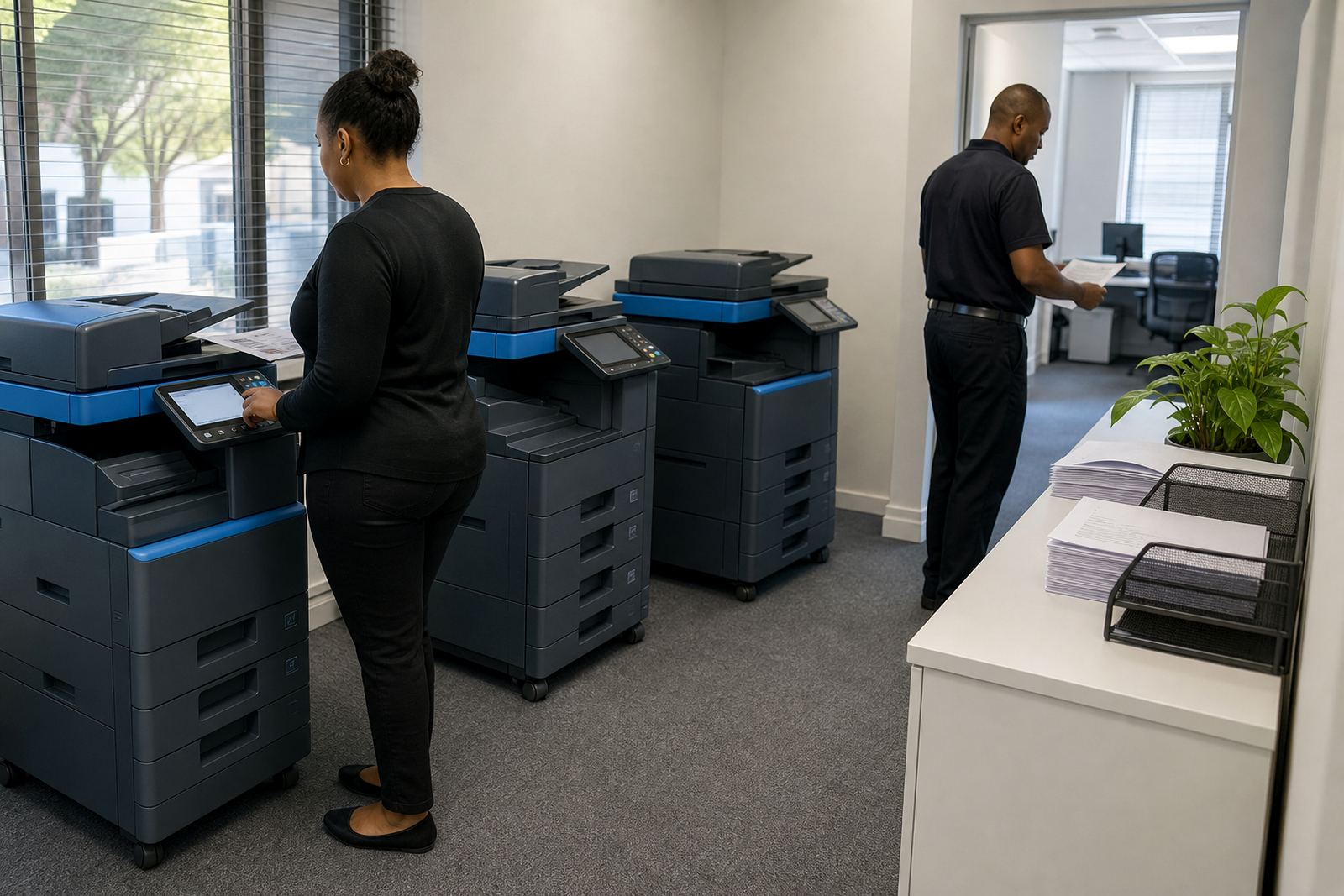
The office had limited space near the shared work area, so machine placement had to suit foot traffic and paper handling. One copier was being used by several people without secure print, which meant jobs were sometimes left on trays. There was also a mismatch between the device features and the way the branch actually worked, especially for scanning and stored print jobs.
We also had to work around the fact that the branch did not want a long period of disruption while the fleet was reworked. That meant planning the swop points carefully, checking network access for each device, and keeping the metre records clean so billing would not drift from one department to another. Coastal humidity was not the issue here, but paper stock and daily dust build-up still mattered in the room layout.
- Space constraint around shared passage points
- Need for secure print at the main communal device
- Network setup for scan to message across departments
- Clear metre capture for rental and click charges
The standard we put in place across the branch
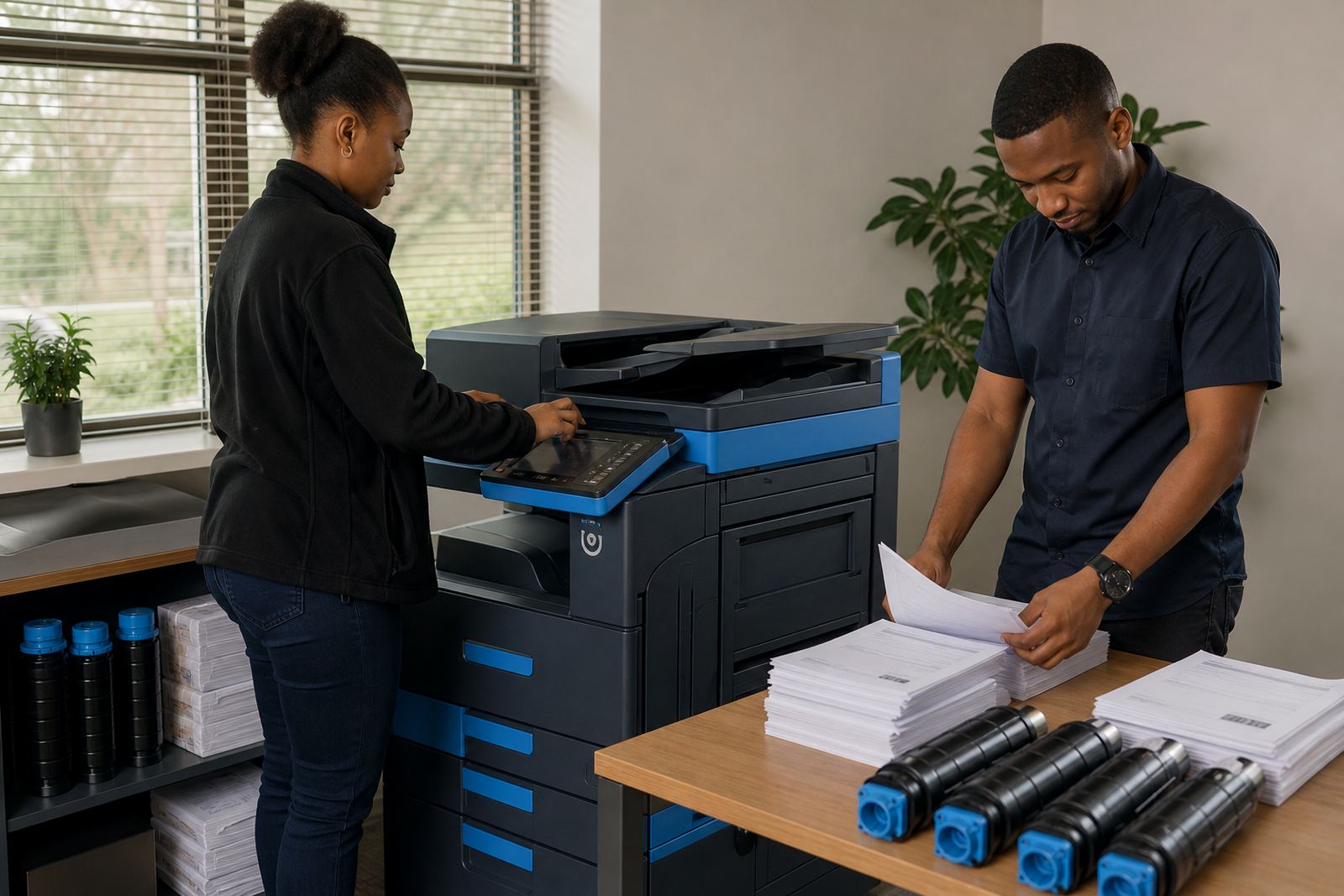
We supplied a matched set of multifunction devices sized for the branch load, with A4 machines handling the bulk of everyday printing and an A3 unit reserved for larger internal documents. Mono output was assigned to the high-volume admin work, while colour capability stayed available where client documents needed it. The branch ended up with a clearer split between monthly rental and per-page click charges, which made the cost structure easier to read.
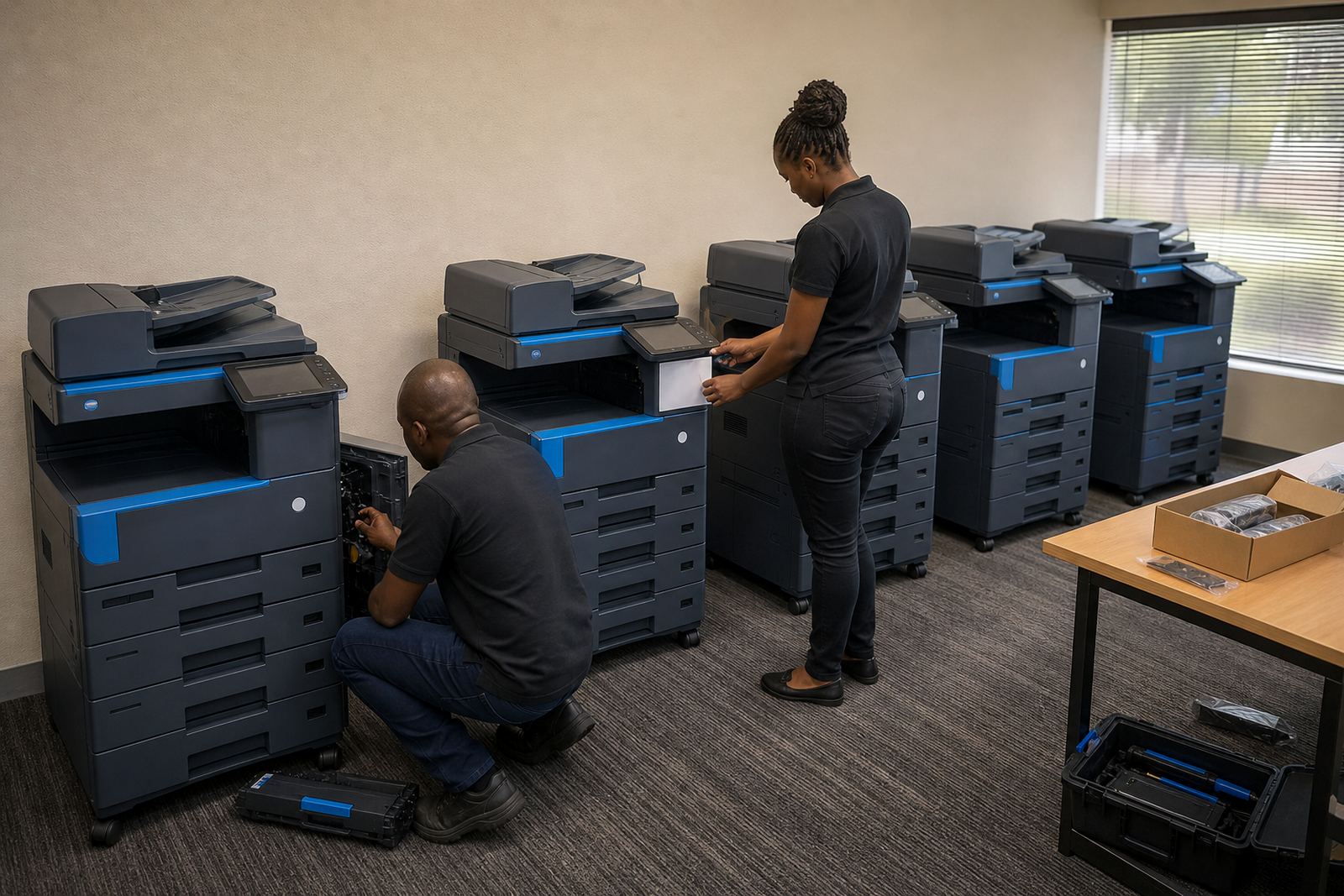
Our work covered installation, network setup, toner supply, metre reading support and user handover. Secure print was set on the shared machine, and scan to message was configured so users could send files straight into their inboxes without extra steps. We also set a routine for on-site servicing and breakdown response, then logged the machine locations for future machine relocations or end term swaps if the branch layout changed.
- Managed print plan with toner included
- Monthly rental separated from click charges
- Secure print on shared devices
- Scan to message enabled for branch users
Three weeks of planning, fitting and handover
Week one was used to confirm the device count, user groups and print volumes. Week two covered delivery, installation and network setup, plus the first metre readings and a check that each department could print to the correct queue. Week three was used for user handover, basic support notes and a final review of toner access, paper paths and the service route for future callouts.
The branch did not need a long retraining exercise. Most users only needed clear direction on which machine was for mono work, which one supported colour, and how secure print would release jobs. That kept the changeover practical and reduced the number of repeated questions at the front office. It also made the accounts side cleaner, since the billing record now matched the actual device use.
- Week 1: site review and usage split
- Week 2: installation and network setup
- Week 3: handover and support notes
What shifted once the fleet had one rulebook
Once the branch had a standard layout, people stopped using whichever machine was nearest for every job. Mono print moved to the right device, colour stayed where it was needed, and the metre-based billing line was easier to track against actual usage. Toner supply also became more predictable, because the branch was no longer mixing different habits across several unmanaged devices.
The on-site servicing plan mattered as much as the hardware. When a branch relies on shared printers, a small fault can interrupt filing, reception work or client packs. With the standardised setup, the service team could work from a known device map and a cleaner support trail. That saved time during breakdowns and made end-term swaps less disruptive later on.
- Cleaner use of mono and colour devices
- Fewer mixed print habits across departments
- Better metre control for account tracking
- Service records easier to follow on site
What we would carry into a similar branch
We would repeat the same sequence on another multi-user branch: split the workload properly, keep the billing model clear, and fit the machine features to the real print pattern instead of the other way round. We would also keep secure print active on the shared device from the start, because that feature reduces tray clutter and protects private documents in open office areas.
The other lesson was that user handover needs to match the site, not a generic script. A Polokwane office with admin, client work and shared filing needs short, direct guidance on toner supply, metre readings, scan settings and the service call route. That approach keeps the branch steady without adding extra admin to the day.
- Start with the actual print mix, not a guess
- Set secure print on shared devices early
- Keep metre readings tied to one record
- Plan for end term swaps before pressure builds
Key facts
| Project type | Branch standardisation for managed print |
|---|---|
| Town | Polokwane |
| Client type | Regional professional services office |
| Device scope | A4 and A3 multifunction printers and copiers |
| Service model | Monthly rental with click charges and toner included |
| Support set | Installation, network setup, metre reading support, on-site servicing, secure print and scan to message |