The Durban brief: fewer purchase headaches, clearer print control
The client was a regional office in Durban handling admin work, supplier documents and internal packs across a busy floor. Their old arrangement had grown uneven, with a few machines doing too much and toner stock being managed in a way that made month-end figures harder to read.
The brief was straightforward on paper, though the details mattered. They wanted office multifunction printers and copiers on a managed print plan, with toner included, metre-based billing, on-site servicing and a better split between black-and-white work and colour output. They also wanted scan-to-message set up properly, secure print for sensitive pages, and a swap plan for worn devices at the end of term.
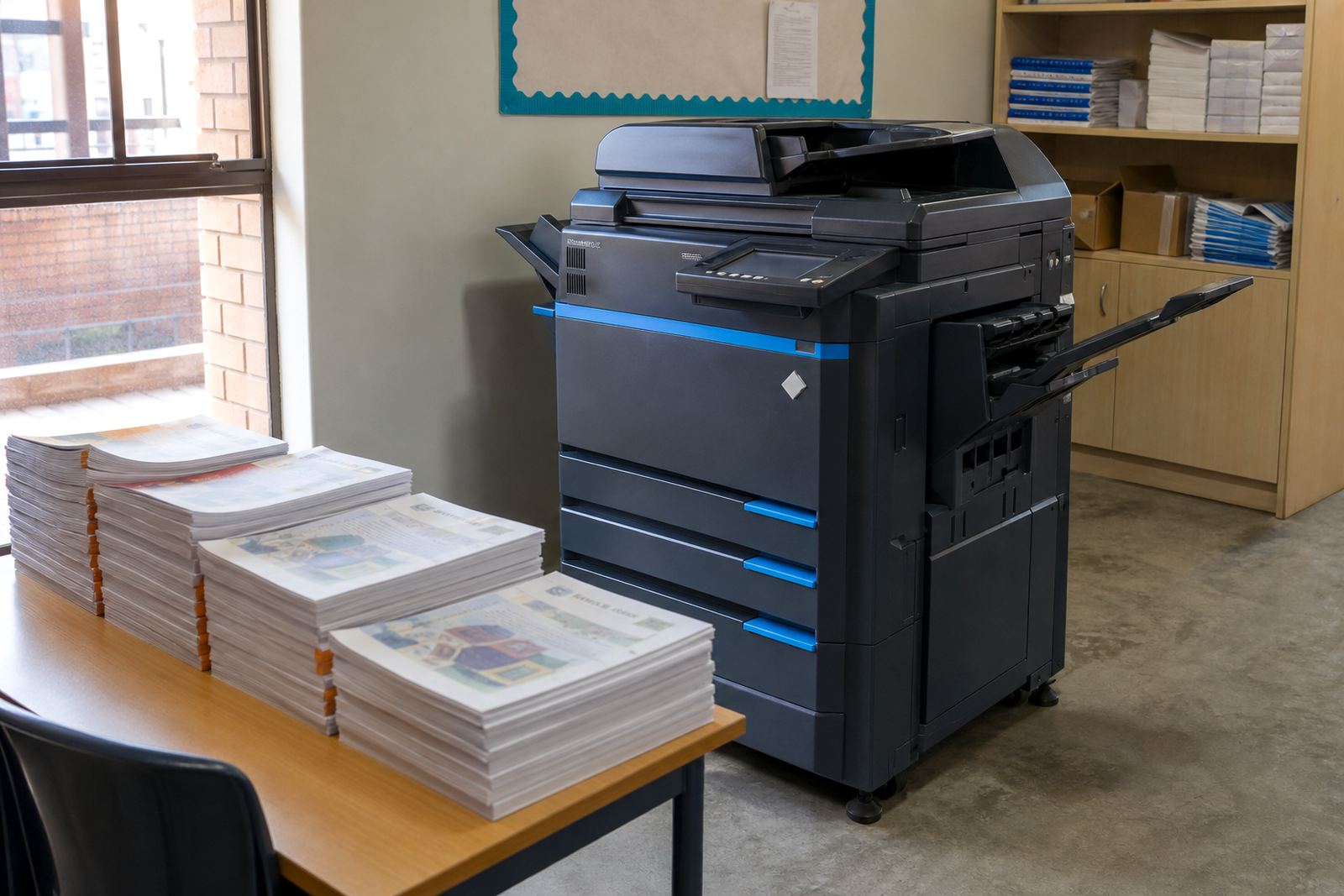
We worked to a footprint that suited the amount of printing actually being done rather than forcing in oversized machines. That meant keeping the fleet practical, with A4 units where most jobs landed and A3 machines where wider copying and departmental packs were still part of the daily routine.
Building the fleet around actual pages, not wishful volume
The mix was set up in stages, so the office could keep moving while the old arrangement was cleared out. We mapped mono and colour use, then matched each area to the device type that made sense for its documents, scan work and copy runs.
- A4 multifunction units for regular admin printing, scanning and copying
- A3-capable machines for larger forms, packs and wider internal documents
- Mono devices for heavier text-based output and controlled running costs
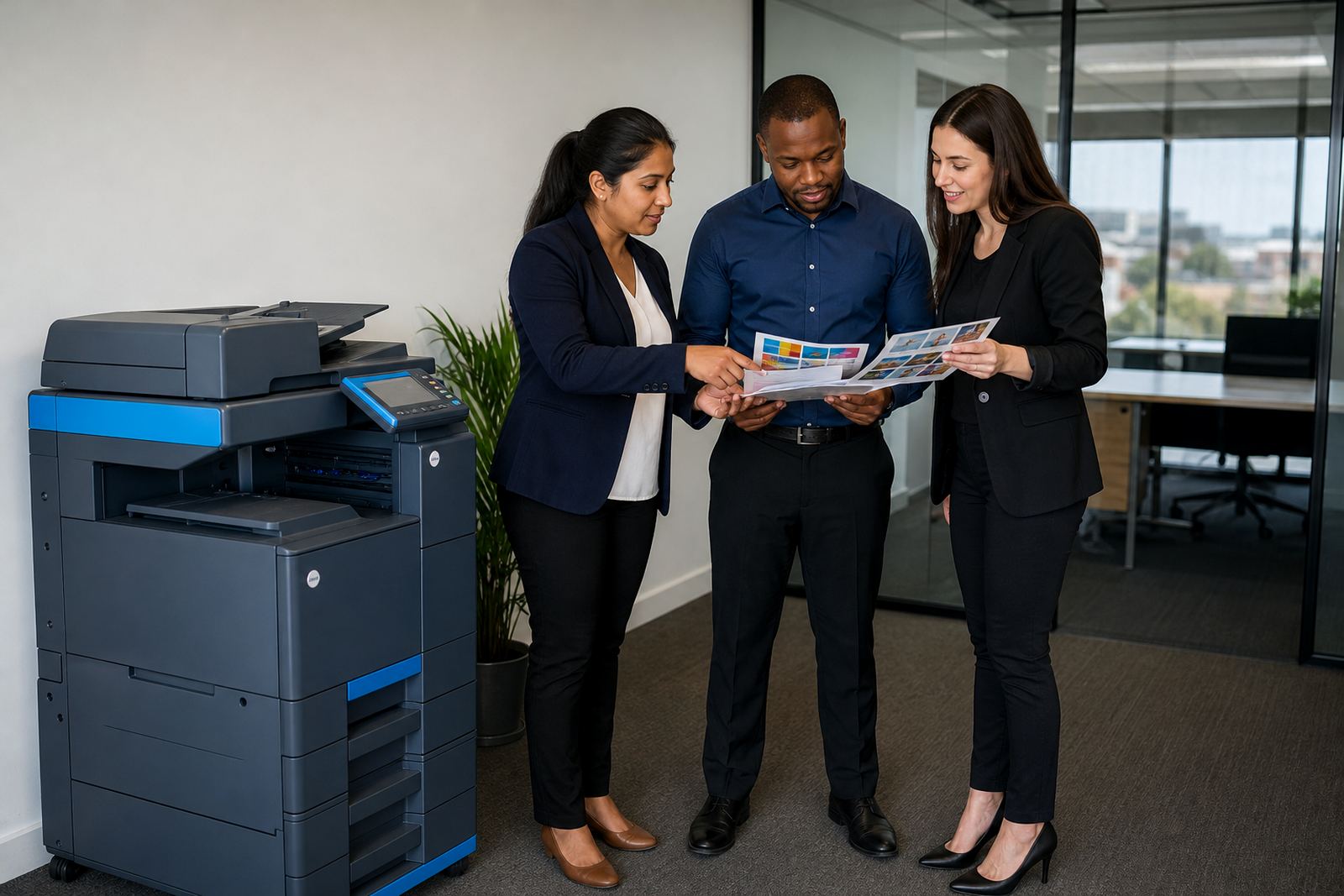
- Colour devices for presentations, client-facing packs and branded pages
- Network setup for shared access across the office team
- Secure print settings where documents were left at the machine only after release
The billing model was tied to metre readings rather than guesswork. That gave the office a clearer view of what was being used each month, and it kept the rental charge separate from click charges in a way the accounts team could follow without chasing missing details.
What we supplied and set up in the office
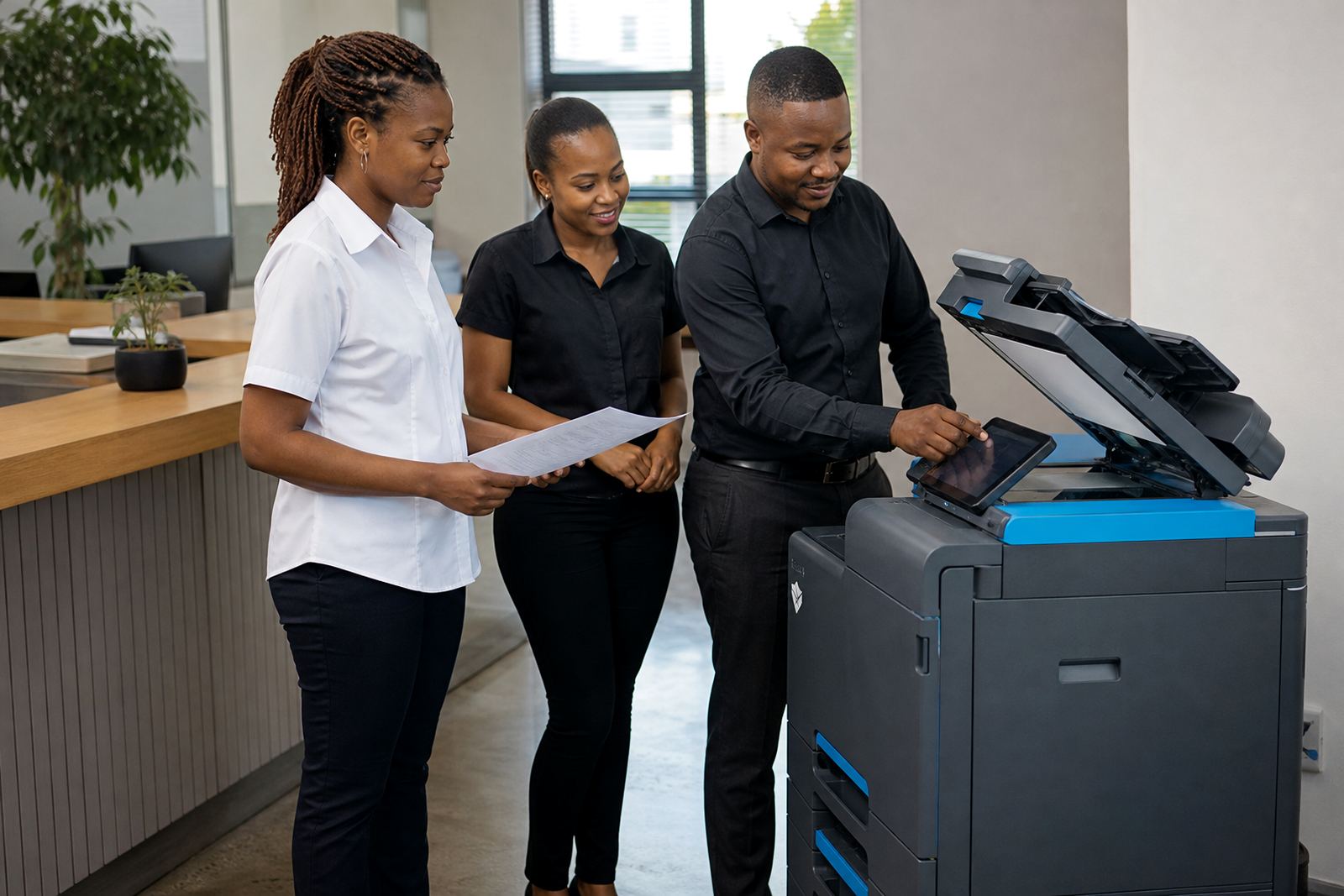
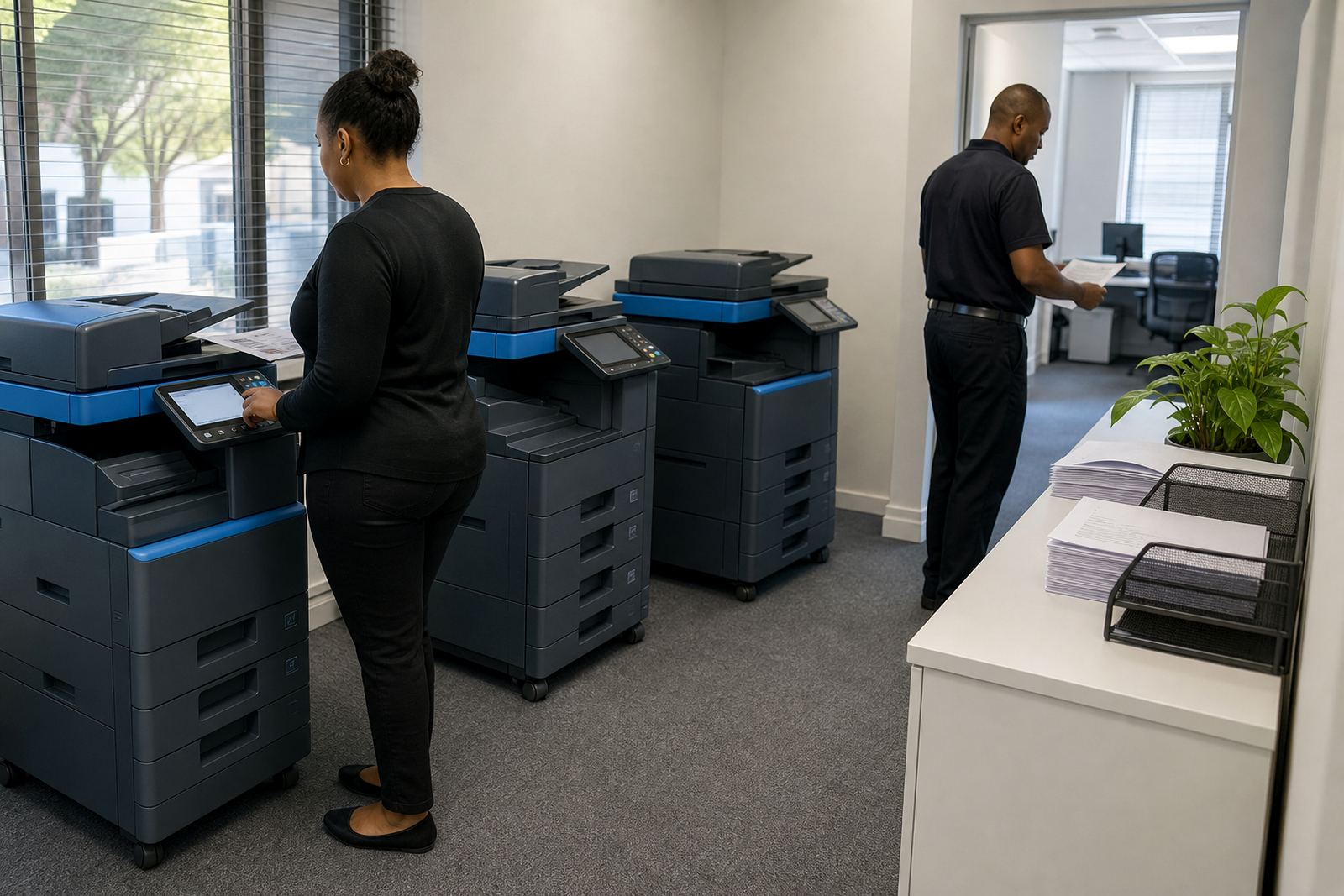
Installation covered the practical parts that are often missed when a fleet is moved in quickly. Each machine was positioned, networked and tested against the office layout, with tray settings, default copy modes and user access all handled as part of the setup.
- Device Installation across the print points agreed for the floor
- Network Setup for shared print and scan use
- Toner Supply matched to each machine and usage profile
- Metre Reading Support for monthly billing checks
- Scan To Message Setup for everyday admin workflows
- Secure Print Setup for files that should not sit open at the machine
We also handled user handover so the office team could work the new settings without having to guess through menus. In a few rooms the change was as much about tidier habits as it was about hardware, because the old fleet had encouraged people to print wherever a slot was open rather than where the work actually belonged.
Keeping service practical after the swap
The support side mattered because the office could not afford to treat printer issues as a side project. Toner supply had to stay steady, metres had to be read cleanly, and breakdowns needed a field technician who could get to the site with the right parts and a clear fault note.
On-site servicing covered feed issues, scan faults, user lockouts and the normal wear that comes with mixed office use. The machine relocations were handled carefully too, because a copier that gets dragged across a building without proper setup tends to create avoidable noise later. When a device reached the end of its term, we planned the swap so the office did not get stuck with a tired unit holding up the print queue.
The Durban team also wanted less wasted colour output. We adjusted default settings where needed, set sensible print permissions and made the mono machines the first stop for internal documents. That small shift trimmed unnecessary colour use without making the office fight its own system every time a page was needed.
Three weeks in the middle of a live office
The work ran over three weeks from first review to a settled fleet. The first part focused on the floor plan, machine mix and service points. The second part was installation and network work, while the third settled into user handover, metre readings and fine tuning.
Nothing about the project needed a dramatic reset, but it did need tidy sequencing. The team could not stop their day to wait for every device to be moved, so we worked in a way that kept the office printing while the changeover happened. That meant the admin staff still had access to scan, copy and release documents while the old habits were being replaced with a cleaner managed print structure.
By the end of the roll-out the office had a clearer view of volumes, better control over who printed what, and a support line built around actual machine use rather than ad hoc panic around toner and faults.
What the office gained from the new print structure
The main result was control. The office moved from a mixed set of machines to a managed fleet with known metre reads, predictable toner planning and a clearer difference between rental cost and usage cost. That matters when a department needs to justify spend without turning every invoice into a puzzle.
The second gain was day-to-day ease. Staff had working scan-to-message, secure print where needed, and devices sized to the sort of documents they were actually handling. The print room no longer carried the same drag from old machines eating time and toner in the background.
If we were setting out a similar Durban office today, we would keep the same habits that helped here:
- Start with page volume by department, not by guess
- Separate mono and colour work early
- Keep one clear process for metre readings
- Set scan and secure print rules before go-live
- Plan the end-term swap before the machine looks tired
That approach suits offices, schools and practices that want the fleet to be part of the workflow, not a weekly interruption.
Key facts
| Project type | Office printer rental and managed print refresh |
|---|---|
| Location | Durban, with regional support linked from Halfway House, Midrand |
| Fleet mix | Mono and colour multifunction A4 and A3 devices |
| Billing model | Monthly rental plus metre-based click charges |
| Included consumables | Toner supply on plan |
| Included services | On-site servicing, breakdown response, metre reading support |
| Setup features | Scan to message and secure print |
| Lifecycle support | Machine relocations and end-term swaps |