The school brief in Paarl's daily rhythm
The school wanted one dependable multifunction machine for admin work, teacher handouts and scan-to-message tasks, with enough volume to cover busy mornings and quieter gaps in the day. They did not want to carry the cost of buying a unit outright, and they wanted a setup that would make monthly spending easier to track.
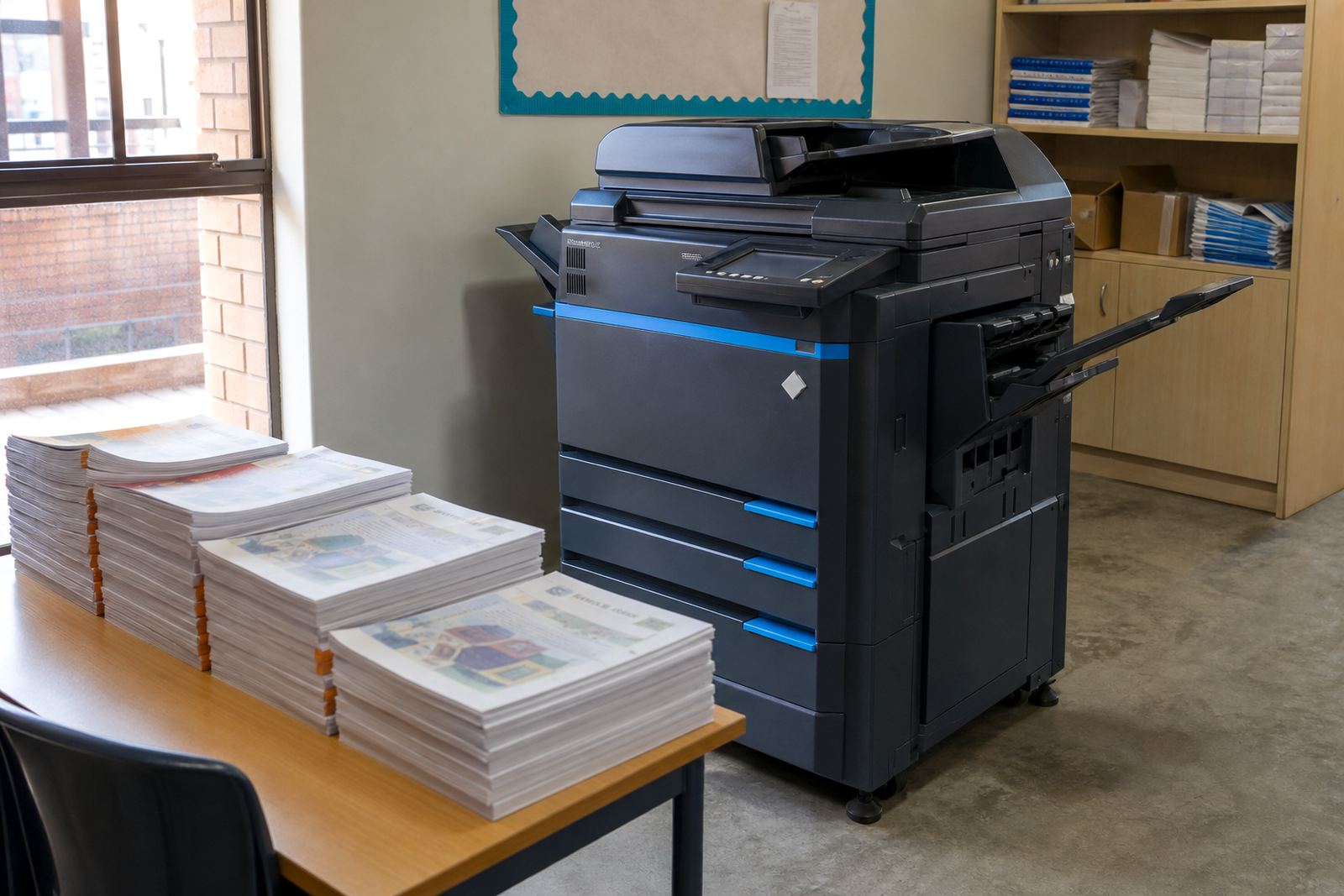
The site had a modest admin area, shared use by several staff members and a need for both monochrome and colour output. Paper sizes had to cover A4 for most notices and worksheets, with A3 support for larger internal handouts and planning sheets. We also had to keep the machine easy enough for a mixed user group, because a school office cannot stop for long every time someone needs to send a scan or clear a simple fault.
What the placement had to cover
The rollout plan was shaped around three pressures. First, the machine had to cope with regular copying and printing without turning into a maintenance burden. Second, the school needed toner supply to sit inside the agreement rather than as a separate scramble when levels ran low. Third, the office wanted metre readings to be straightforward, so billing matched real use and not guesswork.
- A4 and A3 multifunction copier for print, copy and scan duties
- Monochrome output for worksheets and admin forms, with colour for notices and presentations
- Scan to send us a message for sending records and documents around the school
- Secure print for staff jobs that should not sit in the tray
- Metre-based billing with toner included in the managed plan
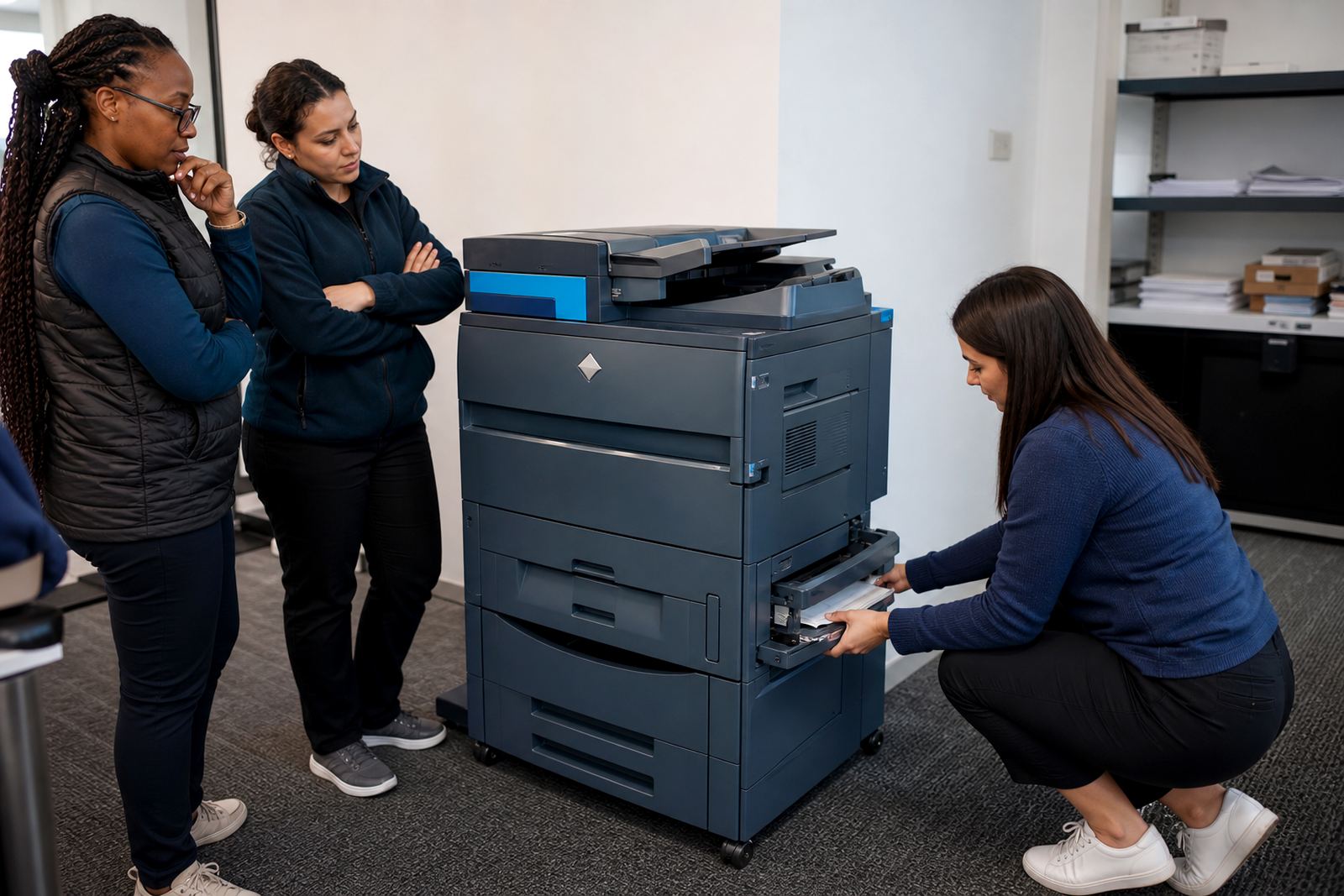
There was also a hands-on side to the brief. School offices face interruptions, visitors and last-minute changes, so the machine needed to be straightforward to use. We kept the control steps clear, and the handover centred on the day-to-day work the office really handles.
How we set the machine up on site
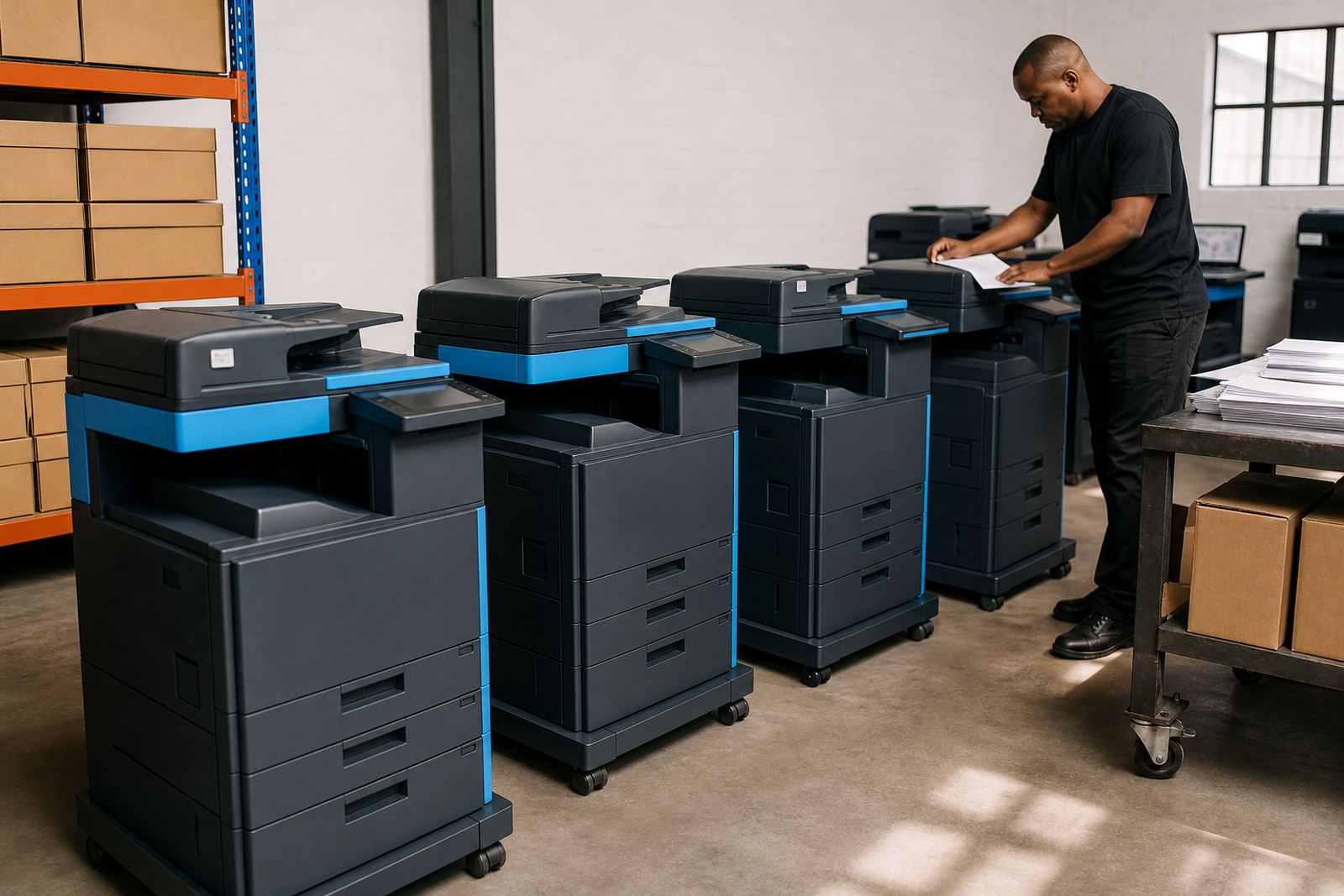
We delivered the unit, placed it in the admin area and carried out the network setup so staff could print from office computers and send scans without moving files between devices. The scanner settings were set for scan-to-message use, which made it easier to send notices, learner documents and internal records to the right inboxes.
Secure print was enabled for documents that could not sit open on the output tray. We also set the basic defaults carefully, including duplex use where appropriate and paper source settings that suited the school's own stock. That small amount of setup cuts down on wasted paper and the kind of confusion that builds up when many people share one machine.
- Device installation and first setup on site
- Network connection for office printing
- Scan to message setup for admin use
- Secure print setup for controlled release jobs
- User handover for the staff who would use it daily
Service cover during the rollout weeks
The rollout was planned over three weeks. Week one covered site checks, placement and the first setup. Week two was used for staff familiarisation and any small setting changes once the office had used the machine in real work. Week three covered metre reading support, toner monitoring and a final walk-through of the service process.
Because the school had regular peaks around mornings, notices and class printing, the service plan had to be predictable. On-site servicing and breakdown response were included, and that mattered more than any glossy promise. When a machine is part of school admin flow, people need the office to keep moving, not a long detour through workarounds.
We also arranged machine relocation planning in case the school later changes room layout or shifts the admin point. That is common in schools, where offices, classrooms and staff areas do not always stay fixed for long. A machine that can be moved without drama is worth having on a contract like this.
What changed after the copier went in
The office moved from irregular ad hoc printing to a clearer monthly pattern. Because toner was part of the arrangement, staff no longer had to chase consumables as a separate task. Metre billing also gave the school a cleaner picture of what the machine was actually doing, which helped with budgeting and planning.
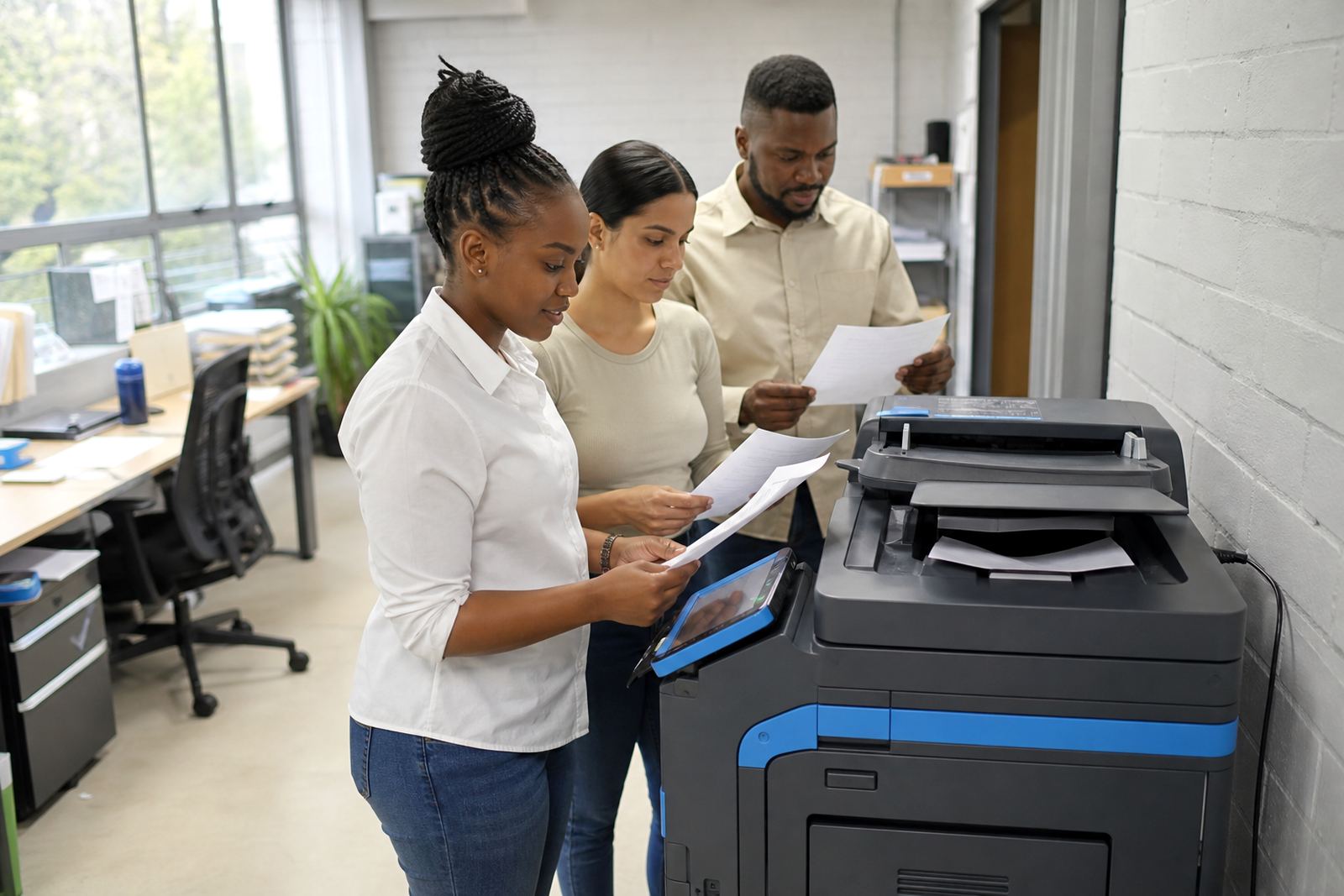
Admin scanning became easier too. Instead of holding paperwork in piles or sending files in awkward steps, staff could scan directly to message and file items without delay. Secure print reduced the chances of personal or sensitive pages sitting in the output tray. That is a small thing on paper, but in a school office it saves a fair amount of bother over the month.
- Clearer monthly cost tracking through metre billing
- Less time spent handling toner and consumable orders
- Better control over scanned documents and printed output
- One machine covering worksheets, notices and admin copying
The parts we would keep in a similar school job
For another school in Paarl or elsewhere in South Africa, we would keep the same structure: one machine with A4 and A3 support, print and copy functions that are easy to teach, and scan settings that fit the office's daily work. We would also keep toner inside the agreement from the start, because that removes a layer of admin that schools do not need.
The best part of this kind of placement is not the machine on its own, but the way the contract, servicing and user setup fit together. A school office needs a copier that behaves like part of the team, not a loose item with unclear billing and awkward upkeep. That is the shape of this rollout, and it suited the site well.
Key facts
| Project type | School copier rollout for admin and classroom support |
|---|---|
| Town | Paarl |
| Machine type | Multifunction office copier |
| Paper sizes | A4 and A3 |
| Billing model | Monthly rental with metre-based click charges |
| Included cover | Toner supply, on-site servicing, breakdown response and user handover |