What the practice needed from the first week
The clinic was dealing with front office printing, scanned records and internal forms on the same floor, with one machine doing too many jobs and slowing people down. The team wanted cleaner reception output, scan to send us a message for records, secure print for private documents and a setup that did not leave them buying toner ad hoc.
Rosebank has a lot of short appointment windows and a steady stream of paperwork, so the brief was practical rather than fancy. They needed an A4 device for daily work, an A3 unit for larger files and copies, plus a billing structure that matched actual usage rather than a heavy upfront purchase.
How we mapped the print plan
We started with a fleet review and looked at who prints what, where pages build up and which functions are used most often. That let us separate reception output from clinical admin work, and it also showed where colour pages were useful and where mono printing made better sense.
- Mono pages for forms, letters and routine records
- Colour pages for selected notices and patient facing sheets
- Monthly rental for the devices themselves
- Click charges linked to the metre reading
- Toner supply included in the managed plan
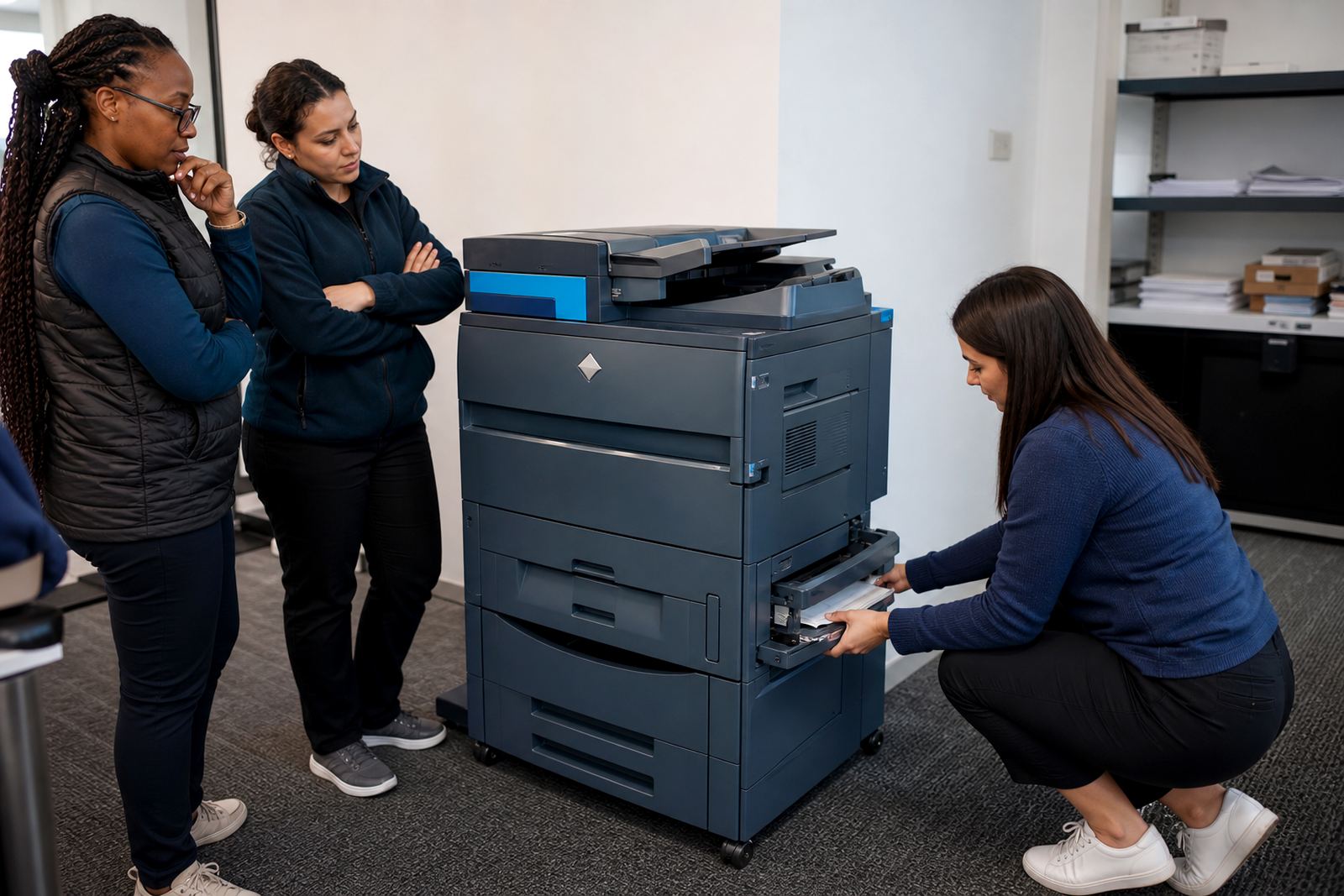
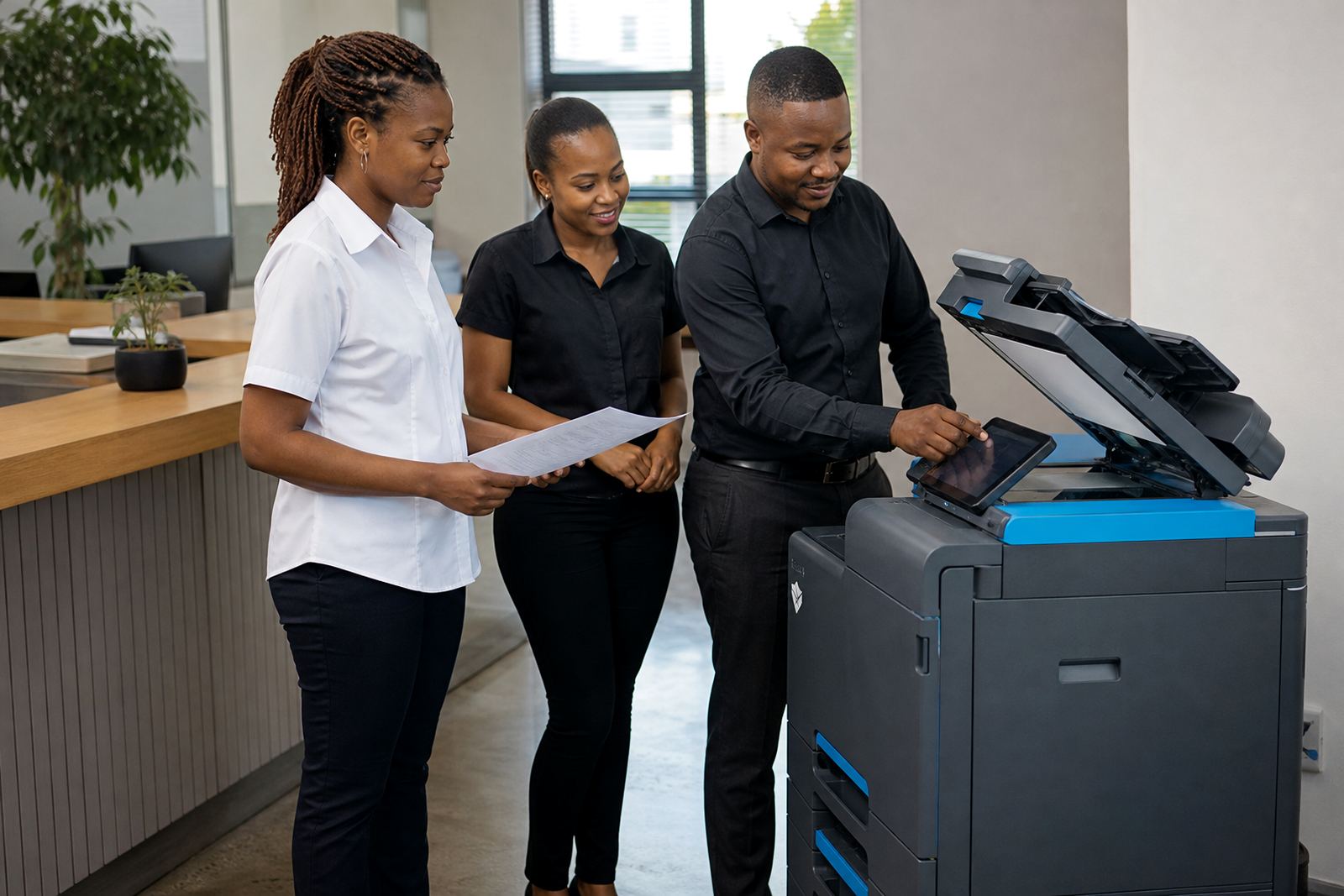
The setup was kept to the tools the practice would actually use. Scan to message, secure print, network setup and simple user handover were included, with machine locations planned so staff did not waste steps between consulting rooms and reception.
Installation across a working practice
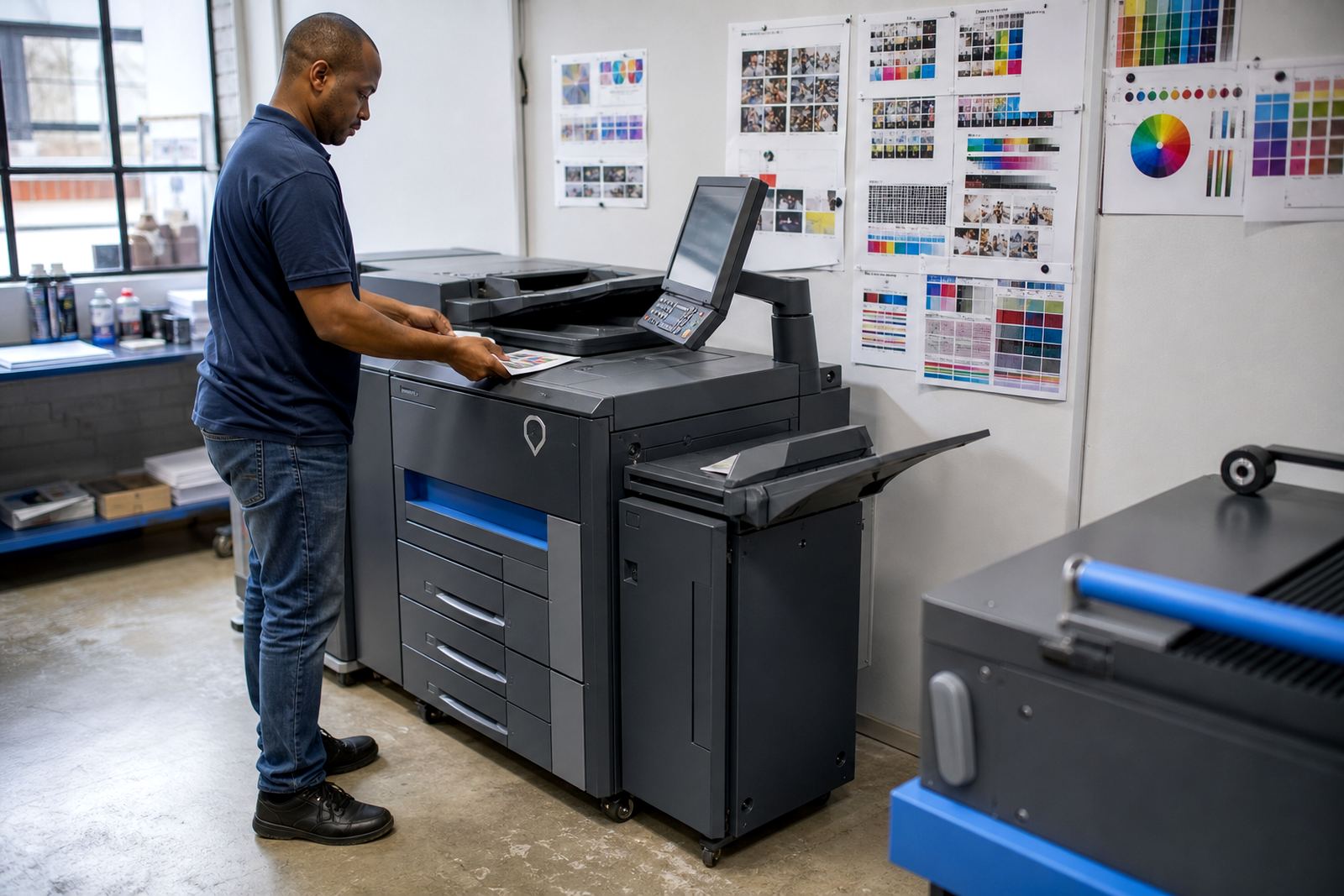
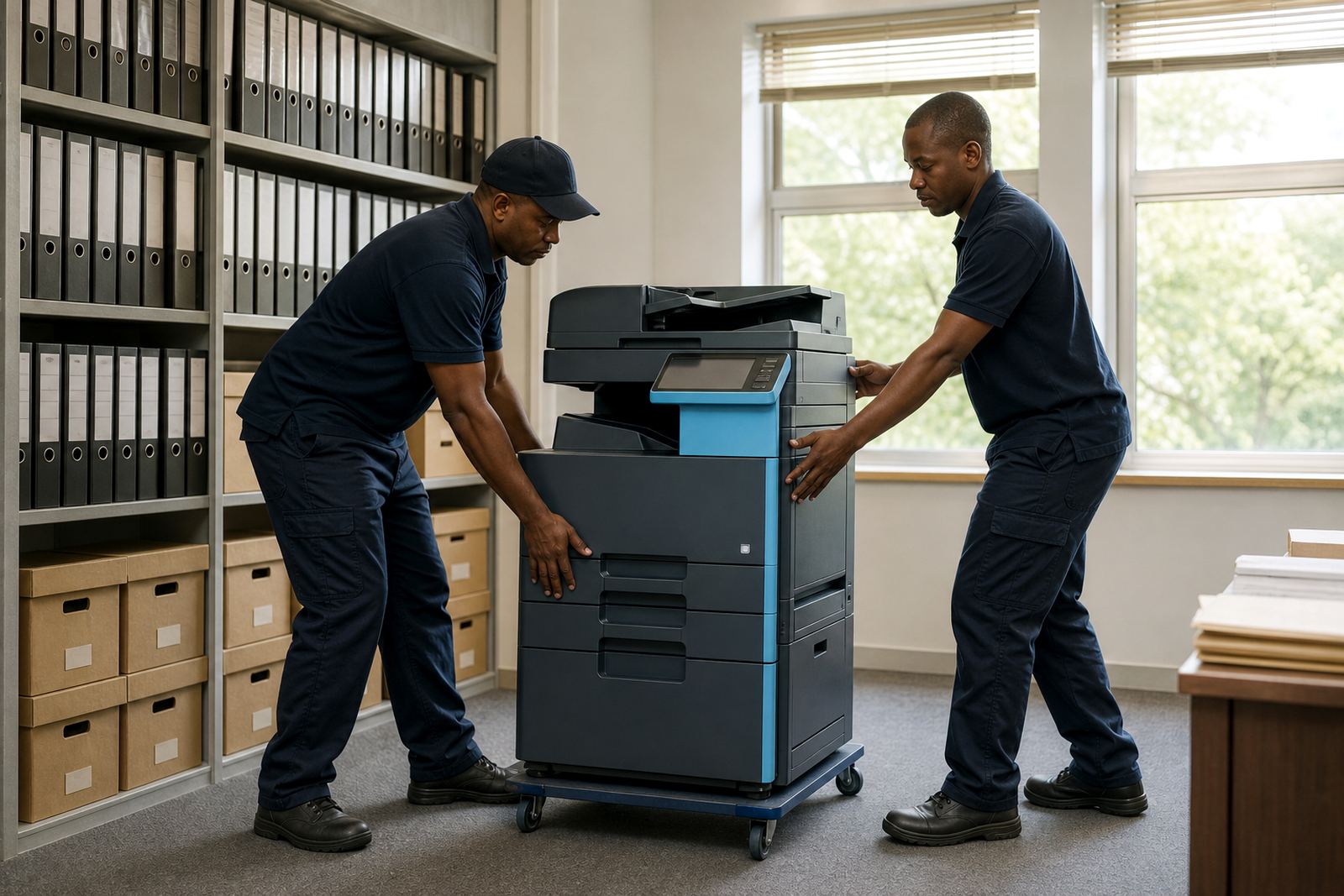
The install was handled in stages so the clinic could keep working while we moved the old equipment out and brought the new devices in. One machine was placed at reception for quick print and scan work, while the second sat closer to administration for longer jobs and document sets.
We also set the devices up for metre reading support and remote oversight of usage, which helped keep the billing clear. Where the team needed it, secure print was activated so private pages stayed in the queue until a staff member was ready to release them.
- Network setup for office access across the practice
- Scan to message configured for record handling
- Secure print set up for patient document control
- On site servicing route planned for the Midrand and Rosebank corridor
Working through the first few weeks
The first weeks were about settling the team into a cleaner routine. Staff no longer had to guess at toner stock or run around for emergency replacements, because the supply side was built into the agreement and the usage was tracked through the metre.
That mattered in a medical setting where interruptions are costly and paperwork often moves in batches. The clinic also liked that the machines could be used for both mono and colour output without keeping separate devices for each task, which kept the counter area less crowded.
For a practice with reception traffic and internal admin on the same site, less clutter around the printer area made the room easier to manage. The team could scan, print and copy from one point without the usual pile up of half used cartridges and random cables.
What changed on the floor
By the end of the rollout, the print environment was easier to manage and less dependent on last minute buying. The practice had clearer control over monthly rental, page usage and support, with a structure that suited office functions instead of forcing them into retail style printer ownership.
- Reception output became easier to track and release
- Scans moved straight into message workflows
- Private documents stayed protected behind secure print
- Paper handling improved for mixed A4 and A3 work
- Toner stock was folded into the plan, reducing interruptions
The clinic also gained a cleaner handover for end term swaps, which matters when a machine reaches the wrong size for the workload or the page mix changes. If the print pattern shifts, the fleet can be adjusted without starting from scratch.
What we would repeat on a similar clinic site
The strongest part of this project was the way the devices were matched to actual use rather than guessed demand. In a medical practice, that means keeping the reception device quick and easy, while the back office machine handles longer runs, scanning and filing without crowding the front counter.
We would also keep the billing tied tightly to the metre readings, because that gives a clearer view of how the fleet is being used. It is also the best way to keep mono and colour output in balance when one department prints far more than the others.
For a Rosebank practice, the lesson was plain: a managed print plan works best when it respects privacy, paper flow and the rhythm of the room. That is where the service side matters just as much as the machines.
Key facts
| Project type | Managed print refresh for a medical practice |
|---|---|
| Town | Rosebank, Johannesburg |
| Device mix | A4 and A3 multifunction copiers |
| Billing model | Monthly rental plus metre based click charges |
| Included services | Toner supply, on site servicing, scan to message and secure print |
| Project timeline | Planned and completed over 3 weeks |