A law office that needed order at the printers
The brief came from a Sandton legal practice with several work areas, a steady stream of contracts and court papers, and too many people leaning on the same old device. They wanted a centralised copier setup that could deal with A4 day to day printing and the odd A3 bundle for plans, bundles of pleadings and larger schedules. The office also wanted one bill tied to usage, not a pile of separate machine costs that were hard to track.
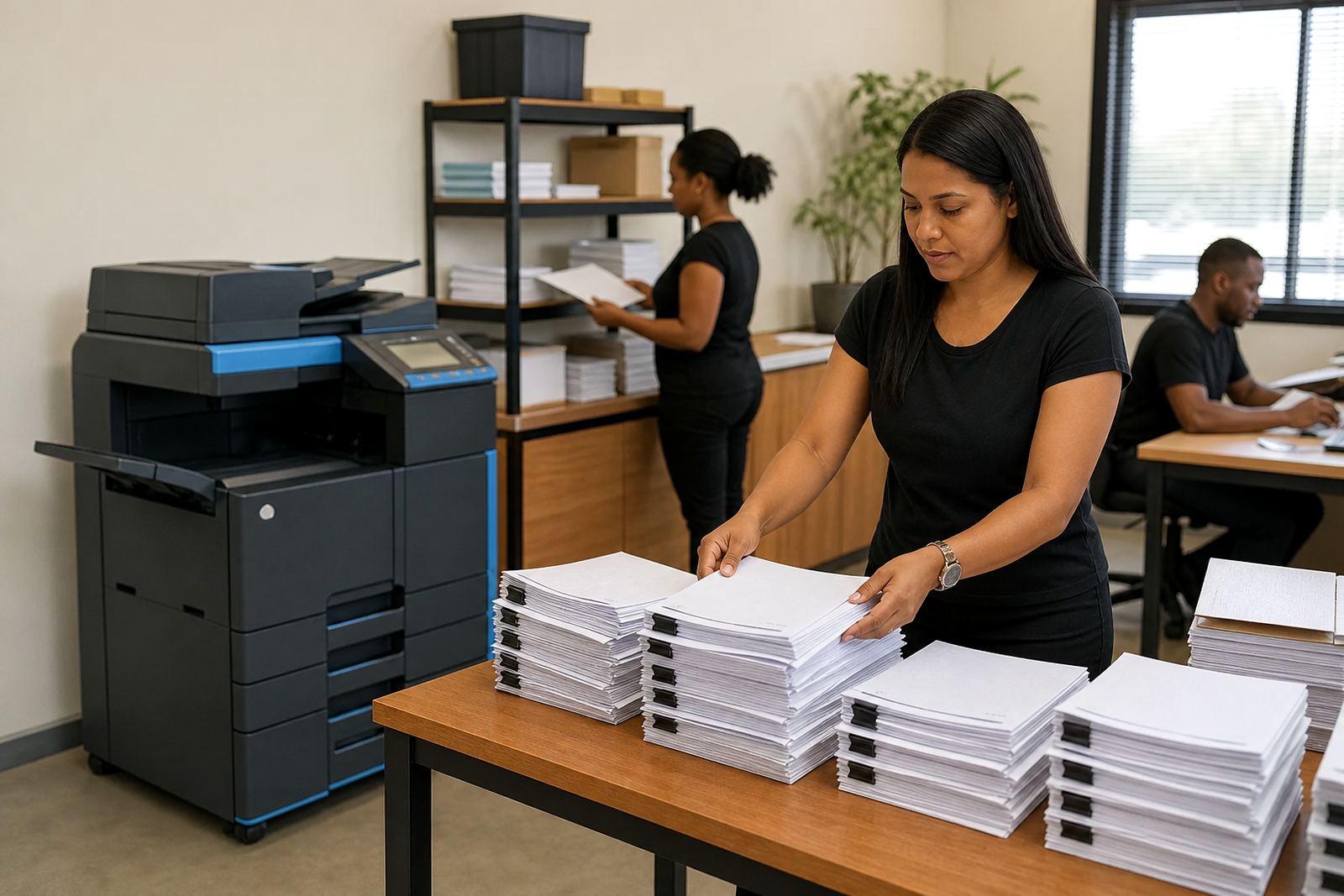
We walked the floor with the team and mapped where documents moved, which bays needed colour, and which spaces were better served by mono output. The aim was not just to place machines, but to cut down on walking time, avoid queueing at one shared point, and keep the paperwork moving without fuss.
- Client type: legal practice
- Town: Sandton
- Rollout scope: shared A3 and A4 multifunction copiers
- Billing model: monthly rental plus metre-based click charges
The brief behind the rollout
The practice asked for dependable printing, scanning and copying in a setup that matched legal work habits. That meant fast scan to send us a message for case files, secure print for confidential matters, and clean handover of user access so people could print without confusion. They also wanted toner supply included in the plan, with service arranged around actual use, not guesswork.
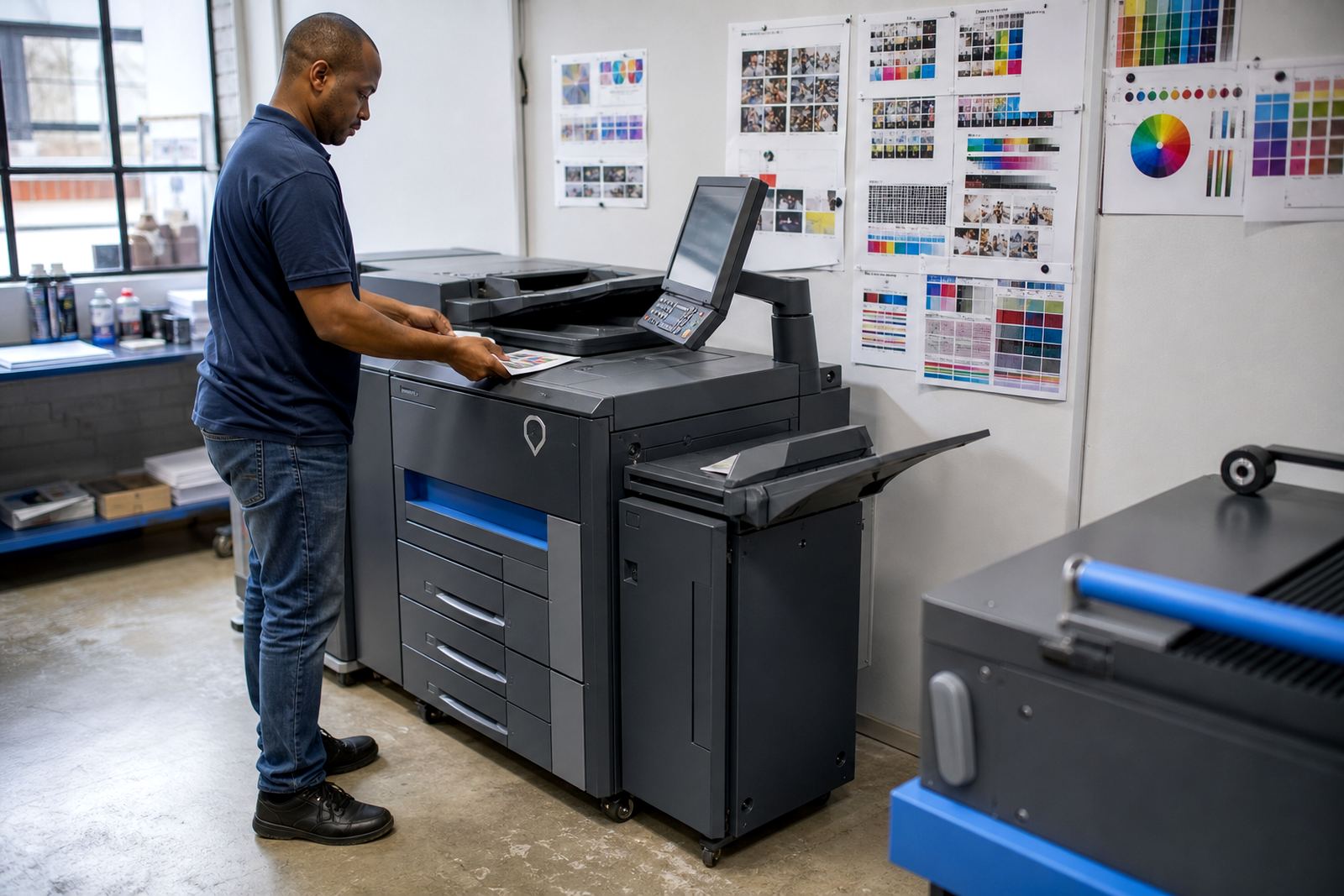
Colour was needed in selected areas only, while the rest of the office could run on mono output for draft work, correspondence and internal packs. We split the fleet that way so the cost per page stayed sensible and the colour units were reserved for the work that truly needed it. A legal office can burn through paper quickly, so the plan had to be tight and practical, not decorative.
- Scan to send us a message for file sharing
- Secure print for private documents
- Mono devices for high-volume drafting
- Colour units for client-facing pages and presentations
Four weeks from survey to live use
The rollout ran over four weeks. Week one covered the site survey, user count and the print volumes around reception, secretarial counters and partner offices. Week two covered machine placement, network setup and the security settings that controlled who could print where. Week three dealt with user handover, scan profiles and the final checks on metre reading capture. Week four settled the small adjustments that always show up once a legal team starts using the devices for real.
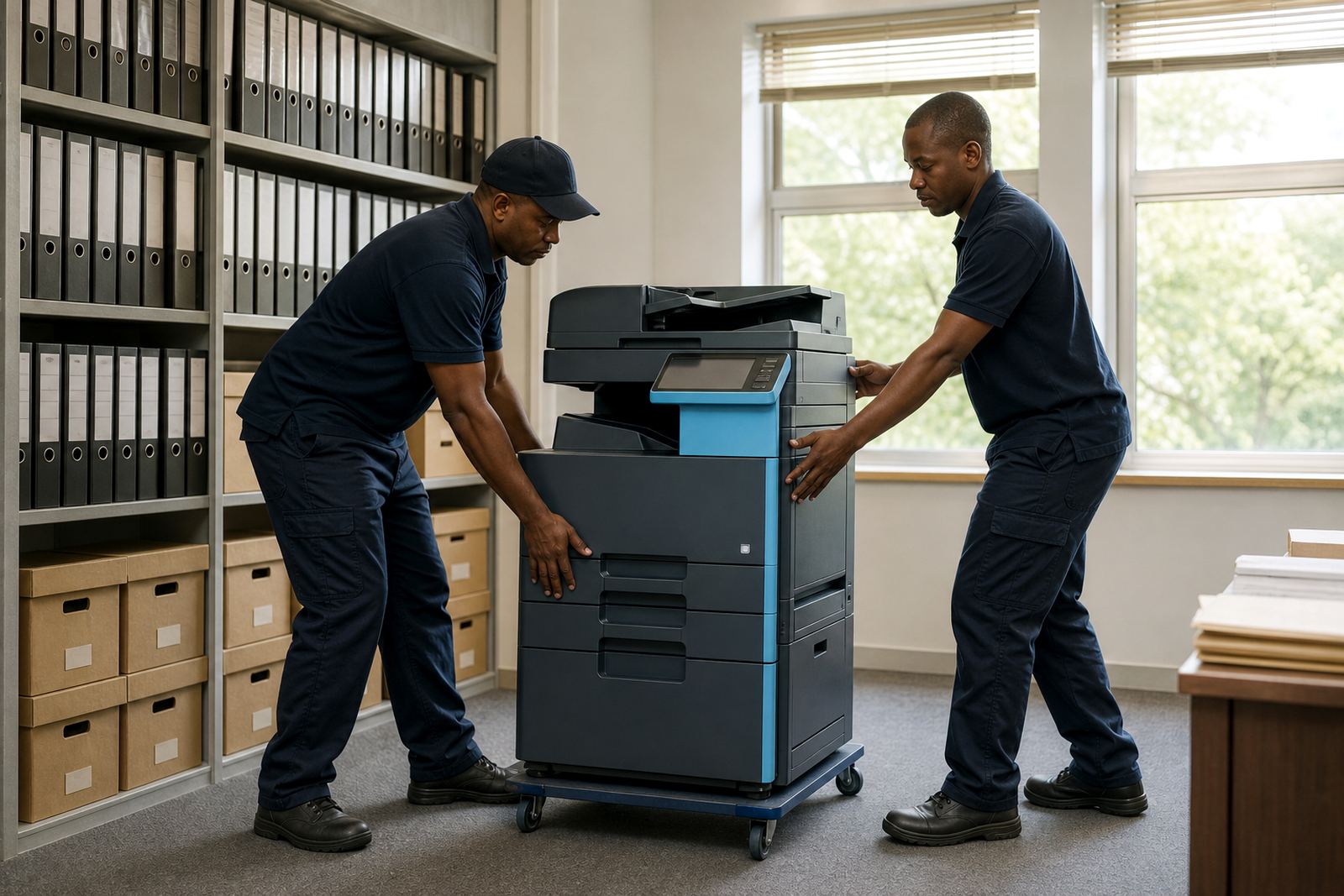
Halfway House, Midrand was our base, but the work sat squarely inside Sandton. The office needed a tidy install with cables kept out of walkways and machines positioned where staff could reach trays, feeders and finishing points without crowding the passage. We also set the fleet up so it could be relocated later if one department grew or a room changed use.
- Week 1: survey and volume planning
- Week 2: install and network setup
- Week 3: access control and user handover
- Week 4: fine tuning after live use started
What we supplied and how it was arranged
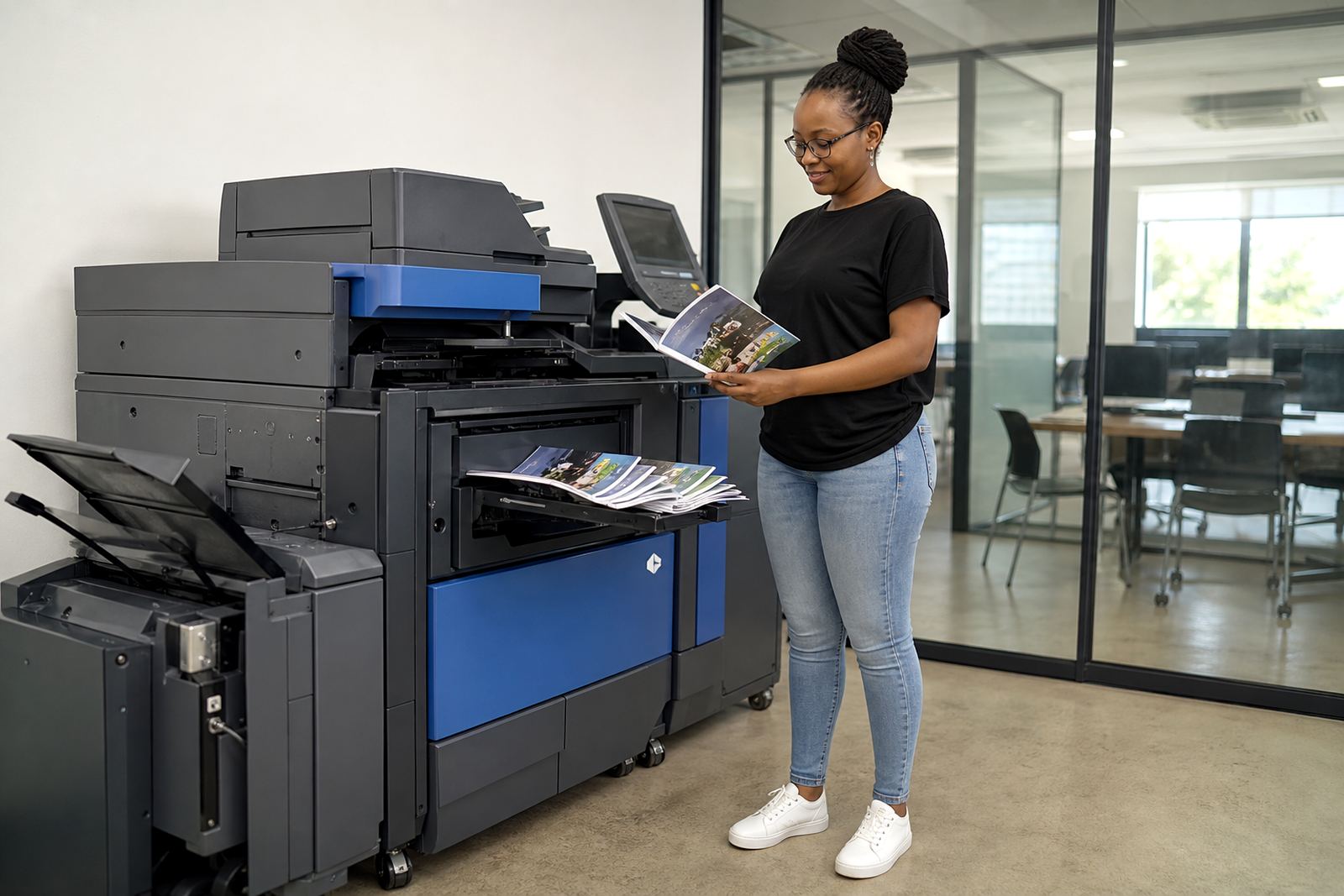
The office received a mixed fleet of multifunction machines suited to legal administration. The A4 units handled everyday letters, forms and scanning, while the A3 device took heavier filing and larger pages. We linked the devices to the network, set scan-to-message destinations for the main teams, and activated secure print where confidential work needed an extra step before release.
The rental plan included toner supply and metre reading support, so the practice could keep track of usage without chasing different vendors. We also arranged on-site servicing and breakdown response as part of the ongoing support. If a tray setting, feeder issue or paper path fault showed up, it was handled at the machine rather than leaving staff to work around the problem.
- Device installation and network setup
- Toner supply built into the plan
- Metre reading support for billing accuracy
- On-site servicing for faults and wear issues
The parts that mattered in a legal environment
Legal work depends on clean records, clear page order and a device that does not become another admin burden. The secure print function helped with private documents that should not sit in the output tray. Scan-to-message cut down on manual filing, and the shared A3 point meant large matters could be handled without pulling the whole office off course. It sounds small, but those details save a lot of shuffling.
The firm also wanted predictable use rather than surprise ownership costs. A rental plan with click charges let them match spend to actual pages printed. That is often the better route for an office that uses the copier hard during busy filing periods, then lighter in calmer weeks. We kept the setup plain, practical and easy for staff to follow.
- Secure release for sensitive work
- Shared A3 access for bigger bundles
- Usage-based billing for better control
- Simple daily operation for legal staff
The result inside the Sandton office
By the end of the rollout, the office had a more orderly print environment. Staff no longer had to wander between mixed devices trying to find the right machine for the job. The print flow was clearer, toner was covered under the plan, and the office could see where pages were going through the metre-based billing structure. It made a busy floor feel less clumsy.
For a similar legal practice, we would keep the same split between A4 benchtop-style use points and one stronger A3 workhorse in the centre of the office. That mix fits firms with multiple teams, confidential documents and a steady need for scanning. We would also keep the user handover close to the live machines, because staff learn the process faster when they are standing at the unit instead of reading a loose note somewhere else.
- Cleaner print routing across the office
- Less clutter from mismatched machines
- Clearer page tracking through metre billing
- Better support for confidential and larger-format work
Key facts
| Project | Sandton law office rollout |
|---|---|
| Machine mix | Centralised A3 and A4 multifunction copiers |
| Billing | Monthly rental plus metre-based click charges |
| Toner | Included in the managed print plan |
| Functions | Print, copy, scan to message and secure print |
| Support | On-site servicing, breakdown response and metre reading support |