A training room that kept needing more pages
The client was a busy training centre in Randburg with short course cycles, frequent enrolments and printed material that changed from week to week. Their admin team needed one machine that could copy learner packs, print registers, scan forms to message and keep the records side tidy without standing over the device for every job.
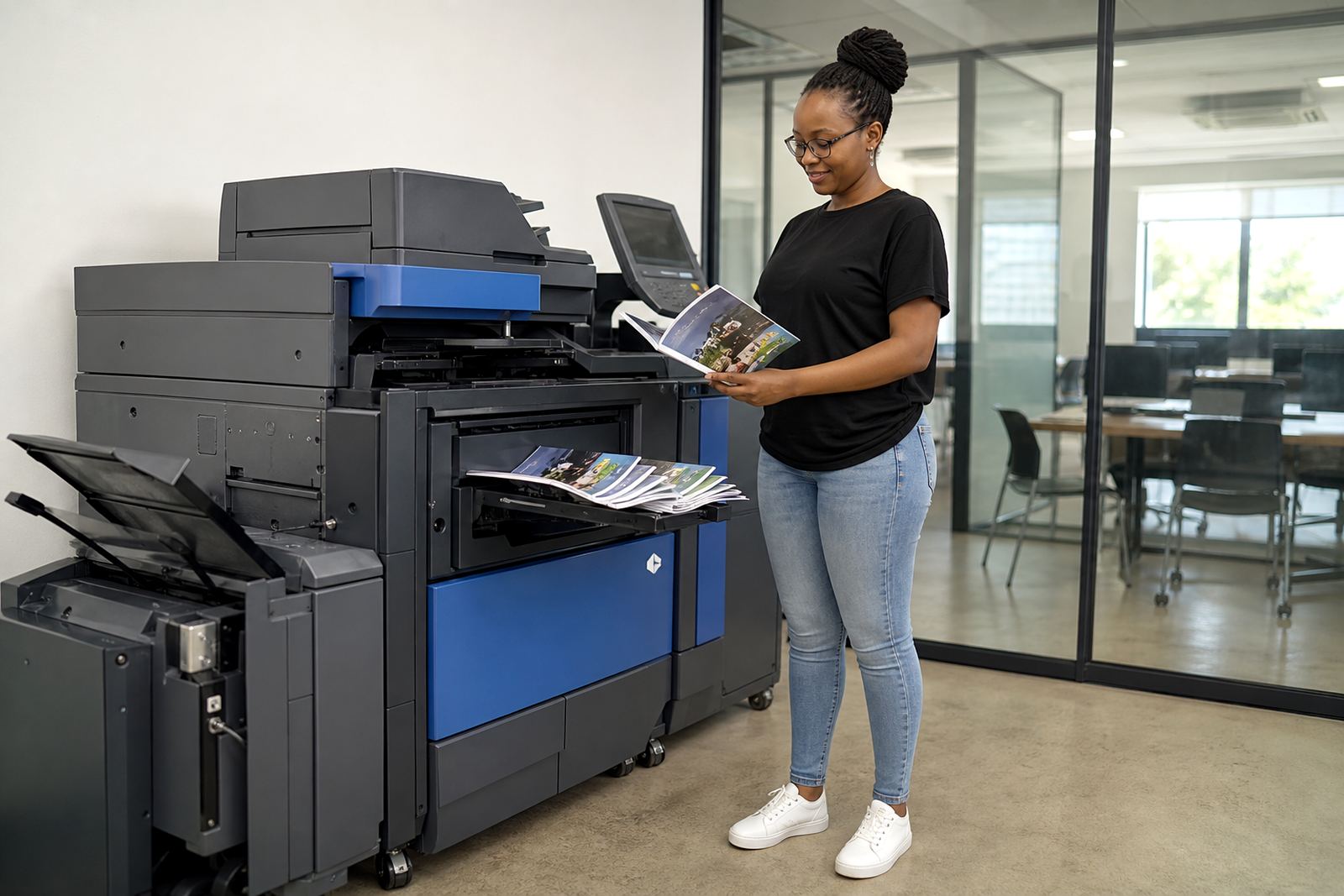
The brief was practical. They wanted an A3 multifunction copier with booklet output for course handouts, reliable mono printing for forms and a colour option for the few pages that needed it. The machine had to sit in a shared admin area, so the setup also needed secure print controls and a neat paper path that would not get in the way of staff moving through the room.
- Client type: training centre
- Area: Randburg
- Primary use: course material, enrolment paperwork and admin prints
- Need: booklet copying, scanning and controlled print release
The brief, measured in forms and folds
The centre had already worked out where the pressure points were. Intake days created bursts of copying, while training weeks brought steady smaller runs, usually mixed between mono handouts and colour covers. They also needed a setup that could store scanned records cleanly and send them out through our contact form without making the admin counter feel cluttered.
We mapped the setup around those habits. That meant a copier with automatic duplexing, booklet creation, scan-to-message, user codes for secure release and enough paper handling to move through mixed jobs without constant tray changes. The plan also had to allow for metre-based billing so the centre only paid for the volume it used, rather than carrying the capital cost of ownership.
- Monthly rental structured around machine use
- Click charges linked to metre readings
- Toner included under the managed plan
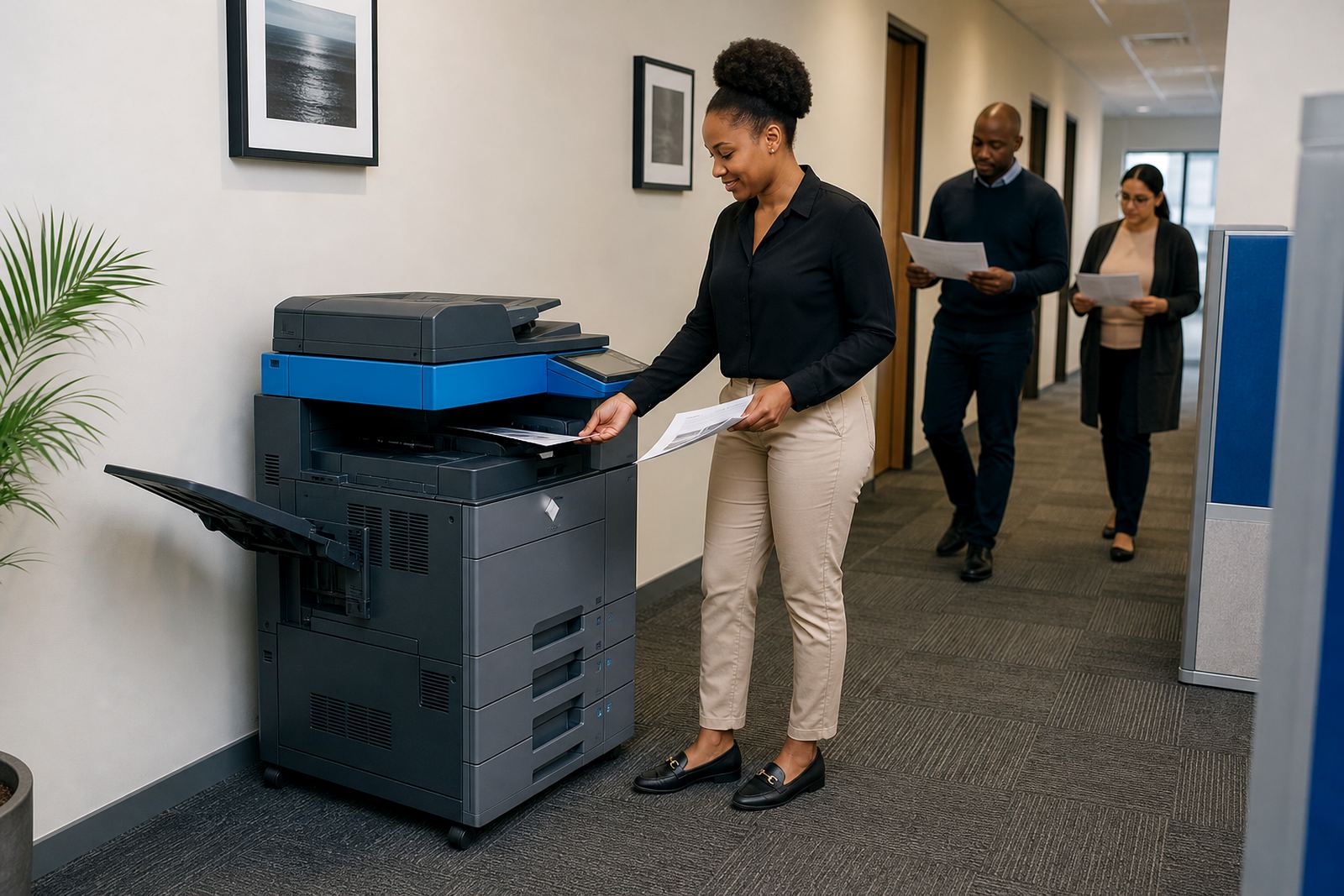
- Secure print for staff documents and learner records
What went into the setup
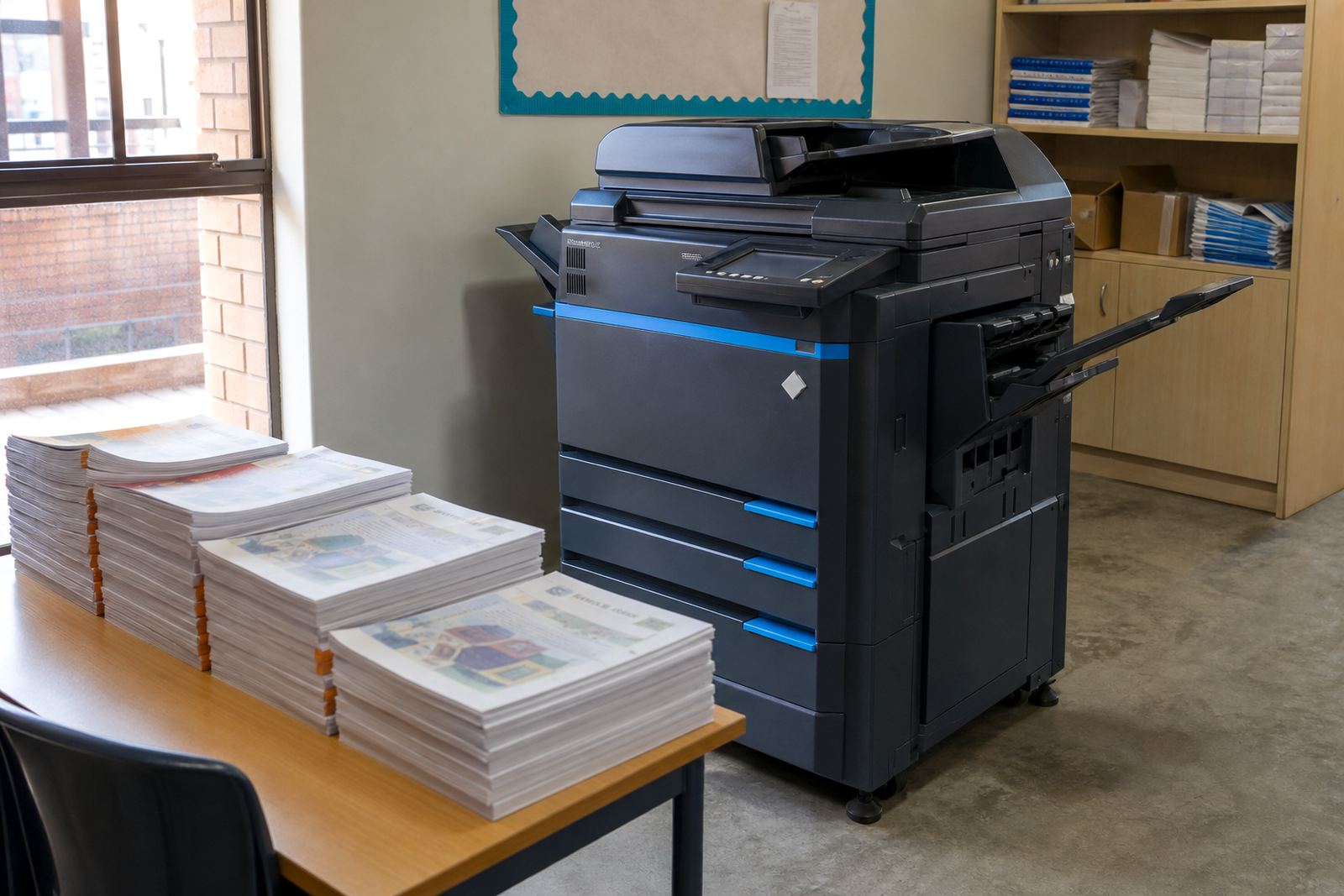
We supplied a multifunction copier set up for A4 and A3 work, with printing, copying, scanning and booklet finishing in one footprint. The unit was configured for a balanced mono-and-colour workload, which suits a place that prints a lot of text but still needs colour on covers, forms and notices. The machine was networked to the office environment so the team could send jobs from their PCs and scan straight into message folders.
On site, our team handled installation, network setup, scan-to-message setup and secure print setup. We also walked the staff through the basics of tray loading, paper sizing, release codes and what to do when a scan needs sending to more than one recipient. The handover was kept plain and practical because the centre had rotating admin support and not everyone used the machine every day.
- A4 and A3 multifunction copier
- Mono and colour output in one device
- Booklet copying for learner packs
- Network printing and scanning
- Secure print release for sensitive records
The first few weeks on the floor
The rollout was handled in stages over roughly two weeks. First came the installation and network work, then the paper setup and user training, and finally a short period of checking the common jobs that matter in a training environment. Those included enrolment forms, attendance sheets, course packs and the longer booklet runs that tend to expose any weak spot in finishing or alignment.
Once the machine was in regular use, metre reading support helped keep billing transparent and predictable. Toner supply was folded into the plan, so the centre did not need to carry stock on the shelf or chase separate consumables orders. When staff changed over between shifts, the secure print function also reduced accidental output sitting in the tray, which mattered in a shared space where documents move fast.
- Installation and network setup completed first
- Paper sizes checked for A4 and A3 jobs
- Booklet runs tested against course packs
- Metre readings used for billing control
What changed after the copier was in place
The centre gained a cleaner admin routine. Staff no longer had to separate copying, scanning and printing across different devices, and the booklet function made it easier to prepare course material in a format that matched the way trainers actually use it. Because toner was included and servicing sat with the plan, the office was not left handling machine upkeep as a separate task.
There was also a better fit between cost and use. A rental plan made sense for a training centre with changing intake levels, because the monthly commitment stayed clear while the click charges tracked activity. When paper work changed from quiet weeks to busy registration periods, the machine held up without the centre needing to rethink the whole print setup.
- Fewer steps between printing, copying and scanning
- Cleaner handling of learner records
- Better control of output through secure print
- Cost tied to actual usage rather than ownership
What we would carry into the next training room
We would use the same approach for another training centre with mixed admin and teaching work. Start with the actual document flow, choose the machine around the booklet and scan requirements, then keep the billing model tied to readings rather than guessing a monthly number in the dark. That keeps the setup grounded in the real volume of pages, not wishful thinking.
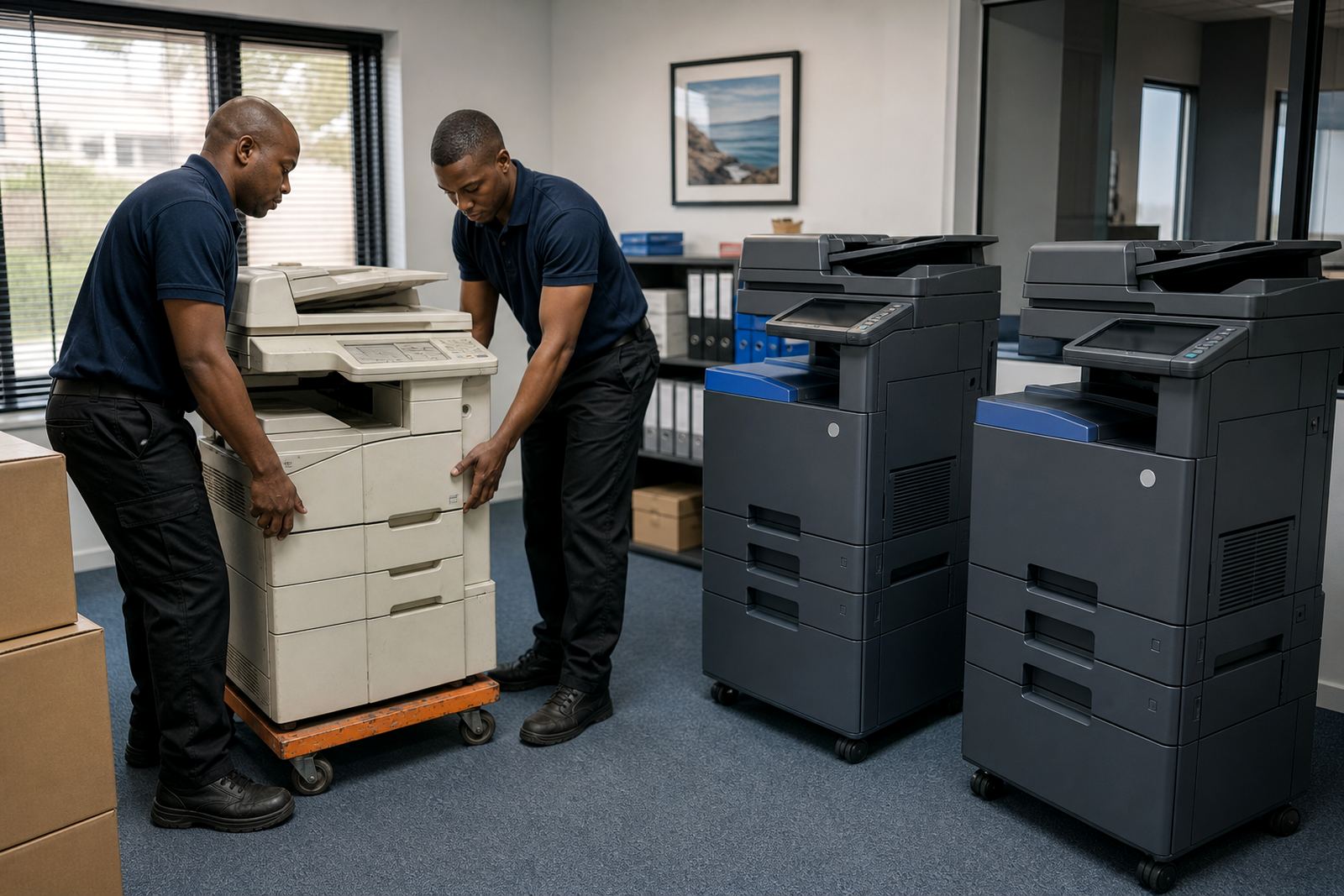
For a site like this, the useful extras are not decorative. Scan-to-message, secure print, toner supply, on-site servicing and end-of-term swaps matter because the office staff need a machine that fits the rhythm of enrolments, class handouts and filing. If the brief changes later, machine relocations and fleet review are easier when the plan was built around usage from the start.
- Keep the brief tied to actual page volumes
- Match the machine to booklet and scan needs
- Allow for user handover where staff rotate
- Plan for end-term changes in print demand
Key facts
| Client type | Training centre |
|---|---|
| Area | Randburg |
| Machine type | A3 multifunction copier |
| Functions | Print, copy, scan, booklet output |
| Billing model | Monthly rental plus metre-based click charges |
| Included support | Toner supply, on-site servicing, metre reading support |