The brief from a Centurion finance team
The office in Centurion had outgrown a mixed fleet of older multifunction machines. Their team wanted a cleaner split between black and white output, tighter control over monthly print use, and fewer calls about toner running low just when payroll packs and reconciliations were due.
The brief was not just to replace hardware. It was to set up a managed print arrangement that matched finance work, where most pages are mono and every page count matters. The site also needed scan to message, secure print for sensitive documents and a handover that staff could live with on the first week, not after a long settling-in period.
- Office type: finance and administration
- Town: Centurion
- Move type: end of term machine swap
- Fleet direction: mono-led multifunction printers
What had to stay in place during the swap
The biggest pressure was continuity. The office could not afford a stop-start handover where one machine goes out too early and another is not ready for the network. We had to plan around shared work areas, document signing points and the usual rush that comes with month-end files.
There was also a billing concern. The client wanted monthly rental to stay predictable, with click charges tied to actual metre readings. That meant the new fleet had to be set up with clear usage tracking from day one, plus toner supply built into the plan so stock did not become a separate admin task.
- Keep print access live while old units were removed
- Set up metre reading support for accurate billing
- Make toner supply part of the service plan
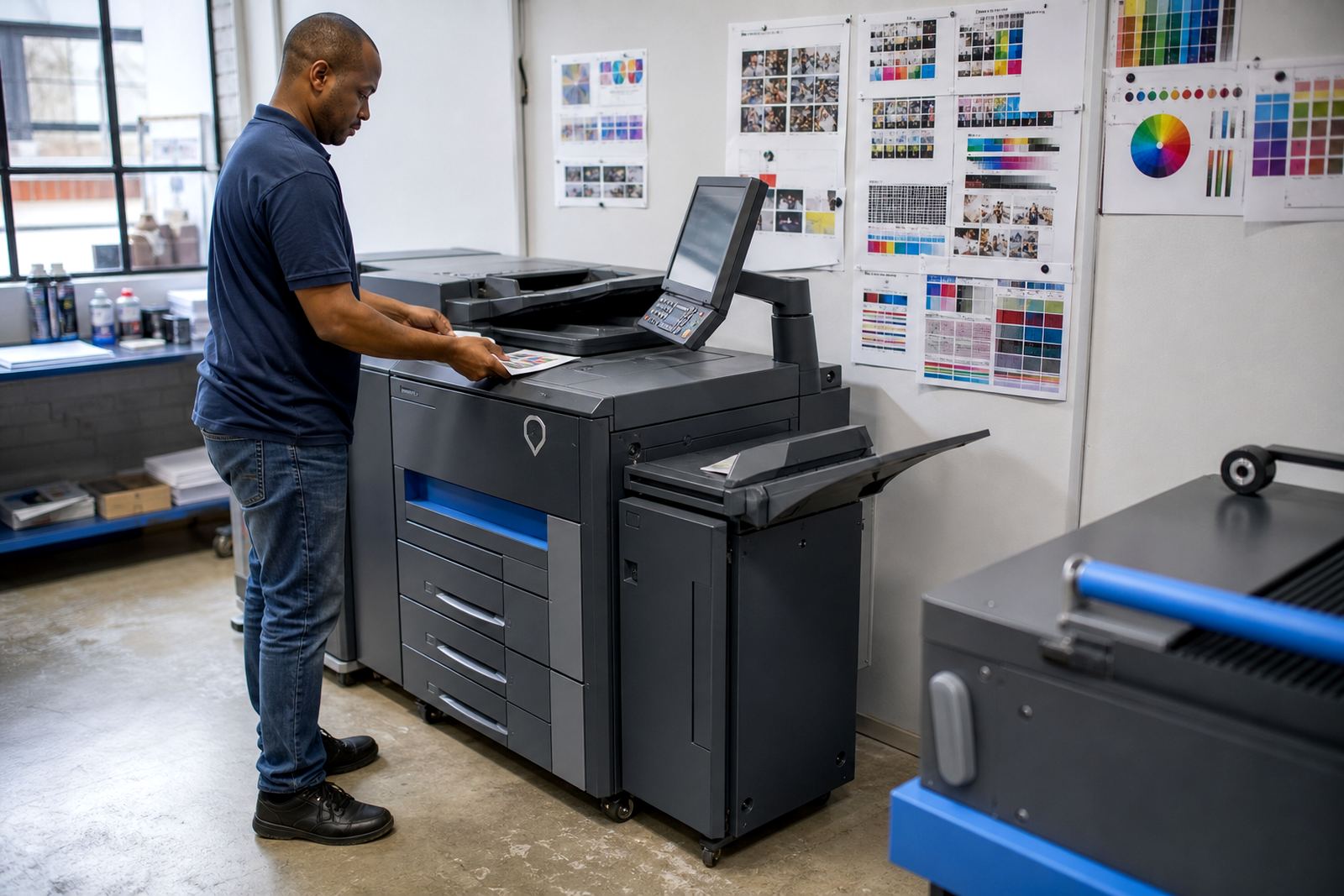
- Limit colour output where mono would do the job
The fleet mix and office features we put in place
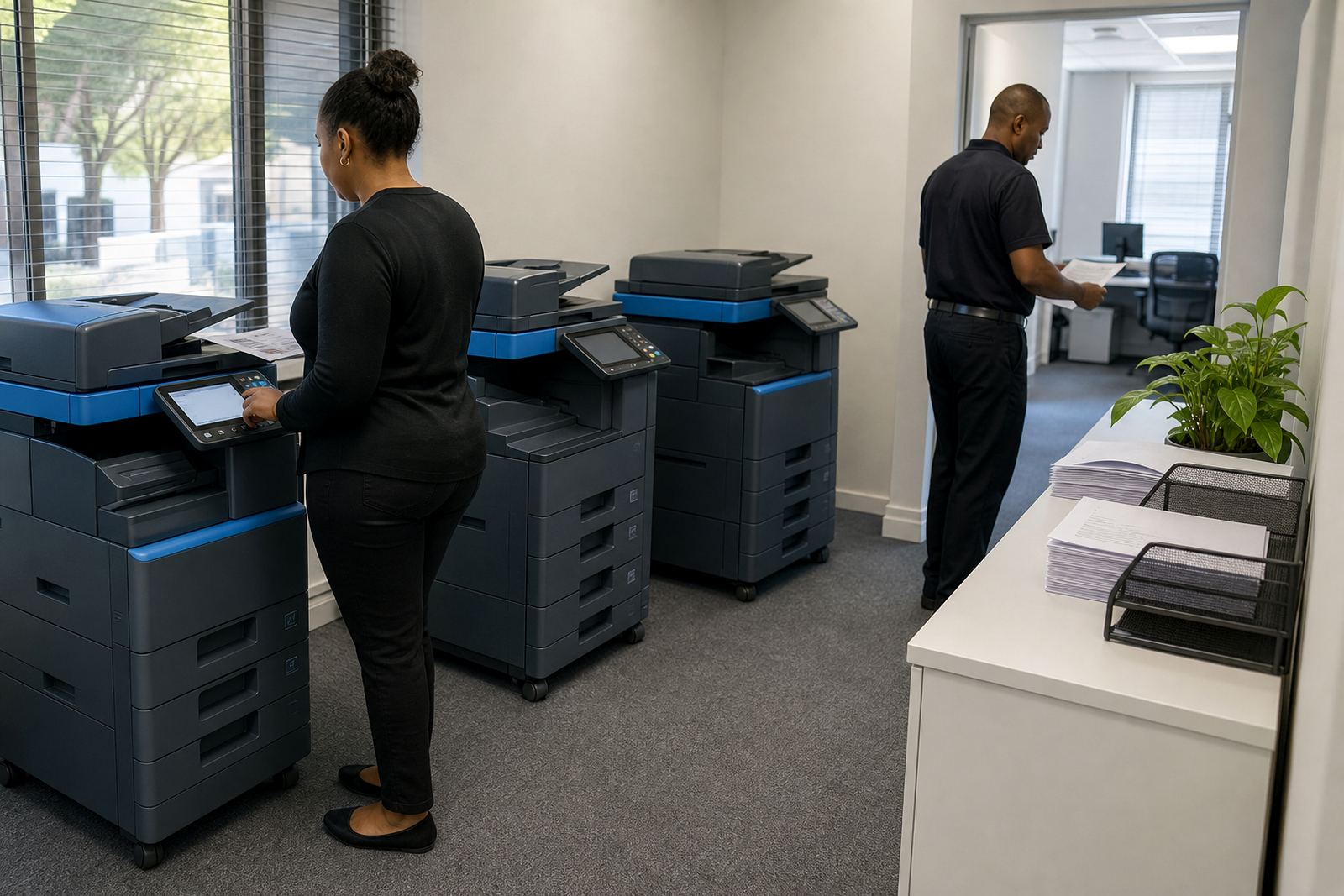
We supplied a mono-led group of A4 multifunction machines, with one larger-format A3 unit where the office still needed wider scans and reports. The setup covered copying, printing, scanning and secure release on the busiest counter areas, and it was chosen to suit finance work rather than general retail use.
On the network side, we configured scan to send us a message for the teams that file claims, statements and board packs digitally. Secure print was added for documents that should not sit in an output tray. The user handover covered paper loading, basic jam clearing, panel prompts and how to read the metre numbers without guesswork.
- Mono A4 multifunction printers for daily office use
- One A3 multifunction machine for wider documents
- Scan to message setup for digital filing
- Secure print for confidential output
- Network setup for shared office access
How the swap ran over three weeks
Week one was the site review, where we checked the existing machine layout, print volumes and the type of documents that moved through reception, finance and management. That gave us the shape of the new fleet and showed where a colour machine was unnecessary spend.
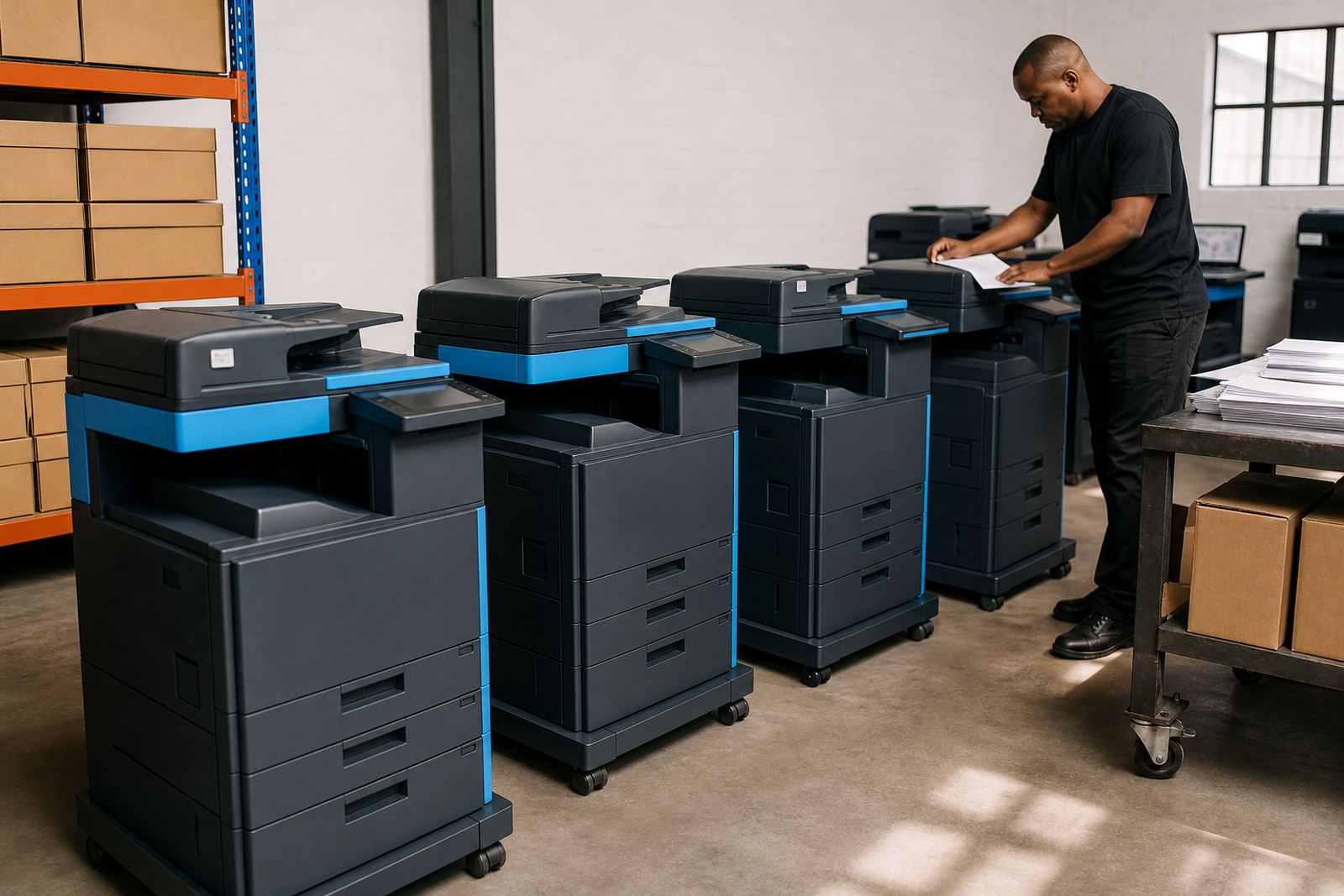
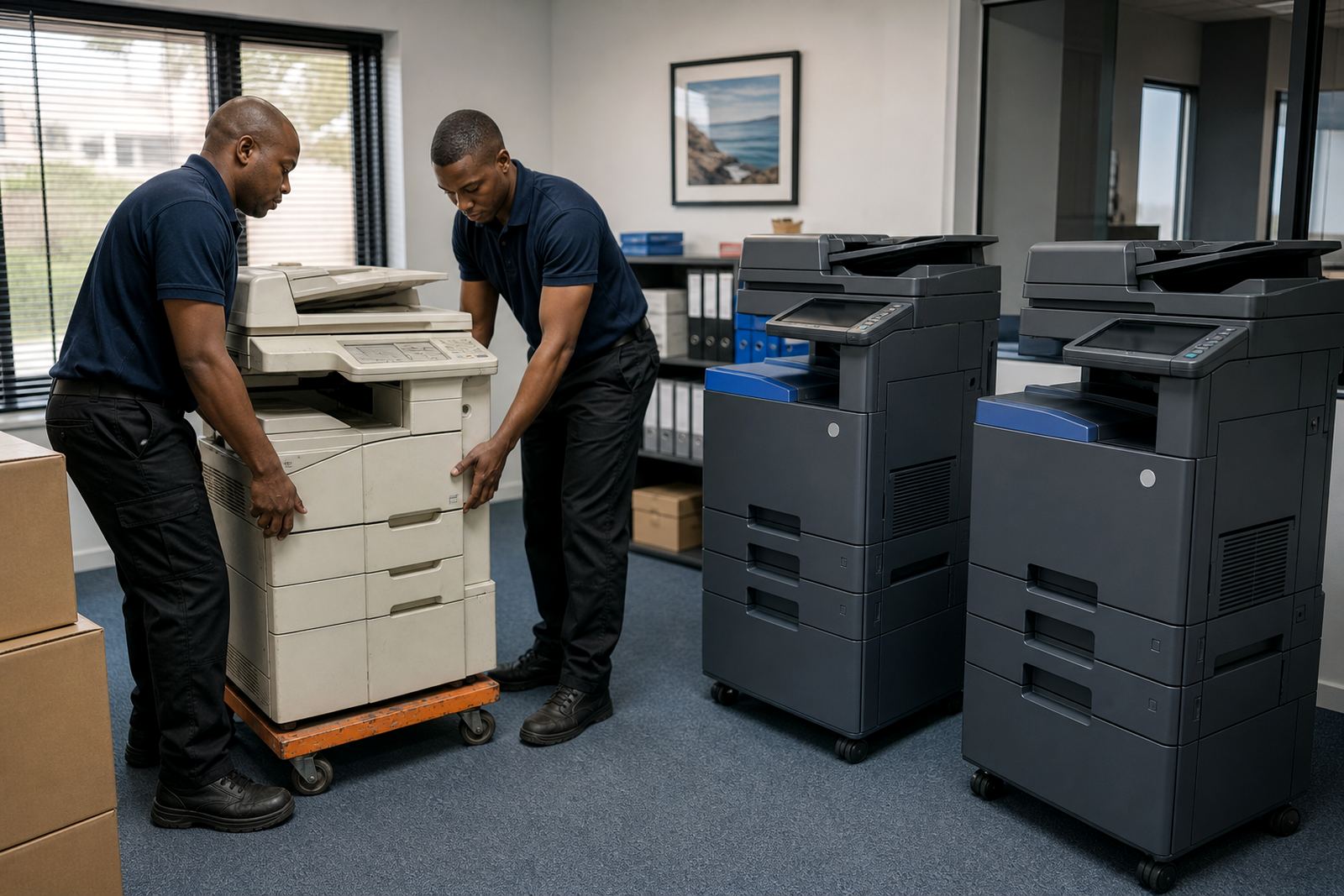
Week two covered preparation, configuration and scheduling. The final week was the physical swap, testing and handover. We moved the old equipment out in a controlled way, placed the new units, checked the network connections and made sure each department could print, scan and release jobs without calling around the office for help.
The timing mattered because the team had ongoing payment runs and internal reporting dates. A rushed swap would have created paper queues and extra follow-up, so the sequence had to be clean. It was steady work, and not glamorous, but finance offices usually prefer that kind of order.
What changed after the old fleet was removed
The office moved from a mixed and slightly uneven setup to a fleet that matched the way it actually prints. Mono pages now carry the load, colour use is limited to the machines that need it, and the billing model is easier to read because it follows metre use instead of broad assumptions.
There was also less admin around toner. With supply included in the managed print plan, staff were no longer checking cupboard stock as a separate task. Breakdown response and on-site servicing were part of the arrangement, so the client had a single support path for routine maintenance and faults.
- Cleaner monthly control over print use
- Less wasted colour output
- Fewer toner stock checks in the office
- More suitable equipment for finance workloads
What we would carry into a similar Centurion handover
For a similar finance office, we would keep the same order of work: review the page mix first, match the machine count to actual use, and build the swap around the month-end calendar. That keeps the managed print plan practical rather than oversized.
We would also keep the handover tight. Secure print, scan to message, metre reading support and clear user notes all matter more when several staff share the same device. If the office uses more than one floor or shared filing points, the machine positions need to be chosen with walking distance and queue pressure in mind.
- Start with page mix, not machine count
- Keep mono as the main workhorse
- Set secure print before live use begins
- Place devices where shared teams actually work