A branch office with mixed print habits needed one clear standard
The client was a professional services office in Pretoria East with finance, admin and client-facing teams using different print habits on different floors. Some staff were scanning straight to message, others were saving to shared folders, and the metre readings were being recorded in different ways which made monthly reconciliation messy.
The brief was to replace that patchwork with a single managed print arrangement. The branch needed A4 and A3 multifunction machines, mono and colour output where it made sense, secure print for confidential work, and a cleaner way to track usage across the month.
- Office type: multi-department branch office
- Area: Pretoria East, with support linked back to Midrand
- Print profile: mixed mono and colour, plus scanning and copying
- Reporting need: consistent metre capture for monthly billing
The service limits that shaped the rollout
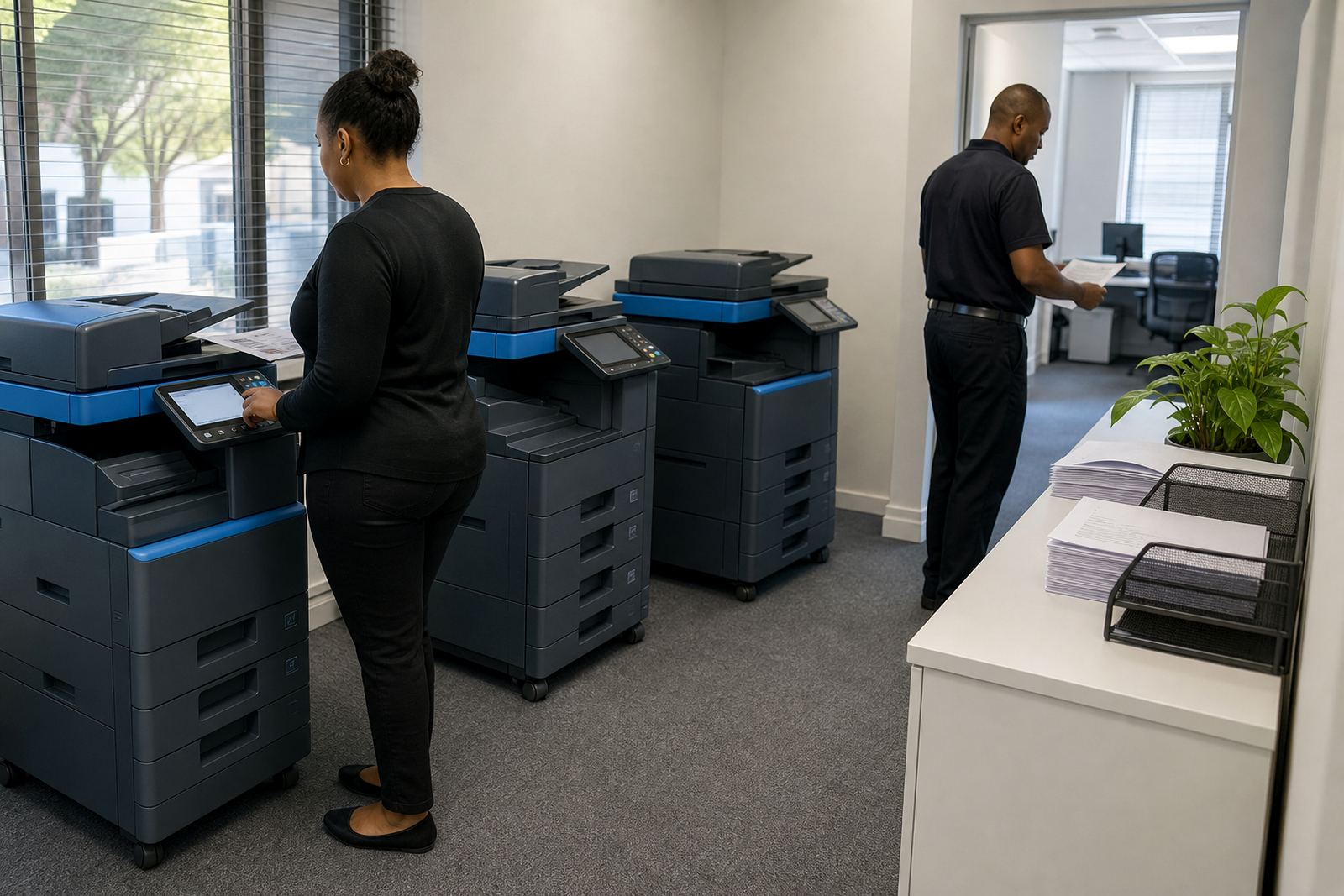
The site was busy during the day and could not afford long interruptions while people were waiting for prints or scanning batches. Network access was stable in most areas, but the devices had to work on a shared office network and the users needed the same menu structure on every machine. That meant the installation had to be planned around floor layout, printer access points, and who would use each device.
There was also a strong compliance angle. The client wanted secure print on the devices that handled HR and finance work, plus scan-to-message settings that matched the branch address book rather than leaving users to key in details each time. We also had to set up toner supply in a way that matched the actual monthly metre pattern, not a rough guess.
- Security: secure print for selected users and departments
- Scanning: scan-to-message configured for shared office workflows
- Supply: toner included under the rental plan
- Usage control: metre-based billing with clear readings
What we supplied and how the fleet was set up
We supplied a mixed fleet of office multifunction printers and copiers sized for a branch environment rather than a single-room office. The plan included compact A4 units for daily document work and an A3-capable machine for larger forms, schedules and internal packs. Mono devices were used where plain black output was enough, while colour output was reserved for teams that needed charts, client packs and marked-up documents.
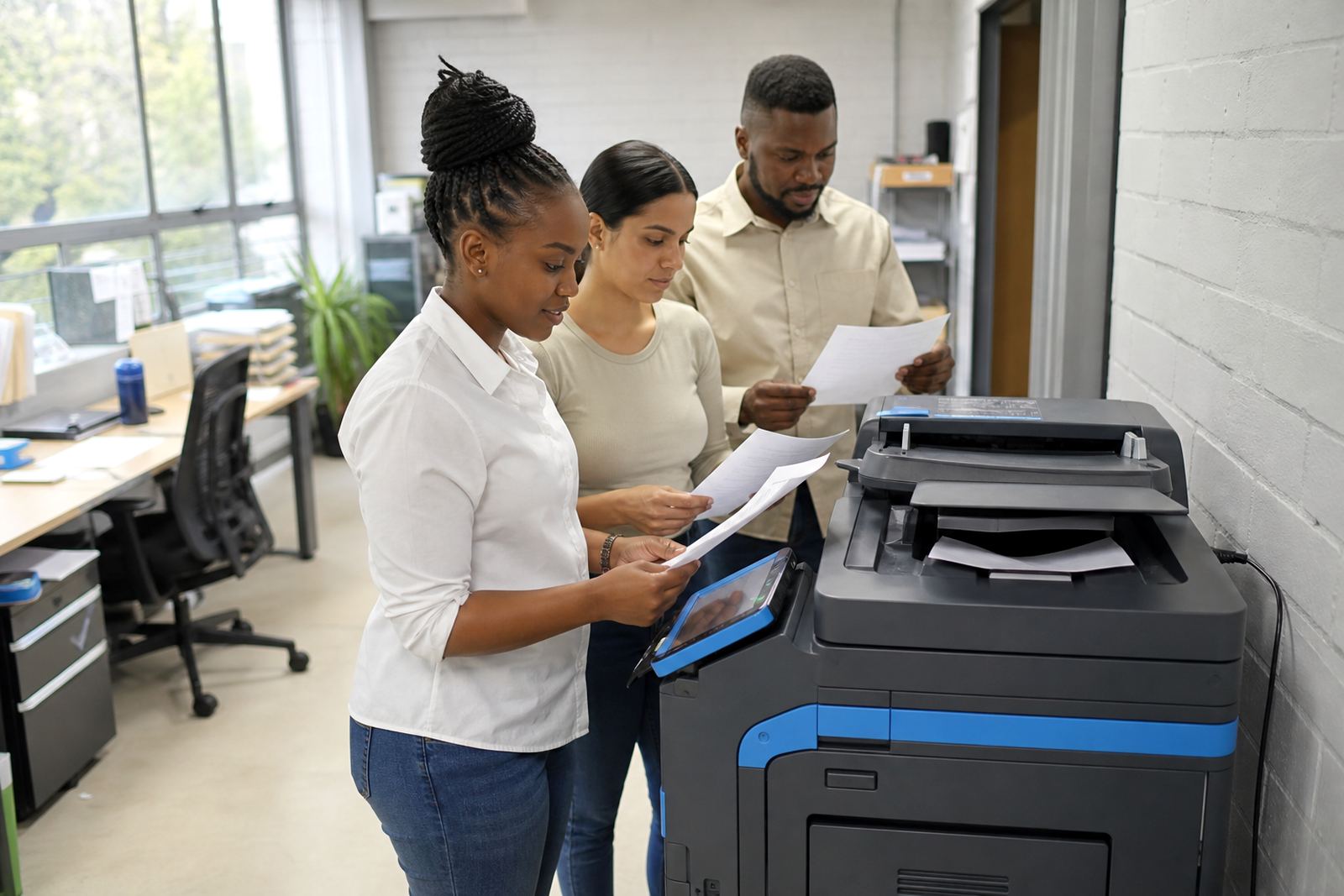
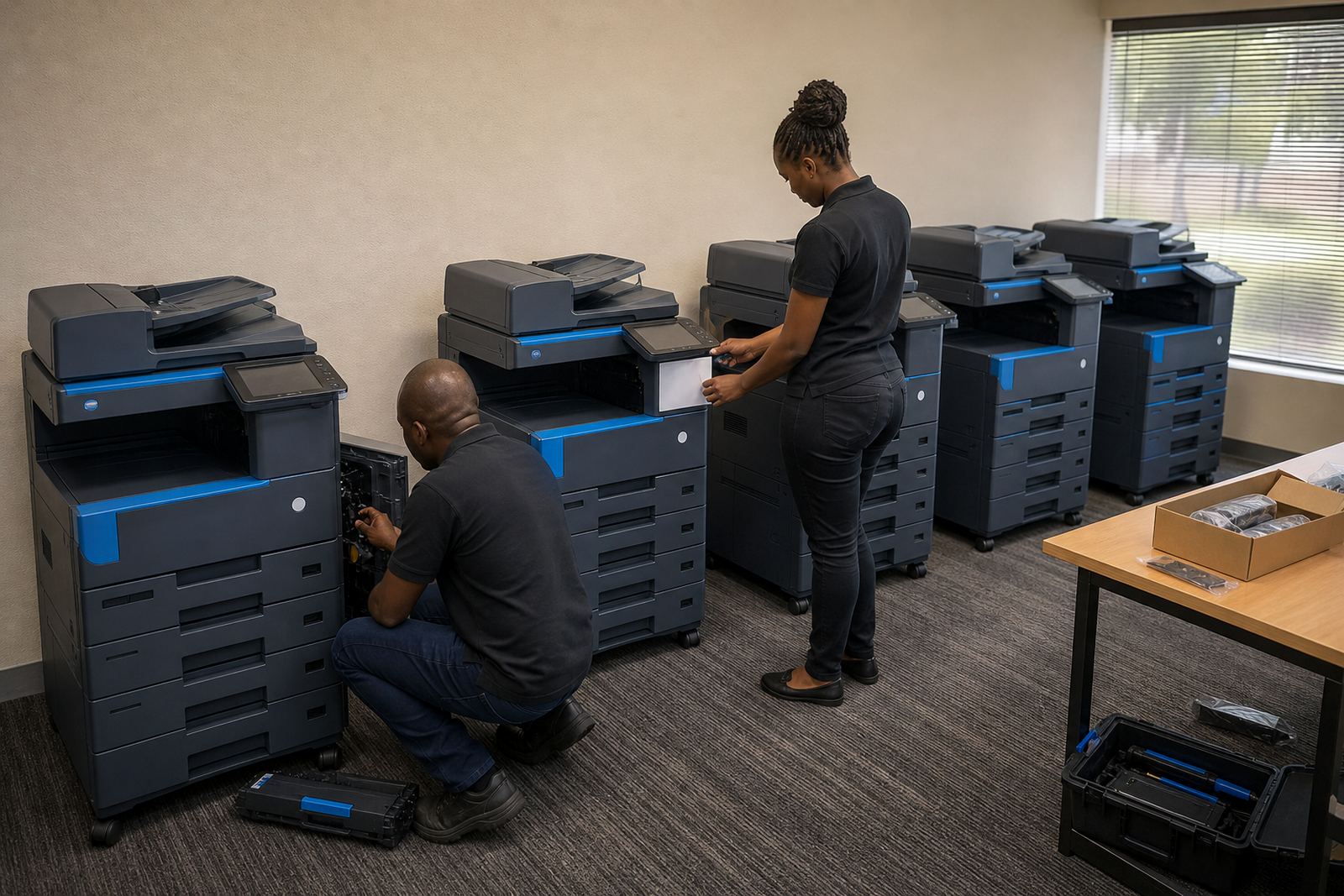
Each unit was installed, networked and tested on site. We set the print drivers, folder destinations and scan rules, then aligned the default settings so users were not making avoidable changes every day. The team also received a user handover so people knew where to collect jobs, how to release secure prints and how to read the basic status indicators on the screens.
- Device mix: A4 and A3 multifunction machines
- Output mix: mono for high-volume text, colour for selected jobs
- Settings: standardised print defaults across the branch
- Functions: copy, print, scan and secure release
Metre work, toner flow and service planning
Once the fleet was live, the focus shifted to the monthly operating rhythm. Metre reading support was built into the account process so usage could be checked against the billing cycle without confusion. That also helped with toner supply because the branch could be topped up before stock ran too low, instead of waiting for a machine to stop at the worst possible time.
On-site servicing was included as part of the managed plan. That covered setup follow-up, feed issues, quality checks and normal wear items that come with regular office printing. If a device needed attention, the service route was logged and the branch did not have to chase separate suppliers for parts, toner and billing queries.
- Billing model: monthly rental plus usage based click charges
- Consumables: toner included in the managed plan
- Support: on-site servicing and breakdown response
- Admin: metre readings tied to the billing cycle
Three weeks from survey to steady use
The rollout ran over three weeks. The first week was the site survey, device allocation and planning of where each machine would live. The second week covered delivery, installation, networking and scan setup. The third week was for user handover, final checks and adjustments to the default settings after the team had used the machines in real work.
That timeline suited the branch because it kept disruption low and gave enough room to sort out the details that only show up once people start printing properly. A few shortcuts were removed, especially around shared scanning and secure release, and that made day-to-day use much tidier.
- Week 1: site survey and fleet planning
- Week 2: delivery, installation and network setup
- Week 3: handover and settings adjustments
- Result: a cleaner branch routine with fewer print surprises
What changed once the branch settled into the new setup
The biggest change was not the hardware itself, but the consistency. Staff were no longer using different settings on every floor or leaving metre readings to memory. Print jobs were easier to track, scanning was simpler to hand over between departments, and the finance team had a much neater line for monthly usage.
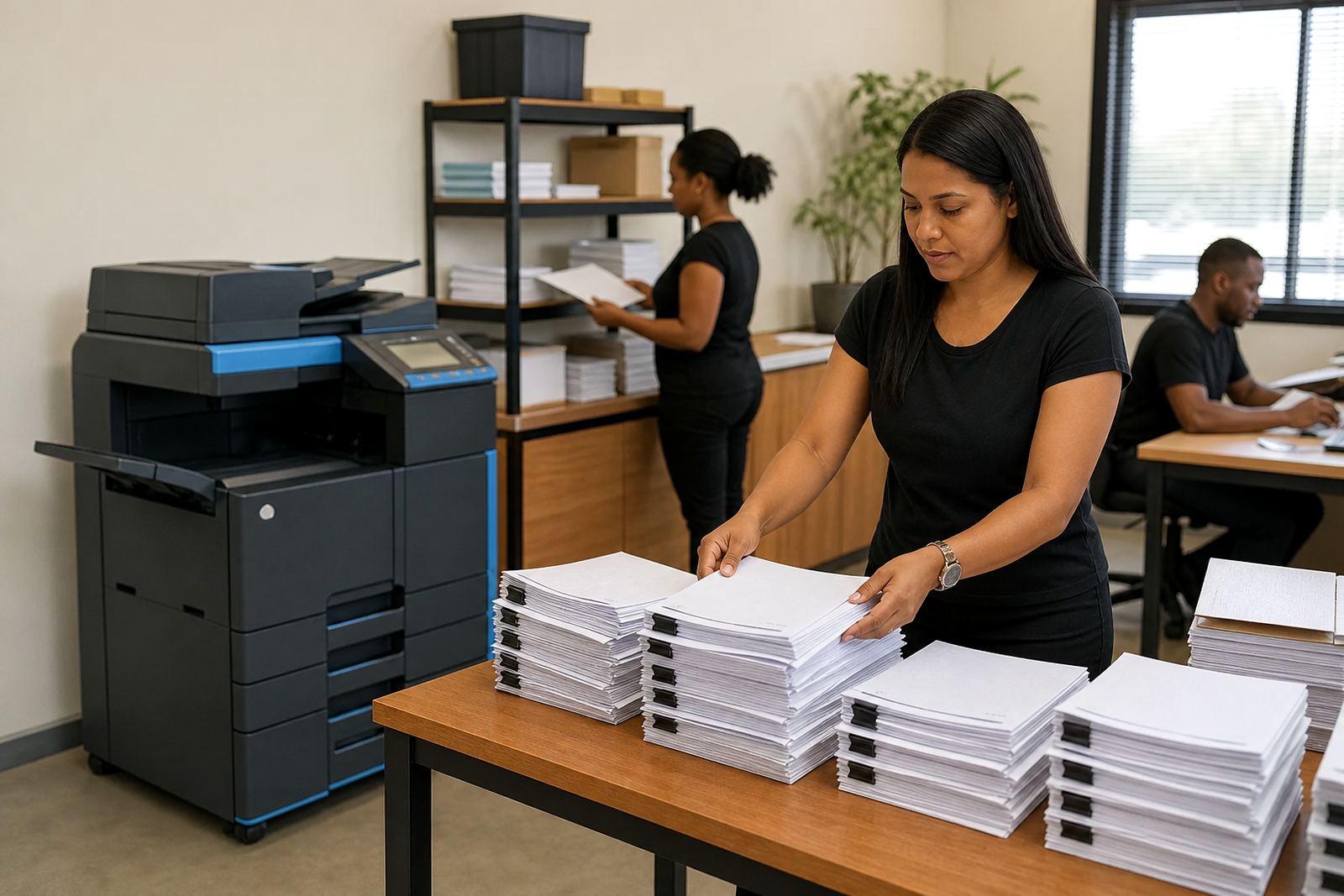
The branch also had less waste from repeated print attempts and unnecessary colour output. Because the machines were matched to actual work patterns, the users had the right device for the right job. When a department needed a format change or a new workflow, it could be adjusted without rewriting the whole setup.
- Print settings: standard across departments
- Scanning: more predictable and easier to route
- Administration: cleaner monthly metre reporting
- Usage: better control over mono and colour output
What we would carry into the next Pretoria East rollout
We would use the same split approach again: one or two compact machines for routine printing, one A3-capable unit for larger jobs and a clear rule set for secure print and scan destinations. That shape works well for a branch office where different teams share the same network but do not need the same output pattern.
We would also keep the handover practical. Users do not need a lecture, they need the machines set up in a way that matches the way they already work. When the billing, metre capture and toner supply are all aligned from the start, the office can focus on the work in front of it rather than the printer in the corner.
- Keep the fleet mixed, not oversized
- Set defaults before users settle into bad habits
- Link metre capture to the billing cycle from day one
- Match secure print to departments that need it
Key facts
| Project type | Pretoria East branch office rollout |
|---|---|
| Location | Pretoria East, Gauteng |
| Client type | Multi-department office |
| Fleet | A4 and A3 multifunction printers and copiers |
| Billing model | Monthly rental with metre-based click charges |
| Services included | Installation, network setup, toner supply, secure print, scan-to-message, metre reading support and on-site servicing |