The brief across three floors and too many walk-ups
The client was a professional office in Nelspruit with teams working across more than one floor, and the old set-up had become messy. People were walking between levels to collect prints, scanning was being done in different ways on different machines, and no one had a clean view of monthly usage. The office needed a proper print room layout rather than a few machines parked wherever there was space.
The brief was to place multifunction devices where they would be used, set one standard for scan-to-message, and keep copy and print activity under control with metre-based billing. They also wanted the option to swap a machine later if the mix of mono and colour changed, without buying equipment outright.
- Multi-floor office environment with shared print demand
- Mix of document scanning, copying and regular office printing
- Need for central control rather than scattered devices
- Managed print plan with toner included and usage tracking
What had to work in the building
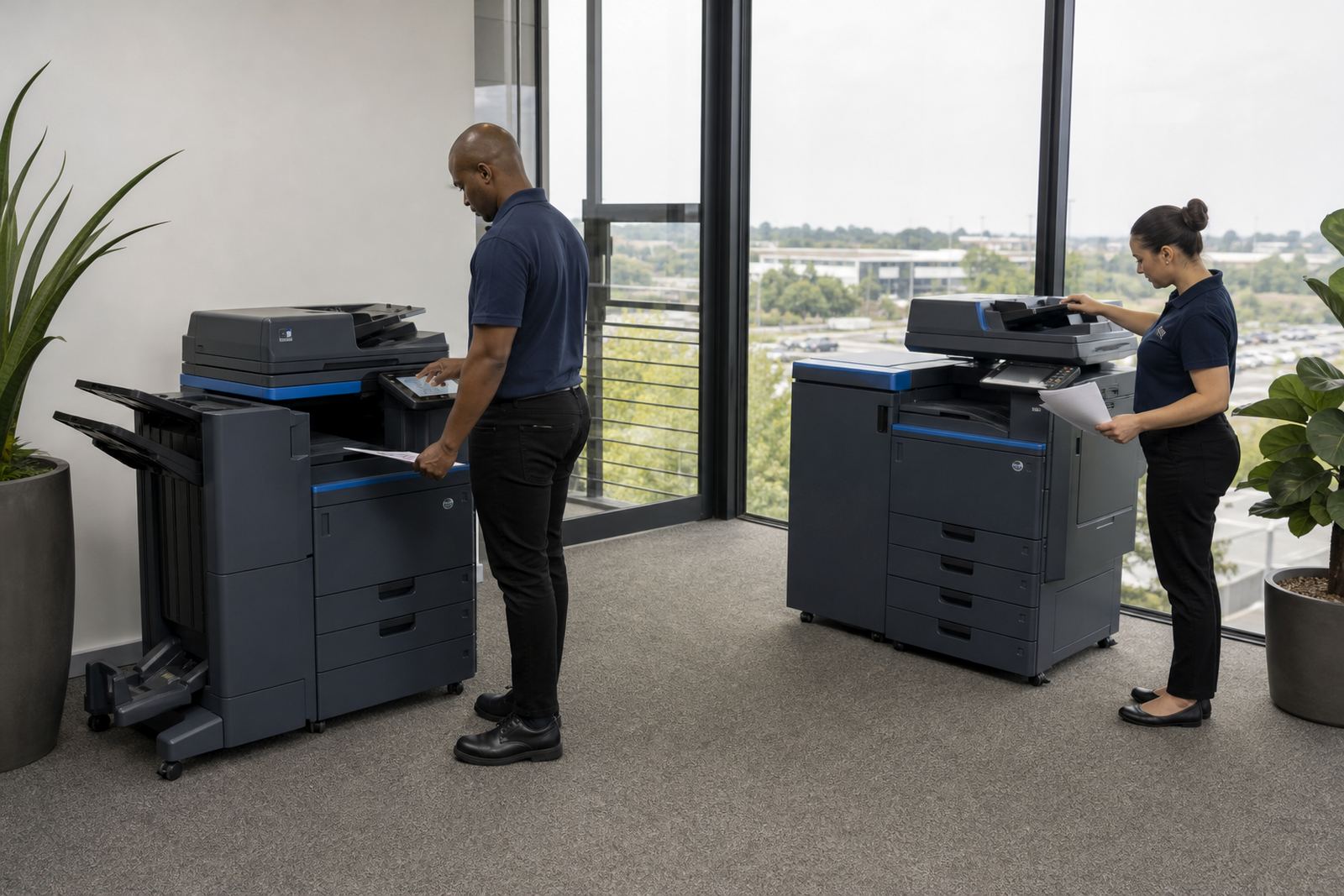
The site had a few practical limits. Floor space was tight near reception and the admin areas, so the machines had to fit neatly without blocking movement. The office also needed a setup that could handle a steady flow of A4 work, with one larger A3 unit for teams that still produce tabloid reports, plans and wider-format copies.
Because staff on different floors handle different document types, the setup had to be easy enough for daily use and consistent enough for the IT team to support without constant calls. Secure print was important too, since documents were sometimes left at the wrong machine when people were rushing between meetings.
- Space had to be kept clear in shared walkways and admin areas
- A4 devices were needed for day-to-day office output
- An A3-capable machine was included for larger document work
- Secure print was added to reduce uncollected pages
The print mix we put in place
We supplied a managed print set-up built around multifunction machines, with toner supply included and billing linked to actual metre readings. The arrangement used a monthly rental for the devices and click charges for output, which gave the office a cleaner cost structure than buying and maintaining separate machines. Mono devices handled the heavier everyday volume, while the colour unit was reserved for the teams that needed presentation pages and marked-up documents.
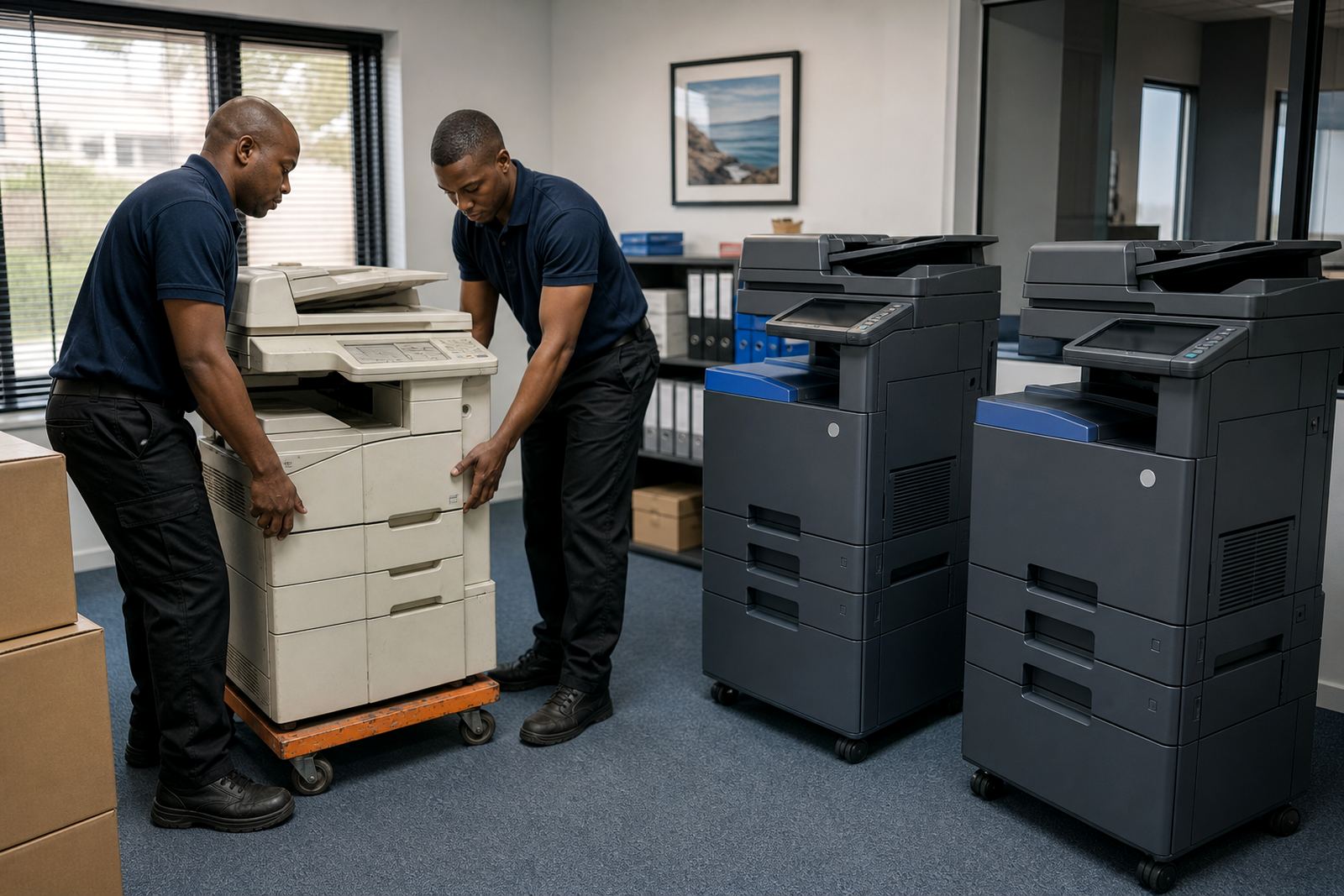
Installation included positioning the devices on the relevant floors, connecting them to the office network and setting scan destinations for the right departments. We also set up secure print so confidential jobs would wait for the user at the machine, instead of sitting in an output tray.
- Multifunction A4 units for print, copy and scan work
- One A3-capable unit for larger documents and reports
- Mono and colour output split by department need
- Scan-to-message setup for named staff groups and shared addresses
- Secure print enabled for confidential office documents
Rolling the job out without disturbing the office
The rollout ran over a few weeks, with the first stage focused on placement and connectivity, then user handover and final adjustments once staff had used the machines in real conditions. We coordinated the move floor by floor so the office did not lose print access while the new units were being introduced. That mattered because a building like this cannot pause document flow for long.
After installation, our field technician checked the network setup, confirmed scan folders and walked the team through basic use. The service coordinator kept the machine list aligned to the actual floor plan, while accounts handled the metre structure and rental records. That kept the project tidy from the first invoice through to daily use.
- Stage one: delivery and placement of the equipment
- Stage two: network setup, scan setup and secure print configuration
- Stage three: user handover and testing with real office jobs
- Stage four: ongoing metre reading support and servicing schedule
What changed once the office settled in
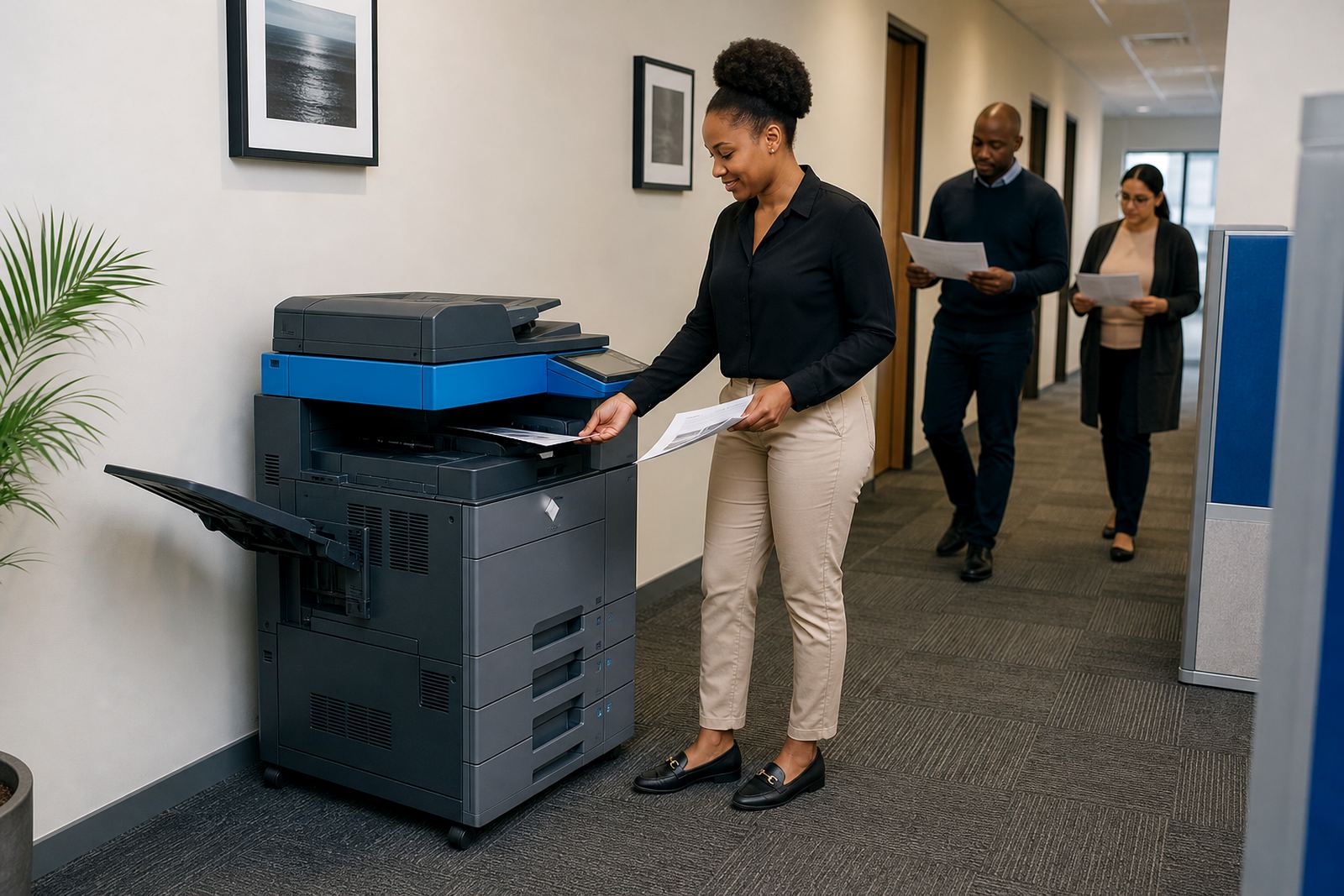
The main change was control. Staff no longer had to guess which machine to use for a particular job, and the scanning process became more consistent from floor to floor. That cut out a lot of small delays that build up over a week, especially in offices where people move between meetings, admin work and client files.
The office also gained a steadier print routine. Toner supply was tied into the plan, so there was less scrambling when a cartridge ran low, and the metre-based billing gave the accounts team a clearer picture of what the fleet was doing. The result was a cleaner print environment and fewer interruptions for ordinary document work.
- Less walking between floors for basic print jobs
- More consistent scan-to-message use across departments
- Better control over confidential documents through secure print
- Cleaner usage records for month-end reporting
The parts we would carry into a similar office
For a head office with multiple teams and more than one floor, the strongest arrangement is usually the one that keeps the machines close to where the work happens and keeps the billing clear. We would use the same approach again: A4 units for everyday volume, one A3 machine where bigger documents are needed, and a service plan that includes toner, metre reading support and on-site servicing.
We would also keep the relocation option on the table. Office layouts change, and a machine that fits one floor today may need to move when a department expands or a room is repurposed. End-of-term swaps are useful there, because the equipment mix can be adjusted without forcing the office into a fresh purchase.
- Keep the fleet matched to actual floor usage
- Use one clear scan standard for the whole office
- Review mono and colour volumes before the next term
- Plan machine relocations around office layout changes
Notes from the Nelspruit head office handover
The project showed how a careful printer rental setup can tidy up a busy office without overcomplicating the day-to-day work. Once the machines, scan routes and billing model were all aligned, the team had fewer interruptions and a better grip on print usage across the building. It was a practical fit for a multi-floor office that needed order more than extras.
Our base in Halfway House, Midrand supports offices, schools and practices across South Africa, including jobs in Johannesburg, Pretoria, Durban, Cape Town, Bloemfontein, Centurion and Sandton. For Nelspruit and surrounding work, the same managed print structure applies when the office needs controlled output rather than a purchase-heavy setup.
Key facts
| Project type | Multi-floor office printer rental and managed print rollout |
|---|---|
| Town | Nelspruit |
| Machine mix | A4 multifunction units plus one A3-capable device |
| Print modes | Mono and colour split by department need |
| Included services | Toner supply, metre reading support, on-site servicing, secure print setup |
| Timeline | Rolled out over several weeks from placement to user handover |