A practice floor that could not stop moving
The client was a professional office in George with steady document traffic, patient records, quotations and scanned correspondence moving through the same machine all day. Their old copier had reached the point where minor faults were becoming weekly interruptions, and the team wanted a rented multifunction unit rather than another capital purchase.
The brief called for an A3 machine that could manage monochrome output for everyday forms and colour printing for occasional presentation work. They also wanted scan-to-message, secure print, user handover notes and a cleaner way of tracking usage across departments. The old arrangement had become hard to read on the accounts side, with toner bought separately and metre usage recorded in more than one place.
- Busy office in George, Western Cape
- Mixed mono and colour printing
- Scanning, copying and message workflows on one device
- Metre based billing with toner included
The swap plan and the pressure points
The hardest part was timing. The office could not afford a long gap between removal and setup, and the old machine sat in a narrow section near the admin counter. There was limited spare floor space, a fixed network point and a daily routine that depended on the copier for signed forms, reports and incoming scans.
We mapped the move in stages. First we checked print volumes, paper sizes and the network path. Then we prepared the new rental unit with the right trays, default settings and secure print access for staff who handled confidential work. The handover notes also covered metre readings, toner alerts and the process for reporting a fault without confusion.
- Space constraints near reception and admin workstations
- Network access for scan-to-message and print release
- Confidential documents needing secure print setup
- Clear metre capture for billing and usage checks
What went in and how it was set up
The replacement machine was a networked multifunction copier suited to a medium office, with A4 and A3 handling, duplex printing and scanning to message folders. We set it up for mono as the default day-to-day mode, with colour enabled for selected users and nominated jobs. That kept the monthly click spend under control while still leaving the office room to print colour when needed.
We supplied toner as part of the managed print plan, set the device for secure release printing and linked the scan profiles to the office address list. The service team also checked paper handling, tray sizes and the usual jams points that show up when a copier is pushed through a full working week. The old machine was removed once the new unit had been tested and accepted on site.
- A3 multifunction copier with A4 day-to-day use
- Mono default with controlled colour access
- Scan-to-message profiles for office users
- Secure print release for confidential pages
The handover over three practical weeks
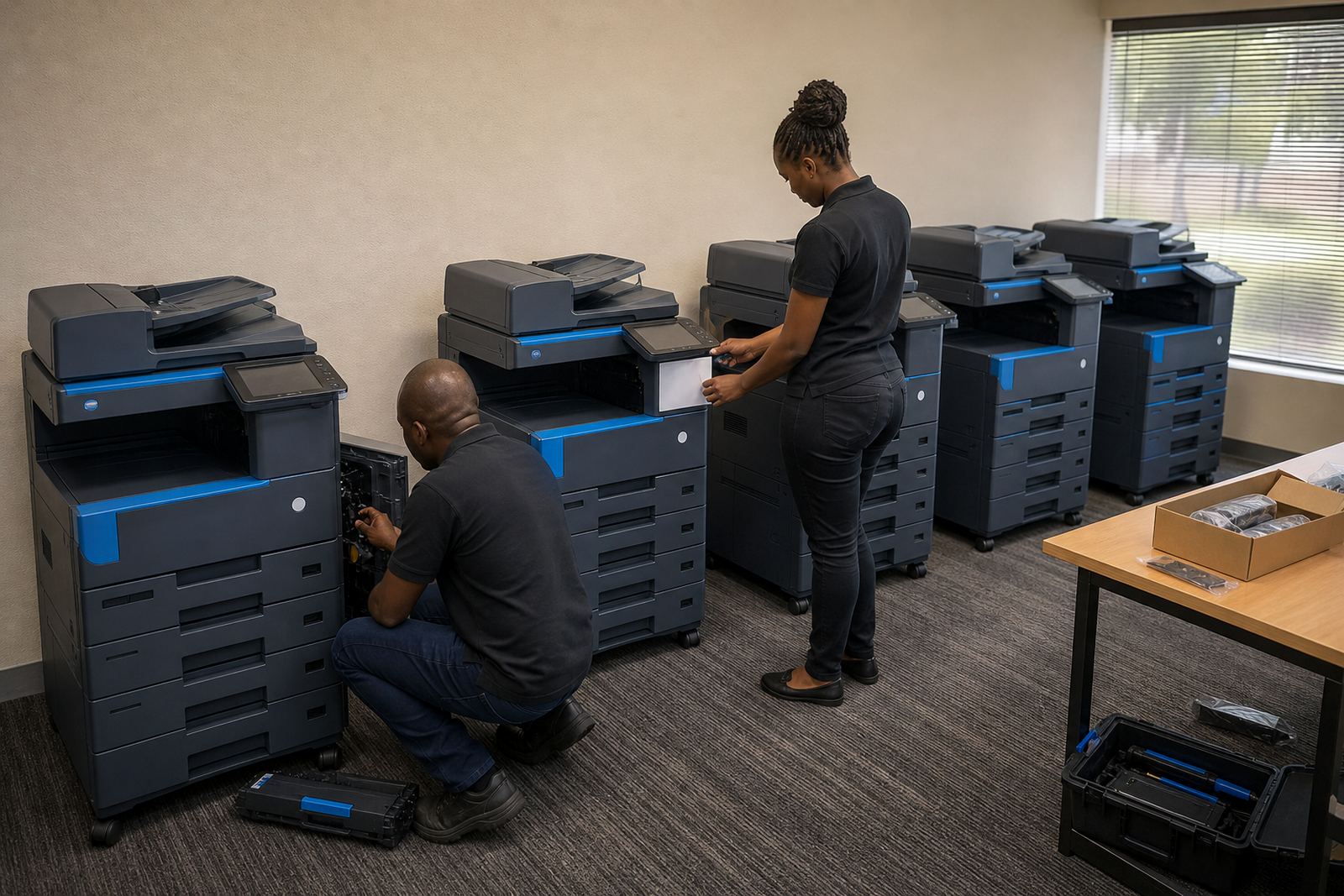
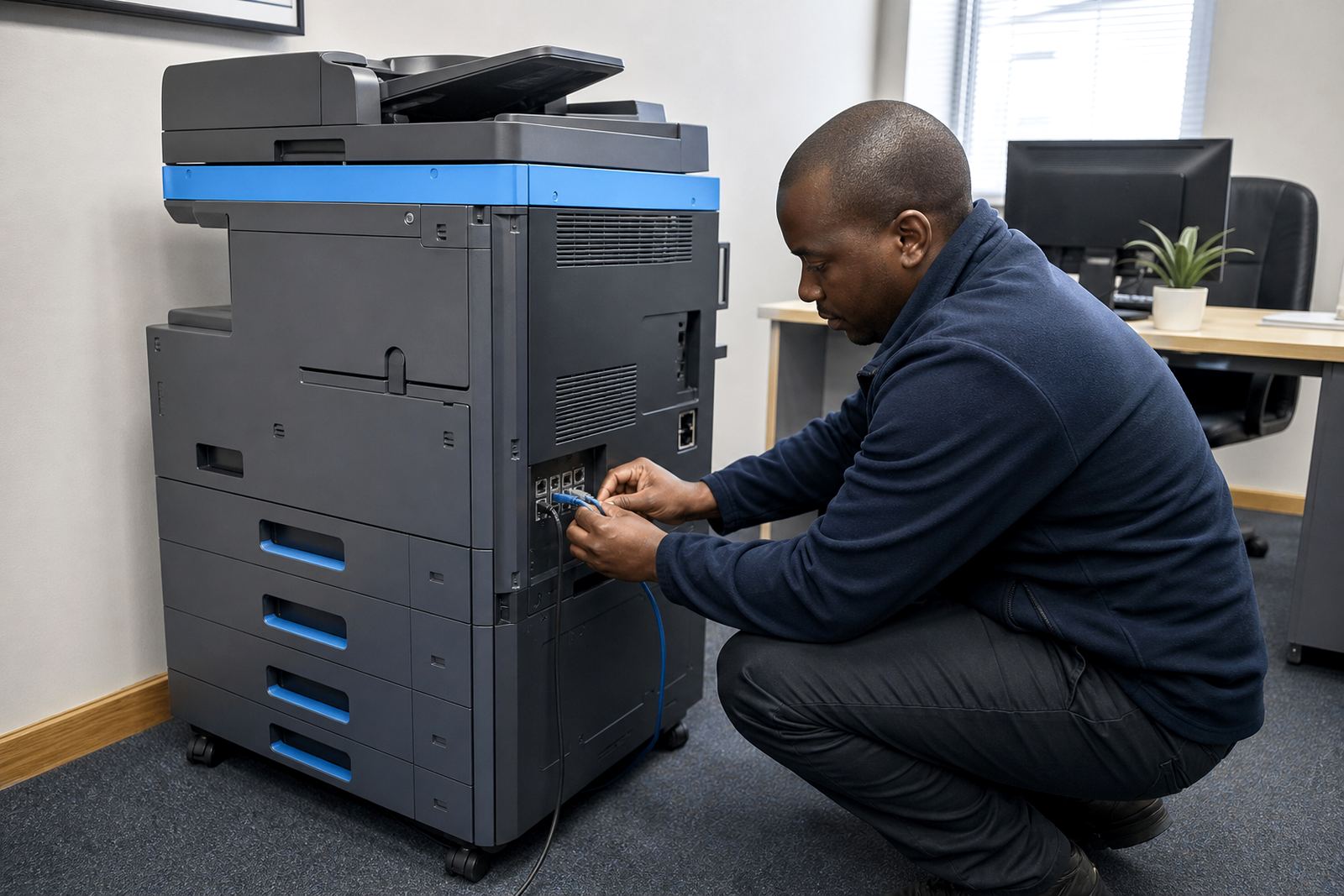
Week one centred on assessment, readings and device planning. We looked at how many pages were running through the old copier, where the scan bottlenecks sat and which staff members needed direct access. Week two covered delivery, installation and network setup. The team moved from one machine to the next with minimal stop-start work, and the office did not have to wait for a second round of fitting.
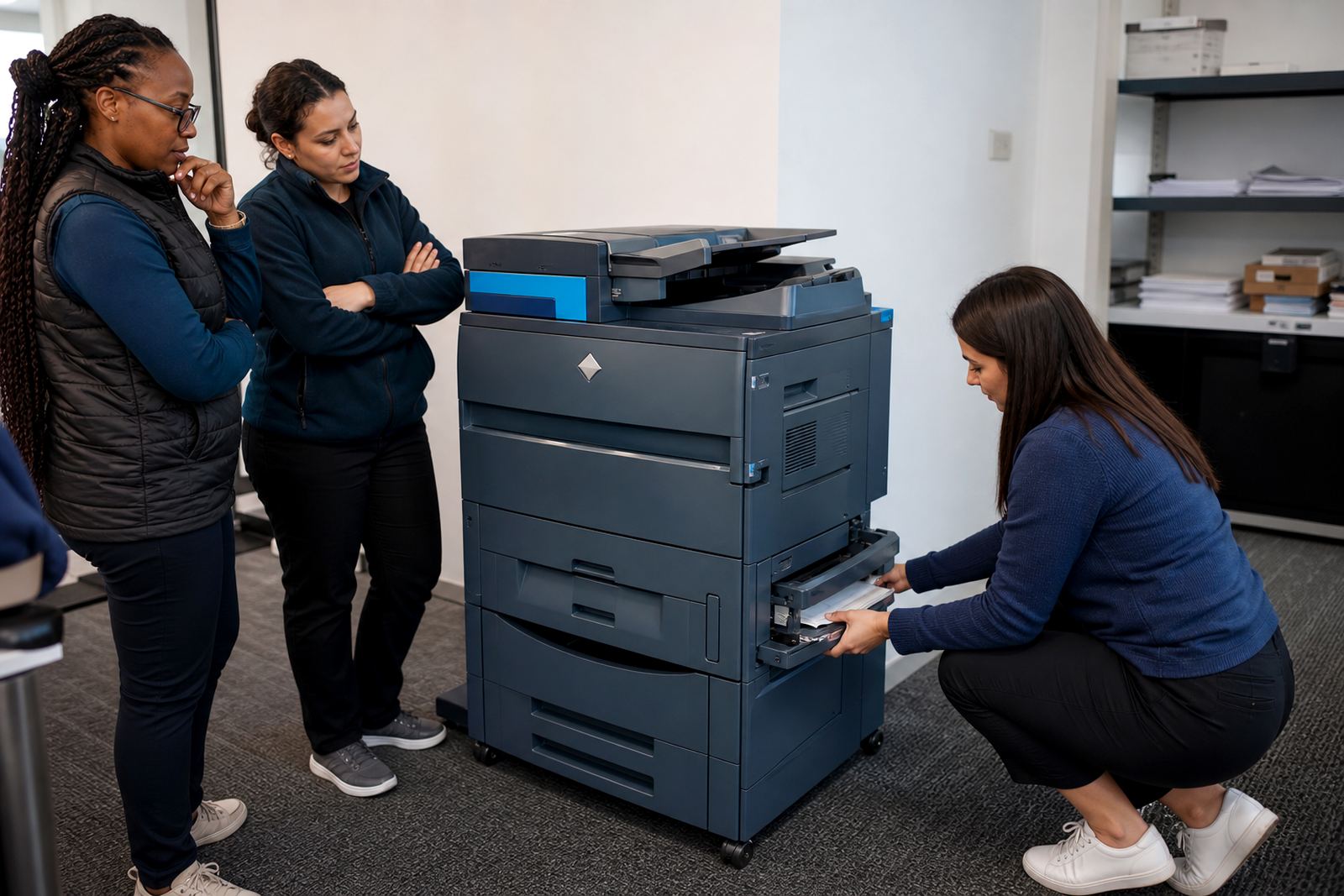
Week three focused on user handover and settling in. Staff were shown how to release secure jobs, resend scans, check toner status and record metre readings. The practice also received a simple service route for breakdown reporting, so faults could be described clearly instead of being repeated in fragments by different people. That helped cut the noise around admin and made the new arrangement easier to run.
- Week 1: review, metre capture and device sizing
- Week 2: delivery, installation and network setup
- Week 3: user handover and workflow checks
The difference after the changeover
The office moved from an ageing owned copier to a managed rental plan with steadier running costs. Toner supply no longer depended on someone remembering to place a separate order, and billing became easier to match against actual use. The staff also gained a clearer scan routine, which mattered because incoming correspondence had to move into the system fast and be stored in the right place.
There was also a practical benefit in the way the machine was supported. When the device needed attention, the service path was already defined and the team knew what details to capture before logging a call. That reduced the back-and-forth around readings, paper faults and user settings. For a practice that handles daily client work, that kind of order matters more than glossy machine features.
- Lower pressure on internal admin
- Toner included in the rental plan
- Clearer usage tracking through metre billing
- More predictable copier support on site
If we were mapping a similar swap in George
We would keep the same order of work: audit the page load, check the room layout, set mono as the default and keep colour access limited to the staff who need it. That approach fits offices where printing is constant but the budget still has to be watched closely. It also suits places that want one copier to do more than copying alone, without adding unnecessary machines to the floor.
The other thing worth keeping is the handover pack. A copier replacement goes smoother when the office knows where to read the metre, how to log a fault and which scan path belongs to which department. Small details carry weight in a busy practice and they are easier to keep straight when the setup is plain from the start.
- Keep page counts and device roles clear
- Limit colour access where daily printing is mostly mono
- Use one service route for faults and readings
Key facts
| Project | George Practice Swap |
|---|---|
| Town | George, Western Cape |
| Machine type | Networked multifunction copier |
| Paper sizes | A4 and A3 |
| Billing model | Monthly rental plus metre based clicks |
| Included support | Toner supply, on-site servicing, scan-to-message, secure print |