A3 capacity with more paper choices at the tray line
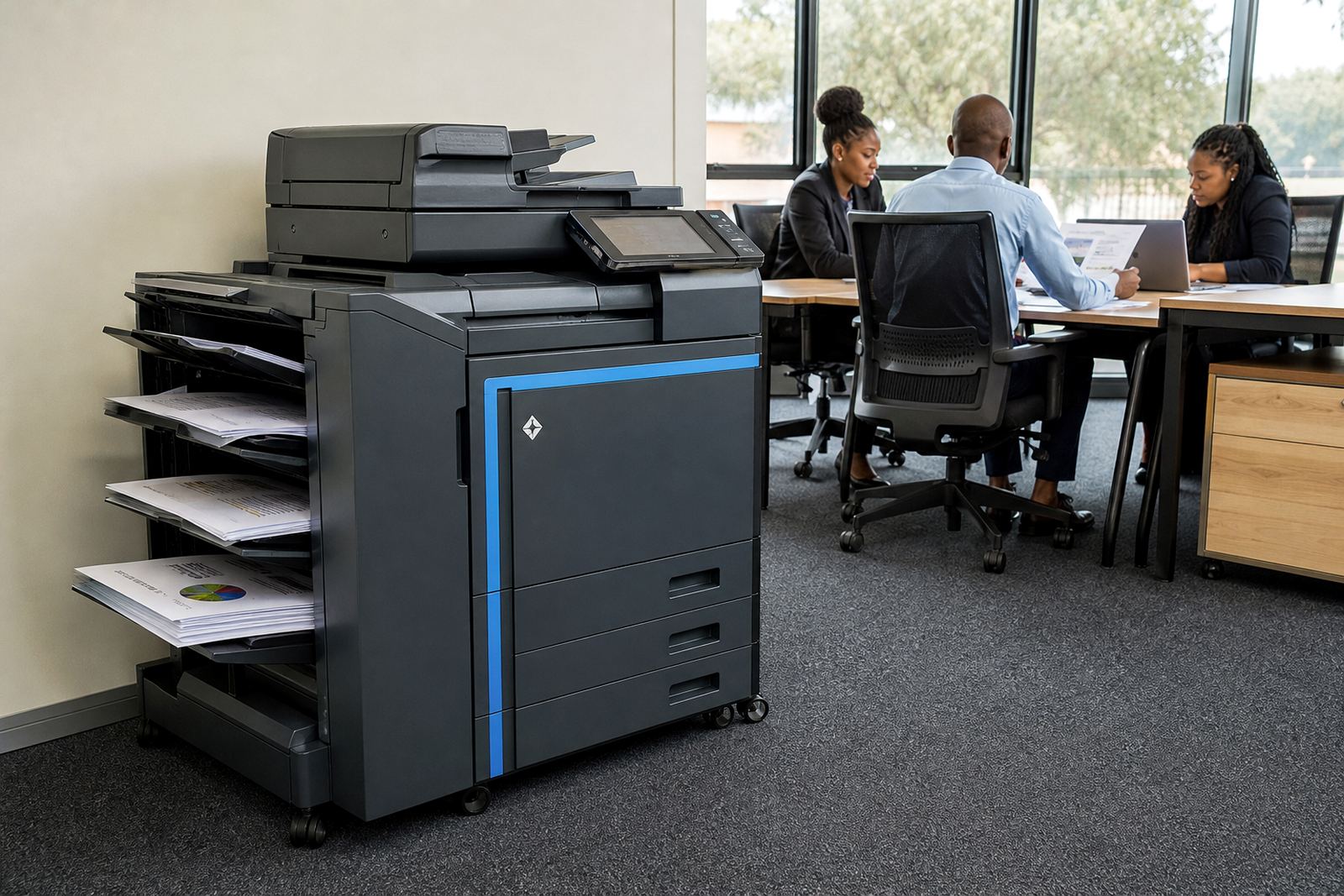
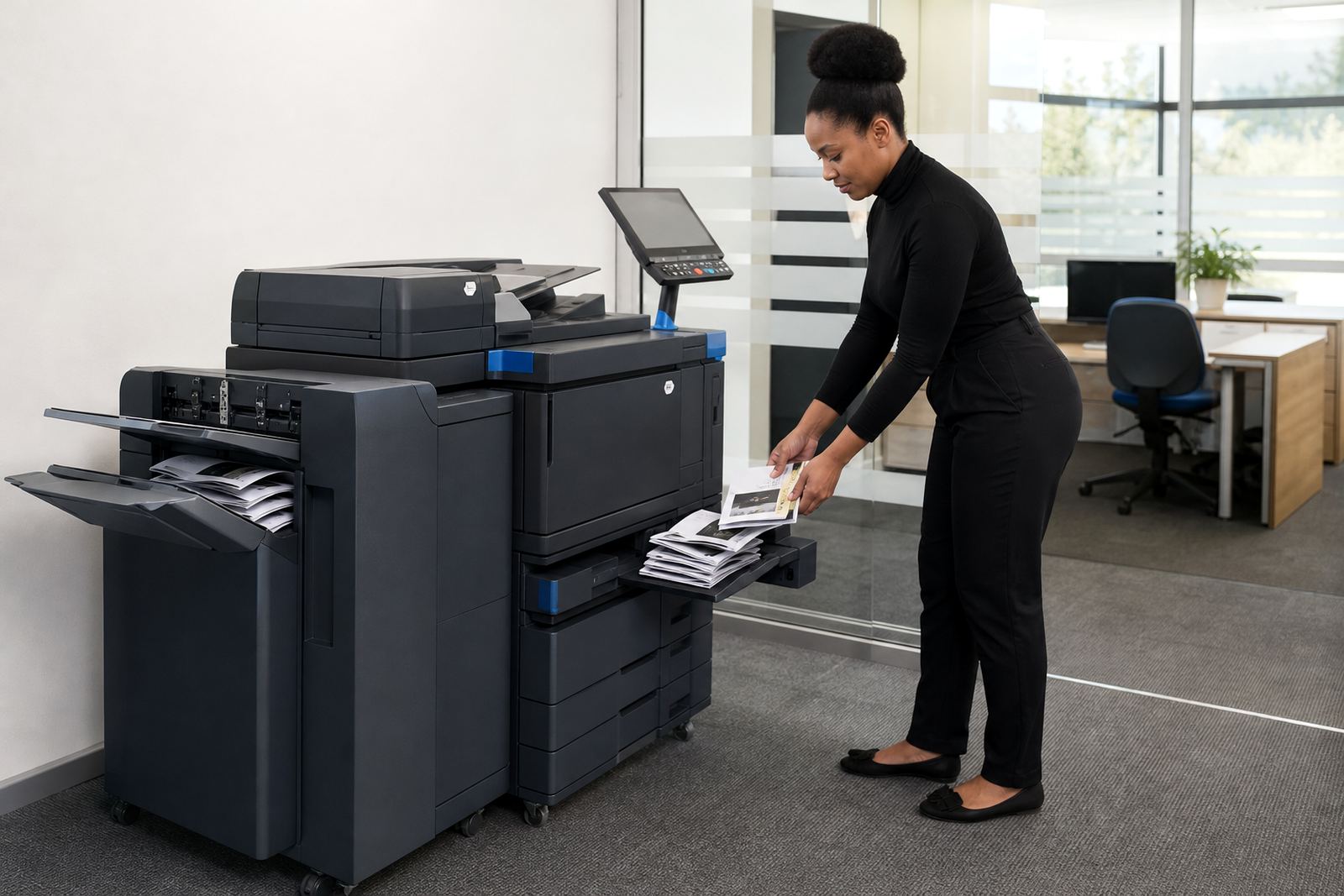
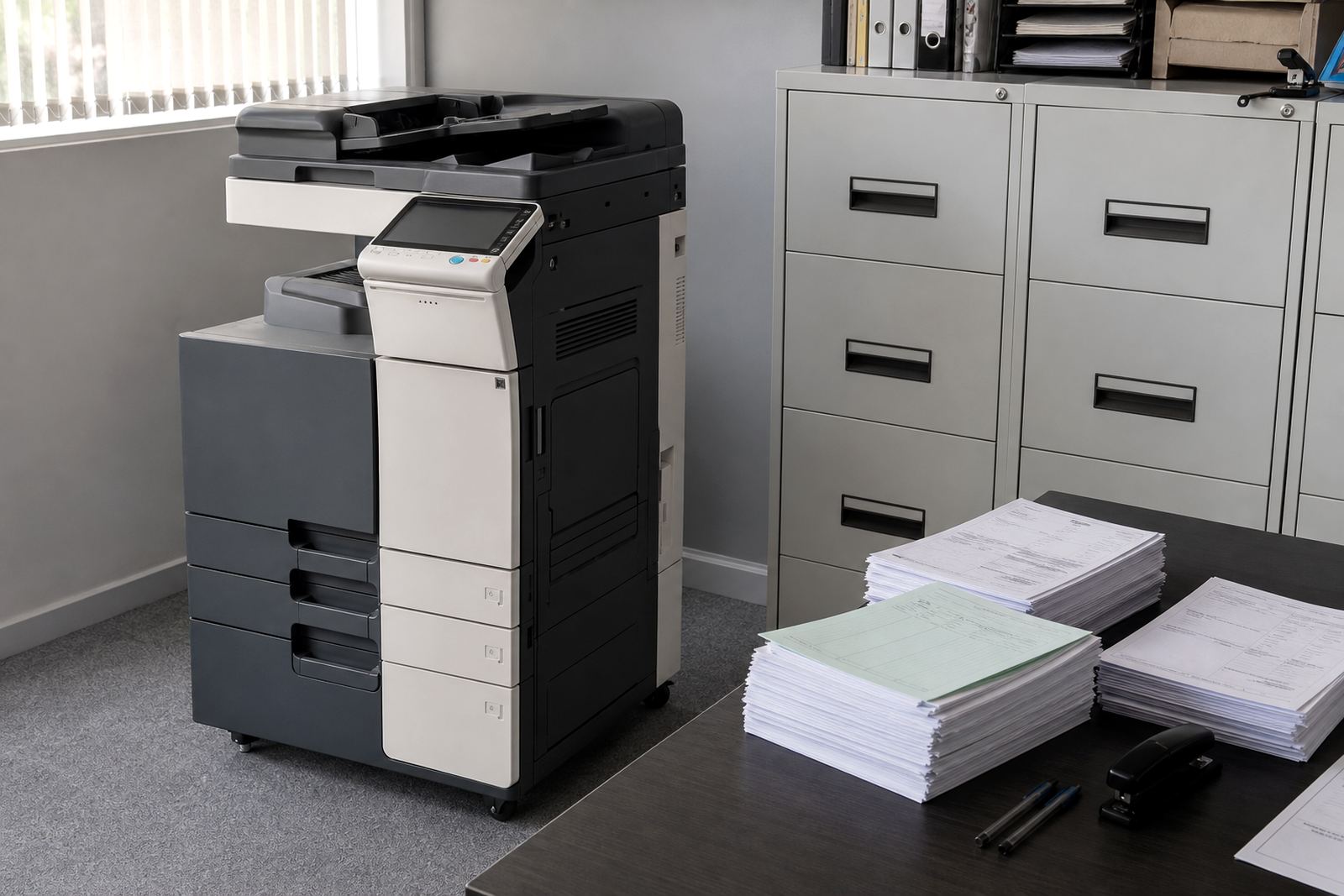
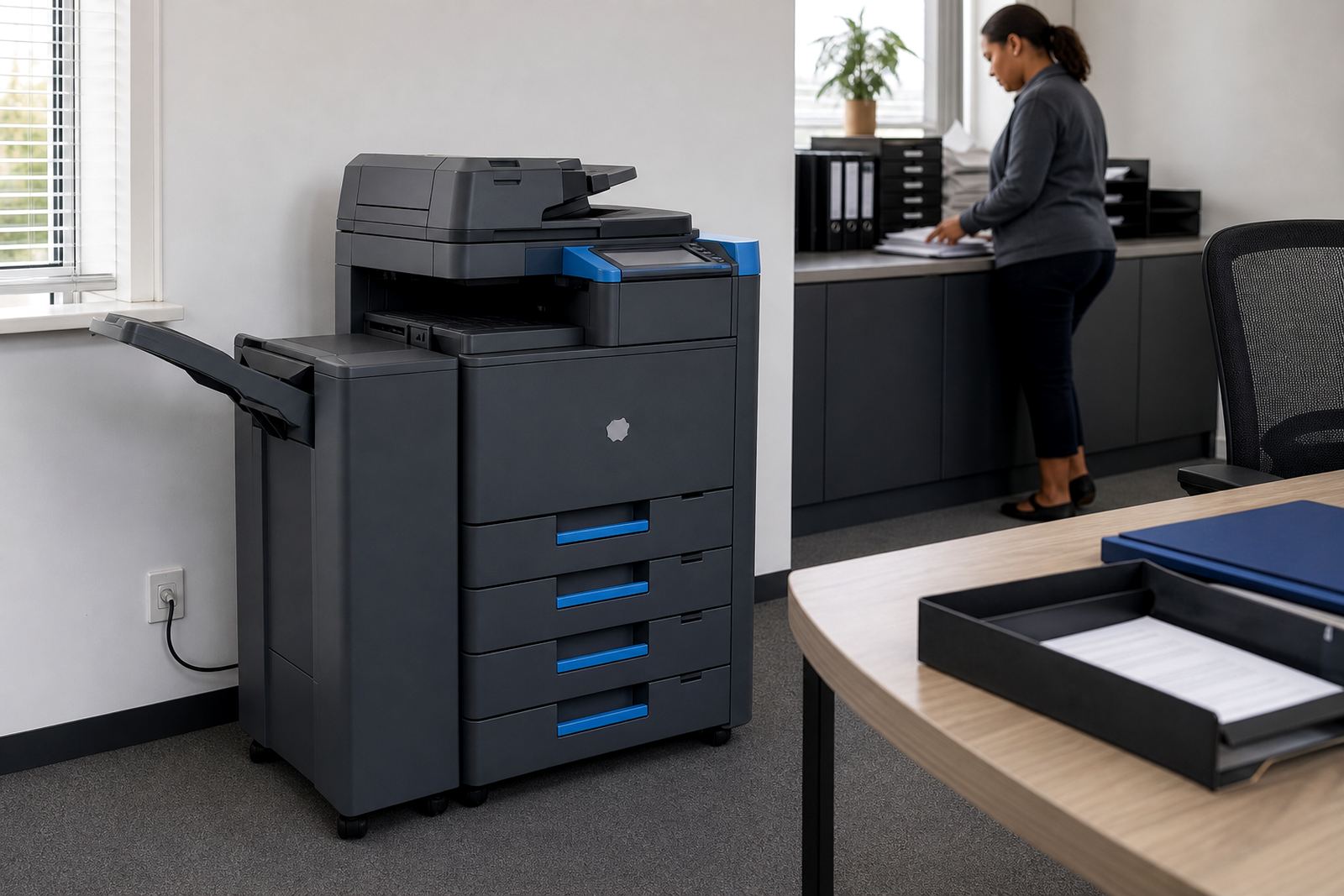
The Multi Tray A3 setup is built for offices that need one machine to cover more than one paper size or stock type. The extra trays let users keep plain A4 in one bay, letterhead in another and A3 or heavier stock in a separate tray, so the day does not stall when a document changes size or paper weight.
This type of rental works well where print jobs move between internal memos, client packs, spreadsheets and larger layout sheets. It is also useful where different teams share one device and each group needs its own paper ready to go. In a busy office, that saves time and cuts the rough handling that comes from overloading one tray for every job.
A3 multifunction machines can print, copy, scan and in many cases send scanned files to message or a shared folder. Secure print can be added where documents must wait in the device until a user enters a code or card. That helps with payroll packs, HR forms and anything else that should not sit face-up in the output tray.
- A3 and A4 output in one managed device
- Multiple trays for mixed paper sizes or stock types
- Mono or colour options, depending on volume and use
- Suitable for print, copy and scan work in one unit
Where a multi tray machine earns its keep
These machines suit offices that print often and need a neat paper flow, not a stop-start one. A legal office may keep standard A4 paper in one tray and headed sheets in another. A school admin office may need one tray for forms, another for circulars and a third for exam packs. A practice or sales office may keep colour brochures ready while day-to-day office pages stay on plain stock.
The extra tray setup also helps where a single device serves several departments. The reception team may want quick access to A4 copies while finance needs a separate tray for accounts paper, and directors may need A3 for layouts or meeting packs. With a managed print plan, the tray mix is set around how the office actually works, not around a one-size guess.
- Offices with mixed paper sizes and heavier stock
- Teams that need A3 for plans, charts or schedules
- Sites where different departments share one printer room
- Environments that need cleaner paper control and fewer tray changes
For many Midrand and Sandton offices, the point is not only speed. It is also paper discipline. When the right stock is loaded in the right tray, users make fewer mistakes and the machine spends less time paused for manual feed fixes. That matters in shared offices and branch teams where people rotate through the device all day.
Rental terms that fit office print patterns
Managed rental keeps the equipment, toner supply and servicing under one plan. The office pays a monthly rental for the machine and a click charge for actual usage, which is measured from the metre reading. That structure suits sites that want controlled print costs and a clear record of how much the device is used each month.
Mono plans work well where output is mostly text, invoices and internal paperwork. Colour plans suit presentations, brochures, training packs and any job where charts or branded pages matter. The right option depends on the mix of pages, not just the number of pages. A colour machine can be the better fit if the office regularly needs one clean device for many document types.
- Monthly rental with metre-based billing
- Mono or colour configuration
- Toner supply included on the managed plan
- End-of-term swaps available where the office changes print volume
Machine relocations can be handled when a business moves floors, changes branches or shifts a shared printer room. That is useful for companies operating between Halfway House, Johannesburg, Pretoria and other branches, where the printer setup needs to move with the team rather than start over from scratch.
Installation, network setup and finishing details
Fitting a multi tray A3 machine takes more than plugging it in and switching it on. The device needs a proper power point, enough floor space, a stable network link and the right paper settings on the trays. If scan-to-message or secure print is required, those functions need to be set up with the office network and user rules in mind.
On larger offices, the machine may also need a small adjustment to room layout. Tray doors must open properly, the output area should not block a walkway, and paper should be stored where humidity will not curl the sheets. In Durban, that matters more than people think because coastal air can affect paper edges and tray feeding. In Cape Town and Bloemfontein, dust and dry indoor air can also change how stock behaves if it is left open for too long.
- Power and network access for the installed position
- Scan-to-message setup where document sharing is needed
- Secure print setup for controlled release of jobs
- User handover so staff know tray use and paper loading
During installation, the trays are usually matched to the office’s most common paper weights. A heavier stock may need its own tray or a manual feed path, while standard office paper can sit in the main drawers. The aim is to keep the machine ready for daily use without constant operator intervention.
Care, toner and servicing during the rental period
Office printers work best when the trays are loaded neatly and the paper is stored flat. Warped reams, torn corners and mixed stock in the same tray create jams and uneven feeding. The same goes for dusty rooms or overfilled trays. A little paper care goes a long way in a machine that handles several sizes every day.
With managed print, toner supply is part of the plan, so the office does not have to source cartridges separately. Metre reading support keeps billing tied to actual use, and on-site servicing covers breakdowns, feed faults and routine checks. If the machine needs a part, a technician can assess the fault on site and get the device back into proper working order without the office having to move it around unnecessarily.
- Keep paper sealed until it is loaded
- Do not mix curled stock with fresh reams
- Check tray guides for the correct paper size
- Report recurring jams or scan faults early
For offices with heavier monthly output, the machine should also be reviewed from time to time for wear on rollers, feed pads and fuser parts. That sort of maintenance is part of keeping print quality steady and avoiding unnecessary stops during the working day.
Details to confirm before the tray count is set
When ordering a Multi Tray A3 rental, the key details are the paper mix, the monthly volume and the office layout. It helps to know whether the main work is mono or colour, whether A3 is used often or only for selected jobs, and whether users need scan-to-message or secure print. That information shapes the tray configuration and the type of machine selected for the site.
It also helps to know how many people use the device, whether the office sits on one floor or several, and whether the machine must stand in a reception area, admin office or shared printer room. If the business has branches in Sandton, Centurion or Pretoria, the installation may differ from a smaller single-room office. Good setup starts with the actual document flow, not a generic assumption.
- Typical monthly page volume and peak use
- Paper sizes needed, including A4 and A3
- Mono or colour printing needs
- Need for scan-to-message, secure print or end-of-term swaps
Go-Printers Rental works from Halfway House in Midrand and supports offices, schools and practices across Johannesburg, Pretoria, Durban, Cape Town and Bloemfontein. Our contact form is the usual route for managed print enquiries, fleet reviews, relocations and new rental setups. The more exact the paper mix, the easier it is to match the trays to the work.
Key facts
| Machine type | A3 multifunction rental with extra paper trays |
|---|---|
| Print mode | Mono or colour depending on office use |
| Functions | Print, copy, scan and document sharing options |
| Paper handling | Multiple trays for mixed sizes and stock types |
| Billing model | Monthly rental plus metre-based click charges |
| Service scope | Toner supply, on-site servicing and breakdown support |