Mono output for the paperwork that never stops
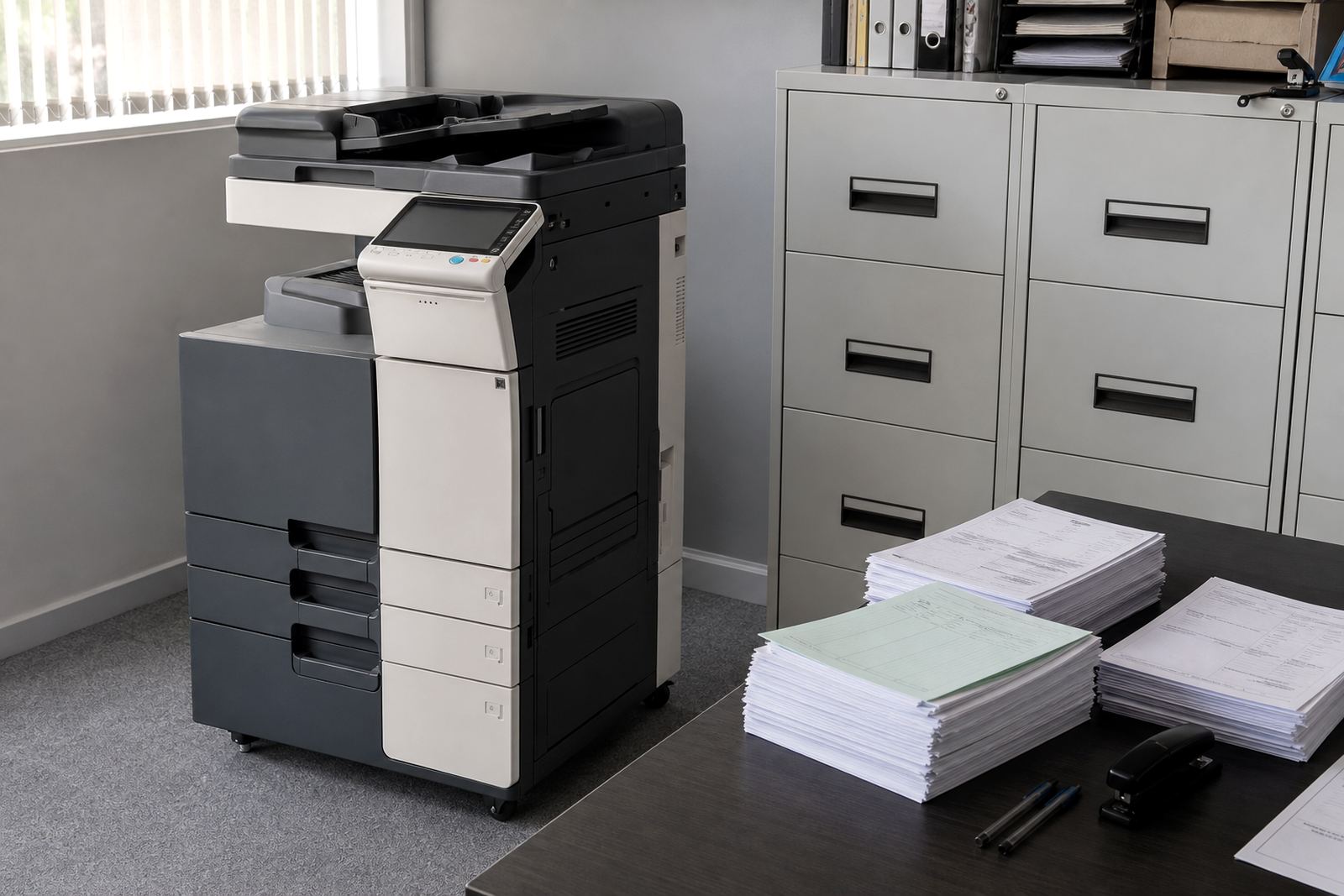
This plan is built around black and white multifunction printing for finance counters, accounts teams and admin rooms that move through invoices, remittance advices, statements and reconciliations all week. Mono output keeps the running cost steady and is usually the better fit where colour pages are not part of the daily job.
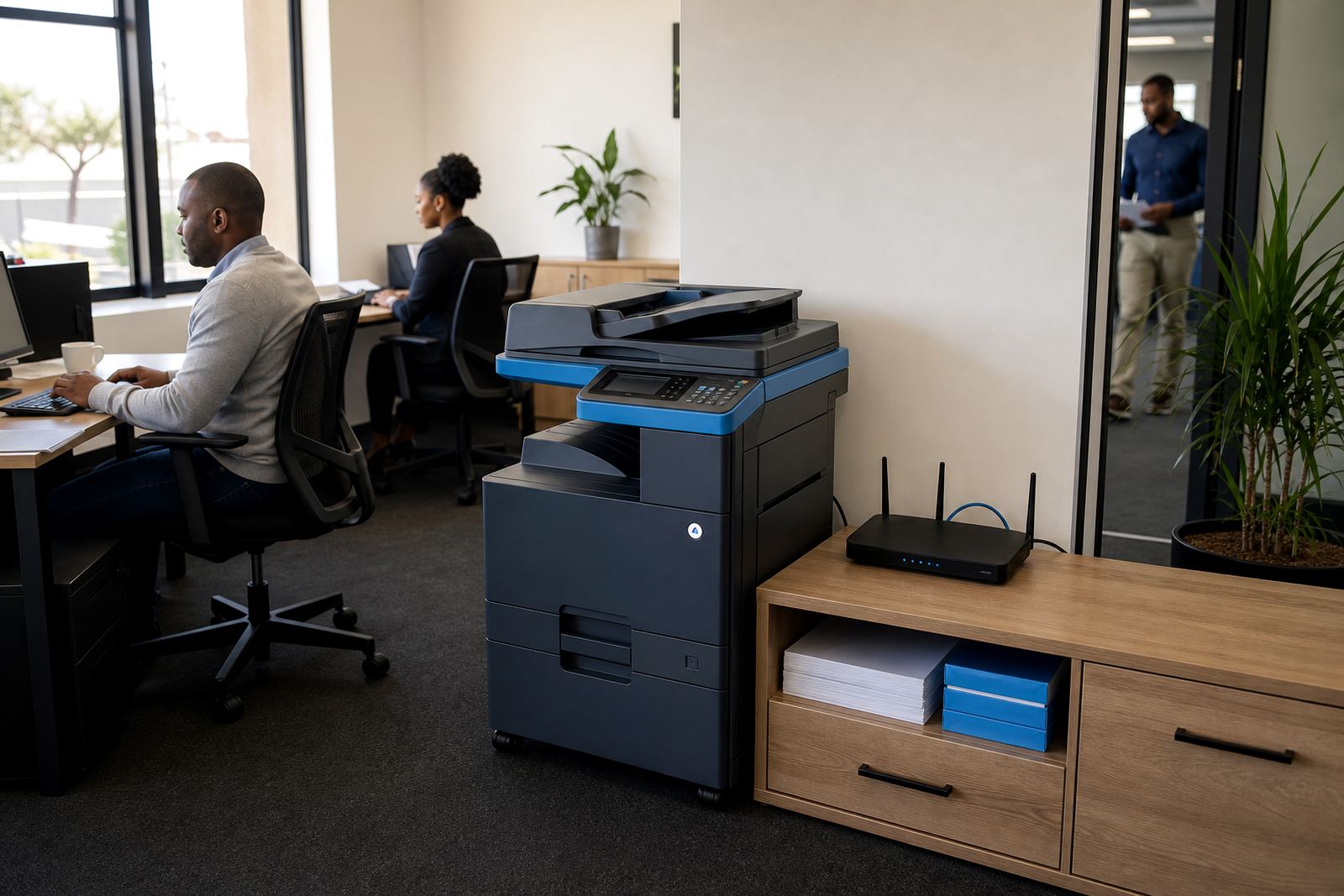
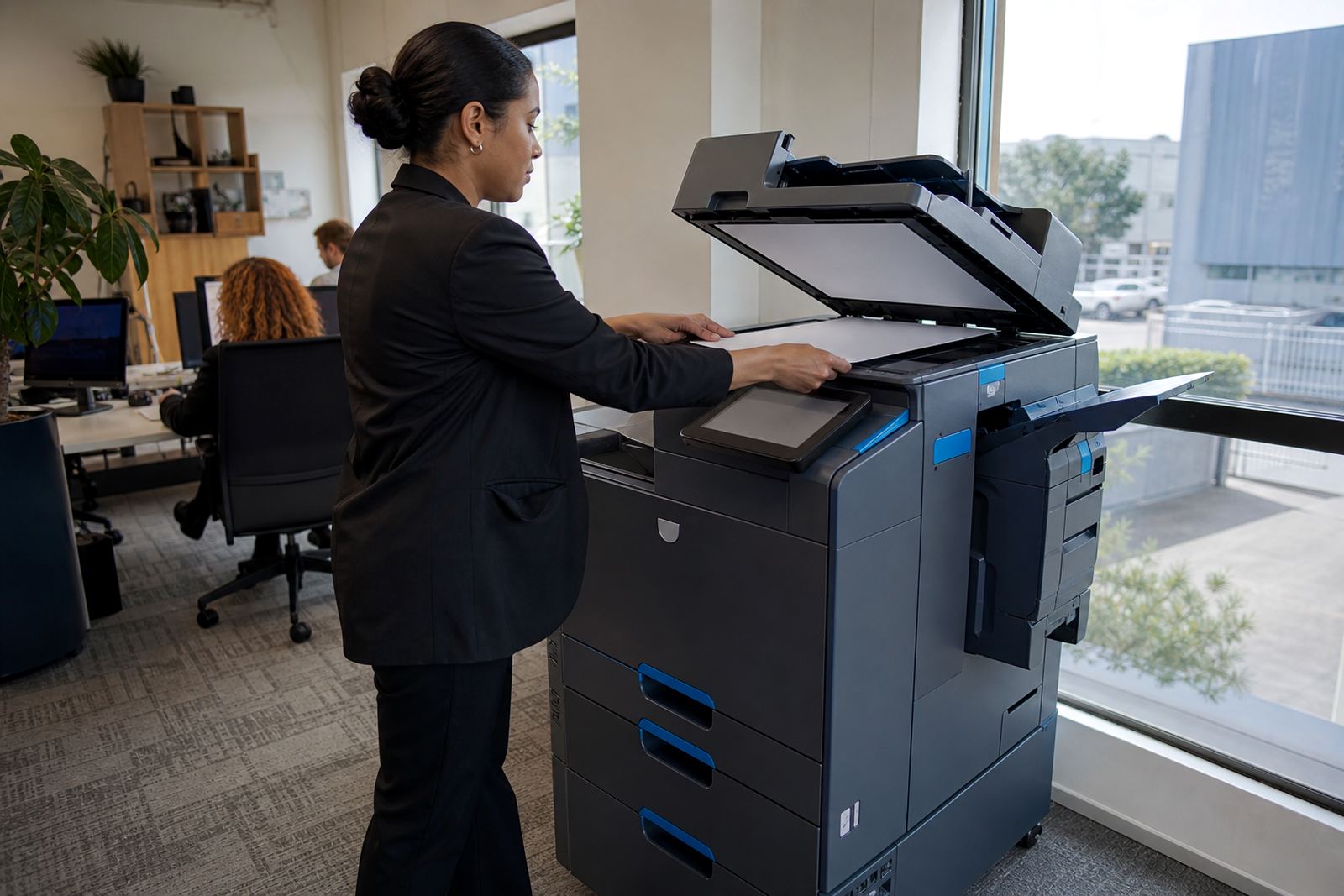
Office setups like this normally use an A4 machine, though some teams prefer A3 for wider spreadsheets, monthly packs and ledger sheets that need more space. The unit can print, copy and scan from one floor-standing or benchtop device, with a feeder for stacks of pages and a tray setup that suits regular batch work. Where paperwork is filed digitally, scan-to-message helps move documents straight into shared mailboxes or approvals folders.
What the plan covers in day-to-day use
The rental is arranged as a managed print plan rather than a purchase, so the machine, toner supply and ongoing service support sit under one agreement. Billing is usually linked to metre readings, which means the monthly rental covers the machine and the click charge covers the pages used, subject to the plan structure agreed for the office.
- Mono A4 or A3 multifunction printer options
- Monthly rental with click charges based on metre readings
- Toner supply included under the plan
- On-site servicing and breakdown support
- Scan-to-message and secure print setup where required
- End-of-term swaps when the office volume changes
That structure suits finance teams that want the numbers to stay easy to follow, especially when the office prints in bursts around month-end and quieter periods in between.
Sized for invoices, statements and batch files
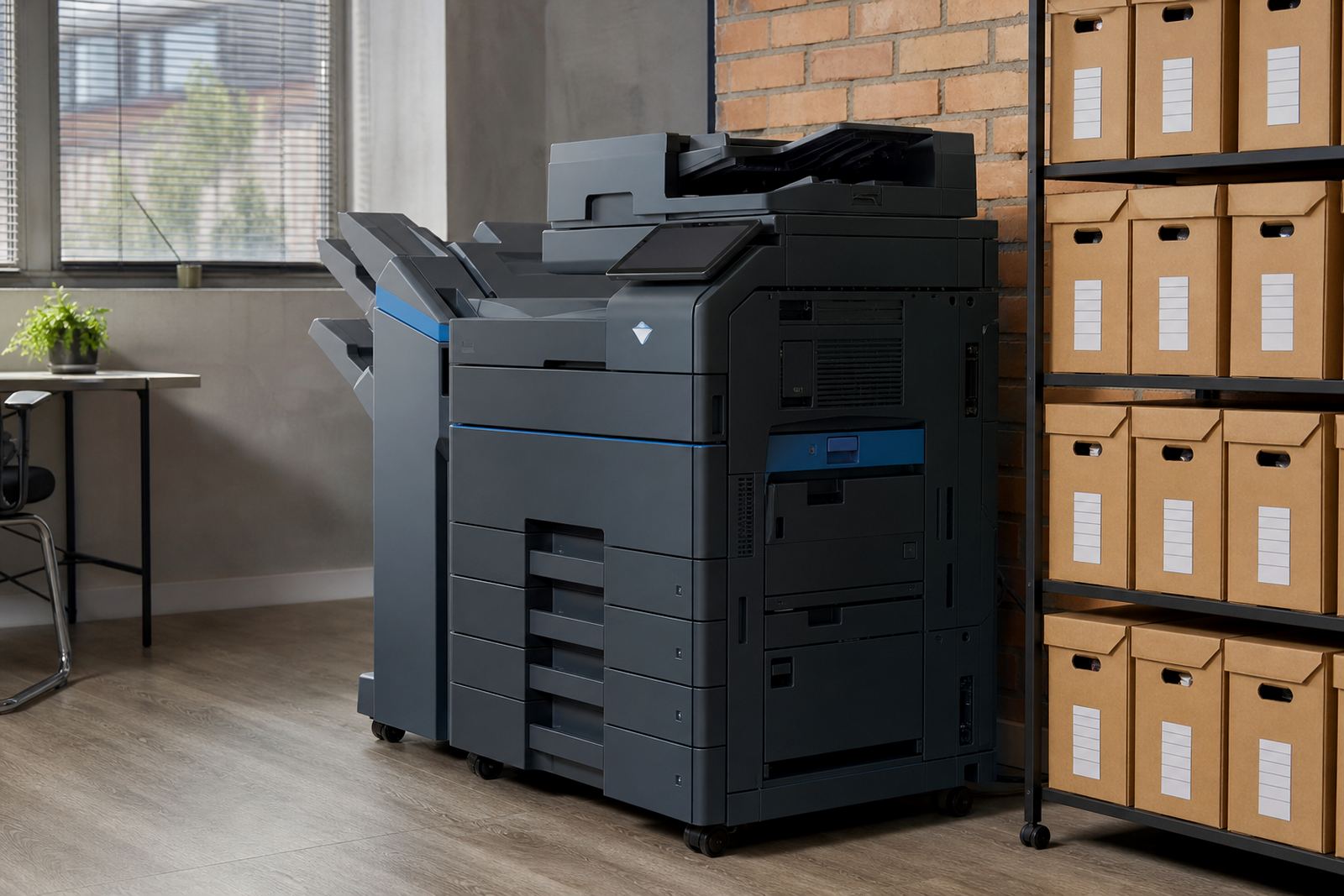
Most finance teams use an A4 multifunction machine because it handles daily invoices, payment runs and general admin without taking much room. A3 is useful where the department prints wide trial balances, group reports or spreadsheets that are easier to read on a larger sheet. The choice comes down to paper size, weekly page volume and whether the team needs duplexing, stapling or heavier tray capacity.
Mono devices are well suited to this work because the output is clean and the page cost stays predictable. Colour is available on some plans, but if the machine mainly handles internal records and external statements, a mono model often makes better sense. Tray sizes, memory, scan speed and finishing options can be matched to the way the office actually moves paper around.
- Benchtop or floor-standing format
- Single or multiple paper trays
- Automatic document feeder for multi-page scans
- Duplex printing for double-sided packs
- Optional secure print release for confidential files
Installation, network setup and user handover
Getting the machine working properly usually means more than placing it near a plug point. A proper setup includes delivery, positioning, network setup, printer driver loading and scan-to-message configuration so the finance team can send documents to the right folders or addresses from day one. If the office has several users, secure print can be set up so confidential files stay in the queue until the right person releases them at the device.
For larger offices or shared sites, machine relocations can be arranged if the finance room changes or the printer needs to move closer to the accounts team. The handover should cover paper loading, toner changes, scan presets and how to read the metre correctly, because those details keep the plan tidy and the billing accurate.
Where this setup fits best in South African offices
This plan works well for companies in Halfway House, Midrand and across Johannesburg, Pretoria, Centurion, Sandton, Durban, Cape Town and Bloemfontein. It also suits schools, practices and branch offices that deal with steady document flow, monthly reconciliations and records that still need to be printed and signed. The machine can be placed where the finance team works, not across the building in a general print area that slows the batch process.
Because the plan is managed, offices do not need to juggle separate toner buying, ad hoc maintenance calls and a machine that gets replaced only when it is already holding up the queue. End-of-term swaps are useful when page volume rises, or when the team needs a different tray setup, faster scan performance or a sturdier duty cycle.
Care, servicing and the rhythm of a working month
Like any office machine, this setup works best when paper stays dry, trays are loaded correctly and the glass is kept clean for good scans. In humid coastal areas such as Durban or Cape Town, paper storage matters as much as the printer itself, because damp reams can lead to jams and rough feeding. Regular servicing helps with rollers, feed paths and print quality, while toner supply is managed as part of the plan.
Service calls usually cover faults that stop the machine from doing its job, along with metre reading support and checks on scan settings or secure print behaviour. When a finance team prints heavy packs, it helps to keep a small supply of the right paper on hand and to make sure the people using the device know which tray to use for statements, letterheads or internal sheets.
- Keep paper sealed until use
- Check tray guides before loading a new ream
- Use the correct print profile for letterhead and plain paper
- Wipe the scanner glass with a soft cloth
- Report repeated jams, lines or faded output early
What to confirm before the plan is signed off
Before a Finance Team Plan is set up, the office should confirm whether it needs A4 only or a mix of A4 and A3, how many users will print, and whether the team wants mono only or occasional colour access. The monthly page volume matters too, because it shapes the rental and click structure. It also helps to know if the machine must print, copy, scan-to-message and hold secure jobs, or if the finance room only needs the basic functions.
The site address, floor level, network access and room space all affect installation. If the office moves between sites or has separate departments using the same device, that should be mentioned at the start so the plan fits the actual workflow rather than forcing staff into a setup that is awkward from the first month.
Key facts
| Product | Finance Team Plan |
|---|---|
| Machine type | Office multifunction printer or copier |
| Print mode | Mono-focused, with colour only if requested |
| Paper size | A4 standard, A3 optional |
| Billing model | Monthly rental plus metre-based click charges |
| Included support | Toner supply, servicing, metre reading support |
| Setup options | Network setup, scan-to-message, secure print, user handover |