A3 scanning that keeps paper moving
This rental option suits offices that deal with large packs of forms, plans, reports and records that must be scanned, copied or shared in a cleaner digital format. The machine sits into a managed print plan, so the office gets the unit, toner supply, metre-based billing and scheduled servicing under one arrangement.
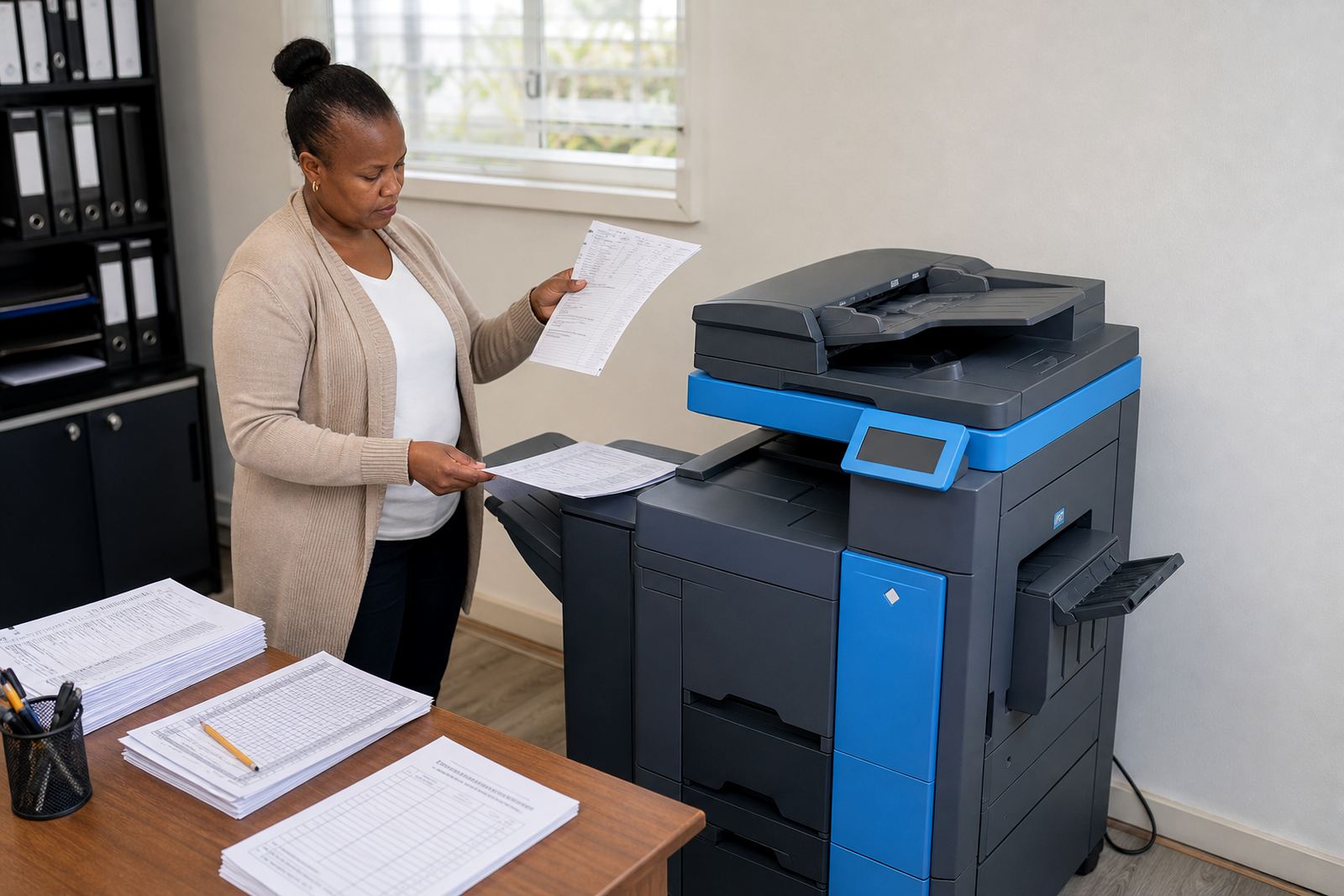
In practice, Scan-Centric A3 works best where staff still handle mixed paper sizes, from standard A4 pages through to A3 sheets that need a bigger glass bed and wider paper path. The aim is to keep scanning, copying and printing in the same workflow without adding extra admin at the front counter or in the back office.
Machine sizes, formats and useful extras
We supply multifunction A3 units for mono or colour work, depending on how much of your daily volume is text, forms, marked-up files or presentation pages. An office with mostly black-and-white output can usually keep costs steadier with mono billing, while colour is better where diagrams, logos or marked sets are part of the normal run.
- A4 and A3 printing, copying and scanning in one unit
- Mono or colour output, matched to the duty cycle
- Scan-to-send us a message for direct document delivery
- Secure print for shared office queues
- Single or dual paper trays, with optional higher capacity feeding
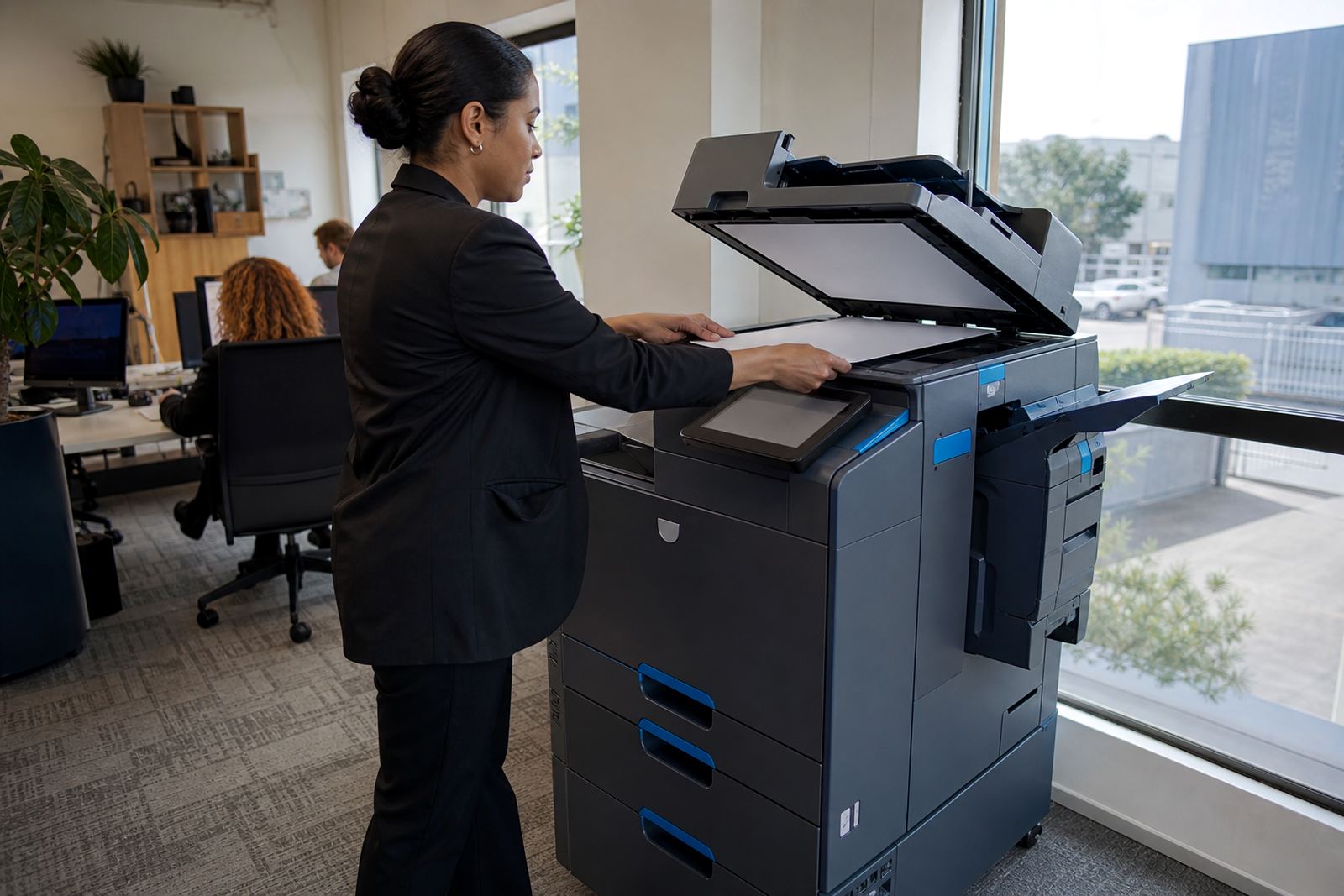
- ADF scanning for multi-page packs and long files
Small changes in paper handling can matter in a busy office, especially where one person scans files in the morning and another prints handovers in the afternoon. The right tray mix and finishing setup reduces refeeding, mixed-size jams and unnecessary walking back to the machine.
Where this A3 rental fits neatly
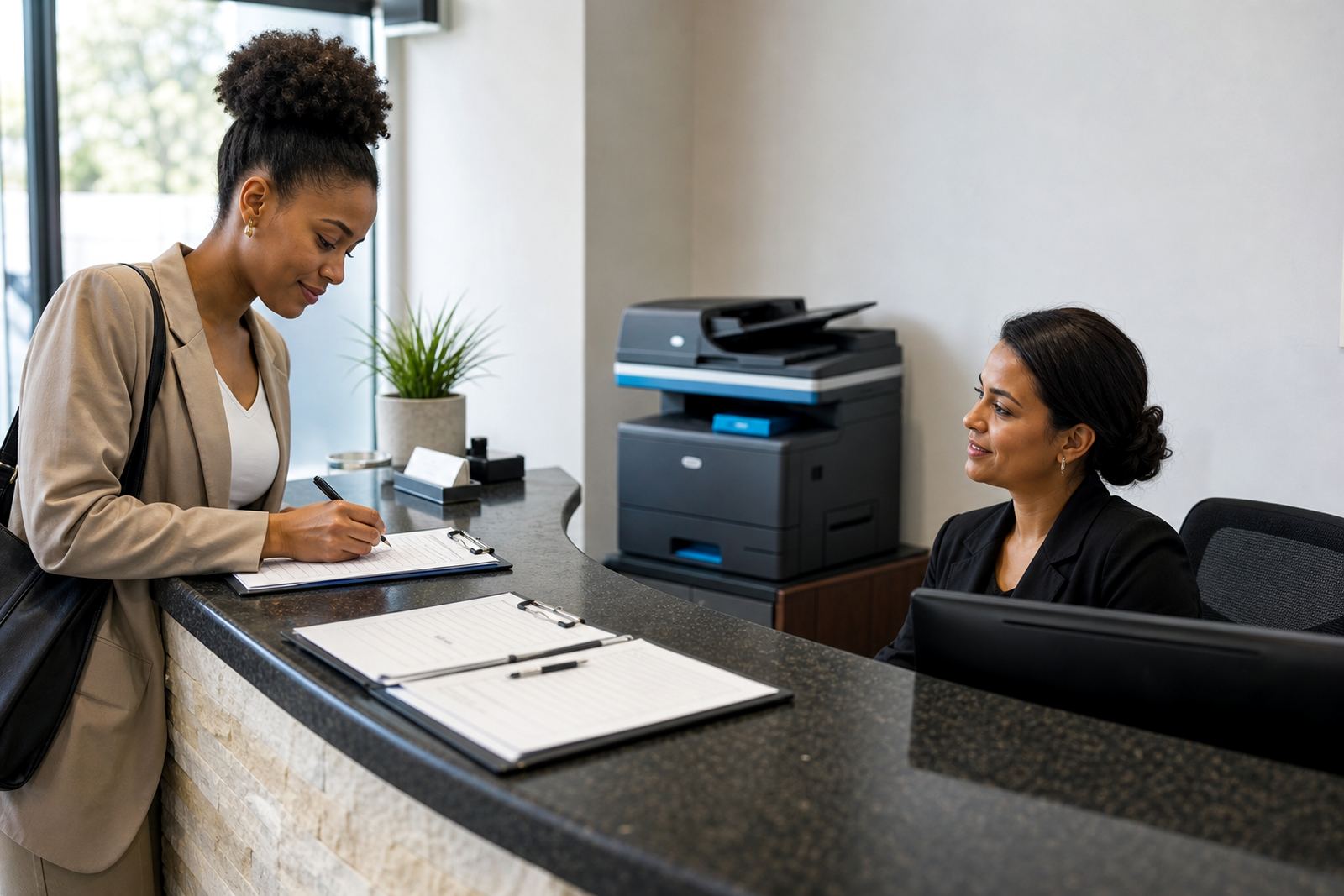
Scan-Centric A3 is a practical fit for legal rooms, medical practices, schools, quantity surveying counters, training offices and admin teams that work with archives or signed forms. It also suits branches that need one machine to cover reception printing, internal copying and scanned document distribution without spreading the workload across too many smaller devices.
Halfway House, Midrand offices often want the machine close to a central point so staff can reach it without crowding a passage or blocking a filing area. The same setup is common in Sandton, Centurion and Pretoria where document flow is steady and the office needs clear control over print access, metre readings and toner use.
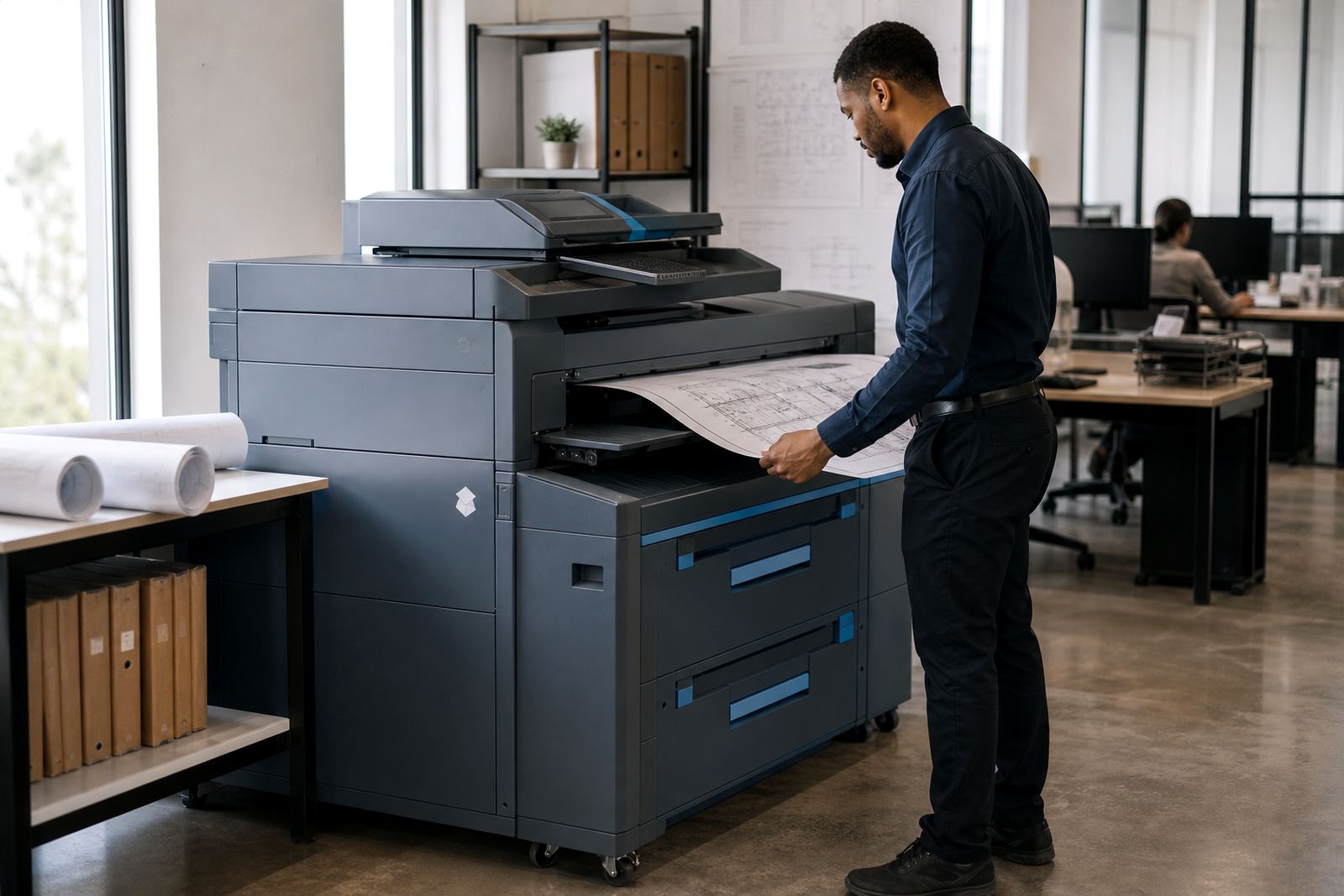
For mixed paper sizes, the scan path and tray setup should be chosen with the real documents in mind, not only the monthly count. A3 site plans, clinical forms and long annexures often need steadier feeding than a basic A4-only copier can manage.
Installation, network setup and room fit
Fitting an A3 multifunction machine starts with the floor space, power point position and network access point. The unit needs a stable surface, sensible clearance for tray access and enough room for paper loading, lid opening and technician work during servicing or relocation.
Our team handles installation, network setup, scan-to-message setup and secure print setup, then runs through the first user handover so the office can begin with a clear routine. If the machine must move between rooms or floors, the relocation has to protect the feeder, scanner glass and paper path so the unit arrives ready for use.
- Check the power point location before installation day
- Confirm the network point or Wi-Fi arrangement for scan functions
- Allow space for door swing, tray pull-out and service access
- Choose the right users for secure print or shared access codes
- Plan the first metre reading so billing starts cleanly
Managed print care during the rental term
The rental model is built around steady service rather than one-off buying. Toner supply is managed as part of the plan, metre readings are used for billing, and on-site servicing handles wear, feed issues and copy quality checks when the machine starts showing signs of strain.
Breakdown response, service visits and fleet review all sit inside the wider support line. That matters in offices where staff print from multiple computers, scan bundles to message and use the machine heavily through the month. End term swaps are also part of the plan, so the unit can be replaced when the job changes or the office size shifts.
Care is practical: keep paper dry, close the trays properly, clean dust from the outside and avoid forcing damp packs into the feeder. In coastal towns like Durban and Cape Town, humidity can affect paper curl and feeding, so storage and handling make a real difference.
Details to confirm before ordering
To match the right A3 rental to the office, the key details are the monthly print volume, whether the main output is mono or colour, and how many people will use the machine each day. It also helps to know if the office needs scan-to-message, secure print, machine relocation, or an end-of-term swap in the contract period.
- A4 only or A4 and A3 mixed use
- Mono output, colour output or both
- Monthly rental structure and click charges
- Need for scan-to-message and secure print
- Expected metre volume and paper tray count
- Site location in Johannesburg, Pretoria, Durban, Cape Town, Bloemfontein, Centurion or Sandton
Once those points are clear, the setup can be matched to the office pace instead of forcing the team to work around the machine. That gives the accounts team a cleaner billing line and gives the users a copier that fits the way the office already moves.
Key facts
| Product type | A3 multifunction printer and copier rental |
|---|---|
| Paper sizes | A4 and A3 |
| Output modes | Mono or colour |
| Billing method | Monthly rental plus metre-based click charges |
| Included support | Toner supply, metre reading support and on-site servicing |
| Common functions | Print, copy, scan-to-message and secure print |