Front-office duty, without the clutter
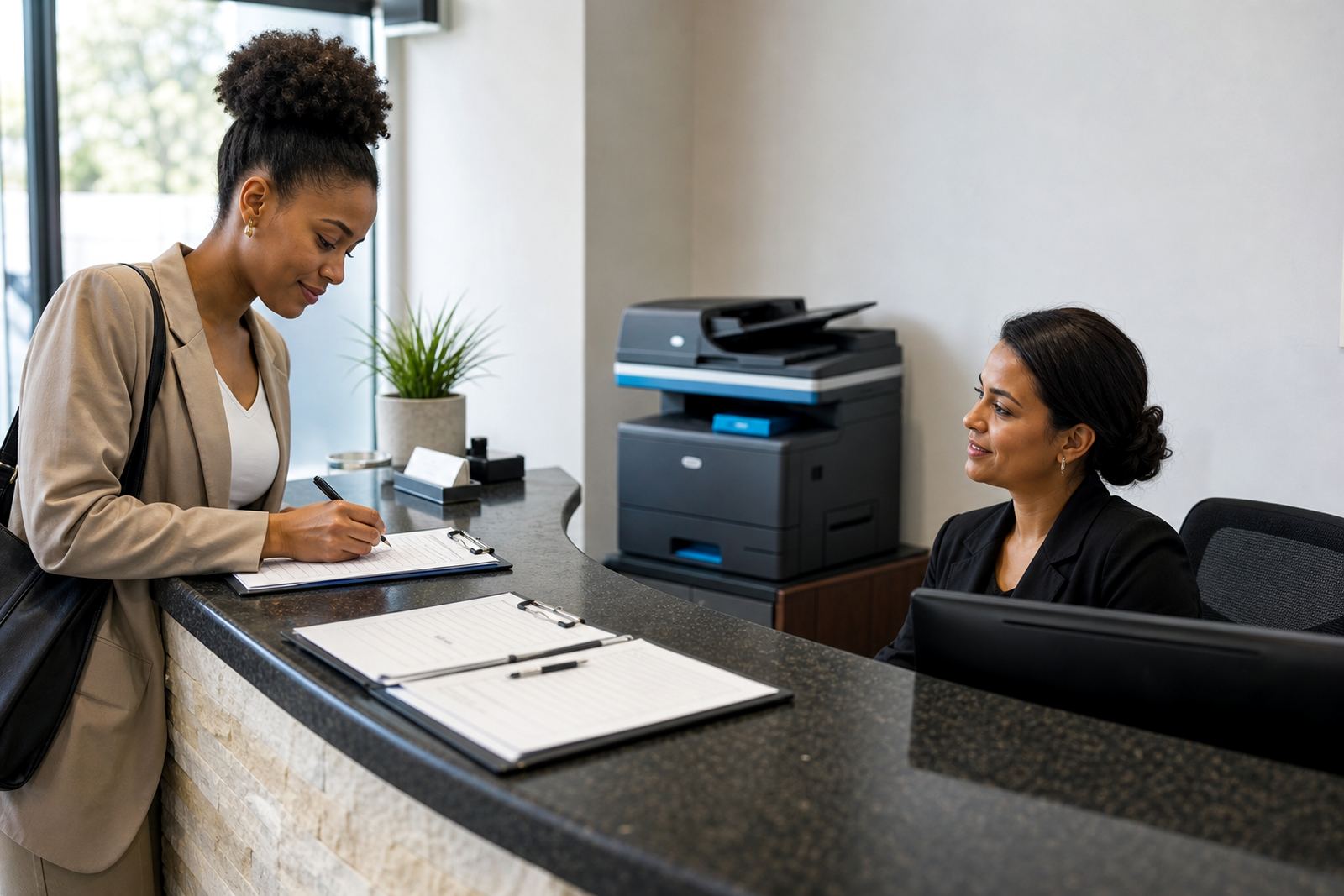
The Reception Printer Plan is built for counters, foyers and admin stations that need a neat A4 multifunction unit within easy reach. It handles printing, copying and scanning in one place, with the sort of controls reception staff can use without long handovers or constant troubleshooting.
Most offices use this type of machine for visitor sign-in sheets, patient forms, appointment slips, proof copies and quick scans to message. It suits places where the printer is used often, but not at the volume of a full back-office fleet. Mono units keep running costs tight for text-heavy work, while colour models help when forms, notices or branded pages need colour.
- Compact A4 or A3-A4 multifunction options
- Mono or colour configuration
- Print, copy and scan in one unit
- Monthly rental with metre-based click charges
What the plan includes day to day
Managed print for a reception area is more than dropping off a machine. The plan covers toner supply, metre reading support, on-site servicing and breakdown response, so the office is not left to guess at consumables or call around when the paper path starts misfeeding. It also allows for secure print setup where documents should only release once the user is at the machine.
Many front counters also want scan-to-message set up properly from the start, because reception staff often send signed forms, ID copies or referral papers to different departments. If the workflow changes, the machine can be adjusted for user access, scan folders, address books or print rules that match the way the office actually works.
- Toner included on plan terms
- Metre readings used for billing and usage checks
- Secure print setup for confidential pages
- Scan-to-message setup for front-office paperwork
Where this size fits best
This plan suits reception areas in legal rooms, medical practices, small schools, property offices, accountants and branch offices that need a steady machine near the front. It is also common where staff must issue copies to visitors, print one-off letters, or scan signed pages without walking to a separate print room.
In Johannesburg, Pretoria, Midrand and Centurion, the machine often sits close to the admin team and handles a steady stream of short jobs. In Durban or Cape Town, coastal humidity can make paper handling more particular, so tray settings, storage and regular servicing matter more than people expect. Bloemfontein offices often prefer a tidy mono unit for forms and office correspondence, while colour is chosen where reception also handles branded handouts.
- Front counter and waiting area use
- Small to medium admin teams
- Paperwork-heavy offices and practices
- Branch sites that need a single shared unit
Sizing the machine around your counter space
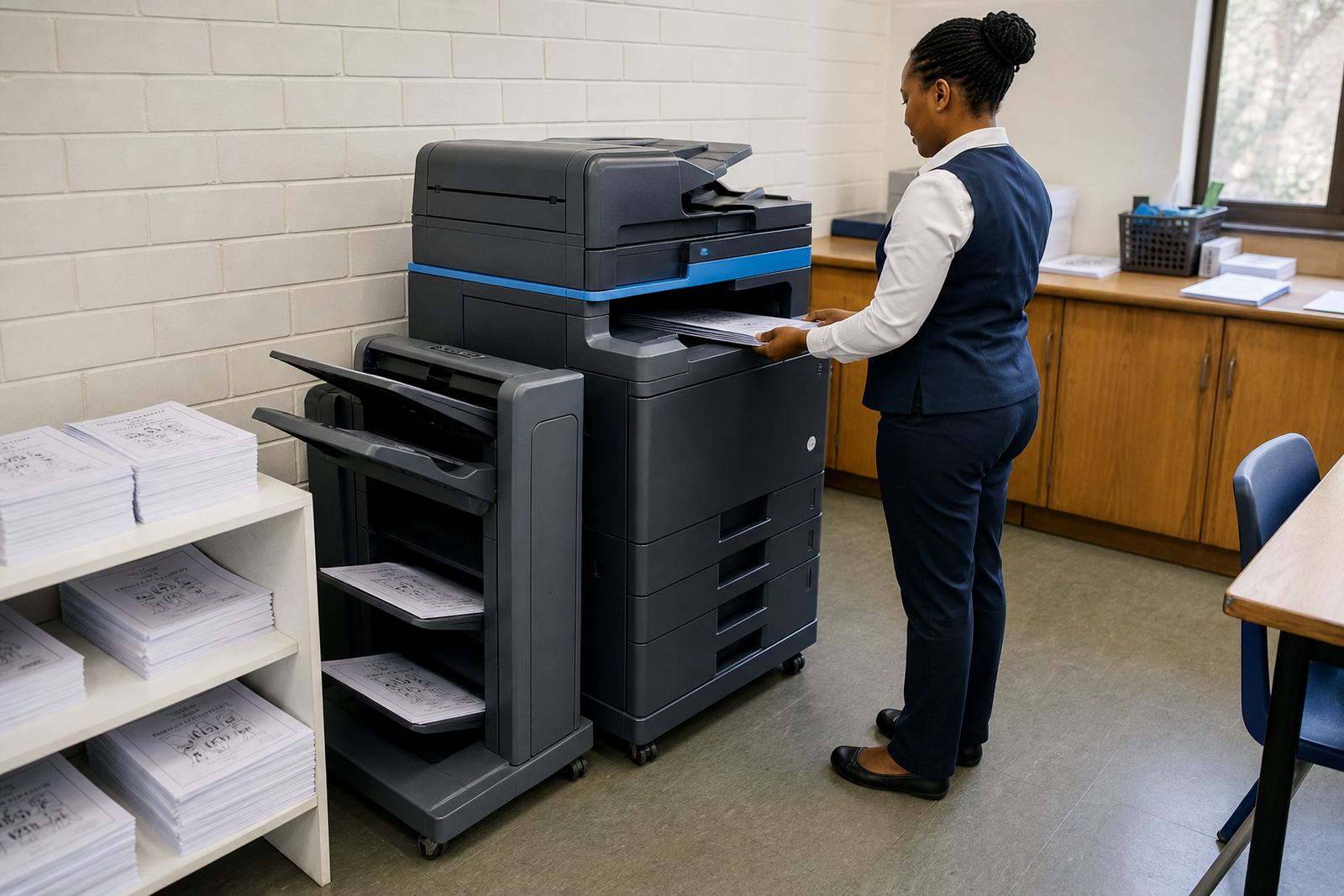
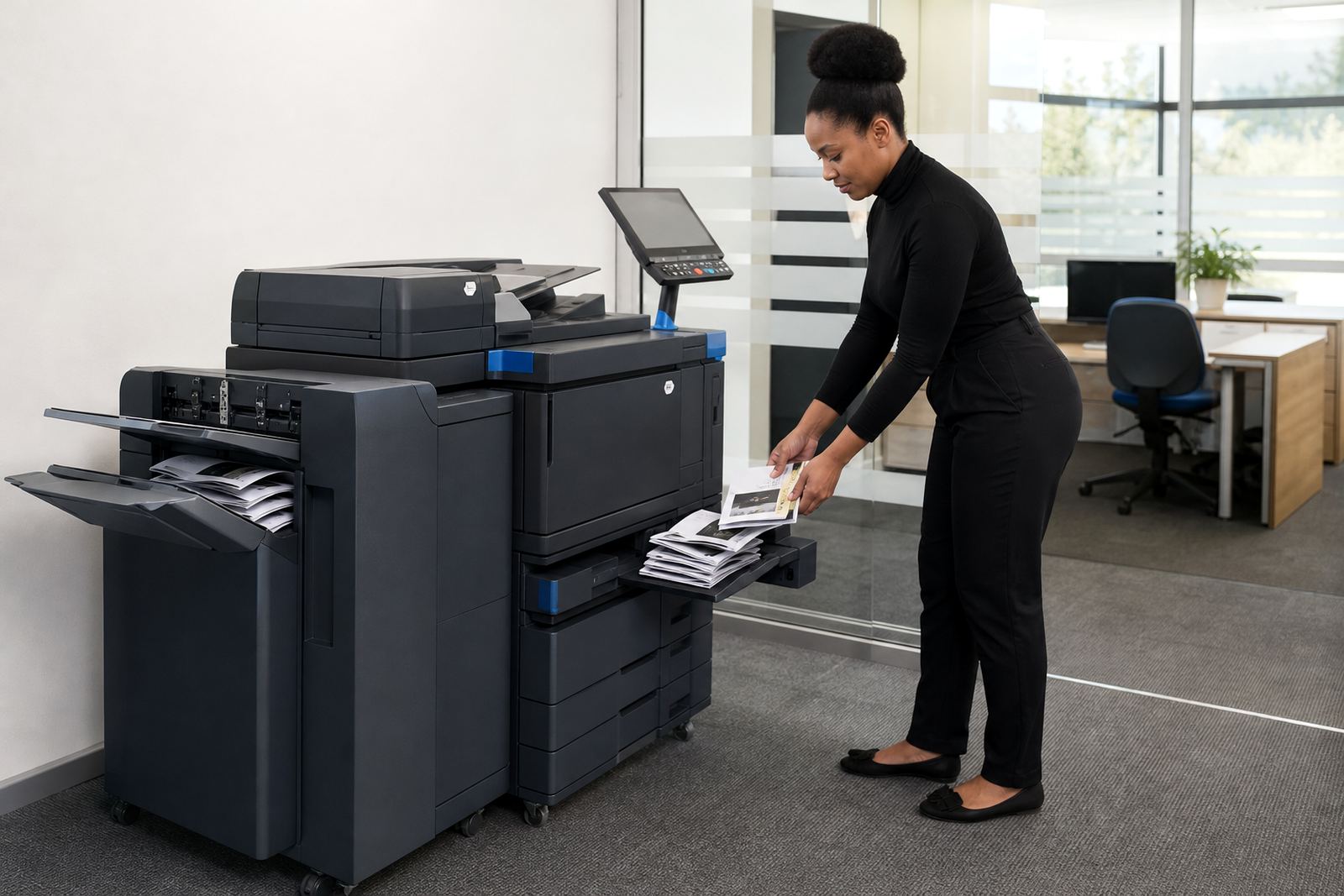
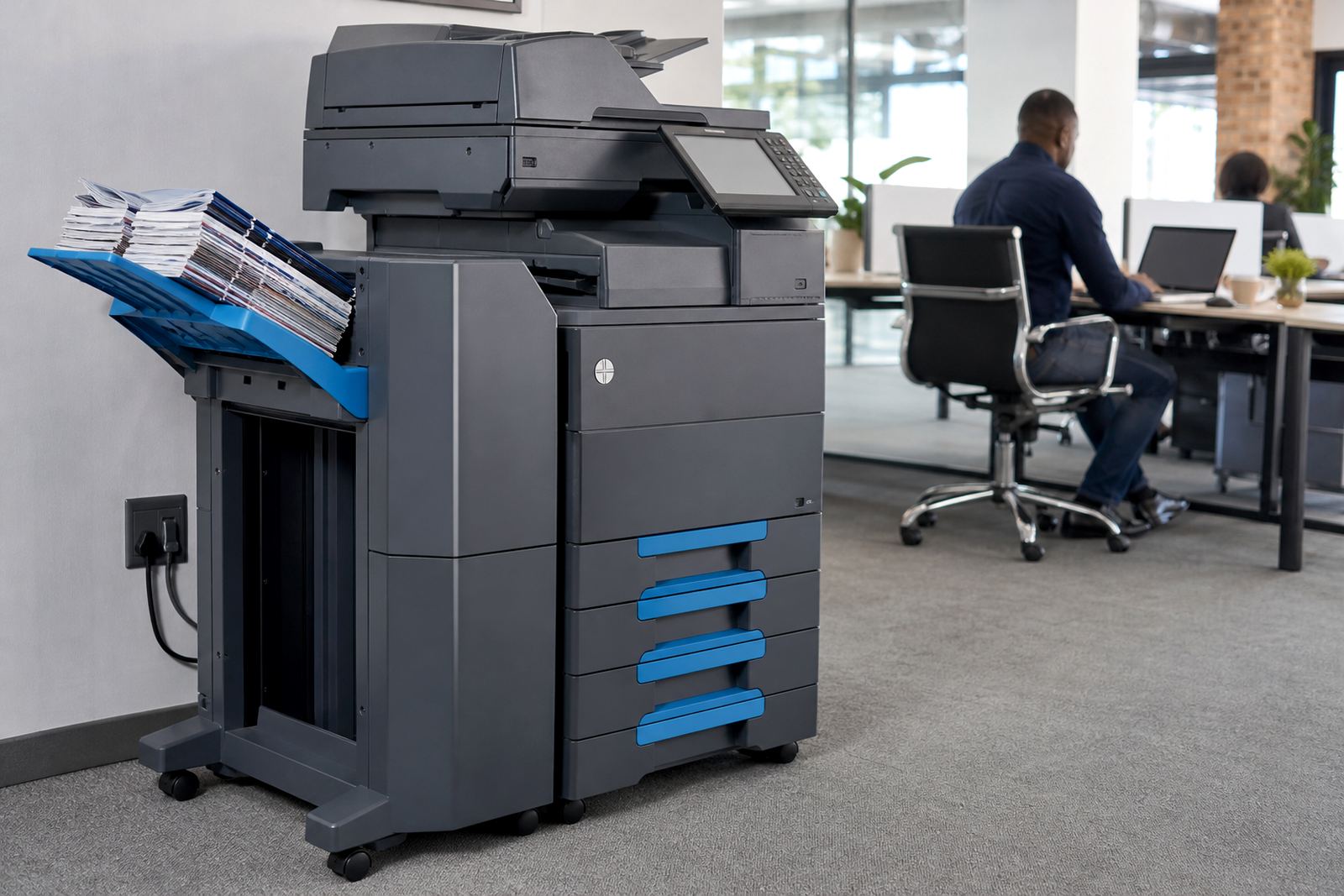
Reception counters are rarely generous on space, so the footprint matters. A compact A4 multifunction unit may be enough where the job is mostly forms and short copies, while a larger A3-capable machine makes sense if the office also prints layouts, plans or wider documents. Tray capacity, output speed and duplex settings all affect how often staff need to stand over the unit.
For most reception use, the practical detail is whether the machine can sit within reach of the person using it and still allow easy access for paper loading and toner changes. It also helps to know if the office wants a benchtop fit or a small floor stand, especially where cable routing and walking space are tight. User handover is part of the setup, so the front team knows basic copying, scanning and clearing simple paper jams.
- A4 compact units for tight counter areas
- A3-capable machines where wider pages are needed
- Duplex printing for two-sided office forms
- Paper tray capacity matched to daily use
Installation points that save friction later
Reception machines work best when the installation is planned around network access, power points and the counter layout. On-site fitting usually includes device installation, network setup and the first scan profiles, so the machine lands with the correct address book, file path or message settings already in place. Where the office wants a shared queue, secure print can be tied into user access from the start.
Machine relocations are also part of real office life. A reception printer may need to move closer to the front counter, into a different branch room or out of the path of foot traffic. If that happens, the unit can be reinstalled, checked for print alignment and tested again so paper feed, scanning and tray settings still work properly after the move.
- Device installation with user handover
- Network setup for shared office printing
- Machine relocations when the layout changes
- Secure print and scan profiles set at install
Keeping the reception line moving
Front-office printing needs steady maintenance rather than drama. Toner supply has to be tracked before it runs low, metres need to be read correctly and the machine must be checked for worn rollers, feed issues or scan faults. On a reception unit, even a small fault can slow down signing, copying or visitor paperwork, so servicing has to stay practical and direct.
End term swaps are useful where the office wants to move to a larger or smaller machine after a change in usage. That may happen when a branch grows, a practice becomes busier, or the front counter starts handling more scanning than before. The same plan can support fleet review, then a cleaner swap at the end of the term rather than buying a machine that no longer fits the job.
- On-site servicing for paper feed and print faults
- Breakdown response for urgent machine issues
- End term swaps when use has shifted
- Fleet review for changing office demand
Key facts
| Format | A4 multifunction, with A3 options where needed |
|---|---|
| Functions | Print, copy, scan and secure print |
| Use case | Reception forms, visitor copies and light scanning |
| Billing model | Monthly rental plus metre-based click charges |
| Consumables | Toner supply included under plan terms |
| Support | Installation, network setup, metre reading support and on-site servicing |